
Biotic and Abiotic Factors Collage Rubric and Requirements

Biotic and Abiotic Factors Collage Rubric and Requirements
Assignment: Using pictures from magazines or the internet to create a collage, classify and identify biotic and abiotic factors found in the environment. If you want to make this by hand you can or use the Internet.
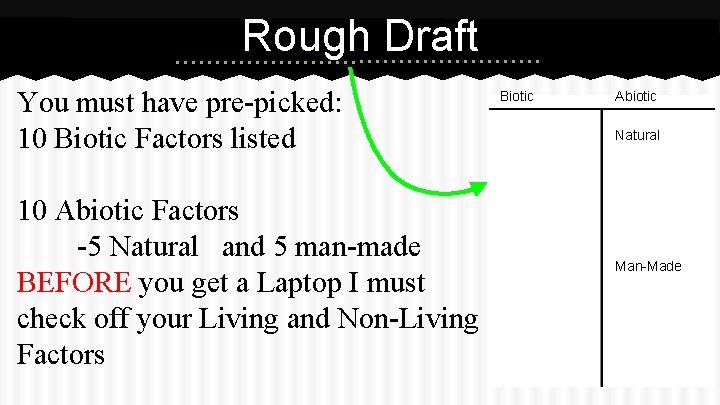
Rough Draft You must have pre-picked: 10 Biotic Factors listed 10 Abiotic Factors -5 Natural and 5 man-made BEFORE you get a Laptop I must check off your Living and Non-Living Factors Biotic Abiotic Natural Man-Made
Requirements
To Get Started on Google Drive ● ● ● Open up Google Chrome In the address bar type: connect. hallco. org Press enter Write this web address in your agenda NOW! Sign in using your lunch number/student ID number (This should be your username AND password) ● Click on the “Icon” GOOGLE DRIVE ● Click the RED CREATE button ● On the drop down menu click “PRESENTATION”
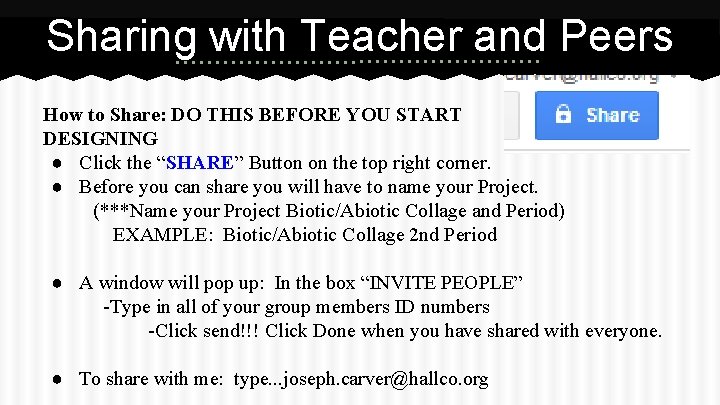
Sharing with Teacher and Peers How to Share: DO THIS BEFORE YOU START DESIGNING ● Click the “SHARE” Button on the top right corner. ● Before you can share you will have to name your Project. (***Name your Project Biotic/Abiotic Collage and Period) EXAMPLE: Biotic/Abiotic Collage 2 nd Period ● A window will pop up: In the box “INVITE PEOPLE” -Type in all of your group members ID numbers -Click send!!! Click Done when you have shared with everyone. ● To share with me: type. . . joseph. carver@hallco. org
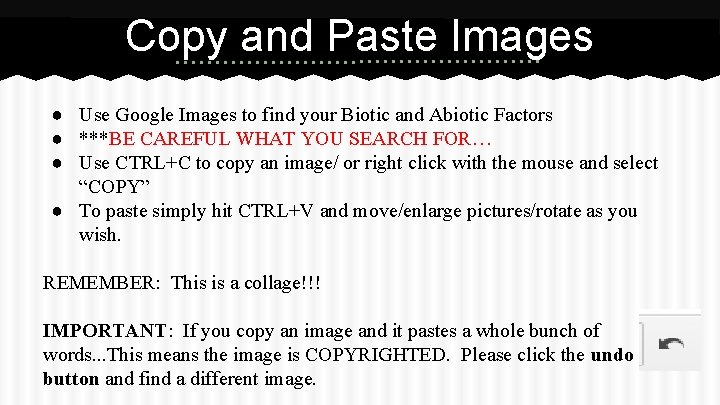
Copy and Paste Images ● Use Google Images to find your Biotic and Abiotic Factors ● ***BE CAREFUL WHAT YOU SEARCH FOR… ● Use CTRL+C to copy an image/ or right click with the mouse and select “COPY” ● To paste simply hit CTRL+V and move/enlarge pictures/rotate as you wish. REMEMBER: This is a collage!!! IMPORTANT: If you copy an image and it pastes a whole bunch of words. . . This means the image is COPYRIGHTED. Please click the undo button and find a different image.
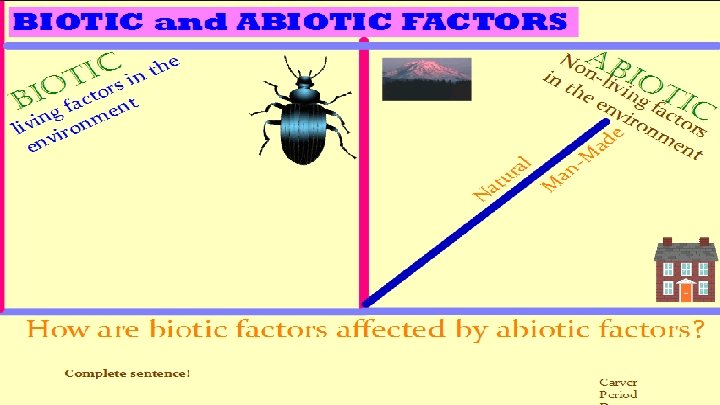
Example
- Slides: 8