
Binary Representation Introduction to Computer Science and Programming
Binary Representation Introduction to Computer Science and Programming I Chris Schmidt
Binary Representation n n Computers store and process all information in binary, a series bits, 1 s and 0 s How does the computer represent this information that the user only sees as numbers and text?
Binary Representation n n n Bit: smallest element, either 0 or 1 Byte: grouping of 8 bits, 1101 0010 kilobyte: 210 = 1024 bytes megabyte: 220 = 1048576 bytes gigabyte: 230 bytes terabyte: 240 bytes
Decimal Numbers n How do we (usually) work with numbers? Decimal system aka Base 10 n Uses the 10 digits 0, 1, 2, 3, 4, 5, 6, 7, 8, 9 n 435710 = 4000 + 300 + 50 + 7 = 4 * 103 + 3 * 102 + 5 * 101 + 7 * 100 n Going from right to left each digits tells us the count for each power of 10 starting at 0 n
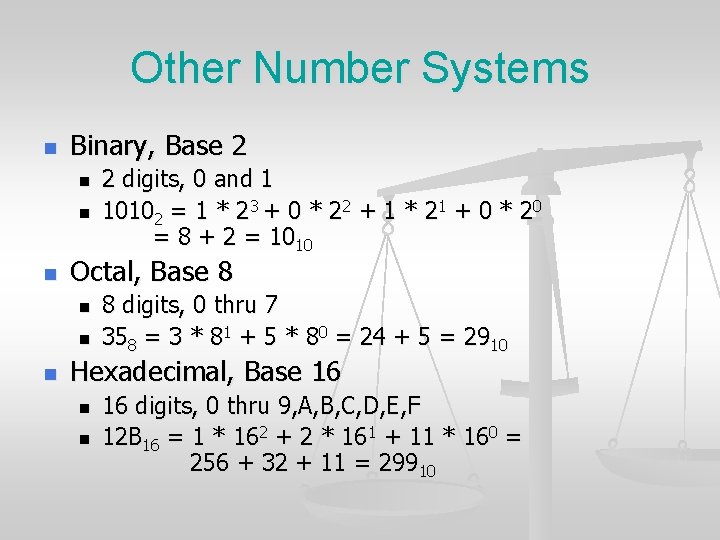
Other Number Systems n Binary, Base 2 n n n Octal, Base 8 n n n 2 digits, 0 and 1 10102 = 1 * 23 + 0 * 22 + 1 * 21 + 0 * 20 = 8 + 2 = 1010 8 digits, 0 thru 7 358 = 3 * 81 + 5 * 80 = 24 + 5 = 2910 Hexadecimal, Base 16 n n 16 digits, 0 thru 9, A, B, C, D, E, F 12 B 16 = 1 * 162 + 2 * 161 + 11 * 160 = 256 + 32 + 11 = 29910
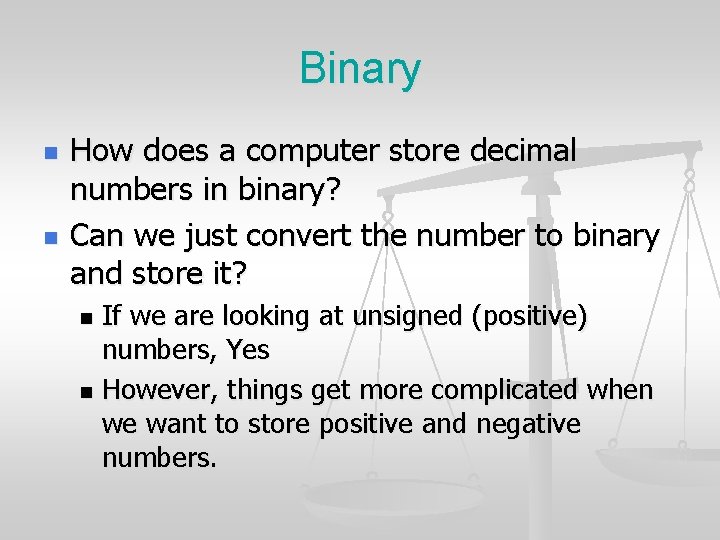
Binary n n How does a computer store decimal numbers in binary? Can we just convert the number to binary and store it? If we are looking at unsigned (positive) numbers, Yes n However, things get more complicated when we want to store positive and negative numbers. n
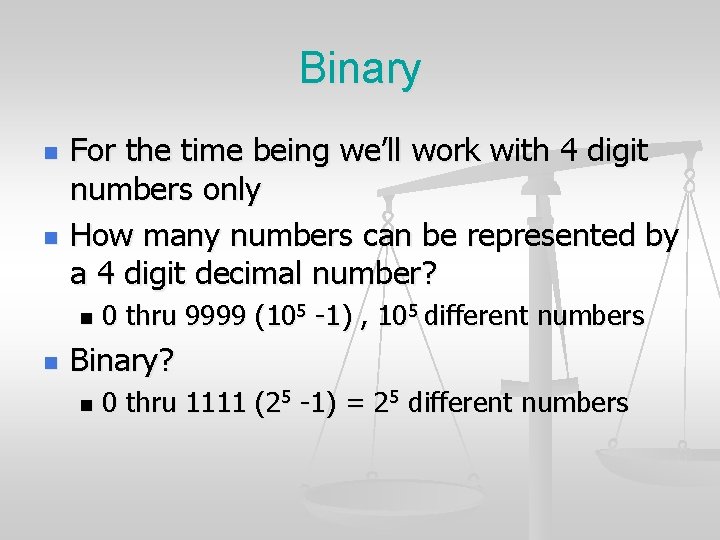
Binary n n For the time being we’ll work with 4 digit numbers only How many numbers can be represented by a 4 digit decimal number? n n 0 thru 9999 (105 -1) , 105 different numbers Binary? n 0 thru 1111 (25 -1) = 25 different numbers
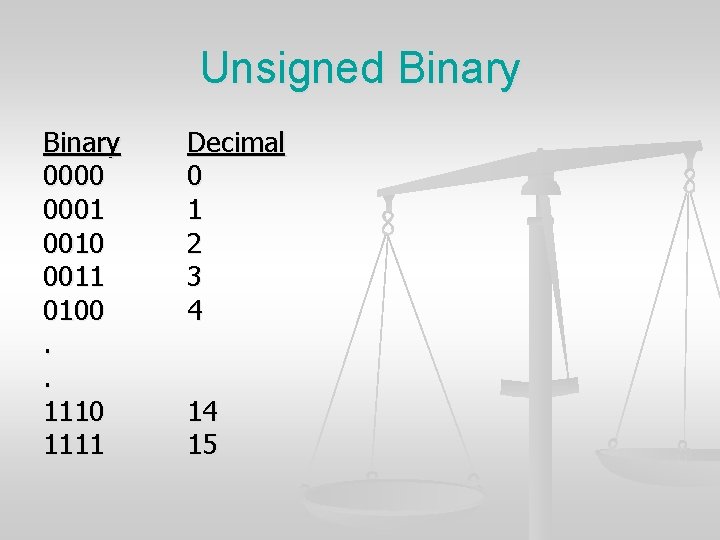
Unsigned Binary 0000 0001 0010 0011 0100. . 1110 1111 Decimal 0 1 2 3 4 14 15
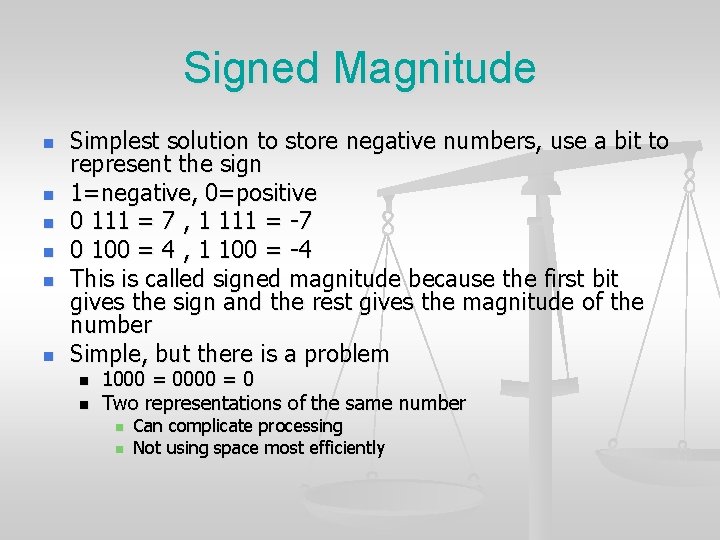
Signed Magnitude n n n Simplest solution to store negative numbers, use a bit to represent the sign 1=negative, 0=positive 0 111 = 7 , 1 111 = -7 0 100 = 4 , 1 100 = -4 This is called signed magnitude because the first bit gives the sign and the rest gives the magnitude of the number Simple, but there is a problem n n 1000 = 0 Two representations of the same number n n Can complicate processing Not using space most efficiently
Two’s Complement n n Two’s complement is the binary representation usually used to represent positive or negative integers Unlike the previous representation, every value has a single representation
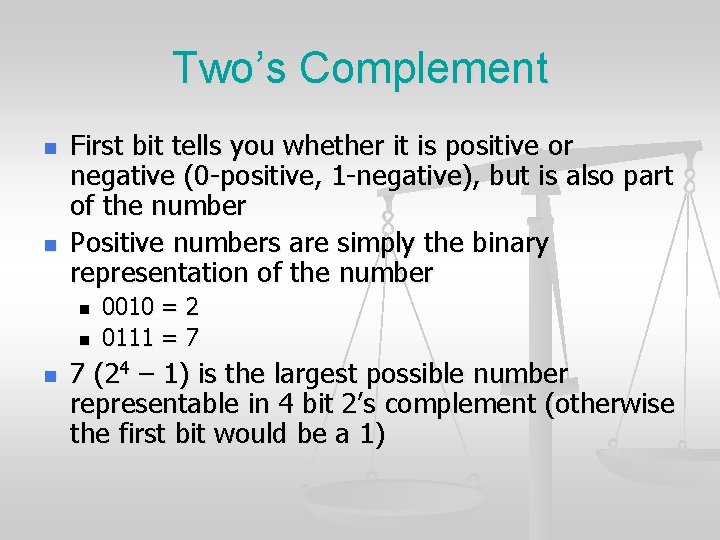
Two’s Complement n n First bit tells you whether it is positive or negative (0 -positive, 1 -negative), but is also part of the number Positive numbers are simply the binary representation of the number n n n 0010 = 2 0111 = 7 7 (24 – 1) is the largest possible number representable in 4 bit 2’s complement (otherwise the first bit would be a 1)
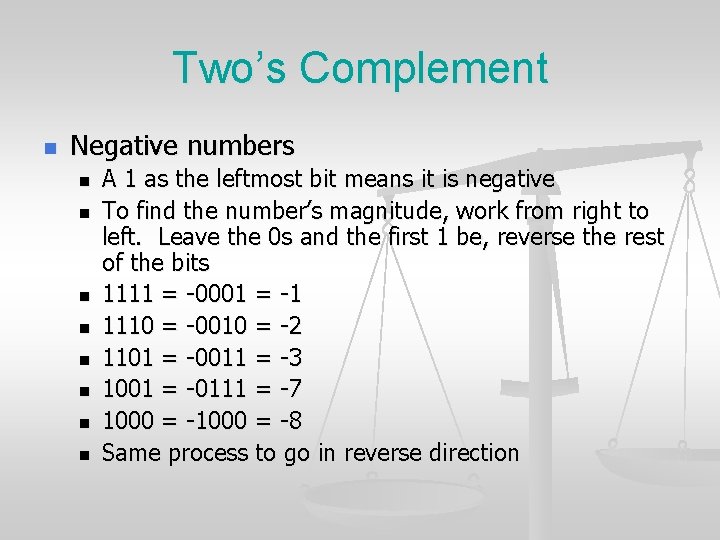
Two’s Complement n Negative numbers n n n n A 1 as the leftmost bit means it is negative To find the number’s magnitude, work from right to left. Leave the 0 s and the first 1 be, reverse the rest of the bits 1111 = -0001 = -1 1110 = -0010 = -2 1101 = -0011 = -3 1001 = -0111 = -7 1000 = -8 Same process to go in reverse direction
Two’s Complement n Advantages As mentioned, single representation for each number n Single bit to check to know if number is positive or negative n For positive numbers, unsigned and 2’s complement representation are the same n Simple arithmetic, addition and subtraction are done by (almost) the same method as normal addition and subtraction n
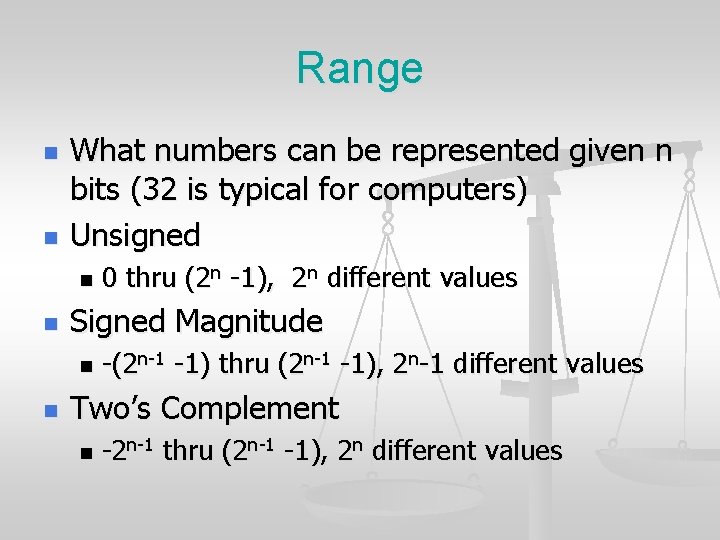
Range n n What numbers can be represented given n bits (32 is typical for computers) Unsigned n n Signed Magnitude n n 0 thru (2 n -1), 2 n different values -(2 n-1 -1) thru (2 n-1 -1), 2 n-1 different values Two’s Complement n -2 n-1 thru (2 n-1 -1), 2 n different values
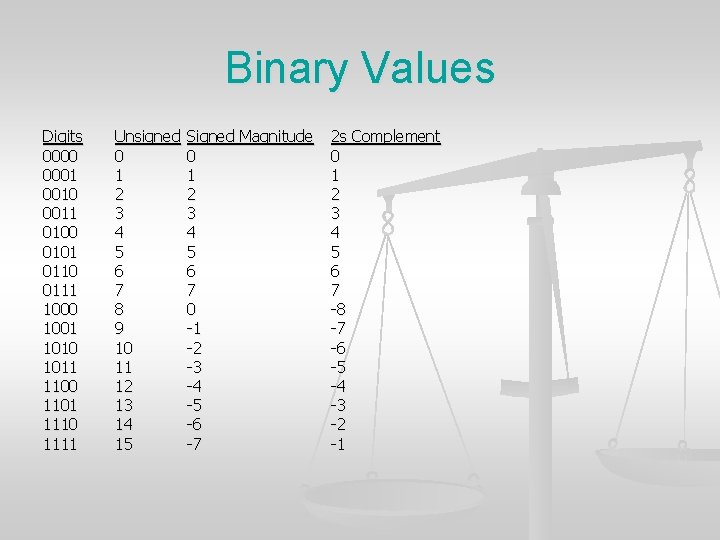
Binary Values Digits 0000 0001 0010 0011 0100 0101 0110 0111 1000 1001 1010 1011 1100 1101 1110 1111 Unsigned 0 1 2 3 4 5 6 7 8 9 10 11 12 13 14 15 Signed Magnitude 0 1 2 3 4 5 6 7 0 -1 -2 -3 -4 -5 -6 -7 2 s Complement 0 1 2 3 4 5 6 7 -8 -7 -6 -5 -4 -3 -2 -1
Floating Point Number n n We’ve only talked about how to represent integer values in binary Floating point numbers (numbers that can have a decimal point) e. g. 1. 5, 0. 445 require a more complex representation that we won’t get into
Text Representation n Computer needs to store text Single characters A 2 $ space newline n Strings of characters “Chris” “ 1 -A” n n Simple solution Associate each character with number n Store the binary value for that number n
ASCII n n Each character represented by one byte (actually just 7 of the 8 bits are needed) Contains all of the characters needed for English text, but insufficient for many languages
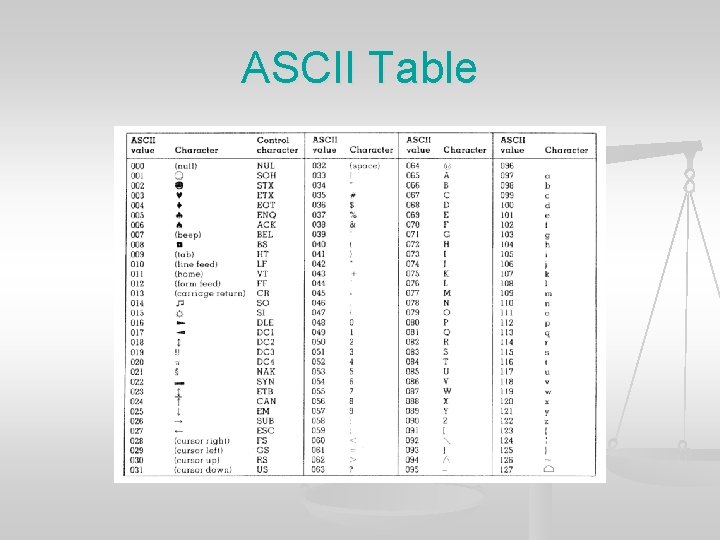
ASCII Table
Unicode n n A character set that has been designed to store the characters for all written languages More bits required to store the characters
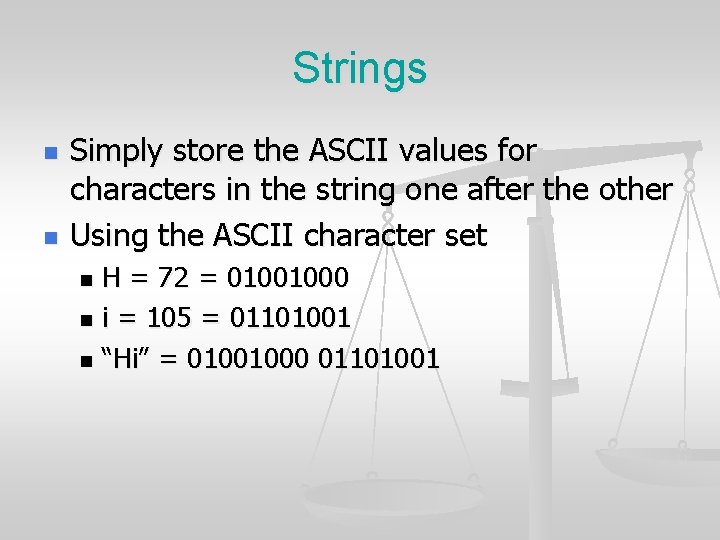
Strings n n Simply store the ASCII values for characters in the string one after the other Using the ASCII character set H = 72 = 01001000 n i = 105 = 01101001 n “Hi” = 01001000 01101001 n
- Slides: 21