
Better Design Slide Makeover Examples 1 BEFORE AFTER
Better Design Slide Makeover Examples 1
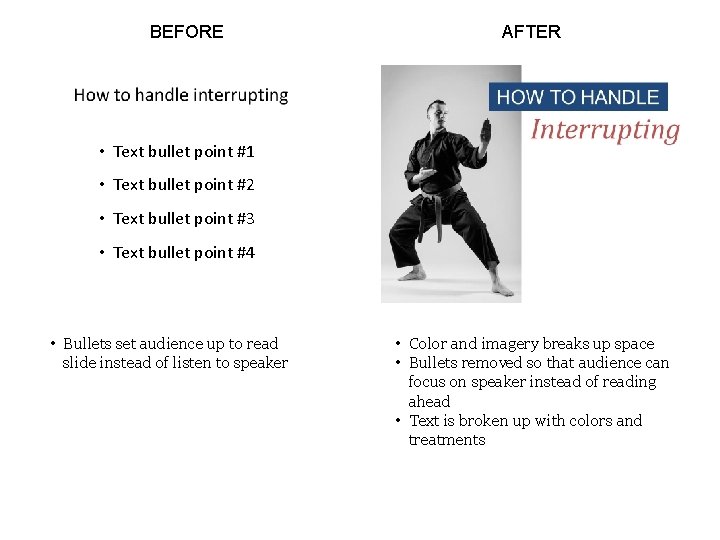
BEFORE AFTER • Text bullet point #1 • Text bullet point #2 • Text bullet point #3 • Text bullet point #4 • Bullets set audience up to read slide instead of listen to speaker • Color and imagery breaks up space • Bullets removed so that audience can focus on speaker instead of reading ahead • Text is broken up with colors and treatments
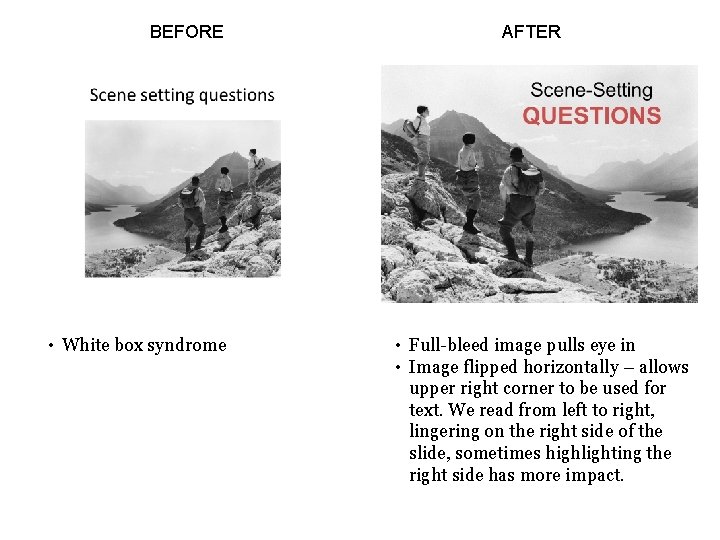
BEFORE • White box syndrome AFTER • Full-bleed image pulls eye in • Image flipped horizontally – allows upper right corner to be used for text. We read from left to right, lingering on the right side of the slide, sometimes highlighting the right side has more impact.
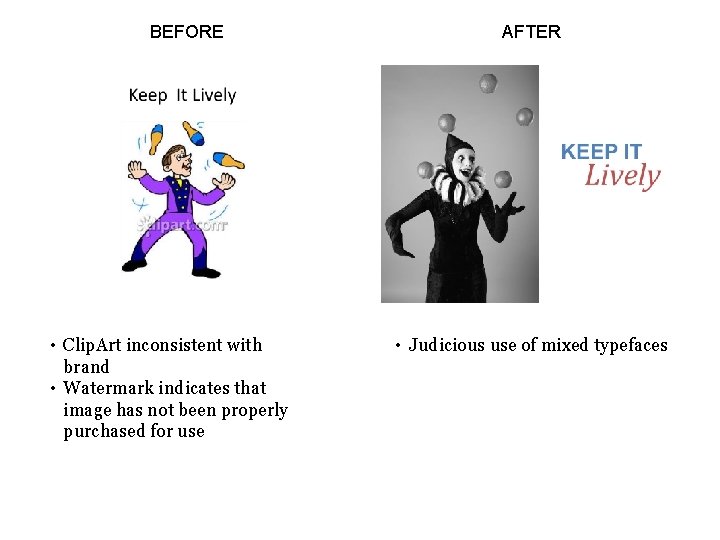
BEFORE • Clip. Art inconsistent with brand • Watermark indicates that image has not been properly purchased for use AFTER • Judicious use of mixed typefaces

BEFORE • White margin around image less effective • Image lacks contrast and appears somewhat muddy AFTER • Text highlighted with red block and reversed-out text • Full-bleed image pulls eye in • Contrast added to black and white image (using PPT tools)
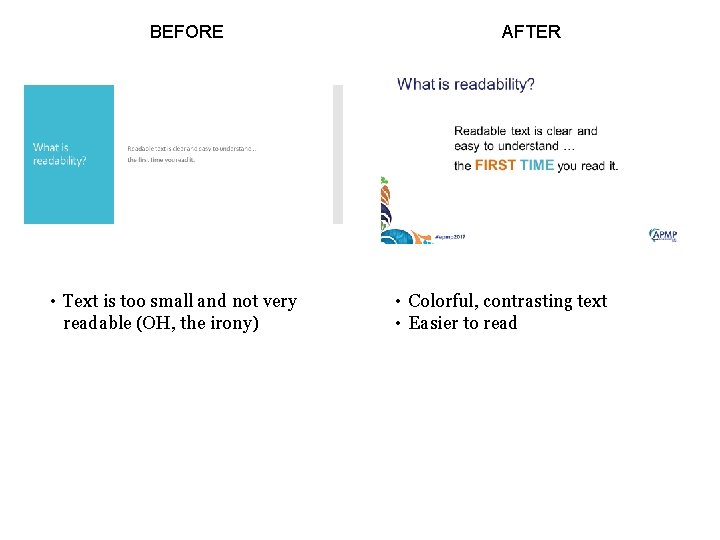
BEFORE • Text is too small and not very readable (OH, the irony) AFTER • Colorful, contrasting text • Easier to read
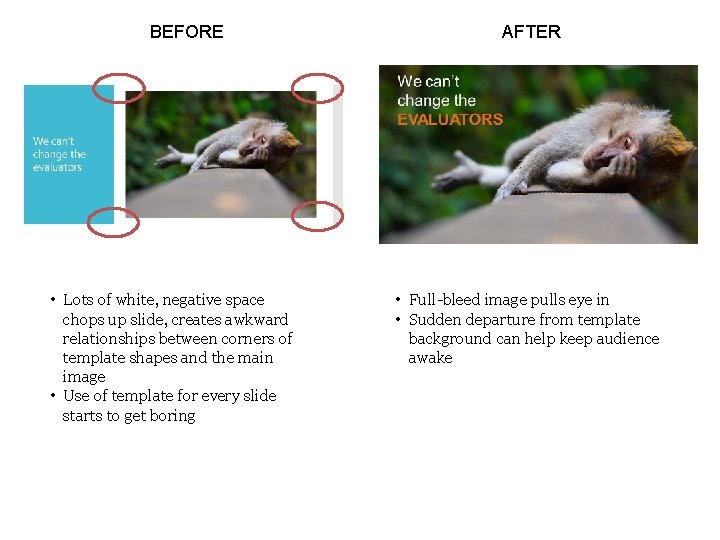
BEFORE • Lots of white, negative space chops up slide, creates awkward relationships between corners of template shapes and the main image • Use of template for every slide starts to get boring AFTER • Full-bleed image pulls eye in • Sudden departure from template background can help keep audience awake
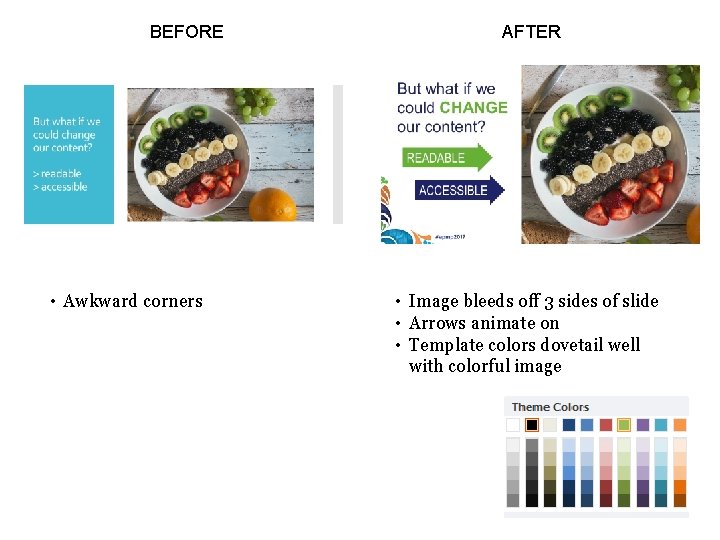
BEFORE • Awkward corners AFTER • Image bleeds off 3 sides of slide • Arrows animate on • Template colors dovetail well with colorful image
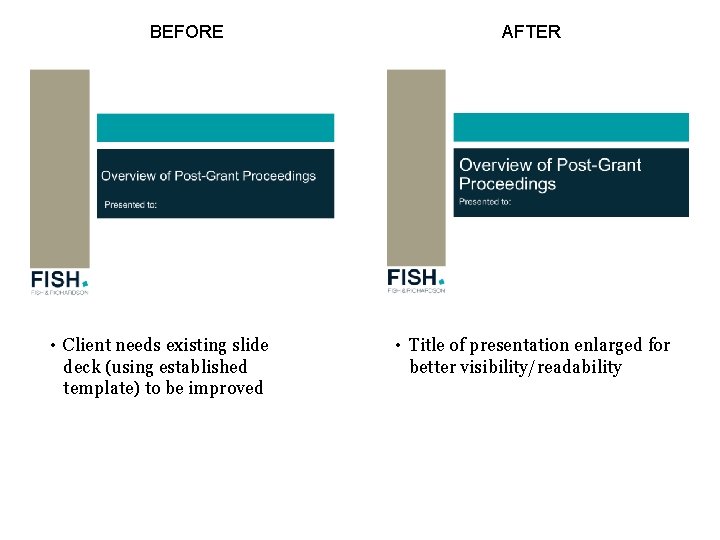
BEFORE • Client needs existing slide deck (using established template) to be improved AFTER • Title of presentation enlarged for better visibility/readability
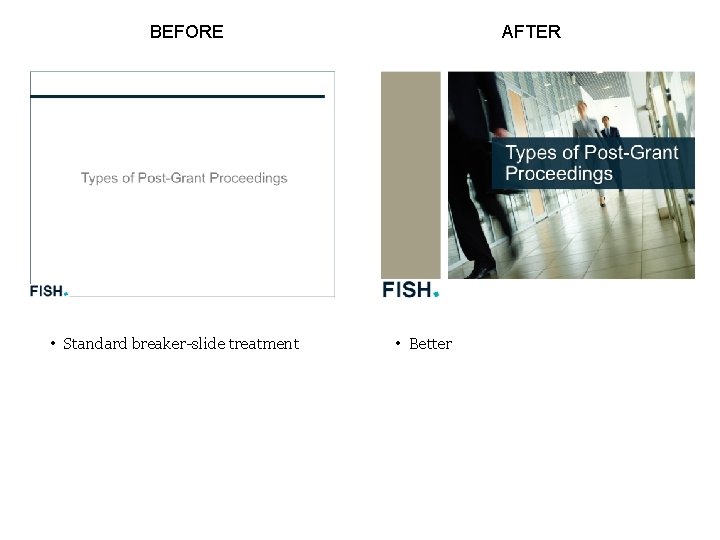
BEFORE • Standard breaker-slide treatment AFTER • Better
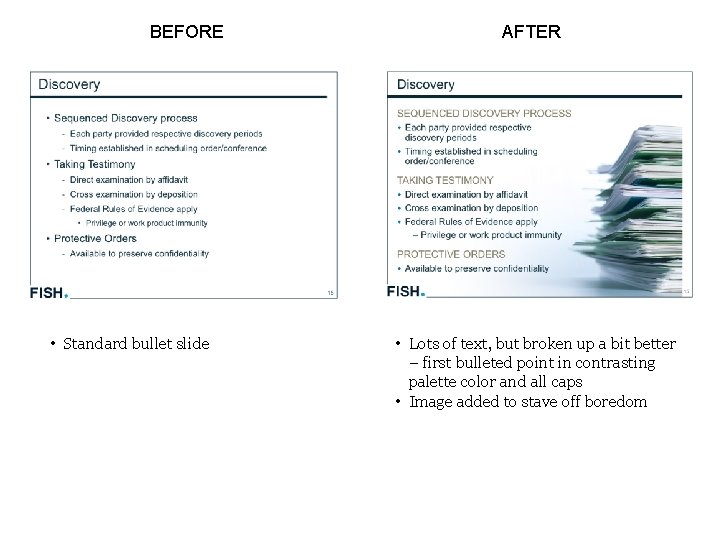
BEFORE • Standard bullet slide AFTER • Lots of text, but broken up a bit better – first bulleted point in contrasting palette color and all caps • Image added to stave off boredom
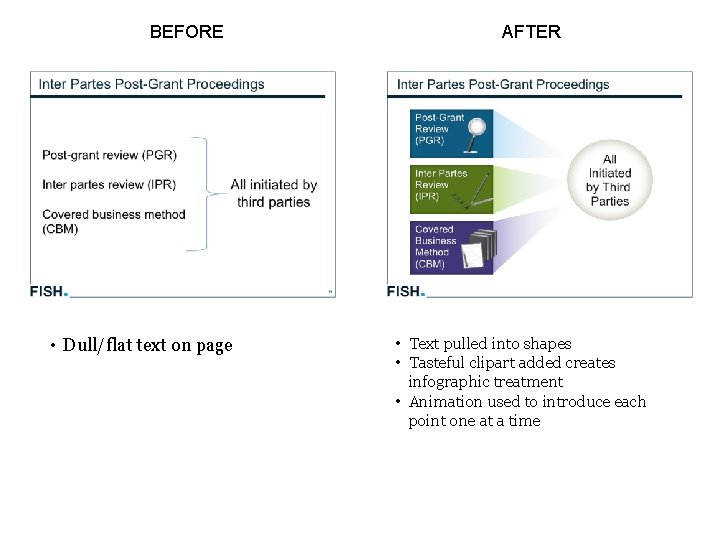
BEFORE • Dull/flat text on page AFTER • Text pulled into shapes • Tasteful clipart added creates infographic treatment • Animation used to introduce each point one at a time
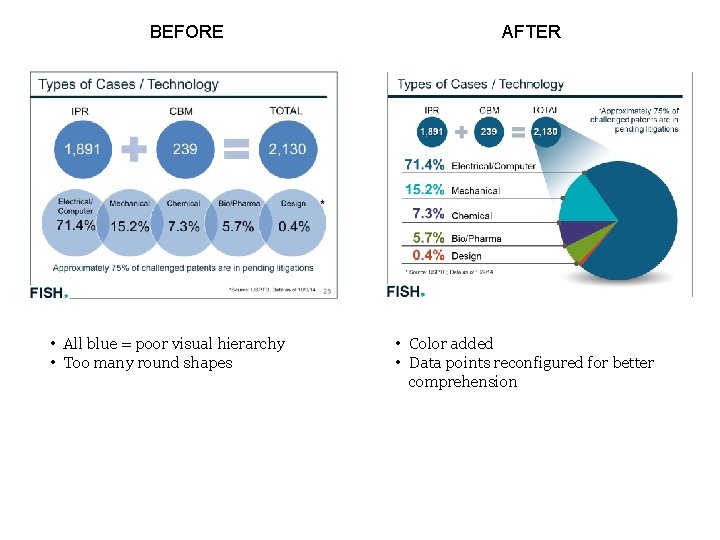
BEFORE • All blue = poor visual hierarchy • Too many round shapes AFTER • Color added • Data points reconfigured for better comprehension
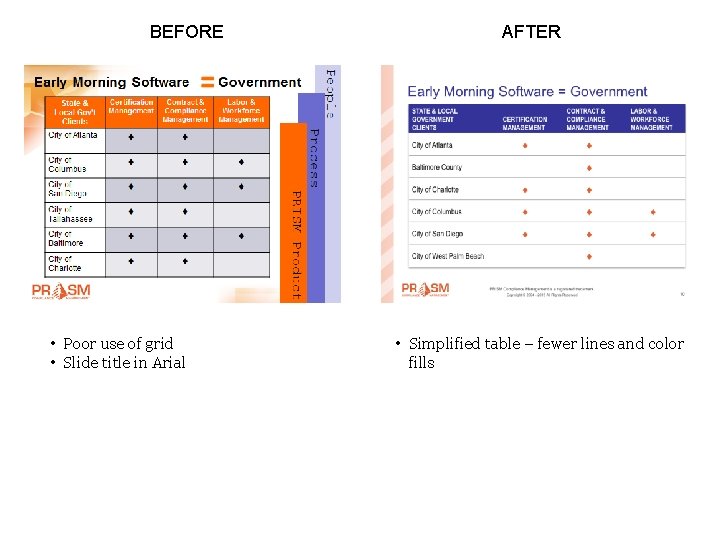
BEFORE • Poor use of grid • Slide title in Arial AFTER • Simplified table – fewer lines and color fills
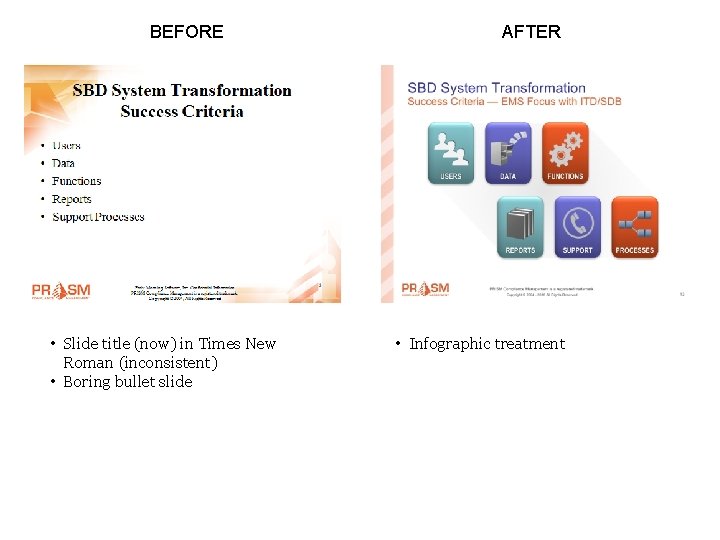
BEFORE • Slide title (now) in Times New Roman (inconsistent) • Boring bullet slide AFTER • Infographic treatment
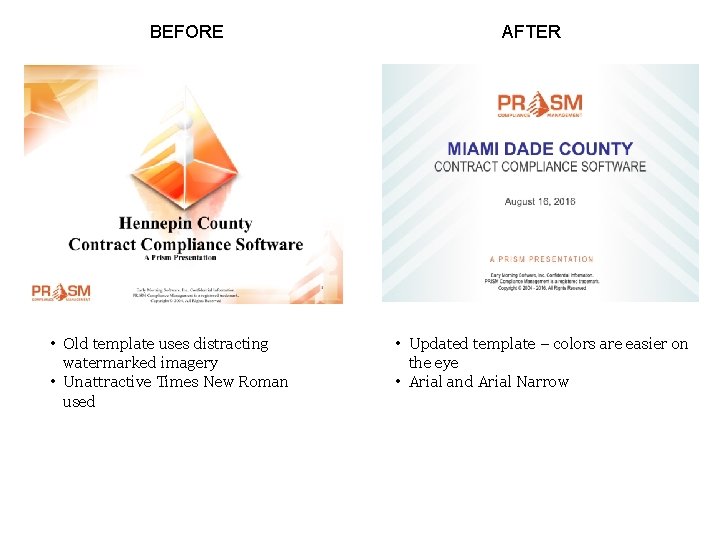
BEFORE • Old template uses distracting watermarked imagery • Unattractive Times New Roman used AFTER • Updated template – colors are easier on the eye • Arial and Arial Narrow
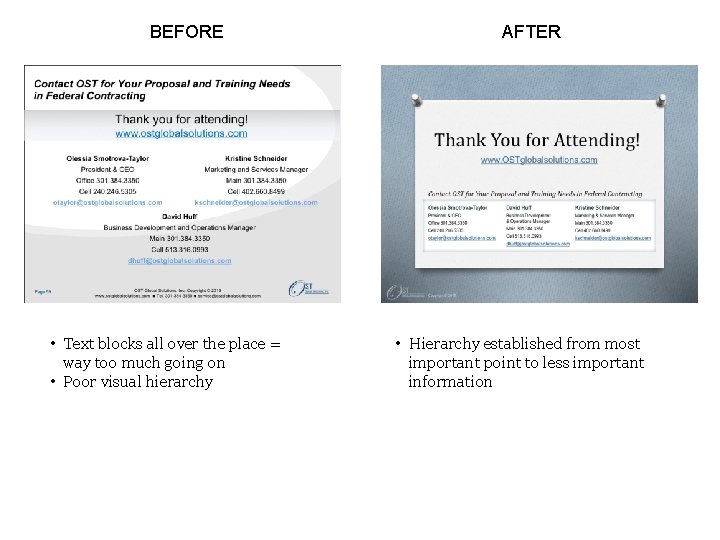
BEFORE • Text blocks all over the place = way too much going on • Poor visual hierarchy AFTER • Hierarchy established from most important point to less important information
How can we help? Send us your “before” slides and design questions. We’ll add to our catalog of examples (and replace any company –confidential information). decks@porticopr. us
- Slides: 18