
Best Practices in Graphically Guided Website Design CREATING
Best Practices in Graphically Guided Website Design CREATING WEBSITE GOLD

Elizabeth Kargbo Manager, 211 Information and Referral Info Line, Inc. Akron, Ohio ekargbo@infolineinc. org Telephone: 330 -315 -1402 www. infolineinc. org www. 211 Summit. org
Why Should I Revamp my Website? ØResource Database Quality Survey Results 2016 ØEfforts to Improve UX/UI Design of the Website ØAIRS Standards 5: Independent Access to Resource Information
Resource Database Quality Survey 2016 Results Key Findings Included: Ø 99% of respondents provide online access for the public to their resource database Ø 58% of these have guided searches available Ø Noted that “guided searches are the most effective way to search these databases”
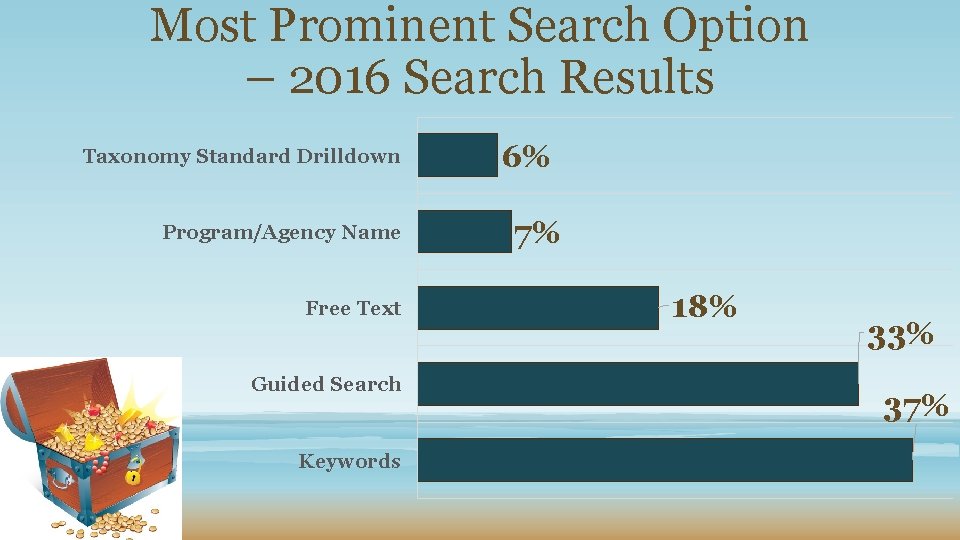
Most Prominent Search Option – 2016 Search Results Taxonomy Standard Drilldown Program/Agency Name Free Text Guided Search Keywords 6% 7% 18% 33% 37%
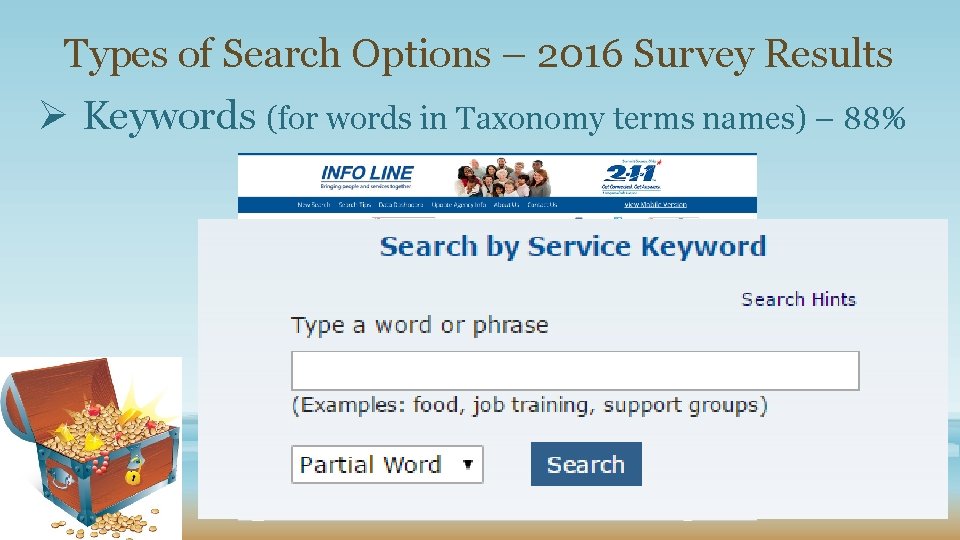
Types of Search Options – 2016 Survey Results Ø Keywords (for words in Taxonomy terms names) – 88%
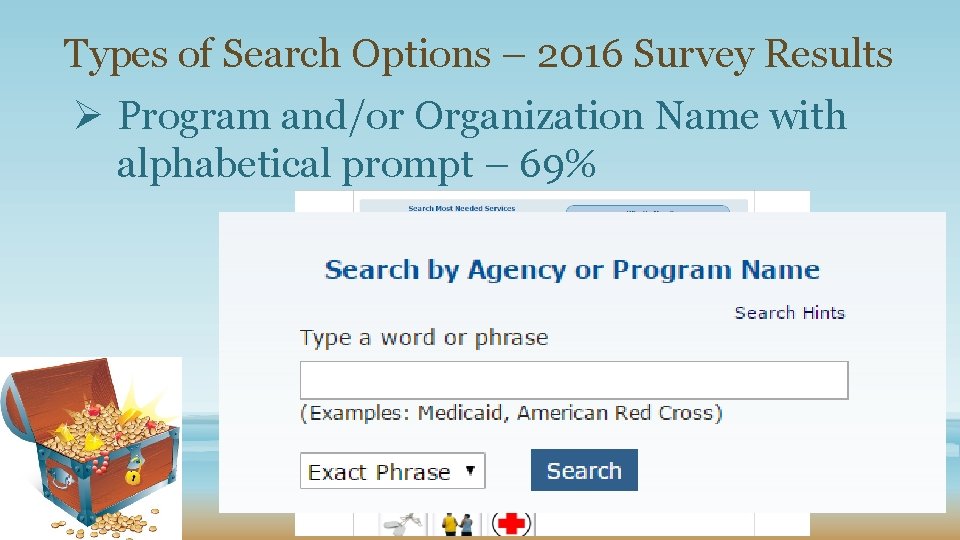
Types of Search Options – 2016 Survey Results Ø Program and/or Organization Name with alphabetical prompt – 69%
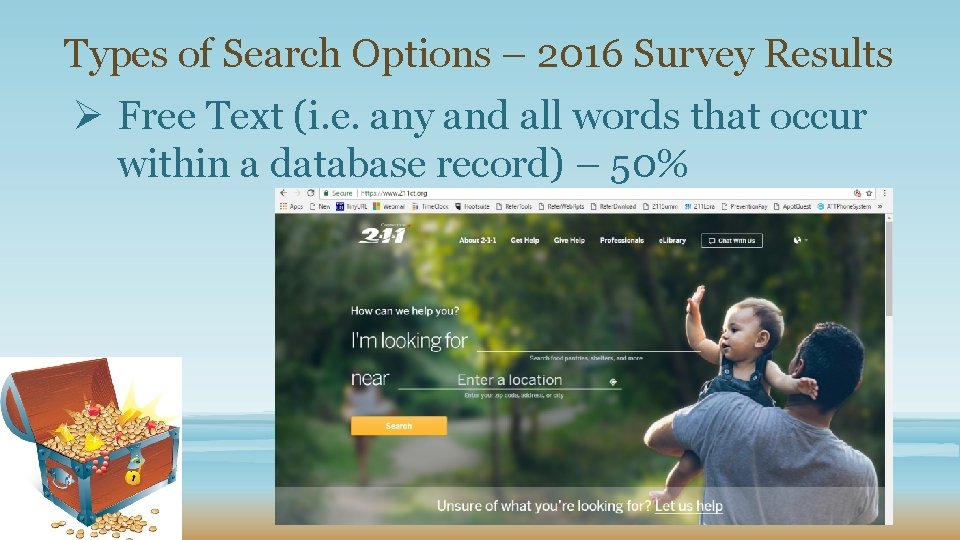
Types of Search Options – 2016 Survey Results Ø Free Text (i. e. any and all words that occur within a database record) – 50%
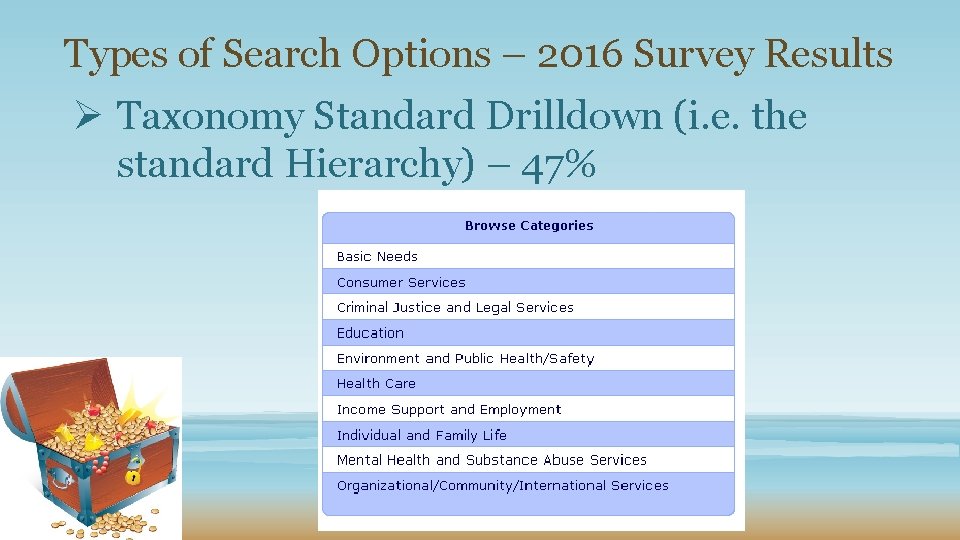
Types of Search Options – 2016 Survey Results Ø Taxonomy Standard Drilldown (i. e. the standard Hierarchy) – 47%
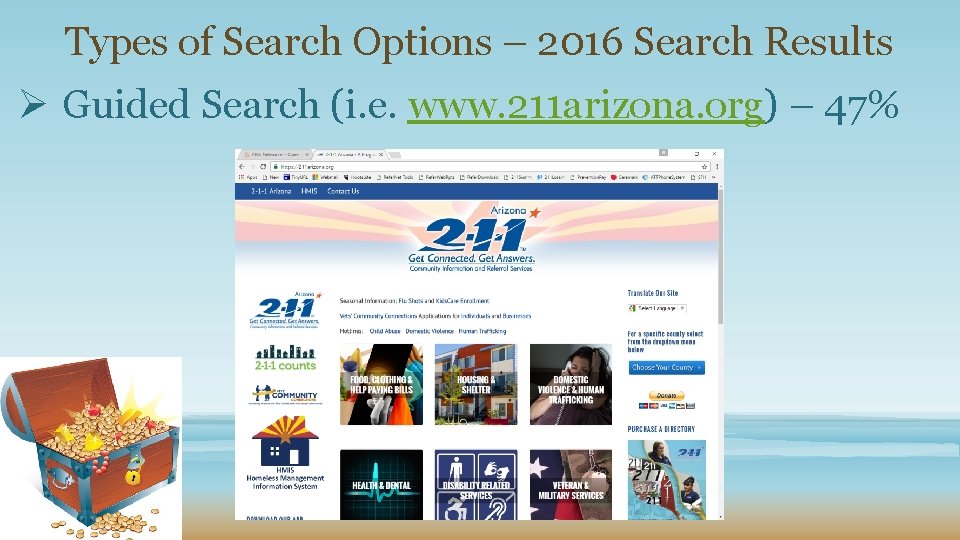
Types of Search Options – 2016 Search Results Ø Guided Search (i. e. www. 211 arizona. org) – 47%

211 Taxonomy: An Information Strategy and Structure for Communicating Social Services https: //www. kent. edu/slis/event/ world-ia-day-conference
Information Architecture (IA) The art and science of organizing and labeling content in an effective and maintainable method for websites, intranets, online communities, and software to support usability and findability. IA SKILLS: q. Content Strategy q. Technical Writing q. Library Science q. Interaction Design
The Work of an Information Architect: • Classification and Hierarchy – how do you categorize and structure information? • Labels and Tagging – how do you represent information? • Navigating and Wayfinding – how do users browse or move through information? • Search – how do users look for information?
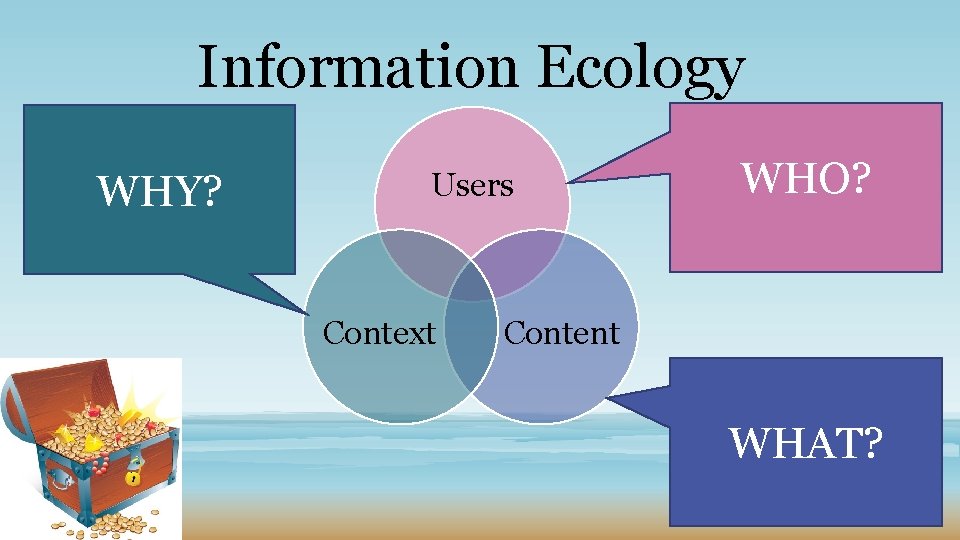
Information Ecology WHY? Users Context WHO? Content WHAT?
Research Web Design Best Practices ØReaching Target Audience ØBranding through Logo and Color ØProminent Logo at the Site Header ØPrioritizing Navigation Features ØImportance of utilizing Graphics and White Space ØView before Horizontal Scroll ØSocial Media Links ØMobile Friendly Website
AIRS Standards 5: Independent Access to Resource Information Addresses Issues Related to Web Design Best Practices ØEasy-to-remember URL (Standard 5) v www. 211 lorain. org v www. 211 summit. org ØClean and well-organized (Standard 5) ØEasy to navigate (Standard 5)
AIRS Standards 5: Independent Access to Resource Information ØVisually appealing v. Colorful v. Graphics v. Pics v. Maps (Standard 5) v. Links to Social Media (Standard 5) v. Match your corporate branding strategy
AIRS Standards 5: Independent Access to Resource Information ØAbility to filter by geographic location/area served (Standard 5) ØA prominent displayed search button (Standard 5) ØA keyword search window (Standard 5) ØCleanly designed search result lists (Standard 5)
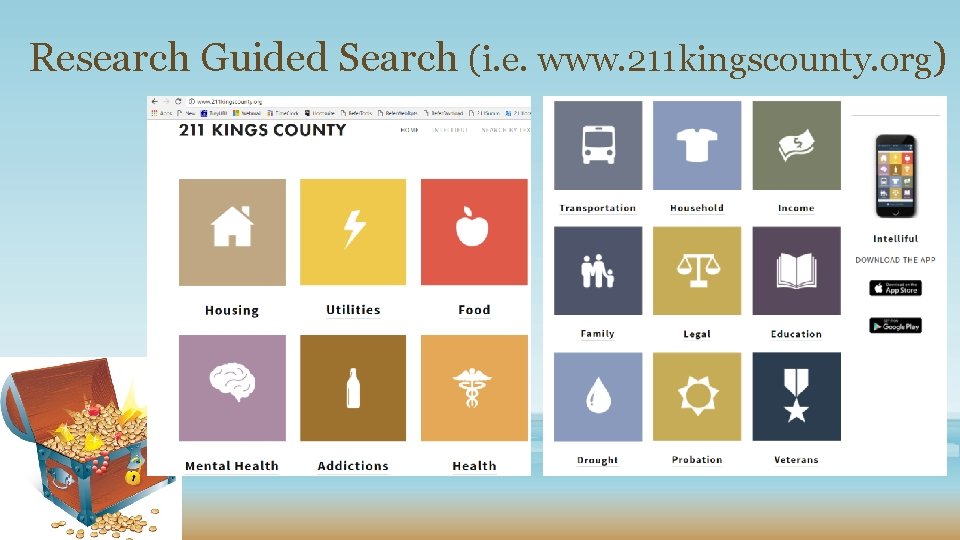
Research Guided Search (i. e. www. 211 kingscounty. org)
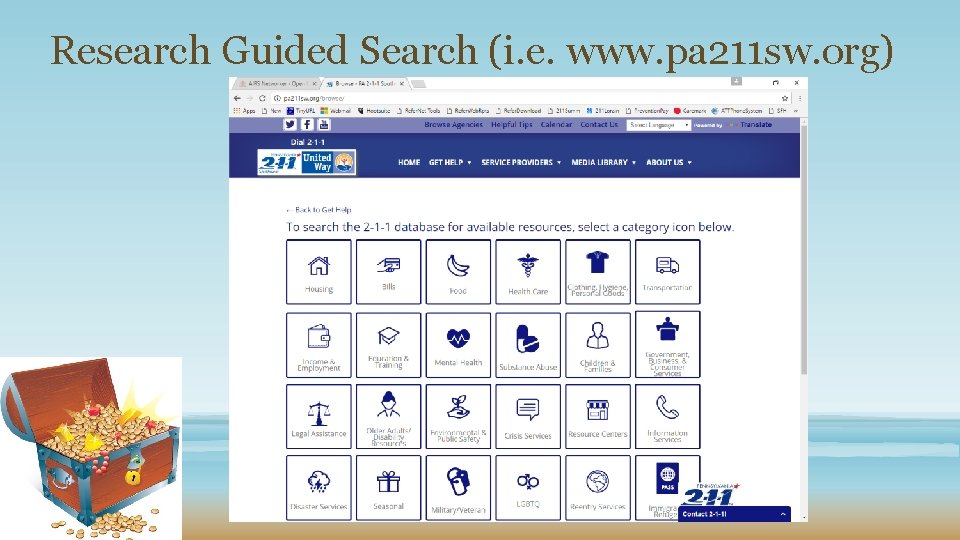
Research Guided Search (i. e. www. pa 211 sw. org)
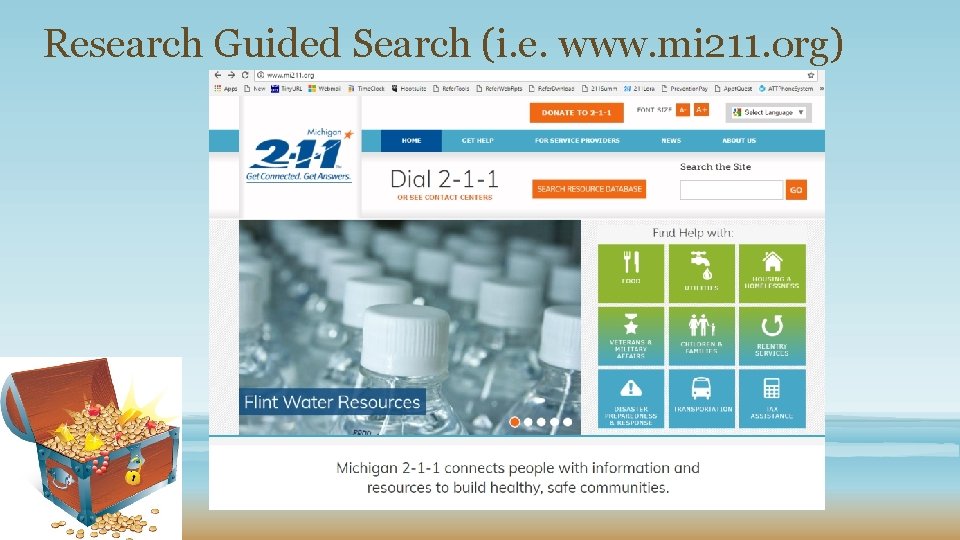
Research Guided Search (i. e. www. mi 211. org)
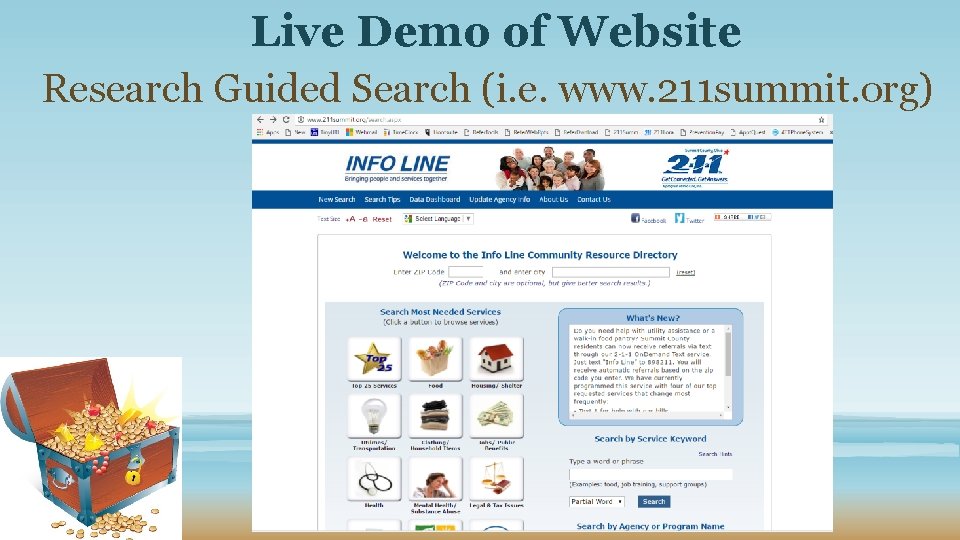
Live Demo of Website Research Guided Search (i. e. www. 211 summit. org)
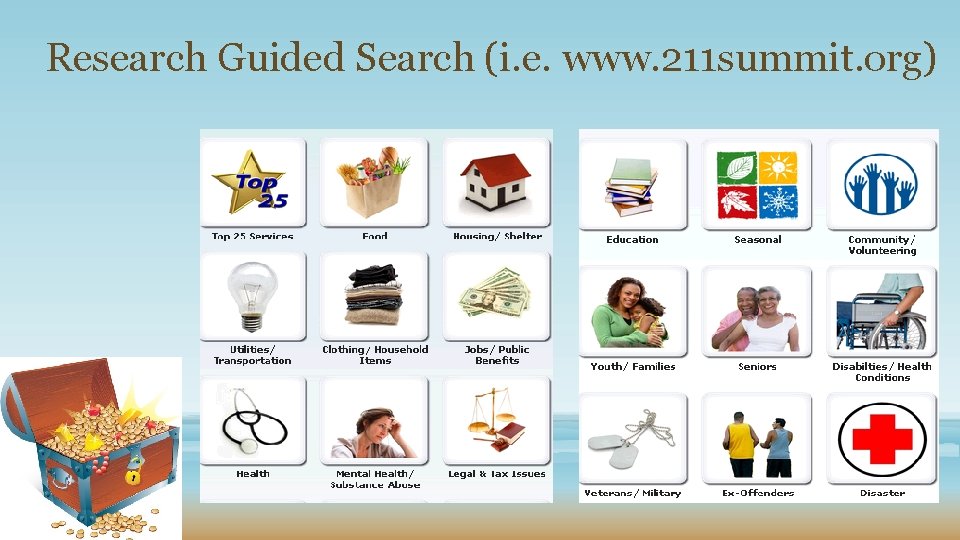
Research Guided Search (i. e. www. 211 summit. org)
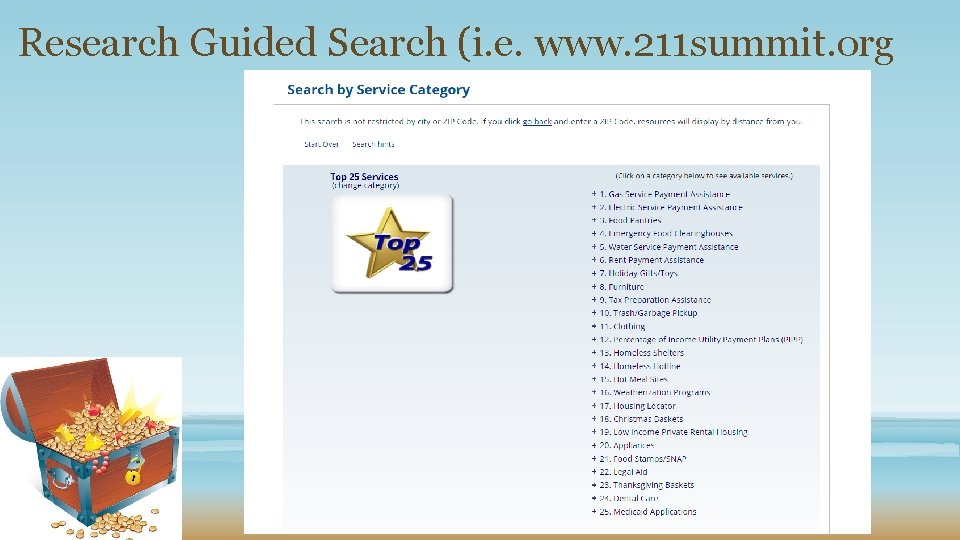
Research Guided Search (i. e. www. 211 summit. org
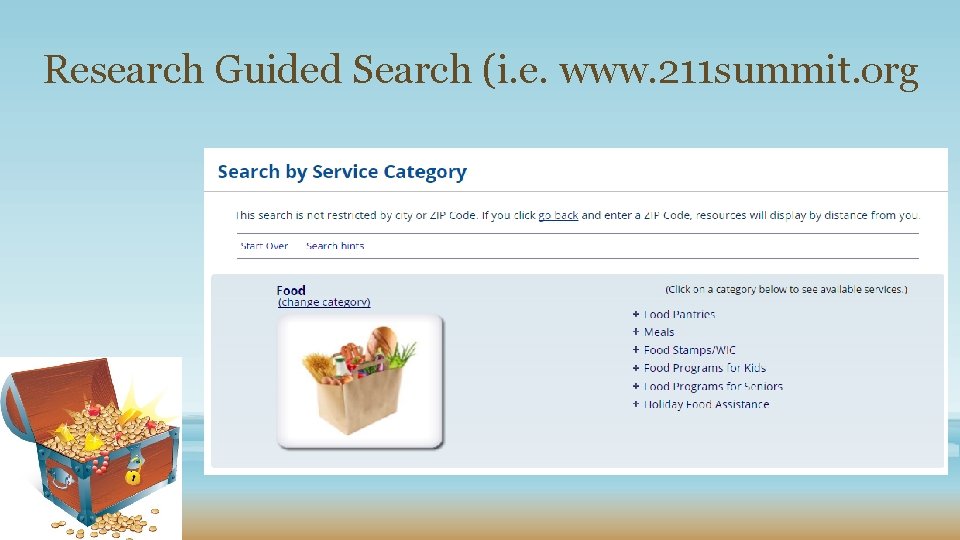
Research Guided Search (i. e. www. 211 summit. org
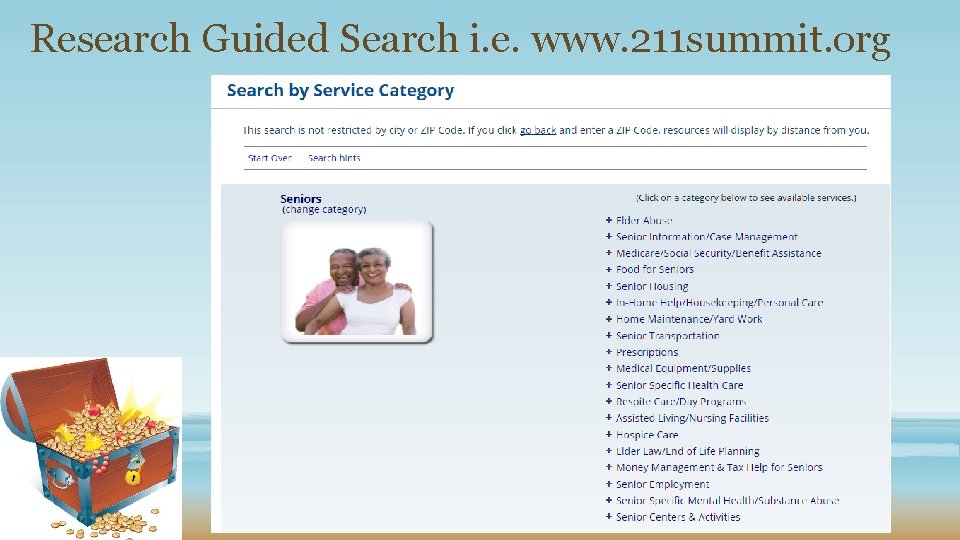
Research Guided Search i. e. www. 211 summit. org
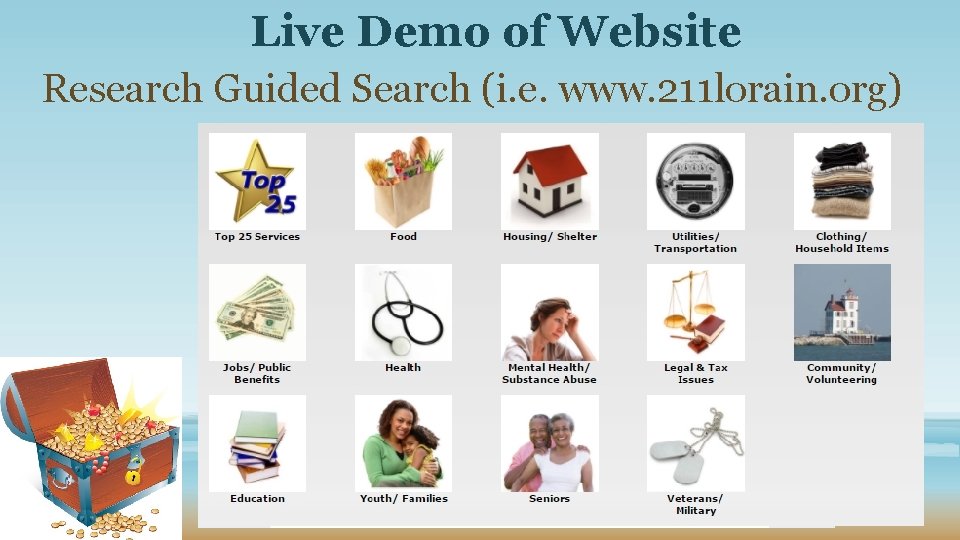
Live Demo of Website Research Guided Search (i. e. www. 211 lorain. org)
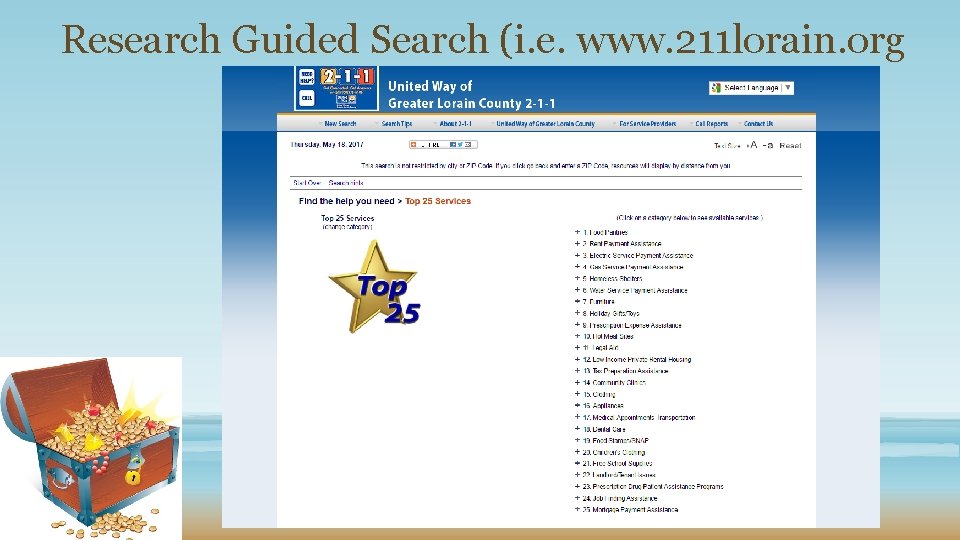
Research Guided Search (i. e. www. 211 lorain. org

Golden Nuggets Game Feedback/Lessons Learned
Questions/Answers
REFERENCES 1) AIRS Resource Database Quality Survey 2016 (http: //airsnetworker. airs. org/communities/communityhome/digestviewer/viewthread? Message. Key=d 8 f 91 cc 8 -c 2 c 7 -49 e 9 -bb 7 c 3 c 595 ccbe 292&Community. Key=475 cd 60 e-0 afd-4 da 8 -8 ac 9 f 3972045 eed 3&tab=digestviewer#bmd 8 f 91 cc 8 -c 2 c 7 -49 e 9 -bb 7 c 3 c 595 ccbe 292#bm 0) 2) AIRS Standards and Quality Indicators for Professional Information and Referral – Version 8. 0 (https: //higherlogicdownload. s 3 -external 1. amazonaws. com/AIRS_Standards_8. 0. pdf? AWSAccess. Key. Id=AKIA JH 5 D 4 I 4 FWRALBOUA&Expires=1495119111&Signature=n. NJMZKf. Y%2 FJD hm. Agu 0 Ov. MJpu 7 zik%3 D) 3) “UI vs UX Design” by Stevie Granger. (http: //www. uzumedia. com/blog/2016/05/27/ui-vs-ux-design) 4) “What and Why: Information Architecture”. https: //www. usability. gov/what -and-why/information-architecture. html 5) “Web Design Best Practices Checklist” by Terry Ann Morris. (http: //terrymorris. net/bestpractices/) 6) Wikipedia “Information Architecture”. (https: //en. wikipedia. org/wiki/Information_architecture)
- Slides: 31