
Best Practices For VMware v Sphere VMUG Sri
Best Practices For VMware v. Sphere VMUG Sri Lanka Meetup – June, 2017 Darshana Jayathilake BCS, VCAP, v. Expert VCP, MCSE & MCT 0094773539096 darshanajayathilake@gmail. com http: //darshanaj. wordpress. com
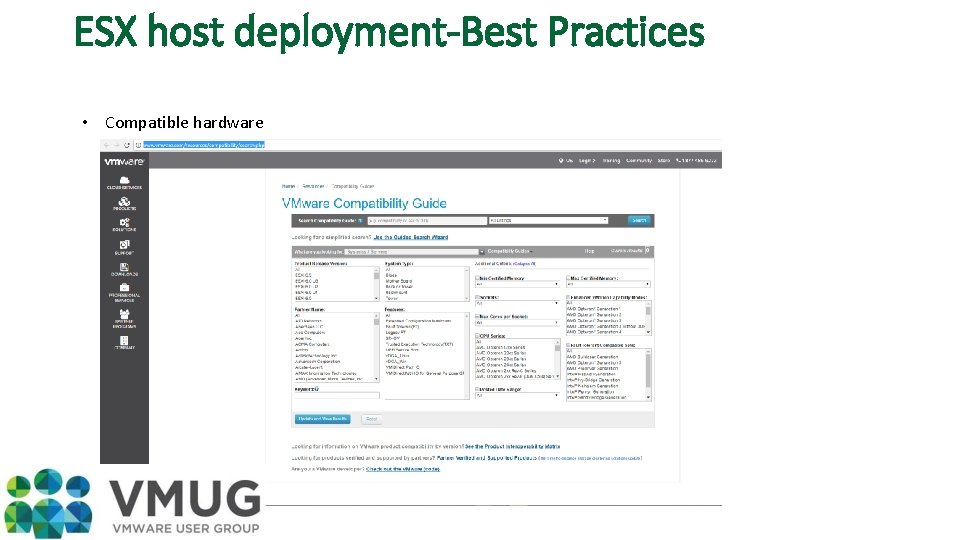
ESX host deployment-Best Practices • Compatible hardware
ESX host deployment-Best Practices • Install using custom image(HP, Dell , Lenovo , Cisco. etc…). • Remove ESX installed HD from datastores. • Install the same & stable version.
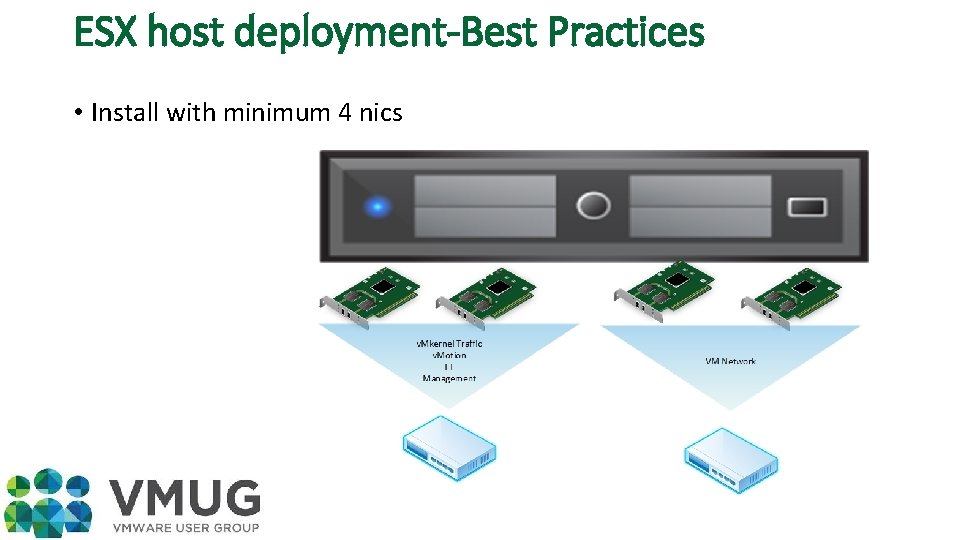
ESX host deployment-Best Practices • Install with minimum 4 nics
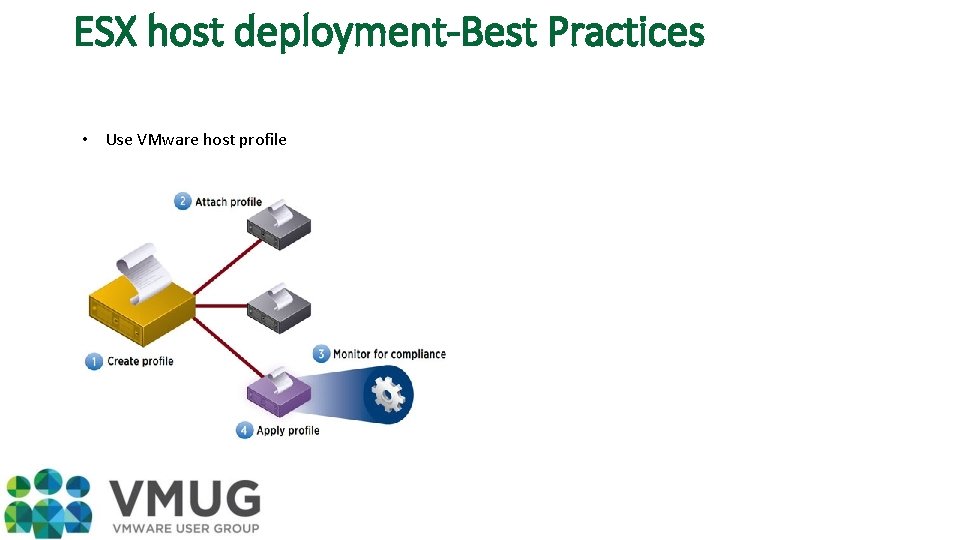
ESX host deployment-Best Practices • Use VMware host profile
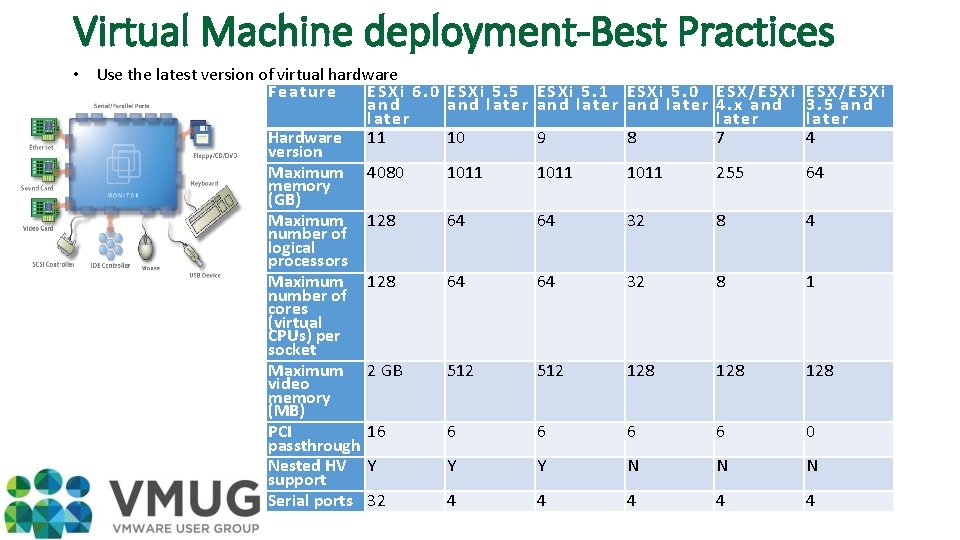
Virtual Machine deployment-Best Practices • Use the latest version of virtual hardware Feature ESXi 6. 0 and later Hardware 11 version Maximum 4080 memory (GB) Maximum 128 number of logical processors Maximum 128 number of cores (virtual CPUs) per socket Maximum 2 GB video memory (MB) PCI 16 passthrough Nested HV Y support Serial ports 32 ESXi 5. 5 ESXi 5. 1 ESXi 5. 0 ESX/ESXi and later 4. x and 3. 5 and later 10 9 8 7 4 1011 255 64 64 64 32 8 1 512 128 128 6 6 0 Y Y N N N 4 4 4
Virtual Machine deployment-Best Practices • If compatible use paravairtual SCSI adapter. • Keep VMware tools up to date on guest operating systems. • Remove any unused virtual hardware device(Floppy disks , CD/DVC drives , COM/LPT). • Only allocate required v. CPUs for the VM. • Select correct guest operating system
Virtual Machine deployment-Best Practices • Use syspreped vm templates. • Keep VM/Templates in content library • Use v. Apps for multi tier applications • MS Exchange, Share. Point • App/DB • Set the start-up priority • Use os customization wizard to to apply guest configuration(License key, Time, IP, etc. . )
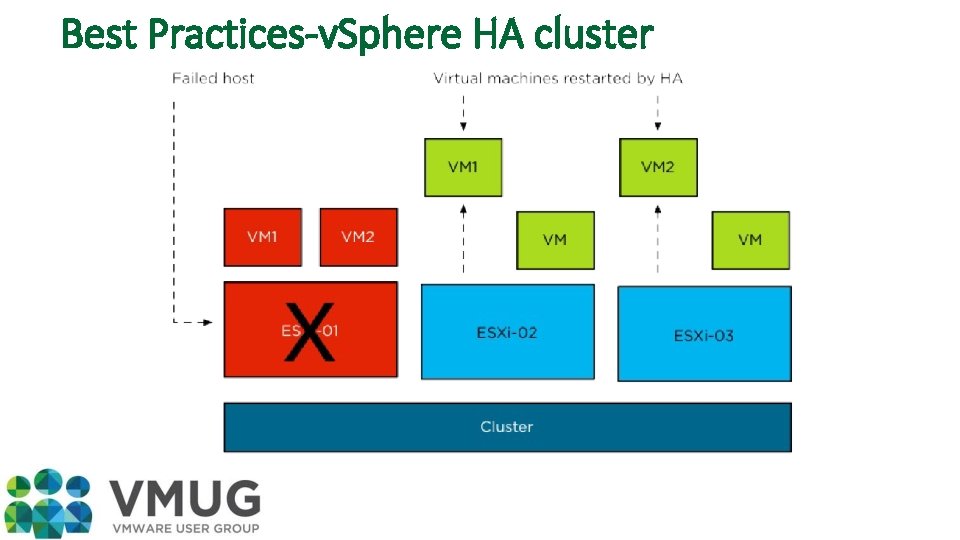
Best Practices-v. Sphere HA cluster
Best Practices-v. Sphere HA cluster • Suspend the host monitoring feature, when making network related changes. • Use redundancy nics for management network with nic teaming. • Use multiple host isolation addresses. • If possible create multiple management network connections • If possible use VMware Distribute switches or use identical port groups.
Best Practices-v. Sphere HA-DRS • Enable EVC if you're using different processor types. • When ever possible use full automated DRS mode. • Affinity & anti-Affinity rules.
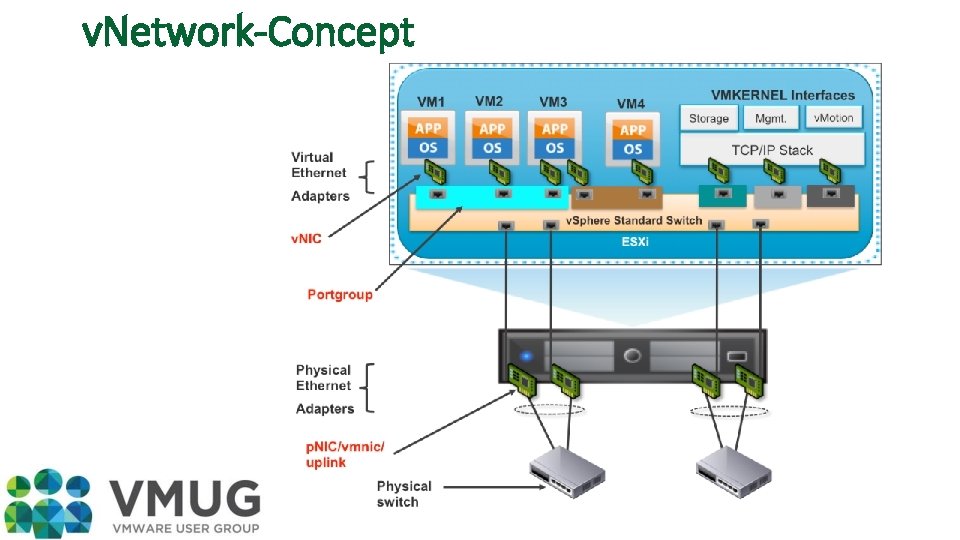
v. Network-Concept

Types of network switches VMware Standard Switch(v. SS). Created and managed on a per-host basis. Support basic features. Vmware Distributed Switch(v. DS). Created and managed at v. Sphere v. Center. Supports all v. SS features and more. Cisco Nexus 1000 v. Created and managed vy vsm(either Vm or hardware/nexus 1010). Supports features typically available in Cisco hardware switches.
Best Practices-v. Sphere Networking • Separate infrastructure Traffic from VM Traffic • VMs should not see infrastructure traffic • Infrastructure traffic bursts do not impact VM • How to do that • Separate p. Nics • Create multiple v. SS/v. DS for each p. Nics • Requires at least 4 p. Nics • Separate VLANs • Create one v. SS/v. DS & connect all p. Nics • Create portgroups with different VLANs
Best Practices-v. Sphere Networking • Teaming & failover • Always connect 2+ p. Nics to a v. Switch, preferably linked to separate physical switches • Select suitable load balancing policy. • p. Nic load-Traffic is distributed based on workload(v. DS only). • Port ID/Mac- Traffic is balanced statistically(assumes many vms). • IP-Hash-Traffic is distributed per connection(requires ether channel). • Explicit- no load balance.
Best Practices-v. Sphere Networking • Distribute SwitchesStandard Switches • Create standard switch with meaning full name using esxcli(ex mgt). • If possible try to use VMware Distributed Switches.
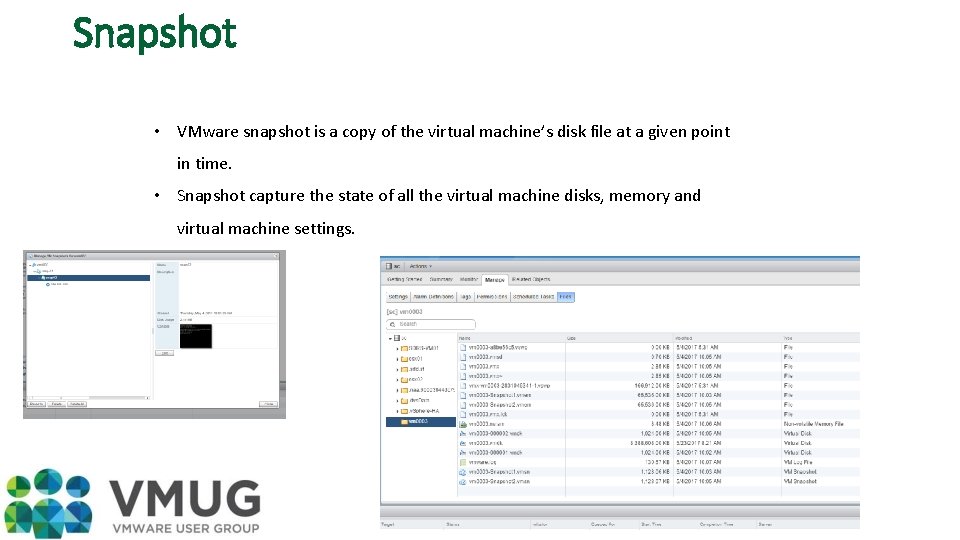
Snapshot • VMware snapshot is a copy of the virtual machine’s disk file at a given point in time. • Snapshot capture the state of all the virtual machine disks, memory and virtual machine settings.
Snapshot-Best Practices • Snapshot is not a backup. • Create a meaning full name with snapshot. • Do not use single snapshot for more than 24 -72 hours. • When using a third-party backup software, ensure that snapshots are deleted after a successful backup. • Remove any snapshot before doing any changes in a virtual mode rdm • Configure alerts on snapshot(eg: more than 1 GB)
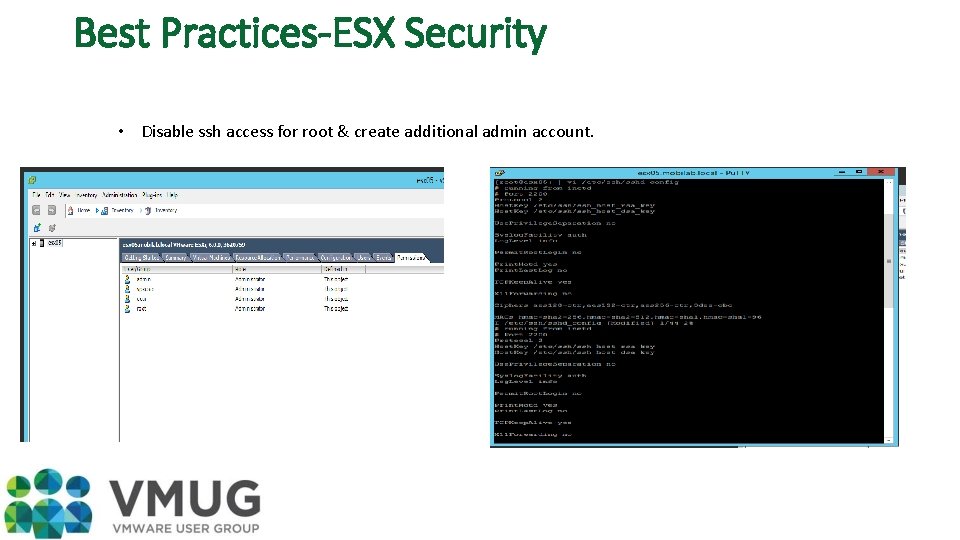
Best Practices-ESX Security • Disable ssh access for root & create additional admin account.
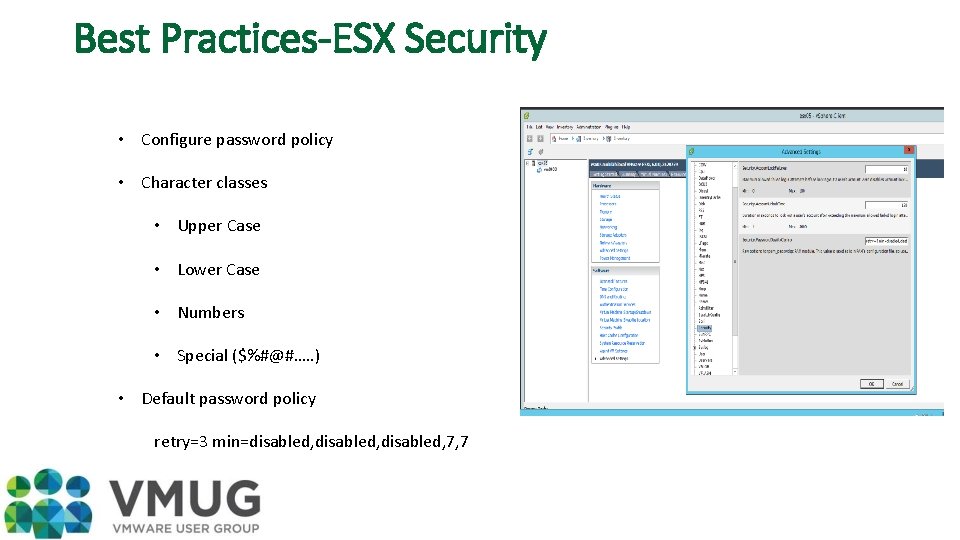
Best Practices-ESX Security • Configure password policy • Character classes • Upper Case • Lower Case • Numbers • Special ($%#@#…. . ) • Default password policy retry=3 min=disabled, 7, 7
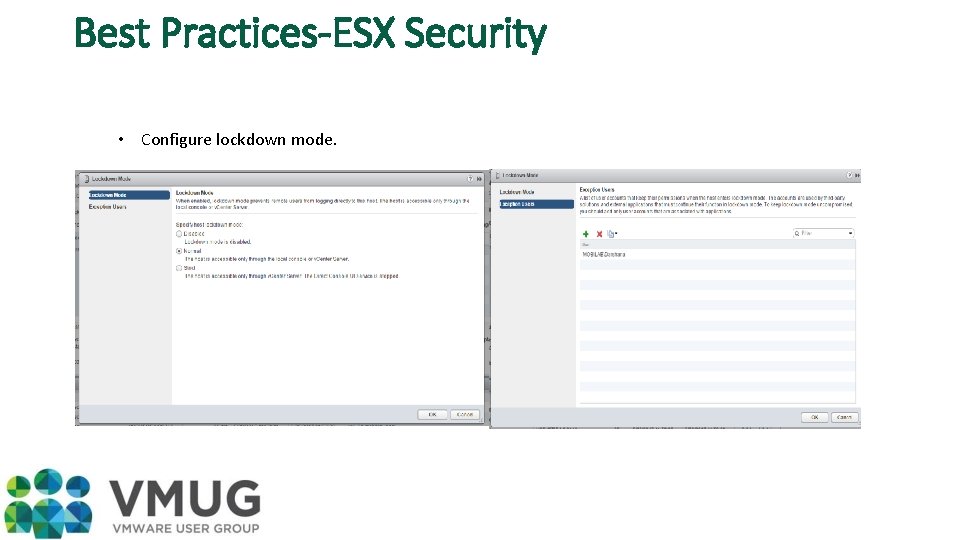
Best Practices-ESX Security • Configure lockdown mode.
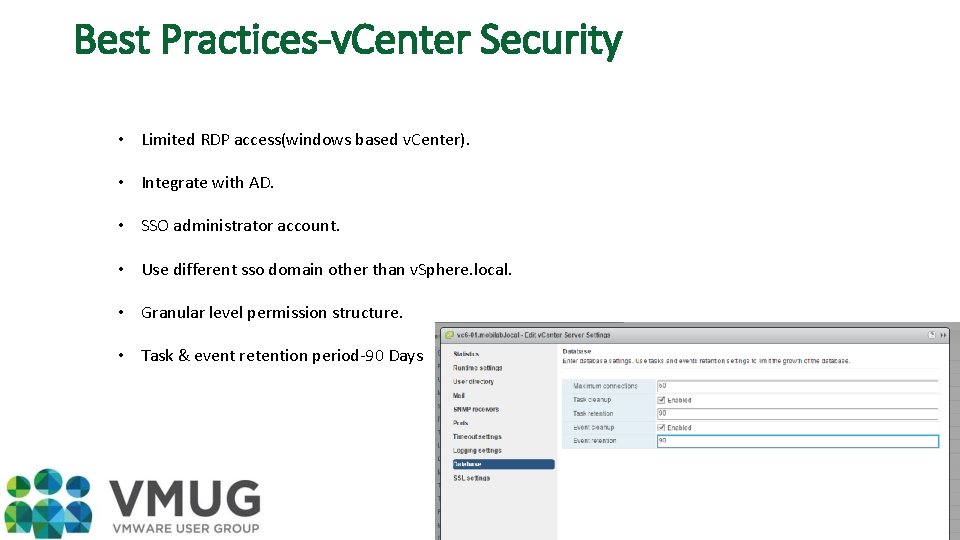
Best Practices-v. Center Security • Limited RDP access(windows based v. Center). • Integrate with AD. • SSO administrator account. • Use different sso domain other than v. Sphere. local. • Granular level permission structure. • Task & event retention period-90 Days
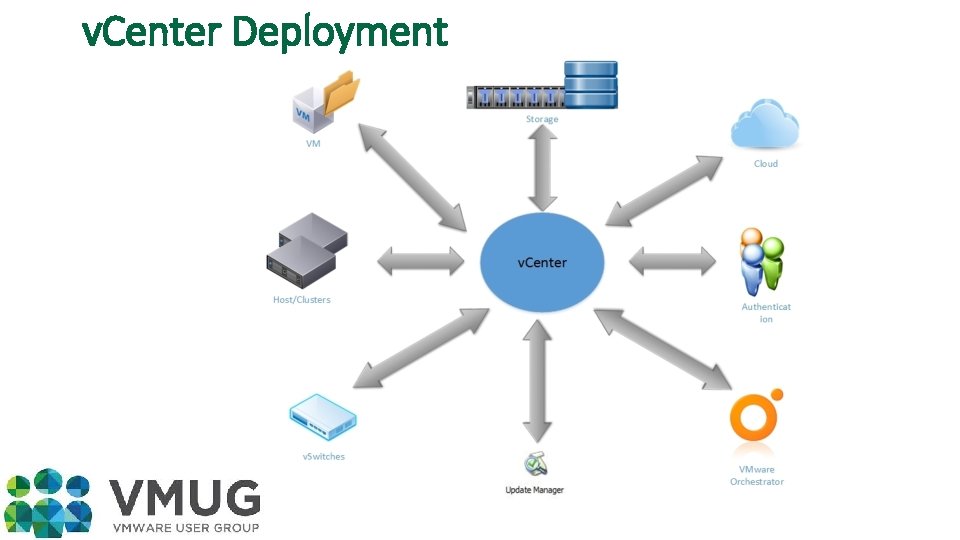
v. Center Deployment
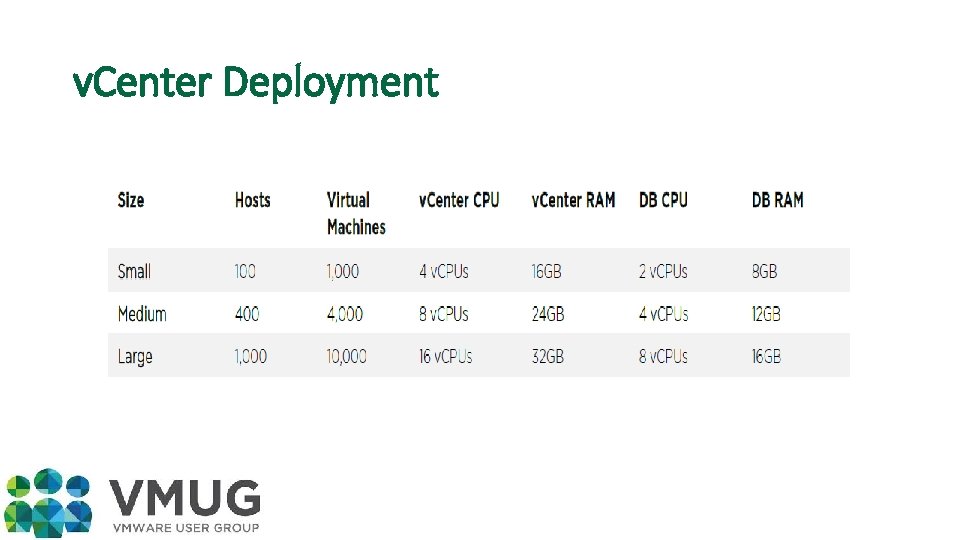
v. Center Deployment
v. Center Deployment • Use external databse(oracle & SQL). • Maintain database backups of the v. Cener. DB.
v. Center Deployment • If possible use separate management host/cluster. • Should use low latency network connection with external database. • Install v. Center appliance. • Use proper name resolution method. • Use external PSC for large environment.
Best practices-Backup • Integrate with v. Center. • Configure SAN based backup. • D 2 D 2 T Backups. • Test your backup regularly. • Full & differential backups.
VMware Technical Support-Best Practices • Keep customer no and required details with safe place. • Upload/Provide diagram/s of the configuration(storage, cluster, host, network, , etc. . ). • Install & configure VMware support assistant. • Pre configured firewall/access rules for remote access software(webex).
v. Shpere Housekeeping • Generate reports & check for warnings/errors ( Ops Manager , rvtools). • If you rename a virtual machine, trigger storage v. Motion. • Storage clean-up. • Maintain change management. • Remove & maintain snapshots(powercli). • Update VM templates-Monthly. • Maintain VM annotion & tags.
Thank you.
- Slides: 30