
Best Practices for Skype for Business for Accessibility
Best Practices for Skype for Business for Accessibility Gary Morin Program Analyst, OCIO Dean Halstead Director, Cloud, Collaboration & Accessibility Rekha Patel Sr Program Manager, Skype for Business
Agenda • Approaches Skype/CART side-by-side HD Video for Interpreters Skype Broadcast Integrated CART Services Other Approaches/Discussion • Feedback/Q&A •

Best Practices Approaches
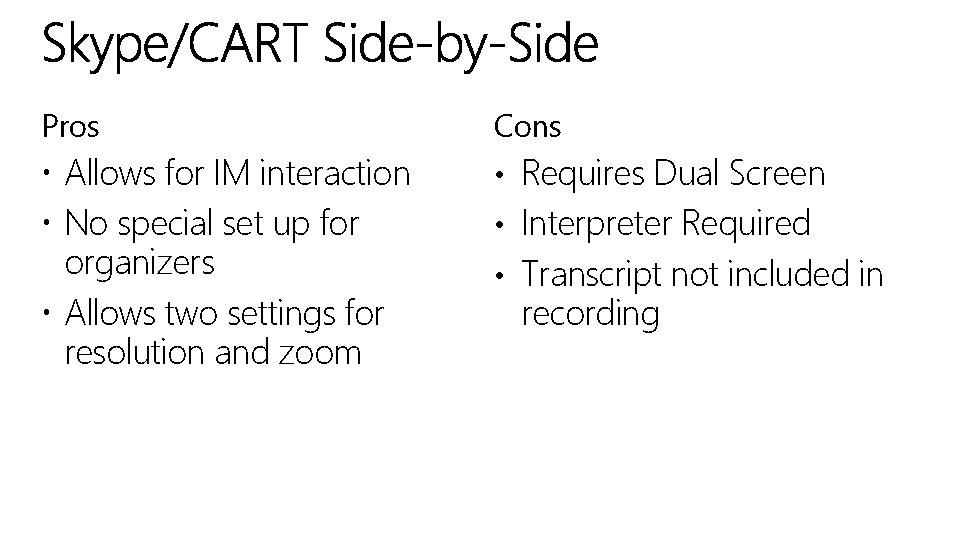
Pros Cons Allows for IM interaction No special set up for organizers Allows two settings for resolution and zoom • Requires Dual Screen • Interpreter Required • Transcript not included in recording
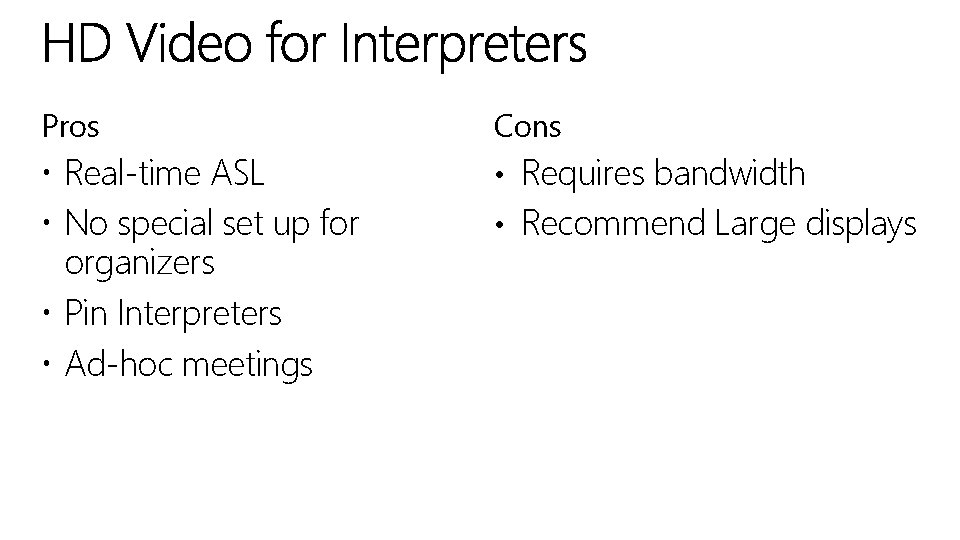
Pros Cons Real-time ASL No special set up for organizers Pin Interpreters Ad-hoc meetings • Requires bandwidth • Recommend Large displays
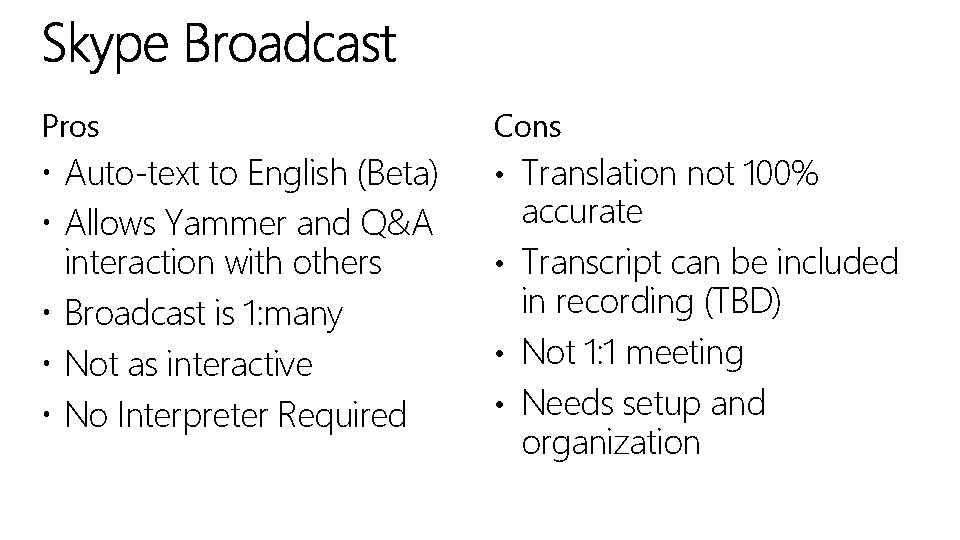
Pros Cons Auto-text to English (Beta) Allows Yammer and Q&A interaction with others Broadcast is 1: many Not as interactive No Interpreter Required • Translation not 100% accurate • Transcript can be included in recording (TBD) • Not 1: 1 meeting • Needs setup and organization
History Used in Live. Meeting Very hard to set-up Infrequently used Limited Real-estate

Other Approaches & Discussion

Feedback/Questions
e. DAD@microsoft. com https: //www. yammer. com/fedaccessibility/ Dean. H@microsoft. com
- Slides: 10