
Best Practices for Oracle Receivables Cathy Cakebread Consultant
Best Practices for Oracle Receivables Cathy Cakebread Consultant Nor. Cal OAUG Training Day 2010 Copyright © 2010 - Cathy Cakebread
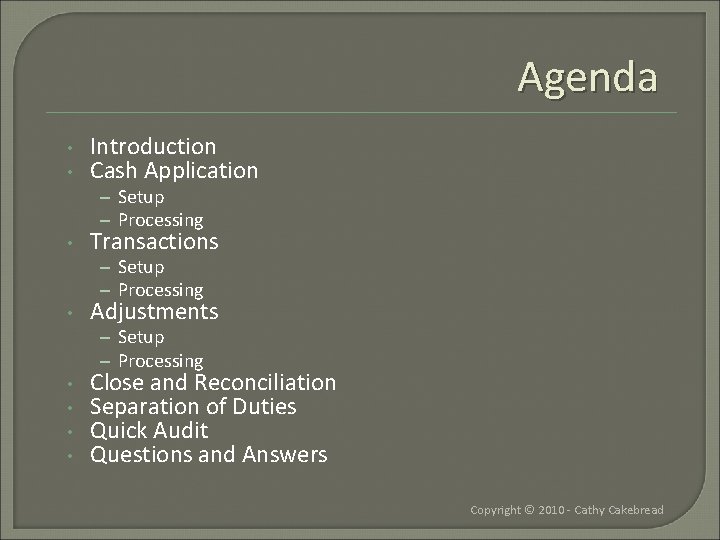
Agenda • • Introduction Cash Application – Setup – Processing • Transactions – Setup – Processing • Adjustments – Setup – Processing • • Close and Reconciliation Separation of Duties Quick Audit Questions and Answers Copyright © 2010 - Cathy Cakebread
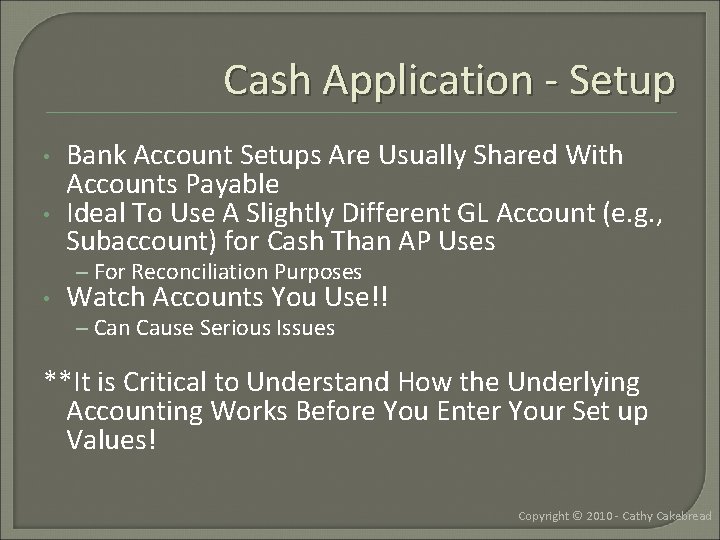
Cash Application - Setup • • Bank Account Setups Are Usually Shared With Accounts Payable Ideal To Use A Slightly Different GL Account (e. g. , Subaccount) for Cash Than AP Uses – For Reconciliation Purposes • Watch Accounts You Use!! – Can Cause Serious Issues **It is Critical to Understand How the Underlying Accounting Works Before You Enter Your Set up Values! Copyright © 2010 - Cathy Cakebread
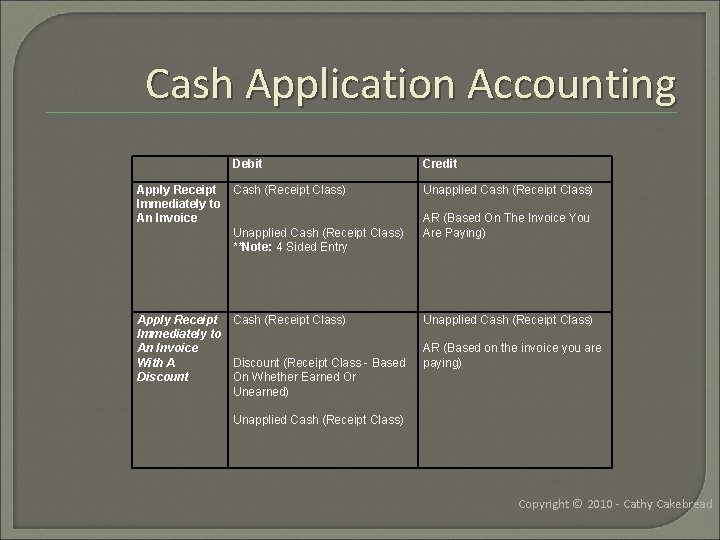
Cash Application Accounting Debit Credit Apply Receipt Cash (Receipt Class) Immediately to An Invoice Unapplied Cash (Receipt Class) **Note: 4 Sided Entry Unapplied Cash (Receipt Class) Apply Receipt Cash (Receipt Class) Immediately to An Invoice With A Discount (Receipt Class - Based Discount On Whether Earned Or Unearned) Unapplied Cash (Receipt Class) AR (Based On The Invoice You Are Paying) AR (Based on the invoice you are paying) Unapplied Cash (Receipt Class) Copyright © 2010 - Cathy Cakebread
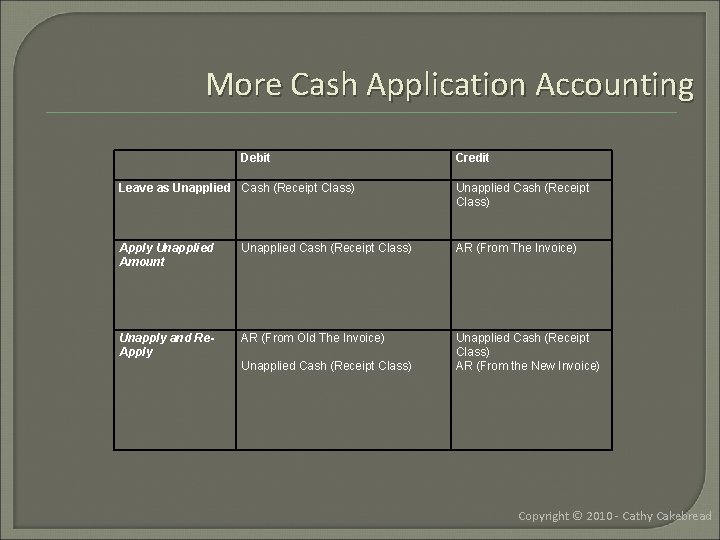
More Cash Application Accounting Debit Credit Leave as Unapplied Cash (Receipt Class) Apply Unapplied Amount Unapplied Cash (Receipt Class) AR (From The Invoice) Unapply and Re. Apply AR (From Old The Invoice) Unapplied Cash (Receipt Class) AR (From the New Invoice) Unapplied Cash (Receipt Class) Copyright © 2010 - Cathy Cakebread
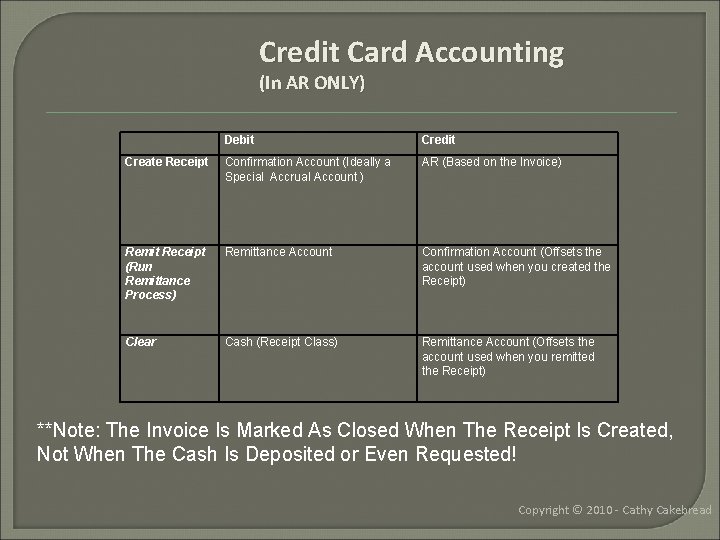
Credit Card Accounting (In AR ONLY) Debit Credit Create Receipt Confirmation Account (Ideally a Special Accrual Account ) AR (Based on the Invoice) Remit Receipt (Run Remittance Process) Remittance Account Confirmation Account (Offsets the account used when you created the Receipt) Clear Cash (Receipt Class) Remittance Account (Offsets the account used when you remitted the Receipt) **Note: The Invoice Is Marked As Closed When The Receipt Is Created, Not When The Cash Is Deposited or Even Requested! Copyright © 2010 - Cathy Cakebread
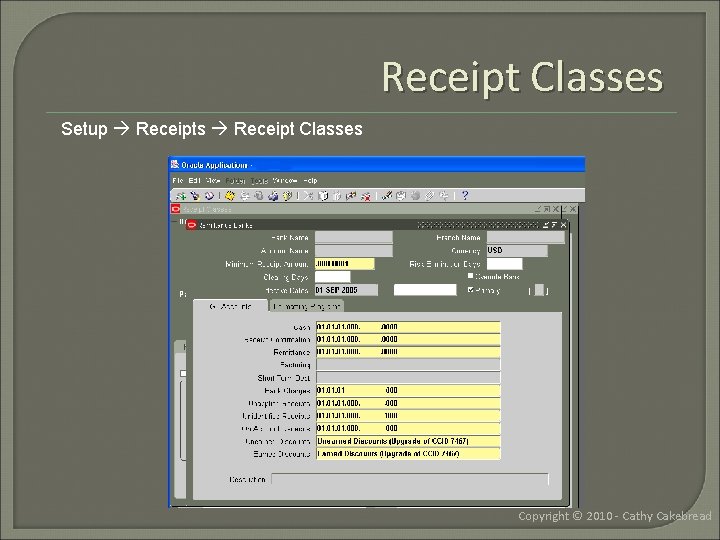
Receipt Classes Setup Receipts Receipt Classes Copyright © 2010 - Cathy Cakebread
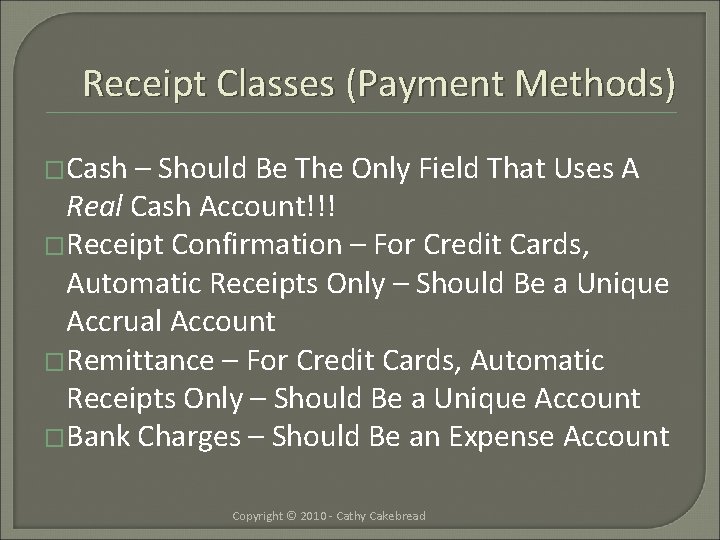
Receipt Classes (Payment Methods) �Cash – Should Be The Only Field That Uses A Real Cash Account!!! �Receipt Confirmation – For Credit Cards, Automatic Receipts Only – Should Be a Unique Accrual Account �Remittance – For Credit Cards, Automatic Receipts Only – Should Be a Unique Account �Bank Charges – Should Be an Expense Account Copyright © 2010 - Cathy Cakebread
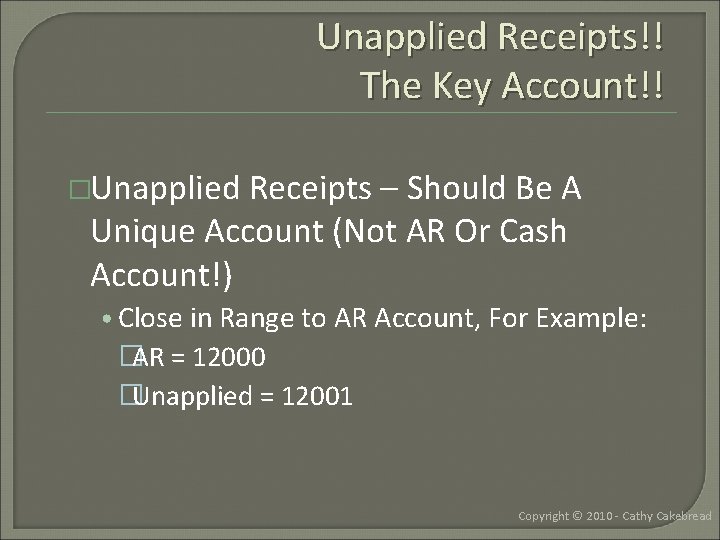
Unapplied Receipts!! The Key Account!! �Unapplied Receipts – Should Be A Unique Account (Not AR Or Cash Account!) • Close in Range to AR Account, For Example: �AR = 12000 �Unapplied = 12001 Copyright © 2010 - Cathy Cakebread
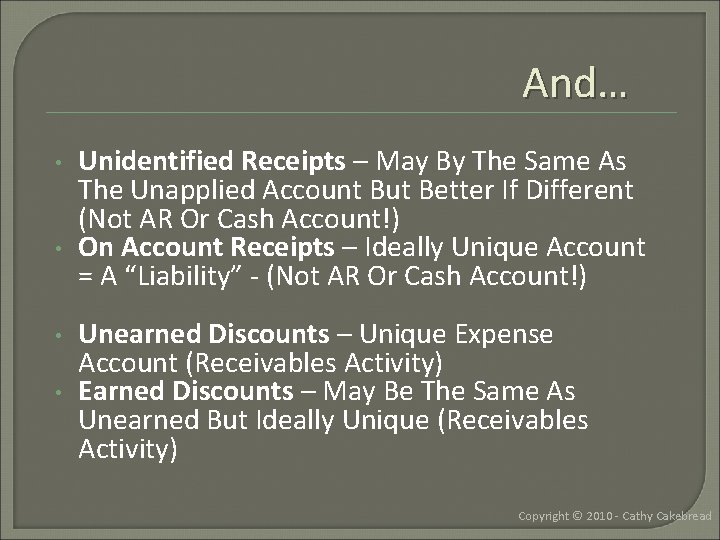
And… • • Unidentified Receipts – May By The Same As The Unapplied Account But Better If Different (Not AR Or Cash Account!) On Account Receipts – Ideally Unique Account = A “Liability” - (Not AR Or Cash Account!) Unearned Discounts – Unique Expense Account (Receivables Activity) Earned Discounts – May Be The Same As Unearned But Ideally Unique (Receivables Activity) Copyright © 2010 - Cathy Cakebread
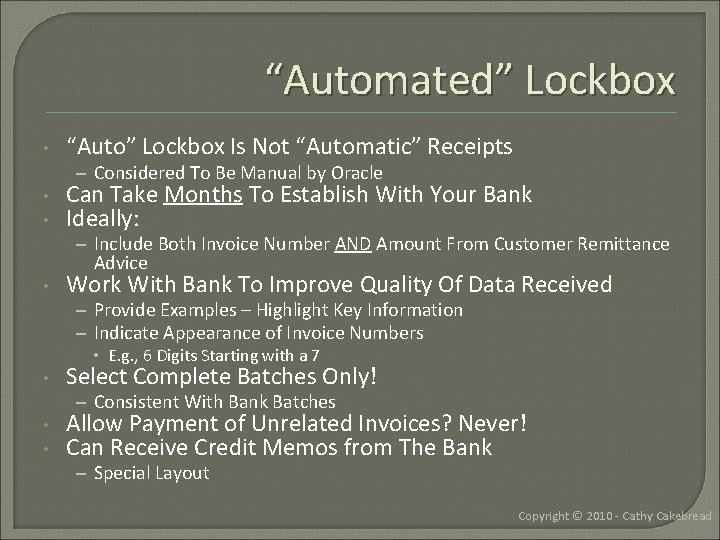
“Automated” Lockbox • “Auto” Lockbox Is Not “Automatic” Receipts – Considered To Be Manual by Oracle • • Can Take Months To Establish With Your Bank Ideally: – Include Both Invoice Number AND Amount From Customer Remittance Advice • Work With Bank To Improve Quality Of Data Received – Provide Examples – Highlight Key Information – Indicate Appearance of Invoice Numbers • E. g. , 6 Digits Starting with a 7 • Select Complete Batches Only! – Consistent With Bank Batches • • Allow Payment of Unrelated Invoices? Never! Can Receive Credit Memos from The Bank – Special Layout Copyright © 2010 - Cathy Cakebread
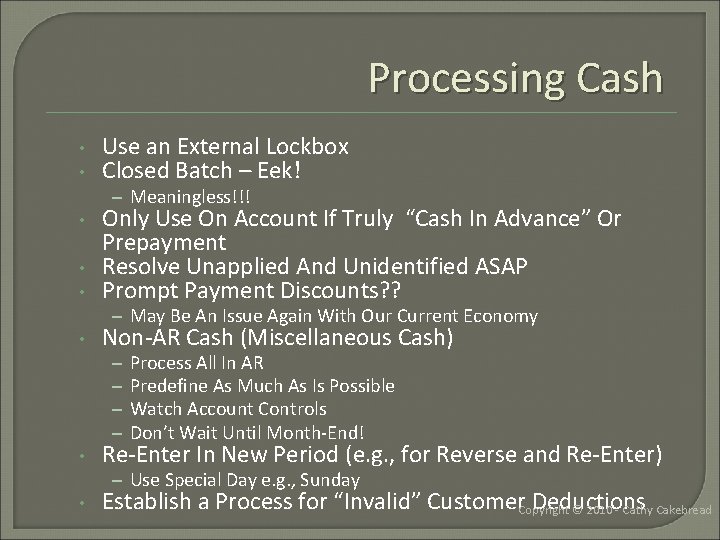
Processing Cash • • Use an External Lockbox Closed Batch – Eek! – Meaningless!!! • • • Only Use On Account If Truly “Cash In Advance” Or Prepayment Resolve Unapplied And Unidentified ASAP Prompt Payment Discounts? ? – May Be An Issue Again With Our Current Economy • Non-AR Cash (Miscellaneous Cash) – – • Process All In AR Predefine As Much As Is Possible Watch Account Controls Don’t Wait Until Month-End! Re-Enter In New Period (e. g. , for Reverse and Re-Enter) – Use Special Day e. g. , Sunday • Establish a Process for “Invalid” Customer Deductions Copyright © 2010 - Cathy Cakebread
And… • Utilize Standard Naming Conventions – Batch Names – Lockbox and Manual • Deposit Date – Bank – 06092009 -boa • Or Bank – Deposit Date • Reverse Receipts: – Debit Memo Vs. Re-Open Invoice • Debit Memo Rewards Them For Bouncing A Check • Establish Controls for Cash Received In House – Real Cash – Checks Copyright © 2010 - Cathy Cakebread
Credit Card Processing Always Protect Customer Credit Card Numbers! • – Only Show First 4 or Last 4 Digits * Auto Schedule Processes – Available In 11. 5. 10+ • – Process in a Timely Manner Quickly Resolve Items Stuck In Confirm And Remit Status • – If Not Remitted, You Have Not Yet Requested the Money! Fix Issues in Oracle – Not an Outside Application! Use Cash Management To Clear Using Actual Bank Data - If Possible • • Monitor Pre-Authorize and Re-Auth Time Frame in OM Verify That All Transactions Were Actually Passed from the Service Provider e. g. , Paymen. Tech Copyright © 2010 - Cathy Cakebread
Chargebacks • Option 1: Utilize Standard Functionality – Close Invoice – Create “Chargeback” for Balance Due – Assumes One Invoice Only – Rare! • Reality – Multiple Deductions – Not Tied to Specific Invoice • Option 2: Manual Process – One Credit Memo – Total of Deductions – Multiple Debit Memos – One Per Deduction – Wash Re: Accounting and Customer Balance • Option 3: Trade Management – Automated Solution – If Purchased and Installed Copyright © 2010 - Cathy Cakebread
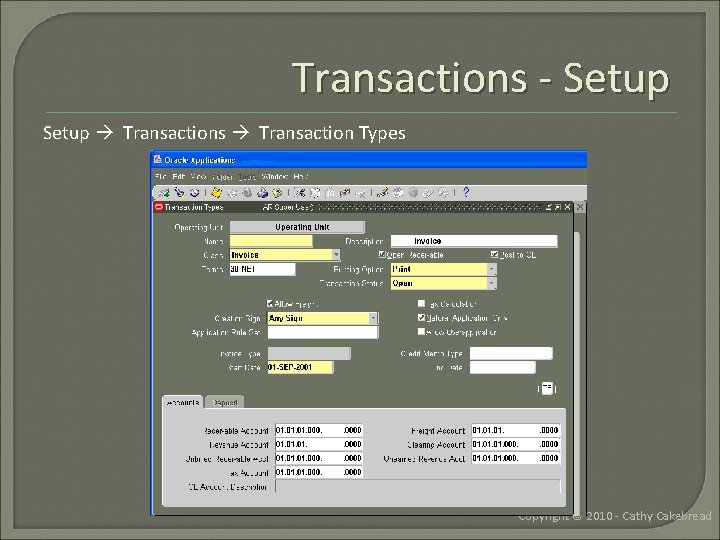
Transactions - Setup Transactions Transaction Types Copyright © 2010 - Cathy Cakebread
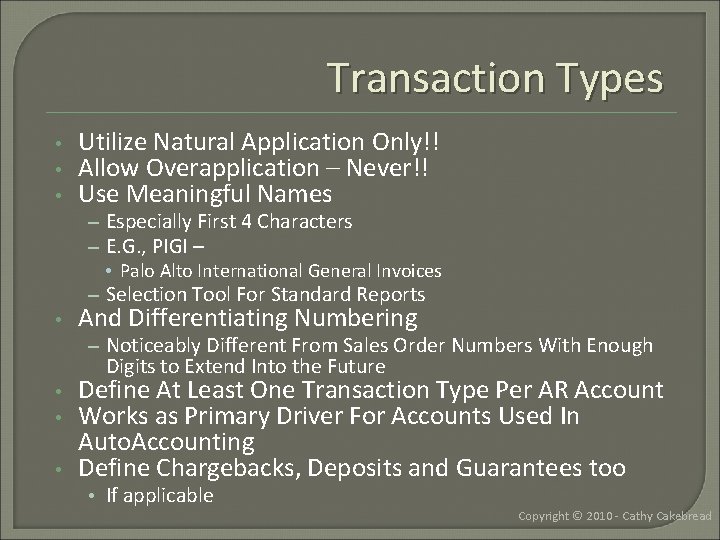
Transaction Types • • • Utilize Natural Application Only!! Allow Overapplication – Never!! Use Meaningful Names – Especially First 4 Characters – E. G. , PIGI – • Palo Alto International General Invoices – Selection Tool For Standard Reports • And Differentiating Numbering – Noticeably Different From Sales Order Numbers With Enough Digits to Extend Into the Future • • • Define At Least One Transaction Type Per AR Account Works as Primary Driver For Accounts Used In Auto. Accounting Define Chargebacks, Deposits and Guarantees too • If applicable Copyright © 2010 - Cathy Cakebread
Auto. Accounting �Assigns Values to Your Accounting Flexfield Segments Based on Values in Other Setups • Includes Chargebacks, Deposits, Guarantees �Use Special Accounts? �No Hard Coded Values!! �Define Items • Key Source of Revenue Account Values • Work with Inventory Folks �Typical Example: Copyright © 2010 - Cathy Cakebread
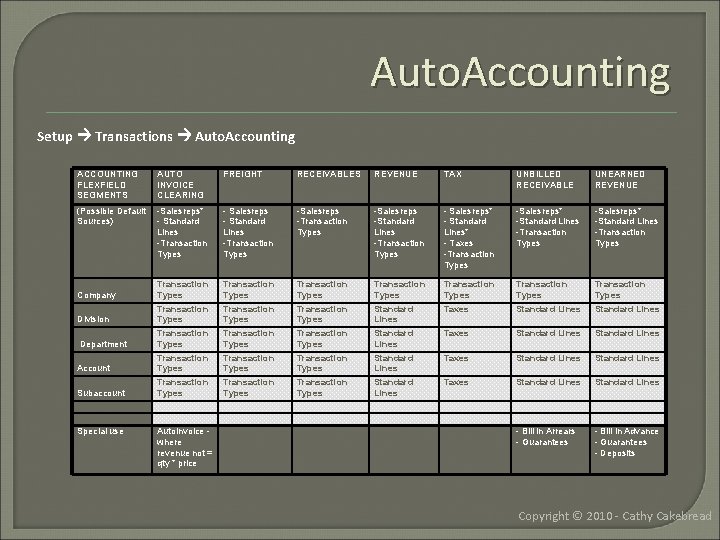
Auto. Accounting Setup Transactions Auto. Accounting ACCOUNTING FLEXFIELD SEGMENTS AUTO INVOICE CLEARING FREIGHT RECEIVABLES REVENUE TAX UNBILLED RECEIVABLE UNEARNED REVENUE (Possible Default Sources) -Salesreps* - Standard Lines -Transaction Types - Salesreps - Standard Lines -Transaction Types -Salesreps -Standard Lines -Transaction Types - Salesreps* - Standard Lines* - Taxes -Transaction Types -Salesreps* -Standard Lines -Transaction Types Company Transaction Types Transaction Types Transaction Types Standard Lines Taxes Standard Lines Division Transaction Types Standard Lines Taxes Standard Lines Department Transaction Types Standard Lines Taxes Standard Lines Account Transaction Types Standard Lines Taxes Standard Lines Subaccount - Bill in Arrears - Guarantees - Bill in Advance - Guarantees - Deposits Special use Auto. Invoice where revenue not = qty * price Copyright © 2010 - Cathy Cakebread
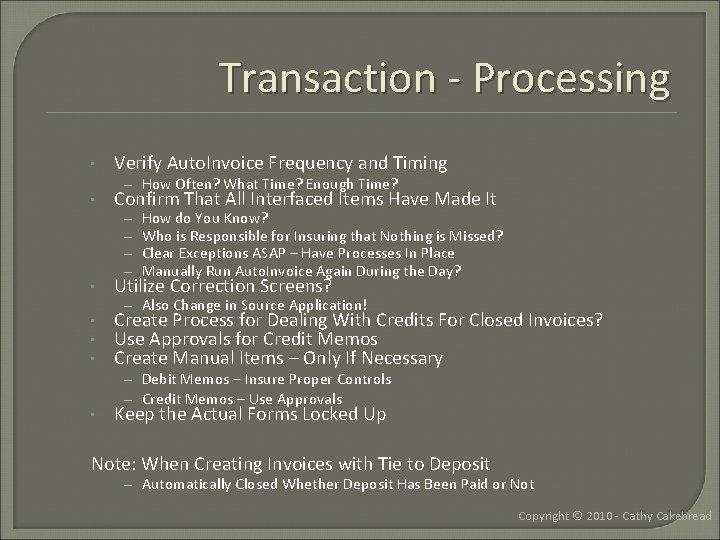
Transaction - Processing • • Verify Auto. Invoice Frequency and Timing – How Often? What Time? Enough Time? Confirm That All Interfaced Items Have Made It – – How do You Know? Who is Responsible for Insuring that Nothing is Missed? Clear Exceptions ASAP – Have Processes In Place Manually Run Auto. Invoice Again During the Day? • Utilize Correction Screens? • • • Create Process for Dealing With Credits For Closed Invoices? Use Approvals for Credit Memos Create Manual Items – Only If Necessary • – Also Change in Source Application! – Debit Memos – Insure Proper Controls – Credit Memos – Use Approvals Keep the Actual Forms Locked Up Note: When Creating Invoices with Tie to Deposit – Automatically Closed Whether Deposit Has Been Paid or Not Copyright © 2010 - Cathy Cakebread
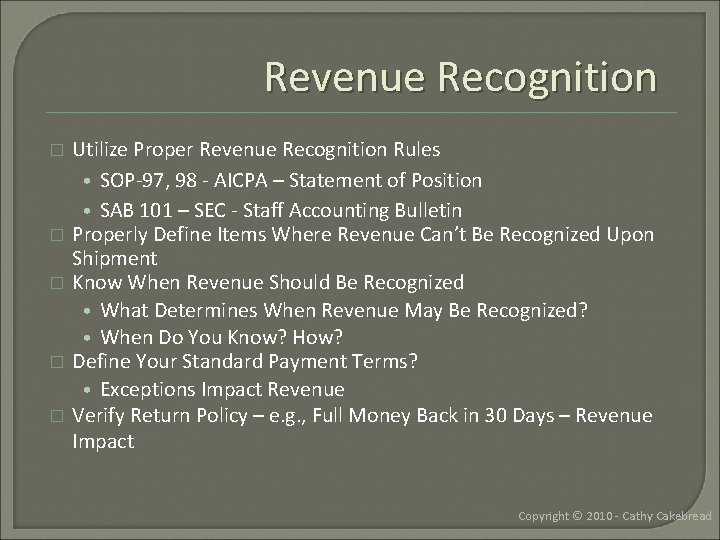
Revenue Recognition � � � Utilize Proper Revenue Recognition Rules • SOP-97, 98 - AICPA – Statement of Position • SAB 101 – SEC - Staff Accounting Bulletin Properly Define Items Where Revenue Can’t Be Recognized Upon Shipment Know When Revenue Should Be Recognized • What Determines When Revenue May Be Recognized? • When Do You Know? How? Define Your Standard Payment Terms? • Exceptions Impact Revenue Verify Return Policy – e. g. , Full Money Back in 30 Days – Revenue Impact Copyright © 2010 - Cathy Cakebread
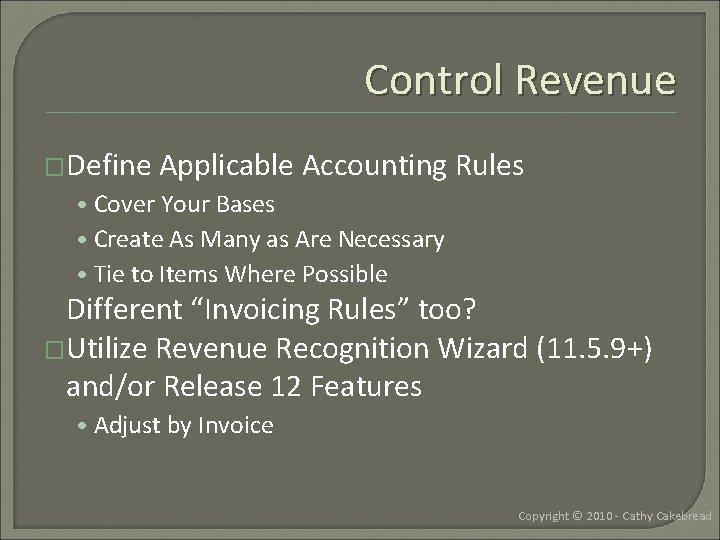
Control Revenue �Define Applicable Accounting Rules • Cover Your Bases • Create As Many as Are Necessary • Tie to Items Where Possible Different “Invoicing Rules” too? �Utilize Revenue Recognition Wizard (11. 5. 9+) and/or Release 12 Features • Adjust by Invoice Copyright © 2010 - Cathy Cakebread
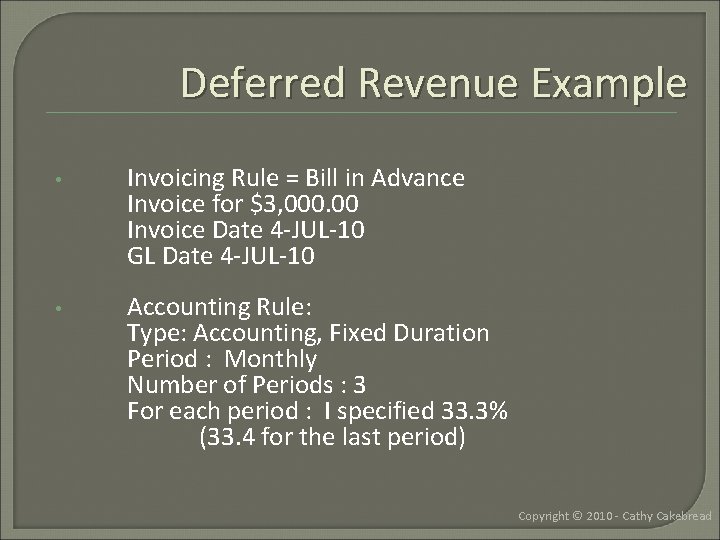
Deferred Revenue Example • Invoicing Rule = Bill in Advance Invoice for $3, 000. 00 Invoice Date 4 -JUL-10 GL Date 4 -JUL-10 • Accounting Rule: Type: Accounting, Fixed Duration Period : Monthly Number of Periods : 3 For each period : I specified 33. 3% (33. 4 for the last period) Copyright © 2010 - Cathy Cakebread
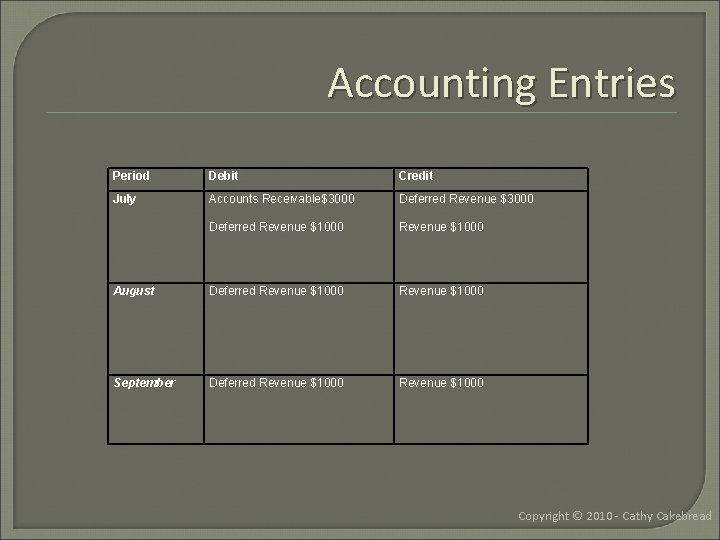
Accounting Entries Period Debit Credit July Accounts Receivable$3000 Deferred Revenue $1000 August Deferred Revenue $1000 September Deferred Revenue $1000 Copyright © 2010 - Cathy Cakebread
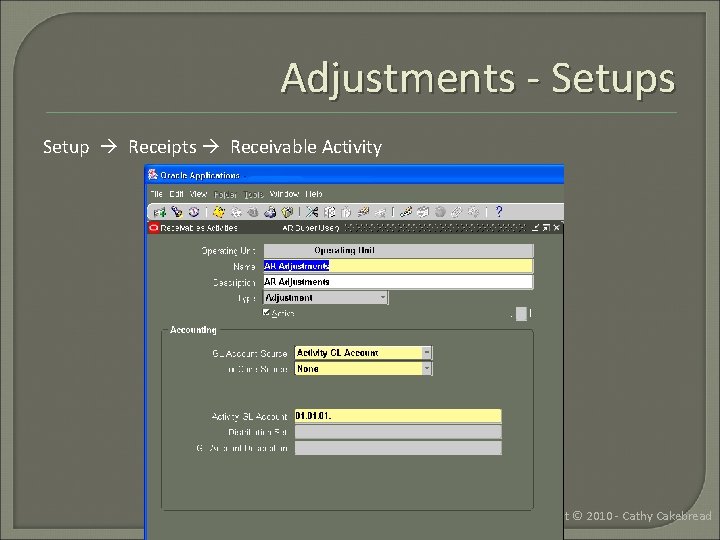
Adjustments - Setups Setup Receipts Receivable Activity Copyright © 2010 - Cathy Cakebread
Adjustments – Setup/Process • Define Proper GL Accounts – Should Never Be Your AR Account • Already Offset Automatically • Adjust – Select Proper Type • Invoice, Line, Tax, Freight, Charges – Can be Negative or Positive • “Un-Adjust” – Use Same Accounts As Used With Original Adjustment • Use Limits and Approvals! – Save After Each Line • • • Check for Lots of Small Adjustments on Single Invoice Potential Serious Issues Using Auto. Adjustments Write-Off Over Payments? • Unclaimed Property Issues Copyright © 2010 - Cathy Cakebread
Period Close Process • • • Pre-Process As Much As You Can – Accept or Reject Unapproved Adjustments – Complete or Delete Incomplete Transactions – Process All Auto. Invoice Activity • Clear Exceptions – Process all Auto. Lockbox Activity • Clear Exceptions – Interface Data to the General Ledger • More Often Than Just at Month-End? – Run Revenue Recognition Process – Enter Miscellaneous Cash – Apply Unapplied Cash Stick to a Close Schedule – Bank Deposits – Shipments – Inter-Company Activity – Miscellaneous Cash – Interfaces from Other Applications Utilize a Close Checklist Copyright © 2010 - Cathy Cakebread
Month-End Reconciliation • Run Journal Entries Report!! – Summary By Category – High Level Verification – Detail by Category – Find Items With Issues • Reconcile – AR To Aging – Aging and Journal Entries Report To GL Activity • Insure Only AR Uses “AR Accounts” • Verify That No Manual Journal Entries!! • • Insure Proper Controls Are in Place Create Month-End Packet – Retain as Needed Copyright © 2010 - Cathy Cakebread
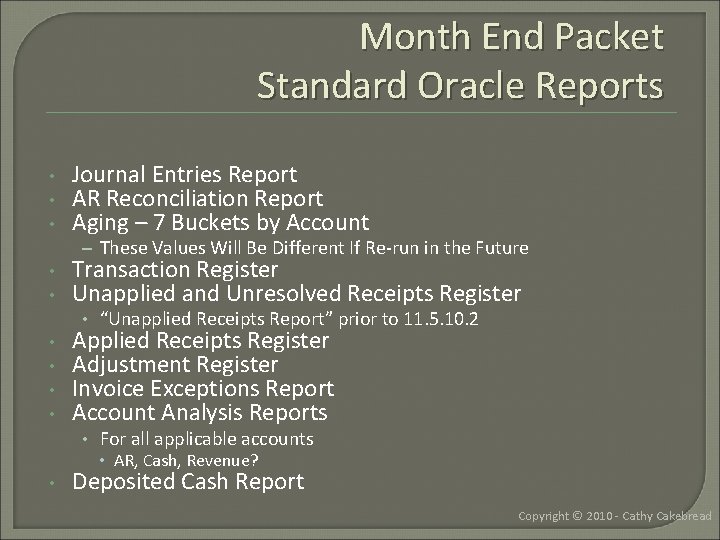
Month End Packet Standard Oracle Reports • • • Journal Entries Report AR Reconciliation Report Aging – 7 Buckets by Account – These Values Will Be Different If Re-run in the Future • • Transaction Register Unapplied and Unresolved Receipts Register • “Unapplied Receipts Report” prior to 11. 5. 10. 2 • • Applied Receipts Register Adjustment Register Invoice Exceptions Report Account Analysis Reports • For all applicable accounts • AR, Cash, Revenue? • Deposited Cash Report Copyright © 2010 - Cathy Cakebread
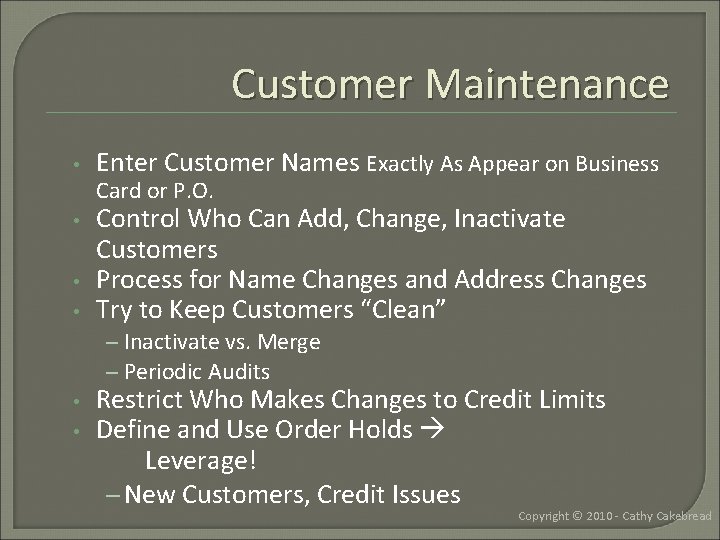
Customer Maintenance • Enter Customer Names Exactly As Appear on Business • Control Who Can Add, Change, Inactivate Customers Process for Name Changes and Address Changes Try to Keep Customers “Clean” • • Card or P. O. – Inactivate vs. Merge – Periodic Audits • • Restrict Who Makes Changes to Credit Limits Define and Use Order Holds Leverage! – New Customers, Credit Issues Copyright © 2010 - Cathy Cakebread
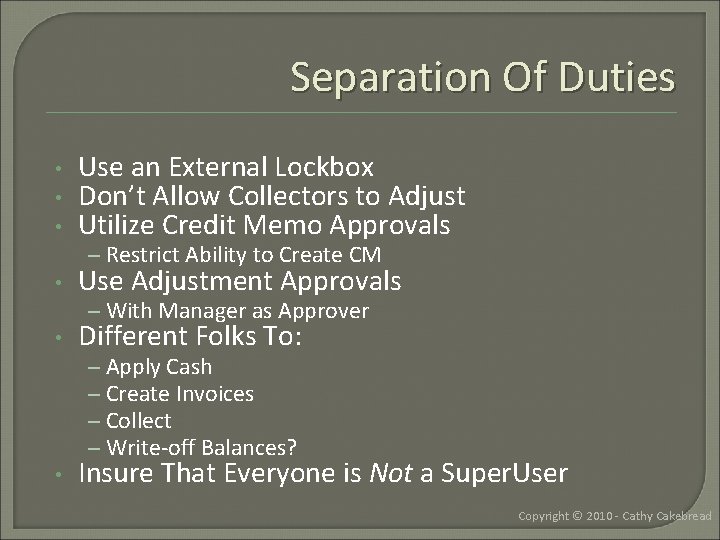
Separation Of Duties • • • Use an External Lockbox Don’t Allow Collectors to Adjust Utilize Credit Memo Approvals – Restrict Ability to Create CM • Use Adjustment Approvals – With Manager as Approver • Different Folks To: – Apply Cash – Create Invoices – Collect – Write-off Balances? • Insure That Everyone is Not a Super. User Copyright © 2010 - Cathy Cakebread
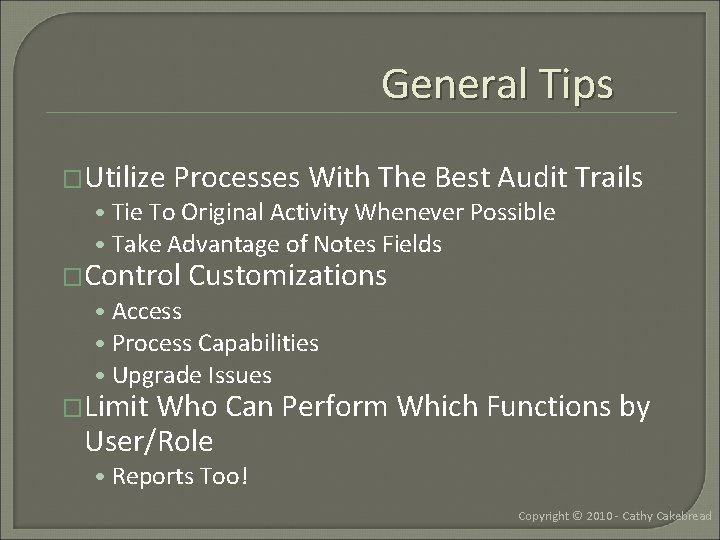
General Tips �Utilize Processes With The Best Audit Trails • Tie To Original Activity Whenever Possible • Take Advantage of Notes Fields �Control Customizations • Access • Process Capabilities • Upgrade Issues �Limit Who Can Perform Which Functions by User/Role • Reports Too! Copyright © 2010 - Cathy Cakebread
Quick Audit �Perform a Setup Audit – Check For Inappropriate Use of Accounts • Run Journal Entries Report – Summary by Category �Check Account Usage �Check Setup Values • Receipt Classes • Transaction Types • Receivable Applications (Adjustments, Misc Cash…) • Approval Limits Copyright © 2010 - Cathy Cakebread
Related Papers Available • Related Papers Available on www. cathycakebread. com • The website has older versions of these papers, email me for more current versions – Sarbanes Oxley and Oracle Receivables – Closing and Reconciling AR - A Step-by-Step Process – Processing Customer Deductions (Very Old But The Concepts Are The Same) – Unlocking the Secrets to Lockbox – Accounting for Oracle Receivables Copyright © 2010 - Cathy Cakebread
Cathy Cakebread Consultant www. cathycakebread. com cathyc@cathycakebread. com (650) 610 -9130 AR List Server ar-list@yahoogroups. com Copyright © 2010 - Cathy Cakebread
- Slides: 35