
Best practice for drafting GS 1 standards Tips
Best practice for drafting GS 1 standards Tips and tricks for standards writers David Buckley, GS 1 Global Office 9 Jul 2020
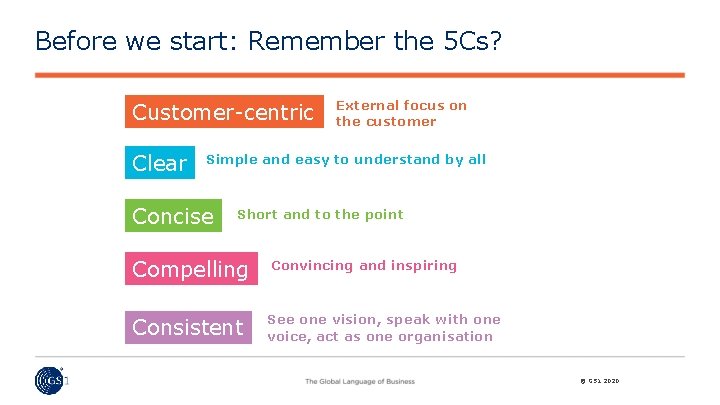
Before we start: Remember the 5 Cs? Customer-centric Clear External focus on the customer Simple and easy to understand by all Concise Short and to the point Compelling Convincing and inspiring Consistent See one vision, speak with one voice, act as one organisation © GS 1 2020
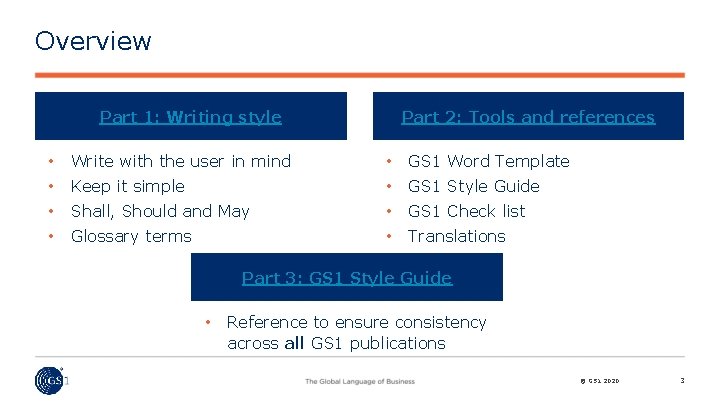
Overview Part 1: Writing style Part 2: Tools and references • Write with the user in mind • GS 1 Word Template • Keep it simple • GS 1 Style Guide • Shall, Should and May • GS 1 Check list • Glossary terms • Translations Part 3: GS 1 Style Guide • Reference to ensure consistency across all GS 1 publications © GS 1 2020 3
Part 1: Writing style © GS 1 2020 4
Always write with the user in mind Using plain simple (not simplistic) language: • Aim to be clearly understood: • • Be clear and concise Ensure concepts are clearly explained One concept per sentence Use the same term for the same concept (avoid synonyms) Keep documents as short as possible Keeping wording clear and simple removes ambiguity, speeds deployment and helps reach consensus. Remember: your work might be translated. © GS 1 2020 5
Keep it simple Be clear about the concept you need to document: • Imagine yourself as the reader Read what you have written out loud to yourself Keep your sentences short: • Leave out unnecessary words Say it once and say it well • Avoid parenthesis (really!) and, especially, too (or is that “to”) many commas within one, or possibly two, sentence(s) Use everyday language: • Avoid excessive use of abbreviations • If used, spell out each abbreviation in full when it first appears © GS 1 2020 6
Shall, Should and May These terms have very specific meaning within GS 1 standards • SHALL means that all conforming implementations must do what the statement says, otherwise the implementation is not conforming. No deviation is permitted. • SHOULD means that among several possibilities one is recommended as particularly suitable for a conforming implementation, without mentioning or excluding others. In other words, a conforming implementation is expected to do what the statement says, but might not if there is a good reason not to. It is similar to a MAY statement, but carries a stronger expectation that an implementation will usually do what the statement says. • MAY (or CAN) means that a conformation implementation is allowed to do what the statement says, but it is not required to for conformance. © GS 1 2020 7

GS 1 Glossary terms www. gs 1. org/glossary Use terminology consistenty Definition of definition: • “a statement of the exact meaning of a word. ” Create new definitions only when common understanding is: • essential for complex, difficult or very specific concepts required for conformance clauses or normative statements A GS 1 glossary definition is only required when the term pertains to a GS 1 specific concept used within a specific standard: • Do not redefine common terms found in a dictionary • Leverage for other sources for definitions www. iso. org, www. w 3 c. org, etc. © GS 1 2020 8
Five basic tips for good writing 1. Plan ahead of time 2. Think first of the audience 3. Know where you are going 4. Make it easy to read 5. When it’s finished…start again Click here for more details © GS 1 2020 9
Reference material Leverage GS 1 Exchange (password protected) to provide links to: • Stephanie’s presentation • Jim Lafferty - How to Write & Present Issue sheets • Brussels Consulting Group – How to better write for GS 1 • Eric De. Croix – Memo writing • Other © GS 1 2020 10
Part 2: Tools and references © GS 1 2020 11
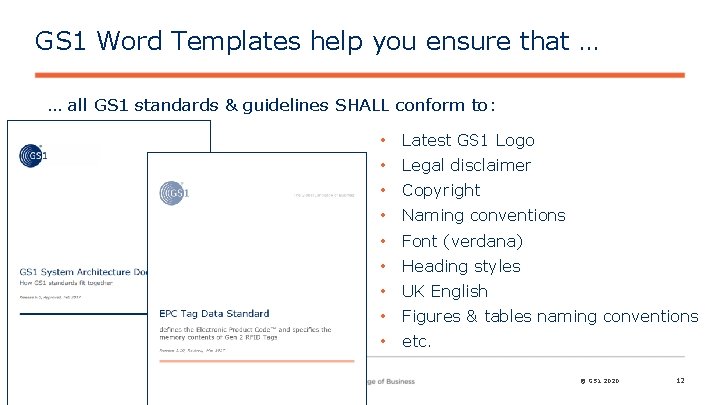
GS 1 Word Templates help you ensure that … … all GS 1 standards & guidelines SHALL conform to: • Latest GS 1 Logo • Legal disclaimer • Copyright • Naming conventions • Font (verdana) • Heading styles • UK English • Figures & tables naming conventions • etc. © GS 1 2020 12
Are you developing a standard or guideline? Full definition in the GS 1 System Architecture • A GS 1 standard is a specification that defines the behaviour of one or more system components. . Standards contain normative statements, which specify what a system component must be or do in order to be in conformance …; a standard is written in such a way that conformance to the normative statements is a sufficient condition for a system component to achieve the interoperability. . . • A GS 1 guideline is a document that provides information considered useful in implementing one or more GS 1 standards. A GS 1 guideline never provides additional normative content beyond the standards to which it refers; … © GS 1 2020 13
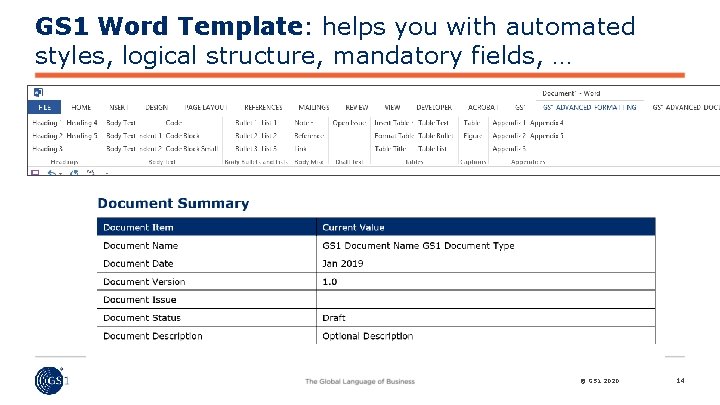
GS 1 Word Template: helps you with automated styles, logical structure, mandatory fields, … © GS 1 2020 14

Learn to love GS 1 Document Properties Automates updates and helps provide Search Engine Optimisation • Document Name & Type • Release Number & Date • Document Status: Draft Community Review Draft Ratified Optional Description: • Short summary on cover page © GS 1 2020 15
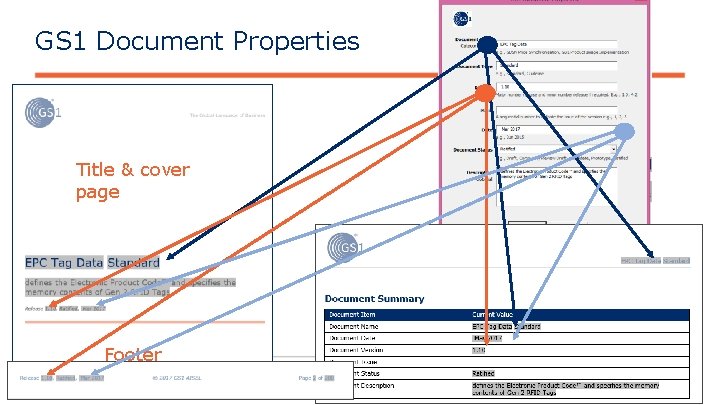
GS 1 Document Properties Title & cover page Footer © GS 1 2020 16
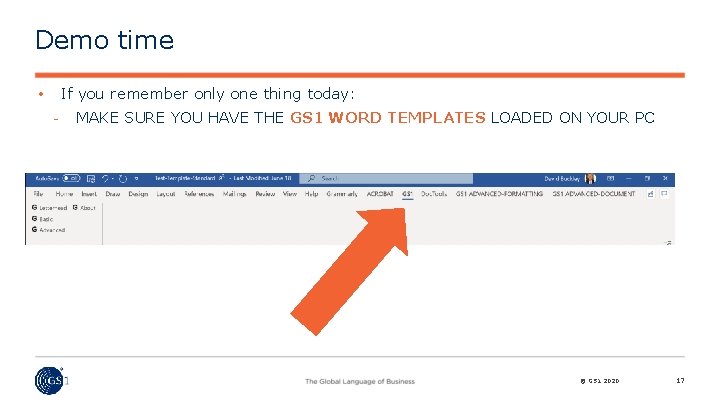
Demo time If you remember only one thing today: • MAKE SURE YOU HAVE THE GS 1 WORD TEMPLATES LOADED ON YOUR PC © GS 1 2020 17
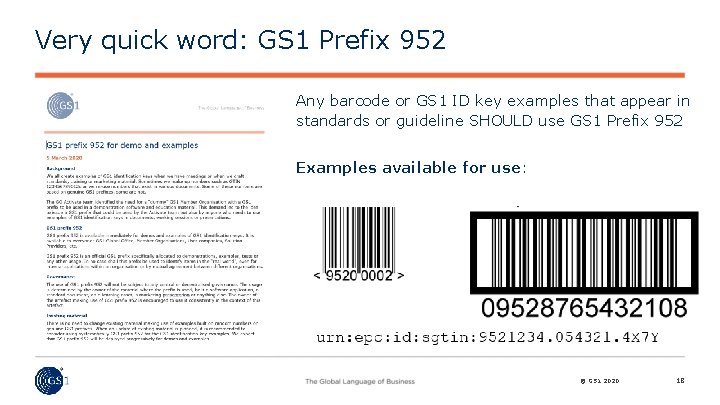
Very quick word: GS 1 Prefix 952 Any barcode or GS 1 ID key examples that appear in standards or guideline SHOULD use GS 1 Prefix 952 Examples available for use: © GS 1 2020 18
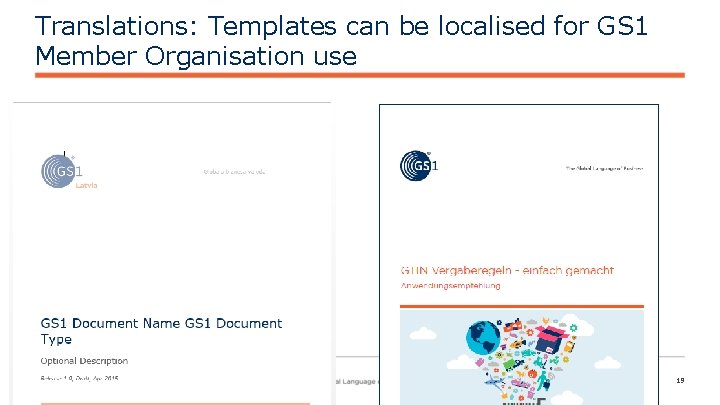
Translations: Templates can be localised for GS 1 Member Organisation use © GS 1 2020 19
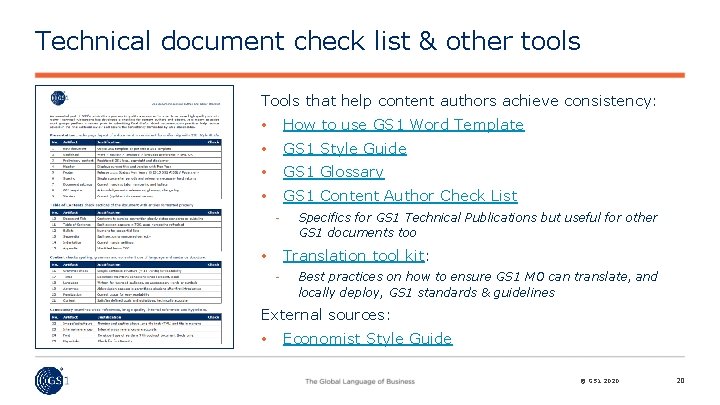
Technical document check list & other tools Tools that help content authors achieve consistency: • How to use GS 1 Word Template • GS 1 Style Guide • GS 1 Glossary • GS 1 Content Author Check List Specifics for GS 1 Technical Publications but useful for other GS 1 documents too Translation tool kit: • Best practices on how to ensure GS 1 MO can translate, and locally deploy, GS 1 standards & guidelines External sources: • Economist Style Guide © GS 1 2020 20
Contact information David Buckley Technical Publications and Standards Development GS 1 Global Office Blue Tower, Avenue Louise 326, bte 10 B-1050 Brussels, Belgium + 32 27 88 78 42 M + 32 47 36 333 64 David. Buckley@gs 1. org © GS 1 2020 21
Five basic tips for good writing 1. Plan ahead of time 2. Think first of the audience 3. Know where you are going 4. Make it easy to read 5. When it’s finished…start again © GS 1 2020 22
1. Plan well ahead of time • Good writing often requires work and time • Remember that transpiration can often be a valid substitute for lack of inspiration • Allow time and get organised for review, feedback, editing… © GS 1 2020 23
2. Think first of the audience • Who is the main target audience? • What do they need to have documented? • What is already known about the topic? • What are the key factors they need to know? • What are the areas of contention or potential confusion? Always respect your audience’s time! © GS 1 2020 24
3. Know where you are going Begin with an outline to: • • Organise the logic flow of your thinking Ensure that all required facts are available Don’t reinvent the wheel: • • • Use the GS 1 templates for a logical structure Look for good documents on similar topics Reference, don’t repeat, normative information available elsewhere © GS 1 2020 25
4. Make it easy for the reader Layout inviting to read: • Give the document a title to position it for the reader • Keep paragraphs short. If long, try to break it into two or more short ones Use Upper and lower cases. • AVOID CAPITALS WHICH ARE LESS EASY TO READ Consistent spacing between lines, and paragraphs: • Fully automated in the GS 1 templates White spaces make it easier to read © GS 1 2020 26
5. When it’s finished, start again • Ask for a second opinion: Have a colleague read through The joy of editing: • Read the document out loud – is it easy to read? • • • Is it complete, yet concise? Is there duplication, can anything be cut? Are all the facts accurate? © GS 1 2020 27
3) GS 1 Style Guide © GS 1 2020 28
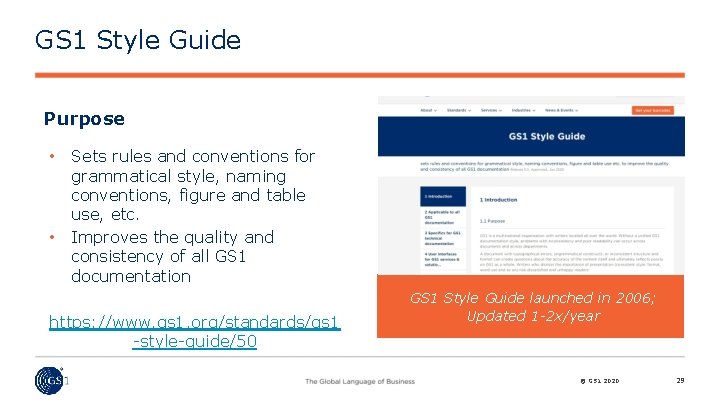
GS 1 Style Guide Purpose • • Sets rules and conventions for grammatical style, naming conventions, figure and table use, etc. Improves the quality and consistency of all GS 1 documentation https: //www. gs 1. org/standards/gs 1 -style-guide/50 GS 1 Style Guide launched in 2006; Updated 1 -2 x/year © GS 1 2020 29
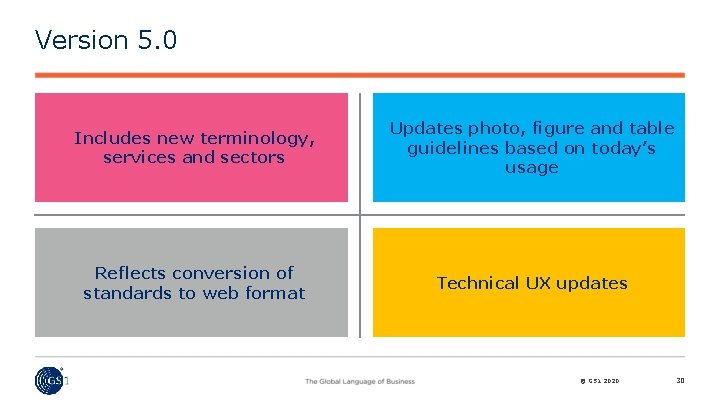
Version 5. 0 Includes new terminology, services and sectors Updates photo, figure and table guidelines based on today’s usage Reflects conversion of standards to web format Technical UX updates © GS 1 2020 30
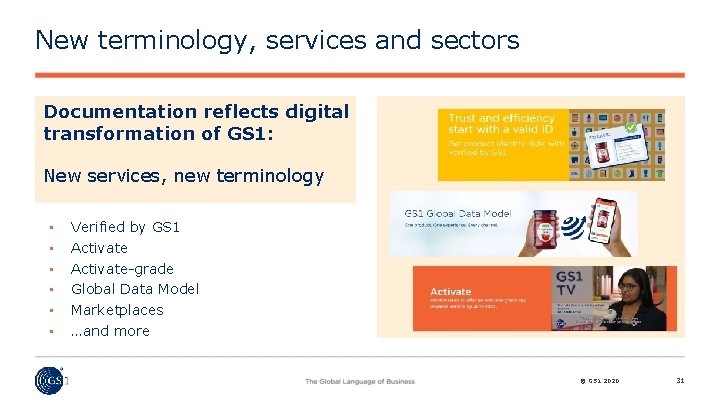
New terminology, services and sectors Documentation reflects digital transformation of GS 1: New services, new terminology • • • Verified by GS 1 Activate-grade Global Data Model Marketplaces …and more © GS 1 2020 31
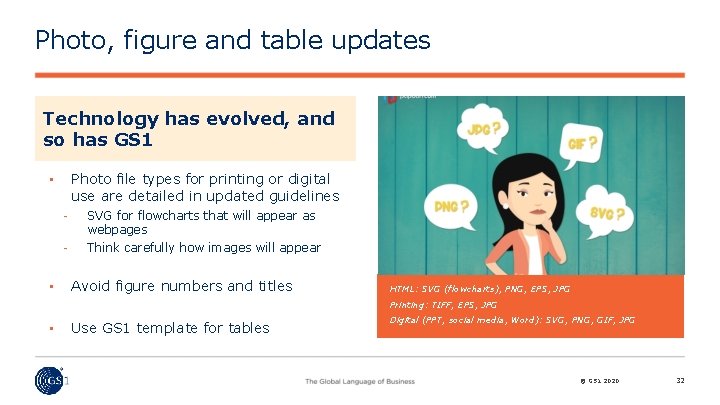
Photo, figure and table updates Technology has evolved, and so has GS 1 Photo file types for printing or digital use are detailed in updated guidelines • • SVG for flowcharts that will appear as webpages Think carefully how images will appear Avoid figure numbers and titles HTML: SVG (flowcharts), PNG, EPS, JPG Printing: TIFF, EPS, JPG • Use GS 1 template for tables Digital (PPT, social media, Word): SVG, PNG, GIF, JPG © GS 1 2020 32
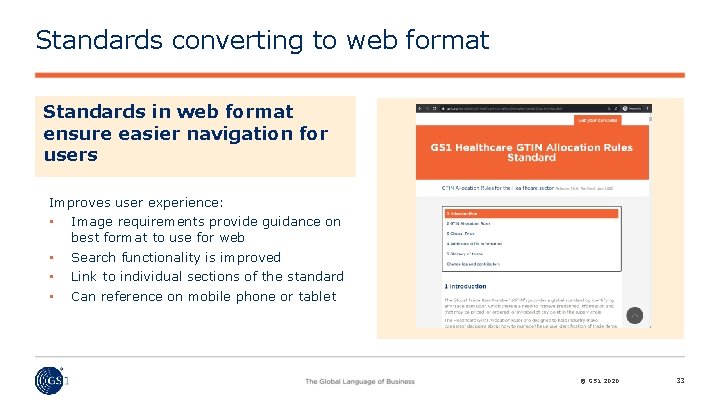
Standards converting to web format Standards in web format ensure easier navigation for users Improves user experience: • Image requirements provide guidance on best format to use for web • • • Search functionality is improved Link to individual sections of the standard Can reference on mobile phone or tablet © GS 1 2020 33
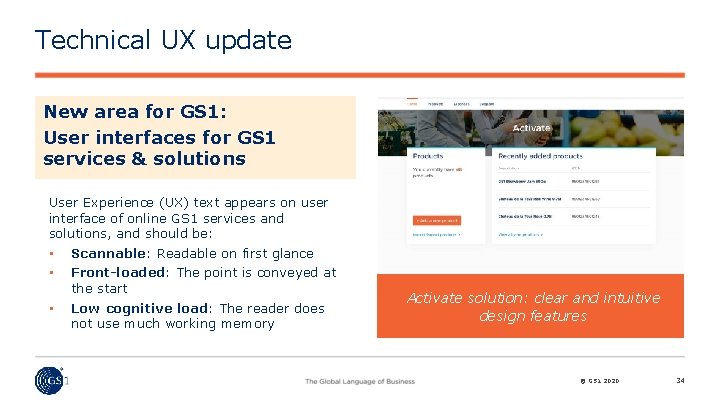
Technical UX update New area for GS 1: User interfaces for GS 1 services & solutions User Experience (UX) text appears on user interface of online GS 1 services and solutions, and should be: • • Scannable: Readable on first glance • Low cognitive load: The reader does not use much working memory Front-loaded: The point is conveyed at the start Activate solution: clear and intuitive design features © GS 1 2020 34
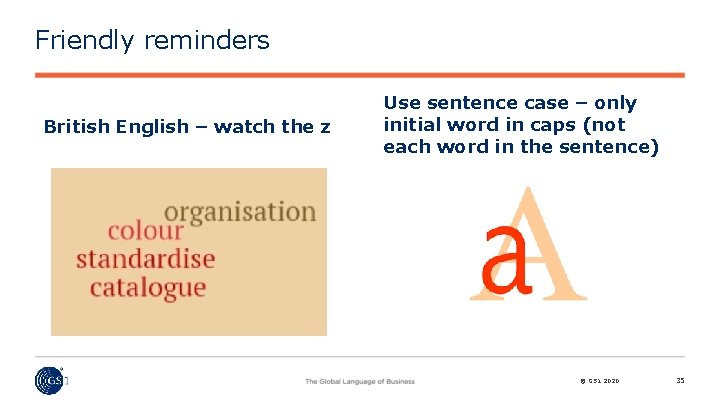
Friendly reminders British English – watch the z Use sentence case – only initial word in caps (not each word in the sentence) © GS 1 2020 35
- Slides: 35