
BESIII Offline Software Development Environment Development environment Configuration
BESIII Offline Software Development Environment * Development environment * Configuration & management tool * Software development in BOSS Ma qiumei 2004. 5. 26 12 th BES Annual Meeting
Part I : Development environment v History of BESIII offline software system v BOSS package structure v Development environment 12 th BES Annual Meeting 2
History of BESIII offline software system q Besfv 1 : The original version based on belle q Besfv 2 : Improving with babar, gaudi … q Besfv 3 : New building tools—CMT added q BOSSv 1. 0. 0 : The testing version based on Gaudi q BOSSv 2. 0. 0 : The current version 12 th BES Annual Meeting 3
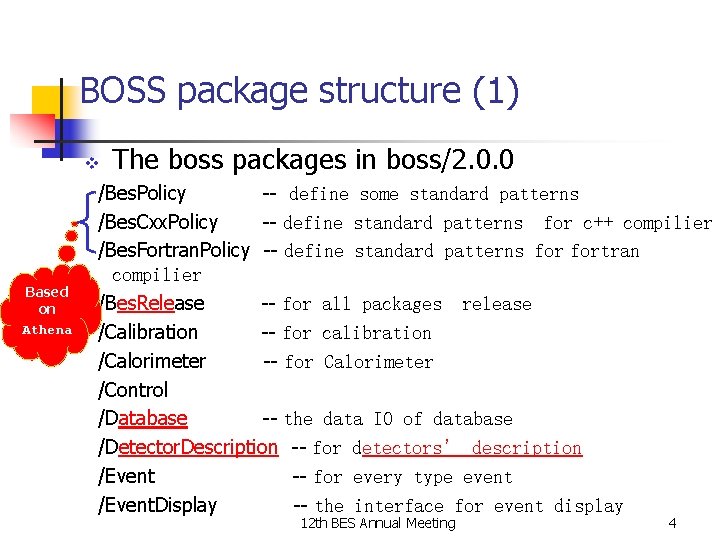
BOSS package structure (1) v Based on Athena The boss packages in boss/2. 0. 0 /Bes. Policy -- define some standard patterns /Bes. Cxx. Policy -- define standard patterns for c++ compilier /Bes. Fortran. Policy -- define standard patterns fortran compilier /Bes. Release -- for all packages release /Calibration -- for calibration /Calorimeter -- for Calorimeter /Control /Database -- the data IO of database /Detector. Description -- for detectors’ description /Event -- for every type event /Event. Display -- the interface for event display 12 th BES Annual Meeting 4
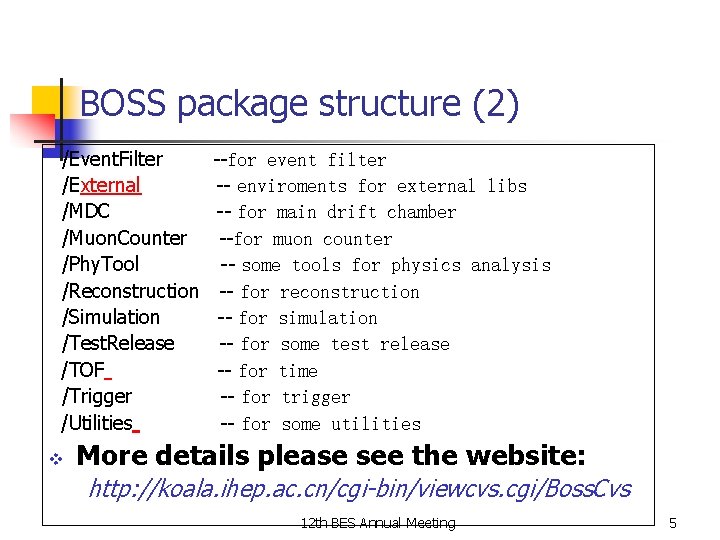
BOSS package structure (2) /Event. Filter /External /MDC /Muon. Counter /Phy. Tool /Reconstruction /Simulation /Test. Release /TOF /Trigger /Utilities v --for event filter -- enviroments for external libs -- for main drift chamber --for muon counter -- some tools for physics analysis -- for reconstruction -- for simulation -- for some test release -- for time -- for trigger -- for some utilities More details please see the website: http: //koala. ihep. ac. cn/cgi-bin/viewcvs. cgi/Boss. Cvs 12 th BES Annual Meeting 5
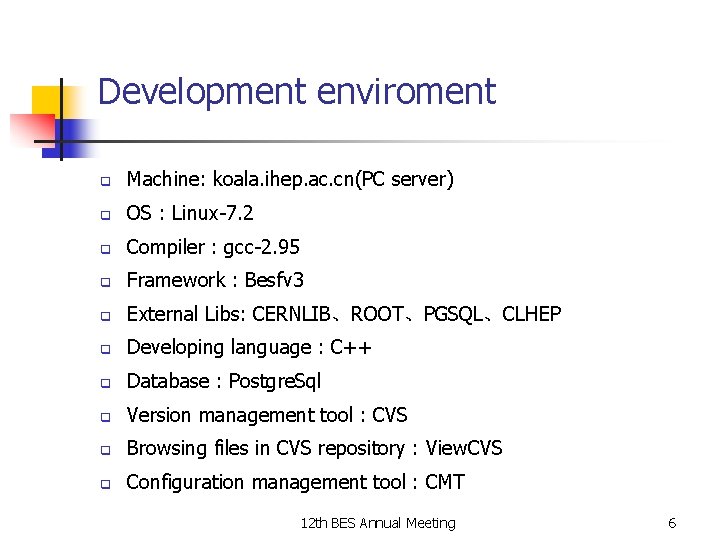
Development enviroment q Machine: koala. ihep. ac. cn(PC server) q OS : Linux-7. 2 q Compiler : gcc-2. 95 q Framework : Besfv 3 q External Libs: CERNLIB、ROOT、PGSQL、CLHEP q Developing language : C++ q Database : Postgre. Sql q Version management tool : CVS q Browsing files in CVS repository : View. CVS q Configuration management tool : CMT 12 th BES Annual Meeting 6
Part II: Configuration & management tool v Brief introduction of CMT v Types of package v Brief introduction of requirements v Useful variables and commands 12 th BES Annual Meeting 7
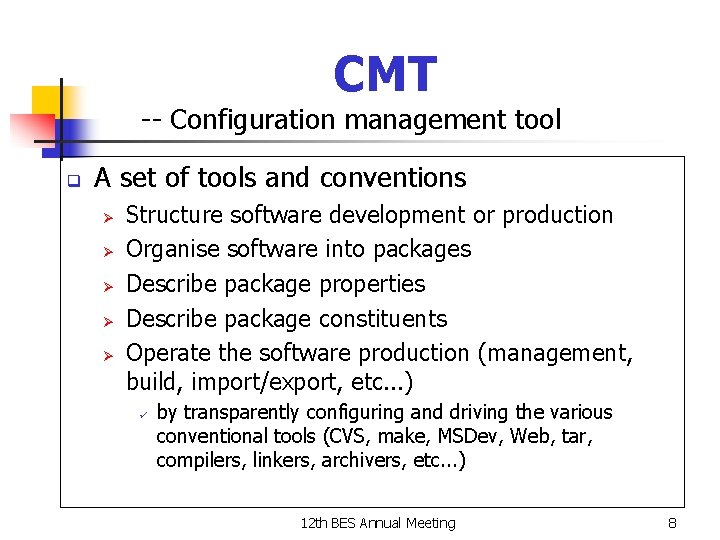
CMT -- Configuration management tool q A set of tools and conventions Ø Ø Ø Structure software development or production Organise software into packages Describe package properties Describe package constituents Operate the software production (management, build, import/export, etc. . . ) ü by transparently configuring and driving the various conventional tools (CVS, make, MSDev, Web, tar, compilers, linkers, archivers, etc. . . ) 12 th BES Annual Meeting 8
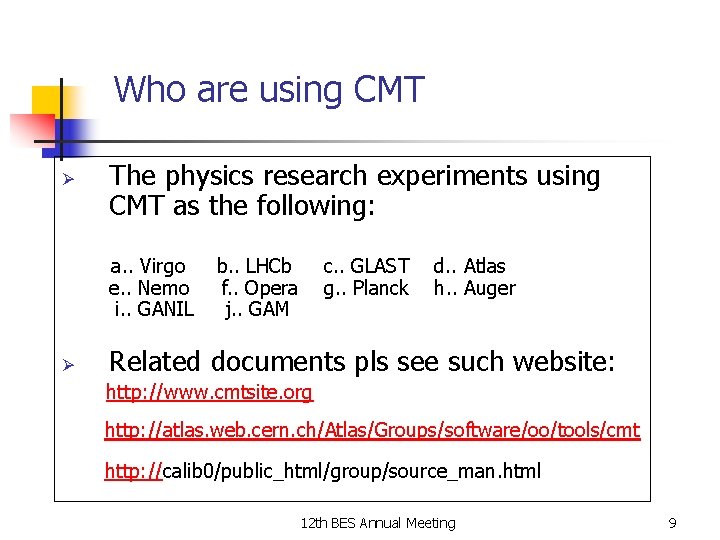
Who are using CMT Ø The physics research experiments using CMT as the following: a. . Virgo e. . Nemo i. . GANIL Ø b. . LHCb f. . Opera j. . GAM c. . GLAST g. . Planck d. . Atlas h. . Auger Related documents pls see such website: http: //www. cmtsite. org http: //atlas. web. cern. ch/Atlas/Groups/software/oo/tools/cmt http: //calib 0/public_html/group/source_man. html 12 th BES Annual Meeting 9
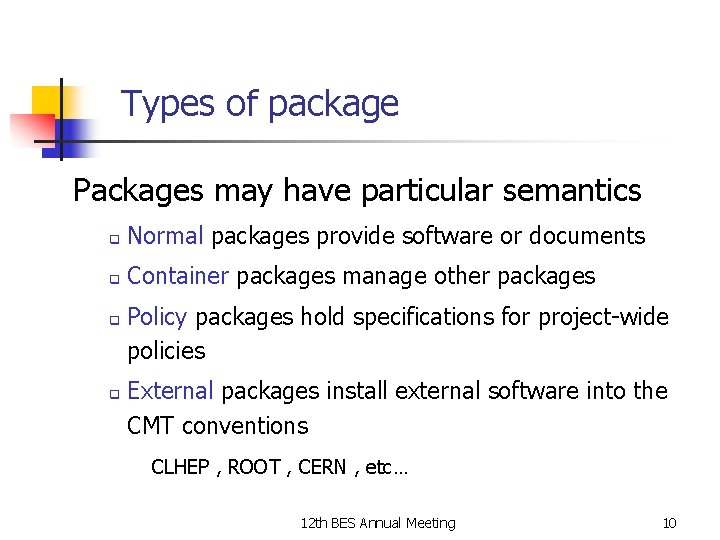
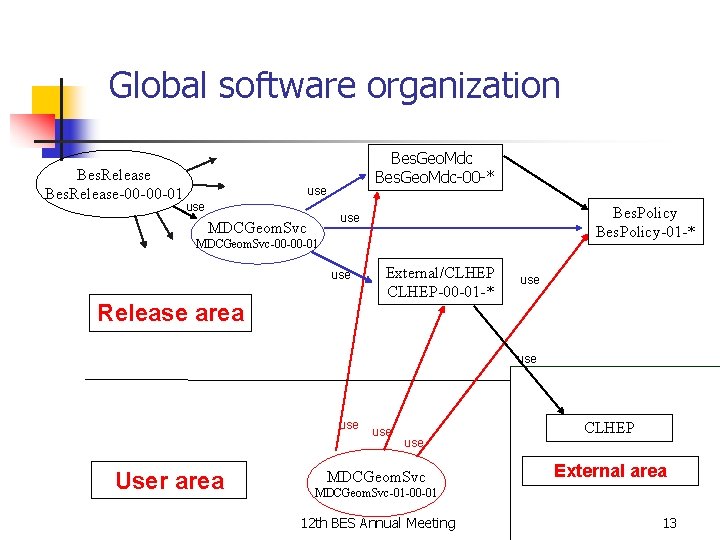
Types of package Packages may have particular semantics q Normal packages provide software or documents q Container packages manage other packages q q Policy packages hold specifications for project-wide policies External packages install external software into the CMT conventions CLHEP , ROOT , CERN , etc… 12 th BES Annual Meeting 10
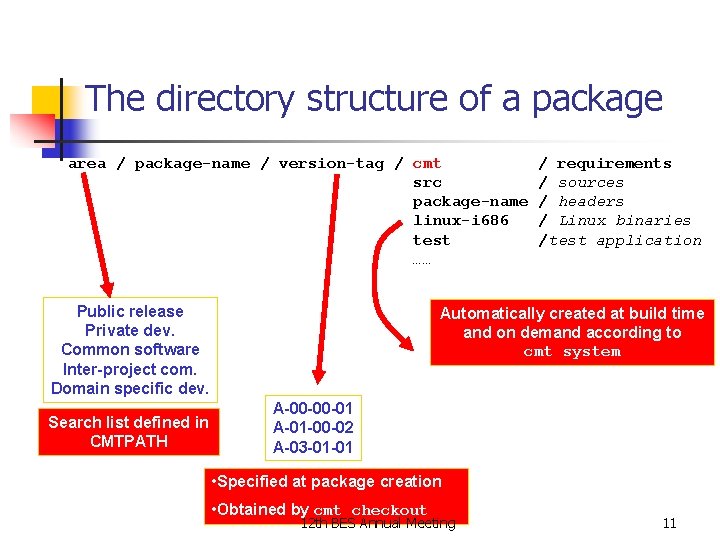
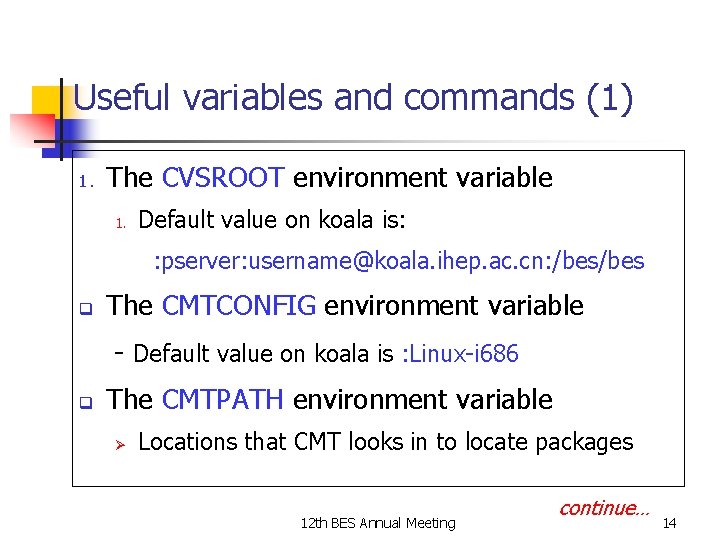
The directory structure of a package area / package-name / version-tag / cmt src package-name linux-i 686 test …… Public release Private dev. Common software Inter-project com. Domain specific dev. Search list defined in CMTPATH / requirements / sources / headers / Linux binaries /test application Automatically created at build time and on demand according to cmt system A-00 -00 -01 A-01 -00 -02 A-03 -01 -01 • Specified at package creation • Obtained by cmt checkout 12 th BES Annual Meeting 11
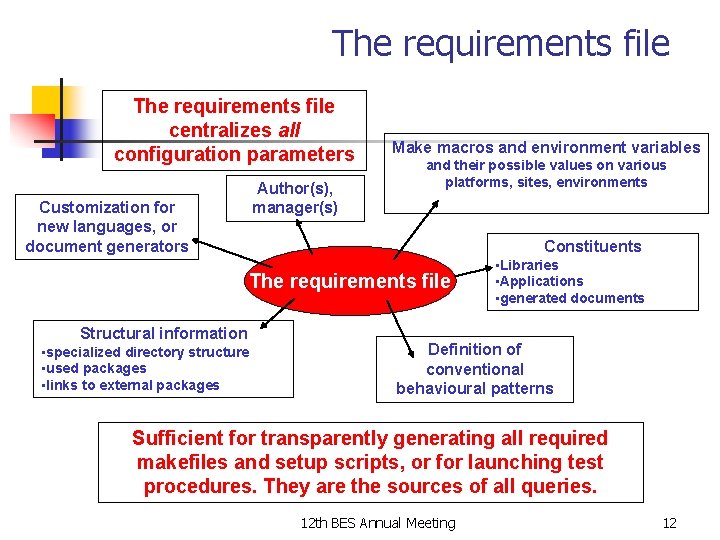
The requirements file centralizes all configuration parameters Author(s), manager(s) Customization for new languages, or document generators Make macros and environment variables and their possible values on various platforms, sites, environments Constituents The requirements file Structural information • specialized directory structure • used packages • links to external packages • Libraries • Applications • generated documents Definition of conventional behavioural patterns Sufficient for transparently generating all required makefiles and setup scripts, or for launching test procedures. They are the sources of all queries. 12 th BES Annual Meeting 12
Global software organization Bes. Release-00 -00 -01 Bes. Geo. Mdc-00 -* use Bes. Policy-01 -* use MDCGeom. Svc-00 -00 -01 use Release area External/CLHEP-00 -01 -* use use User area use MDCGeom. Svc CLHEP External area MDCGeom. Svc-01 -00 -01 12 th BES Annual Meeting 13
Useful variables and commands (1) 1. The CVSROOT environment variable 1. Default value on koala is: : pserver: username@koala. ihep. ac. cn: /bes q The CMTCONFIG environment variable - Default value on koala is : Linux-i 686 q The CMTPATH environment variable Ø Locations that CMT looks in to locate packages 12 th BES Annual Meeting continue… 14
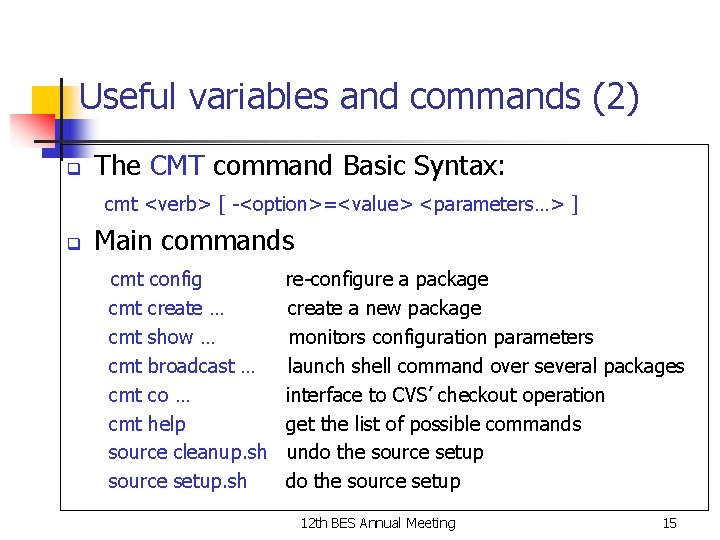
Useful variables and commands (2) q The CMT command Basic Syntax: cmt <verb> [ -<option>=<value> <parameters…> ] q Main commands cmt config cmt create … cmt show … cmt broadcast … cmt co … cmt help source cleanup. sh source setup. sh re-configure a package create a new package monitors configuration parameters launch shell command over several packages interface to CVS’ checkout operation get the list of possible commands undo the source setup 12 th BES Annual Meeting 15
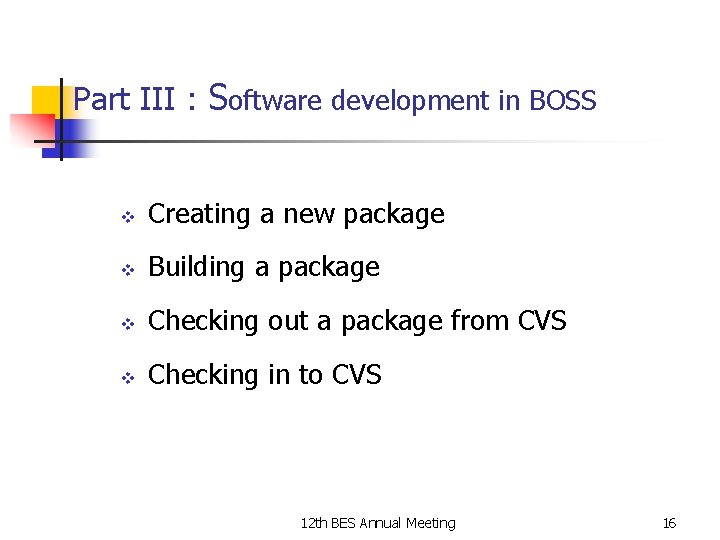
Part III : Software development in BOSS v Creating a new package v Building a package v Checking out a package from CVS v Checking in to CVS 12 th BES Annual Meeting 16
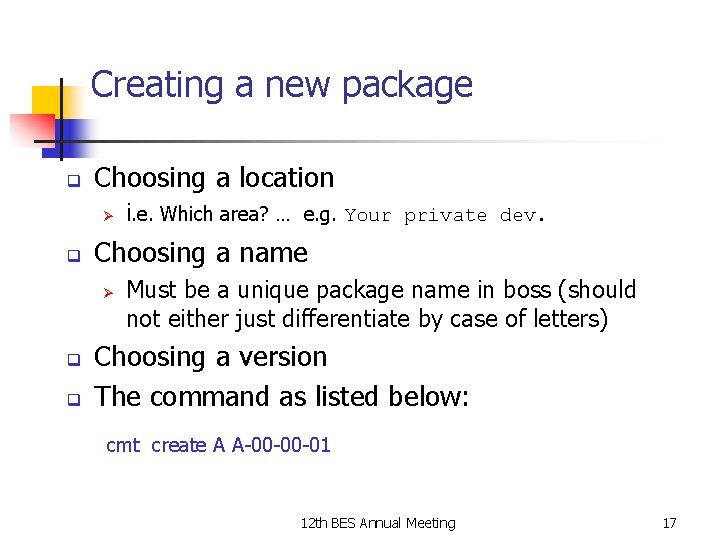
Creating a new package q Choosing a location Ø q Choosing a name Ø q q i. e. Which area? … e. g. Your private dev. Must be a unique package name in boss (should not either just differentiate by case of letters) Choosing a version The command as listed below: cmt create A A-00 -00 -01 12 th BES Annual Meeting 17
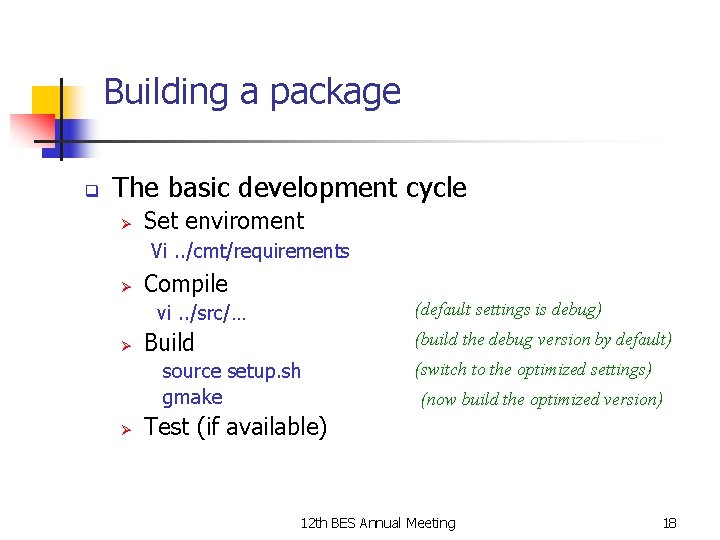
Building a package q The basic development cycle Ø Set enviroment Vi. . /cmt/requirements Ø Compile (default settings is debug) vi. . /src/… Ø Build (build the debug version by default) source setup. sh gmake Ø (switch to the optimized settings) (now build the optimized version) Test (if available) 12 th BES Annual Meeting 18
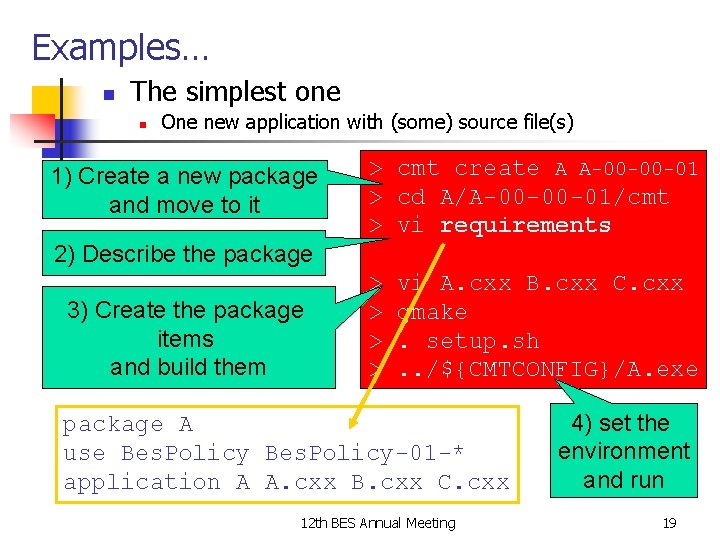
Examples… n The simplest one n One new application with (some) source file(s) 1) Create a new package and move to it > cmt create A A-00 -00 -01 > cd A/A-00 -00 -01/cmt > vi requirements 2) Describe the package 3) Create the package items and build them > > vi A. cxx B. cxx C. cxx gmake. setup. sh. . /${CMTCONFIG}/A. exe package A use Bes. Policy-01 -* application A A. cxx B. cxx C. cxx 12 th BES Annual Meeting 4) set the environment and run 19
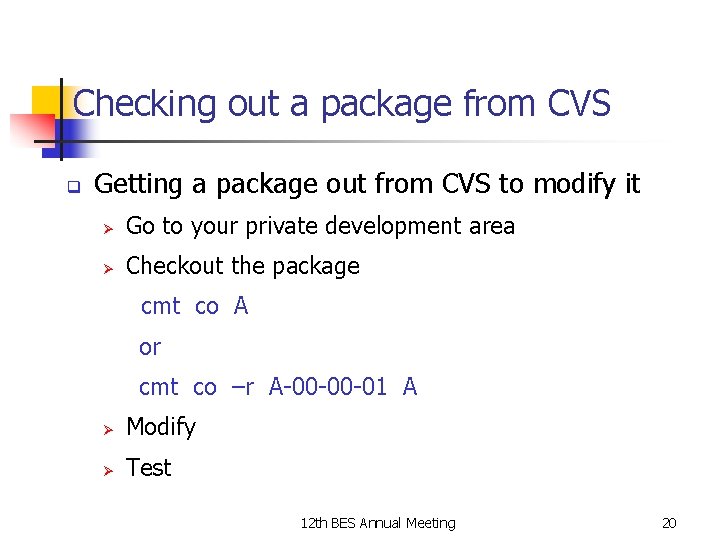
Checking out a package from CVS q Getting a package out from CVS to modify it Ø Go to your private development area Ø Checkout the package cmt co A or cmt co –r A-00 -00 -01 A Ø Modify Ø Test 12 th BES Annual Meeting 20
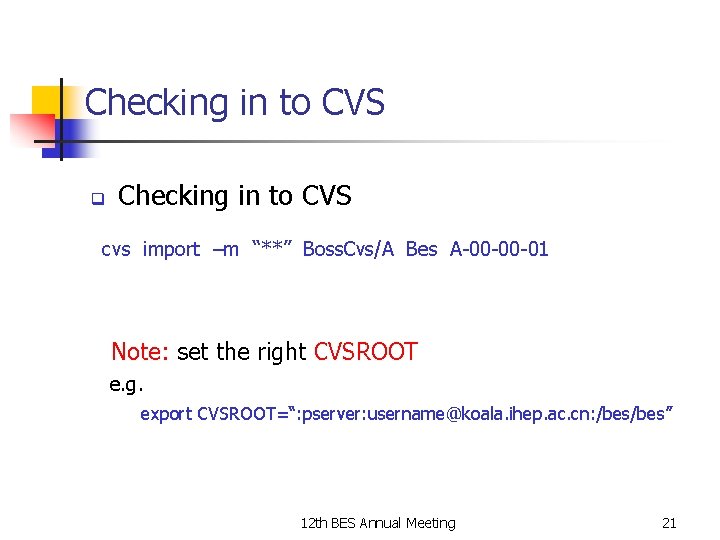
Checking in to CVS q Checking in to CVS cvs import –m “**” Boss. Cvs/A Bes A-00 -00 -01 Note: set the right CVSROOT e. g. export CVSROOT=“: pserver: username@koala. ihep. ac. cn: /bes” 12 th BES Annual Meeting 21
Conclusions and Outlook q CMT was used to - organize BES III software and external libraries e. g CLHEP, cernlib etc - configure and build software packages - publish releases q q The friendly environment based on CVS, View. CVS and CMT was successfully setup for software developers. In near future - move to Santest farm - integration with BOOST 12 th BES Annual Meeting 22
Thank you! 12 th BES Annual Meeting 23
- Slides: 23