
Bentley Map Advanced GIS for the Worlds Infrastructure
Bentley Map Advanced GIS for the World’s Infrastructure
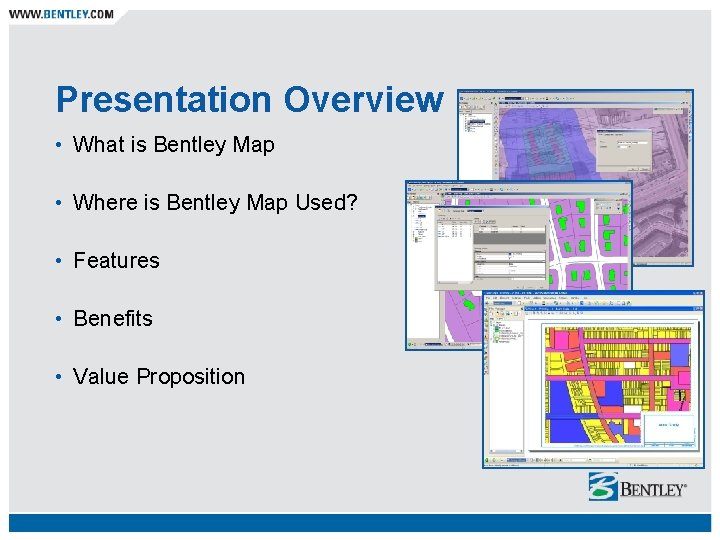
Presentation Overview • What is Bentley Map • Where is Bentley Map Used? • Features • Benefits • Value Proposition
What is Bentley Map? Comprehensive GIS for mapping and infrastructure − − − − Efficient data compilation and editing Design, build and publish accurate maps Enforce business and topological rules Administration tools provided to define rules for intelligent features All the power of Micro. Station V 8 XM Edition Platform for building intelligent facility models Brings CAD accuracy, ease-of-use and efficiency to GIS Fully compatible with Bentley’s AEC Applications
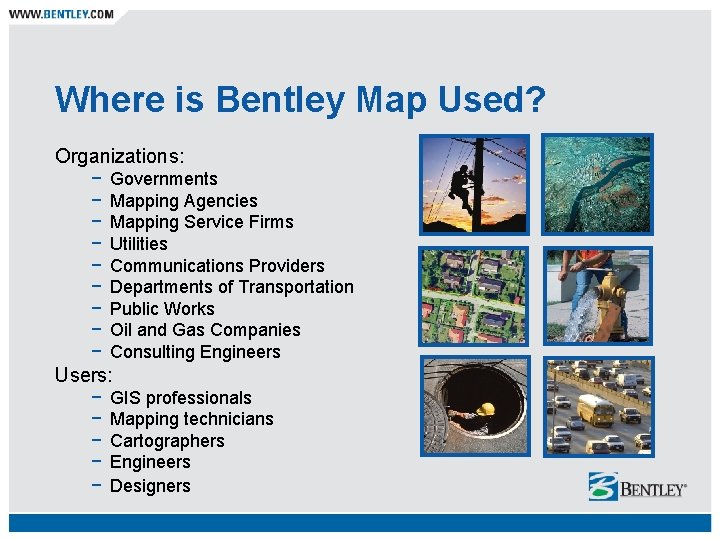
Where is Bentley Map Used? Organizations: − − − − − Governments Mapping Agencies Mapping Service Firms Utilities Communications Providers Departments of Transportation Public Works Oil and Gas Companies Consulting Engineers Users: − − − GIS professionals Mapping technicians Cartographers Engineers Designers
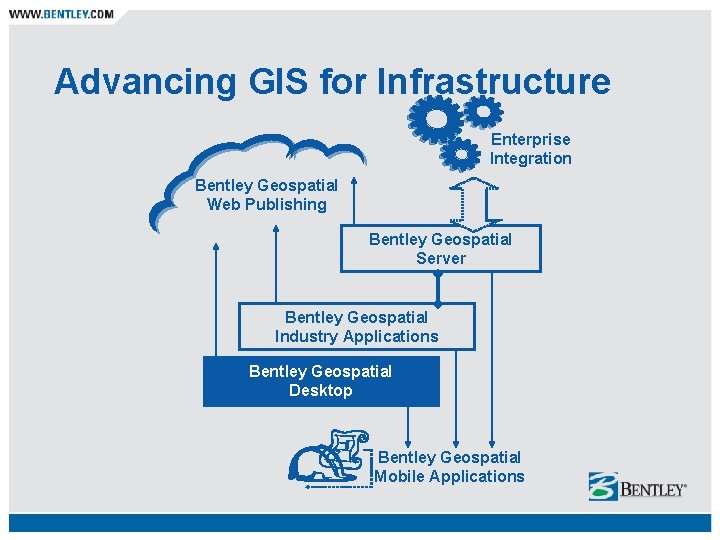
Advancing GIS for Infrastructure Enterprise Integration Bentley Geospatial Web Publishing Bentley Geospatial Server Bentley Geospatial Industry Applications Bentley Geospatial Desktop Bentley Geospatial Mobile Applications

A Highly Flexible Architecture
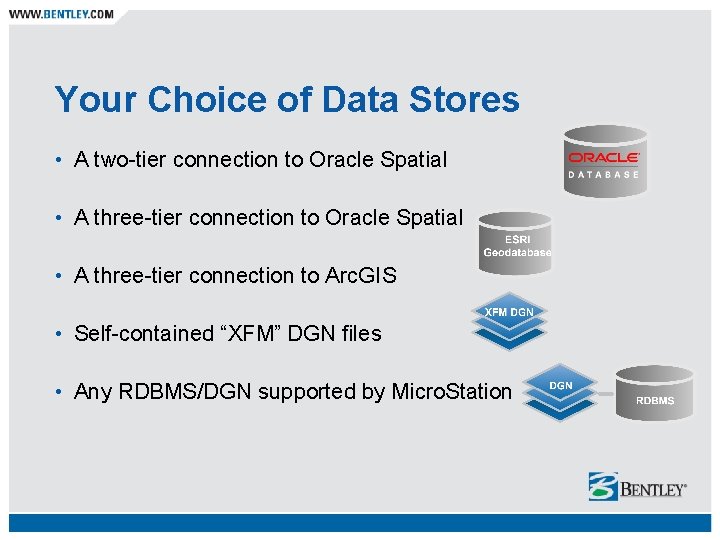
Your Choice of Data Stores • A two-tier connection to Oracle Spatial • A three-tier connection to Arc. GIS • Self-contained “XFM” DGN files • Any RDBMS/DGN supported by Micro. Station
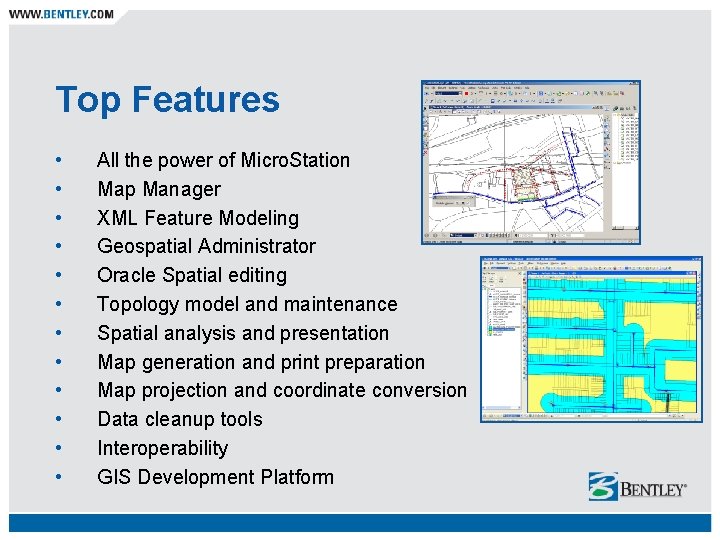
Top Features • • • All the power of Micro. Station Map Manager XML Feature Modeling Geospatial Administrator Oracle Spatial editing Topology model and maintenance Spatial analysis and presentation Map generation and print preparation Map projection and coordinate conversion Data cleanup tools Interoperability GIS Development Platform
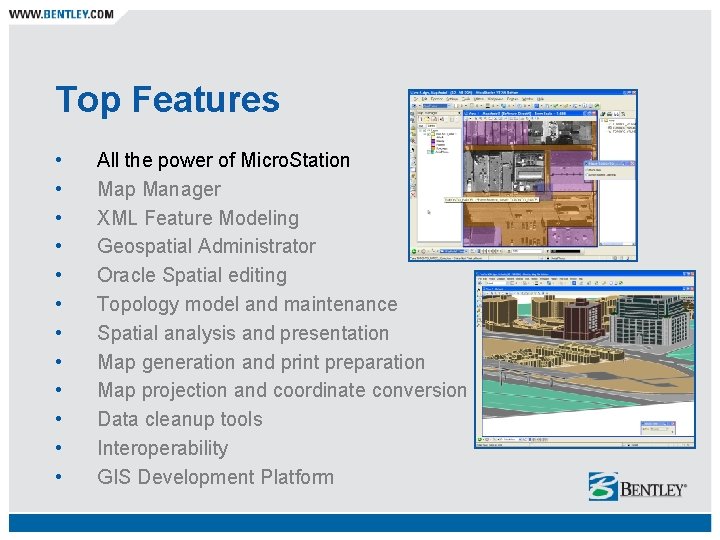
Top Features • • • All the power of Micro. Station Map Manager XML Feature Modeling Geospatial Administrator Oracle Spatial editing Topology model and maintenance Spatial analysis and presentation Map generation and print preparation Map projection and coordinate conversion Data cleanup tools Interoperability GIS Development Platform
Power of Micro. Station • Smart, quick drawing and editing of GIS features in a Micro. Station environment • Raster management • Dimensioning • Accu. Snap, Accu. Draw • Display priority, transparency • Photorealistic visualization and animation • Full 3 D modeling • Superior Micro. Station printing and publishing • Workspace management for large projects
Top Features • • • All the power of Micro. Station Map Manager XML Feature Modeling Geospatial Administrator Oracle Spatial editing Topology model and maintenance Spatial analysis and presentation Map generation and print preparation Map projection and coordinate conversion Data cleanup tools Interoperability GIS Development Platform

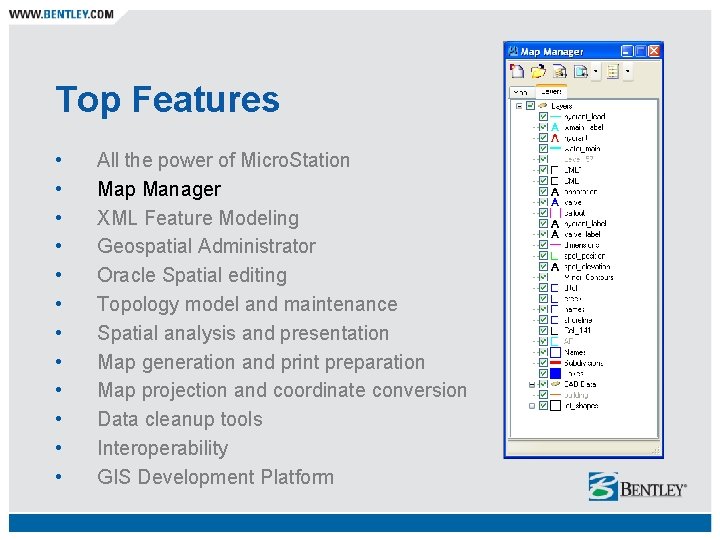
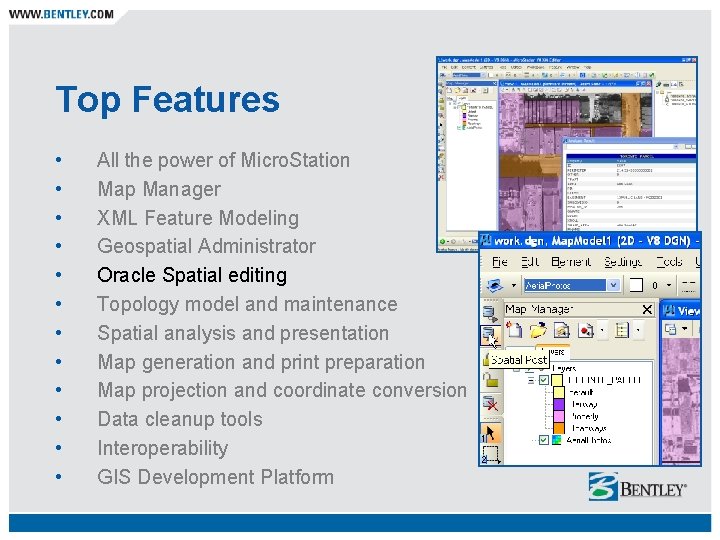
Map Manager • An easy-to-learn interface into your spatial data • Intuitive, easy-to-use, persisted map definition − − Allows for multiple map definitions Override symbology Micro. Station transparency Scale based visibility • Drag and drop layers to control display order • Facilitator for: − − Seamless mapping Integration of many spatial data formats Thematic presentation and more!
Top Features • • • All the power of Micro. Station Map Manager XML Feature Modeling Geospatial Administrator Oracle Spatial editing Topology model and maintenance Spatial analysis and presentation Map generation and print preparation Map projection and coordinate conversion Data cleanup tools Interoperability GIS Development Platform
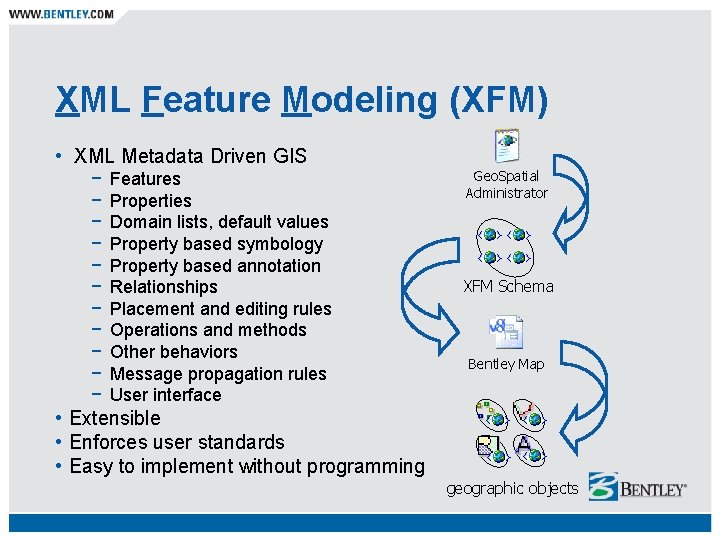
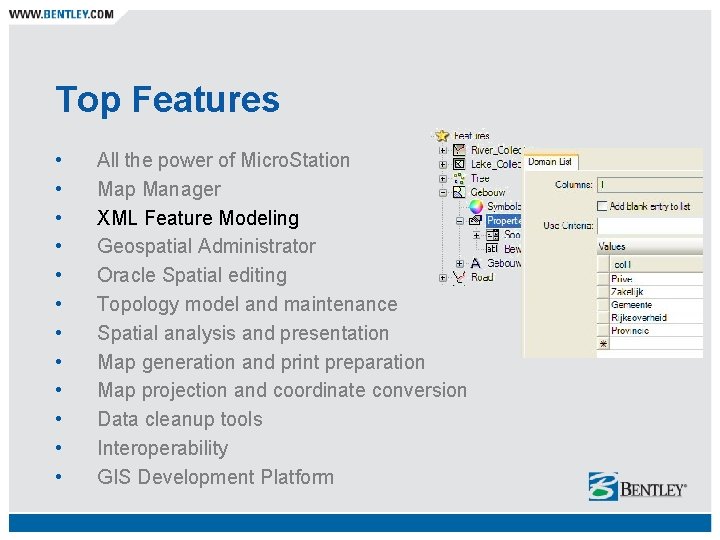
XML Feature Modeling (XFM) • XML Metadata Driven GIS − − − Features Properties Domain lists, default values Property based symbology Property based annotation Relationships Placement and editing rules Operations and methods Other behaviors Message propagation rules User interface Geo. Spatial Administrator XFM Schema Bentley Map • Extensible • Enforces user standards • Easy to implement without programming geographic objects
Top Features • • • All the power of Micro. Station Map Manager XML Feature Modeling Geospatial Administrator Oracle Spatial editing Topology model and maintenance Spatial analysis and presentation Map generation and print preparation Map projection and coordinate conversion Data cleanup tools Interoperability GIS Development Platform

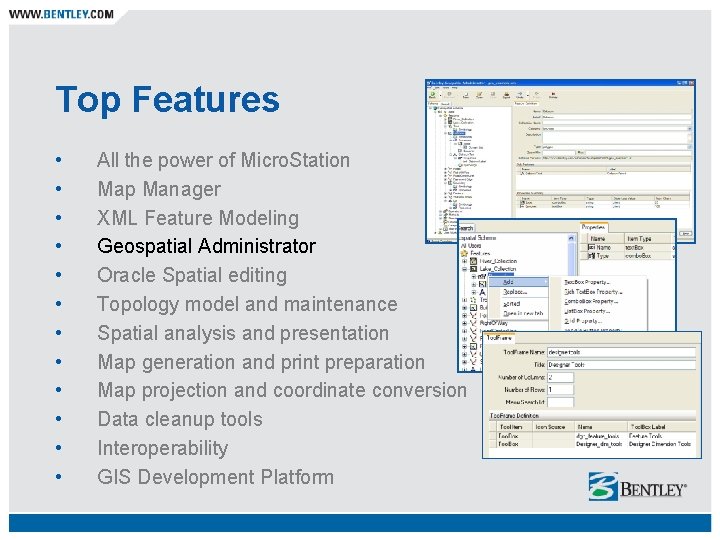
Geospatial Administrator How does it work? − − − − − Manages the XFM framework through one interface Runs outside Micro. Station Defines and maintains XFM project files Schema contains comprehensive definition of geographic objects (features) Defines coordinate system and projection information User interface definition – dynamically loaded at run-time Inclusion of custom made VBA or MDL routines User specific definition of features, operations, methods – using workspaces Automatically generates Micro. Station workspaces and Map metadata files
Top Features • • • All the power of Micro. Station Map Manager XML Feature Modeling Geospatial Administrator Oracle Spatial editing Topology model and maintenance Spatial analysis and presentation Map generation and print preparation Map projection and coordinate conversion Data cleanup tools Interoperability GIS Development Platform
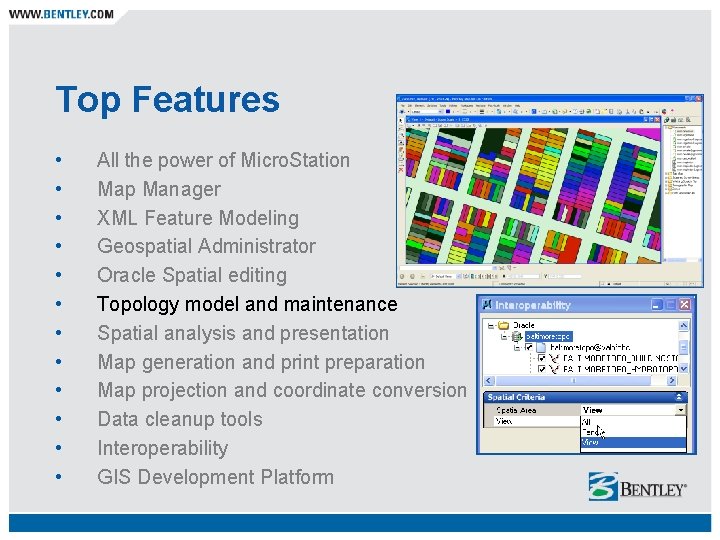
Oracle Spatial Editing Fully Oracle Spatial Compliant: − Two-tier connection − Directly query, capture, edit and post Oracle Spatial data − Supports multi-user access via feature locking − Three-tier connection − Available via the Oracle Connector − Supports multi-user access via Oracle standard versioning − Adheres to native Oracle Spatial feature and topology models − Maintains defined topological relationships − Provides application specific editing tools for accurate feature placement and editing − Includes bulk Oracle Spatial Load tool
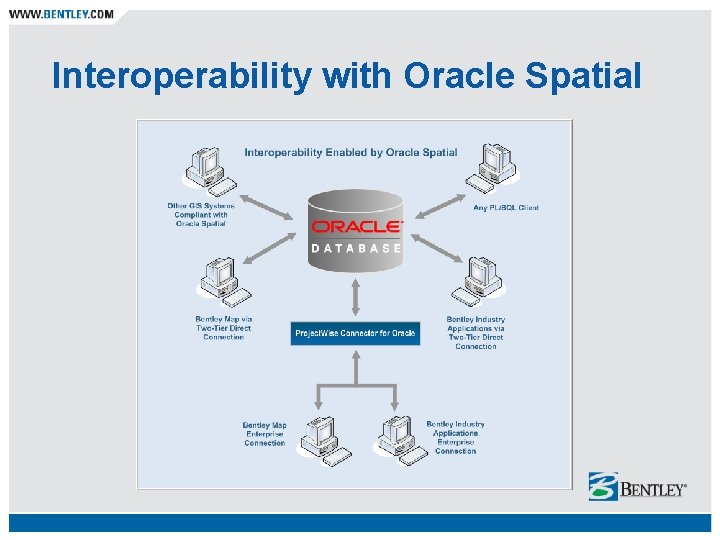
Interoperability with Oracle Spatial
Top Features • • • All the power of Micro. Station Map Manager XML Feature Modeling Geospatial Administrator Oracle Spatial editing Topology model and maintenance Spatial analysis and presentation Map generation and print preparation Map projection and coordinate conversion Data cleanup tools Interoperability GIS Development Platform
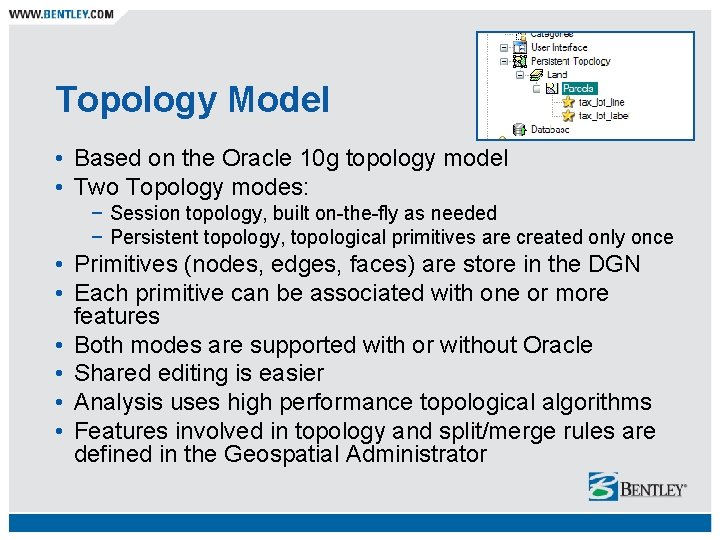
Topology Model • Based on the Oracle 10 g topology model • Two Topology modes: − Session topology, built on-the-fly as needed − Persistent topology, topological primitives are created only once • Primitives (nodes, edges, faces) are store in the DGN • Each primitive can be associated with one or more features • Both modes are supported with or without Oracle • Shared editing is easier • Analysis uses high performance topological algorithms • Features involved in topology and split/merge rules are defined in the Geospatial Administrator
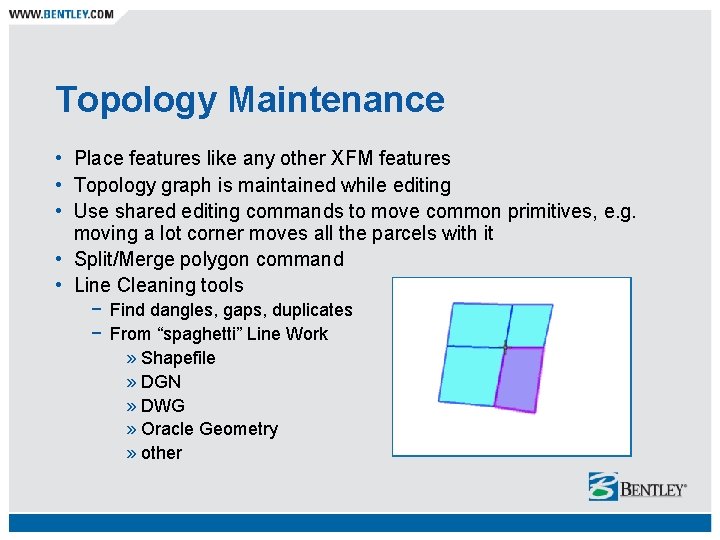
Topology Maintenance • Place features like any other XFM features • Topology graph is maintained while editing • Use shared editing commands to move common primitives, e. g. moving a lot corner moves all the parcels with it • Split/Merge polygon command • Line Cleaning tools − Find dangles, gaps, duplicates − From “spaghetti” Line Work » Shapefile » DGN » DWG » Oracle Geometry » other
Top Features • • • All the power of Micro. Station Map Manager XML Feature Modeling Geospatial Administrator Oracle Spatial editing Topology model and maintenance Spatial analysis and presentation Map generation and print preparation Map projection and coordinate conversion Data cleanup tools Interoperability GIS Development Platform
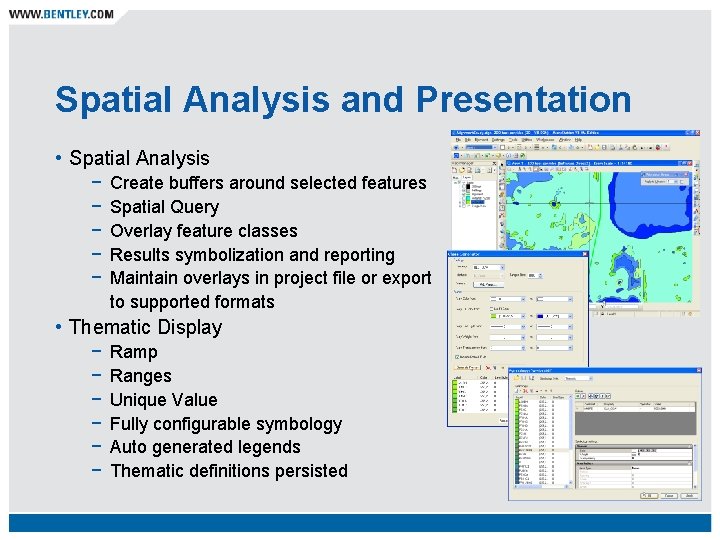
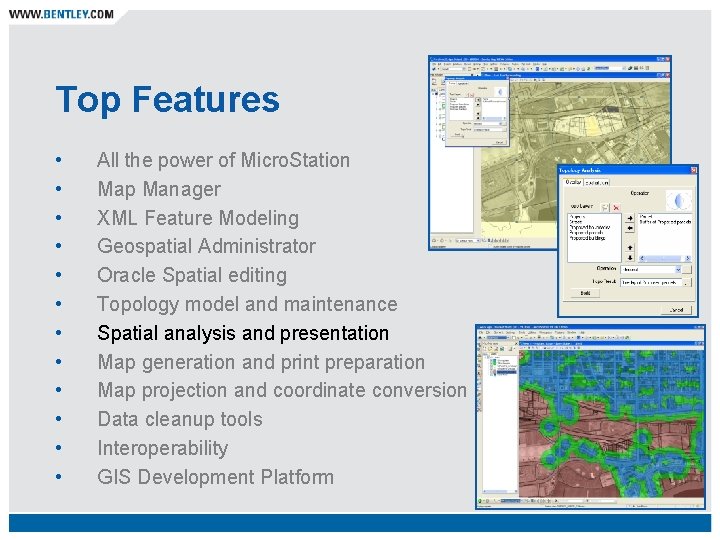
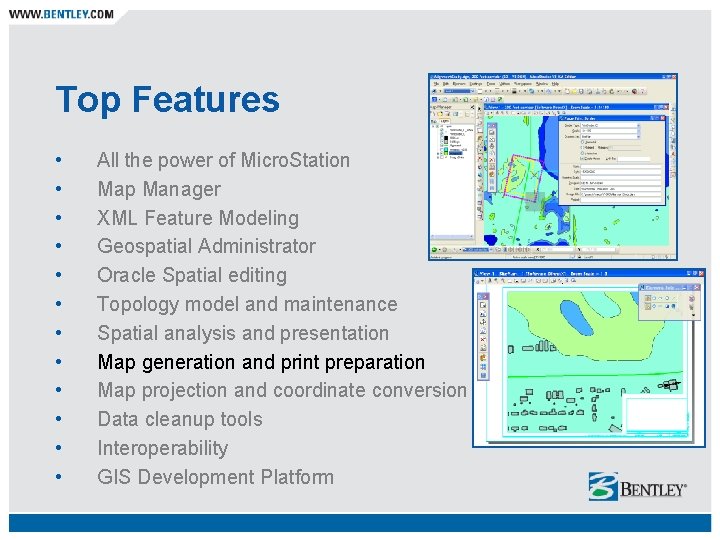
Spatial Analysis and Presentation • Spatial Analysis − − − Create buffers around selected features Spatial Query Overlay feature classes Results symbolization and reporting Maintain overlays in project file or export to supported formats • Thematic Display − − − Ramp Ranges Unique Value Fully configurable symbology Auto generated legends Thematic definitions persisted
Top Features • • • All the power of Micro. Station Map Manager XML Feature Modeling Geospatial Administrator Oracle Spatial editing Topology model and maintenance Spatial analysis and presentation Map generation and print preparation Map projection and coordinate conversion Data cleanup tools Interoperability GIS Development Platform
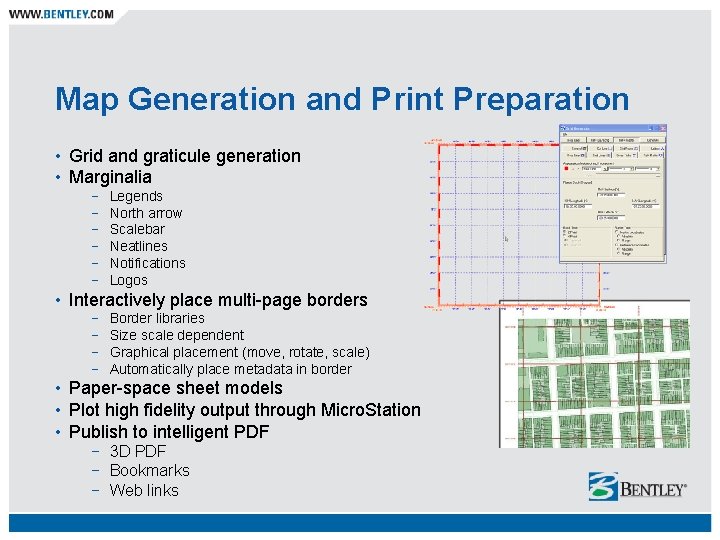
Map Generation and Print Preparation • Grid and graticule generation • Marginalia − − − Legends North arrow Scalebar Neatlines Notifications Logos • Interactively place multi-page borders − − Border libraries Size scale dependent Graphical placement (move, rotate, scale) Automatically place metadata in border • Paper-space sheet models • Plot high fidelity output through Micro. Station • Publish to intelligent PDF − 3 D PDF − Bookmarks − Web links
Top Features • • • All the power of Micro. Station Map Manager XML Feature Modeling Geospatial Administrator Oracle Spatial editing Topology model and maintenance Spatial analysis and presentation Map generation and print preparation Map projection and coordinate conversion Data cleanup tools Interoperability GIS Development Platform
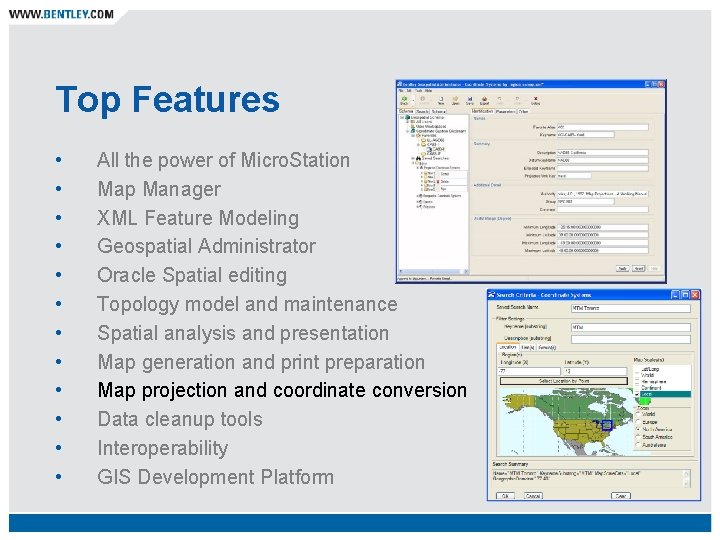
Map Projections and Coordinate Conversion • 5500+ projections including user defined • Store coordinate systems information with mapping and engineering data for portability • Perform on-the-fly transformation − Oracle Spatial information − Referenced information • Integrate source data in multiple projections • Bulk transform spatial data between projection systems • Use Geospatial Administrator to define and look up
Top Features • • • All the power of Micro. Station Map Manager XML Feature Modeling Geospatial Administrator Oracle Spatial editing Topology model and maintenance Spatial analysis and presentation Map generation and print preparation Map projection and coordinate conversion Data cleanup tools Interoperability GIS Development Platform
Data Cleanup and Integrity Tools • Solve integrity problems with imported or legacy data − Interactively cleanup data to establish spatial and topological integrity − Find and repair dangles, gaps, slivers, overshoots, join and segment lines, reduce points − Use handy editing tools to resolve data problems − Use warping tools to fit data to existing control • Easily adopt imported or legacy data through Dynamic Feature Scoring (DFS) − Existing features (Micro. Station, Geo. Graphics, other) are recognized and operated on consistently via DFS rules − Editing or reset of the feature causes PBS and PBA rules to be run − Attributes can be easily added by editing
Top Features • • • All the power of Micro. Station Map Manager XML Feature Modeling Geospatial Administrator Oracle Spatial editing Topology model and maintenance Spatial analysis and presentation Map generation and print preparation Map projection and coordinate conversion Data cleanup tools Interoperability GIS Development Platform
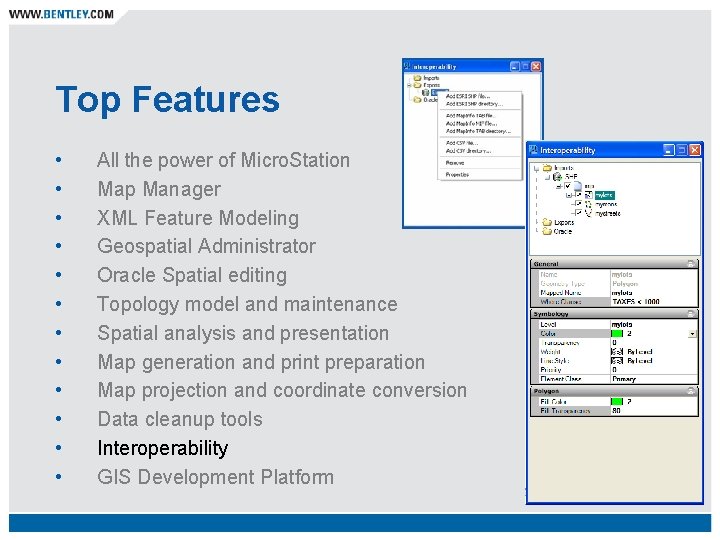
Interoperability • Direct reference geospatial formats − − − Map. Info (TAB, MID/MIF), Shapefiles, Oracle Spatial Select files to reference as you would any DGN Files are referenced and transformed according to defined projection Work with the native format - identify, overlay, and more No special licensing required Use Map Manager to determine display characteristics! • Import/Export via an easy-to-use interface designed for large jobs − Enables direct editing in Bentley Map − Map. Info (TAB, MID/MIF), Shapefiles, Oracle Spatial − Customize layer symbology, properties, display order, and selected information − Use any Bentley Map functionality on imported features − Settings can be saved in import files which can be opened or referenced directly
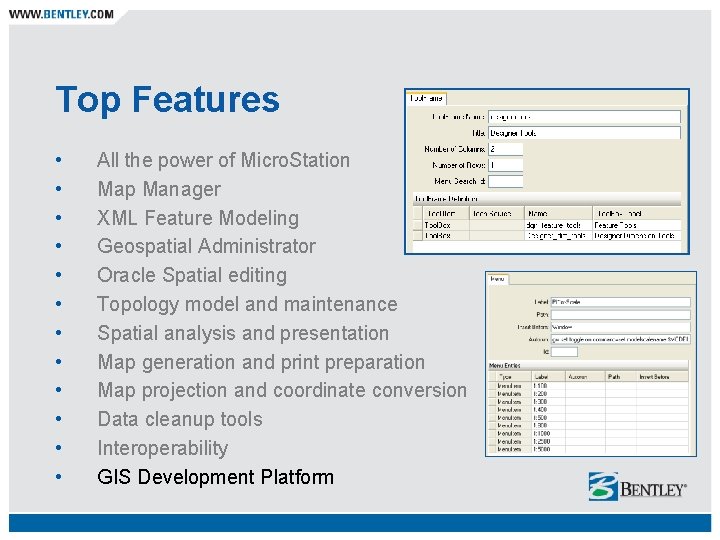
Top Features • • • All the power of Micro. Station Map Manager XML Feature Modeling Geospatial Administrator Oracle Spatial editing Topology model and maintenance Spatial analysis and presentation Map generation and print preparation Map projection and coordinate conversion Data cleanup tools Interoperability GIS Development Platform
GIS Development Platform • Subject Matter Experts can customize Bentley Map facilitated by the Geospatial Administrator − − − − Property Based Symbology Property Based Annotation Criteria Methods Operations Dialogs Tool frames and tool boxes Prompts • Developers can further customize by extending the capabilities of Geospatial Administrator and the Standard Placement Library via: − − − C expressions XSLT VBScript VBA MDL. NET API
Is Bentley Map Right for You? Yes! Especially if you are: − A Micro. Station or Auto. CAD user − A GIS user − A Micro. Station Geo. Graphics user − Committed to Oracle Spatial − An infrastructure professional − An AEC application user
What can Bentley Map do for You? • Escalate user productivity • Capitalize on Oracle Spatial • Avoid expensive custom software • Build and deploy project applications • Exploit the value of existing CAD licenses • Facilitate better decision making • Enable better communciation • Streamline workflows
Bentley Map Value Proposition One environment to support the infrastructure lifecycle: − − − − Create highly accurate spatial data in 2 D or 3 D Generate and publish maps Build intelligent facility GIS models Produce detailed, precision engineering drawings Work with existing design applications Take advantage of the power of Micro. Station V 8 XM Edition Integrate with the enterprise via Oracle Spatial Integrate with any spatial data via interoperability capabilities at the desktop and server level
Bentley Map Advanced GIS for the World’s Infrastructure
- Slides: 38