
Before you begin please connect your speakers or
Before you begin, please connect your speakers or headphones and find an appropriate volume. The commentary in this lesson will play automatically after content appears on the slide. The voiceover is intended to highlight important ideas and provide supplementary material. You may replay the audio recording on a given slide by clicking on the blue speaker symbol. Content is programmed to appear on the slides automatically, do not click unless you intend to move onto the next slide or replay audio.
Sit-Stand Work Stations 1. 2. 3. 4. 5. 6. 7. Myths and risks Behavioral alternatives Proper set-up Comparing postures Best practice Sit/Stand products Pass the test
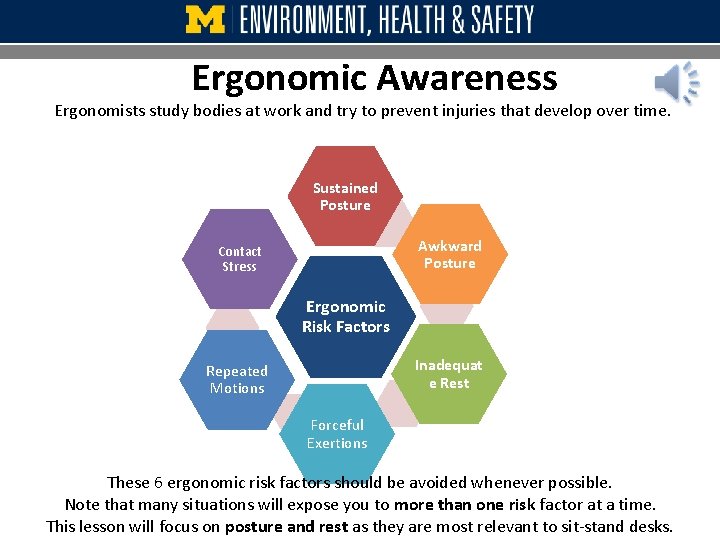
Ergonomic Awareness Ergonomists study bodies at work and try to prevent injuries that develop over time. Sustained Posture Awkward Posture Contact Stress Ergonomic Risk Factors Inadequat e Rest Repeated Motions Forceful Exertions These 6 ergonomic risk factors should be avoided whenever possible. Note that many situations will expose you to more than one risk factor at a time. This lesson will focus on posture and rest as they are most relevant to sit-stand desks.
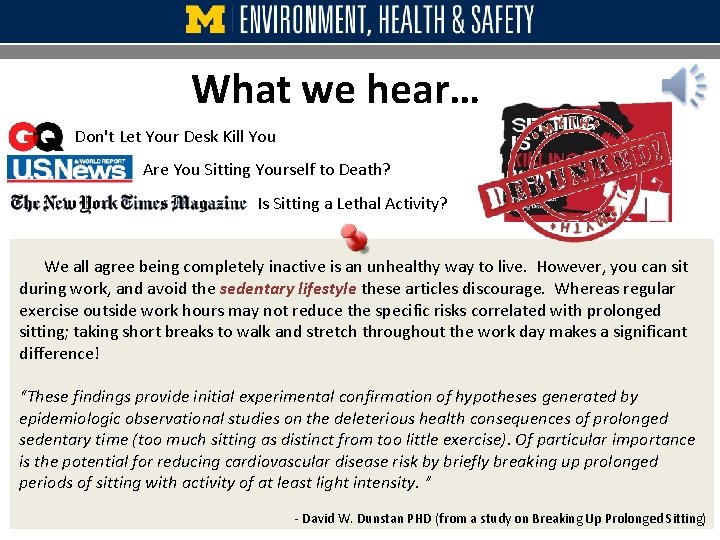
What we hear… Don't Let Your Desk Kill You Are You Sitting Yourself to Death? Is Sitting a Lethal Activity? We all agree being completely inactive is an unhealthy way to live. However, you can sit during work, and avoid the sedentary lifestyle these articles discourage. Whereas regular exercise outside work hours may not reduce the specific risks correlated with prolonged sitting; taking short breaks to walk and stretch throughout the work day makes a significant difference! “These findings provide initial experimental confirmation of hypotheses generated by epidemiologic observational studies on the deleterious health consequences of prolonged sedentary time (too much sitting as distinct from too little exercise). Of particular importance is the potential for reducing cardiovascular disease risk by briefly breaking up prolonged periods of sitting with activity of at least light intensity. ” - David W. Dunstan PHD (from a study on Breaking Up Prolonged Sitting)
Long-Standing Myths Ø Standing is good. Sitting is bad. False, it isn’t that simple. Standing and sitting have their own pros and cons. Ø The tasks I perform sitting will be accomplished just as easily while standing. False, sitting makes detailed tasks easier and is great for stationary jobs. While standing is particularly good for jobs in open areas that involve material handling or provide a service; standing makes keyboarding, mouse use, and writing slightly more challenging. Ø It would be best to stand all day. False, scientific research on factory assembly supports that standing all day is harmful. Many careers involve standing for long durations. Nurses, hair dressers, and waiters will testify to the difficulties of standing. When possible, one should spend the day switching between standing and sitting. Ø A standing desk for work is the only option. False, change your behavior without changing your desk. Moving is better than sustained postures of sitting or standing, so take short breaks to walk and stretch throughout the day. Try the Mhealthy Sit for 60/Move for 3 program to relive the stress of static postures. Ø Standing will make my pain go away False, although varying your position can provide some relief, standing is not a cure-all. Without proper training, sit stand users experience discomfort significantly more often. Ø Next we will explore the risks in more detail.
Sitting/Standing Risks and Rewards Ø Ø Sitting has many benefits. Seated posture: Ø is easier to maintain Ø helps control arm movements Ø improves blood circulation and Ø allows the spine to decompress. Ø Ø Ø Yet, prolonged sitting (4+ hours straight) may be harmful for the lower back. Standing uses the lower back differently, and may provide some relief. However prolonged standing can lead to lower back pain as well. While standing Ø the spine compresses and Ø body fluid accumulates in the leg. Take Away Message Ø Both sitting and standing pose risks to your body, especially when these postures are sustained for hours. Ø It isn’t about sitting or standing. Ø It is about sitting and standing. Ø We can apply the everything in moderation principle of good health. Ø Throughout the day we should budget time to sit and stand because the goal is variation in posture.
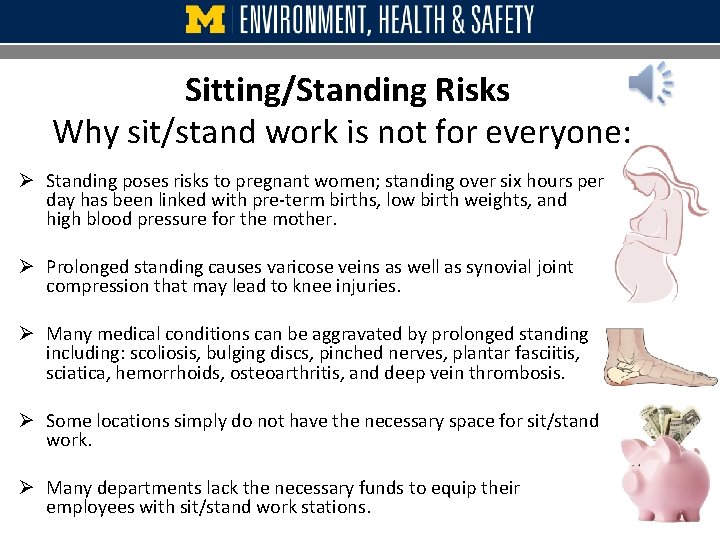
Sitting/Standing Risks Why sit/stand work is not for everyone: Ø Standing poses risks to pregnant women; standing over six hours per day has been linked with pre-term births, low birth weights, and high blood pressure for the mother. Ø Prolonged standing causes varicose veins as well as synovial joint compression that may lead to knee injuries. Ø Many medical conditions can be aggravated by prolonged standing including: scoliosis, bulging discs, pinched nerves, plantar fasciitis, sciatica, hemorrhoids, osteoarthritis, and deep vein thrombosis. Ø Some locations simply do not have the necessary space for sit/stand work. Ø Many departments lack the necessary funds to equip their employees with sit/stand work stations.
Avoid a sedentary lifestyle Ø Science tells us that continuous work from seated OR standing posture may be detrimental to your health. Ø Yes, like sitting, prolonged STANDING is a sedentary behavior that should be avoided. Ø Exercising the body throughout the day by stretching, walking, and taking the stairs is the best way to interrupt this unhealthy behavior!
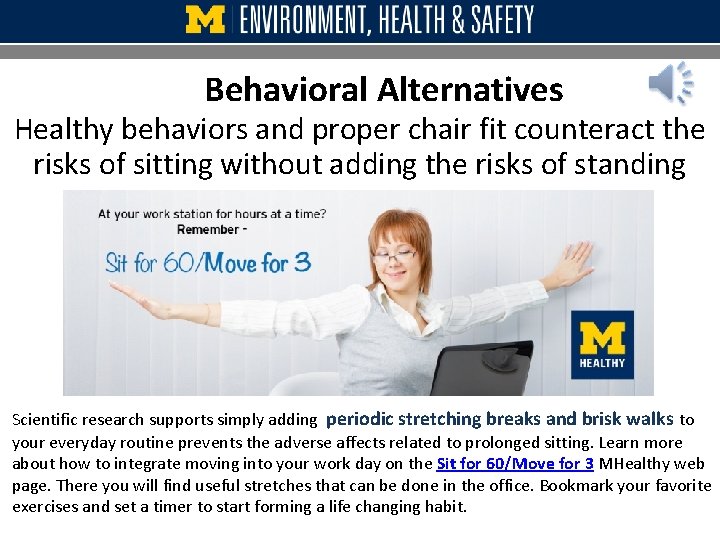
Behavioral Alternatives Healthy behaviors and proper chair fit counteract the risks of sitting without adding the risks of standing Scientific research supports simply adding periodic stretching breaks and brisk walks to your everyday routine prevents the adverse affects related to prolonged sitting. Learn more about how to integrate moving into your work day on the Sit for 60/Move for 3 MHealthy web page. There you will find useful stretches that can be done in the office. Bookmark your favorite exercises and set a timer to start forming a life changing habit.
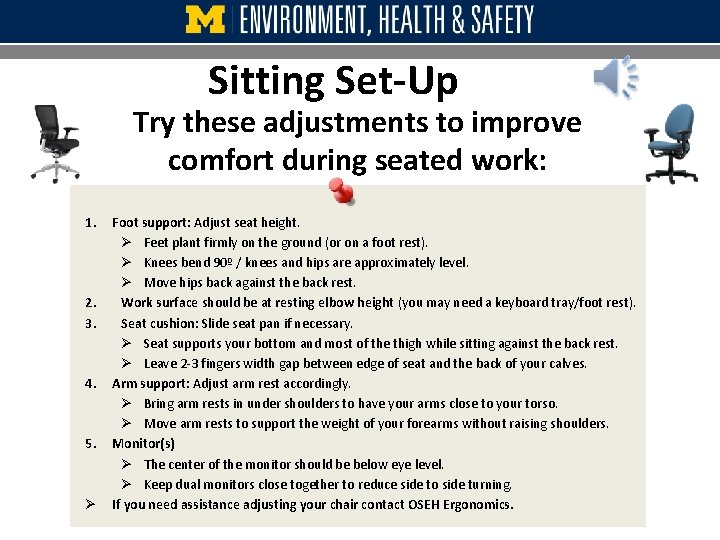
Sitting Set-Up Try these adjustments to improve comfort during seated work: 1. 2. 3. 4. 5. Ø Foot support: Adjust seat height. Ø Feet plant firmly on the ground (or on a foot rest). Ø Knees bend 90º / knees and hips are approximately level. Ø Move hips back against the back rest. Work surface should be at resting elbow height (you may need a keyboard tray/foot rest). Seat cushion: Slide seat pan if necessary. Ø Seat supports your bottom and most of the thigh while sitting against the back rest. Ø Leave 2 -3 fingers width gap between edge of seat and the back of your calves. Arm support: Adjust arm rest accordingly. Ø Bring arm rests in under shoulders to have your arms close to your torso. Ø Move arm rests to support the weight of your forearms without raising shoulders. Monitor(s) Ø The center of the monitor should be below eye level. Ø Keep dual monitors close together to reduce side to side turning. If you need assistance adjusting your chair contact OSEH Ergonomics.
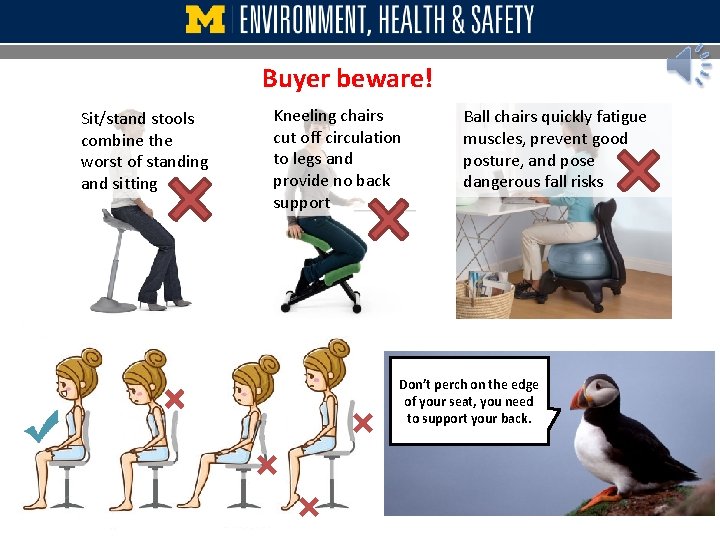
Buyer beware! Sit/stand stools combine the worst of standing and sitting Kneeling chairs cut off circulation to legs and provide no back support Ball chairs quickly fatigue muscles, prevent good posture, and pose dangerous fall risks Don’t perch on the edge of your seat, you need to support your back.
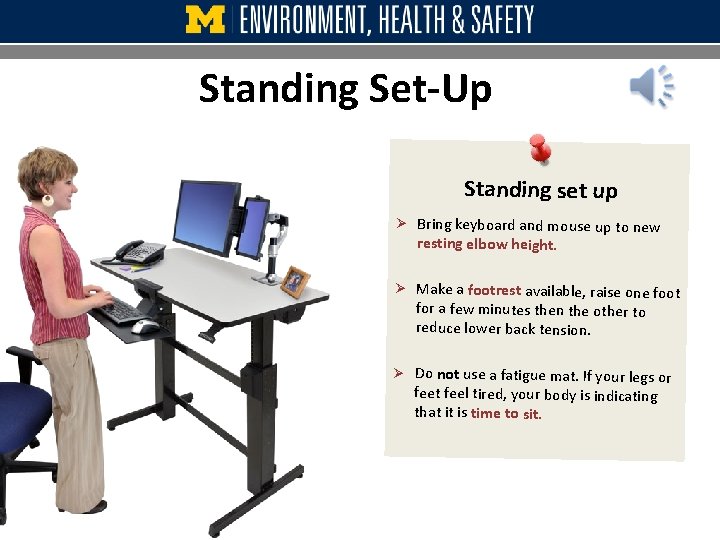
Standing Set-Up Standing set up Ø Bring keyboard and mouse up to new resting elbow height. Ø Make a footrest available, raise one foot for a few minutes then the other to reduce lower back tension. Ø Do not use a fatigue mat. If your legs or feet feel tired, your body is indicating that it is time to sit.
Comparing Postures Sitting and Standing Neutral standing posture is very similar to correct sitting posture. Head to toe: 1. Face forward 2. Shoulders relaxed 3. Elbows at 90º 4. Wrists flat 5. Feet supported
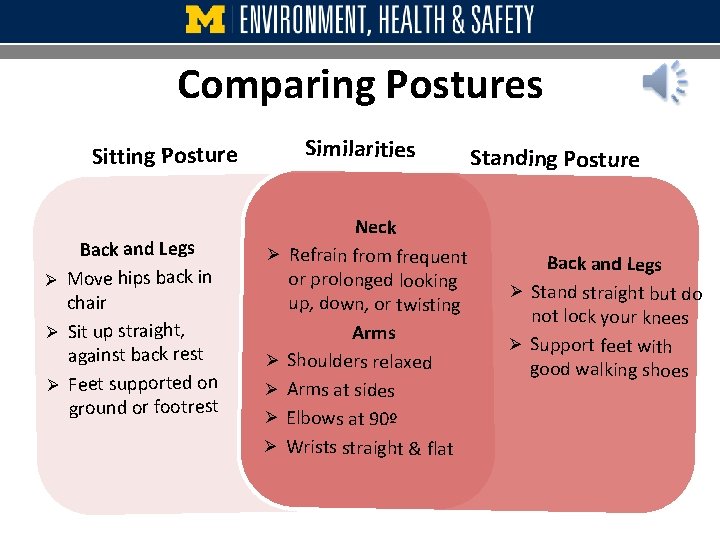
Comparing Postures Sitting Posture Back and Legs Ø Move hips back in chair Ø Sit up straight, against back rest Ø Feet supported on ground or footrest Similarities Standing Posture Neck Ø Refrain from frequent or prolonged looking up, down, or twisting Arms Ø Shoulders relaxed Ø Arms at sides Ø Elbows at 90º Ø Wrists straight & flat Back and Legs Ø Stand straight but do not lock your knees Ø Support feet with good walking shoes
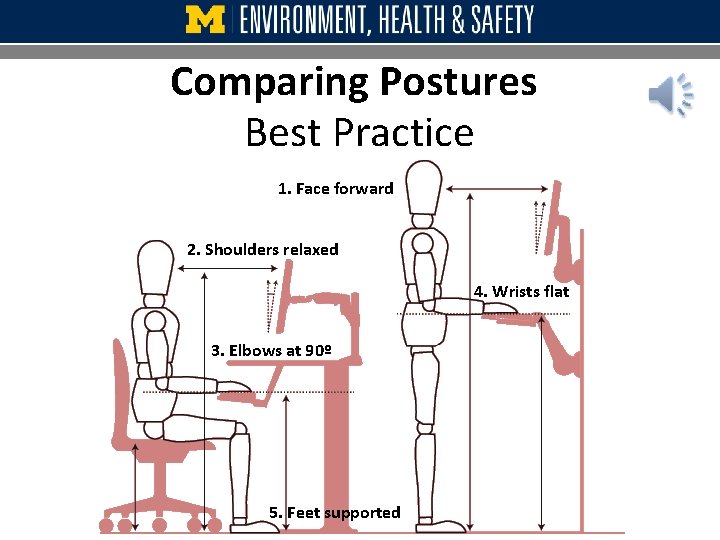
Comparing Postures Best Practice 1. Face forward 2. Shoulders relaxed 4. Wrists flat 3. Elbows at 90º 5. Feet supported
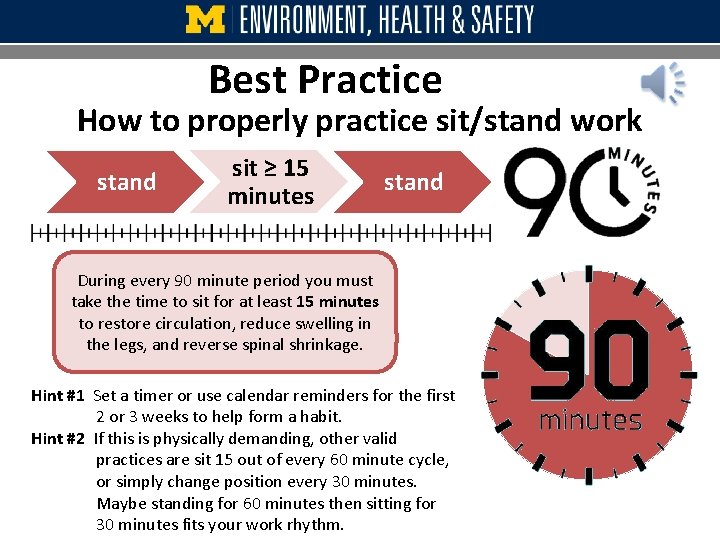
Best Practice How to properly practice sit/stand work stand sit ≥ 15 minutes stand During every 90 minute period you must take the time to sit for at least 15 minutes to restore circulation, reduce swelling in the legs, and reverse spinal shrinkage. Hint #1 Set a timer or use calendar reminders for the first 2 or 3 weeks to help form a habit. Hint #2 If this is physically demanding, other valid practices are sit 15 out of every 60 minute cycle, or simply change position every 30 minutes. Maybe standing for 60 minutes then sitting for 30 minutes fits your work rhythm.
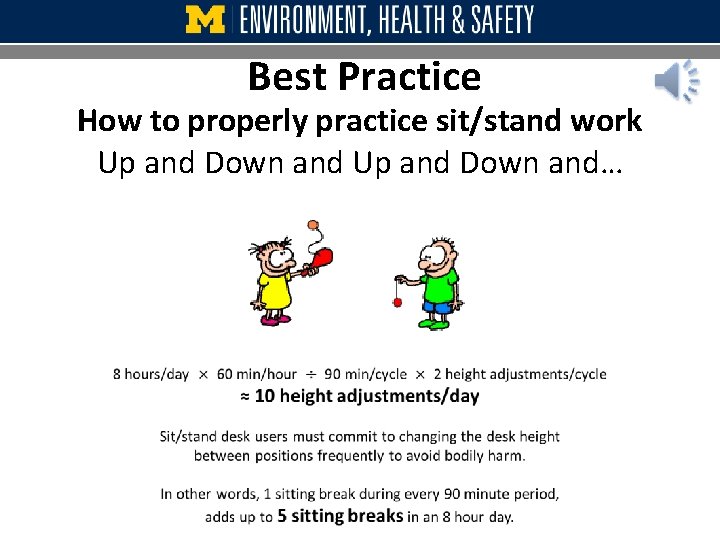
Best Practice How to properly practice sit/stand work Up and Down and…
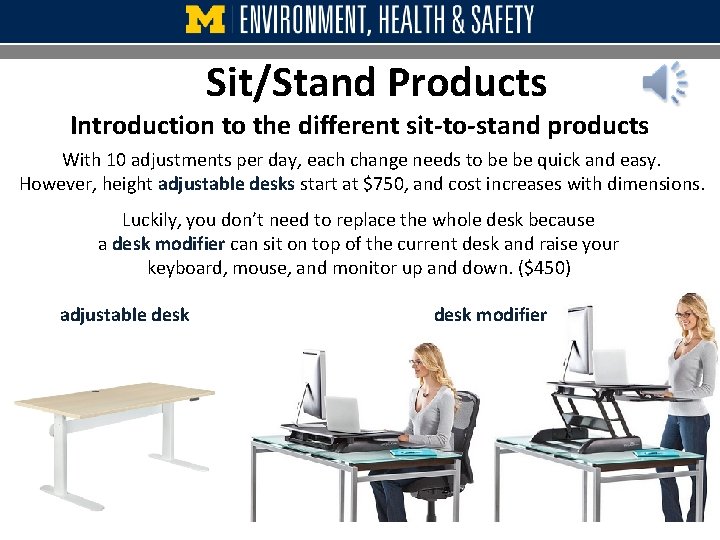
Sit/Stand Products Introduction to the different sit-to-stand products With 10 adjustments per day, each change needs to be be quick and easy. However, height adjustable desks start at $750, and cost increases with dimensions. Luckily, you don’t need to replace the whole desk because a desk modifier can sit on top of the current desk and raise your keyboard, mouse, and monitor up and down. ($450) adjustable desk modifier
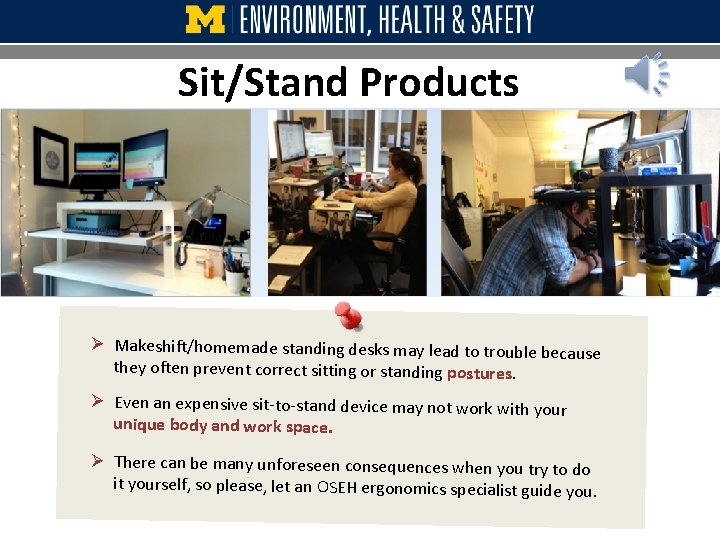
Sit/Stand Products Ø Makeshift/homemade standing desks may lead to trouble because they often prevent correct sitting or standing postures. Ø Even an expensive sit-to-stand device may not work with your unique body and work space. Ø There can be many unforeseen consequences when you try to do it yourself, so please, let an OSEH ergonomics specialist guide you.
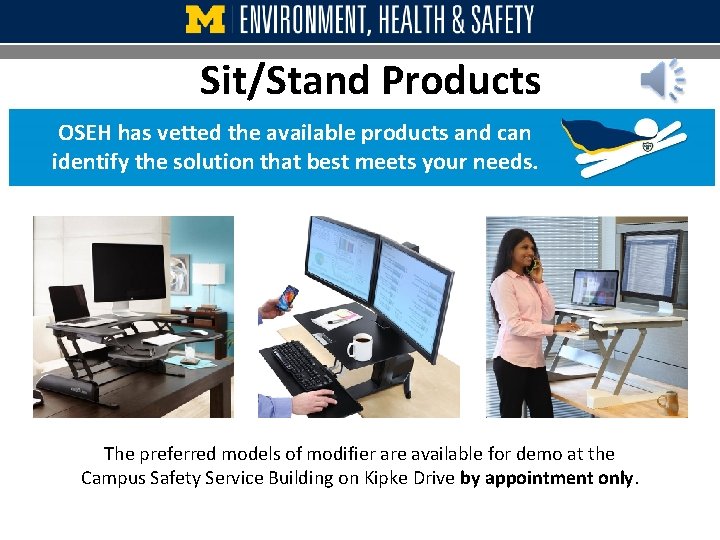
Sit/Stand Products OSEH has vetted the available products and can identify the solution that best meets your needs. The preferred models of modifier are available for demo at the Campus Safety Service Building on Kipke Drive by appointment only.
This concludes the lesson. It’s time to test your knowledge! Review Exit & Test
- Slides: 21