
BCSG Group Bonaire Middle School New Student Orientation
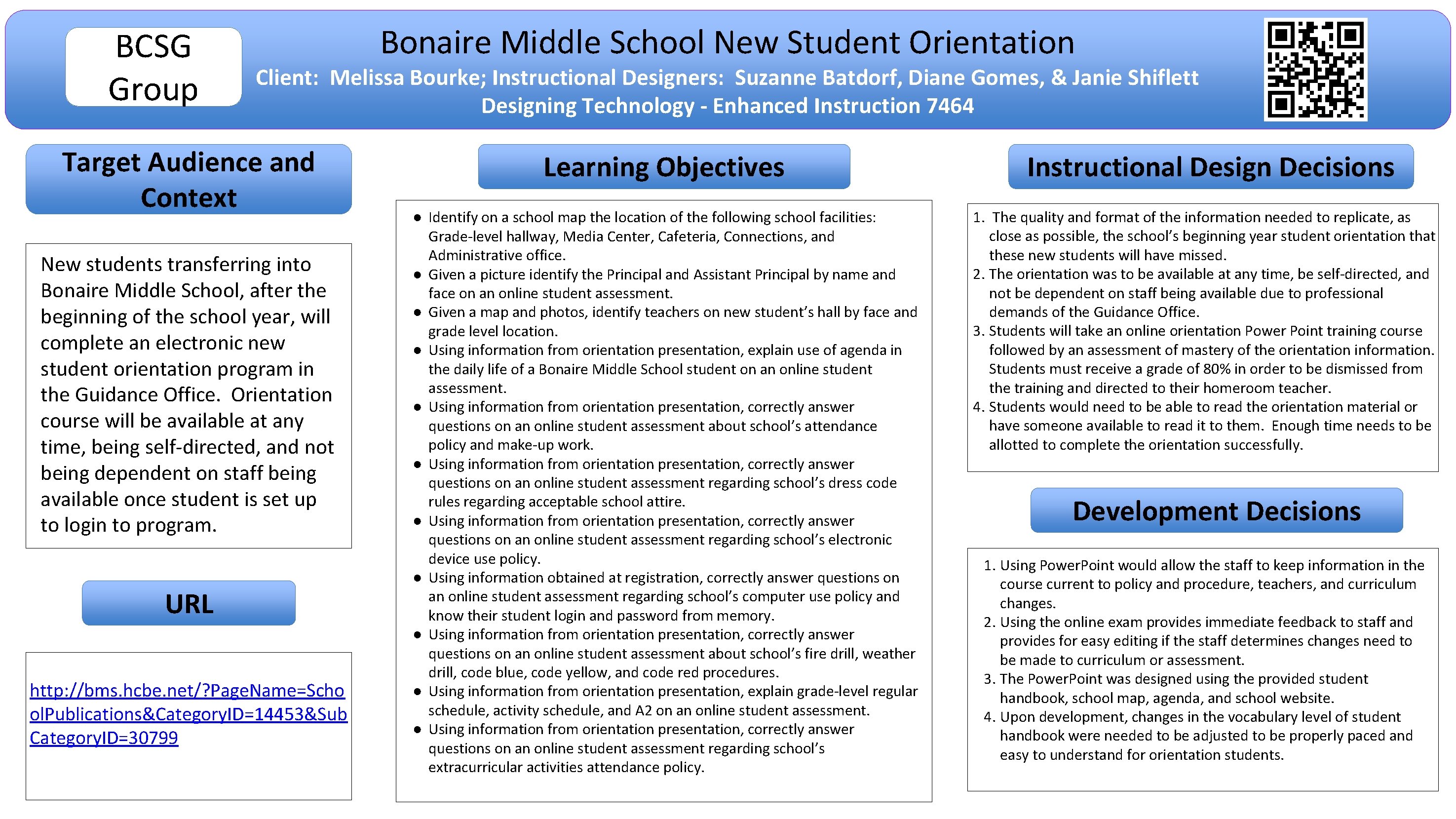
BCSG Group Bonaire Middle School New Student Orientation Client: Melissa Bourke; Instructional Designers: Suzanne Batdorf, Diane Gomes, & Janie Shiflett Designing Technology - Enhanced Instruction 7464 Target Audience and Context New students transferring into Bonaire Middle School, after the beginning of the school year, will complete an electronic new student orientation program in the Guidance Office. Orientation course will be available at any time, being self-directed, and not being dependent on staff being available once student is set up to login to program. URL http: //bms. hcbe. net/? Page. Name=Scho ol. Publications&Category. ID=14453&Sub Category. ID=30799 Learning Objectives ● Identify on a school map the location of the following school facilities: Grade-level hallway, Media Center, Cafeteria, Connections, and Administrative office. ● Given a picture identify the Principal and Assistant Principal by name and face on an online student assessment. ● Given a map and photos, identify teachers on new student’s hall by face and grade level location. ● Using information from orientation presentation, explain use of agenda in the daily life of a Bonaire Middle School student on an online student assessment. ● Using information from orientation presentation, correctly answer questions on an online student assessment about school’s attendance policy and make-up work. ● Using information from orientation presentation, correctly answer questions on an online student assessment regarding school’s dress code rules regarding acceptable school attire. ● Using information from orientation presentation, correctly answer questions on an online student assessment regarding school’s electronic device use policy. ● Using information obtained at registration, correctly answer questions on an online student assessment regarding school’s computer use policy and know their student login and password from memory. ● Using information from orientation presentation, correctly answer questions on an online student assessment about school’s fire drill, weather drill, code blue, code yellow, and code red procedures. ● Using information from orientation presentation, explain grade-level regular schedule, activity schedule, and A 2 on an online student assessment. ● Using information from orientation presentation, correctly answer questions on an online student assessment regarding school’s extracurricular activities attendance policy. Instructional Design Decisions 1. The quality and format of the information needed to replicate, as close as possible, the school’s beginning year student orientation that these new students will have missed. 2. The orientation was to be available at any time, be self-directed, and not be dependent on staff being available due to professional demands of the Guidance Office. 3. Students will take an online orientation Power Point training course followed by an assessment of mastery of the orientation information. Students must receive a grade of 80% in order to be dismissed from the training and directed to their homeroom teacher. 4. Students would need to be able to read the orientation material or have someone available to read it to them. Enough time needs to be allotted to complete the orientation successfully. Development Decisions 1. Using Power. Point would allow the staff to keep information in the course current to policy and procedure, teachers, and curriculum changes. 2. Using the online exam provides immediate feedback to staff and provides for easy editing if the staff determines changes need to be made to curriculum or assessment. 3. The Power. Point was designed using the provided student handbook, school map, agenda, and school website. 4. Upon development, changes in the vocabulary level of student handbook were needed to be adjusted to be properly paced and easy to understand for orientation students.
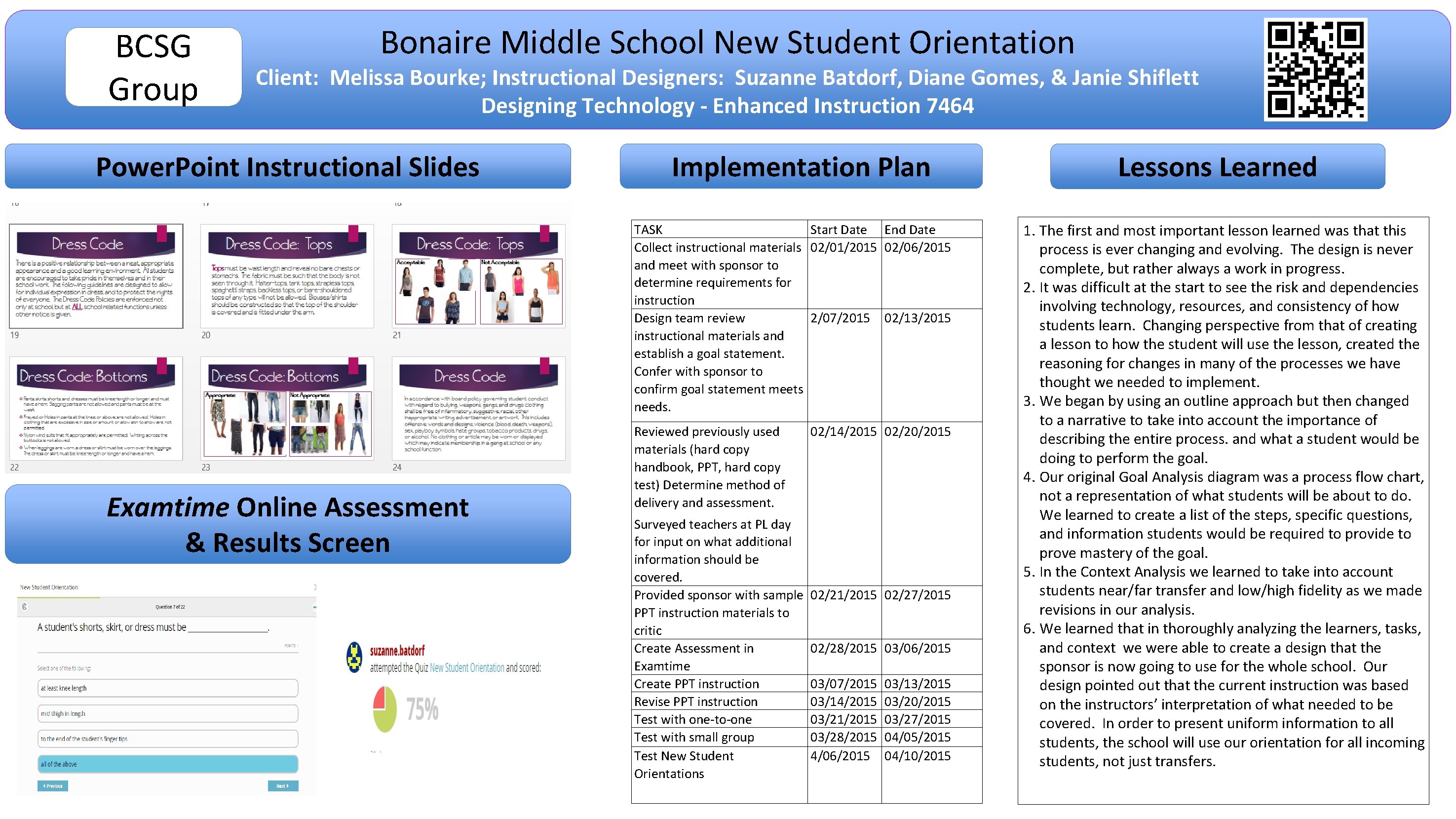
BCSG Group Bonaire Middle School New Student Orientation Client: Melissa Bourke; Instructional Designers: Suzanne Batdorf, Diane Gomes, & Janie Shiflett Designing Technology - Enhanced Instruction 7464 Power. Point Instructional Slides Implementation Plan TASK Start Date End Date Collect instructional materials 02/01/2015 02/06/2015 and meet with sponsor to determine requirements for instruction Design team review 2/07/2015 02/13/2015 instructional materials and establish a goal statement. Confer with sponsor to confirm goal statement meets needs. Examtime Online Assessment & Results Screen Reviewed previously used materials (hard copy handbook, PPT, hard copy test) Determine method of delivery and assessment. Surveyed teachers at PL day for input on what additional information should be covered. Provided sponsor with sample PPT instruction materials to critic Create Assessment in Examtime Create PPT instruction Revise PPT instruction Test with one-to-one Test with small group Test New Student Orientations 02/14/2015 02/20/2015 02/21/2015 02/27/2015 02/28/2015 03/06/2015 03/07/2015 03/14/2015 03/21/2015 03/28/2015 4/06/2015 03/13/2015 03/20/2015 03/27/2015 04/05/2015 04/10/2015 Lessons Learned 1. The first and most important lesson learned was that this process is ever changing and evolving. The design is never complete, but rather always a work in progress. 2. It was difficult at the start to see the risk and dependencies involving technology, resources, and consistency of how students learn. Changing perspective from that of creating a lesson to how the student will use the lesson, created the reasoning for changes in many of the processes we have thought we needed to implement. 3. We began by using an outline approach but then changed to a narrative to take into account the importance of describing the entire process. and what a student would be doing to perform the goal. 4. Our original Goal Analysis diagram was a process flow chart, not a representation of what students will be about to do. We learned to create a list of the steps, specific questions, and information students would be required to provide to prove mastery of the goal. 5. In the Context Analysis we learned to take into account students near/far transfer and low/high fidelity as we made revisions in our analysis. 6. We learned that in thoroughly analyzing the learners, tasks, and context we were able to create a design that the sponsor is now going to use for the whole school. Our design pointed out that the current instruction was based on the instructors’ interpretation of what needed to be covered. In order to present uniform information to all students, the school will use our orientation for all incoming students, not just transfers.
- Slides: 2