
BASS Application Sharing System Omer Boyaci September 10
BASS Application Sharing System Omer Boyaci September 10, 2008 www. cs. columbia. edu/~boyaci/appshare
Overview • • • Introduction Demo Architecture Challenges Features Conclusion
Application Sharing Models • + + Application specific Efficient Participants need application Application has to be modified Generic Inefficient (sometimes) Participants don't need application All applications are supported
Application Sharing Models • + + Application specific Efficient Participants need application Application has to be modified Generic Inefficient (sometimes) Participants don't need application All applications are supported
Overview • • • Introduction Demo Architecture Challenges Features Conclusion
Application Sharing an application with multiple users There is only one copy of the application Participants do not need application itself Briefly, participants receive screen updates send keyboard and mouse events Desktop sharing is also supported.
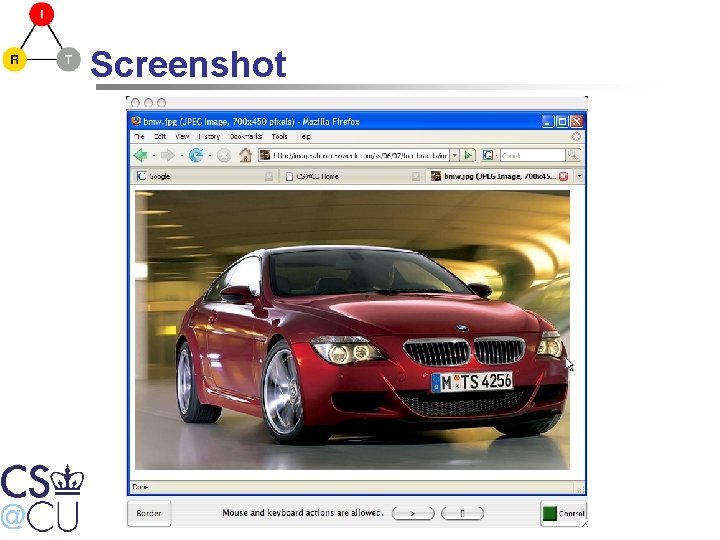
Screenshot
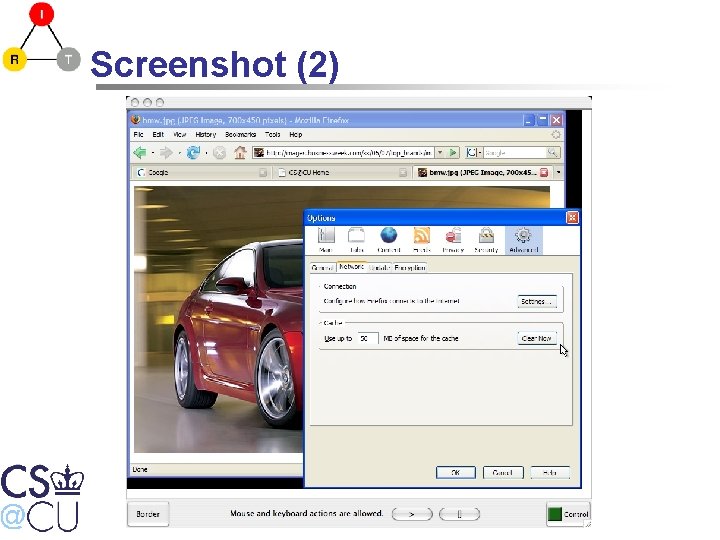
Screenshot (2)
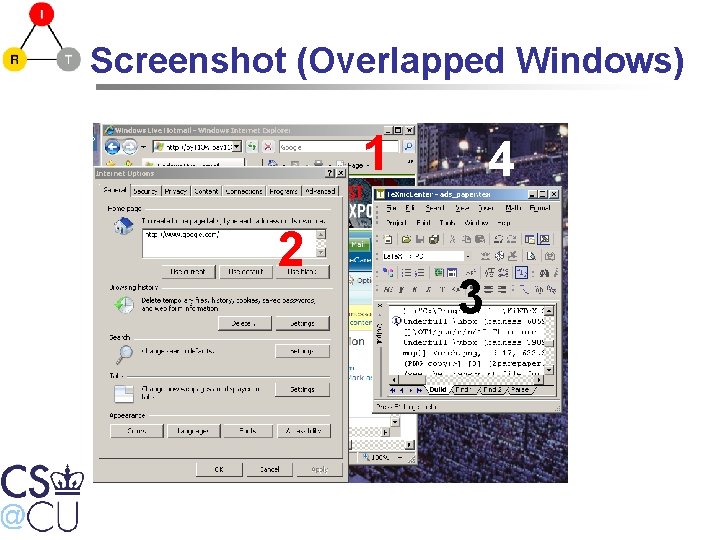
Screenshot (Overlapped Windows) 1 2 4 3
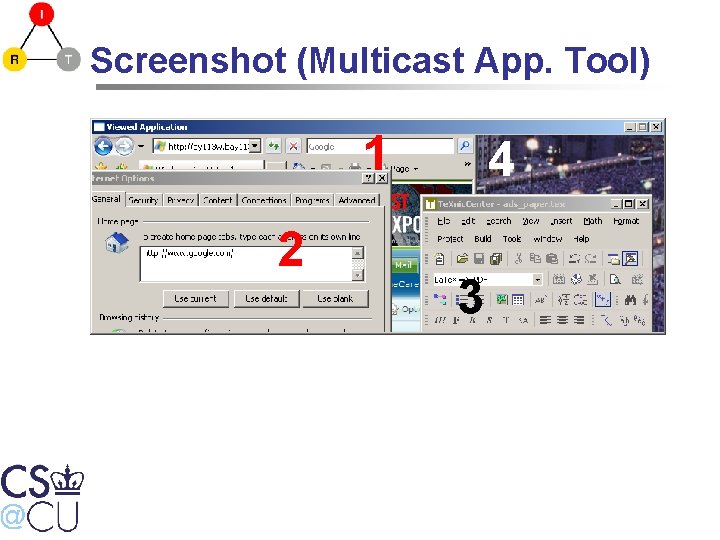
Screenshot (Multicast App. Tool) 1 2 4 3 4
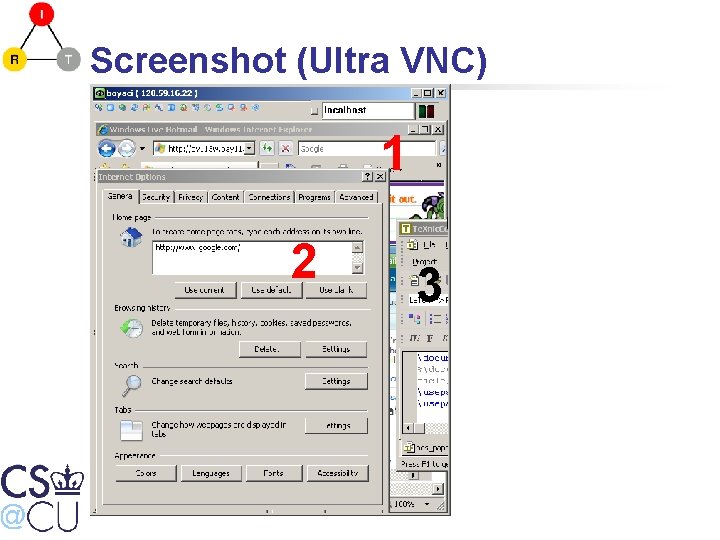
Screenshot (Ultra VNC) 1 2 4 3 4
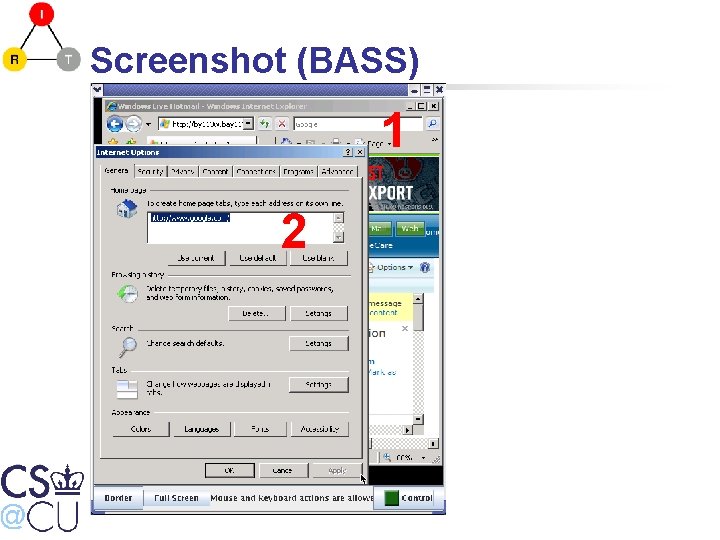
Screenshot (BASS) 1 2 4
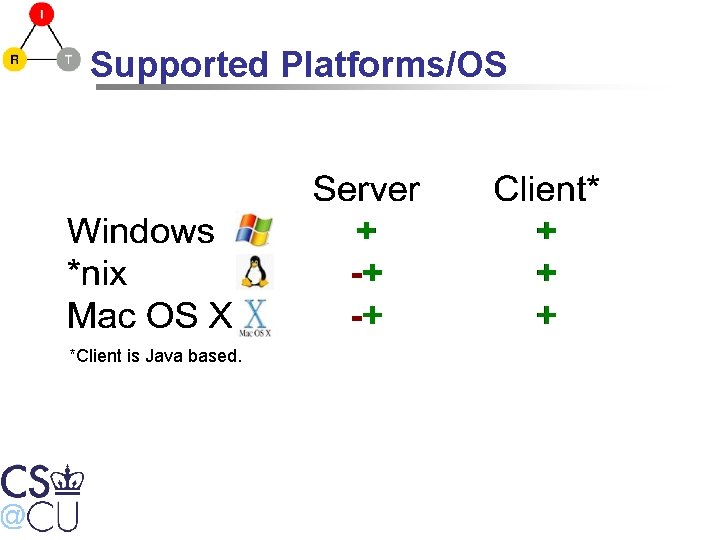
Supported Platforms/OS *Client is Java based.
Overview • • • Introduction Demo Architecture Challenges Features Conclusion
Demo
Overview • • • Introduction Demo Architecture Challenges Features Conclusion
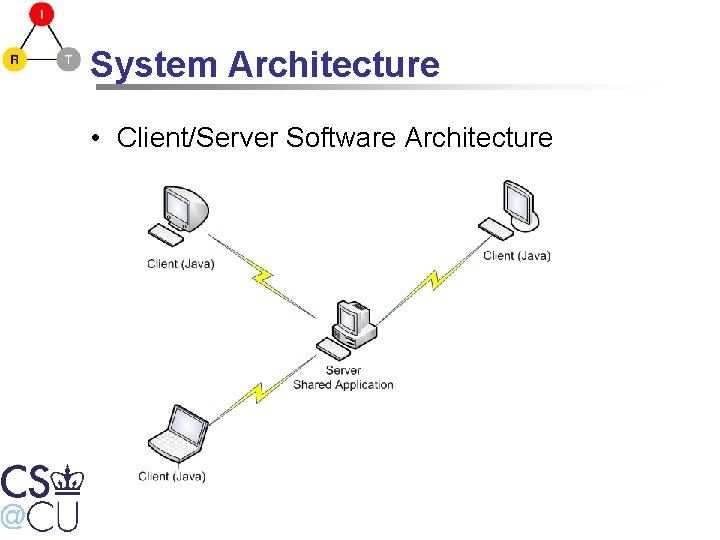
System Architecture • Client/Server Software Architecture
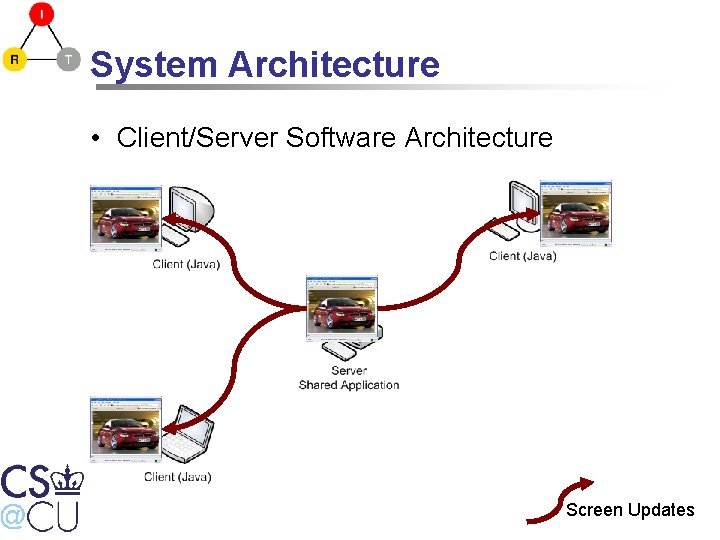
System Architecture • Client/Server Software Architecture Screen Updates
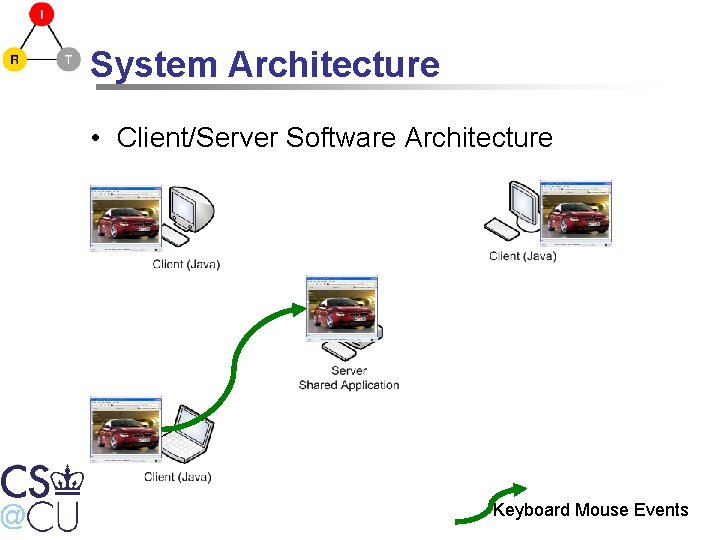
System Architecture • Client/Server Software Architecture Keyboard Mouse Events
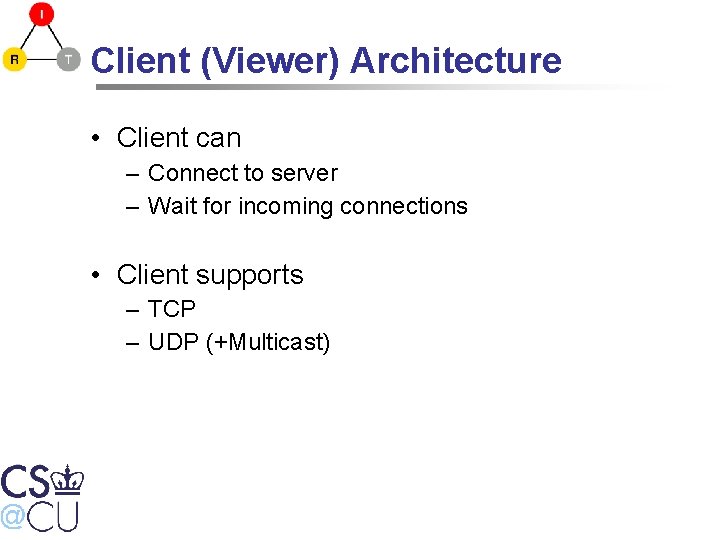
Client (Viewer) Architecture • Client can – Connect to server – Wait for incoming connections • Client supports – TCP – UDP (+Multicast)
Client (Viewer) Architecture • Client receives these commands – – Open new window Window size changed Pixel update Close window • Client sends – BFCP (Binary Floor Control Protocol) commands – Keyboard and mouse events
BASS Windows Server Architecture
BASS Windows Server Architecture
BASS Windows Server Architecture
BASS Windows Server Architecture
Overview • • • Introduction Demo Architecture Challenges Features Conclusion
Challenges • • Different client bandwidths/speeds Late Joiner The effects of packet loss Reliable multicast
Multimedia Support (Movies)
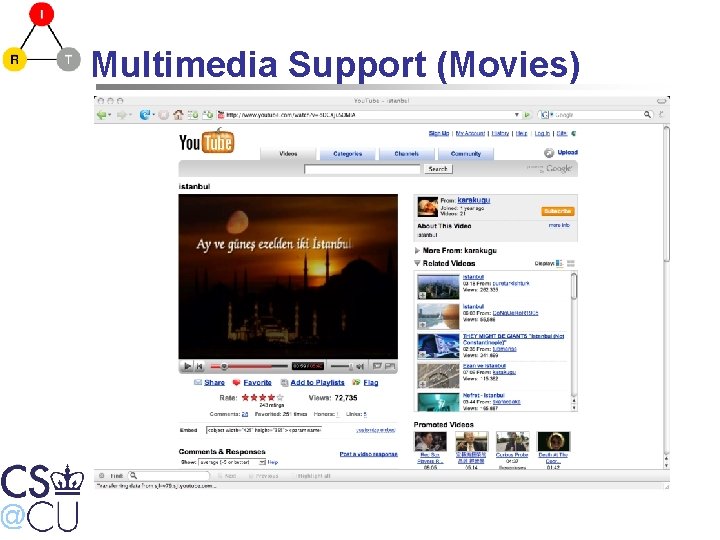
Multimedia Support (Movies) • Our system uses PNG to compress and transmit the region updates • PNG is lossless and effective for computer generated images but ineffective for real world captures like pictures or movies • JPG is more suitable for photographic images • However, JPG is lossy and not effective for computer generated images (text, line, shapes, . . . ) • Our system should use both
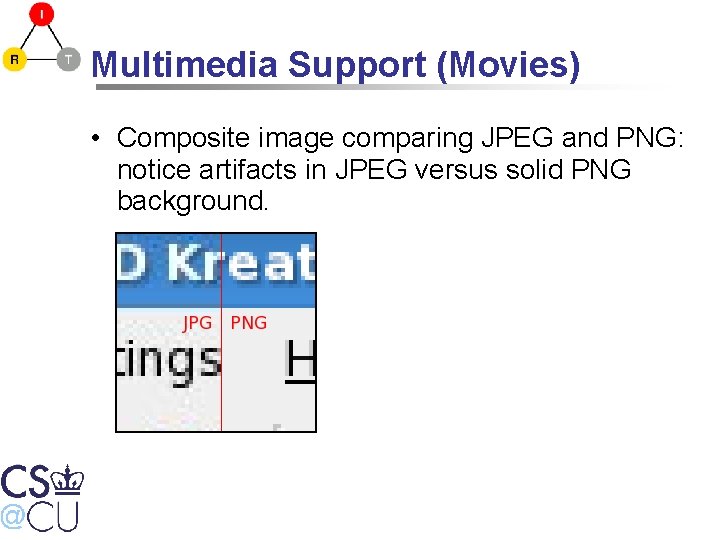
Multimedia Support (Movies) • Composite image comparing JPEG and PNG: notice artifacts in JPEG versus solid PNG background.
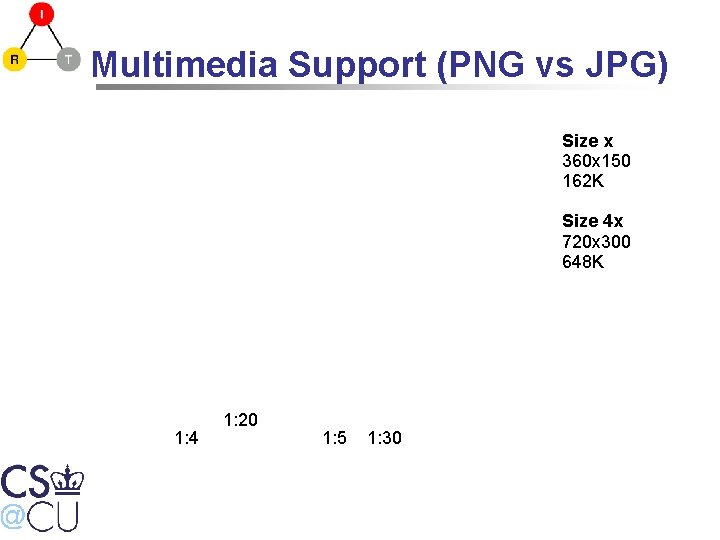
Multimedia Support (PNG vs JPG) Size x 360 x 150 162 K Size 4 x 720 x 300 648 K 1: 4 1: 20 1: 5 1: 30
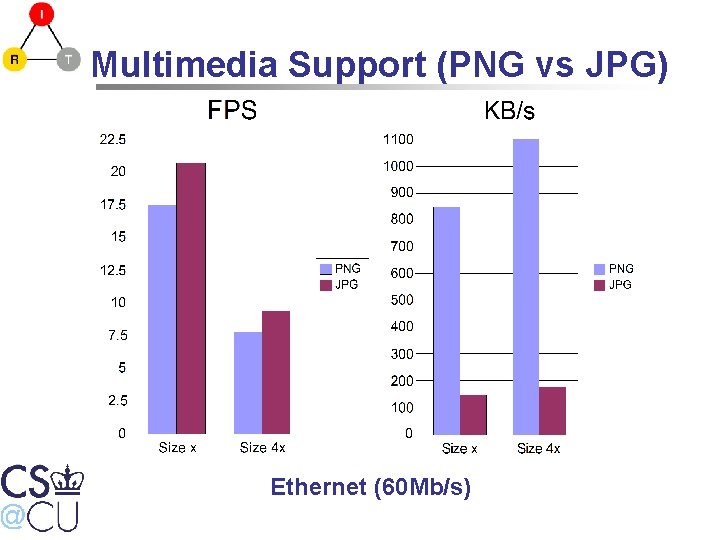
Multimedia Support (PNG vs JPG) Ethernet (60 Mb/s)
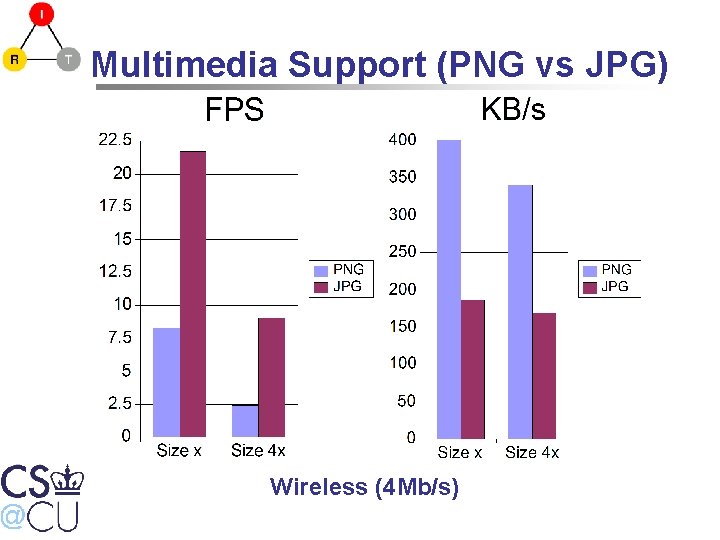
Multimedia Support (PNG vs JPG) Wireless (4 Mb/s)
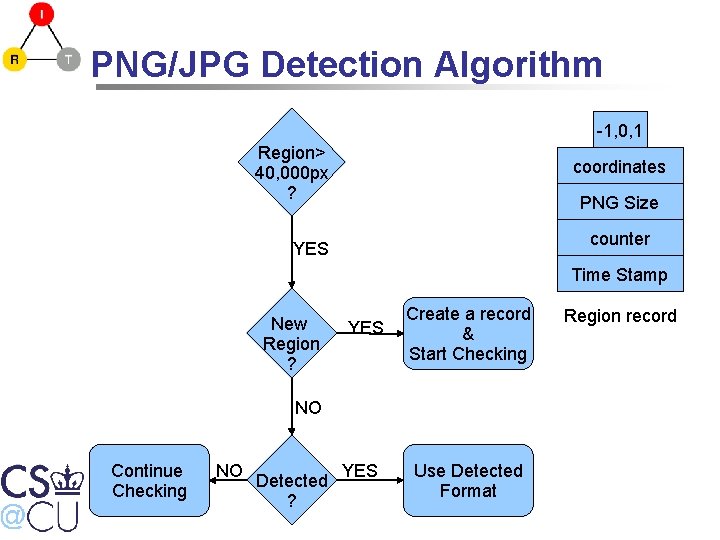
PNG/JPG Detection Algorithm -1, 0, 1 Region> 40, 000 px ? coordinates PNG Size counter YES Time Stamp New Region ? YES Create a record & Start Checking NO Continue Checking NO Detected ? YES Use Detected Format Region record
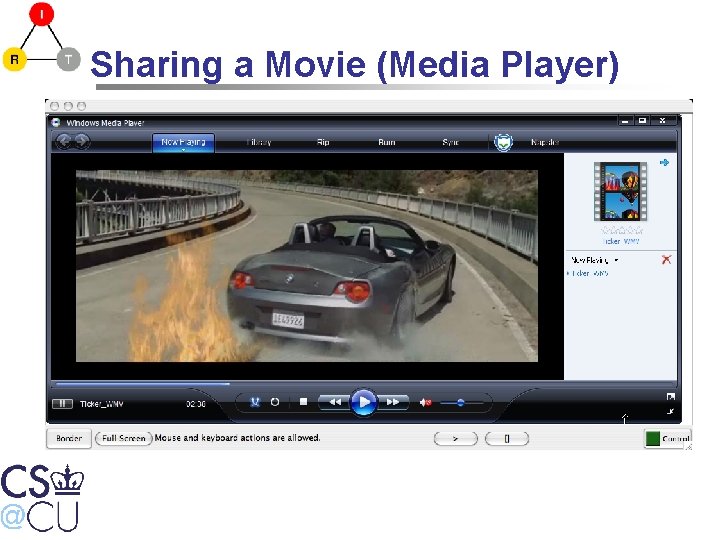
Sharing a Movie (Media Player)
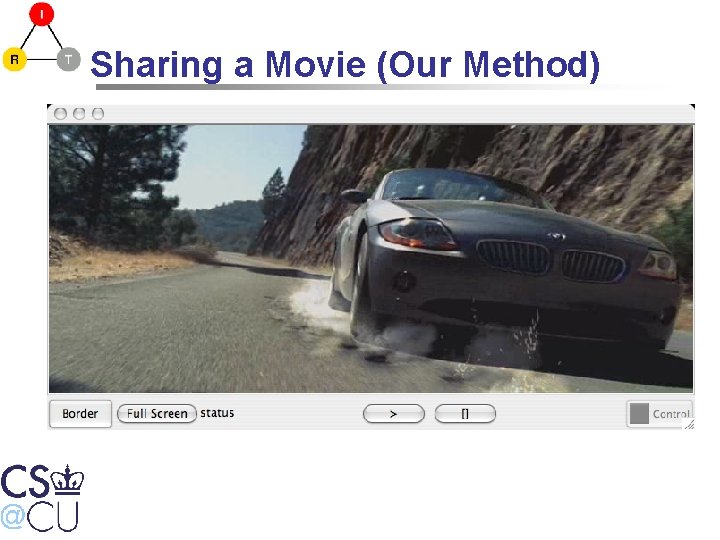
Sharing a Movie File • Capturing from the Frame Buffer is expensive. • Instead – Transcode the movie to Theora beforehand • Then stream theora directly to participants – Java client supports theora playback • Negligible CPU usage during playback on the server –
Sharing a Movie (Our Method)
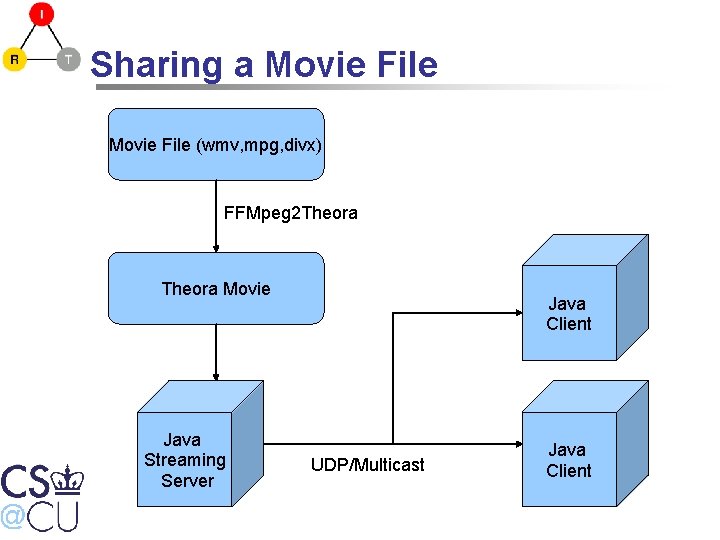
Sharing a Movie File (wmv, mpg, divx) FFMpeg 2 Theora Movie Java Streaming Server Java Client UDP/Multicast Java Client
Challenges • • Different client bandwidths/speeds Late Joiner The effects of packet loss Reliable multicast
Different Client Bandwidths/Speeds
Different Client Bandwidths/Speeds • Possible Solutions – Slowest one – Average speed – Fastest one
Different Client Bandwidths/Speeds • Possible Solutions – Slowest one • Problem: Penalize everybody except the slowest – Average speed – Fastest one
Different Client Bandwidths/Speeds • Possible Solutions – Slowest one • Problem: Penalize everybody except the slowest – Average speed • Possible solution – Fastest one
Different Client Bandwidths/Speeds • Possible Solutions – Slowest one • Problem: Penalize everybody except the slowest – Average speed • Possible solution (Can we do better? ) – Fastest one
Different Client Bandwidths/Speeds • Possible Solutions – Slowest one • Problem: Penalize everybody except the slowest – Average speed • Possible solution (Can we do better? ) – Fastest one • The best solution • Client bandwidths are fully utilized
Different Client Bandwidths/Speeds
Different Client Bandwidths/Speeds
Challenges • • Different client bandwidths/speeds Late Joiner The effects of packet loss Reliable multicast
Late Joiner • Force server to generate full screen update
Late Joiner • Force server to generate full screen update – Problems • Misbehaving clients can degrade performance • If Join/Leave rate is high, too much burden on server – Solution • Generate full screen updates if really necessary • Otherwise start the new client from last full screen update
Different Client Bandwidths/Speeds
Different Client Bandwidths/Speeds
Different Client Bandwidths/Speeds
Different Client Bandwidths/Speeds
Different Client Bandwidths/Speeds
Different Client Bandwidths/Speeds
Different Client Bandwidths/Speeds
Different Client Bandwidths/Speeds
Challenges • • Different client bandwidths/speeds Late Joiner The effects of packet loss Reliable multicast
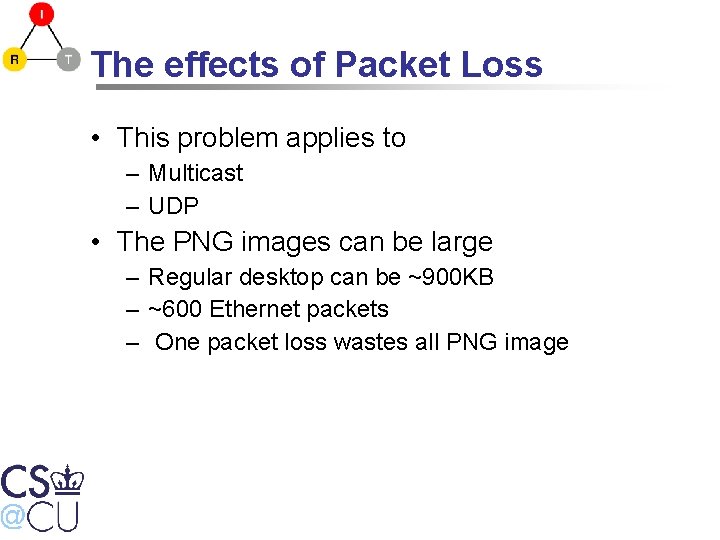
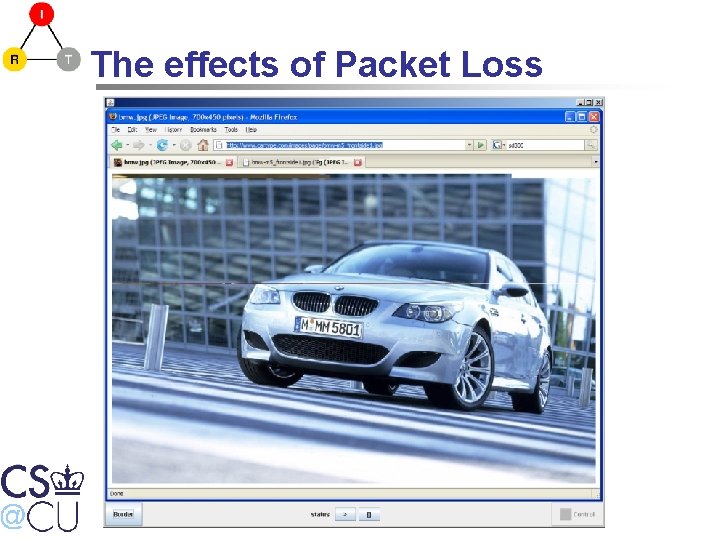
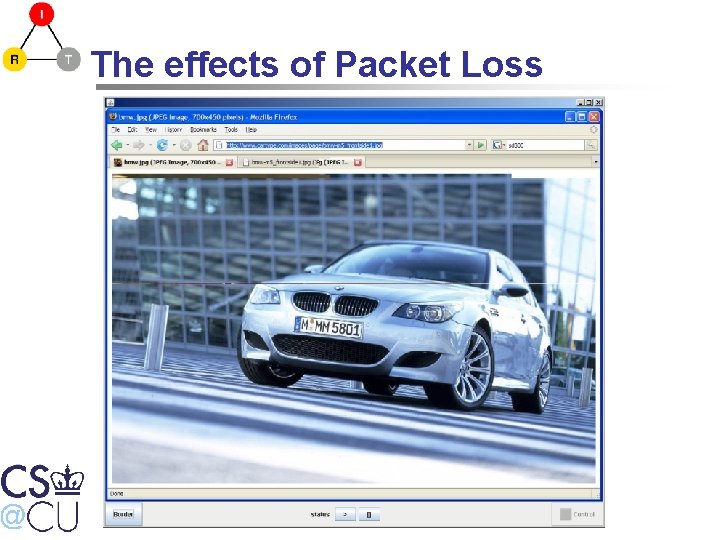
The effects of Packet Loss • This problem applies to – Multicast – UDP • The PNG images can be large – Regular desktop can be ~900 KB – ~600 Ethernet packets – One packet loss wastes all PNG image
The effects of Packet Loss • Solution – Small PNG images • Around ~1500 bytes • Consist of a few scanlines – Disadvantages • Increased CPU usage (client&server) • Lower compression ratio (%20 lower) – Advantages • One packet loss = no update for a few scanlines
The effects of Packet Loss
Challenges • • Different client bandwidths/speeds Late Joiner The effects of packet loss Reliable multicast
Reliable Multicast • RTP Library stores last N rtp packets • Clients send NACK for lost packets • RTP Library resend the requested packets
The effects of Packet Loss
Overview • • • Introduction Demo Architecture Challenges Features Conclusion
Recording • Clients can record the whole/part session • Anybody can play these files locally • These files can be streamed to receivers via streaming server • Streaming server supports multiple receivers – Also late joiners
Listening Client • Client waits for incoming connections • It can display windows from multiple user • Can be used for RGB cable replacement
Overview • • • Introduction Demo Architecture Challenges Features Conclusion
Conclusion • Application sharing allows users to share a single application with multiple participants. • Participants don't need the application. • It is not specific to a single application. • Extra features like recording is added.
Thanks • Questions?
- Slides: 71