
Basics of Purchase Order Payments Andrea Lee Accounts
Basics of Purchase Order Payments Andrea Lee, Accounts Payable Manager alee@email. arizona. edu 520 -626 -2089 Tammy Strom, Assistant Director Operations tammyv@email. arizona. edu 520 -626 -5276
Overview: • Responsibility • When to use a Purchase Order (PO) • Purchase Order process • Tips when setting up a Requisition • Reviewing Payment Requests (PREQs) • Reports and tools
Using a Purchase Order • Financial Services Manual 9. 10 • Purchasing Policy Manual 2. 2 and 3 • • Amount over $10, 000. 00 Recurring payments Pre-payment Shop Catalogs / AZ Buy. Ways • Punch out Vendors • Einvoicing
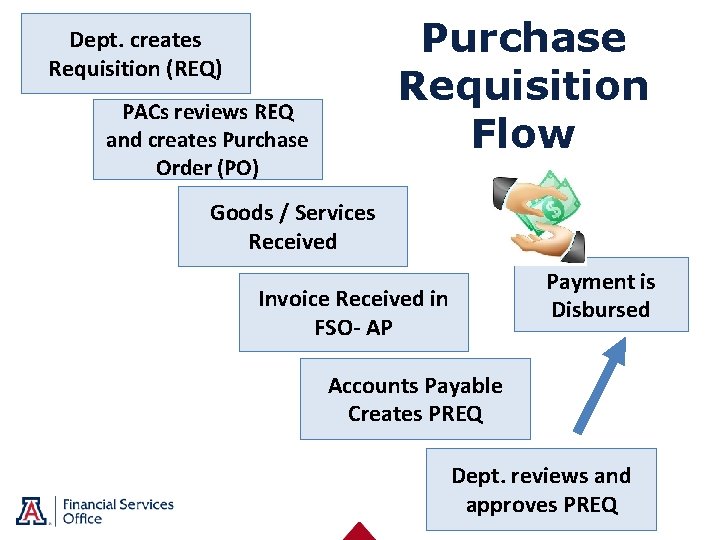
Purchase Requisition Flow Dept. creates Requisition (REQ) PACs reviews REQ and creates Purchase Order (PO) Goods / Services Received Payment is Disbursed Invoice Received in FSO- AP Accounts Payable Creates PREQ Dept. reviews and approves PREQ
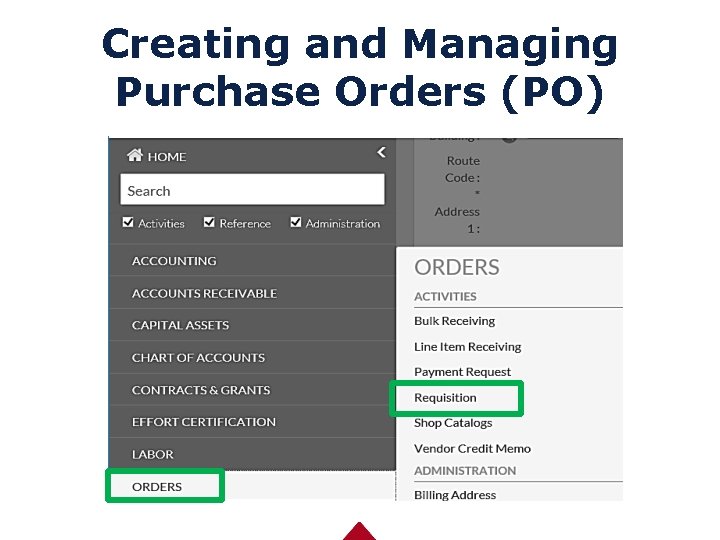
Creating and Managing Purchase Orders (PO)
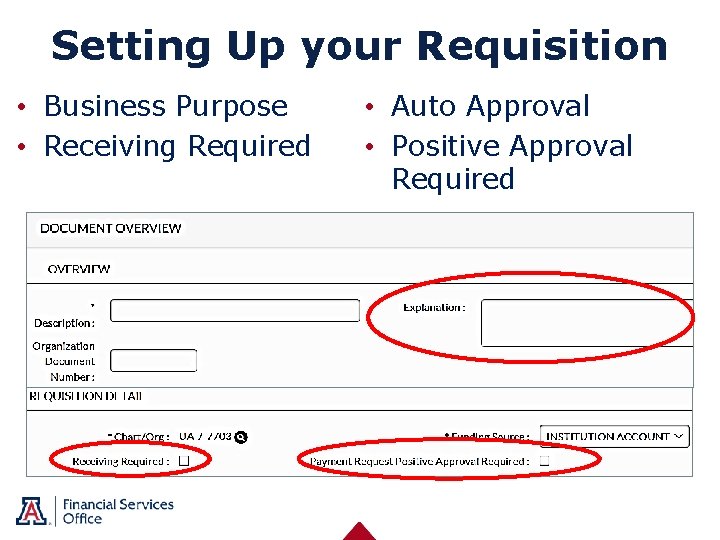
Setting Up your Requisition • Business Purpose • Receiving Required • Auto Approval • Positive Approval Required
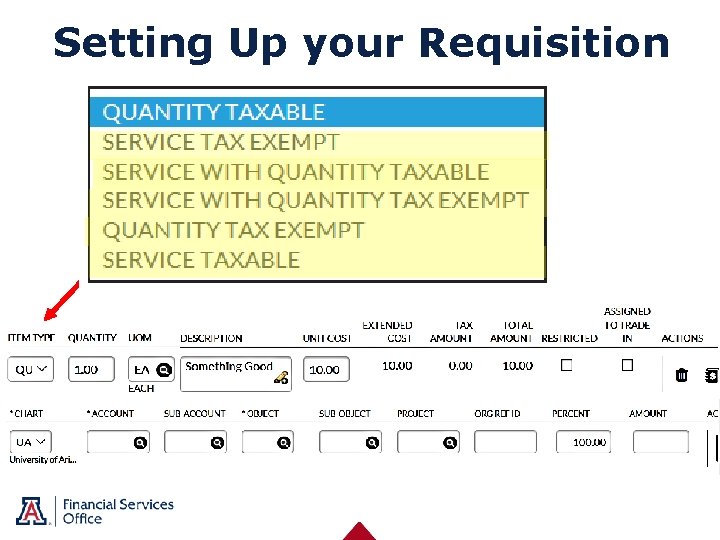
Setting Up your Requisition Wilma Wildcat
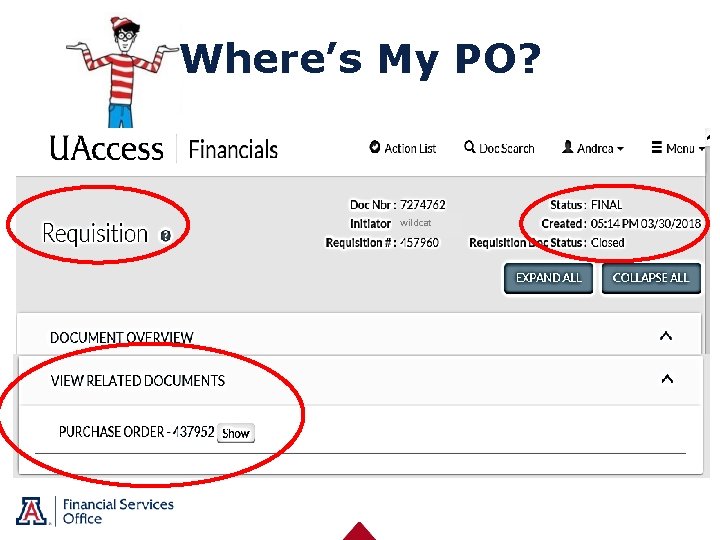
Where’s My PO? wildcat
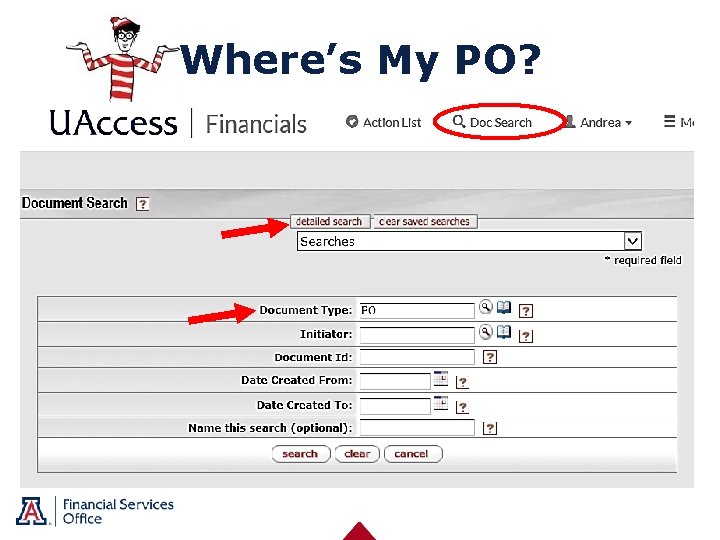
Where’s My PO?
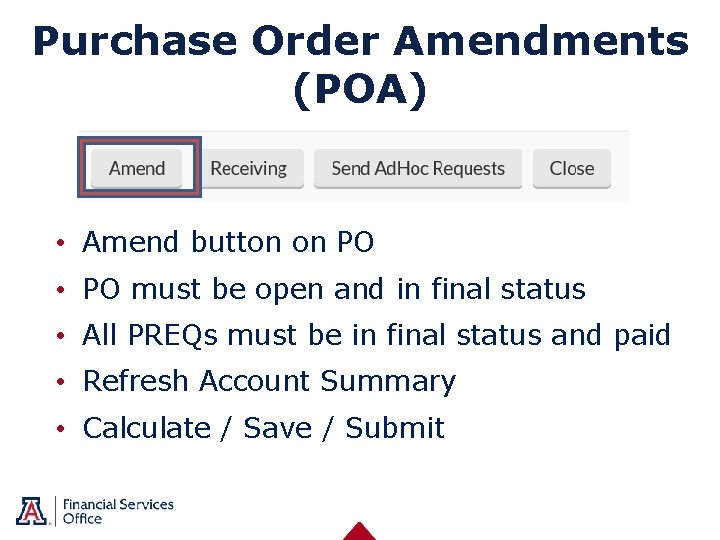
Purchase Order Amendments (POA) • Amend button on PO • PO must be open and in final status • All PREQs must be in final status and paid • Refresh Account Summary • Calculate / Save / Submit
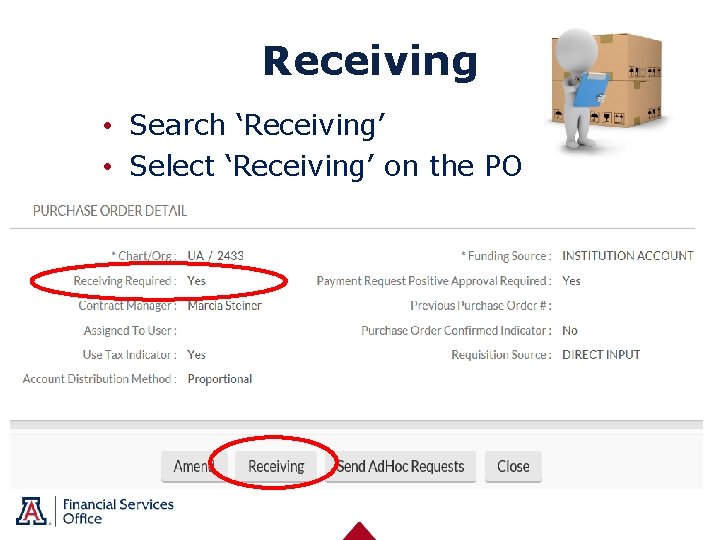
Receiving • Search ‘Receiving’ • Select ‘Receiving’ on the PO
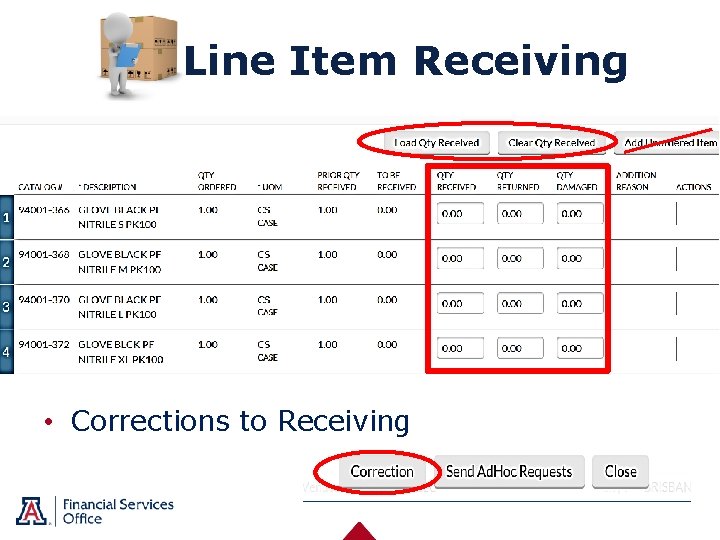
Line Item Receiving • Corrections to Receiving
Invoices Received in FSO University of Arizona – Accounts Payable 1303 E University, Box 5 Tucson, AZ 85719 invoices@fso. Arizona. edu • • • Valid invoice University Business On the PO and enough funding Sales, Use Tax and 1099 Reporting Remit address and payment method Object codes
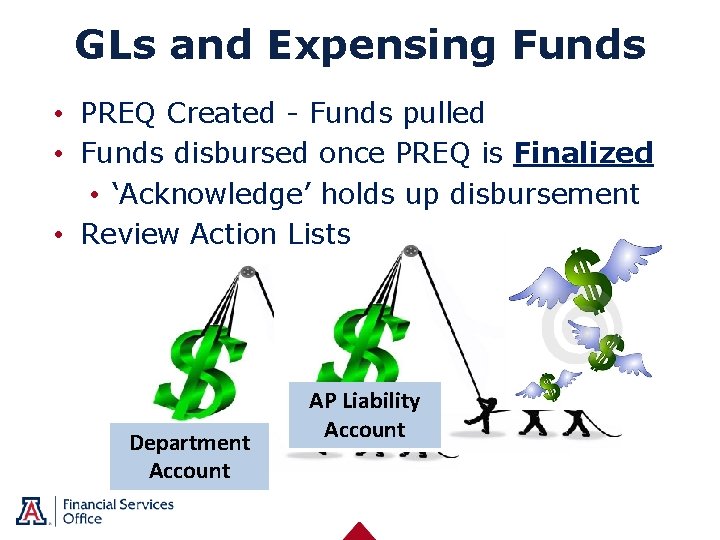
GLs and Expensing Funds • PREQ Created - Funds pulled • Funds disbursed once PREQ is Finalized • ‘Acknowledge’ holds up disbursement • Review Action Lists Department Account AP Liability Account
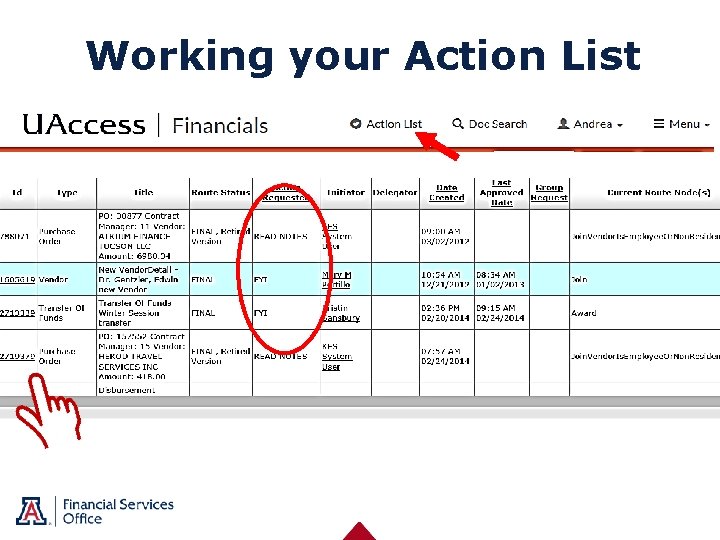
Working your Action List
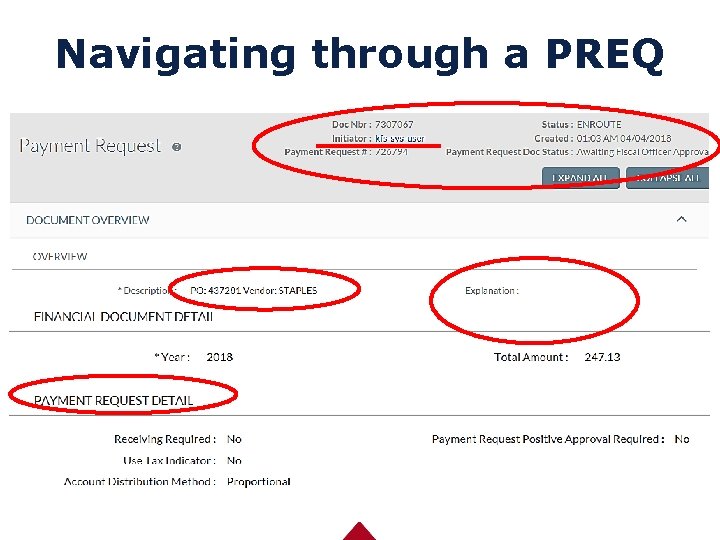
Navigating through a PREQ
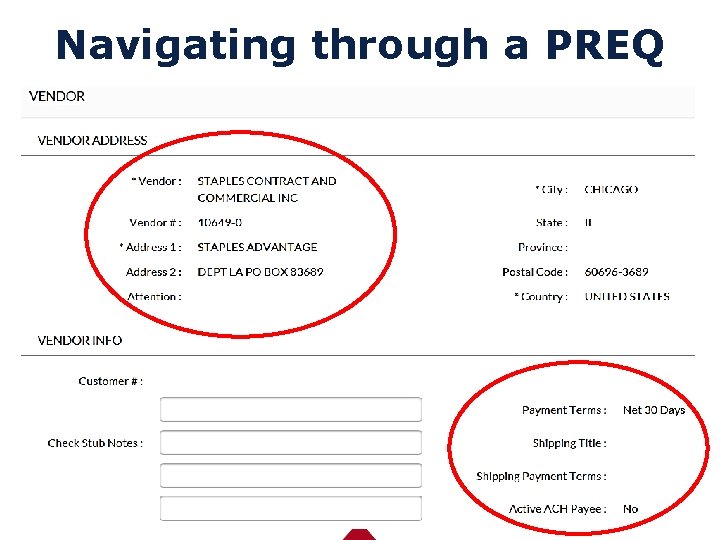
Navigating through a PREQ
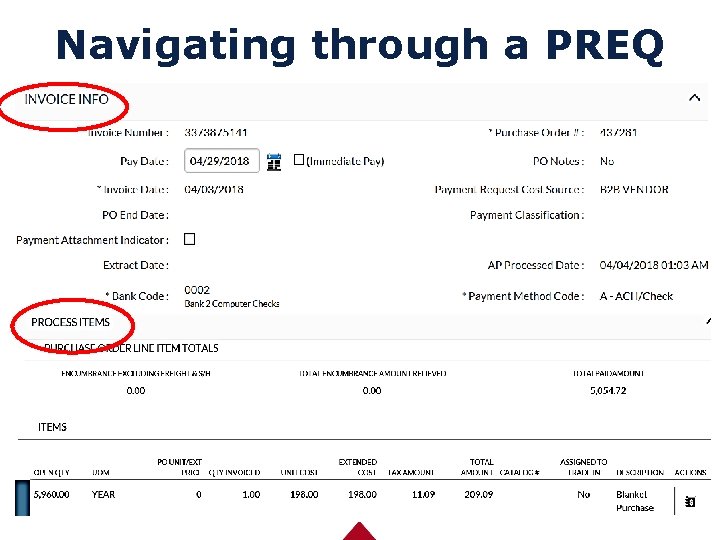
Navigating through a PREQ
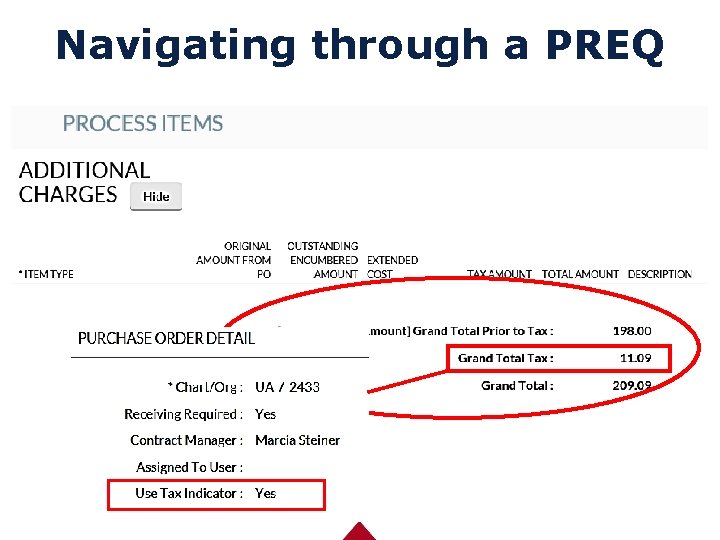
Navigating through a PREQ
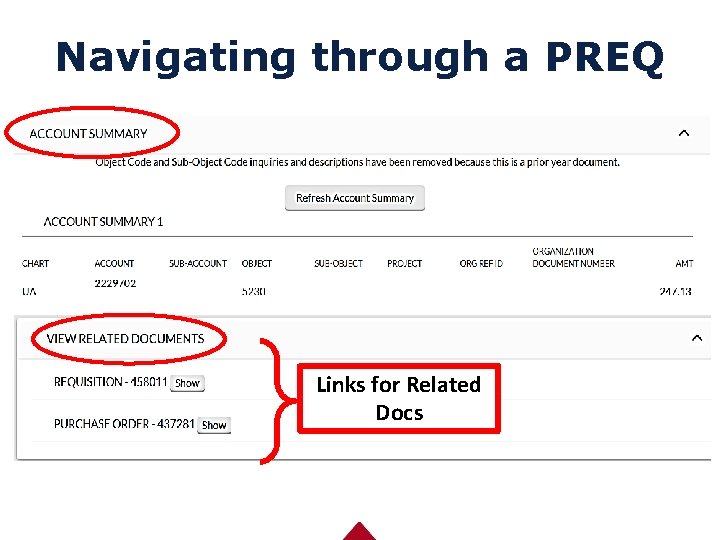
Navigating through a PREQ Links for Related Docs
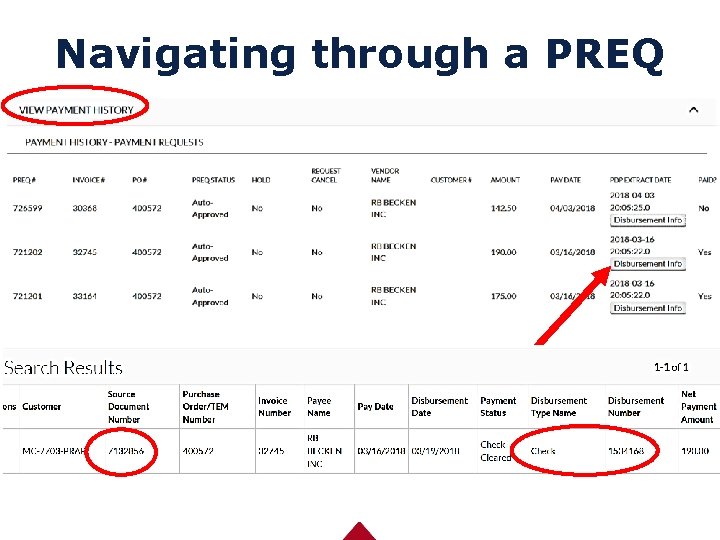
Navigating through a PREQ
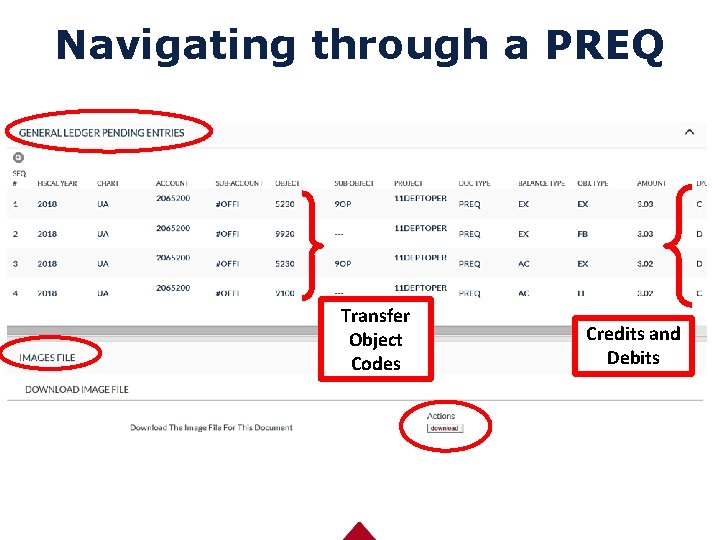
Navigating through a PREQ Transfer Object Codes Credits and Debits
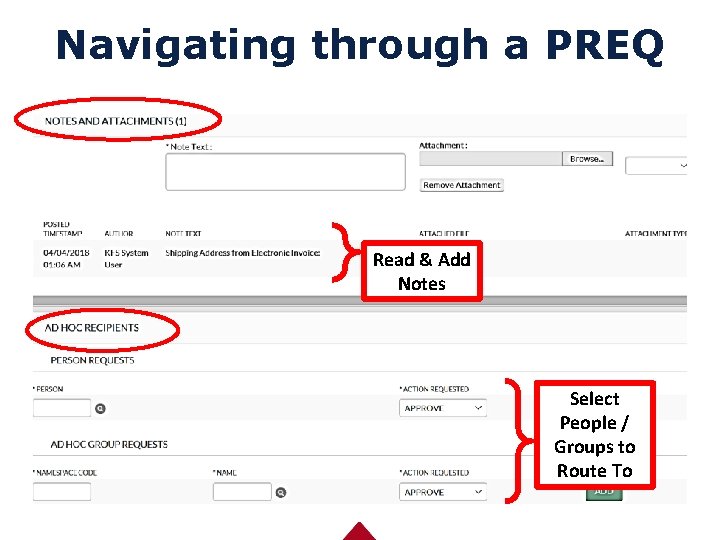
Navigating through a PREQ Read & Add Notes Select People / Groups to Route To
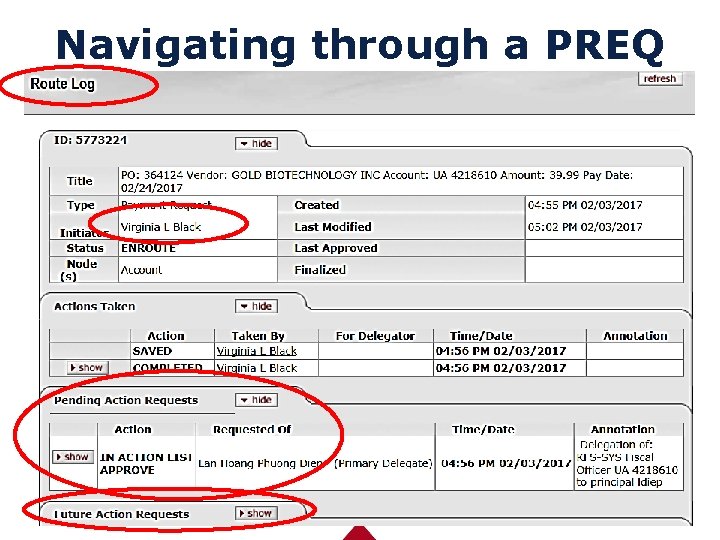
Navigating through a PREQ
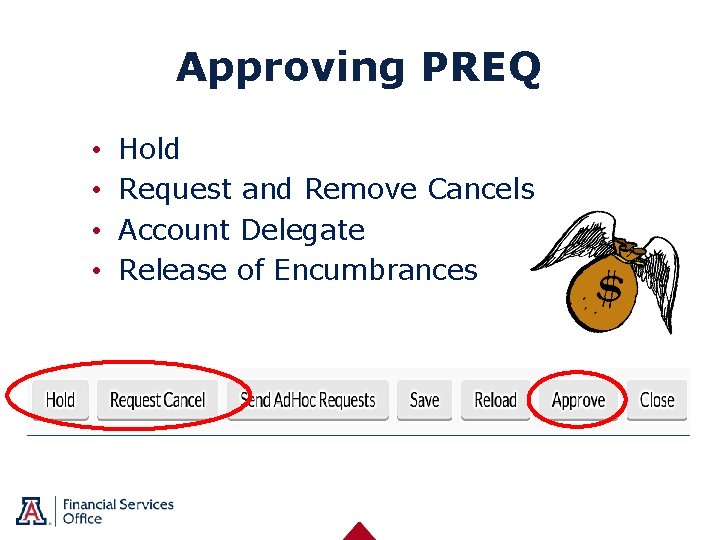
Approving PREQ • • Hold Request and Remove Cancels Account Delegate Release of Encumbrances
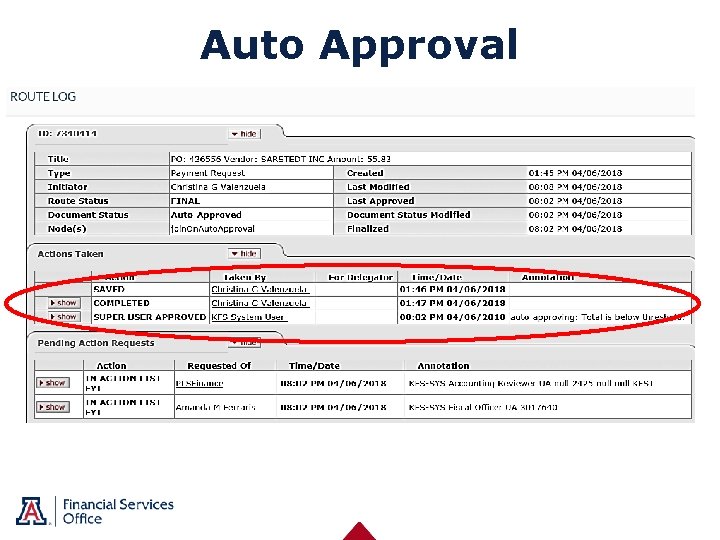
Auto Approval
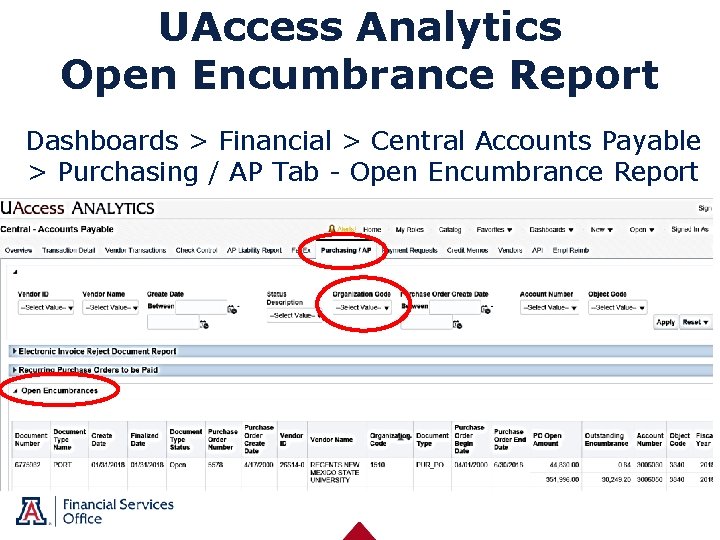
UAccess Analytics Open Encumbrance Report Dashboards > Financial > Central Accounts Payable > Purchasing / AP Tab - Open Encumbrance Report
Additional Helpful Resources • www. fso. arizona. edu • Accounts Payable • Financial Management • Procurement Contracting • Policies • AP Listserv: accts_Pay@fso. arizona. edu • Invoice Listserv: invoices@fso. Arizona. edu • FSO Customer Service: (520) 621 -9097
Recap: • Responsibility • When to use Purchase Order • Purchase Order process • Requisition and PREQ Tips • Reports and tools

- Slides: 30