
Basics of Computer Computer A computer is a
Basics of Computer

Computer �A computer is a programmable machine. The two principal characteristics of a computer are: It responds to a specific set of instructions in a well-defined manner and it can execute a prerecorded list of instructions (a program).

� All general-purpose computers require the following hardware components: � Memory: enables a computer to store, at least temporarily, data and programs. � Mass storage device: allows a computer to permanently retain large amounts of data. Common mass storage devices include solid state drives (SSDs) or disk drives and tape drives. � Input device: usually a keyboard and mouse, the input device is the conduit through which data and instructions enter a computer. � Output device: a display screen, printer, or other device that lets us see what the computer has accomplished. � Central processing unit (CPU): the heart of the computer, this is the component that actually executes instructions.
Hardware � Hardware is best described as any physical component of a computer system that contains a circuit board, ICs, or other electronics. A perfect example of hardware is the screen on which you are viewing this page. � Hardware classified as ◦ Internal Hardware ◦ External Hardware
Internal Hardware � Processor (CPU) � Drive (e. g. Blu-ray, CD-ROM, DVD, floppy drive, hard drive, and SSD) � Fan (heat sink) � Motherboard � Network card � RAM � Sound card � Video card
External Hardware � Flat-panel, Monitor, and LCD � Keyboard � Microphone � Mouse � Printer � Projector � Scanner � Speakers � USB thumb drive
Software � Abbreviated as SW and S/W, software is a collection of instructions that enable the user to interact with a computer, its hardware, or perform tasks. Without software, most computers would be useless. � For example, without your Internet browser software, you could not surf the Internet or read this page and without an operating system, the browser could not run on your computer.
List of Software's � Antivirus � Audio / Music program � Database � Device drivers � E-mail � Game � Internet browser � Movie player � Operating system � Presentation � Programming language � Spreadsheet
Generations of Computer � Generations of computers has been divided into five according to the development of technologies used to fabricate the processors, memories and I/O units. � Transitional period ◦ ◦ ◦ I Generation : 1945 – 55 II Generation : 1955 – 65 III Generation : 1965 – 75 IV Generation : 1975 – 89 V Generation : 1989 to present VI Generation : Future

FIRST GENERATION COMPUTERS � During the period of 1940 to 1956 first generation of computers were developed. � The first generation computers used vacuum tubes for circuitry and magnetic drums for memory, and were often enormous, taking up entire rooms. � The vacuum tube was developed by Lee De Forest. A vacuum tube is a device generally used to amplify a signal by controlling the movement of electrons in an evacuated space.

Colossus was the first electronic computer of this era. It's every aspect was kept secret by British Government.

• First fully electronic digital computer built in the U. S. • Created at the University of Pennsylvania • ENIAC weighed 30 tons contained 18, 000 vacuum tubes. • Cost a paltry $487, 000 UNIVAC -1951 (Universal Automatic Computer)
CHARACTERISTICS � First generation computers were based on vacuum tubes. � The operating systems of the first generation computers were very slow. � They were very large in size. � Production of the heat was in large amount in first generation computers. � Machine language was used for programming. � First generation computers were unreliable. � They were difficult to program and use.
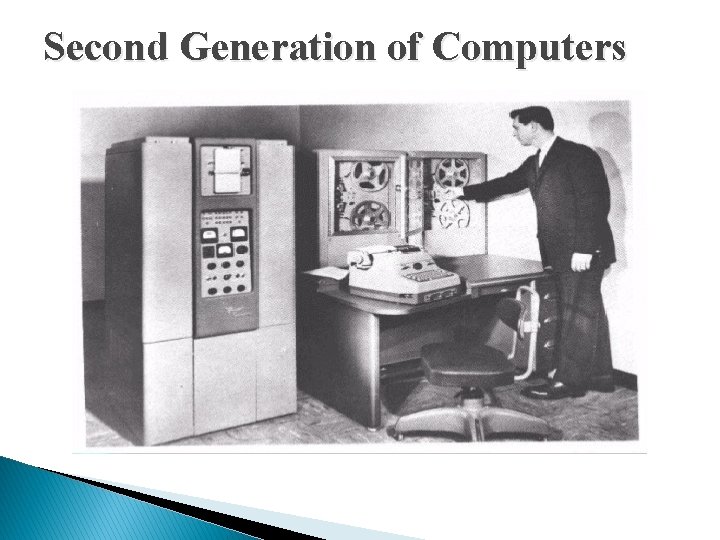
Second Generation of Computers
� The computers built in the 1950 s and 1960 s are considered the 2 nd generation computers. � These computers make use of the transistors invented by Bell Telephone laboratories and they had many of the same components as the modern- day computer. � For instance, 2 nd generation computers typically had a printer, some sort of tape or disk storage, operating systems, stored programs, as well as some sort of memory. � These computers were also generally more reliable and were solid in design.
Characteristics � Use of transistors (used to regulate the flow of an electrical current and to switch electricity on and off. ) � Reliable as compared to First generation computers � Smaller size as compared to First generation computers � Generate less heat as compared to First generation computers � Consumed less electricity as compared to First generation computers � Faster than first generation computers � Still very costly � A. C. needed � Support machine and assembly languages
Third Generation � The third generation of computer is marked by the use of Integrated Circuits (IC's) in place of transistors. � A single IC has many transistors, resistors and capacitors along with the associated circuitry. � The IC was invented by Jack Kilby. � This development made computers smaller in size, reliable and efficient. � In this generation, Remote processing, Time-sharing, Realtime, Multi-programming Operating System were used. � High-level language (FORTRAN-II TO IV, COBOL, PASCAL PL/1, BASIC, ALGOL-68, etc. ) were used during this generation.
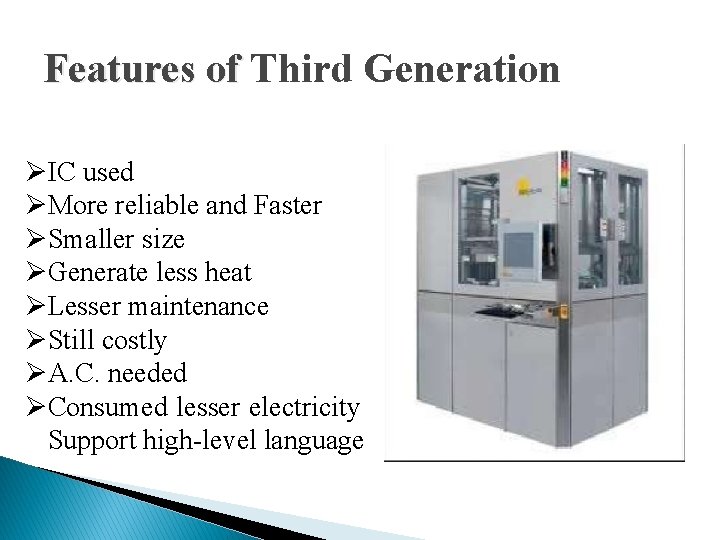
Features of Third Generation ØIC used ØMore reliable and Faster ØSmaller size ØGenerate less heat ØLesser maintenance ØStill costly ØA. C. needed ØConsumed lesser electricity Support high-level language
Fourth Generation � The period of Fourth Generation was 1971 -1980. � The fourth generation of computers is marked by the use of Very Large Scale Integrated (VLSI) circuits. VLSI circuits having about 5000 transistors and other circuit elements and their associated circuits on a single chip made it possible to have microcomputers of fourth generation. � Fourth Generation computers became more powerful, compact, reliable, and affordable. As a result, it gave rise to personal computer (PC) revolution. � In this generation, Time sharing, Real time, Networks, Distributed Operating System were used. � All the higher level languages like C and C++, DBASE, etc. , were used in this generation.
Features of Fourth Generation � VLSI technology used � Very cheap � Portable and reliable � Use of PC's � Very small size � Pipeline processing � No A. C. needed � Concept of internet was introduced � Great developments in the fields of networks. � Computers became easily available
Fifth Generation � In the fifth generation, the VLSI technology became ULSI (Ultra Large Scale Integration) technology, resulting in the production of microprocessor chips having ten million electronic components. � This generation is based on parallel processing hardware and AI (Artificial Intelligence) software. � AI is an emerging branch in computer science which interprets means and methods of making computers think like human beings.
Features of Fifth Generation � ULSI technology � Development of true artificial intelligence � Development of Natural language processing � Advancement in Parallel Processing � More user friendly interfaces with multimedia features � Availability of very powerful and compact computers at cheaper rates � All the higher level languages like C and C++, Java, . NET, etc. , are used in this generation.
Types of Programming Languages To build programs, people use languages that are similar to human language. The results are translated into machine code, which computers understand. Programming languages fall into three broad categories: • Machine languages • Assembly languages • Higher- level languages
Machine Languages • Nothing “below” machine language – only hardware • only language directly understood by computers without using a translation program • Binary- Consists of only 0’s and 1’s. e. g. 0001001111110000
� Advantages �Fast Execution � Limitations �Machine Dependent �Difficult to program �Error Prone �Difficult to modify
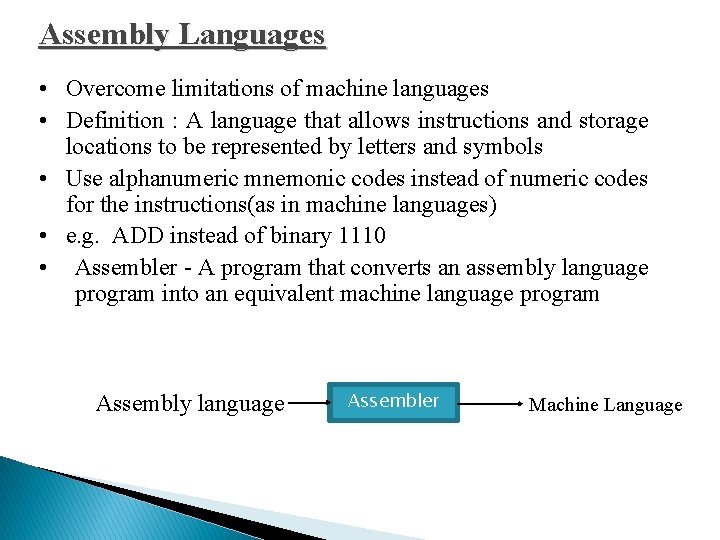
Assembly Languages • Overcome limitations of machine languages • Definition : A language that allows instructions and storage locations to be represented by letters and symbols • Use alphanumeric mnemonic codes instead of numeric codes for the instructions(as in machine languages) • e. g. ADD instead of binary 1110 • Assembler - A program that converts an assembly language program into an equivalent machine language program Assembly language Assembler Machine Language
� Advantages ◦ Easier to understand use ◦ Easier to modify � Disadvantages ◦ Machine Dependent
Higher-Level Languages –Third-Generation Languages � Third-generation languages (3 GLs) are the first to use true English-like phrasing, making them easier to use than previous languages. � 3 GLs are portable, meaning the object code created for one type of system can be translated for use on a different type of system. � The following languages are 3 GLs: FORTAN C COBOL C++ BASIC Java Pascal Active. X
Higher-Level Languages Fourth-Generation Languages • • • Fourth-generation languages (4 GLs) are even easier to use than 3 GLs. 4 GLs may use a text-based environment (like a 3 GL) or may allow the programmer to work in a visual environment, using graphical tools. The following languages are 4 GLs: • Visual Basic (VB) • Visual Age • Authoring environments
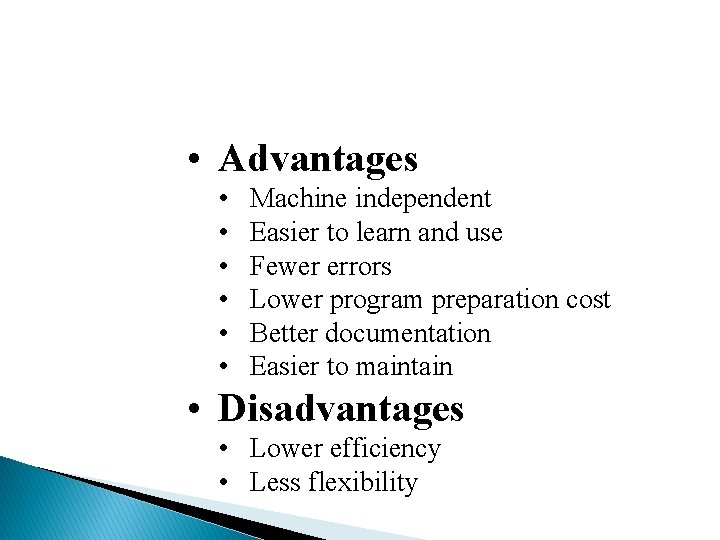
• Advantages • • • Machine independent Easier to learn and use Fewer errors Lower program preparation cost Better documentation Easier to maintain • Disadvantages • Lower efficiency • Less flexibility
- Slides: 30