
Basic Web Programming HTML by A Surasit Samaisut
Basic Web Programming HTML by A. Surasit Samaisut Copyrights © 2008 -2009 All Rights Reserved
What is HTML? n Hyper Text Markup Language is a language for describing web pages n is not a programming language n is a markup language n is a set of markup tags which describe how text should be displayed n
HTML File is a text file with HTML tags n file name must end with. htm or. html n called HTML document or Web Page n when a browser displays a web page, it will not display the markup tags n the browser uses the markup tags to understand the layout of the page n

HTM or HTML Extension n HTML file extension can be used either the. htm or the. html n . htm is a habit from the past when commonly used software allowed only three letters in file extensions n with newer software it is perfectly safe to use. html
HTML Help Tools n A good way to learn HTML is to coding with plain text editor like; Notepad n Edit. Plus n n Most prefer HTML editors like; Microsoft Front. Page n Macromedia Dreamweaver n
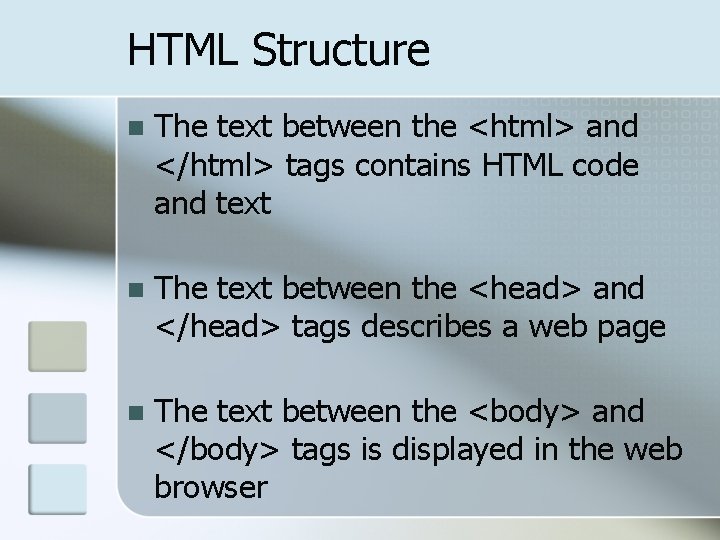
HTML Structure n The text between the <html> and </html> tags contains HTML code and text n The text between the <head> and </head> tags describes a web page n The text between the <body> and </body> tags is displayed in the web browser
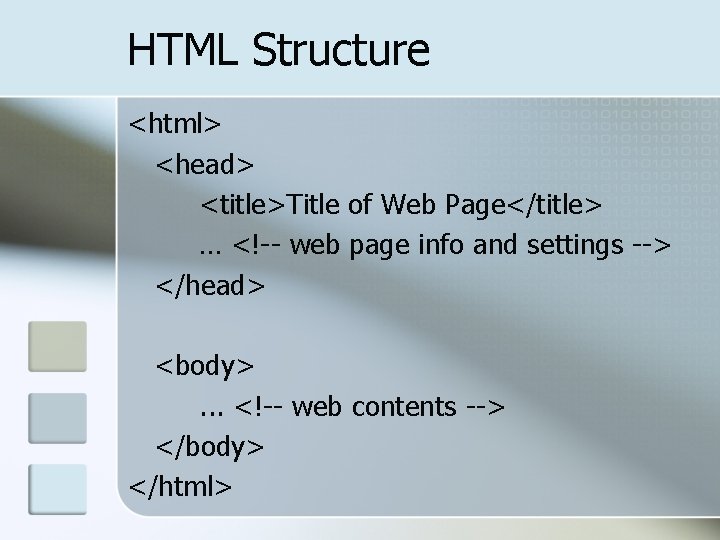
HTML Structure <html> <head> <title>Title of Web Page</title> … <!-- web page info and settings --> </head> <body>. . . <!-- web contents --> </body> </html>
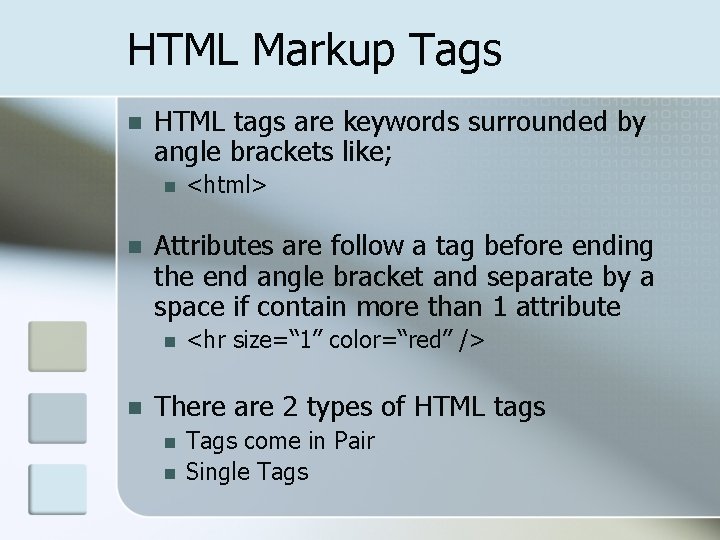
HTML Markup Tags n HTML tags are keywords surrounded by angle brackets like; n n Attributes are follow a tag before ending the end angle bracket and separate by a space if contain more than 1 attribute n n <html> <hr size=“ 1” color=“red” /> There are 2 types of HTML tags n n Tags come in Pair Single Tags
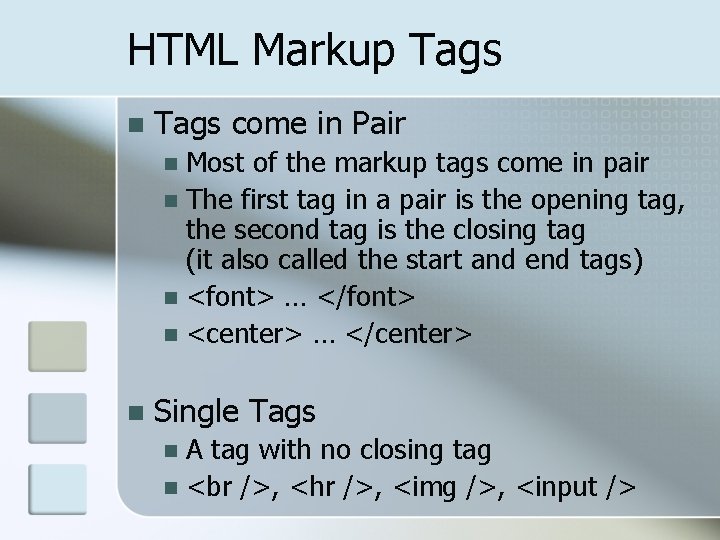
HTML Markup Tags n Tags come in Pair Most of the markup tags come in pair n The first tag in a pair is the opening tag, the second tag is the closing tag (it also called the start and end tags) n <font> … </font> n <center> … </center> n n Single Tags A tag with no closing tag n , <hr />, <img />, <input /> n
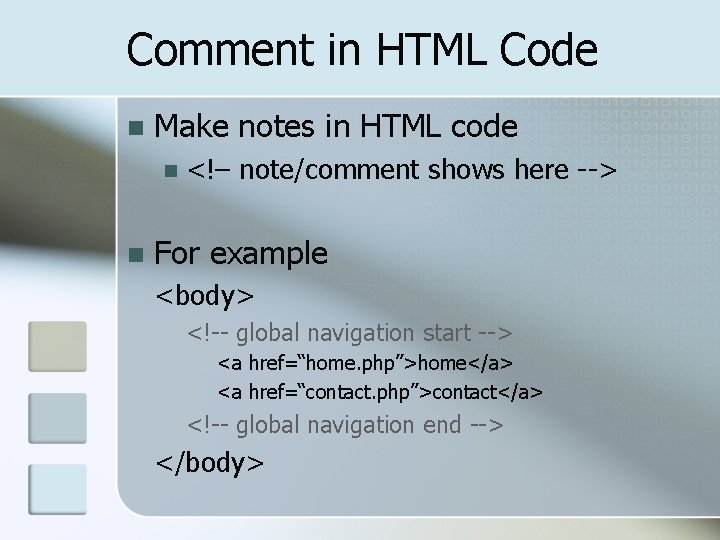
Comment in HTML Code n Make notes in HTML code n n <!– note/comment shows here --> For example <body> <!-- global navigation start --> <a href=“home. php”>home</a> <a href=“contact. php”>contact</a> <!-- global navigation end --> </body>
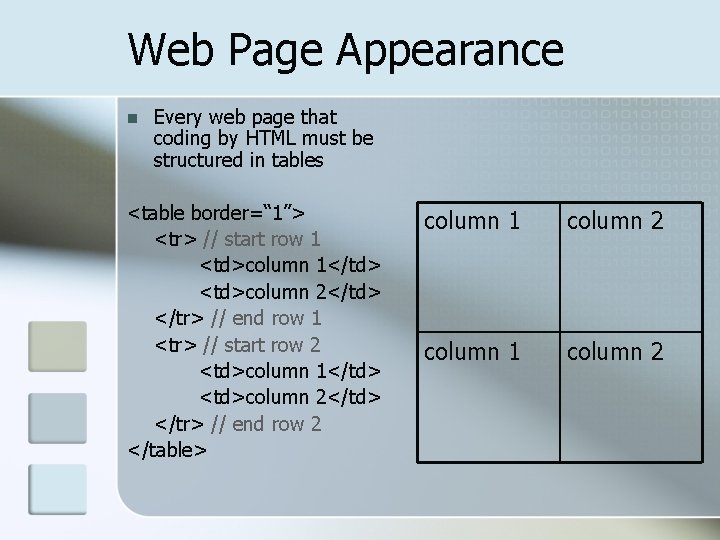
Web Page Appearance n Every web page that coding by HTML must be structured in tables <table border=“ 1”> <tr> // start row 1 <td>column 1</td> <td>column 2</td> </tr> // end row 1 <tr> // start row 2 <td>column 1</td> <td>column 2</td> </tr> // end row 2 </table> column 1 column 2
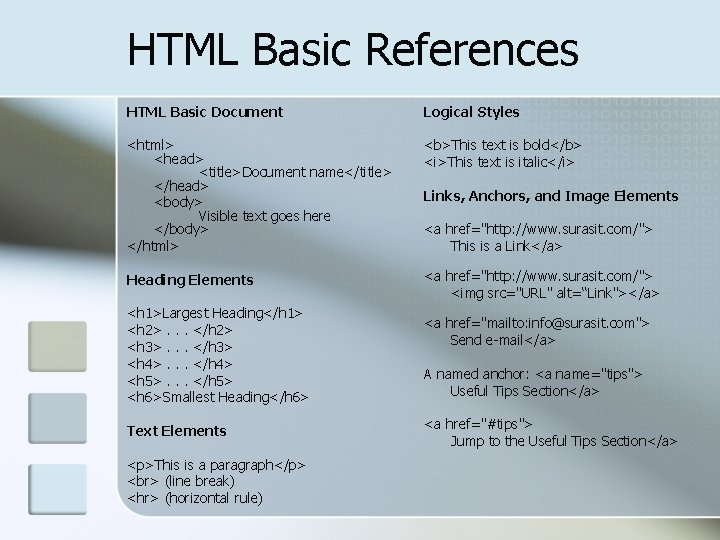
HTML Basic References HTML Basic Document Logical Styles <html> <head> <title>Document name</title> </head> <body> Visible text goes here </body> </html> <b>This text is bold</b> <i>This text is italic</i> Heading Elements <a href="http: //www. surasit. com/"> <img src="URL" alt=“Link"></a> <h 1>Largest Heading</h 1> <h 2>. . . </h 2> <h 3>. . . </h 3> <h 4>. . . </h 4> <h 5>. . . </h 5> <h 6>Smallest Heading</h 6> Text Elements <p>This is a paragraph</p> (line break) <hr> (horizontal rule) Links, Anchors, and Image Elements <a href="http: //www. surasit. com/"> This is a Link</a> <a href="mailto: info@surasit. com"> Send e-mail</a> A named anchor: <a name="tips"> Useful Tips Section</a> <a href="#tips"> Jump to the Useful Tips Section</a>
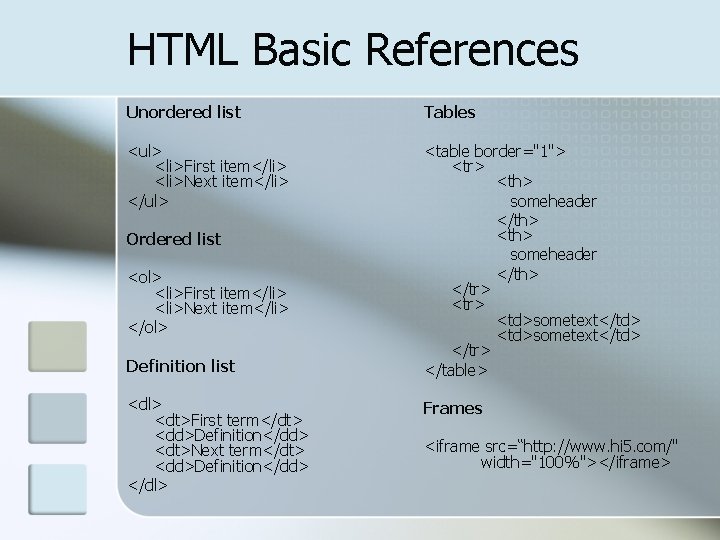
HTML Basic References Unordered list Tables <ul> <li>First item</li> <li>Next item</li> </ul> <table border="1"> <tr> <th> someheader </th> </tr> <td>sometext</td> </tr> </table> Ordered list <ol> <li>First item</li> <li>Next item</li> </ol> Definition list <dl> <dt>First term</dt> <dd>Definition</dd> <dt>Next term</dt> <dd>Definition</dd> </dl> Frames <iframe src=“http: //www. hi 5. com/" width="100%"></iframe>
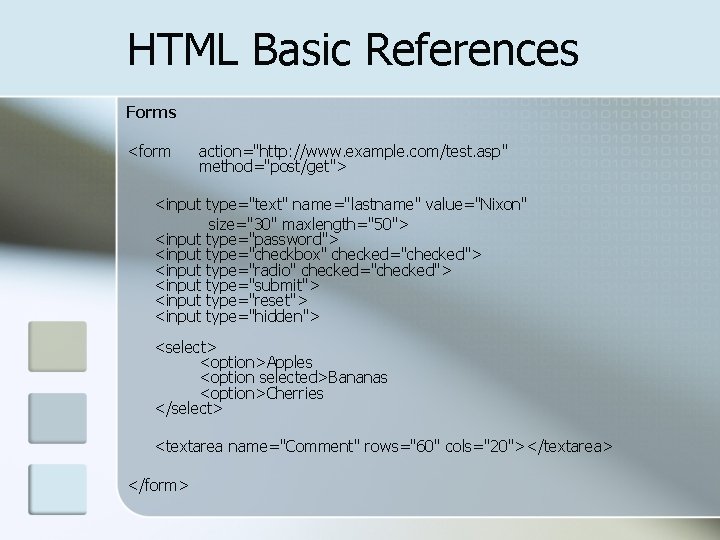
HTML Basic References Forms <form action="http: //www. example. com/test. asp" method="post/get"> <input type="text" name="lastname" value="Nixon" size="30" maxlength="50"> <input type="password"> <input type="checkbox" checked="checked"> <input type="radio" checked="checked"> <input type="submit"> <input type="reset"> <input type="hidden"> <select> <option>Apples <option selected>Bananas <option>Cherries </select> <textarea name="Comment" rows="60" cols="20"></textarea> </form>
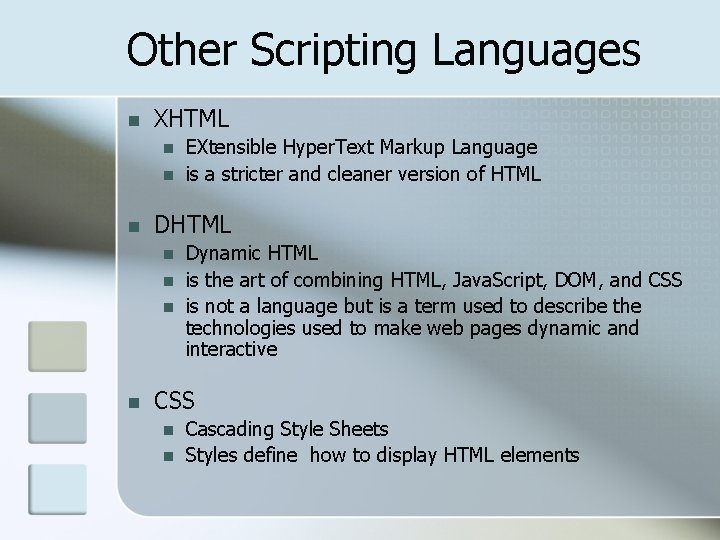
Other Scripting Languages n XHTML n n n DHTML n n EXtensible Hyper. Text Markup Language is a stricter and cleaner version of HTML Dynamic HTML is the art of combining HTML, Java. Script, DOM, and CSS is not a language but is a term used to describe the technologies used to make web pages dynamic and interactive CSS n n Cascading Style Sheets Styles define how to display HTML elements
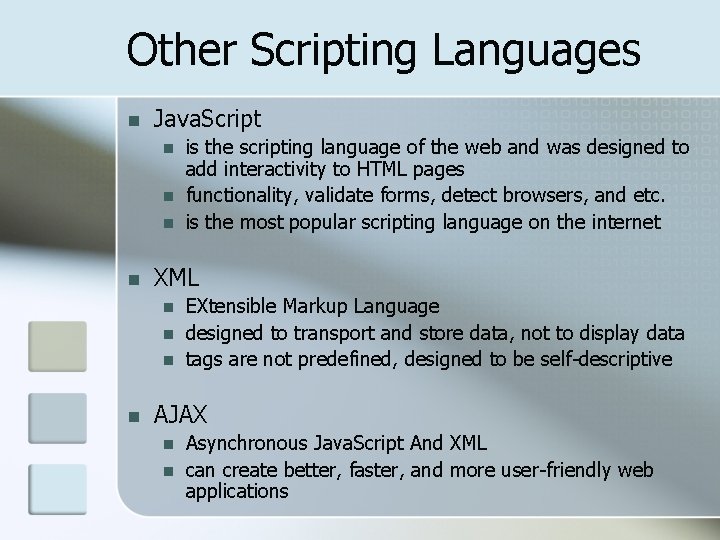
Other Scripting Languages n Java. Script n n XML n n is the scripting language of the web and was designed to add interactivity to HTML pages functionality, validate forms, detect browsers, and etc. is the most popular scripting language on the internet EXtensible Markup Language designed to transport and store data, not to display data tags are not predefined, designed to be self-descriptive AJAX n n Asynchronous Java. Script And XML can create better, faster, and more user-friendly web applications
- Slides: 16