
Basic Web Page Design for Courses Acadia Institute
Basic Web Page Design for Courses Acadia Institute for Teaching and Technology
ACME vs. Custom Course Page ACME Custom Page • Simple to use • Easy to update • Hidden flexibility • Control look of site • Embed media • Linked pages Acadia Institute for Teaching and Technology
Limitations of the Web • • • Font type (Arial, Times New Roman, Century) Size (8, 10, 12, 14, 18, 24, 36 points) - CSS Screen size (800 x 600 – include browser) Colors (safe color #’s 0, 51, 102, 153, 204, 255) Download speed (watch large images) Server storage (issues with video and sound) Acadia Institute for Teaching and Technology
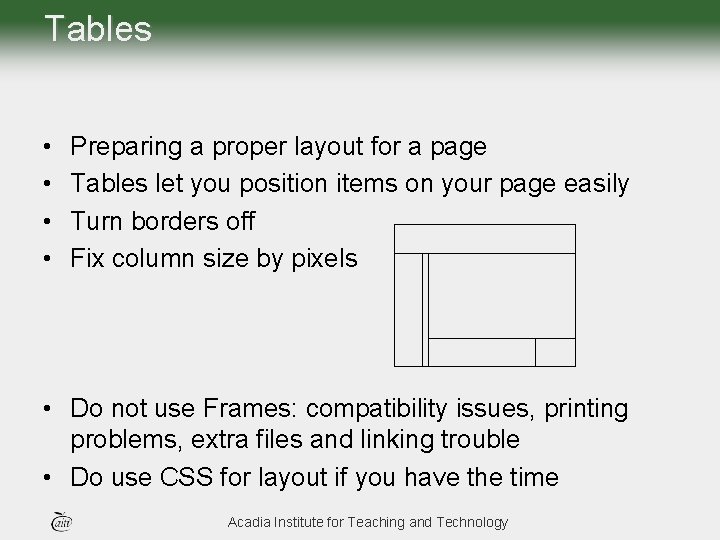
Tables • • Preparing a proper layout for a page Tables let you position items on your page easily Turn borders off Fix column size by pixels • Do not use Frames: compatibility issues, printing problems, extra files and linking trouble • Do use CSS for layout if you have the time Acadia Institute for Teaching and Technology
Menus • Be consistent on every page • Always create a link back to your main page • If menu items need to be in cells then create an embedded table to do this Acadia Institute for Teaching and Technology
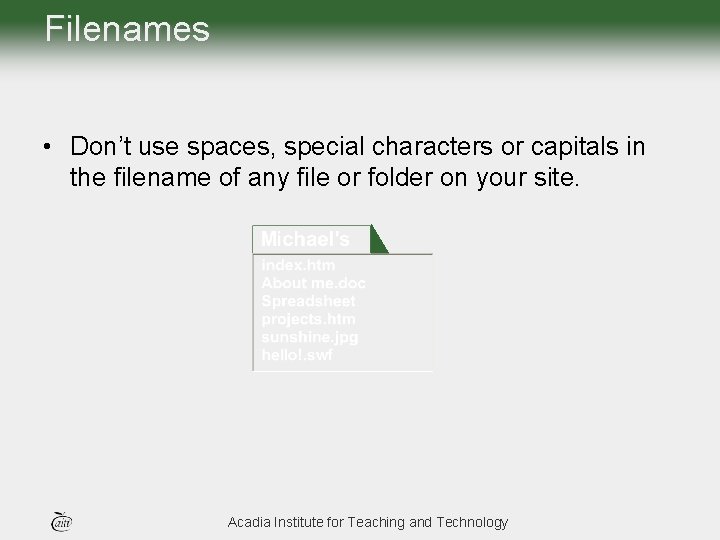
Filenames • Don’t use spaces, special characters or capitals in the filename of any file or folder on your site. Acadia Institute for Teaching and Technology
Organizing Your Files • Create a folder to hold all of your web site files and/or subfolders • More organization = more time saved – Files may include htm/html, pictures, word documents, etc. – Decide if you need subfolders – if so, how will you organize them? Acadia Institute for Teaching and Technology
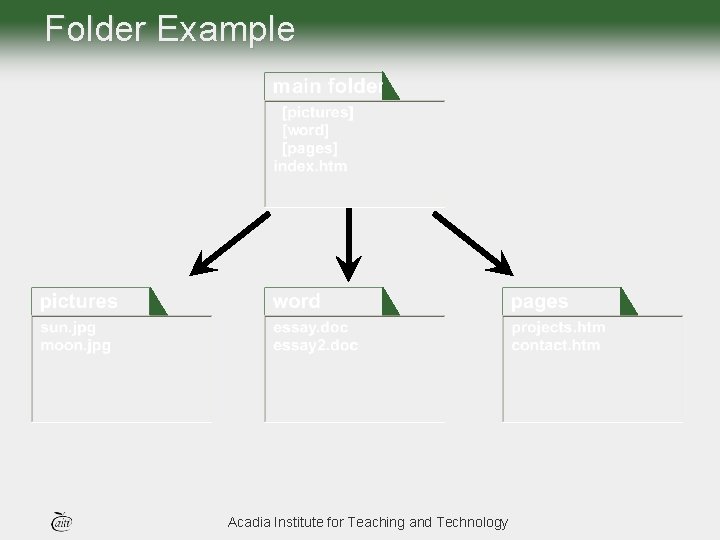
Folder Example Acadia Institute for Teaching and Technology
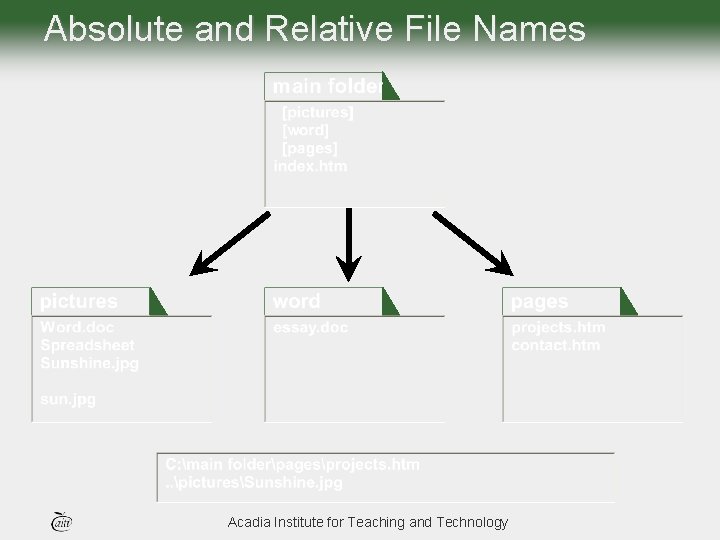
Absolute and Relative File Names Acadia Institute for Teaching and Technology
Copying text • Source (scanner, web) • Copy the picture if text is an image • Copy text from web by highlighting, copy (control+C) and paste (control+V) Acadia Institute for Teaching and Technology
Copying pictures • • Source (digital camera, scanner, web) Right click to copy picture from a page Copy the screen if image is in a table (Print screen) Before you add to web page (resize, crop, compress) this will reduce file size • JPG for most pictures • Gif for solid colors, simple animation and transparent color Acadia Institute for Teaching and Technology
Creating Links • Copy link from URL • Paste into page • Note you can link to any other page on your computer, but watch the file structure Acadia Institute for Teaching and Technology
Uploading a web page • • Save page in www folder on Network drive Keep elements of page together Watch spaces and special characters Copy all files Acadia Institute for Teaching and Technology
Creating a Template • Templates save you TIME! • Decide on a layout that will include: – – Menu Page heading Content area Title of the site • Decide on a style (colors, fonts) • Save two copies! • Know the difference between a normal template and a dynamic web template Acadia Institute for Teaching and Technology
Dynamic Web Templates • Pages defined with dynamic templates limit what areas of the page can be edited. • Changes made to the dynamic template will be applied to all pages that were previously created using it • Dynamic templates are proprietary and cannot be edited by other editors • Costs for editors that can do this (Dreamweaver) • Used in powerful editors (good and bad) • Work well when pages will not be significantly altered Acadia Institute for Teaching and Technology
Normal Templates • Pages defined with normal templates do not limit what areas of the page can be edited • Changes made to the template do not get applied to pages previously created using it. • Normal templates are not proprietary and can be edited by other editors • Cost is not an issue • Simple editors can do the job • Work well if you want to make significant changes to pages Acadia Institute for Teaching and Technology
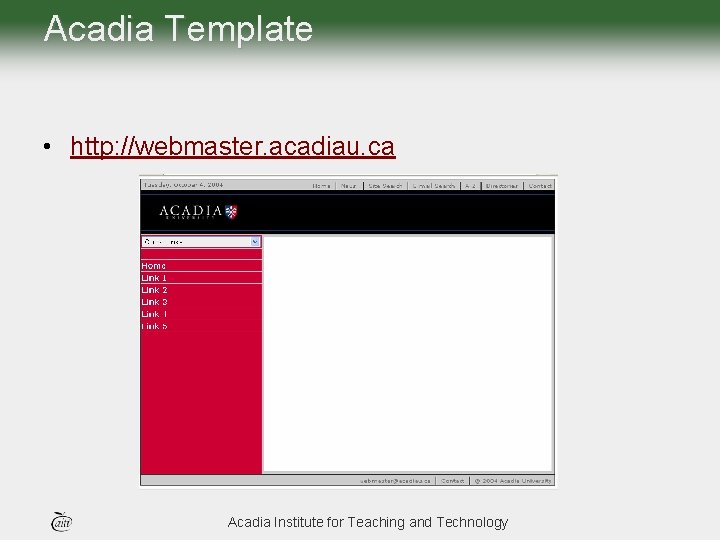
Acadia Template • http: //webmaster. acadiau. ca Acadia Institute for Teaching and Technology
- Slides: 17