
Basic Value Mapping A Lean Improvement Tool You
Basic Value Mapping A Lean Improvement Tool
You will : Gain a Basic knowledge of producing a current map Learn how to identify and reduce waste Gain a Basic knowledge of the tools and their application Gain a basic knowledge of the tools by participating in activities WSU Outreach & Cont. Ed
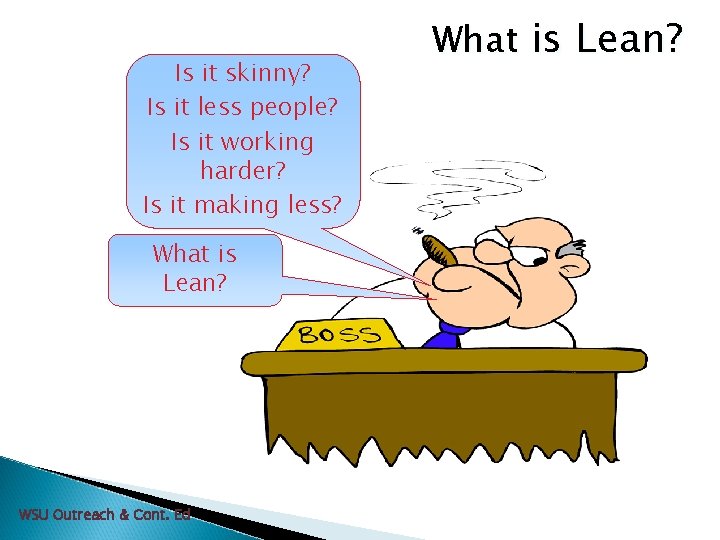
Is it skinny? Is it less people? Is it working harder? Is it making less? What is Lean? WSU Outreach & Cont. Ed What is Lean?

What is Lean? Why no Sir! Lean is none of those things. Lean is an ever evolving philosophy based on proven principles and practices aimed at the elimination of wastes. WSU Outreach & Cont. Ed
What is Lean? Lean is a continuing process of change involving everyone in the organization. WSU Outreach & Cont. Ed
Why Lean Services? 60%-80% of costs are administrative costs Allows work to be released accurately Payment received faster Improves morale Improves productivity Improves bottom line WSU Outreach & Cont. Ed

Why Lean ? Price Profit Cost Traditional Thinking Lean Thinking Cost + Profit = Price – Cost = Profit WSU Outreach & Cont. Ed
Designing processes for your business 1. 2. 3. 4. 5. Deliver exactly what the customer needs (defect free) Be able to deliver customized value to each individual customer Deliver on demand exactly as requested Respond immediately to problems or changes Have no waste WSU Outreach & Cont. Ed
Activity Understanding Value-Added WSU Outreach & Cont. Ed
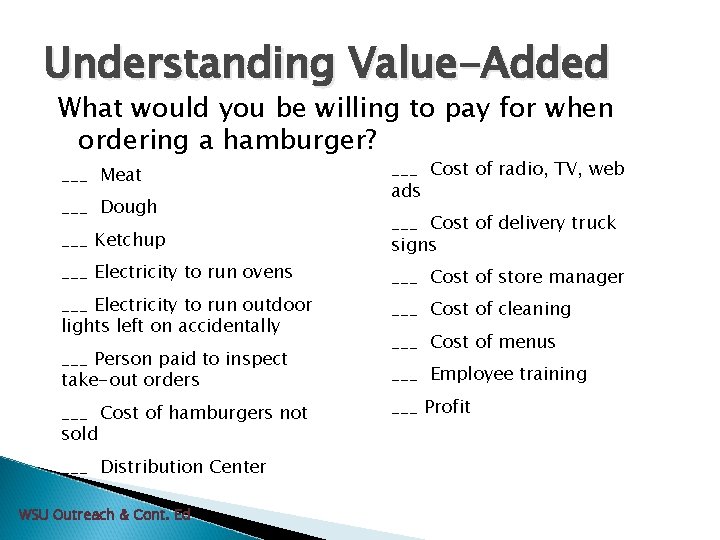
Understanding Value-Added What would you be willing to pay for when ordering a hamburger? ___ Meat ___ Dough ___ Ketchup ___ Electricity to run ovens ___ Electricity to run outdoor lights left on accidentally ___ Person paid to inspect take-out orders ___ Cost of hamburgers not sold ___ Distribution Center WSU Outreach & Cont. Ed ___ Cost of radio, TV, web ads ___ Cost of delivery truck signs ___ Cost of store manager ___ Cost of cleaning ___ Cost of menus ___ Employee training ___ Profit
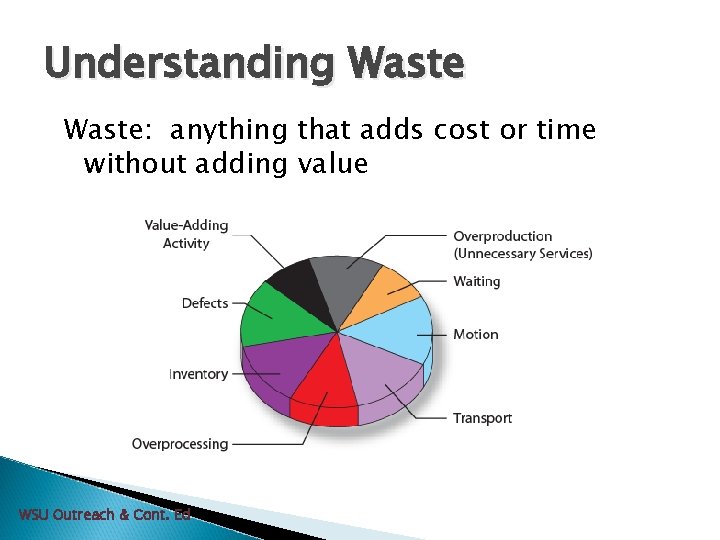
Understanding Waste: anything that adds cost or time without adding value WSU Outreach & Cont. Ed

Understanding Waste Overproduction – producing work prior to it being required is waste and is the greatest of all the wastes • Producing reports no one reads or needs • Making extra copies • E-mailing, faxing same document • Entering repetitive information on multiple documents • Ineffective meetings WSU Outreach & Cont. Ed
Understanding Waste Waiting – for people, signatures, and information is waste. This is “low hanging fruit” which is easy to reach and ripe for the taking. • • • Excessive signatures or approvals Dependency of others to complete tasks Delays in receiving information Computer program revision problems Cross-departmental resource commitments Not a priority for someone to complete WSU Outreach & Cont. Ed
Understanding Waste Motion - any movement of people, paper, electronic exchanges that does not add value is waste • • • Searching for computer files Searching for documents in file cabinets Repeatedly reviewing manuals for information Hand carrying paper to another process Cross-departmental resource commitments Not a priority for someone to complete WSU Outreach & Cont. Ed
Understanding Waste Transport - affects the time of delivery of any work within an office • • • Delivering unneeded documents Excessive filing of work documents Over-addressed e-mail distribution lists Hand-carrying paper to another process Cross-departmental resource commitments Mis-prioritization WSU Outreach & Cont. Ed

Understanding Waste Overprocessing - putting more work or effort into the work required by internal or external customers is waste • • Duplicative reports or information Repetitive data entry Incorrect information being shared Constantly revising documents Ineffective meetings and no agendas Duplicative documentation Lack of accurate project planning WSU Outreach & Cont. Ed
Understanding Waste Inventory (Time) - work piles, excessive supplies, and excessive signature requirements are waste • • • Files awaiting signatures or approvals Work awaiting task completion by others Obsolete files Obsolete office equipment Not sufficient training of back-ups Purchasing excessive office supplies. WSU Outreach & Cont. Ed

Understanding Waste Defects (or mistakes) - refers to all processing required creating a defect or mistake and the additional work required to correct it • • • Data entry errors Pricing errors Forwarding incomplete documentation Incorrect information on document Inefficient file system on PC or in cabinet Not appropriate staffing to service customer WSU Outreach & Cont. Ed
Understanding Waste Underutilization of People - is a result of not placing people where they can (and will) use their knowledge, skills, and abilities to the fullest (8 th Waste) • • • Project deadlines not being met. Work loads not evenly balanced due to lack of cross-training High absenteeism and turnover Inadequate performance management system Incomplete job skill assessment prior to hiring WSU Outreach & Cont. Ed

Value Stream Mapping – the visual representation of the processes (work units and information) required to meet customer demand Includes both value-added and non value-added activities Allows for “seeing” areas of waste in current state Future state is roadmap and apt to change Create icons specific to your business or industry WSU Outreach & Cont. Ed
Why Use VSM? • It gives a systems perspective incorporating quantified, objective data. • It links work/task and information/communication flow. • It displays metrics of delivery relevant to quality performance. • It captures and evaluates work complexity by displaying different types of processes/services flowing thru the value stream. • It is an effective way to accommodate process/service redesign in order to achieve strategic objectives. WSU Outreach & Cont. Ed
A 3 Reporting Tool A 3 refers to size of paper (11” x 17”) Report flow • Left-hand side --- top to bottom--- “how does work happen now” • Right-hand side – top to bottom--- “how are we going to fix it” Three-hole punch combined with tri-fold enables reports to be stored in 3 ring binders WSU Outreach & Cont. Ed
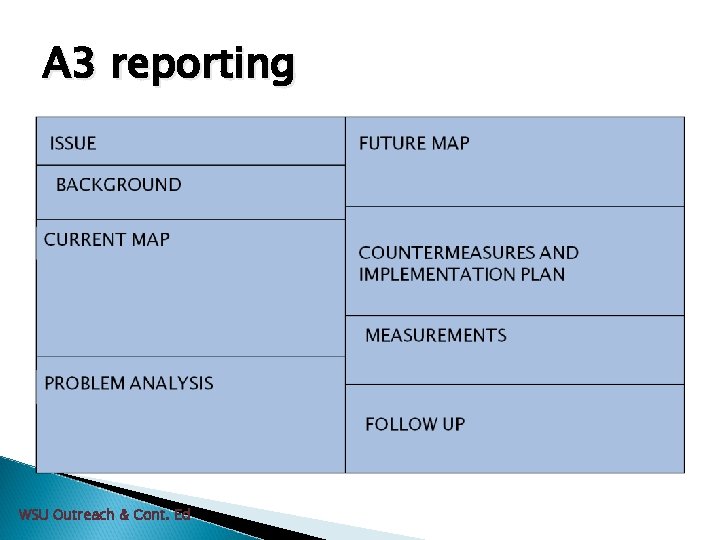
A 3 reporting WSU Outreach & Cont. Ed

Basic storyline A . Theme & Background üHow problem was discovered üWhy problem is important üVarious parties involved üProblem symptoms üPast performance or experience üOrganization structure üEtc. --- so that the reader can understand extent and importance of problem WSU Outreach & Cont. Ed
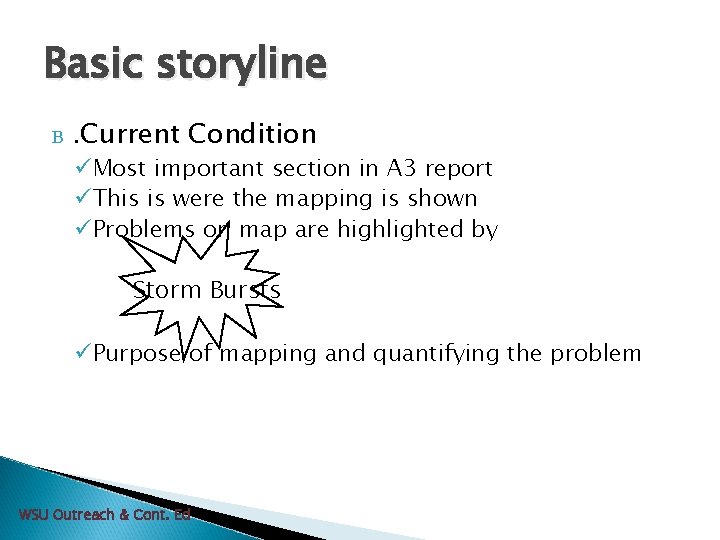
Basic storyline B . Current Condition üMost important section in A 3 report üThis is were the mapping is shown üProblems on map are highlighted by Storm Bursts üPurpose of mapping and quantifying the problem WSU Outreach & Cont. Ed
The Art of Observation Value Mapping WSU Outreach & Cont. Ed
“If you can't describe what you are doing as a process, you don't know what you're doing. ” W. Edwards Deming WSU Outreach & Cont. Ed
WSU Outreach & Cont. Ed
Why Observe? See flaws in the process Gain a better understanding and appreciation Observing is scientific. See where the process is “positively deviant” —in other words, when it works correctly. WSU Outreach & Cont. Ed
Observation Process Tools: Steps: • Check Sheet 1. ID. when process begins and each step • Observation Sheet that follows. • Clock or watch with second hand 2. Draw a layout of the area you are observing. 3. Take notes. 4. Observe the same process at least 10– 30 times. 5. If unsure what you are seeing - ask for clarification. WSU Outreach & Cont. Ed
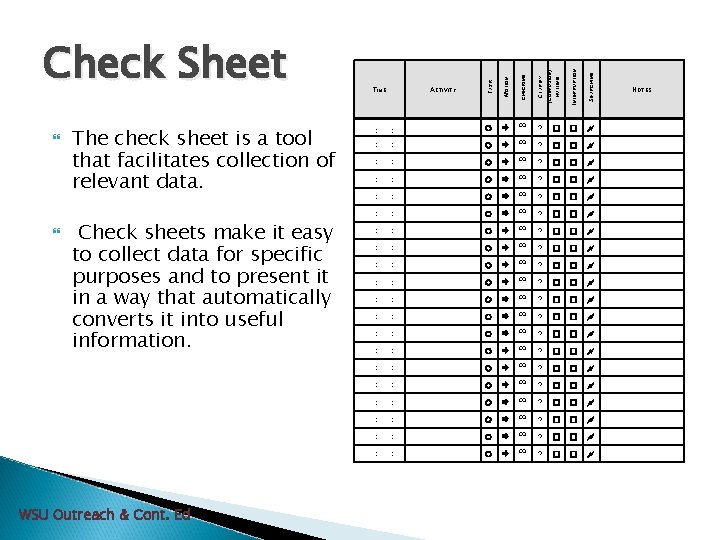
Check sheets make it easy to collect data for specific purposes and to present it in a way that automatically converts it into useful information. INTERRUPTION SEARCHING : ∞ ? � � : : ∞ ? � � ? � � : : ∞ : : ∞ ? � � : : ∞ ? � � ? � � : WSU Outreach & Cont. Ed ACTIVITY CLARIFY (CONFUSION) : TIME CHECKING WAITING The check sheet is a tool that facilitates collection of relevant data. MOTION TASK Check Sheet : : : ∞ ? � � NOTES
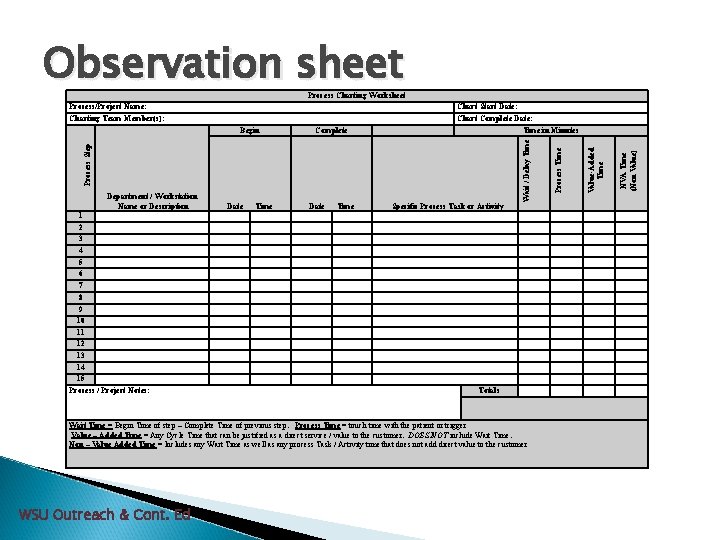
Observation sheet Process Charting Worksheet Date Time Specific Process Task or Activity 1 2 3 4 5 6 7 8 9 10 11 12 13 14 15 Process / Project Notes: Totals Wait Time = Begin Time of step – Complete Time of previous step. Process Time = touch time with the patient or trigger Value – Added Time = Any Cycle Time that can be justified as a direct service / value to the customer. DOES NOT include Wait Time. Non – Value Added Time = Includes any Wait Time as well as any process Task / Activity time that does not add direct value to the customer WSU Outreach & Cont. Ed NVA Time (Non Value) Value-Added Time Department / Workstation Name or Description Process Time Complete Process Step Begin Chart Start Date: Chart Complete Date: Time in Minutes Wait / Delay Time Process/Project Name: Charting Team Member(s):
Gathering your baseline data and the Current Map Basic Value Mapping WSU Outreach & Cont. Ed
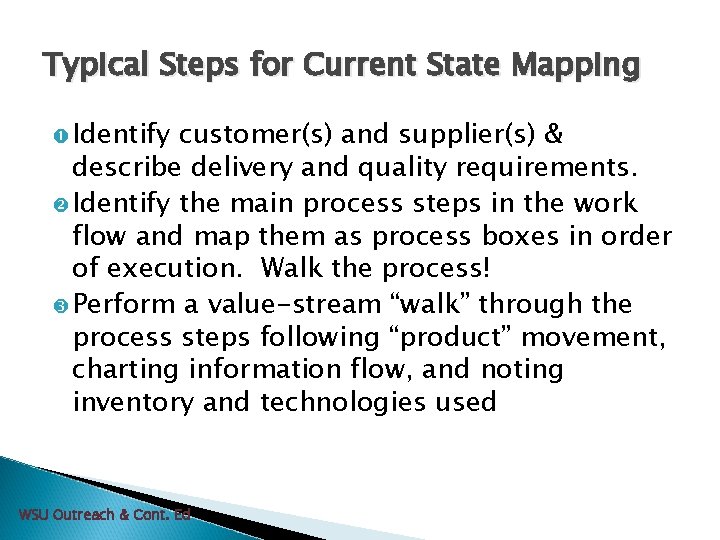
Typical Steps for Current State Mapping Identify customer(s) and supplier(s) & describe delivery and quality requirements. Identify the main process steps in the work flow and map them as process boxes in order of execution. Walk the process! Perform a value-stream “walk” through the process steps following “product” movement, charting information flow, and noting inventory and technologies used WSU Outreach & Cont. Ed
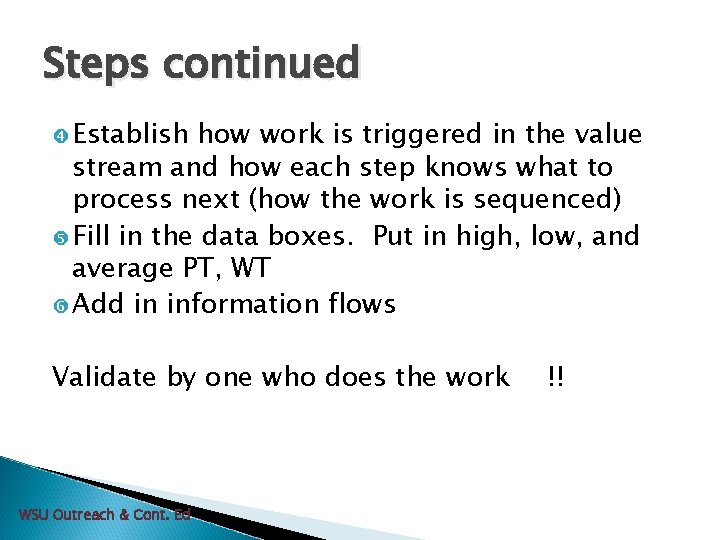
Steps continued Establish how work is triggered in the value stream and how each step knows what to process next (how the work is sequenced) Fill in the data boxes. Put in high, low, and average PT, WT Add in information flows Validate by one who does the work WSU Outreach & Cont. Ed !!
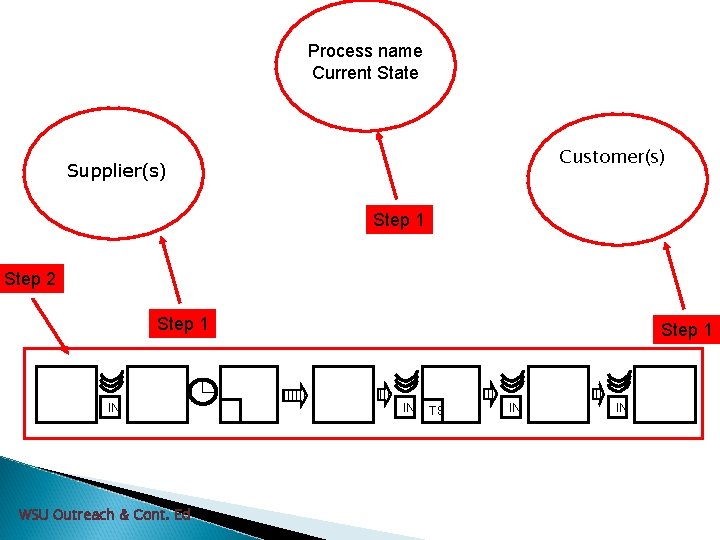
Process name Current State Customer(s) Supplier(s) Step 1 Step 2 Step 1 IN WSU Outreach & Cont. Ed Step 1 IN TS IN IN
Next steps---- Once you agree that your map represents the process: 1. 2. 3. Fill in the data boxes. Put in high, low, and average Process Time, Wait Time Add in information flows – between the steps and the name of the process. Problems on map are highlighted by WSU Outreach & Cont. Ed
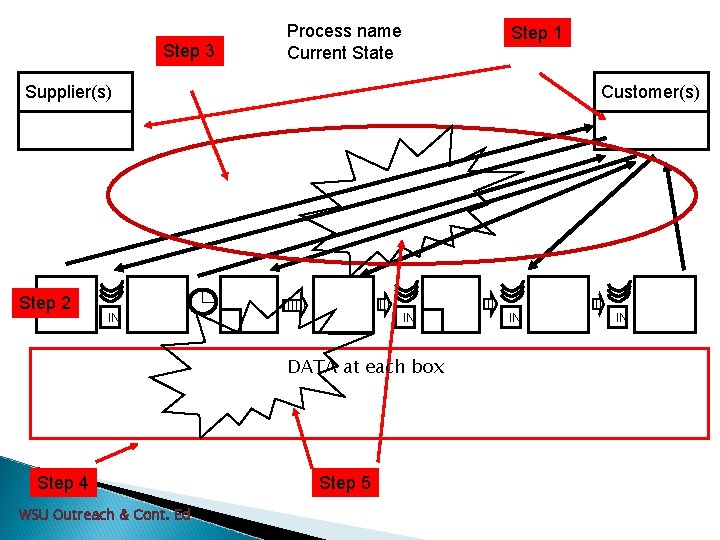
Step 3 Process name Current State Step 1 Supplier(s) Step 2 Customer(s) IN IN DATA at each box Step 4 WSU Outreach & Cont. Ed Step 5 IN IN

Definitions PT = Process Time –actual time to complete task inside a process step assuming no interruptions. n WT = Wait time – (Work waiting between steps or within a process step) Time work is delayed or interrupted between or inside process steps due to handoffs, waiting for information, etc. n WSU Outreach & Cont. Ed 39
Basic Storyline C Ø Problem Analysis 5 Why’s Method Another guide is whether one touches on at least 1 of 3 basic principles Are work activities sufficiently specified Ø Ø 1. 2. 3. Root Cause Analysis – This will be covered in the next workshop but for a taste according to content, sequence, timing, and outcome? Are connections clear, direct, & immediately comprehended? Are pathways simple, direct, & uninterrupted? WSU Outreach & Cont. Ed
Problem Analysis of Your Current State • Is process time too long? • Is wait time too long? • Are there too many unnecessary steps? • Is lead-time (process plus wait time) too long? • Is there redundant tasks, Confusion? WSU Outreach & Cont. Ed
Some Problem Analysis Tools 1. 5 Why’s 2. Cause & Effect Diagram WSU Outreach & Cont. Ed
Using the 5 Whys tool: Write down the specific problem. Ask Why problem happens and write down the answer If the answer doesn’t identify root cause then repeat. Keep repeating until team is in agreement that problem’s root cause is identified. WSU Outreach & Cont. Ed
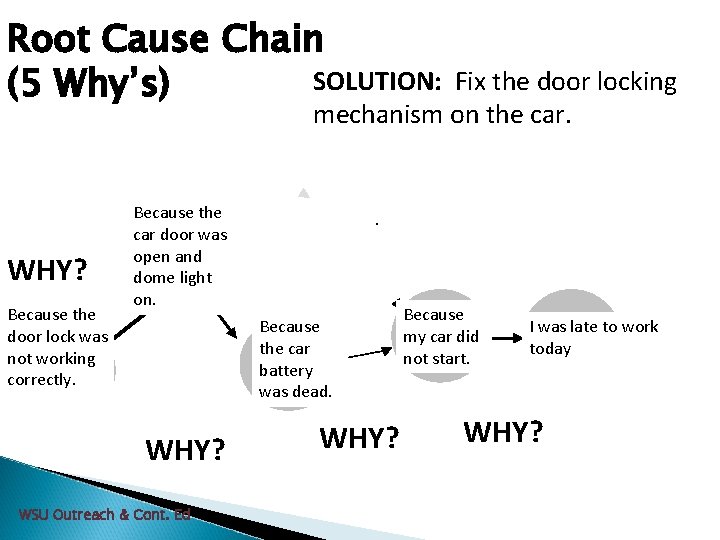
Root Cause Chain SOLUTION: (5 Why’s) Fix the door locking mechanism on the car. WHY? Because the door lock was Root not working Cause correctly. Because the car door was Contrib. open and Cause dome light on. . Because the car Contrib battery. Cause was dead. WHY? WSU Outreach & Cont. Ed WHY? Because Direct my car did Cause not start. I was late to work Event today WHY?
Mapping Exercise Activity
Drawing future map and identifying solutions Basic Value Mapping WSU Outreach & Cont. Ed
Basic Storyline D . Target Condition (Future State) v. Goal – move the organization closer to an ideal state of providing exactly what the customer (patient) needs, safely, when needed, in precisely the right quantity, and without waste. v. Create a Future State Map E . Countermeasures – countering a specific problem and will use that until discover an even better countermeasure. Placement is denoted by Fluffy Cloud WSU Outreach & Cont. Ed
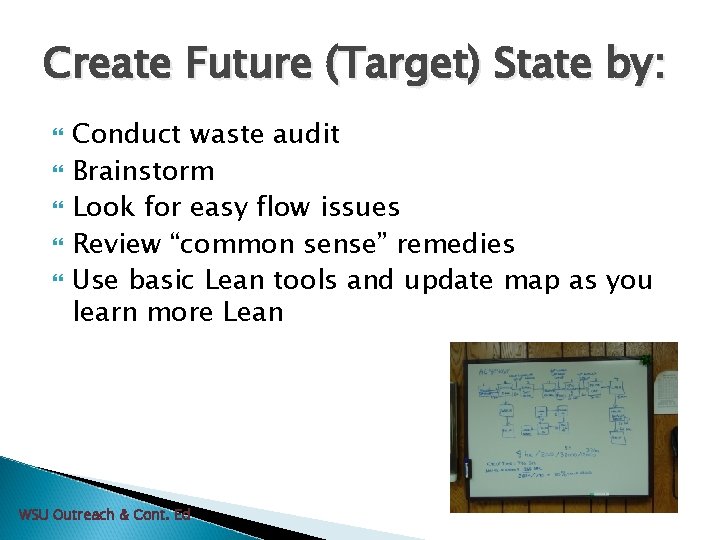
Create Future (Target) State by: Conduct waste audit Brainstorm Look for easy flow issues Review “common sense” remedies Use basic Lean tools and update map as you learn more Lean WSU Outreach & Cont. Ed
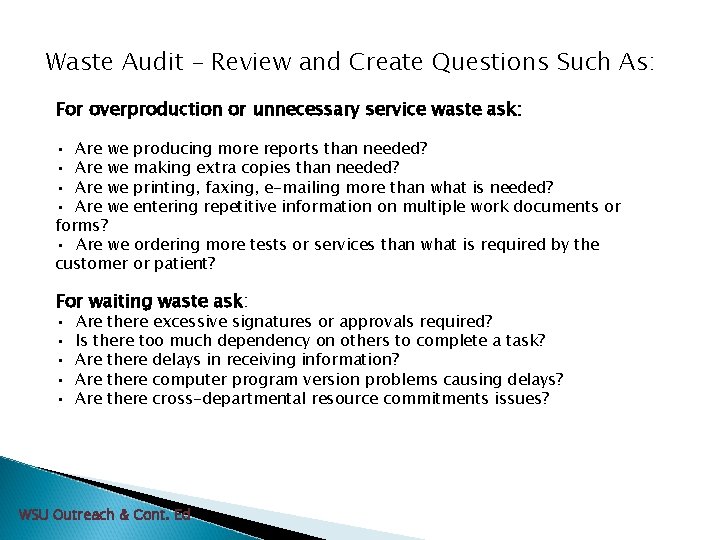
Waste Audit – Review and Create Questions Such As: For overproduction or unnecessary service waste ask: • Are we producing more reports than needed? • Are we making extra copies than needed? • Are we printing, faxing, e-mailing more than what is needed? • Are we entering repetitive information on multiple work documents or forms? • Are we ordering more tests or services than what is required by the customer or patient? For waiting waste ask: • • • Are there excessive signatures or approvals required? Is there too much dependency on others to complete a task? Are there delays in receiving information? Are there computer program version problems causing delays? Are there cross-departmental resource commitments issues? WSU Outreach & Cont. Ed
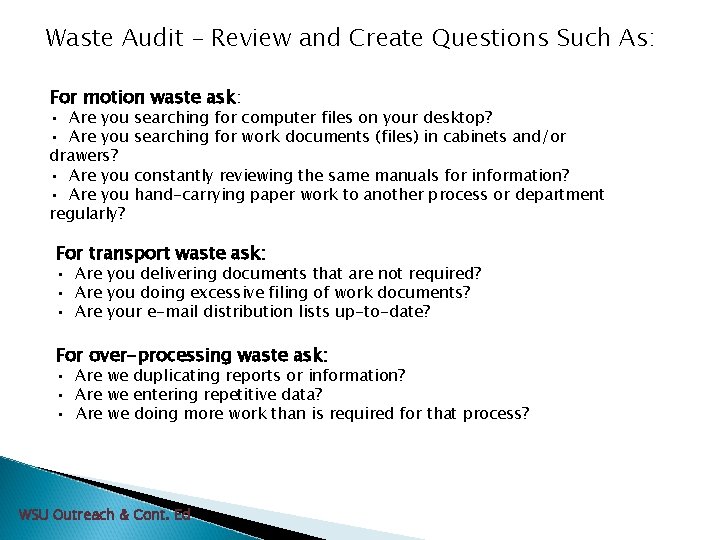
Waste Audit – Review and Create Questions Such As: For motion waste ask: • Are you drawers? • Are you regularly? searching for computer files on your desktop? searching for work documents (files) in cabinets and/or constantly reviewing the same manuals for information? hand-carrying paper work to another process or department For transport waste ask: • Are you delivering documents that are not required? • Are you doing excessive filing of work documents? • Are your e-mail distribution lists up-to-date? For over-processing waste ask: • Are we duplicating reports or information? • Are we entering repetitive data? • Are we doing more work than is required for that process? WSU Outreach & Cont. Ed
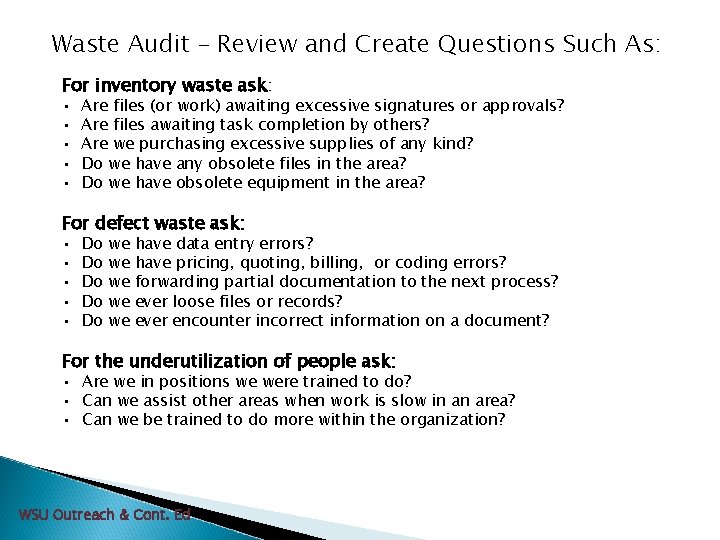
Waste Audit – Review and Create Questions Such As: For inventory waste ask: • • • Are files (or work) awaiting excessive signatures or approvals? Are files awaiting task completion by others? Are we purchasing excessive supplies of any kind? Do we have any obsolete files in the area? Do we have obsolete equipment in the area? For defect waste ask: • • • Do Do Do we we we have data entry errors? have pricing, quoting, billing, or coding errors? forwarding partial documentation to the next process? ever loose files or records? ever encounter incorrect information on a document? For the underutilization of people ask: • Are we in positions we were trained to do? • Can we assist other areas when work is slow in an area? • Can we be trained to do more within the organization? WSU Outreach & Cont. Ed
Identifying Solutions (Countermeasures) Which approach is most likely to solve problem long term? Which approach is the most realistic to accomplish for now? Resources available? Affordable? Time available? Prioritize the solutions into what would work the best. WSU Outreach & Cont. Ed
Basic Storyline F . Implementation Plan v. Goal – outlines the steps that must be accomplished in order to realize the target condition. v. What - lists the steps to be done v. Who - who is responsible to get things done v. When – they need to be done (deadline) v. Outcome – Predict results quantitatively WSU Outreach & Cont. Ed
Basic Storyline G . Cost Benefit/Waste Recognition v. What savings in time and cost should we see? H . Follow Up includes: v. How will the team measure improvements v. When the team will take measurements (30, 60, or 90 days) v. Include realistic and quantified prediction of how new process will perform (X% decrease or turnaround time reduced to Y minutes) WSU Outreach & Cont. Ed
In Summary • Focus on Process rather than People • Recognize both Internal and External Customers • Use Objective Data as a means to analyze and improve processes • Focus on refining Processes aligned with the Strategic Goals and Mission of your organization. • There is ALWAYS room for improvement. WSU Outreach & Cont. Ed 55
Any Questions? WSU Outreach & Cont. Ed
- Slides: 56