
BASIC SOFTWARE TOOL SUITE AMARI TAVEL BENLEVI WHY
BASIC SOFTWARE TOOL SUITE AMARI TAVEL BENLEVI
WHY USE SOFTWARE TOOLS? • • Improves productivity Improves appearance Improves accuracy More support for interaction and collaboration
THE BASIC THREE • Word Processing Software • Spreadsheet Software • Presentation Software
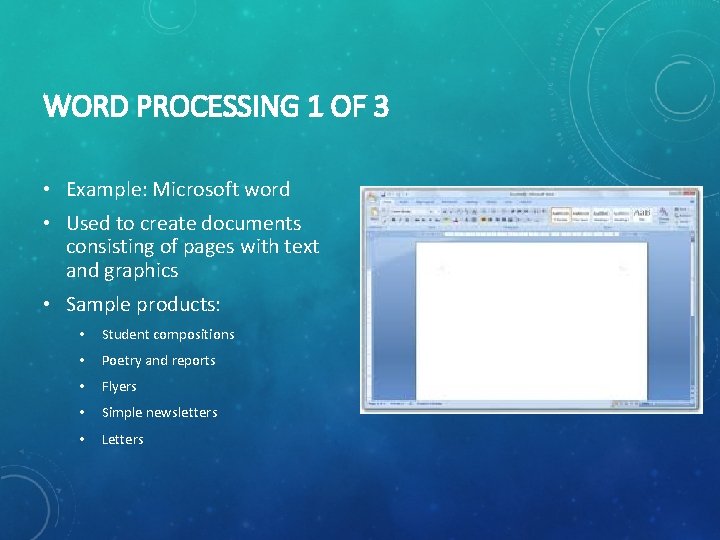
WORD PROCESSING 1 OF 3 • Example: Microsoft word • Used to create documents consisting of pages with text and graphics • Sample products: • Student compositions • Poetry and reports • Flyers • Simple newsletters • Letters
WORD PROCESSING 2 OF 3 Advantages • Saves time • Enhances document appearance • Allows sharing of documents • Allows collaboration on documents • Supports student writing and language learning Issues • Questions about what age should students start word processing • The need to teach keyboard skills over handwriting • The effects of word processing on handwriting • Impact of word processing on assessment • Problems with inadvertent errors
WORD PROCESSING 3 OF 3 Productivity Strategies • Beginning of the year welcome letter • Name tags • Permission slips • Flyers and other announcements • Classroom posters and rules • Lesson plans and notes • Student information sheets and handouts • Frequently used worksheets and exercise Teaching Strategies • Supporting the learning of writing process • Using a dynamic group product approach • Assigning individual language, writing, and reading exercises • Encouraging writing-through-thecurriculum
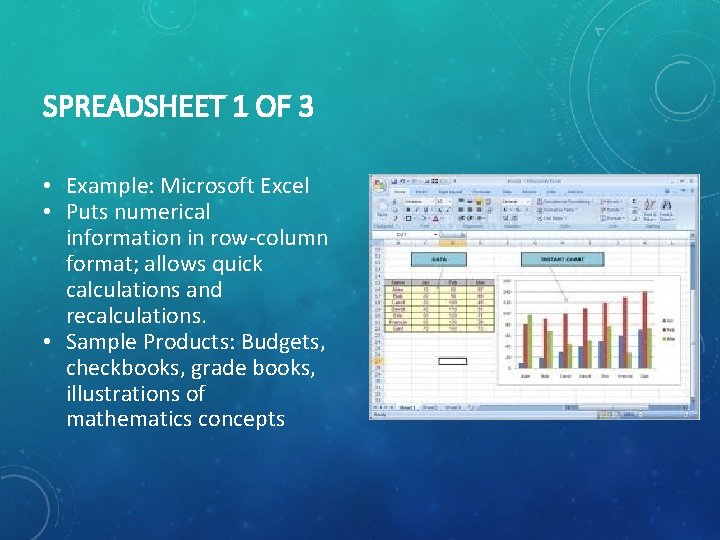
SPREADSHEET 1 OF 3 • Example: Microsoft Excel • Puts numerical information in row-column format; allows quick calculations and recalculations. • Sample Products: Budgets, checkbooks, grade books, illustrations of mathematics concepts
SPREADSHEET 2 OF 3 Advantages • Save time • Organize displays of information • Support asking “what if” questions • Increase motivation to work with mathematics Issues • Students fear of mathematics • Spending time allowing students to get use to the software
SPREADSHEET 3 OF 3 Productivity Strategies Teaching Strategies • Prepare classroom materials and complete calculations • Making possible visual teaching demonstrations • Keeping school club and classroom budgets • Supporting student products • Preparing performance checklist for assessment purposes • Keeping gradebooks • Supporting mathematical problem solving • Storing and allowing analysis of data • Projecting grades
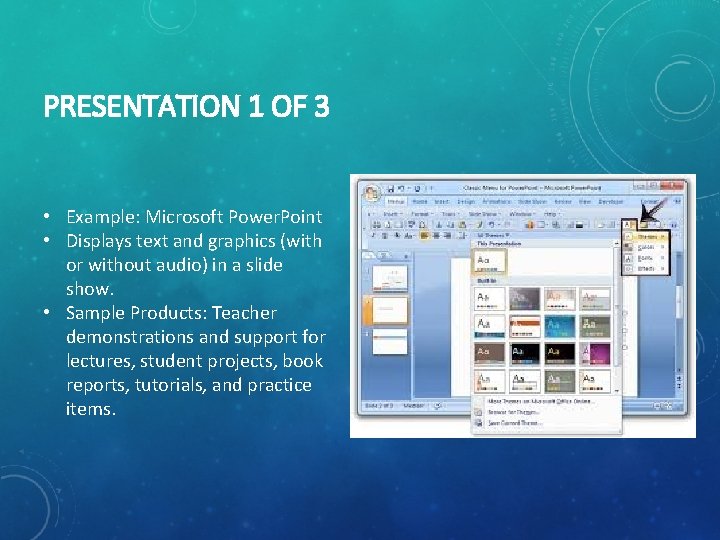
PRESENTATION 1 OF 3 • Example: Microsoft Power. Point • Displays text and graphics (with or without audio) in a slide show. • Sample Products: Teacher demonstrations and support for lectures, student projects, book reports, tutorials, and practice items.
PRESENTATION 2 OF 3 Advantages • Helps organize thinking about a topic • Enhances the impact of spoken information • Allows collaboration on presentations Issues • Students sometimes focus too much on slide and not important information • There can be a loss of connection between presenter and audience • Over use or improper use of bullets
PRESENTATIONS 3 OF 3 Teaching Strategies • Presentation of information summaries • Demonstrations of materials or discussion • Presentation of illustrative problems and solutions • Automatically-forwarding practice screens • Assessment screens • Brief or full tutorials • Book reports • Student presentations of project work
REFERENCE • Roblyer, M. (2013). Integrating educational technology into teaching (7 th ed. ). Upper Saddle River, N. J. : Pearson.
- Slides: 13