
Basic Robot Design 3 Steps Design Drawing and
Basic Robot Design

3 Steps Design Drawing and thinking of ideas Build Using your design to make a robot Program Telling your robot what to do
Design Ideas • K. I. S. S. – Keep It Simple, Silly – Don’t try to make a huge contraption – Simple robots work more efficiently – You only have 3 days to make your robot – It’s not rocket science!
Design Ideas • Have a strong robot – Have a strong base that you can attach other parts to – Try to have at least 2 points of connection for each part of your robot • Your robot won’t be able to do anything if it falls apart!
Design Ideas • Think about the end – Think about the challenge while designing your robot • Will it be able to move to the goal? • Will it be able to pick up the pieces? – Think of all the things your robot will need to do
Design Ideas • Draw, Draw! – It’s easier to remember ideas, and show them to your team if you draw them out – You have notebooks, use them!
What Does Your Robot Need to Do? • Think of everything, even something as basic as moving • Task: – Step 1: – Step 2: – Step 3: – Step 4:
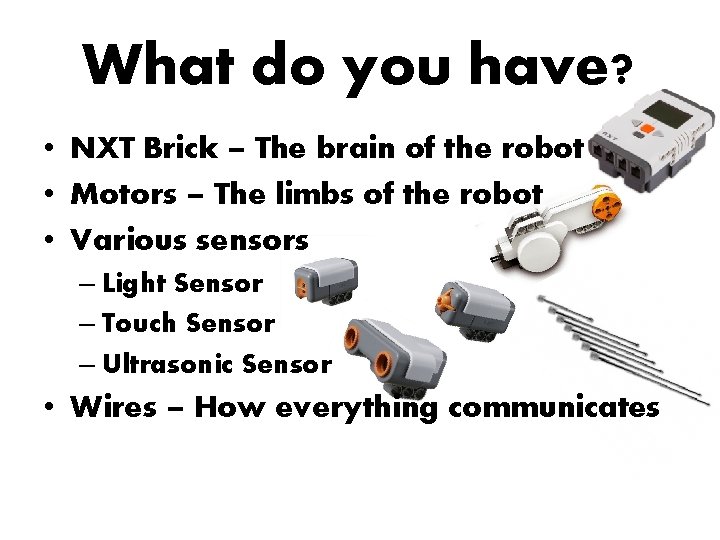
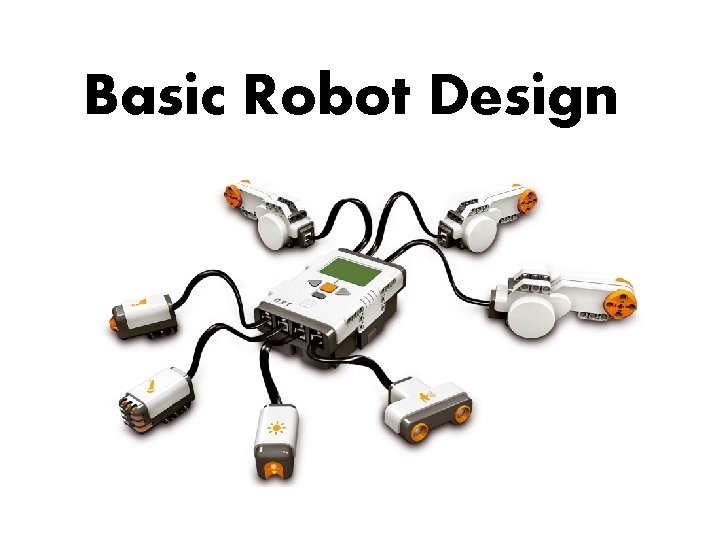
What do you have? • NXT Brick – The brain of the robot • Motors – The limbs of the robot • Various sensors – Light Sensor – Touch Sensor – Ultrasonic Sensor • Wires – How everything communicates
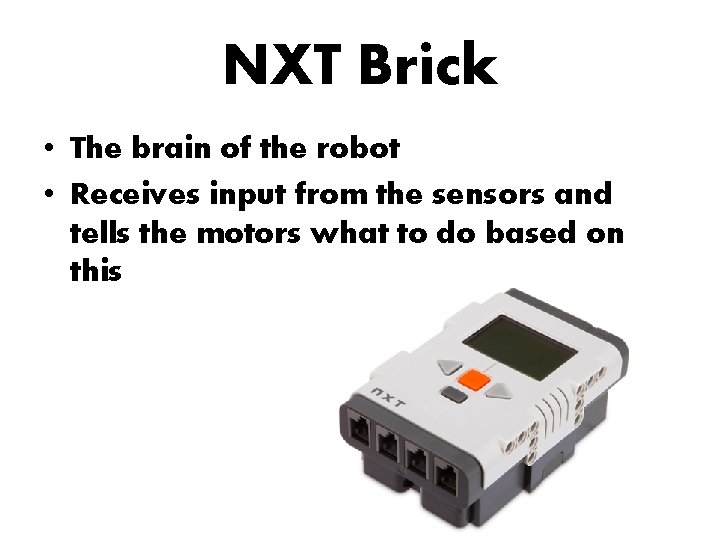
NXT Brick • The brain of the robot • Receives input from the sensors and tells the motors what to do based on this
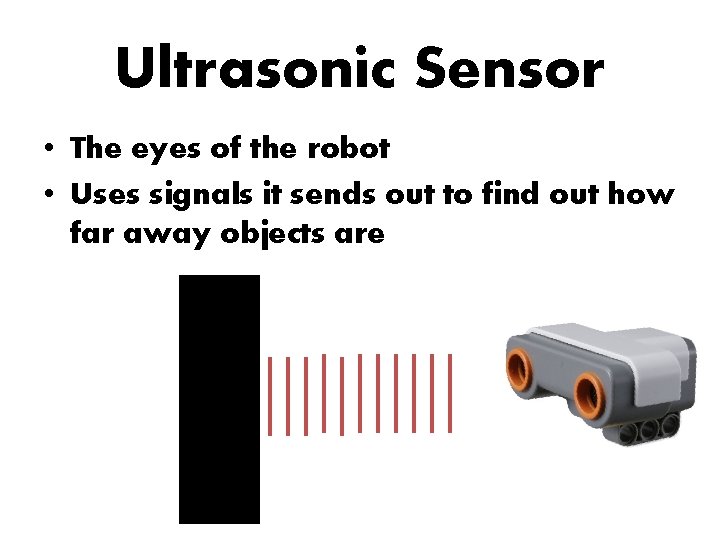
Ultrasonic Sensor • The eyes of the robot • Uses signals it sends out to find out how far away objects are
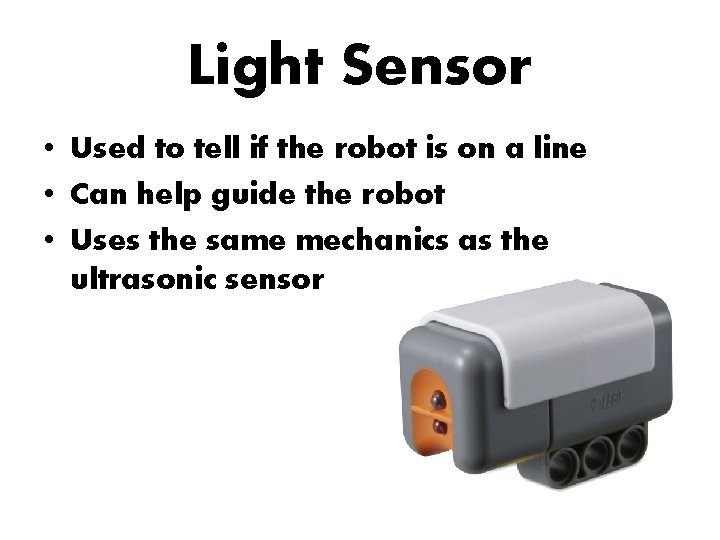
Light Sensor • Used to tell if the robot is on a line • Can help guide the robot • Uses the same mechanics as the ultrasonic sensor
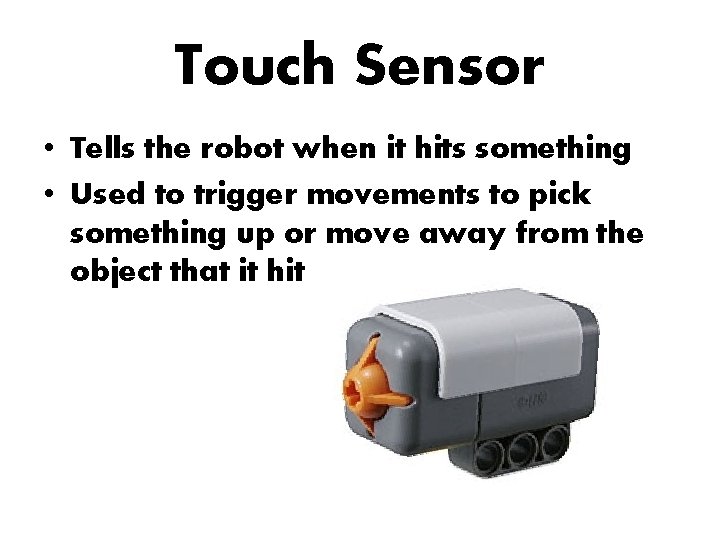
Touch Sensor • Tells the robot when it hits something • Used to trigger movements to pick something up or move away from the object that it hit
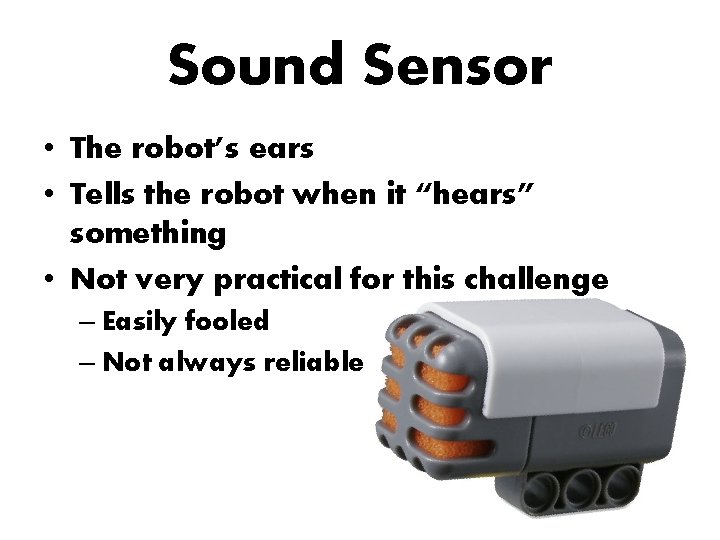
Sound Sensor • The robot’s ears • Tells the robot when it “hears” something • Not very practical for this challenge – Easily fooled – Not always reliable
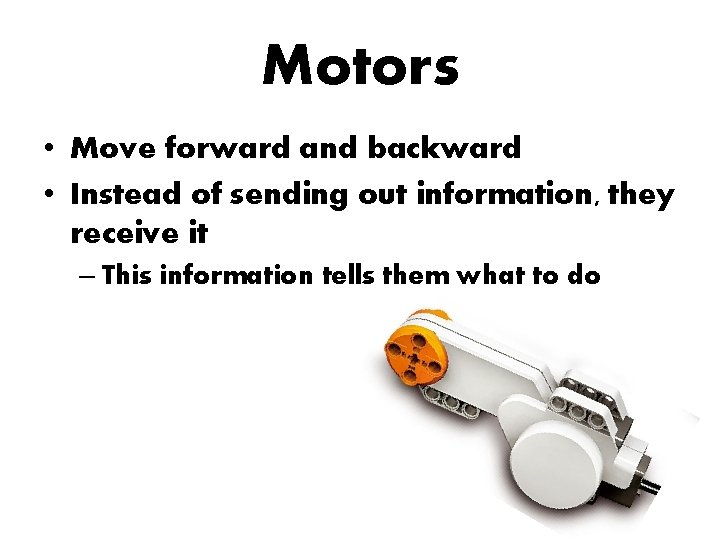
Motors • Move forward and backward • Instead of sending out information, they receive it – This information tells them what to do
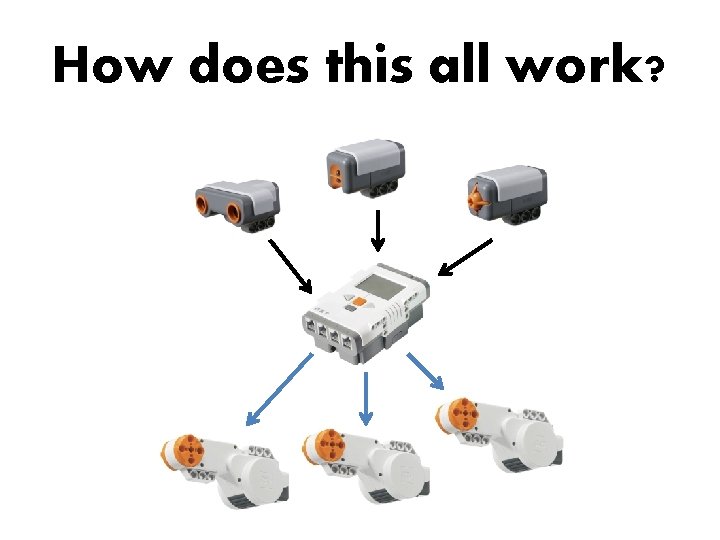
How does this all work?
- Slides: 15