
Basic Programming What is Programming Giving the robots
Basic Programming

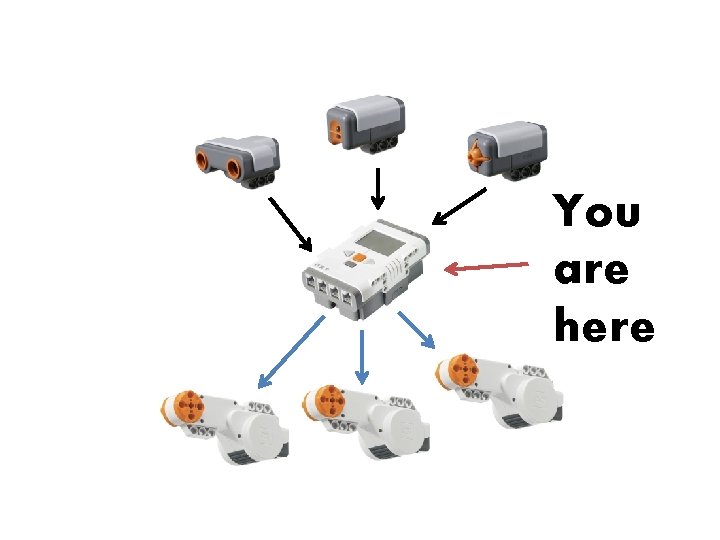
What is Programming? • Giving the robots commands • Telling it how to react to its environment • You act as the robot’s brain, telling it what to do Don’t worry, you won’t use this!
You are here
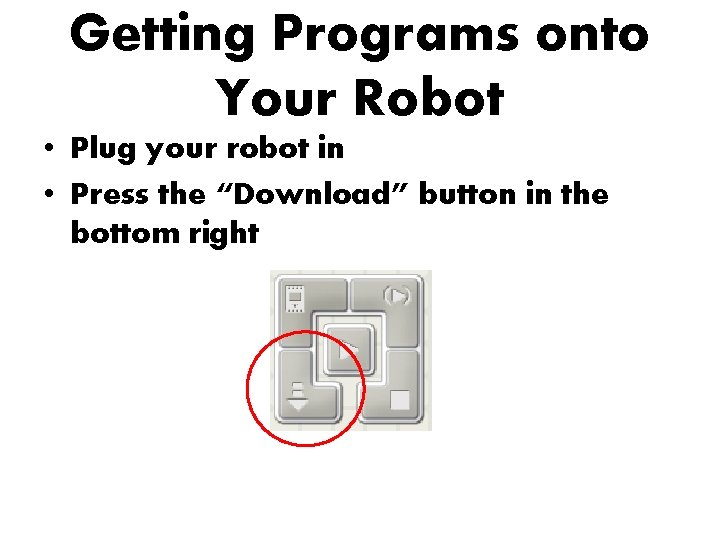
Getting Programs onto Your Robot • Plug your robot in • Press the “Download” button in the bottom right
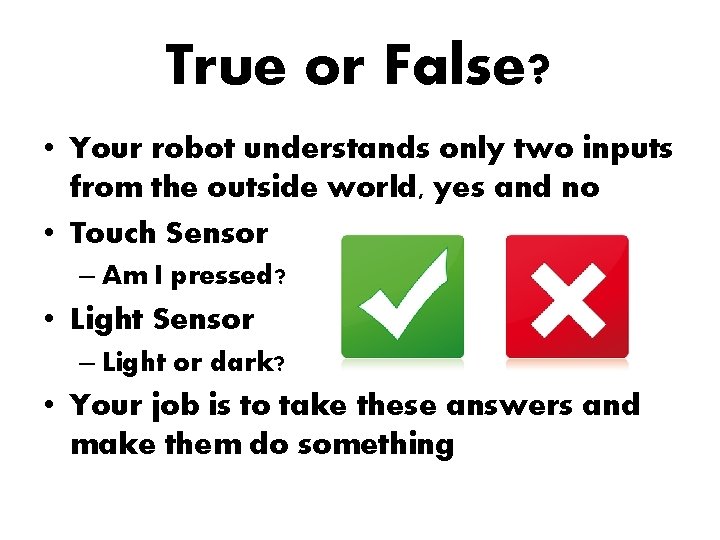
True or False? • Your robot understands only two inputs from the outside world, yes and no • Touch Sensor – Am I pressed? • Light Sensor – Light or dark? • Your job is to take these answers and make them do something
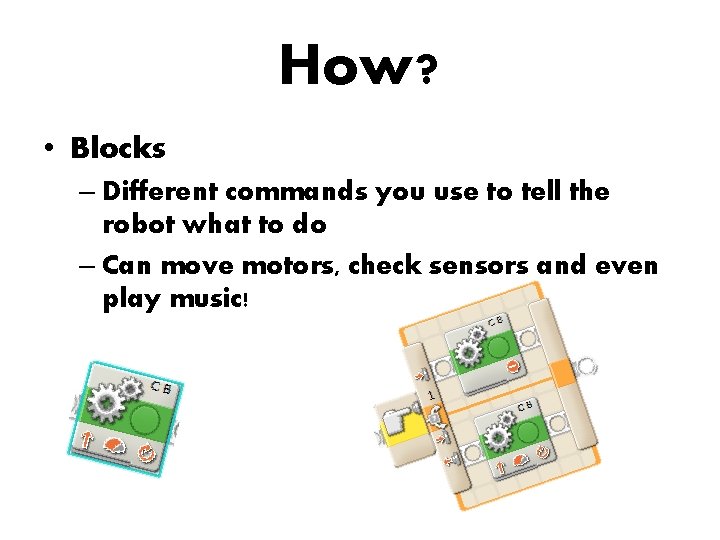
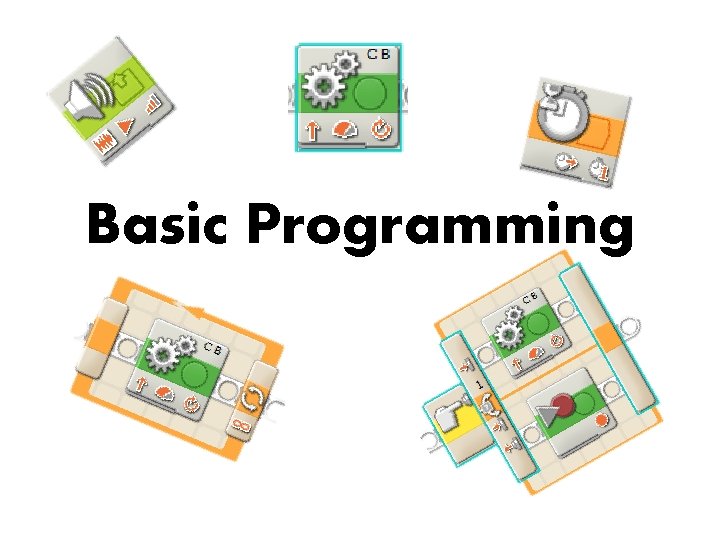
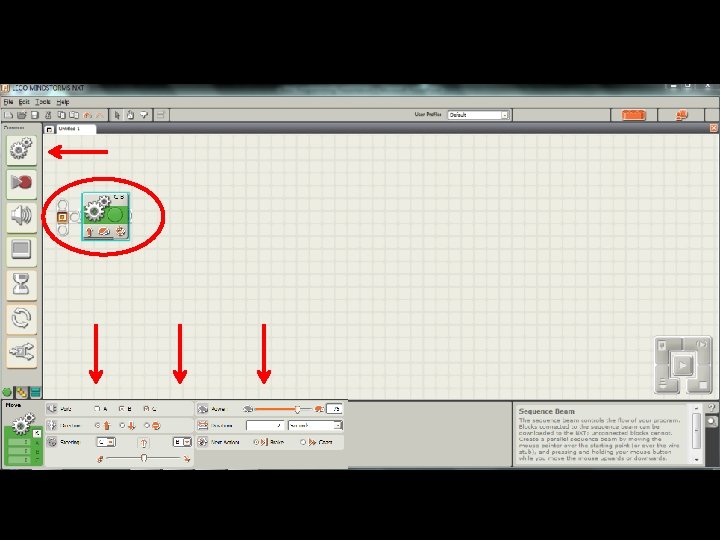
How? • Blocks – Different commands you use to tell the robot what to do – Can move motors, check sensors and even play music!
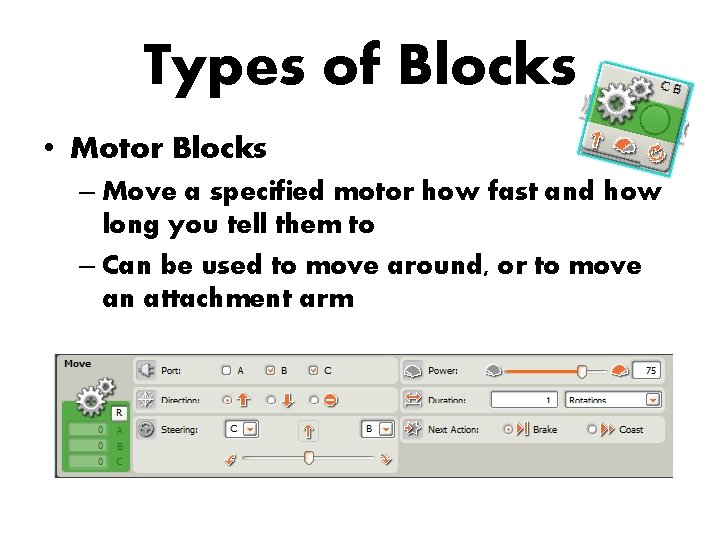
Types of Blocks • Motor Blocks – Move a specified motor how fast and how long you tell them to – Can be used to move around, or to move an attachment arm
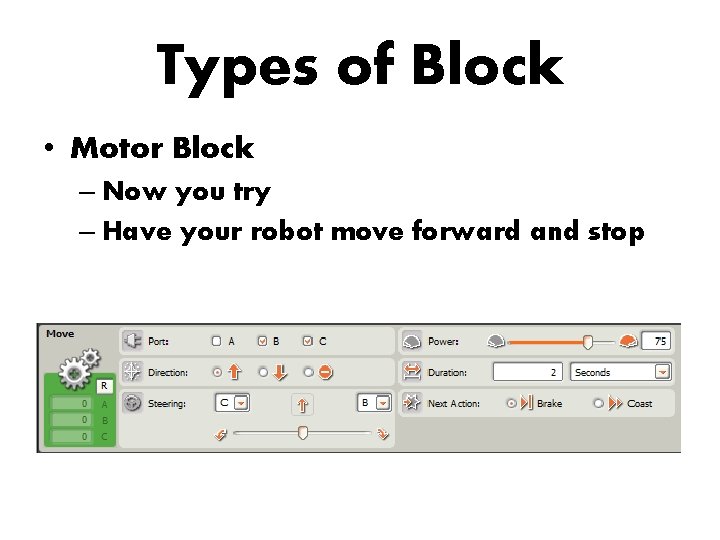
Types of Block • Motor Block – Now you try – Have your robot move forward and stop
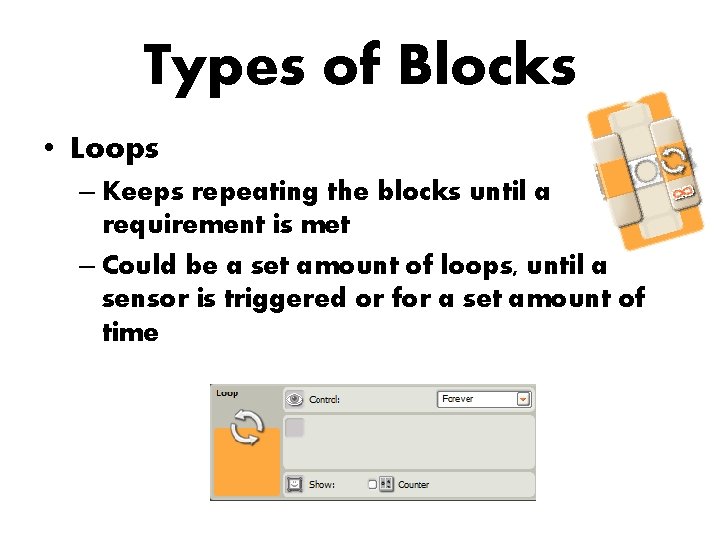
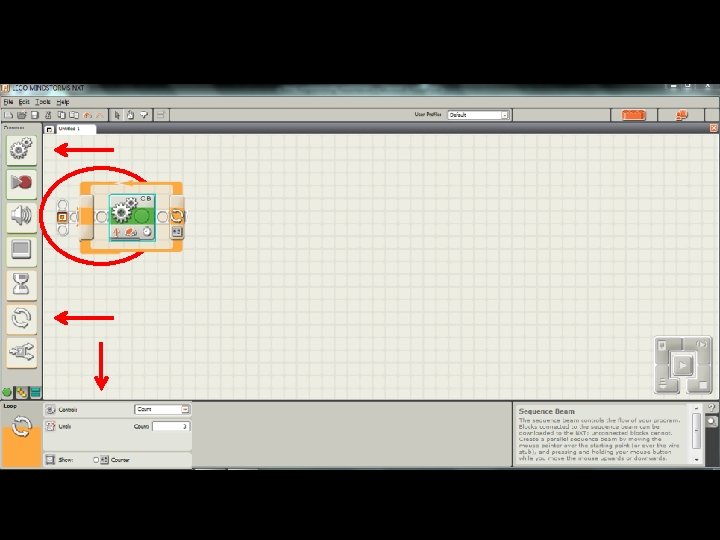
Types of Blocks • Loops – Keeps repeating the blocks until a requirement is met – Could be a set amount of loops, until a sensor is triggered or for a set amount of time
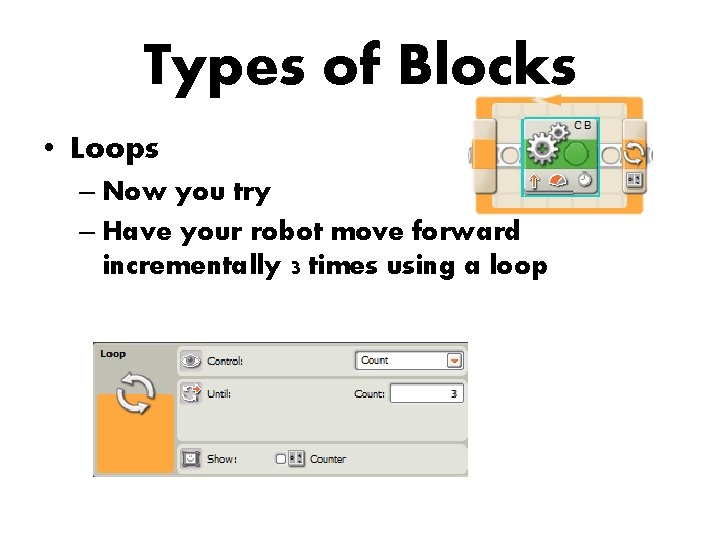
Types of Blocks • Loops – Now you try – Have your robot move forward incrementally 3 times using a loop
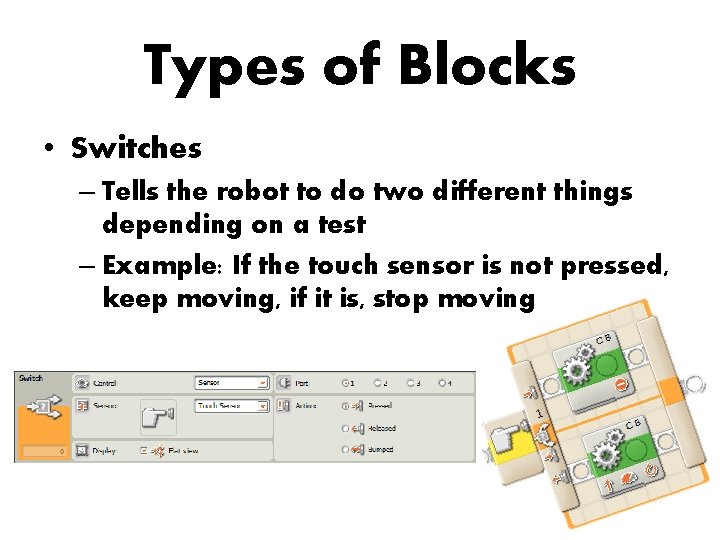
Types of Blocks • Switches – Tells the robot to do two different things depending on a test – Example: If the touch sensor is not pressed, keep moving, if it is, stop moving
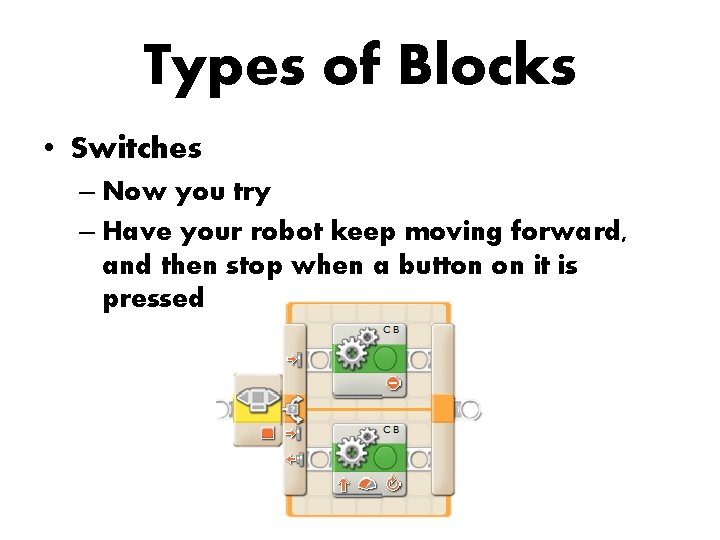
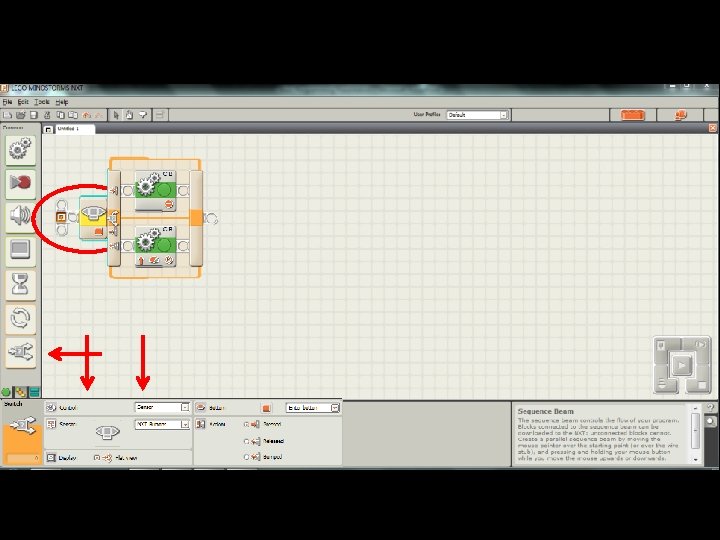
Types of Blocks • Switches – Now you try – Have your robot keep moving forward, and then stop when a button on it is pressed
- Slides: 17