
Basic Principles of DESIGN Bristol Community College Paula
Basic Principles of DESIGN Bristol Community College Paula Mailloux Sources: The Non-Designers Design Book The Non-Designers Web Book Ron Woolley, www. dtp-aus. com
Basic Principles of DESIGN Looking at Design “Elements” on the Web Page § § § Type Color Shapes Lines Graphics

Basic Principles of DESIGN The FOUR Basic Principles 1 Alignment 2 Proximity 3 Repetition 4 Contrast
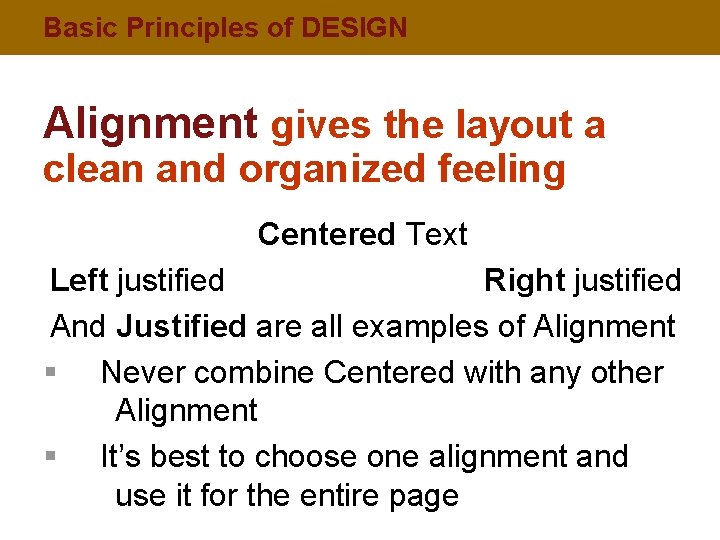
Basic Principles of DESIGN Alignment gives the layout a clean and organized feeling Centered Text Left justified Right justified And Justified are all examples of Alignment § Never combine Centered with any other Alignment § It’s best to choose one alignment and use it for the entire page

Basic Principles of DESIGN Alignment § § All elements should be visually connected Avoid arbitrary placement Turn off borders Organization is the key
Basic Principles of DESIGN Proximity § § § Items that are related to each other should be intellectually grouped together Organizes information Provides a clear structure and brings balance to the layout
Basic Principles of DESIGN Proximity § § Use Heads, Sub heads, Type Faces (light, bold, semibold, etc. ) as tools to help group items Keep visual space between elements Unity and Organization are the key Do not be afraid to use “White Space, ” but do not use too much
Basic Principles of DESIGN Repetition § § Select a constant aspect and repeat it throughout the web site to tie disparate parts together A few elements of Repetition are: Fonts, Color, Bullets, Texture, Graphics, and Format
Basic Principles of DESIGN Repetition § § A layout without Repetition feels and looks bland Consistency, or developing a unified theme, is the key
Basic Principles of DESIGN Contrast § Creates a Focal Point to pull the viewer in § Avoid elements that are similar - if everything has equal priority, then nothing has priority § What is not the same - make different
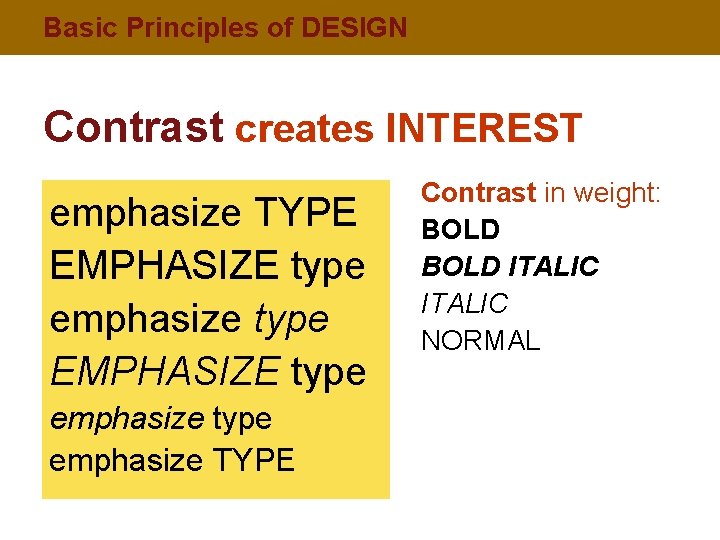
Basic Principles of DESIGN Contrast creates INTEREST emphasize TYPE EMPHASIZE type emphasize TYPE Contrast in weight: BOLD ITALIC NORMAL
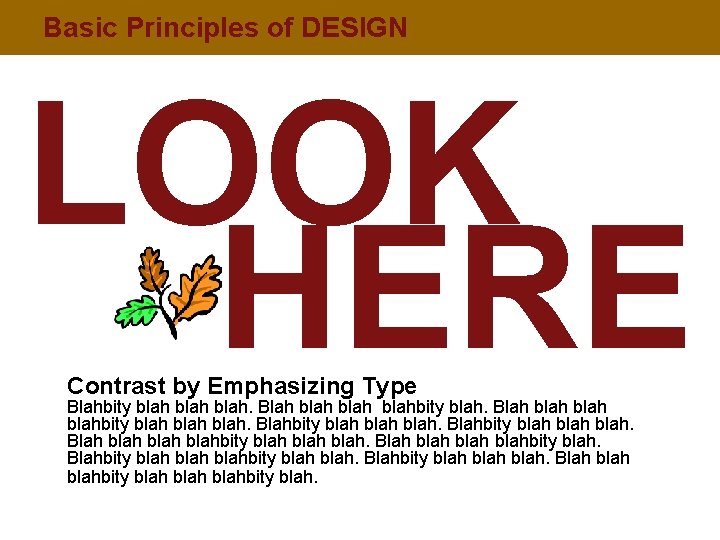
Basic Principles of DESIGN LOOK HERE Contrast by Emphasizing Type Blahbity blah. Blah blah blahbity blah blah. Blahbity blah blah. Blah blah blahbity blah. Blahbity blah blah. Blah blahbity blah.
Basic Principles of DESIGN Contrast by Emphasizing a Graphic Blahbity blah. Blah blah blahbity blah blah. Blahbity blah. Blah blahbity blah.
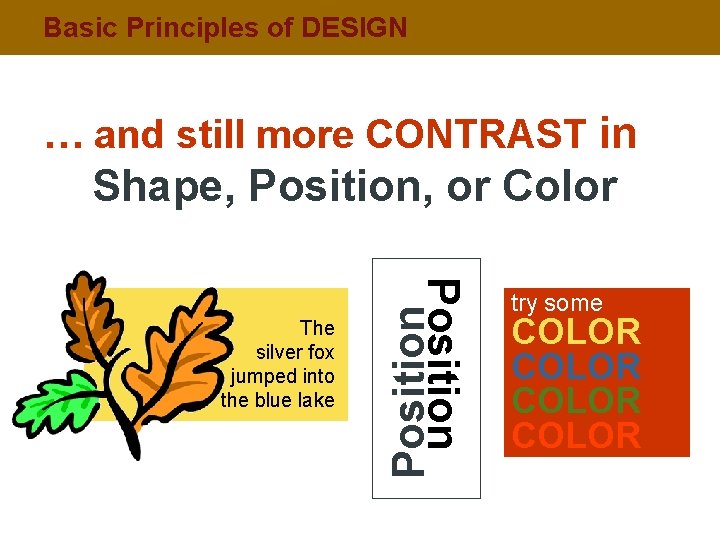
Basic Principles of DESIGN … and still more CONTRAST in Shape, Position, or Color Position The silver fox jumped into the blue lake try some COLOR
Basic Principles of DESIGN Contrast TIPS § § Two elements on a web page should be displayed differently Balance, or arrangement of items, is the key
Basic Principles of DESIGN A Word about TEXT § § § Sans Serif type works better than Serif (opposite from Print) Background should not interrupt the text Text should be big enough to read, but not too big Columns of text should be narrower than in a book to make reading easier on the screen Give “breathing room” around text
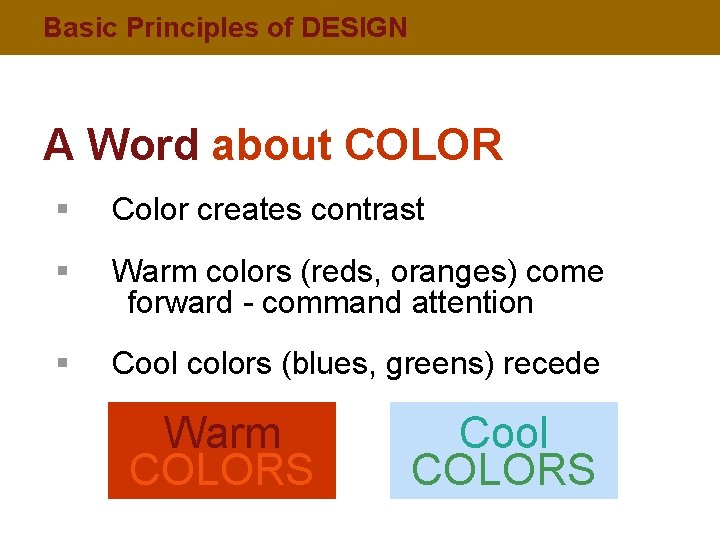
Basic Principles of DESIGN A Word about COLOR § Color creates contrast § Warm colors (reds, oranges) come forward - command attention § Cool colors (blues, greens) recede Warm COLORS Cool COLORS
Basic Principles of DESIGN A Word about BUTTONS § Please…no big, dorky buttons
Basic Principles of DESIGN A Word about NAVIGATION § § § Primary goal is to make it easy for visitors to get the information they need - the key is Organization Whatever style you choose, make it clear and simple to follow Beware! Do not sacrifice clear communication for unclear cleverness.
Basic Principles of DESIGN LOOK at the World Like a DESIGNER Visualize Look at the work of others - What catches your eye? Criticize Separate good from bad - What style do you like? Analyze Study the world around you - What looks good?
Basic Principles of DESIGN Some Web Design Tips: The Don’ts § § § Busy distracting backgrounds that make text hard to read No blinking anything, especially text; it’s annoying! Avoid animations that never stop Unclear or complex navigation No focal point OR too many focal points on a page Avoid side scrolling
Basic Principles of DESIGN Some Web Design Tips: The Dos § § § All Principles of Design apply Link colors coordinate with page colors Create clear and consistent Navigation throughout the site Use repetitive elements to make each page look like it belongs to the same site Check Spelling!
Basic Principles of DESIGN What is the ULTIMATE Goal when designing? Good Communication
Basic Principles of DESIGN Some Web Design Resources For More TIPS: § virtuallastchapter. com è go to Examples § urlsinternetcafe. com/classroom è go to Robin’s Web Design Tips for tips from Robin Williams on Good and Bad Web Design features
Basic Principles of DESIGN Some Web Design Resources Books: § The Non-Designer’s Web Book è Robin Williams & John Tollet § Robin William’s Web Design Workbook è Robin Williams, John Tollet & David Rohr
- Slides: 25