
Basic of use of the Inter Write Board
Basic of use of the Inter. Write Board 6 th Amy C. Wheatley grade, XXXXX Elementary School Professional Development March 12, 2008
What equipment do I have? �Inter. Write whiteboard �Bluetooth adapter � 2 Pens and Charging Station �Inter. Write Slate �Inter. Write Workspace software (auto installed by IT on your laptop when it synchronized sometime during the first week of March)
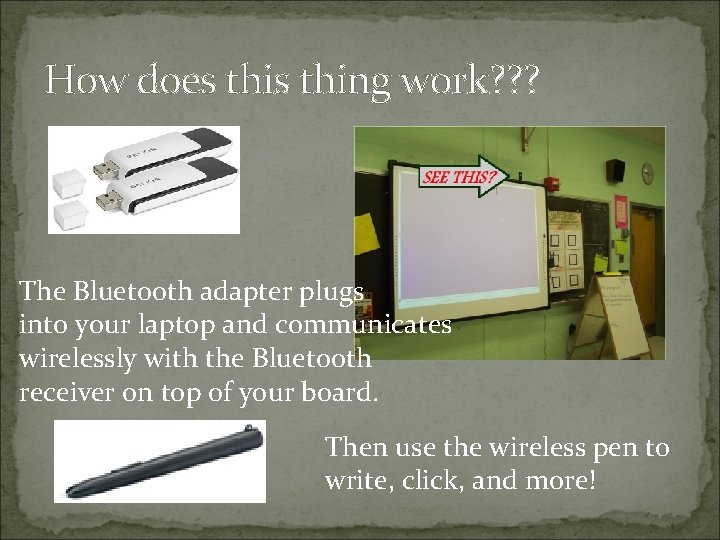
How does thing work? ? ? The Bluetooth adapter plugs into your laptop and communicates wirelessly with the Bluetooth receiver on top of your board. Then use the wireless pen to write, click, and more!
Who put all of this "stuff" in my room? �All hardware was installed by independent contractors, not PGCPS �If you have any trouble with any hardware, please contact the Principal directly �LCD Projectors will be hung from the ceilings by December!
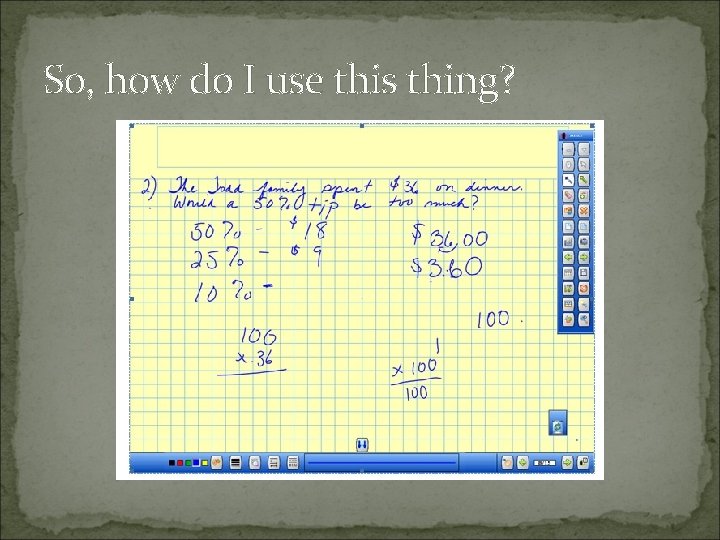
So, how do I use this thing?
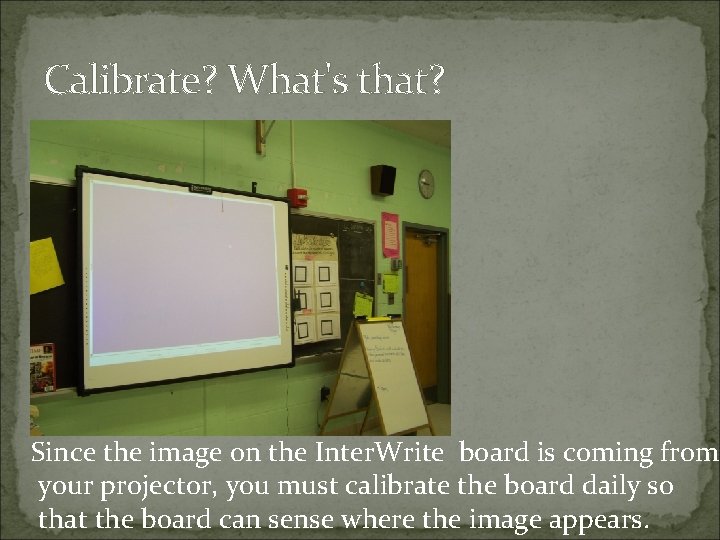
Calibrate? What's that? Since the image on the Inter. Write board is coming from your projector, you must calibrate the board daily so that the board can sense where the image appears.
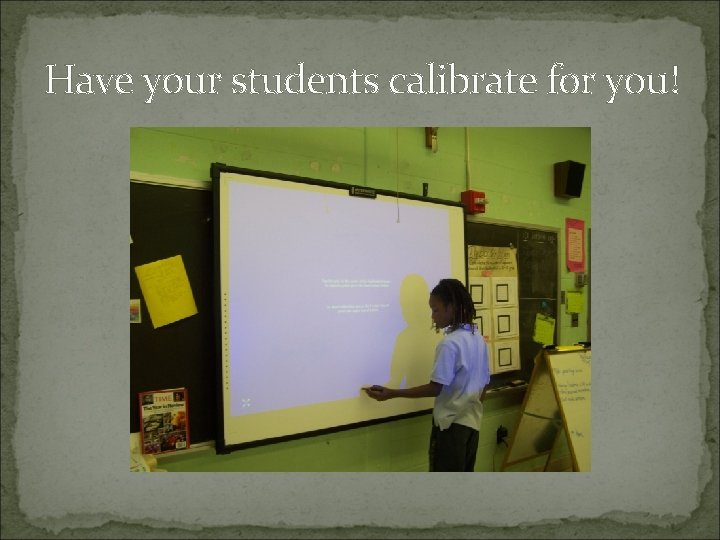
Have your students calibrate for you!
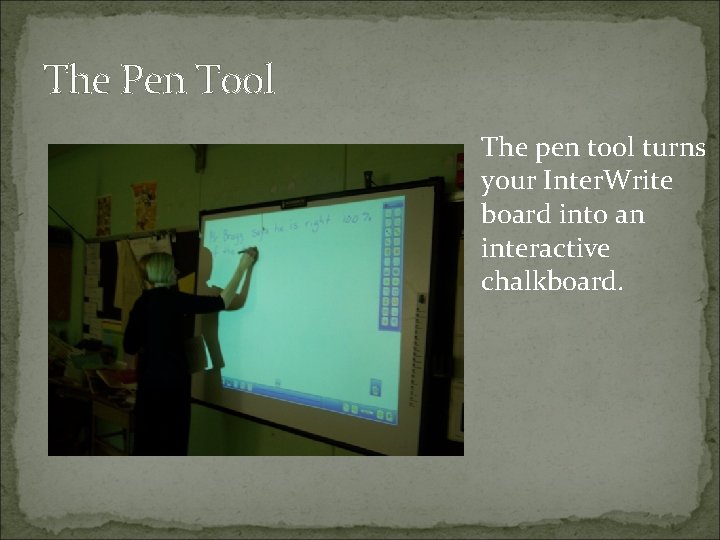
The Pen Tool The pen tool turns your Inter. Write board into an interactive chalkboard.
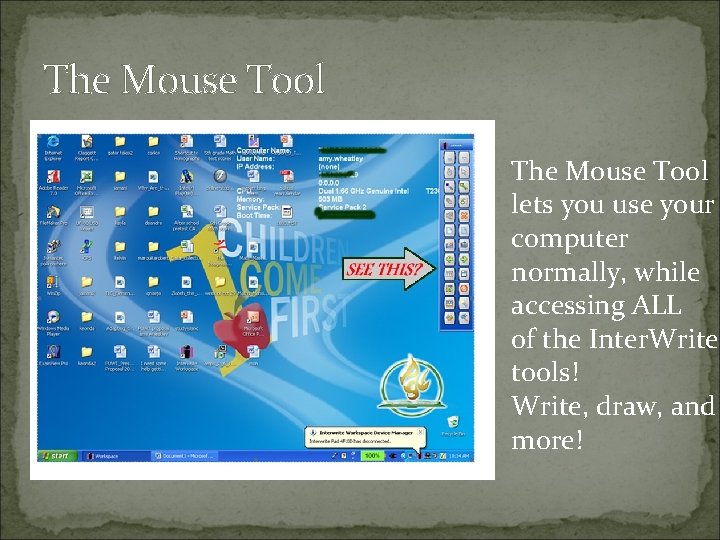
The Mouse Tool lets you use your computer normally, while accessing ALL of the Inter. Write tools! Write, draw, and more!
Built-In Interactive "Sims" �Animations and simulations from Pre-K level to high school level in all content areas, from Art to Science to Social Studies and more!
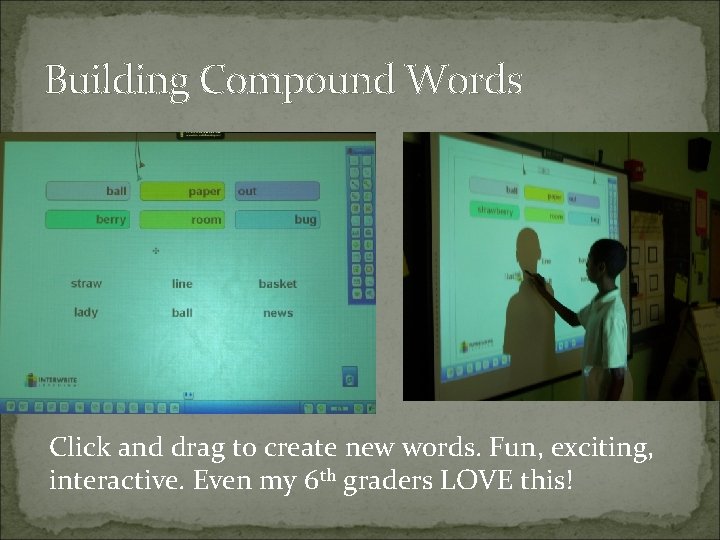
Building Compound Words Click and drag to create new words. Fun, exciting, interactive. Even my 6 th graders LOVE this!
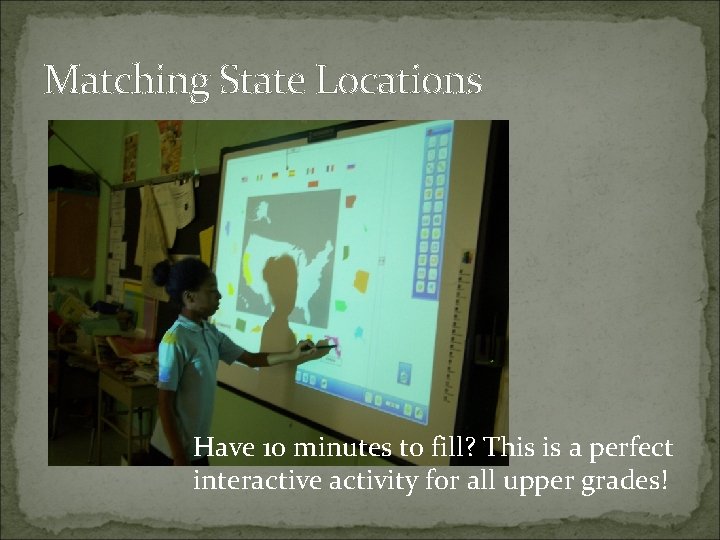
Matching State Locations Have 10 minutes to fill? This is a perfect interactive activity for all upper grades!
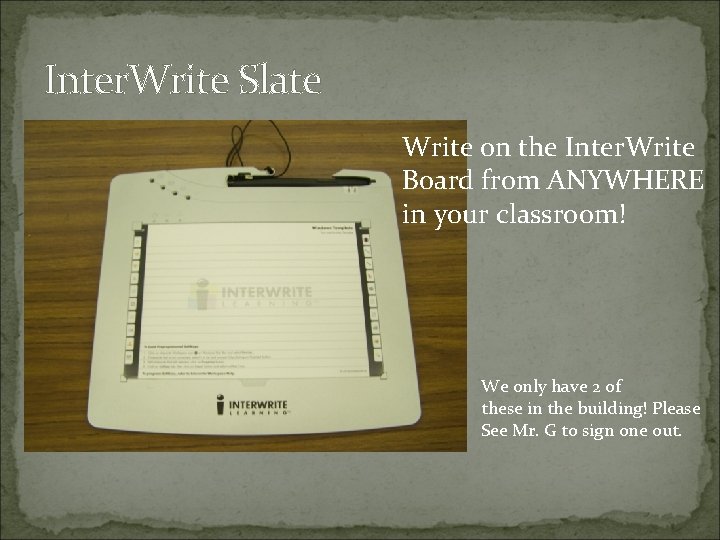
Inter. Write Slate Write on the Inter. Write Board from ANYWHERE in your classroom! We only have 2 of these in the building! Please See Mr. G to sign one out.
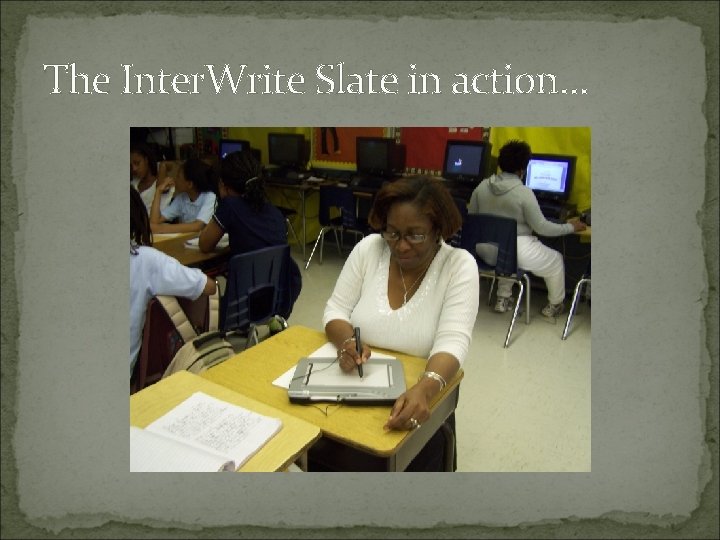
The Inter. Write Slate in action…
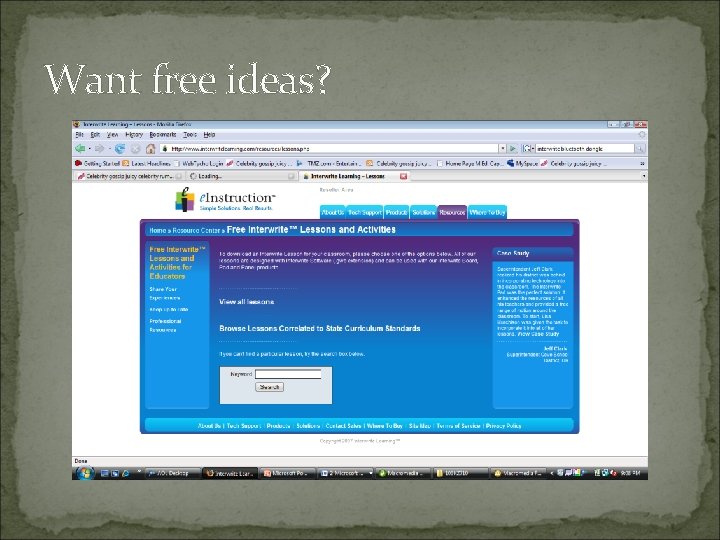
Want free ideas?
Need more help? �Call me – room 8 �I’ll be glad to model lessons for you, my room or yours! �I’ll help you troubleshoot �I’ll show you more advanced features ENJOY!!!!
- Slides: 16