
Basic Java Syntax The java language will be
Basic Java Syntax • The java language will be described by working through its features: – Variable types and expressions. – Selection and iteration. – Classes. – Exceptions. • Small sample programs will be provided to illustrate how each feature is used. 9/25/2020 Statements 1
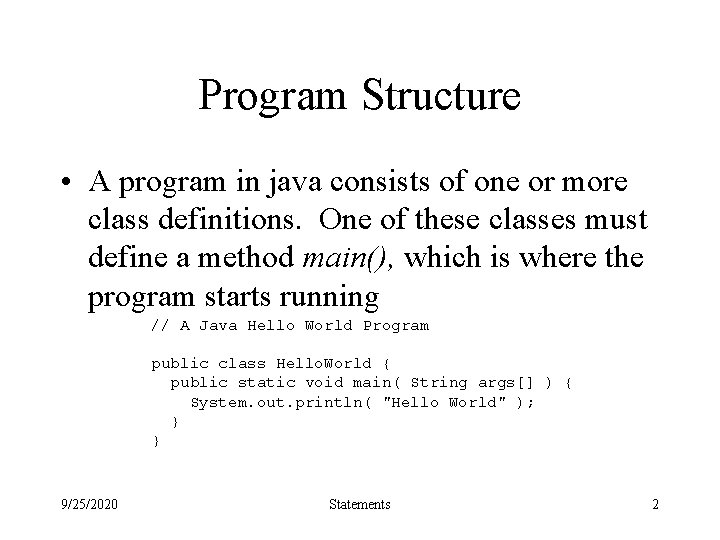
Program Structure • A program in java consists of one or more class definitions. One of these classes must define a method main(), which is where the program starts running // A Java Hello World Program public class Hello. World { public static void main( String args[] ) { System. out. println( "Hello World" ); } } 9/25/2020 Statements 2
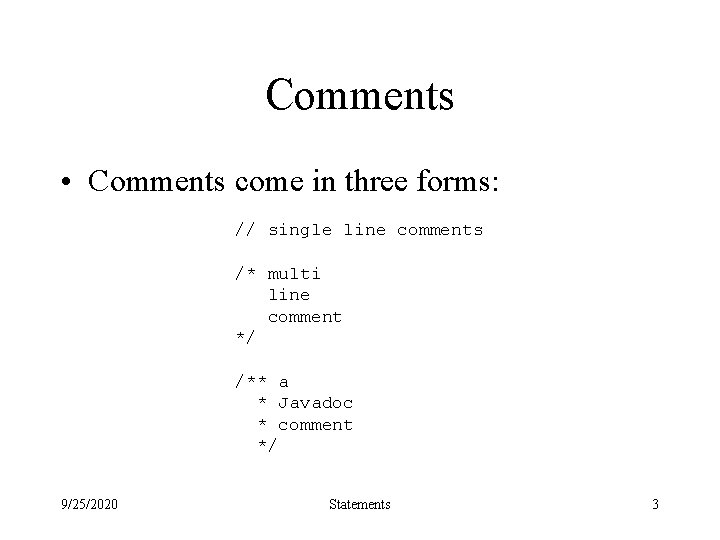
Comments • Comments come in three forms: // single line comments /* multi line comment */ /** a * Javadoc * comment */ 9/25/2020 Statements 3
Javadoc • A tool that comes with the JDK that produces html-based documentation from java source code. • Within a Javadoc comment, various tags can appear which allow additional information to be processed. • Each tag is marked by an @ symbol and should start on a new line. 9/25/2020 Statements 4
Javadoc Tags 9/25/2020 Statements 5
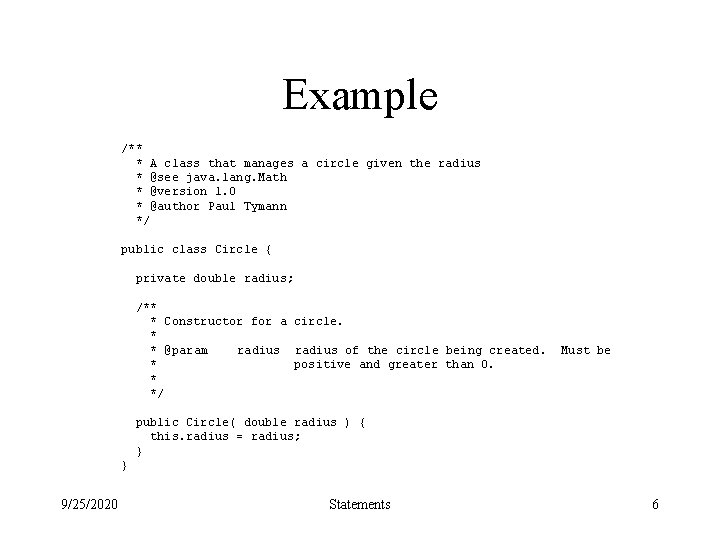
Example /** * A class that manages a circle given the radius * @see java. lang. Math * @version 1. 0 * @author Paul Tymann */ public class Circle { private double radius; /** * Constructor for a circle. * * @param radius of the circle being created. * positive and greater than 0. * */ Must be public Circle( double radius ) { this. radius = radius; } } 9/25/2020 Statements 6
The Result • The result is a set of HTML pages. • The documentation that is produced is meant to be part of the overall documentation that comes with the JDK. • The 1. 1 version of Javadoc did not support local modifications to the java documentation well. • A much improved version of Javadoc is provided with java 2. 9/25/2020 Statements 7
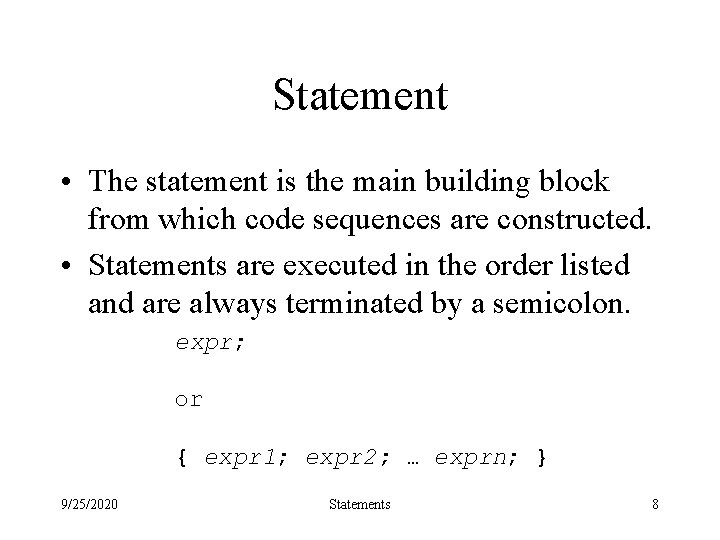
Statement • The statement is the main building block from which code sequences are constructed. • Statements are executed in the order listed and are always terminated by a semicolon. expr; or { expr 1; expr 2; … exprn; } 9/25/2020 Statements 8
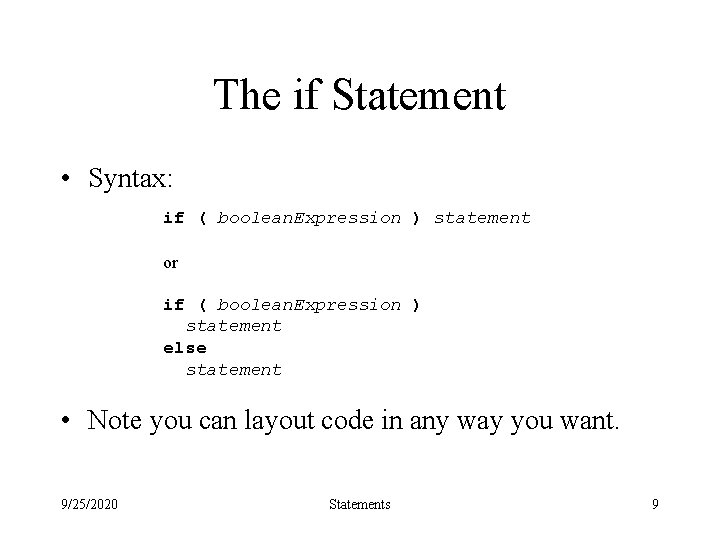
The if Statement • Syntax: if ( boolean. Expression ) statement or if ( boolean. Expression ) statement else statement • Note you can layout code in any way you want. 9/25/2020 Statements 9
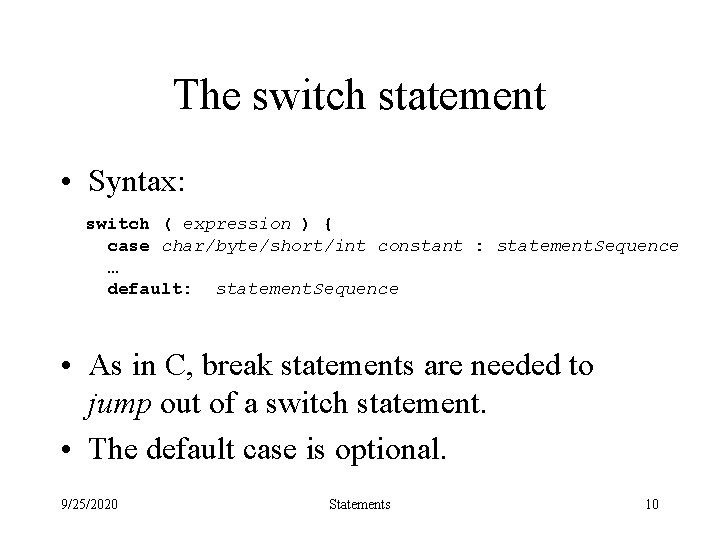
The switch statement • Syntax: switch ( expression ) { case char/byte/short/int constant : statement. Sequence … default: statement. Sequence • As in C, break statements are needed to jump out of a switch statement. • The default case is optional. 9/25/2020 Statements 10
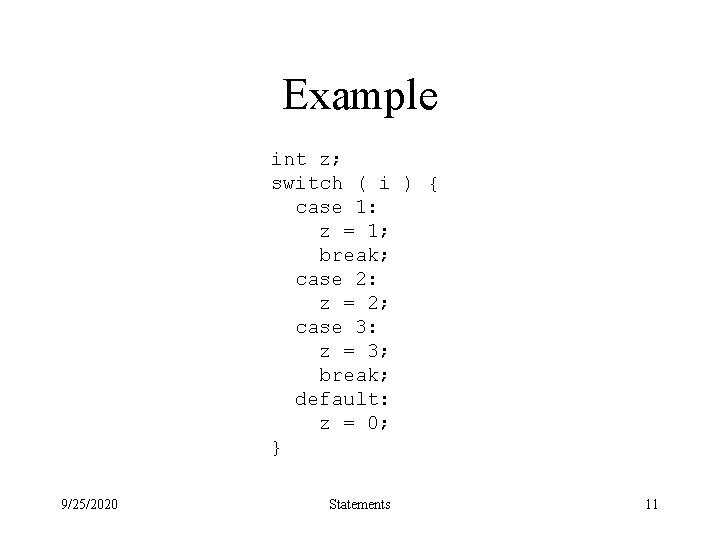
Example int z; switch ( i ) { case 1: z = 1; break; case 2: z = 2; case 3: z = 3; break; default: z = 0; } 9/25/2020 Statements 11
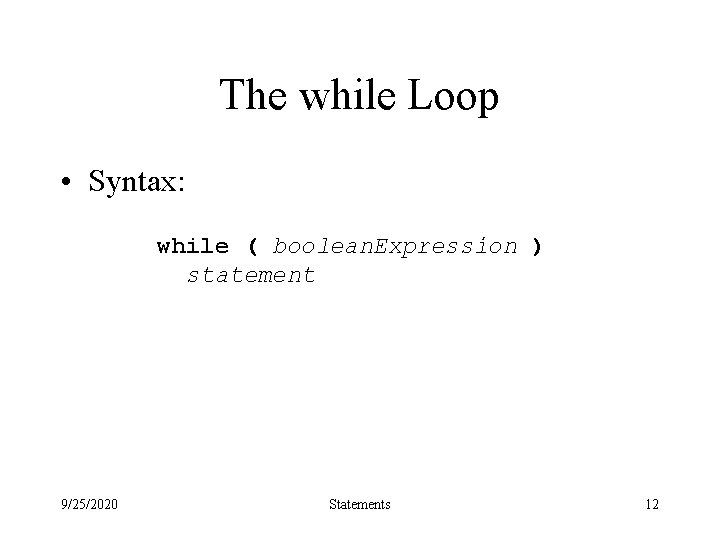
The while Loop • Syntax: while ( boolean. Expression ) statement 9/25/2020 Statements 12
The do Loop • Syntax: do statement while ( boolean. Expression ); 9/25/2020 Statements 13
The for Loop • Syntax: for ( init. Expr; boolean. Expr; update. Expr ) statement • Each of the expressions is optional, the semicolons are not. • A for loop is basically a while loop with initialization and updating thrown in. 9/25/2020 Statements 14
Transfer Statements • The break statement can occur anywhere within a switch, for, while or do statement and causes execution to jump to the next statement. • The continue statement can occur anywhere within a for, while or do statement and causes execution to jump to the end of the loop body. • The return statement causes the execution of the current method, with control returning to the caller. 9/25/2020 Statements 15
Objects • An object is a structure that represents a state and knows methods to manipulate it. The structure components are called instance variables. • Given a class, one normally creates objects. • Objects are created dynamically with operator new which in turn calls a constructor method to initialize the instance variables. • Methods mostly access the instance variables of the receiver. 9/25/2020 Statements 16
Java Classes • The Java system comes with an extensive set of classes from which you may create objects. • Lets start with a familiar class String. • To find out what you can do to java strings you need to refer to the documentation that comes with the JDK. 9/25/2020 Statements 17
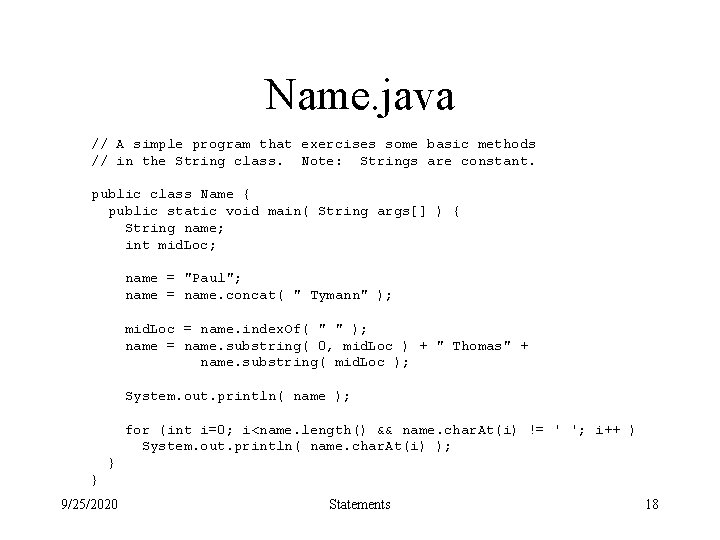
Name. java // A simple program that exercises some basic methods // in the String class. Note: Strings are constant. public class Name { public static void main( String args[] ) { String name; int mid. Loc; name = "Paul"; name = name. concat( " Tymann" ); mid. Loc = name. index. Of( " " ); name = name. substring( 0, mid. Loc ) + " Thomas" + name. substring( mid. Loc ); System. out. println( name ); for (int i=0; i<name. length() && name. char. At(i) != ' '; i++ ) System. out. println( name. char. At(i) ); } } 9/25/2020 Statements 18
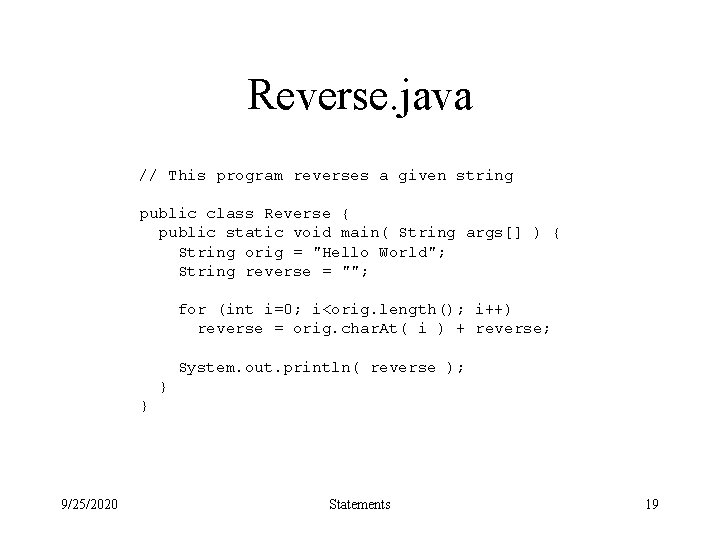
Reverse. java // This program reverses a given string public class Reverse { public static void main( String args[] ) { String orig = "Hello World"; String reverse = ""; for (int i=0; i<orig. length(); i++) reverse = orig. char. At( i ) + reverse; System. out. println( reverse ); } } 9/25/2020 Statements 19
String. Buffer • The String class provides string objects that cannot be changed. • The String. Buffer class provides mutable string objects. 9/25/2020 Statements 20
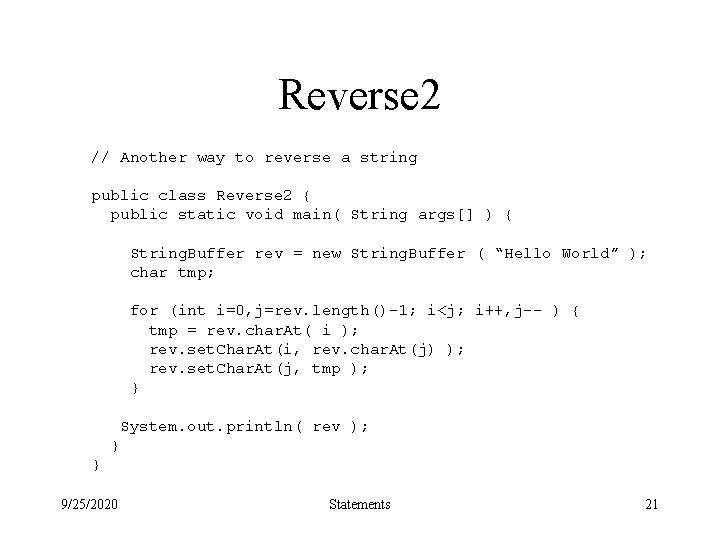
Reverse 2 // Another way to reverse a string public class Reverse 2 { public static void main( String args[] ) { String. Buffer rev = new String. Buffer ( “Hello World” ); char tmp; for (int i=0, j=rev. length()-1; i<j; i++, j-- ) { tmp = rev. char. At( i ); rev. set. Char. At(i, rev. char. At(j) ); rev. set. Char. At(j, tmp ); } System. out. println( rev ); } } 9/25/2020 Statements 21
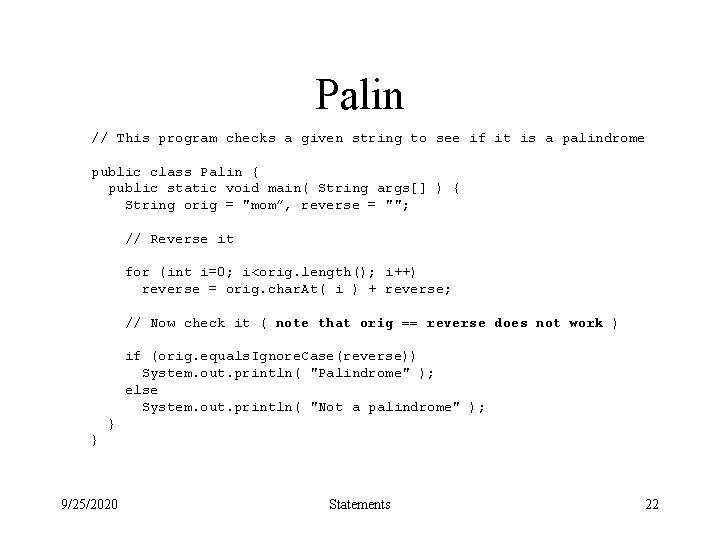
Palin // This program checks a given string to see if it is a palindrome public class Palin { public static void main( String args[] ) { String orig = "mom”, reverse = ""; // Reverse it for (int i=0; i<orig. length(); i++) reverse = orig. char. At( i ) + reverse; // Now check it ( note that orig == reverse does not work ) if (orig. equals. Ignore. Case(reverse)) System. out. println( "Palindrome" ); else System. out. println( "Not a palindrome" ); } } 9/25/2020 Statements 22
- Slides: 22