
Basic IO CIS 1068 Program Design and Abstraction
Basic I/O - CIS 1068 Program Design and Abstraction Zhen Jiang CIS Dept. Temple University SERC 347, Main Campus Email: zhen. jiang@temple. edu 6/9/2021 1
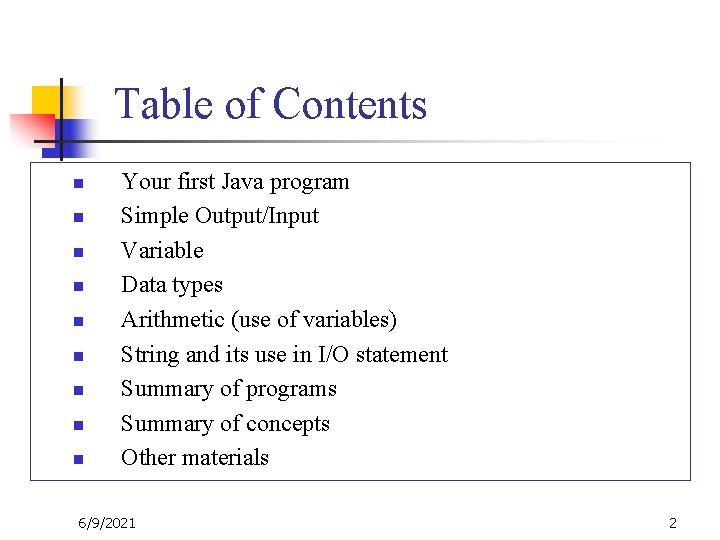
Table of Contents n n n n n Your first Java program Simple Output/Input Variable Data types Arithmetic (use of variables) String and its use in I/O statement Summary of programs Summary of concepts Other materials 6/9/2021 2
Welcome – Your first program n n http: //www. cis. temple. edu/~jiang/Welcome. java http: //www. cis. temple. edu/~jiang/Welcome 1. java 6/9/2021 3
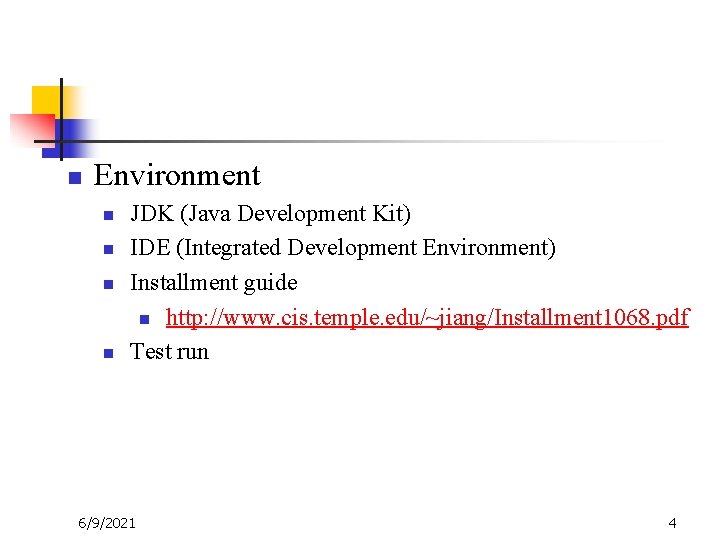
n Environment n n JDK (Java Development Kit) IDE (Integrated Development Environment) Installment guide n http: //www. cis. temple. edu/~jiang/Installment 1068. pdf Test run 6/9/2021 4

n n Before you run a program, you must compile it. compiler: Translates a computer program written in one language (i. e. , Java) to another language (i. e. , byte code) Compile (javac) source code (Hello. java) 6/9/2021 Execute (java) byte code (Hello. class) output 5
n Details n n n Names Main { } and ( ) Println and print (p 93) ; 6/9/2021 6
n n n Textbook Highlighted by content in ppt slides Indexed by page number in ppt slides n n n Discussion Summary Exercises (in ppt slides and class), assignment, quiz, test, final

6/9/2021 8
n Learning target n n www. cis. temple. edu/~jiang/Show. Button. Demo. pdf www. cis. temple. edu/~jiang/Window. Destroyer. pdf Three key topics n 6/9/2021 Loop, (instance) method, and text/string/array processing 9
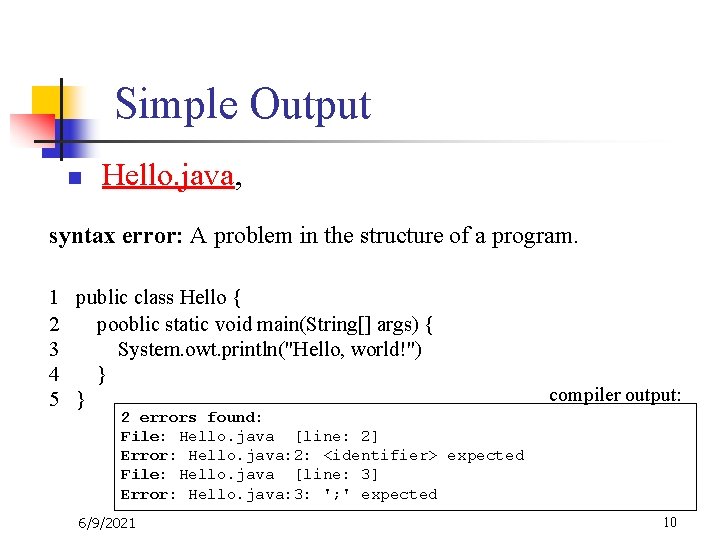
Simple Output n Hello. java, syntax error: A problem in the structure of a program. 1 public class Hello { 2 pooblic static void main(String[] args) { 3 System. owt. println("Hello, world!") 4 } 5 } compiler output: 2 errors found: File: Hello. java [line: 2] Error: Hello. java: 2: <identifier> expected File: Hello. java [line: 3] Error: Hello. java: 3: '; ' expected 6/9/2021 10
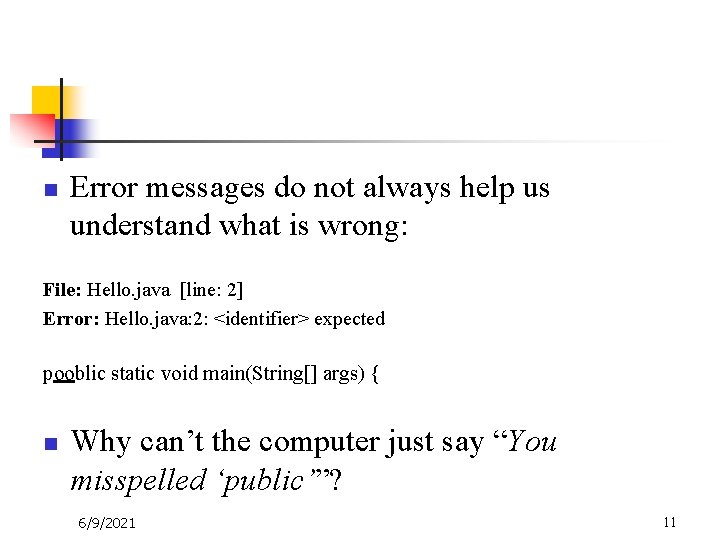
n Error messages do not always help us understand what is wrong: File: Hello. java [line: 2] Error: Hello. java: 2: <identifier> expected pooblic static void main(String[] args) { n Why can’t the computer just say “You misspelled ‘public’”? 6/9/2021 11
n First lesson n Computers can’t read minds. Computers don’t make mistakes. If the computer is not doing what you want, it’s because YOU made a mistake. 6/9/2021 12
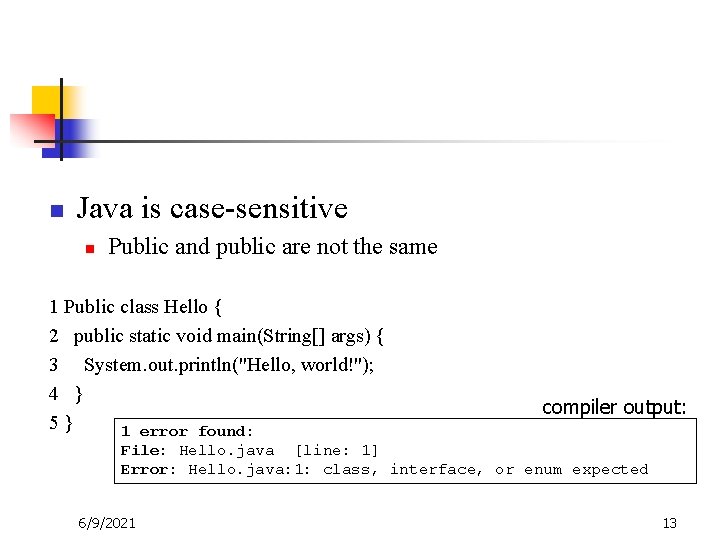
n Java is case-sensitive n Public and public are not the same 1 Public class Hello { 2 public static void main(String[] args) { 3 System. out. println("Hello, world!"); 4 } 5} 1 error found: compiler output: File: Hello. java [line: 1] Error: Hello. java: 1: class, interface, or enum expected 6/9/2021 13
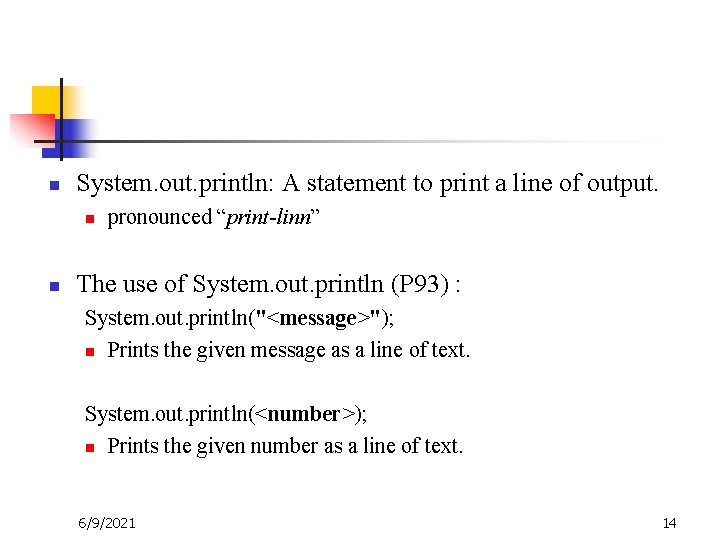
n System. out. println: A statement to print a line of output. n n pronounced “print-linn” The use of System. out. println (P 93) : System. out. println("<message>"); n Prints the given message as a line of text. System. out. println(<number>); n Prints the given number as a line of text. 6/9/2021 14
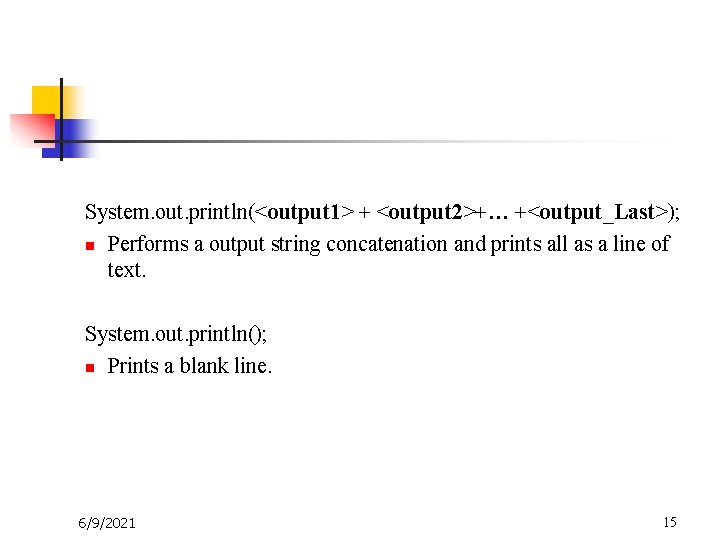
System. out. println(<output 1> + <output 2>+… +<output_Last>); n Performs a output string concatenation and prints all as a line of text. System. out. println(); n Prints a blank line. 6/9/2021 15
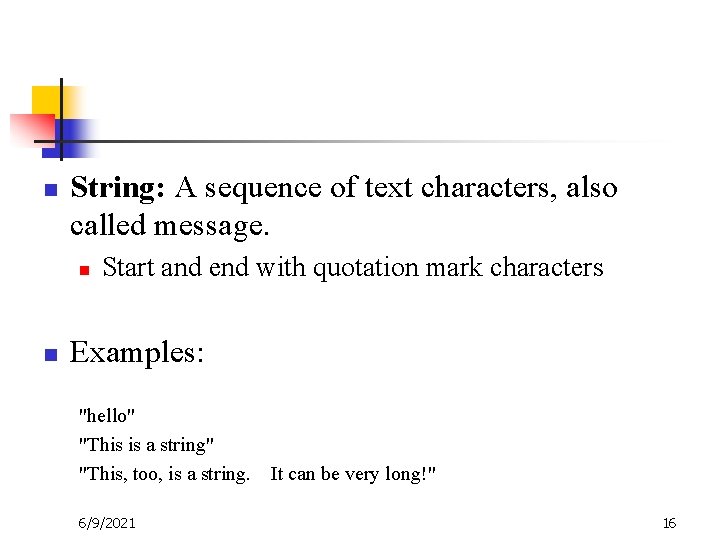
n String: A sequence of text characters, also called message. n n Start and end with quotation mark characters Examples: "hello" "This is a string" "This, too, is a string. 6/9/2021 It can be very long!" 16
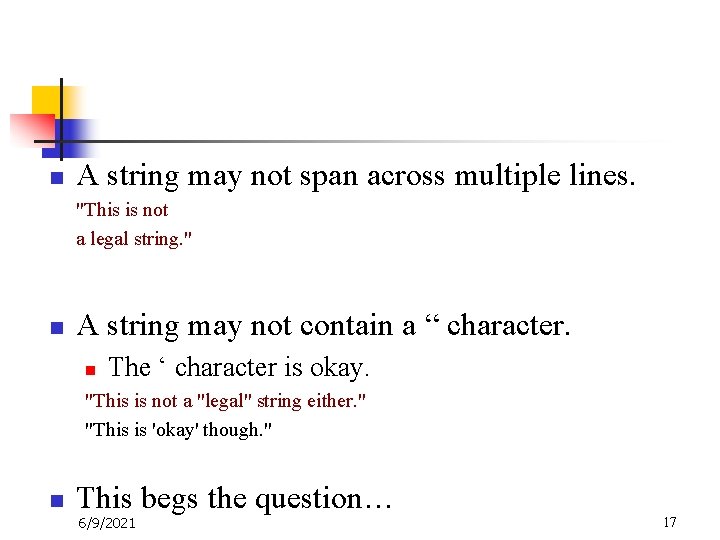
n A string may not span across multiple lines. "This is not a legal string. " n A string may not contain a “ character. n The ‘ character is okay. "This is not a "legal" string either. " "This is 'okay' though. " n This begs the question… 6/9/2021 17
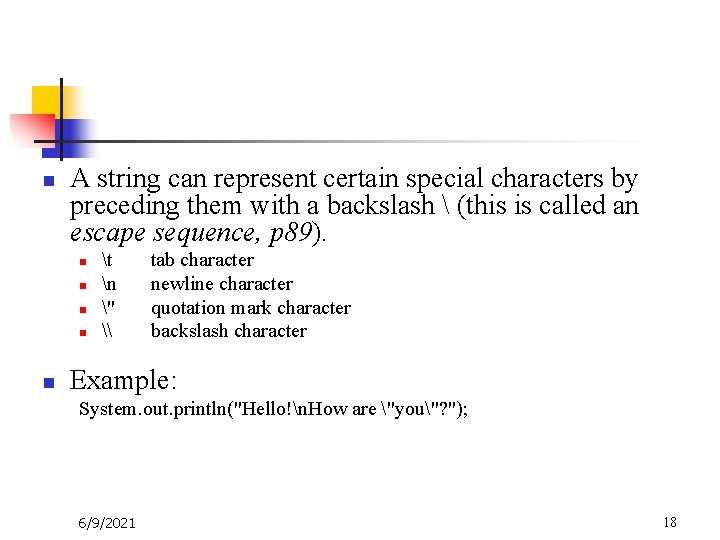
n A string can represent certain special characters by preceding them with a backslash (this is called an escape sequence, p 89). n n n t n " \ tab character newline character quotation mark character backslash character Example: System. out. println("Hello!n. How are "you"? "); 6/9/2021 18
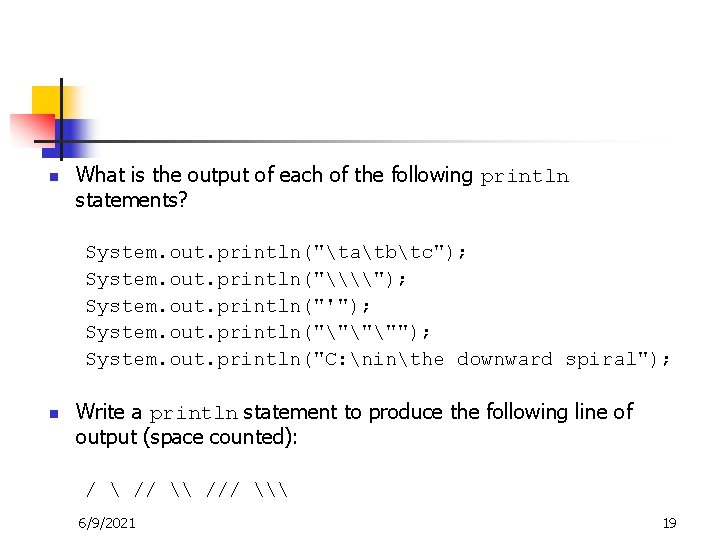
n What is the output of each of the following println statements? System. out. println("tatbtc"); System. out. println("\\"); System. out. println("'"); System. out. println("""""); System. out. println("C: ninthe downward spiral"); n Write a println statement to produce the following line of output (space counted): / // \ /// \ 6/9/2021 19
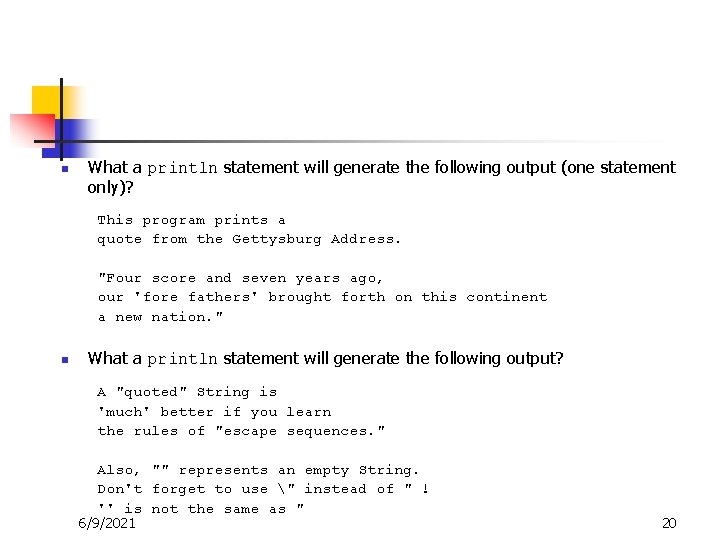
n What a println statement will generate the following output (one statement only)? This program prints a quote from the Gettysburg Address. "Four score and seven years ago, our 'fore fathers' brought forth on this continent a new nation. " n What a println statement will generate the following output? A "quoted" String is 'much' better if you learn the rules of "escape sequences. " Also, "" represents an empty String. Don't forget to use " instead of " ! '' is not the same as " 6/9/2021 20
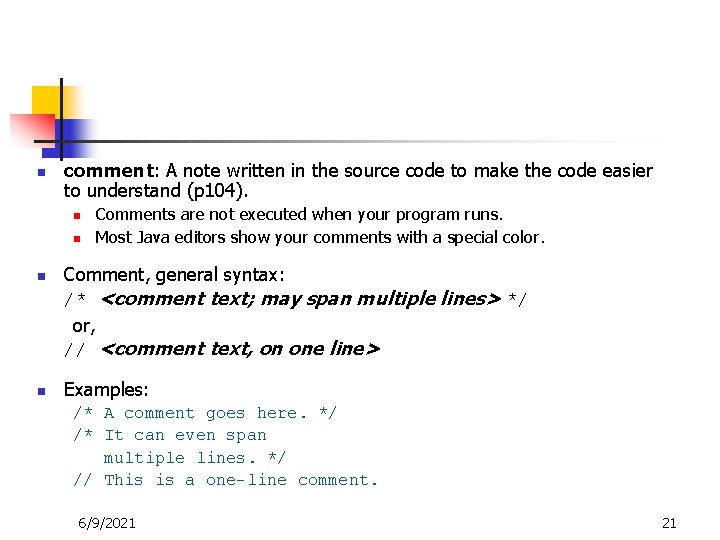
n comment: A note written in the source code to make the code easier to understand (p 104). n n Comments are not executed when your program runs. Most Java editors show your comments with a special color. Comment, general syntax: /* <comment text; may span multiple lines> */ or, // <comment text, on one line> Examples: /* A comment goes here. */ /* It can even span multiple lines. */ // This is a one-line comment. 6/9/2021 21
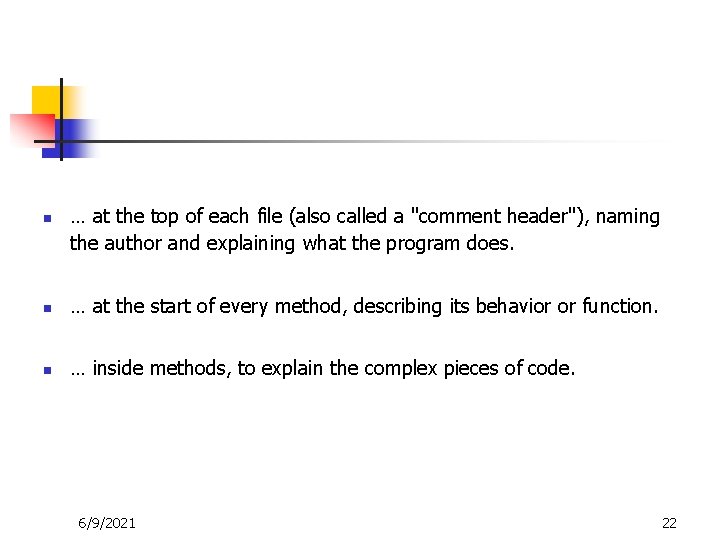
n … at the top of each file (also called a "comment header"), naming the author and explaining what the program does. n … at the start of every method, describing its behavior or function. n … inside methods, to explain the complex pieces of code. 6/9/2021 22
n n Comments provide important documentation. Comments provide a simple description of what each class, method, etc. is doing. Later programs will span hundreds or thousands of lines, split into many classes and methods. When multiple programmers work together, comments help one programmer understand the other's code. 6/9/2021 23
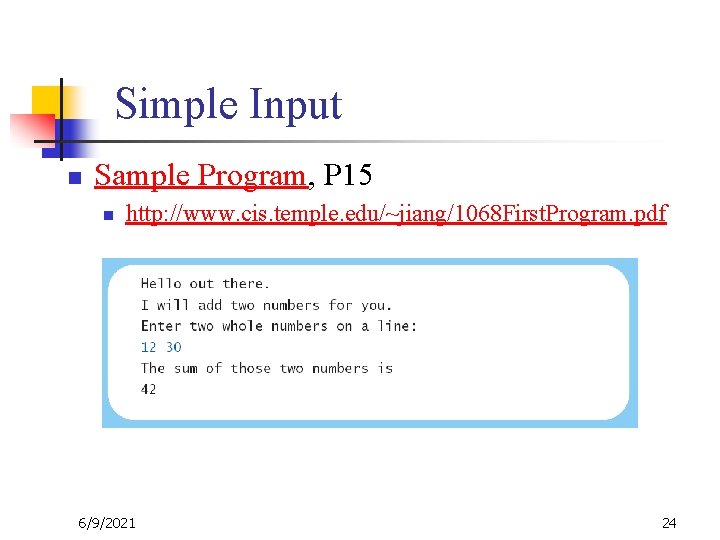
Simple Input n Sample Program, P 15 n http: //www. cis. temple. edu/~jiang/1068 First. Program. pdf 6/9/2021 24
Variable n n A piece of your computer's memory that is given a name and type and can store a value. Usage n n n 6/9/2021 compute an expression's result store that result into a variable use that variable later in the program 25
n To use a variable, it must be declared. n Variable declaration syntax (P 51): <type> <name>; n n Convention: Variable identifiers follow the same rules as method names. Examples: int x; double my. GPA; int var. Name; 6/9/2021 26
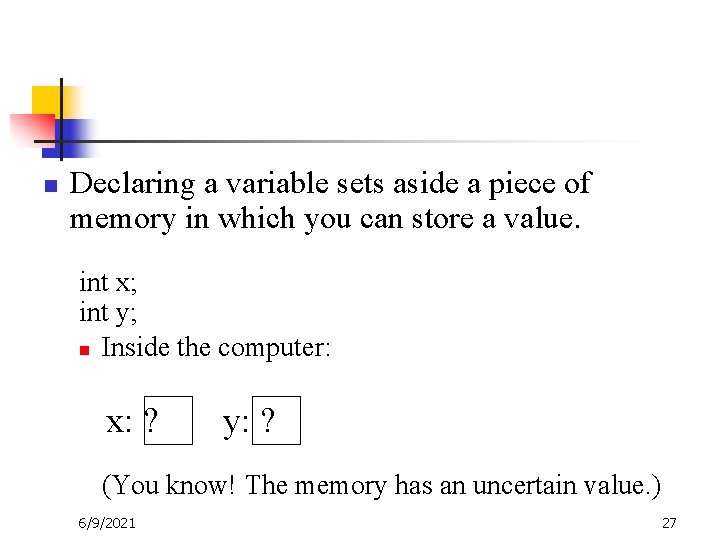
n Declaring a variable sets aside a piece of memory in which you can store a value. int x; int y; n Inside the computer: x: ? y: ? (You know! The memory has an uncertain value. ) 6/9/2021 27
n n n identifier: A name given to an entity in a program such as a class or method. n Identifiers allow us to refer to the entities. Examples (in bold): n public class Hello n public static void main n double salary Conventions for naming in Java (which we will follow): n classes: capitalize each word (Class. Name) n everything else: capitalize each word after the first (my. Last. Name) 6/9/2021 28
![n Name, p 103 n n n 6/9/2021 Begin with [a]-[Z], _, or $](http://slidetodoc.com/presentation_image_h2/6029b67917b981e46ee3c1652798f04a/image-29.jpg "n Name, p 103 n n n 6/9/2021 Begin with [a]-[Z], _, or $")
n Name, p 103 n n n 6/9/2021 Begin with [a]-[Z], _, or $ Contain only [a]-[Z], [0]-[9], _, and $ No keyword Case distinct “punctuate”, capital letter or ‘_’, page 104 29
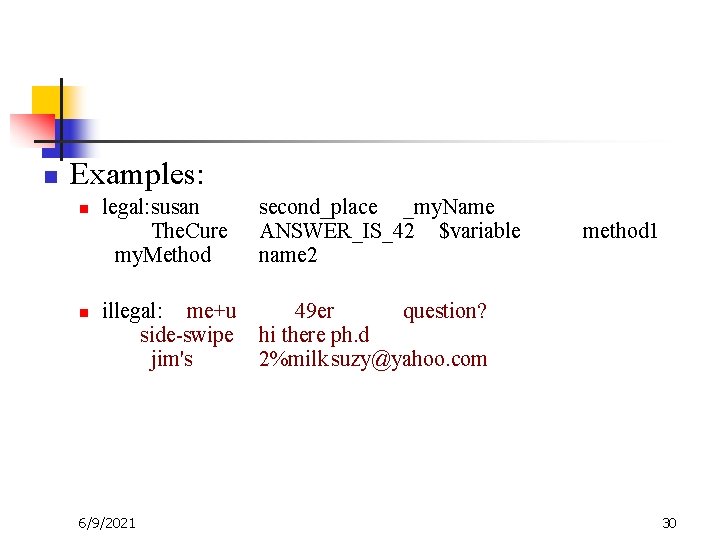
n Examples: n n legal: susan The. Cure my. Method second_place _my. Name ANSWER_IS_42 $variable name 2 method 1 illegal: me+u 49 er question? side-swipe hi there ph. d jim's 2%milk suzy@yahoo. com 6/9/2021 30
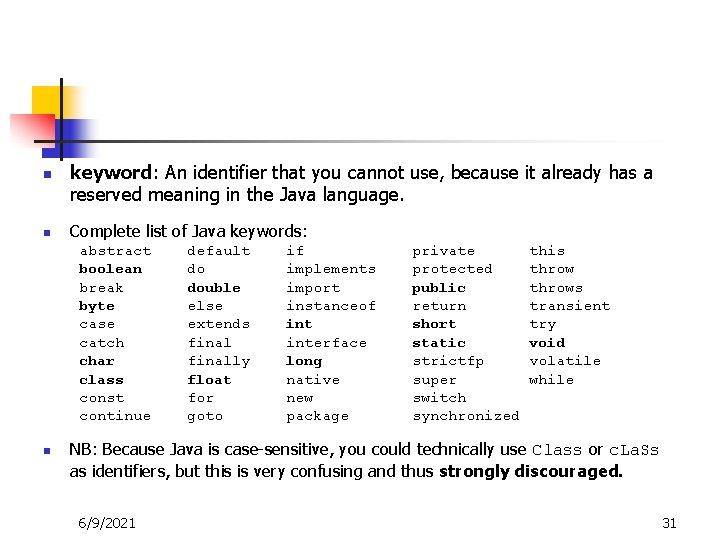
n n keyword: An identifier that you cannot use, because it already has a reserved meaning in the Java language. Complete list of Java keywords: abstract boolean break byte case catch char class const continue n default do double else extends finally float for goto if implements import instanceof interface long native new package private protected public return short static strictfp super switch synchronized this throws transient try void volatile while NB: Because Java is case-sensitive, you could technically use Class or c. La. Ss as identifiers, but this is very confusing and thus strongly discouraged. 6/9/2021 31
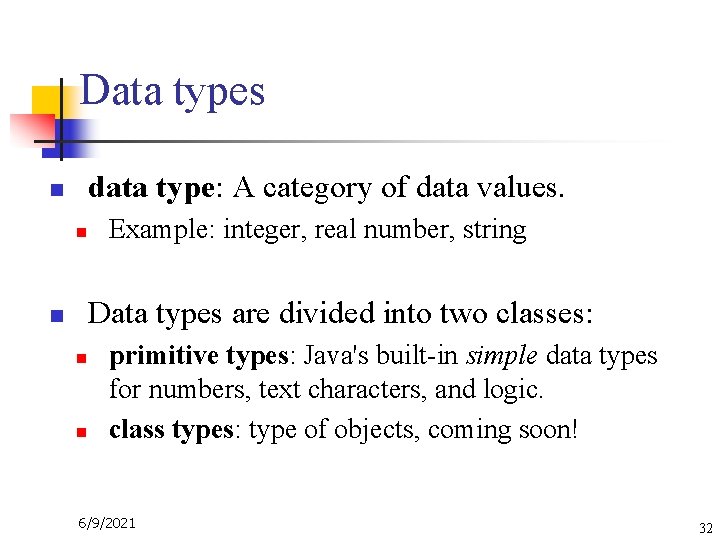
Data types n data type: A category of data values. n n Example: integer, real number, string Data types are divided into two classes: n n primitive types: Java's built-in simple data types for numbers, text characters, and logic. class types: type of objects, coming soon! 6/9/2021 32
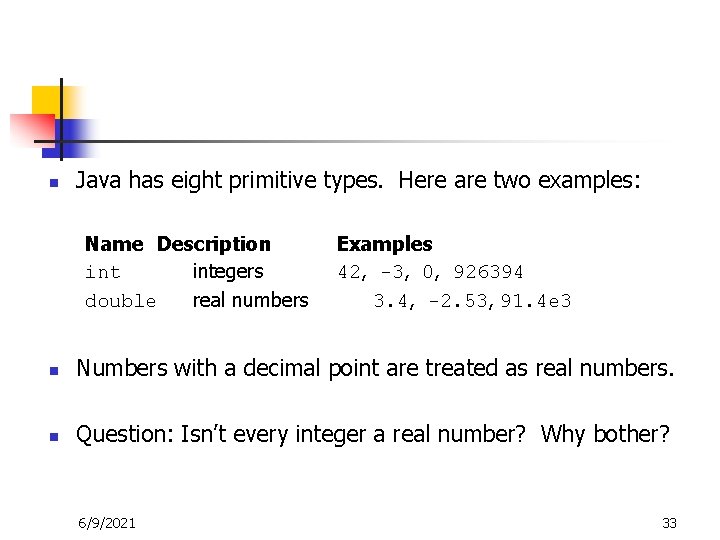
n Java has eight primitive types. Here are two examples: Name Description integers double real numbers Examples 42, -3, 0, 926394 3. 4, -2. 53, 91. 4 e 3 n Numbers with a decimal point are treated as real numbers. n Question: Isn’t every integer a real number? Why bother? 6/9/2021 33
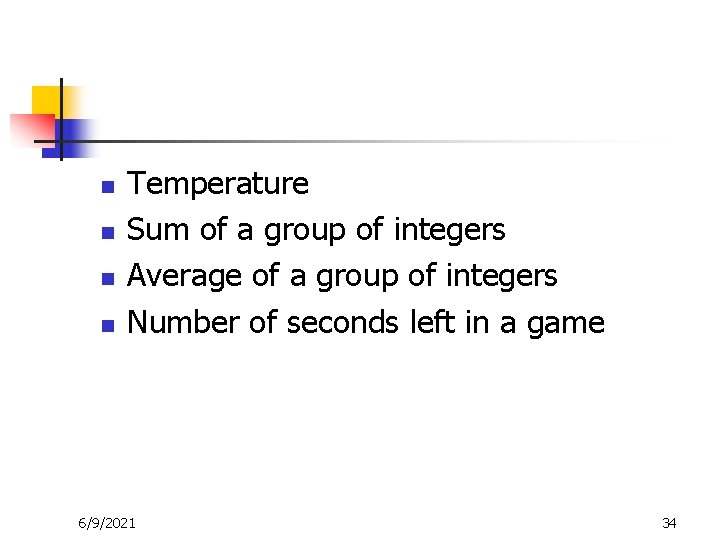
n n Temperature Sum of a group of integers Average of a group of integers Number of seconds left in a game 6/9/2021 34
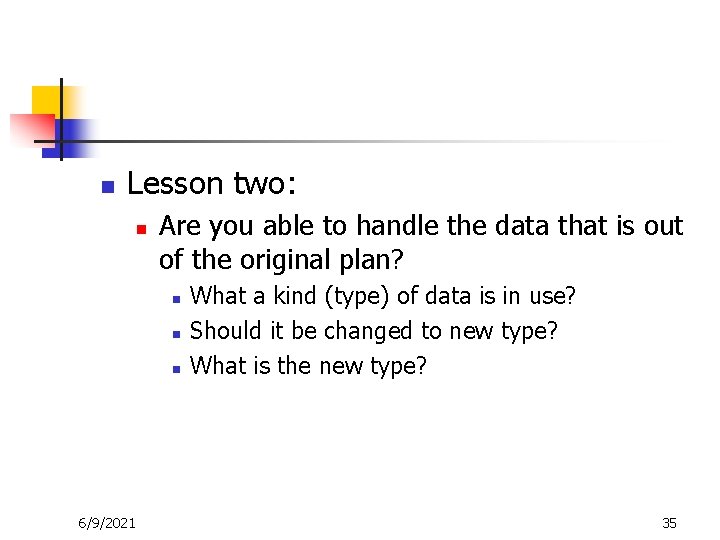
n Lesson two: n Are you able to handle the data that is out of the original plan? n n n 6/9/2021 What a kind (type) of data is in use? Should it be changed to new type? What is the new type? 35
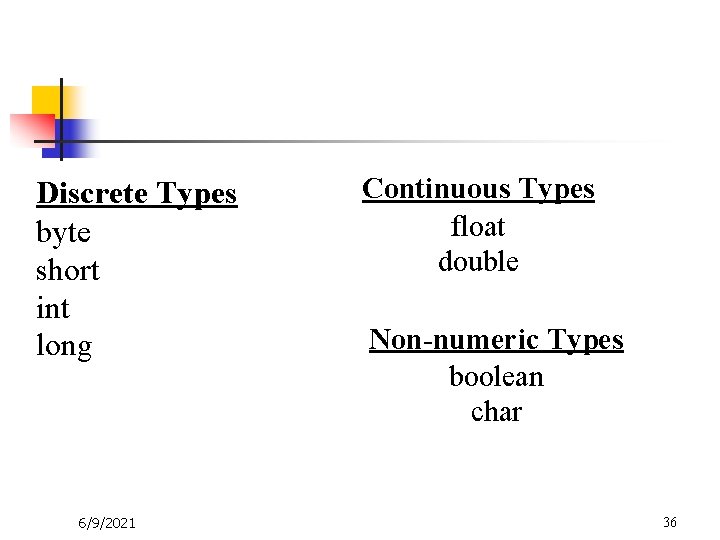
Discrete Types byte short int long 6/9/2021 Continuous Types float double Non-numeric Types boolean char 36
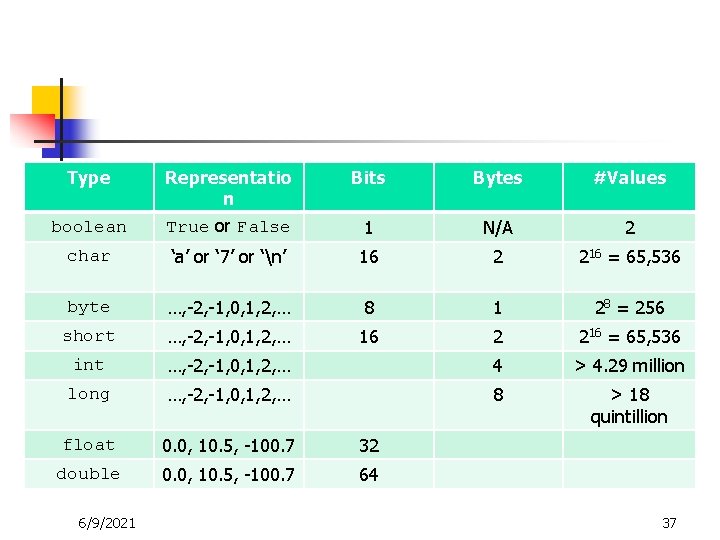
Type Bits Bytes #Values boolean Representatio n True or False 1 N/A 2 char ‘a’ or ‘ 7’ or ‘n’ 16 2 216 = 65, 536 byte …, -2, -1, 0, 1, 2, … 8 1 28 = 256 short …, -2, -1, 0, 1, 2, … 16 2 216 = 65, 536 int …, -2, -1, 0, 1, 2, … 4 > 4. 29 million long …, -2, -1, 0, 1, 2, … 8 > 18 quintillion float 0. 0, 10. 5, -100. 7 32 double 0. 0, 10. 5, -100. 7 64 6/9/2021 37
Arithmetic (Use of variables) n n 17/3=? http: //www. cis. temple. edu/~jiang/Variable. pdf 6/9/2021 38
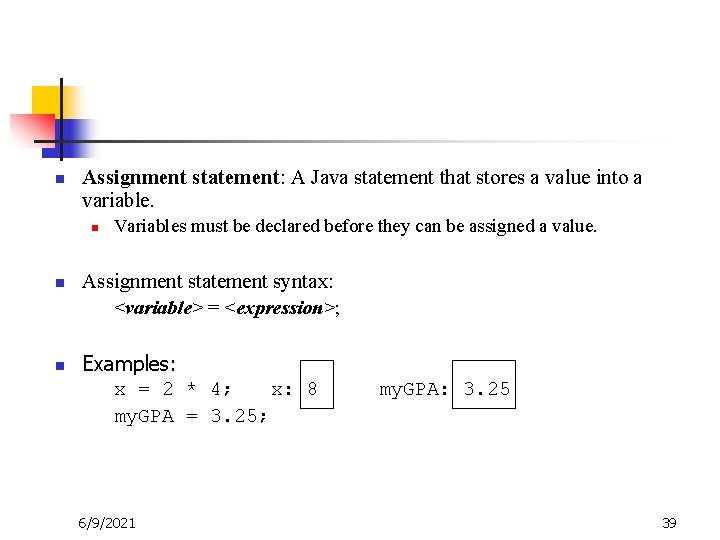
n Assignment statement: A Java statement that stores a value into a variable. n n n Variables must be declared before they can be assigned a value. Assignment statement syntax: <variable> = <expression>; Examples: x = 2 * 4; x: 8 my. GPA = 3. 25; 6/9/2021 my. GPA: 3. 25 39
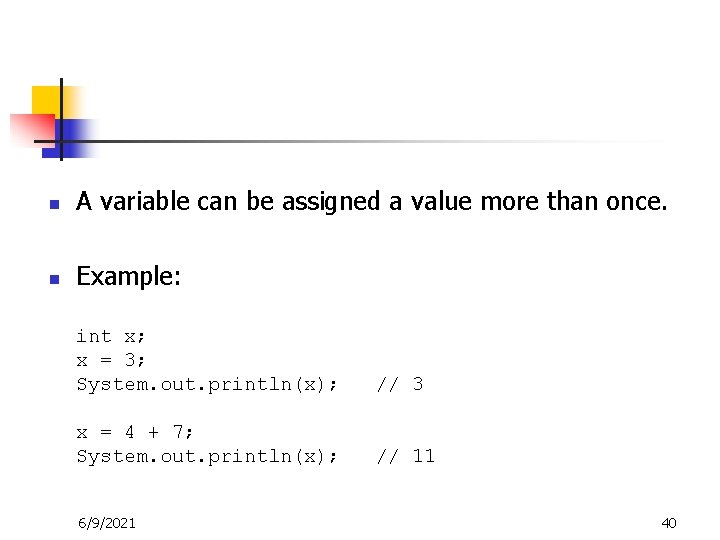
n A variable can be assigned a value more than once. n Example: int x; x = 3; System. out. println(x); // 3 x = 4 + 7; System. out. println(x); // 11 6/9/2021 40
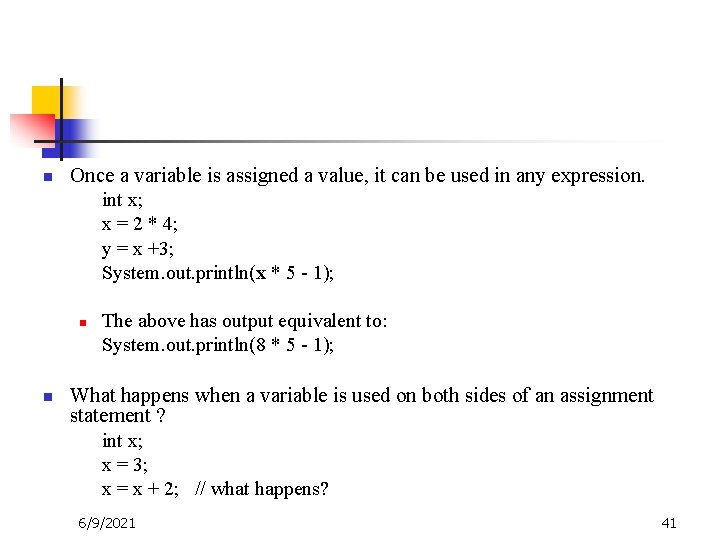
n Once a variable is assigned a value, it can be used in any expression. int x; x = 2 * 4; y = x +3; System. out. println(x * 5 - 1); n n The above has output equivalent to: System. out. println(8 * 5 - 1); What happens when a variable is used on both sides of an assignment statement ? int x; x = 3; x = x + 2; // what happens? 6/9/2021 41
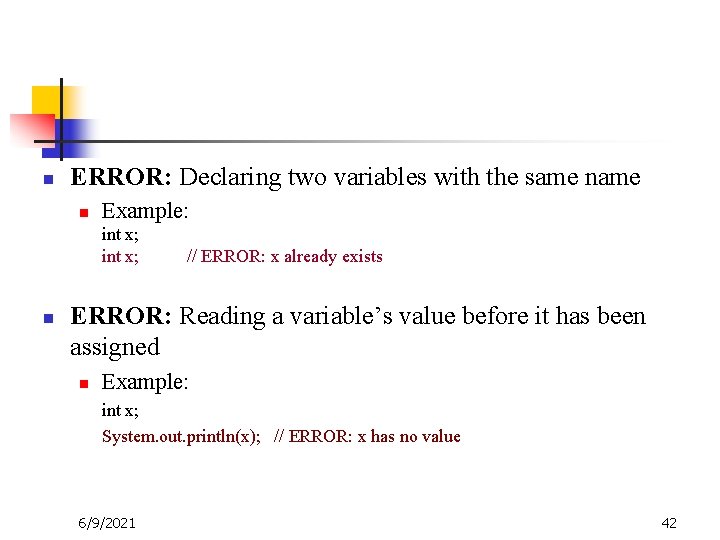
n ERROR: Declaring two variables with the same n Example: int x; n // ERROR: x already exists ERROR: Reading a variable’s value before it has been assigned n Example: int x; System. out. println(x); // ERROR: x has no value 6/9/2021 42
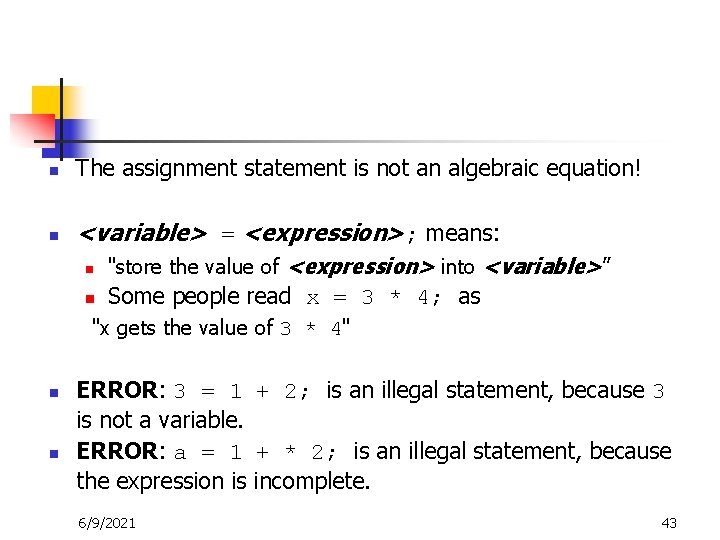
n The assignment statement is not an algebraic equation! n <variable> = <expression>; means: n "store the value of <expression> into <variable>” n Some people read x = 3 * 4; as "x gets the value of 3 * 4" n n ERROR: 3 = 1 + 2; is an illegal statement, because 3 is not a variable. ERROR: a = 1 + * 2; is an illegal statement, because the expression is incomplete. 6/9/2021 43
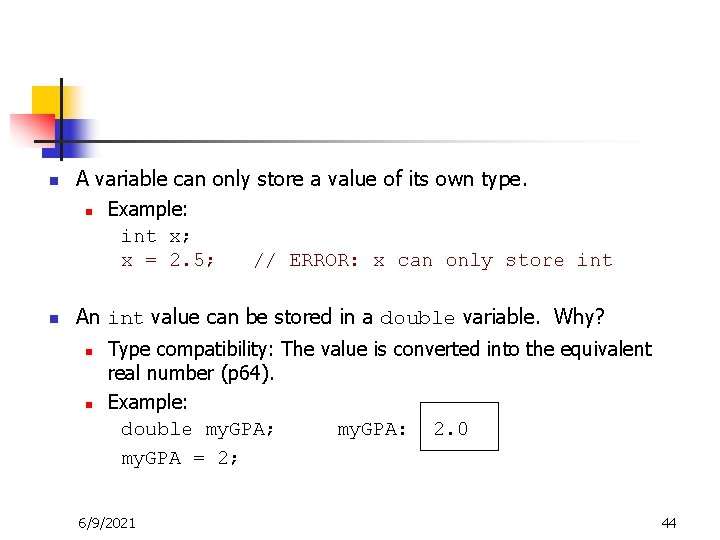
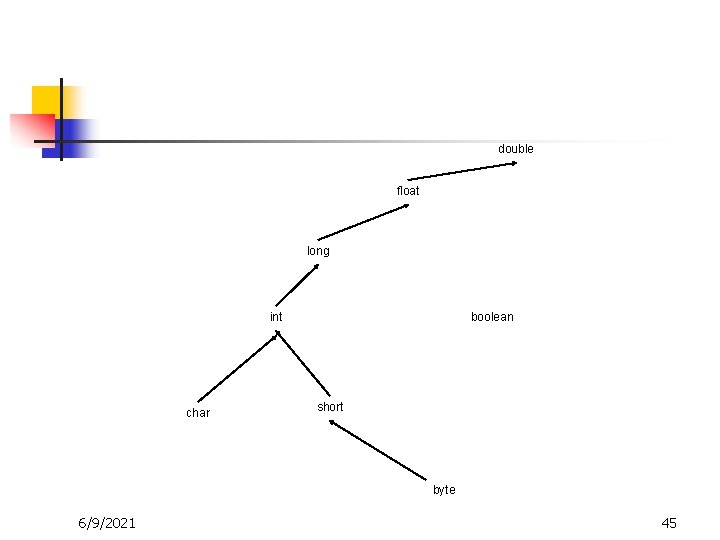
n n A variable can only store a value of its own type. n Example: int x; x = 2. 5; // ERROR: x can only store int An int value can be stored in a double variable. Why? n n Type compatibility: The value is converted into the equivalent real number (p 64). Example: double my. GPA; my. GPA: 2. 0 my. GPA = 2; 6/9/2021 44
double float long int char boolean short byte 6/9/2021 45
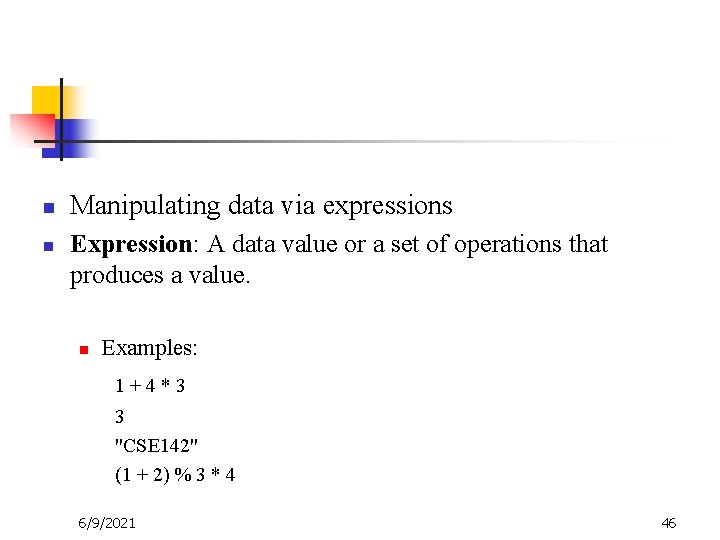
n n Manipulating data via expressions Expression: A data value or a set of operations that produces a value. n Examples: 1+4*3 3 "CSE 142" (1 + 2) % 3 * 4 6/9/2021 46
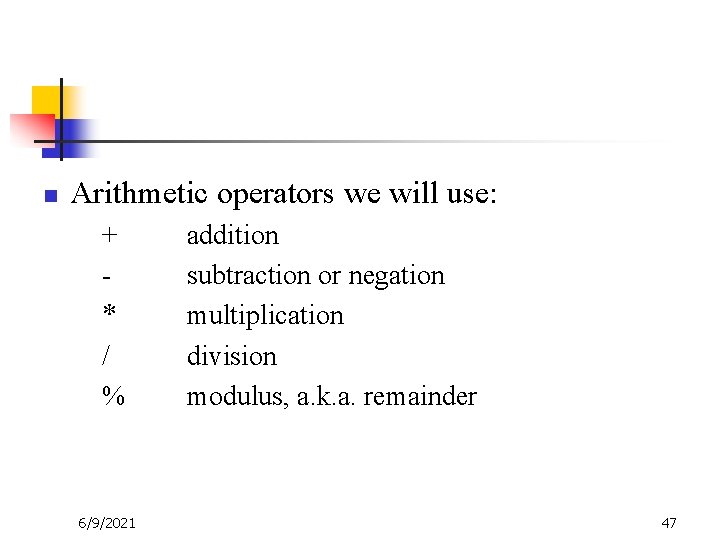
n Arithmetic operators we will use: n n n + * / % 6/9/2021 addition subtraction or negation multiplication division modulus, a. k. a. remainder 47
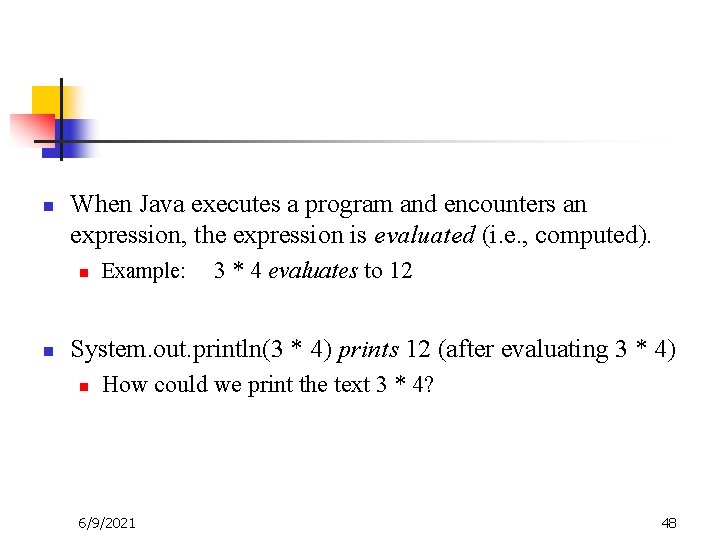
n When Java executes a program and encounters an expression, the expression is evaluated (i. e. , computed). n n Example: 3 * 4 evaluates to 12 System. out. println(3 * 4) prints 12 (after evaluating 3 * 4) n How could we print the text 3 * 4? 6/9/2021 48
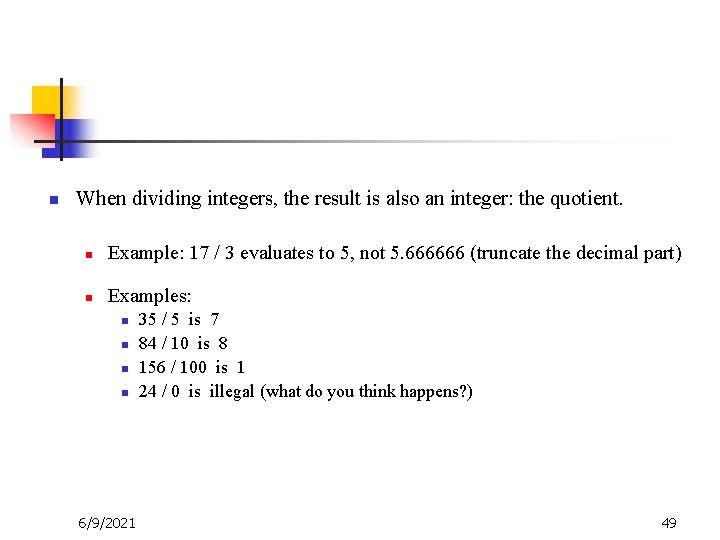
n When dividing integers, the result is also an integer: the quotient. n Example: 17 / 3 evaluates to 5, not 5. 666666 (truncate the decimal part) n Examples: n n 6/9/2021 35 / 5 is 7 84 / 10 is 8 156 / 100 is 1 24 / 0 is illegal (what do you think happens? ) 49
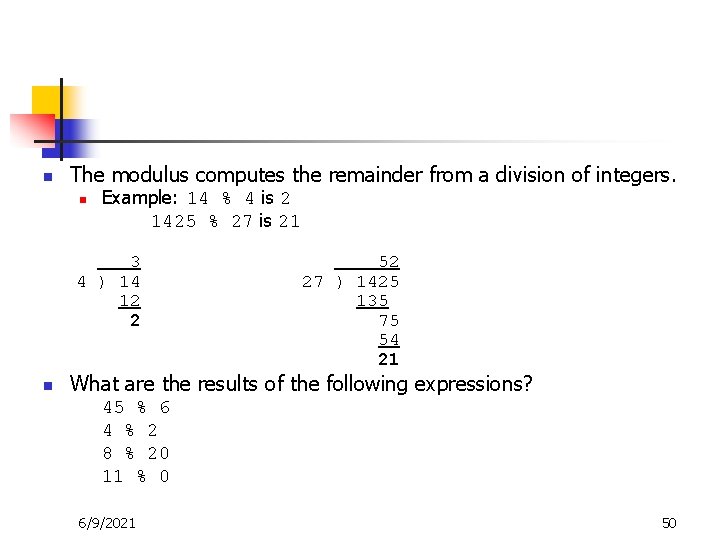
n The modulus computes the remainder from a division of integers. n Example: 14 % 4 is 2 1425 % 27 is 21 3 4 ) 14 12 2 n 52 27 ) 1425 135 75 54 21 What are the results of the following expressions? n n 45 % 6 4 % 2 8 % 20 11 % 0 6/9/2021 50
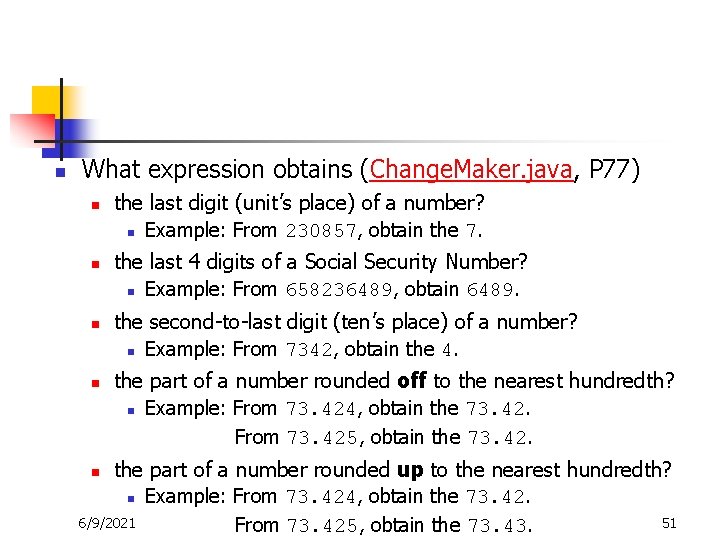
n What expression obtains (Change. Maker. java, P 77) n n the last digit (unit’s place) of a number? n Example: From 230857, obtain the 7. the last 4 digits of a Social Security Number? n Example: From 658236489, obtain 6489. the second-to-last digit (ten’s place) of a number? n Example: From 7342, obtain the 4. the part of a number rounded off to the nearest hundredth? n Example: From 73. 424, obtain the 73. 42. From 73. 425, obtain the 73. 42. the part of a number rounded up to the nearest hundredth? n Example: From 73. 424, obtain the 73. 42. 6/9/2021 51 From 73. 425, obtain the 73. 43. n
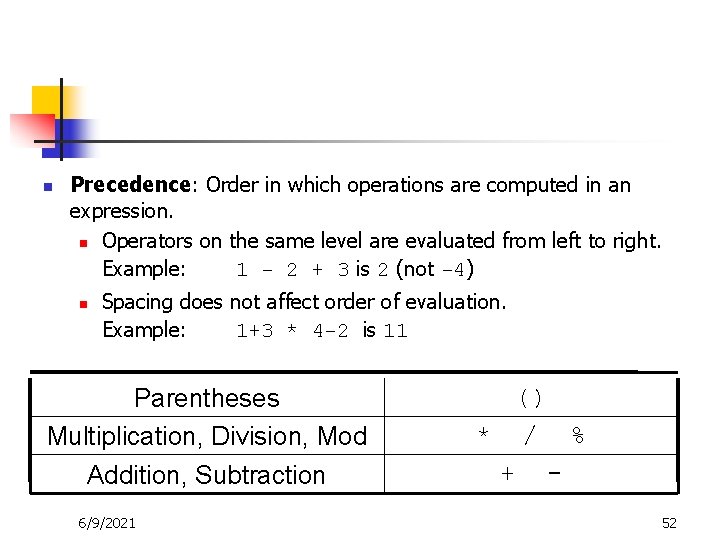
n Precedence: Order in which operations are computed in an expression. n Operators on the same level are evaluated from left to right. Example: 1 - 2 + 3 is 2 (not -4) n Spacing does not affect order of evaluation. Example: 1+3 * 4 -2 is 11 Parentheses Multiplication, Division, Mod Addition, Subtraction 6/9/2021 () * / % + 52
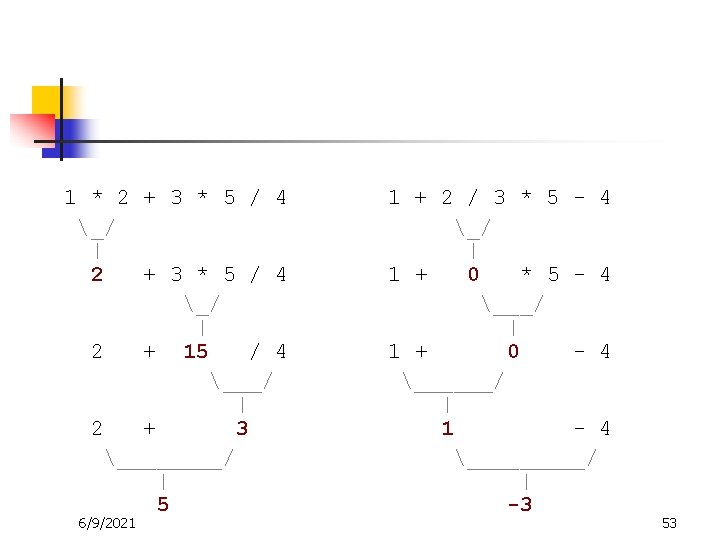
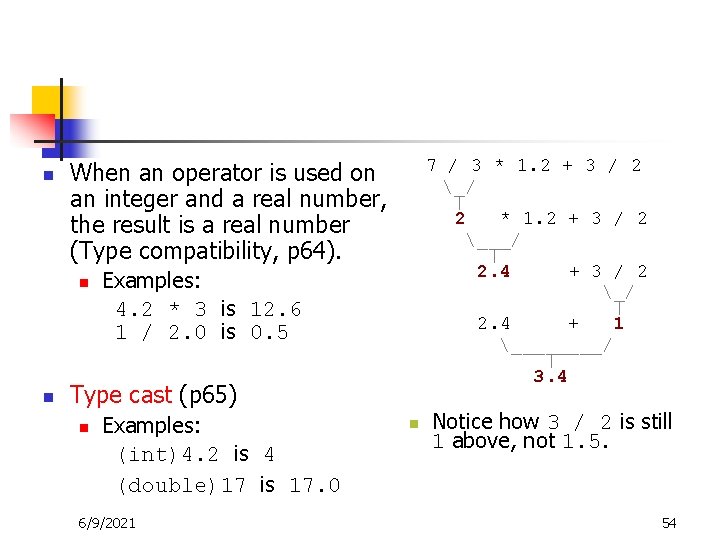
n When an operator is used on an integer and a real number, the result is a real number (Type compatibility, p 64). n n Examples: 4. 2 * 3 is 12. 6 1 / 2. 0 is 0. 5 n n Type cast (p 65) n Examples: (int)4. 2 is 4 (double)17 is 17. 0 6/9/2021 n 7 / 3 * 1. 2 + 3 / 2 _/ | 2 * 1. 2 + 3 / 2 ___/ | 2. 4 + 3 / 2 _/ | 2. 4 + 1 ____/ | 3. 4 Notice how 3 / 2 is still 1 above, not 1. 5. 54
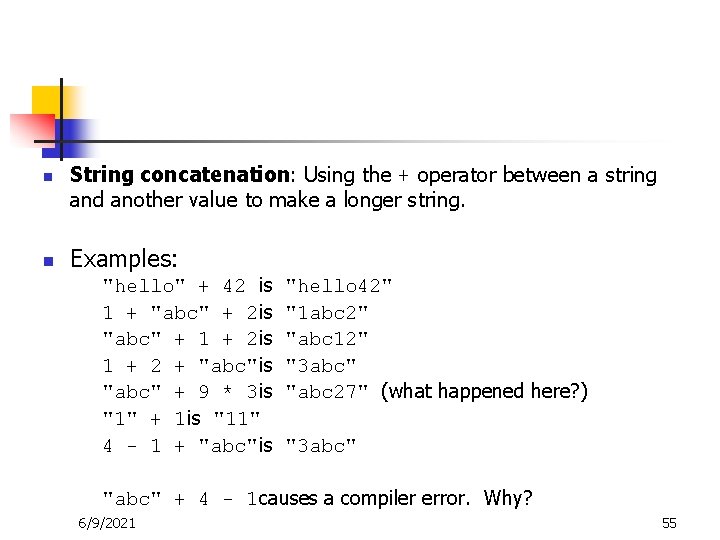
n n String concatenation: Using the + operator between a string and another value to make a longer string. Examples: "hello" + 42 is 1 + "abc" + 2 is "abc" + 1 + 2 is 1 + 2 + "abc"is "abc" + 9 * 3 is "1" + 1 is "11" 4 - 1 + "abc"is "hello 42" "1 abc 2" "abc 12" "3 abc" "abc 27" (what happened here? ) "3 abc" "abc" + 4 - 1 causes a compiler error. Why? 6/9/2021 55
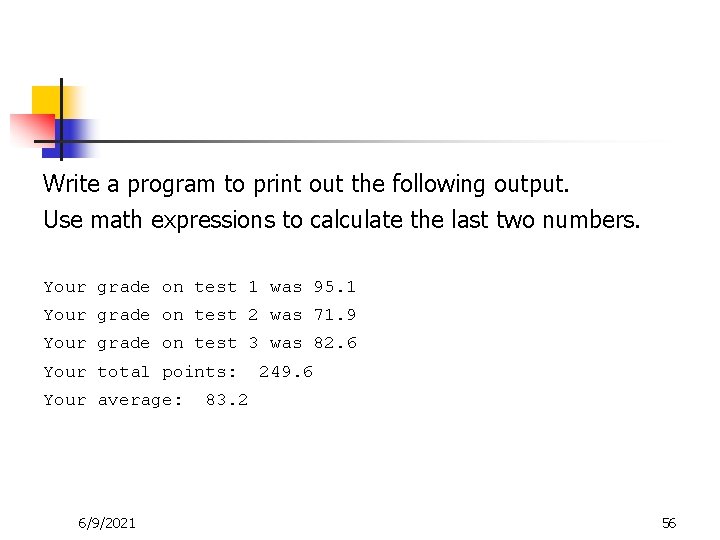
Write a program to print out the following output. Use math expressions to calculate the last two numbers. Your grade on test 1 was 95. 1 Your grade on test 2 was 71. 9 Your grade on test 3 was 82. 6 Your total points: Your average: 6/9/2021 249. 6 83. 2 56
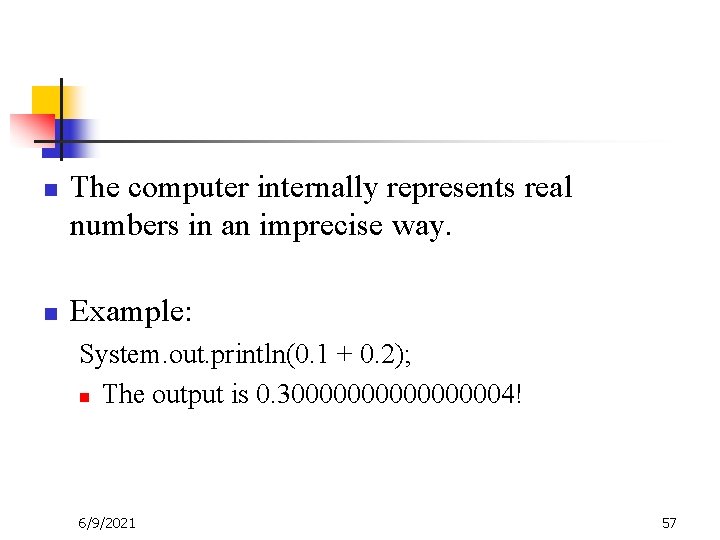
n n The computer internally represents real numbers in an imprecise way. Example: System. out. println(0. 1 + 0. 2); n The output is 0. 3000000004! 6/9/2021 57
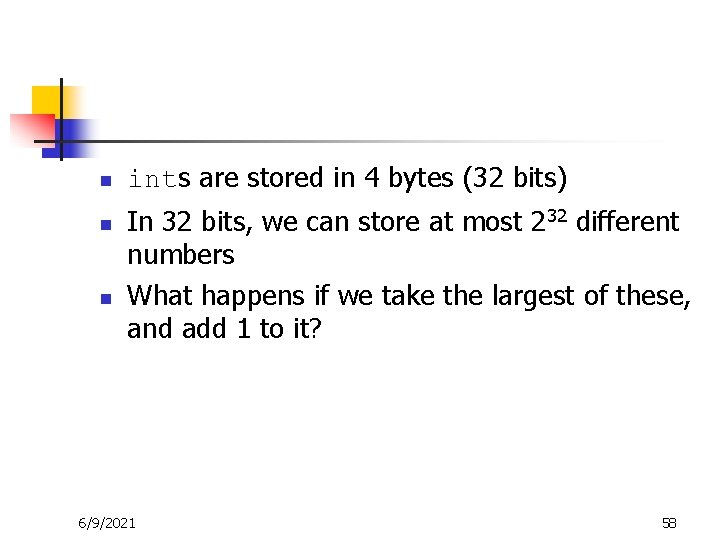
n n n ints are stored in 4 bytes (32 bits) In 32 bits, we can store at most 232 different numbers What happens if we take the largest of these, and add 1 to it? 6/9/2021 58
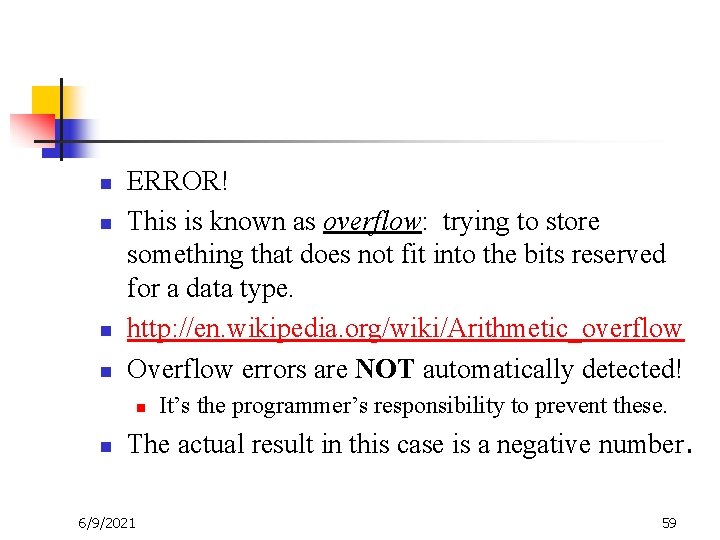
n n ERROR! This is known as overflow: trying to store something that does not fit into the bits reserved for a data type. http: //en. wikipedia. org/wiki/Arithmetic_overflow Overflow errors are NOT automatically detected! n n It’s the programmer’s responsibility to prevent these. The actual result in this case is a negative number. 6/9/2021 59
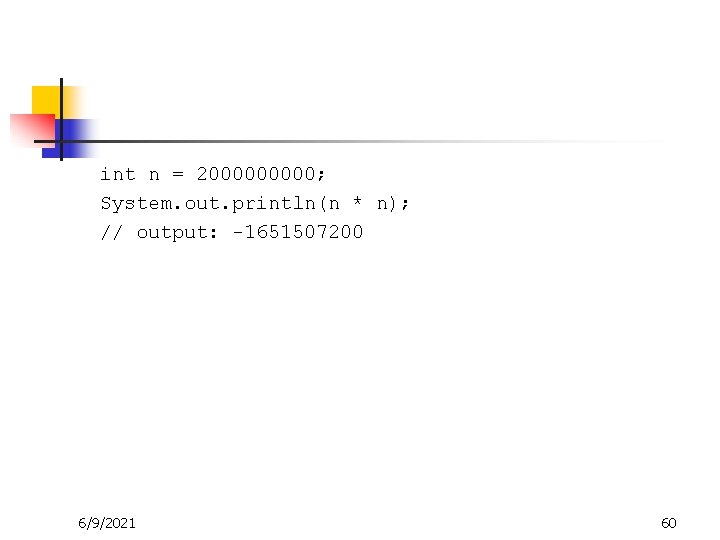
int n = 200000; System. out. println(n * n); // output: -1651507200 6/9/2021 60
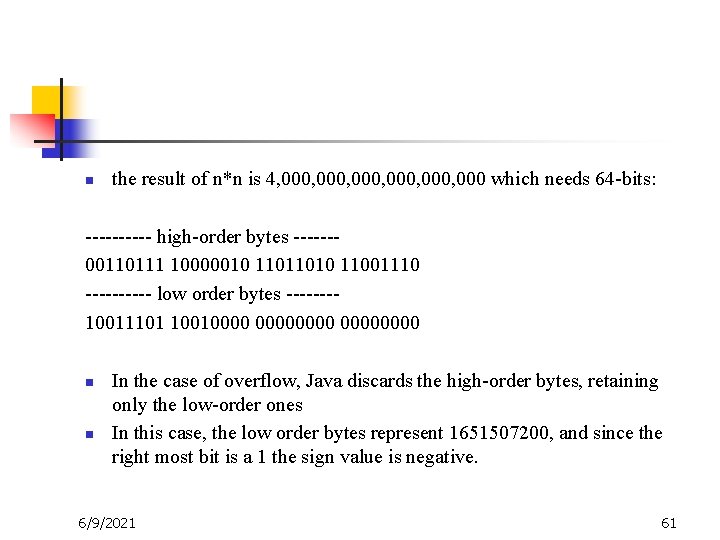
n the result of n*n is 4, 000, 000 which needs 64 -bits: ----- high-order bytes ------00110111 10000010 11011010 11001110 ----- low order bytes -------10011101 100100000000 n n In the case of overflow, Java discards the high-order bytes, retaining only the low-order ones In this case, the low order bytes represent 1651507200, and since the right most bit is a 1 the sign value is negative. 6/9/2021 61
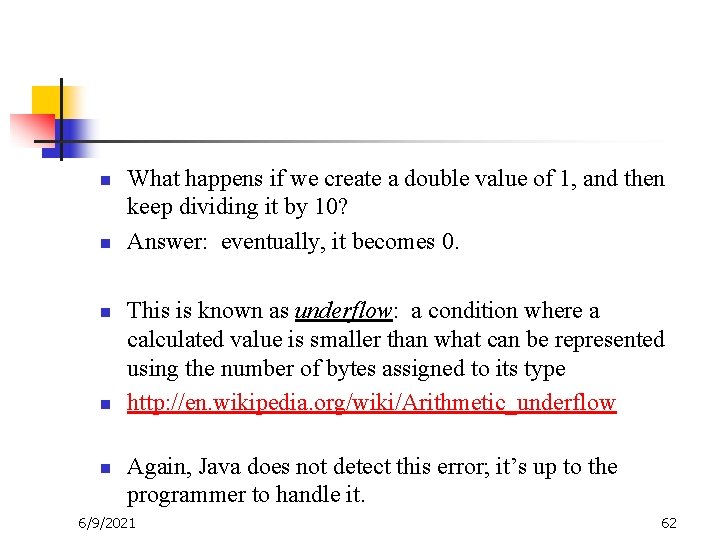
n n n What happens if we create a double value of 1, and then keep dividing it by 10? Answer: eventually, it becomes 0. This is known as underflow: a condition where a calculated value is smaller than what can be represented using the number of bytes assigned to its type http: //en. wikipedia. org/wiki/Arithmetic_underflow Again, Java does not detect this error; it’s up to the programmer to handle it. 6/9/2021 62
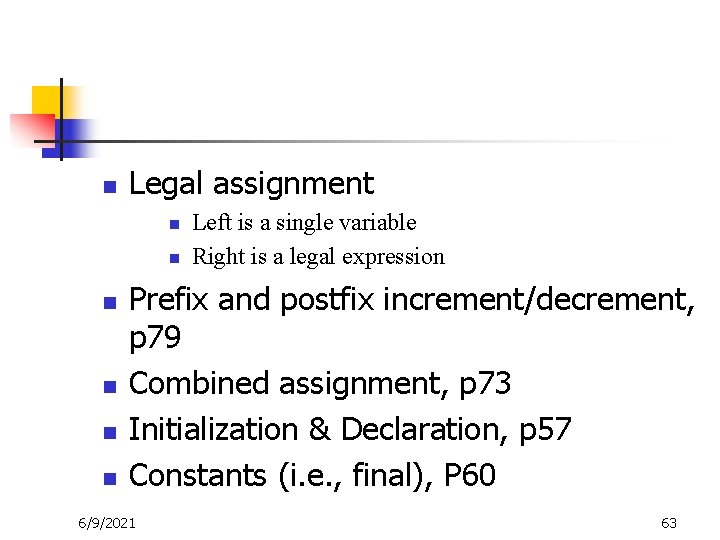
n Legal assignment n n n Left is a single variable Right is a legal expression Prefix and postfix increment/decrement, p 79 Combined assignment, p 73 Initialization & Declaration, p 57 Constants (i. e. , final), P 60 6/9/2021 63
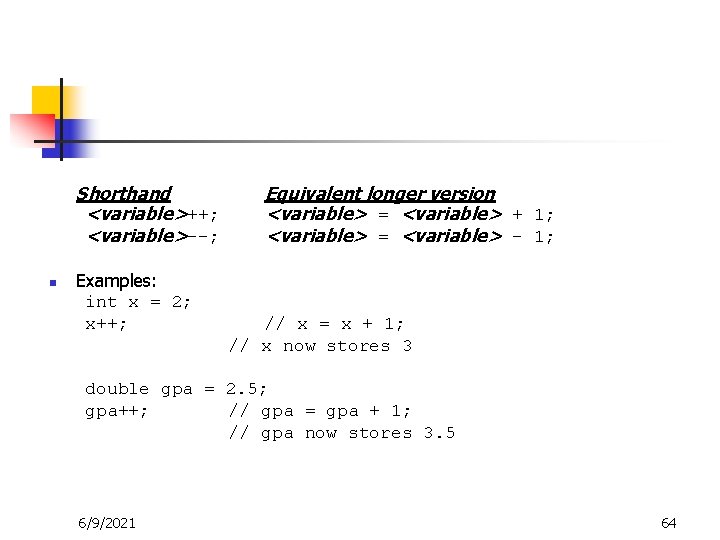
Shorthand <variable>++; <variable>--; n Examples: int x = 2; x++; Equivalent longer version <variable> = <variable> + 1; <variable> = <variable> - 1; // x = x + 1; // x now stores 3 double gpa = 2. 5; gpa++; // gpa = gpa + 1; // gpa now stores 3. 5 6/9/2021 64
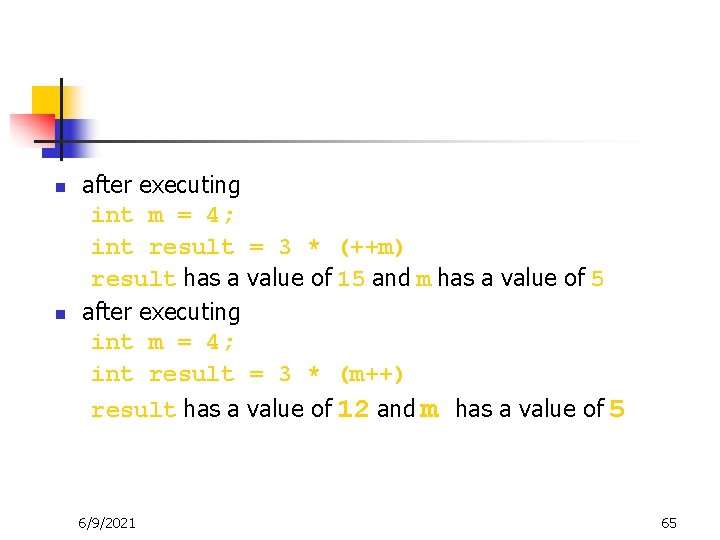
n n after executing int m = 4; int result = 3 * (++m) result has a value of 15 and m has a value of 5 after executing int m = 4; int result = 3 * (m++) result has a value of 12 and m has a value of 5 6/9/2021 65
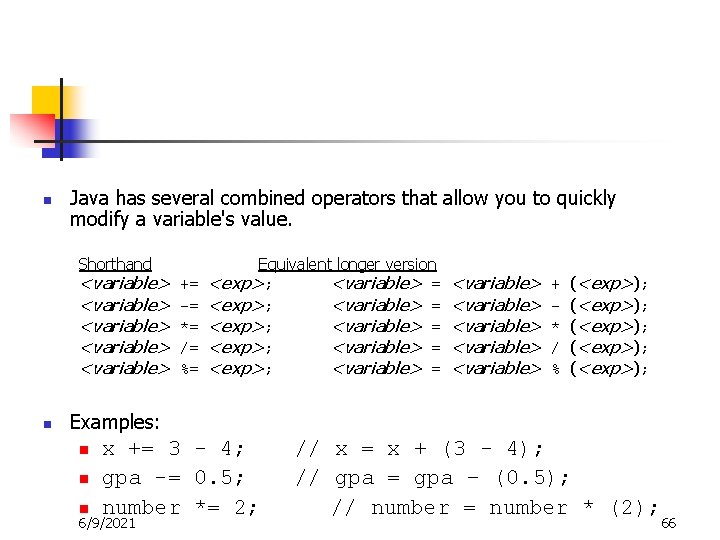
n Java has several combined operators that allow you to quickly modify a variable's value. Shorthand <variable> <variable> n += -= *= /= %= Equivalent longer version <exp>; <variable> = <exp>; <variable> = <variable> <variable> + * / % (<exp>); (<exp>); Examples: n n n x += 3 - 4; gpa -= 0. 5; number *= 2; 6/9/2021 // x = x + (3 - 4); // gpa = gpa – (0. 5); // number = number * (2); 66
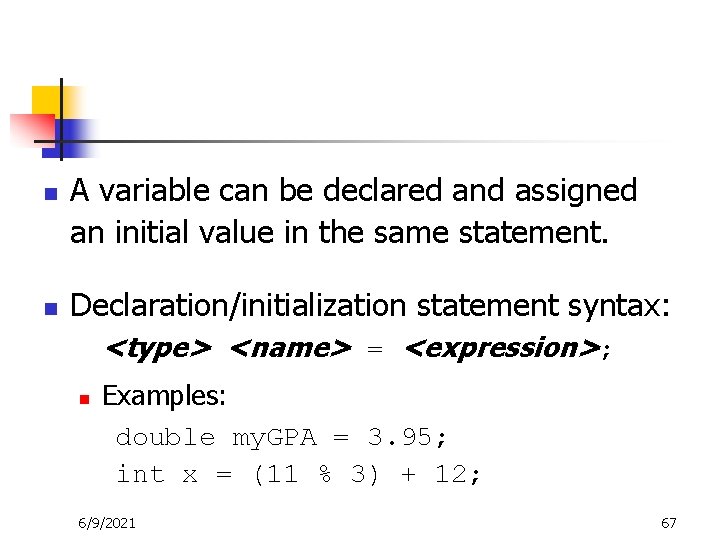
n n A variable can be declared and assigned an initial value in the same statement. Declaration/initialization statement syntax: <type> <name> = <expression>; n Examples: double my. GPA = 3. 95; int x = (11 % 3) + 12; 6/9/2021 67
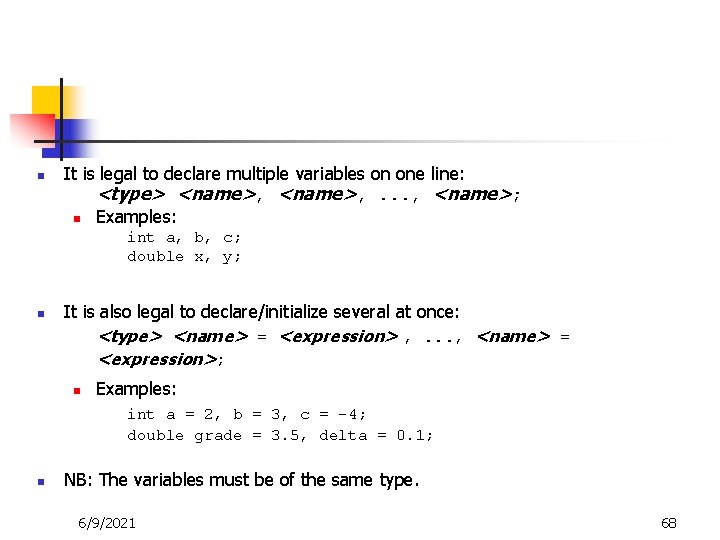
n It is legal to declare multiple variables on one line: <type> <name>, . . . , <name>; n Examples: int a, b, c; double x, y; n It is also legal to declare/initialize several at once: <type> <name> = <expression> , . . . , <name> = <expression>; n Examples: int a = 2, b = 3, c = -4; double grade = 3. 5, delta = 0. 1; n NB: The variables must be of the same type. 6/9/2021 68
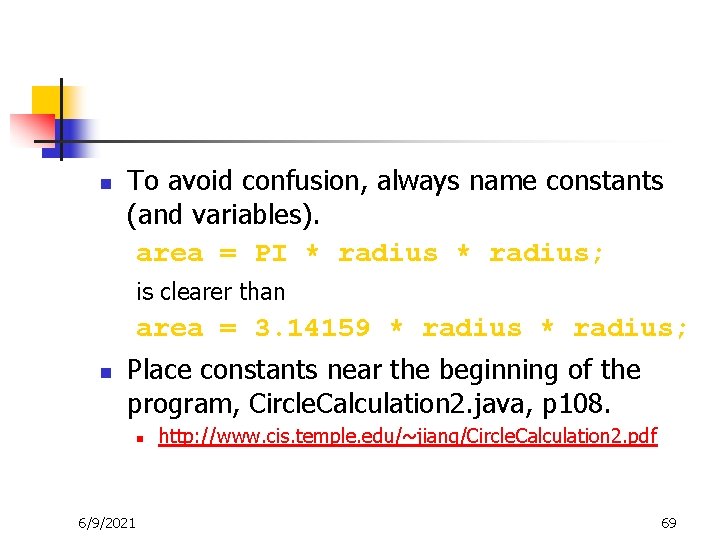
n To avoid confusion, always name constants (and variables). area = PI * radius; is clearer than area = 3. 14159 * radius; n Place constants near the beginning of the program, Circle. Calculation 2. java, p 108. n 6/9/2021 http: //www. cis. temple. edu/~jiang/Circle. Calculation 2. pdf 69
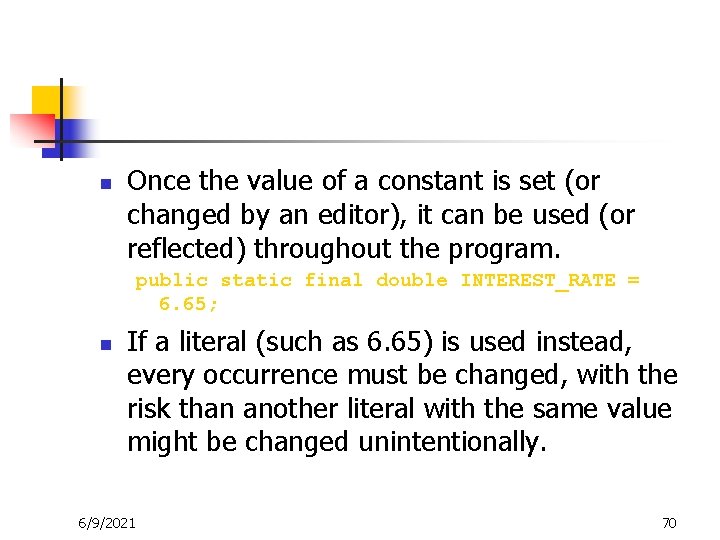
n Once the value of a constant is set (or changed by an editor), it can be used (or reflected) throughout the program. public static final double INTEREST_RATE = 6. 65; n If a literal (such as 6. 65) is used instead, every occurrence must be changed, with the risk than another literal with the same value might be changed unintentionally. 6/9/2021 70
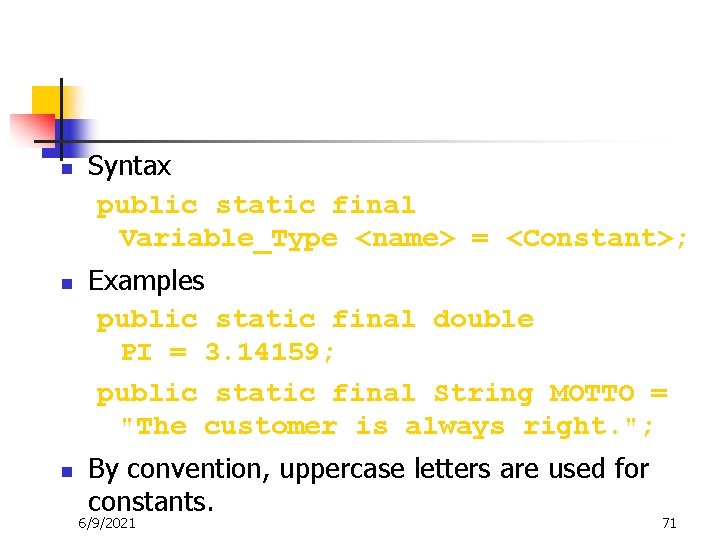
n n n Syntax public static final Variable_Type <name> = <Constant>; Examples public static final double PI = 3. 14159; public static final String MOTTO = "The customer is always right. "; By convention, uppercase letters are used for constants. 6/9/2021 71
n Swap. java n n http: //www. cis. temple. edu/~jiang/Swap. pdf Payroll. java n http: //www. cis. temple. edu/~jiang/Payroll. pdf 6/9/2021 72
n Math. PI, Math. pow, Math. sqrt, etc. (p 412) 6/9/2021 73
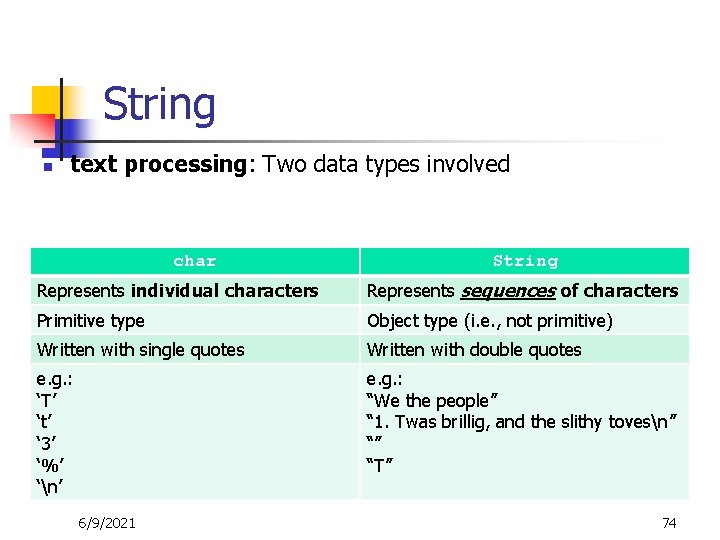
String n text processing: Two data types involved char String Represents individual characters Represents sequences of characters Primitive type Object type (i. e. , not primitive) Written with single quotes Written with double quotes e. g. : ‘T’ ‘t’ ‘ 3’ ‘%’ ‘n’ e. g. : “We the people” “ 1. Twas brillig, and the slithy tovesn” “” “T” 6/9/2021 74
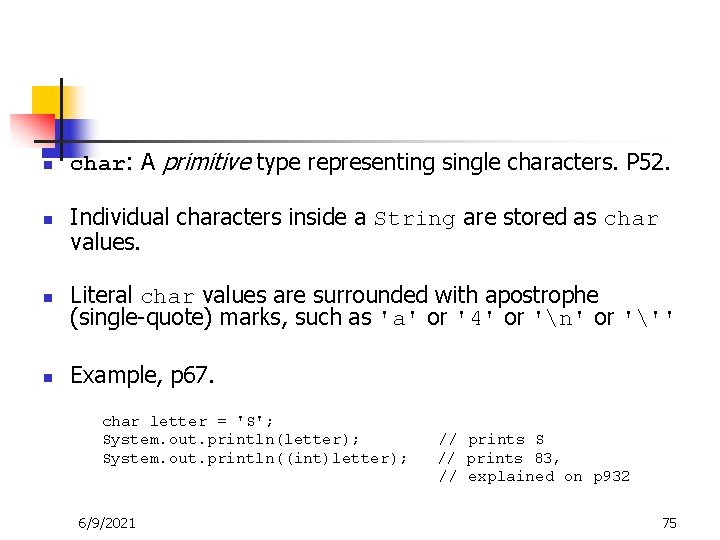
n n char: A primitive type representing single characters. P 52. Individual characters inside a String are stored as char values. Literal char values are surrounded with apostrophe (single-quote) marks, such as 'a' or '4' or 'n' or ''' Example, p 67. char letter = 'S'; System. out. println(letter); System. out. println((int)letter); 6/9/2021 // prints S // prints 83, // explained on p 932 75
n n n Most programming languages use the ASCII character set. Java uses the Unicode character set which includes the ASCII character set. The Unicode character set includes characters from many different alphabets (but you probably won't use them). 6/9/2021 76
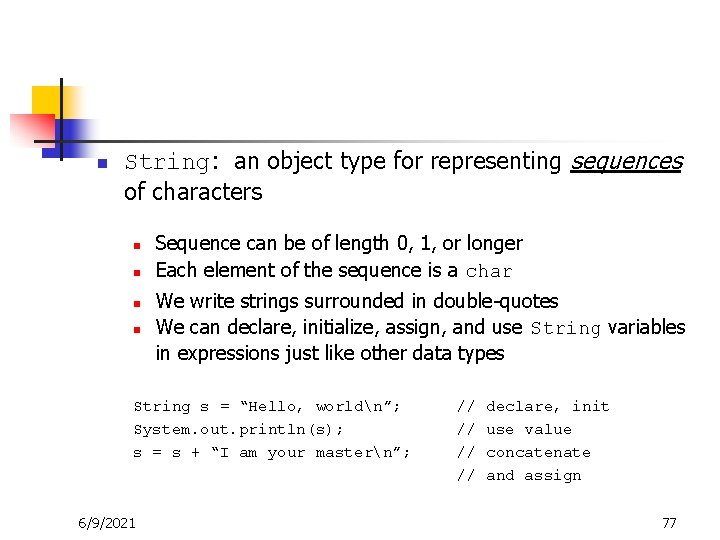
n String: an object type for representing sequences of characters n n Sequence can be of length 0, 1, or longer Each element of the sequence is a char We write strings surrounded in double-quotes We can declare, initialize, assign, and use String variables in expressions just like other data types String s = “Hello, worldn”; System. out. println(s); s = s + “I am your mastern”; 6/9/2021 // // declare, init use value concatenate and assign 77
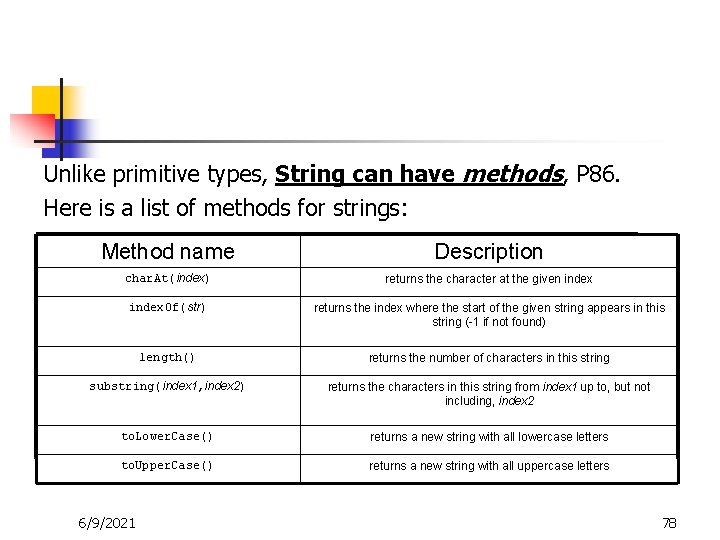
Unlike primitive types, String can have methods, P 86. Here is a list of methods for strings: Method name Description char. At(index) returns the character at the given index. Of(str) returns the index where the start of the given string appears in this string (-1 if not found) length() returns the number of characters in this string substring(index 1, index 2) returns the characters in this string from index 1 up to, but not including, index 2 to. Lower. Case() returns a new string with all lowercase letters to. Upper. Case() returns a new string with all uppercase letters 6/9/2021 78
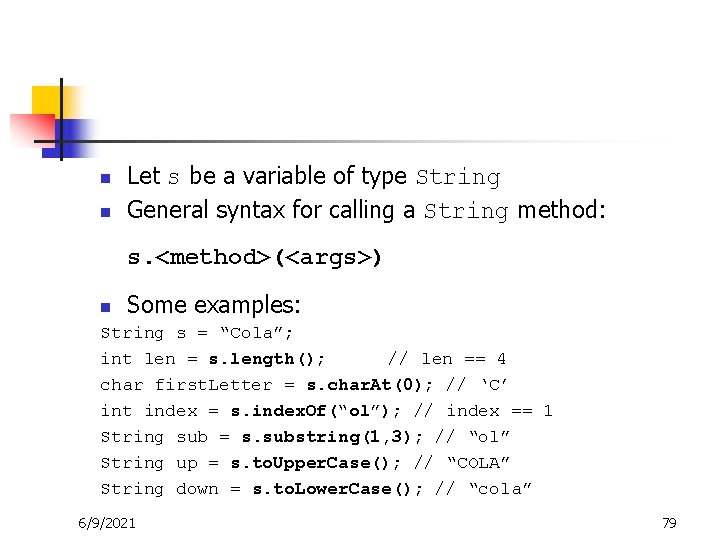
n n Let s be a variable of type String General syntax for calling a String method: s. <method>(<args>) n Some examples: String s = “Cola”; int len = s. length(); // len == 4 char first. Letter = s. char. At(0); // ‘C’ int index = s. index. Of(“ol”); // index == 1 String sub = s. substring(1, 3); // “ol” String up = s. to. Upper. Case(); // “COLA” String down = s. to. Lower. Case(); // “cola” 6/9/2021 79
n n n Displaying message Input P 116 -118 n converting a string to number, p 123 Output P 121 -122 n converting a number to string n 6/9/2021 http: //www. cis. temple. edu/~jiang/Payroll 2. pdf 80
Summary of programs in discussion n n Welcome. java Hello. java Exercises (slide 17 -18, 49, 54) First. Program. java Variable. java Change. Maker. java Circle. Calculation 2. java Swap. java Payroll 2. java (a similar program Change. Maker. Window. java) 6/9/2021 81
Summary of Concepts n n n n Running environment and execution of program (see lab work) Template of java program, i. e. , file, class, and main (see in lab work) Program debug (memory tracking) println and print (P 93), escape sequence (P 89) Input via keyboard and plain text output (P 96 -97) I/O via JOption. Pane (show. Input. Dialog P 116 -8, show. Message. Dialog P 121 -2) Variable (P 50 -1), name (P 55, P 103), assignment (P 55), declaration (P 51), type (P 52), initialization (P 57) Constants (P 60), type compatibility (P 63 -4) and type cast (P 65 -66) String, its conversion to number P 123 and vice versa (concatenation P 82) Arithmetic operators (e. g. , %, P 68), precedence order (P 72) Imprecision (round-off error), and overflow (online materials) Prefix and postfix increment/decrement (P 78, 79), combined assignment (P 73) Math class, P 410 -413 6/9/2021 82
Other materials (FYI, not required for test) n n n Printf (p 101) Delimiters for input (p 99) Windows program (p 125) http: //www. cis. temple. edu/~jiang/Change. Maker. Wind ow. pdf 6/9/2021 83
- Slides: 83