
Basic IDL Commands SIMG 726 Rolando V Raqueo
Basic IDL Commands SIMG 726 Rolando V. Raqueño 1 Wednesday, September 9,
Objective • Quick Tour of IDL • Writing IDL Programs Rolando V. Raqueño 2 Wednesday, September 9,
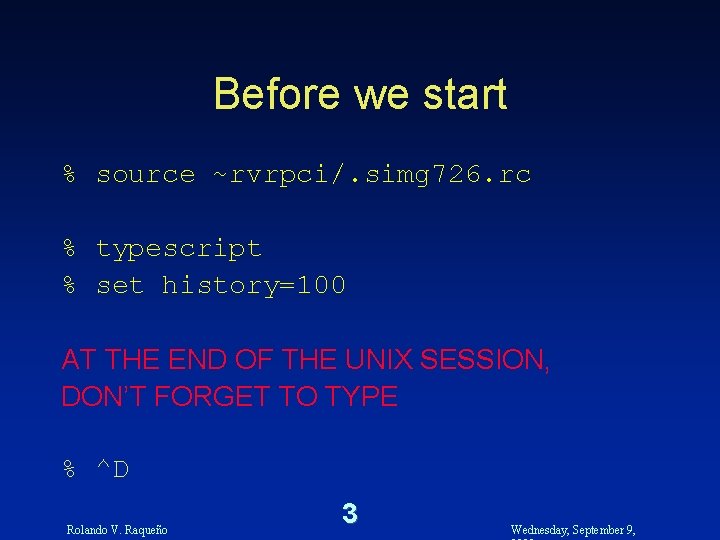
Before we start % source ~rvrpci/. simg 726. rc % typescript % set history=100 AT THE END OF THE UNIX SESSION, DON’T FORGET TO TYPE % ^D Rolando V. Raqueño 3 Wednesday, September 9,

Before we END AT THE END OF THE UNIX SESSION, DON’T FORGET TO TYPE % ^D You now have file called typescript which contains a log of your UNIX session Rolando V. Raqueño 4 Wednesday, September 9,
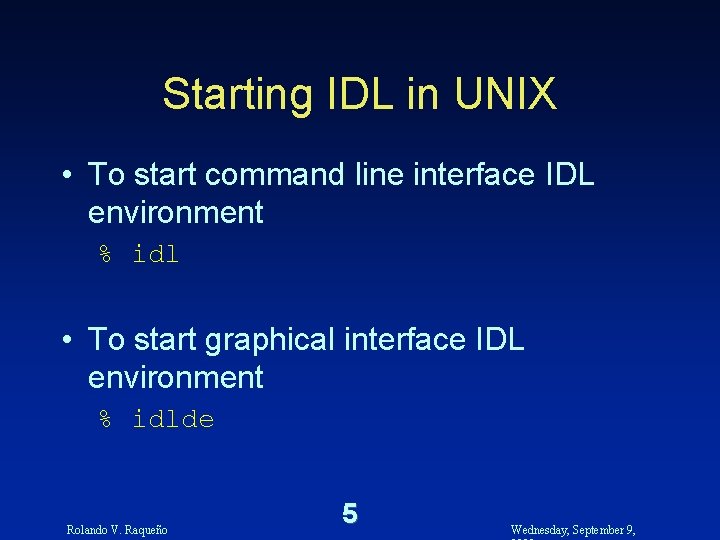
Starting IDL in UNIX • To start command line interface IDL environment % idl • To start graphical interface IDL environment % idlde Rolando V. Raqueño 5 Wednesday, September 9,
IDL Help • MOST IMPORTANT IDL COMMAND OF ALL IDL> ? Rolando V. Raqueño 6 Wednesday, September 9,
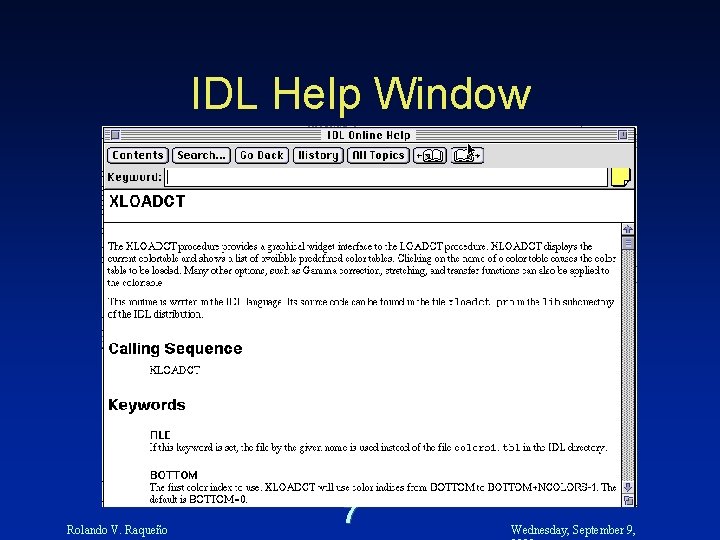
IDL Help Window Rolando V. Raqueño 7 Wednesday, September 9,
Other IDL Help Facilities IDL> doc_library, ’moment’ • Allows specially formatted code comments to be viewed without having to view the source code Rolando V. Raqueño 8 Wednesday, September 9,
General IDL Information • N. B. Platform specific limitation – UNIX • File name conflict between lower and upper case characters – e. g. addnum. pro vs. Add. Num. pro • Recommend use of strictly lowercase file names Rolando V. Raqueño 9 Wednesday, September 9,
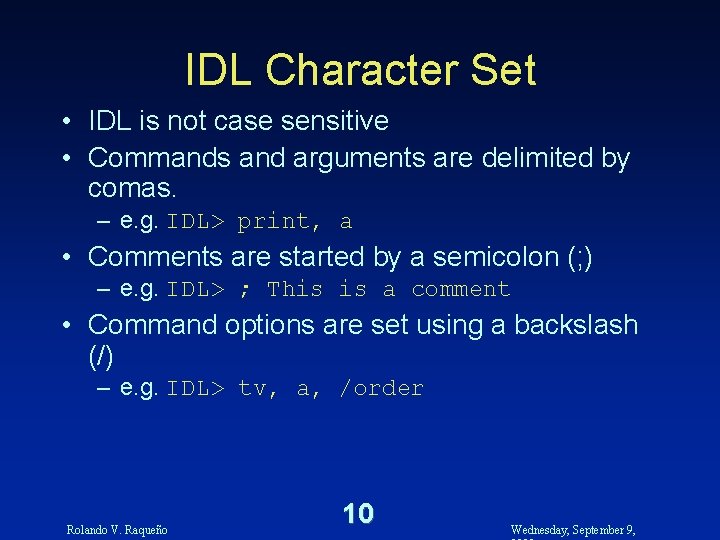
IDL Character Set • IDL is not case sensitive • Commands and arguments are delimited by comas. – e. g. IDL> print, a • Comments are started by a semicolon (; ) – e. g. IDL> ; This is a comment • Command options are set using a backslash (/) – e. g. IDL> tv, a, /order Rolando V. Raqueño 10 Wednesday, September 9,

Other IDL Characters • System variables are started with an exclamation point (!) e. g. IDL> print, !PI e. g. IDL> y = sin( x*!DTOR ) • Command line continuation with $ e. g. IDL> print, 180 / $ !PI Rolando V. Raqueño 11 Wednesday, September 9,
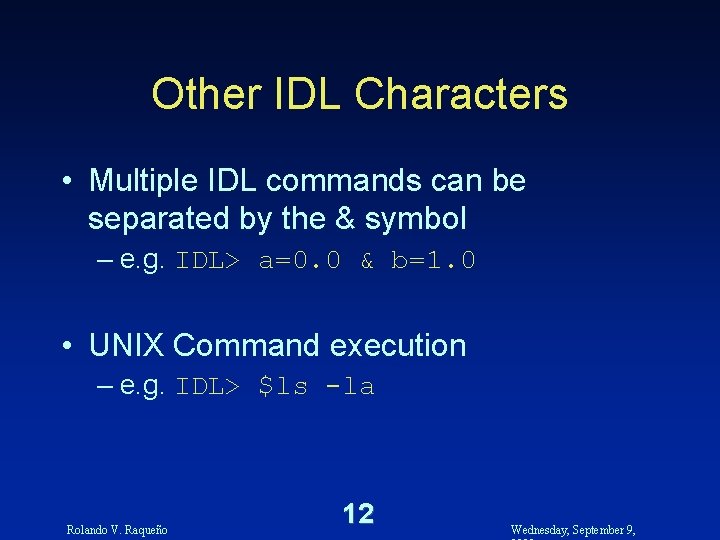
Other IDL Characters • Multiple IDL commands can be separated by the & symbol – e. g. IDL> a=0. 0 & b=1. 0 • UNIX Command execution – e. g. IDL> $ls -la Rolando V. Raqueño 12 Wednesday, September 9,
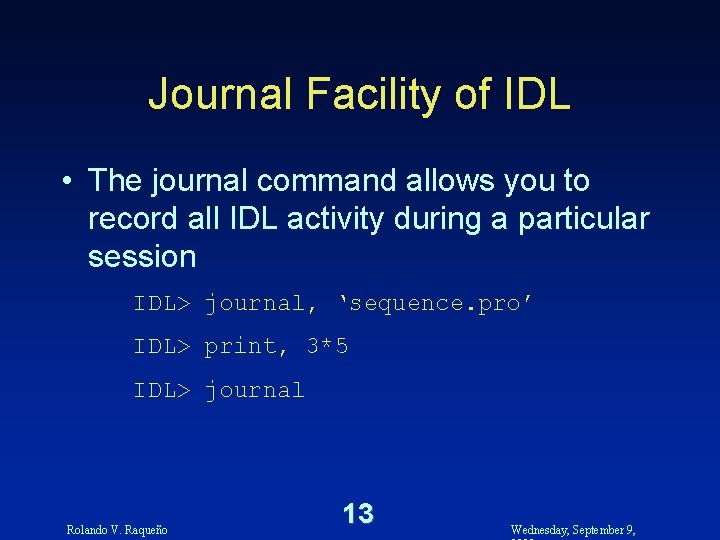
Journal Facility of IDL • The journal command allows you to record all IDL activity during a particular session IDL> journal, ‘sequence. pro’ IDL> print, 3*5 IDL> journal Rolando V. Raqueño 13 Wednesday, September 9,
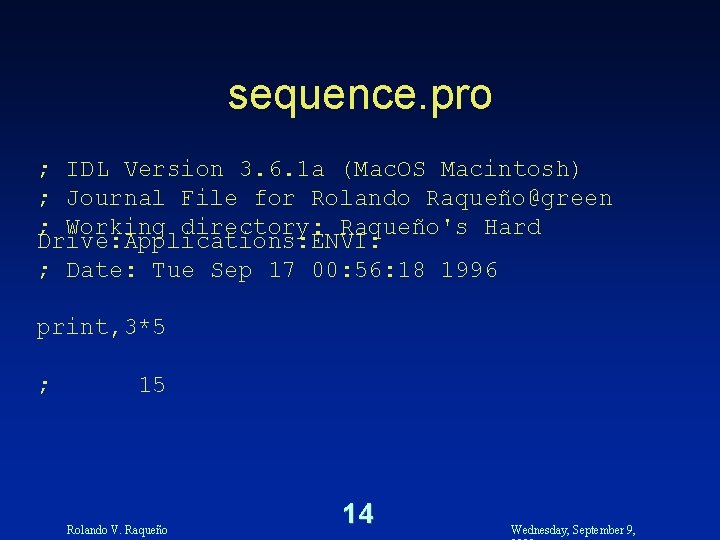
sequence. pro ; IDL Version 3. 6. 1 a (Mac. OS Macintosh) ; Journal File for Rolando Raqueño@green ; Working directory: Raqueño's Hard Drive: Applications: ENVI: ; Date: Tue Sep 17 00: 56: 18 1996 print, 3*5 ; 15 Rolando V. Raqueño 14 Wednesday, September 9,
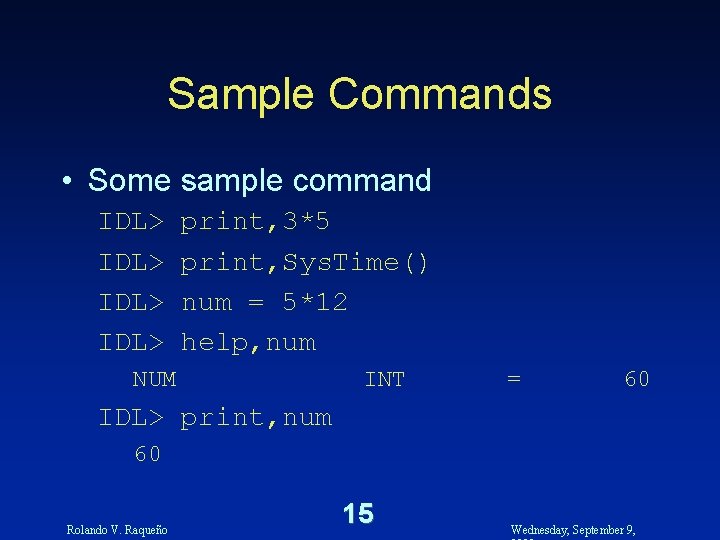
Sample Commands • Some sample command IDL> print, 3*5 print, Sys. Time() num = 5*12 help, num NUM INT = 60 IDL> print, num 60 Rolando V. Raqueño 15 Wednesday, September 9,
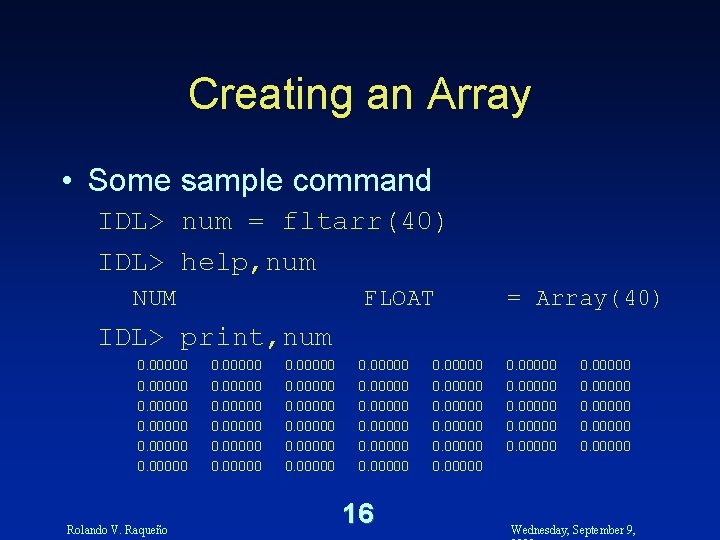
Creating an Array • Some sample command IDL> num = fltarr(40) IDL> help, num NUM FLOAT = Array(40) IDL> print, num 0. 00000 Rolando V. Raqueño 0. 00000 0. 00000 16 0. 00000 0. 00000 Wednesday, September 9,
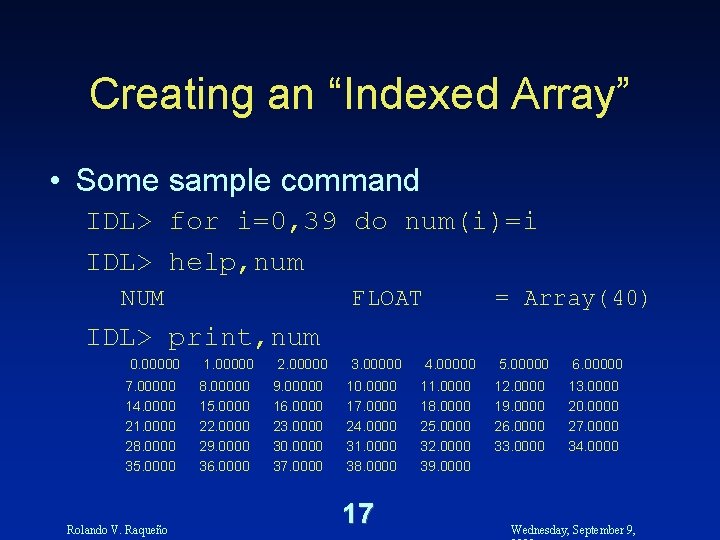
Creating an “Indexed Array” • Some sample command IDL> for i=0, 39 do num(i)=i IDL> help, num NUM FLOAT = Array(40) IDL> print, num 0. 00000 7. 00000 14. 0000 21. 0000 28. 0000 35. 0000 Rolando V. Raqueño 1. 00000 8. 00000 15. 0000 22. 0000 29. 0000 36. 0000 2. 00000 9. 00000 16. 0000 23. 0000 30. 0000 37. 0000 3. 00000 10. 0000 17. 0000 24. 0000 31. 0000 38. 0000 17 4. 00000 11. 0000 18. 0000 25. 0000 32. 0000 39. 0000 5. 00000 12. 0000 19. 0000 26. 0000 33. 0000 6. 00000 13. 0000 20. 0000 27. 0000 34. 0000 Wednesday, September 9,
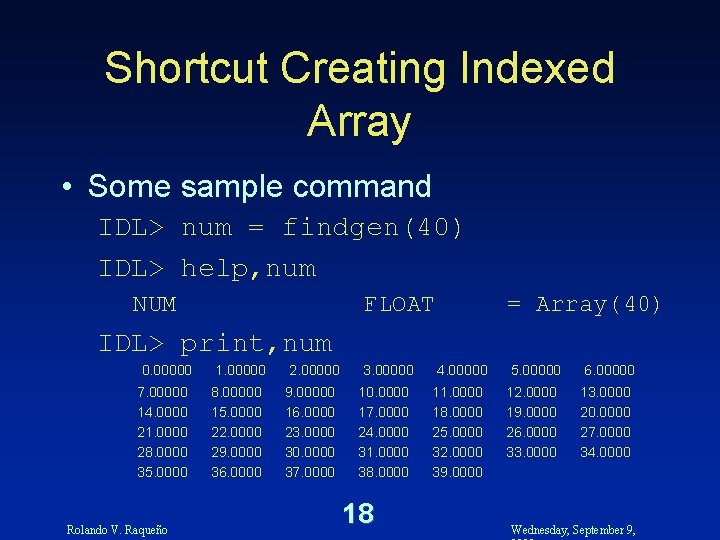
Shortcut Creating Indexed Array • Some sample command IDL> num = findgen(40) IDL> help, num NUM FLOAT = Array(40) IDL> print, num 0. 00000 7. 00000 14. 0000 21. 0000 28. 0000 35. 0000 Rolando V. Raqueño 1. 00000 8. 00000 15. 0000 22. 0000 29. 0000 36. 0000 2. 00000 9. 00000 16. 0000 23. 0000 30. 0000 37. 0000 3. 00000 10. 0000 17. 0000 24. 0000 31. 0000 38. 0000 18 4. 00000 11. 0000 18. 0000 25. 0000 32. 0000 39. 0000 5. 00000 12. 0000 19. 0000 26. 0000 33. 0000 6. 00000 13. 0000 20. 0000 27. 0000 34. 0000 Wednesday, September 9,
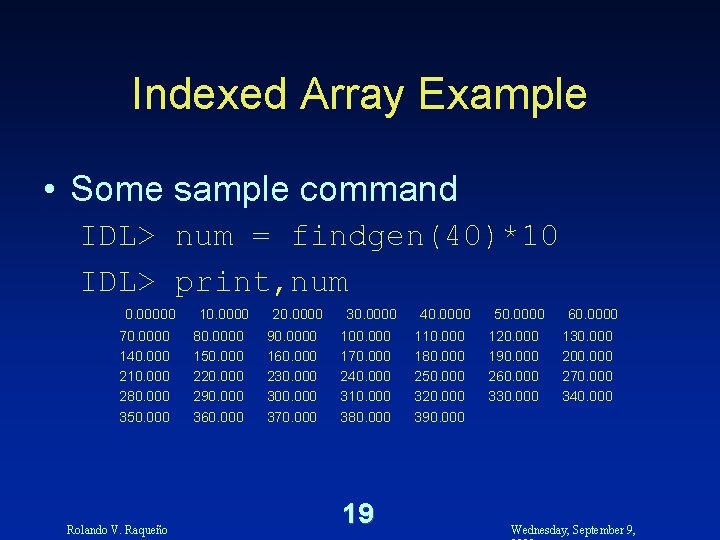
Indexed Array Example • Some sample command IDL> num = findgen(40)*10 IDL> print, num 0. 00000 70. 0000 140. 000 210. 000 280. 000 350. 000 Rolando V. Raqueño 10. 0000 80. 0000 150. 000 220. 000 290. 000 360. 000 20. 0000 90. 0000 160. 000 230. 000 300. 000 370. 000 30. 0000 100. 000 170. 000 240. 000 310. 000 380. 000 19 40. 0000 110. 000 180. 000 250. 000 320. 000 390. 000 50. 0000 120. 000 190. 000 260. 000 330. 000 60. 0000 130. 000 200. 000 270. 000 340. 000 Wednesday, September 9,
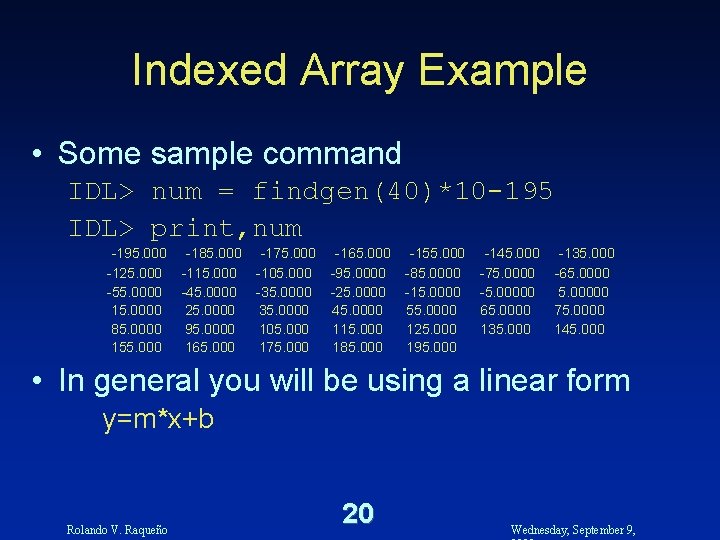
Indexed Array Example • Some sample command IDL> num = findgen(40)*10 -195 IDL> print, num -195. 000 -125. 000 -55. 0000 15. 0000 85. 0000 155. 000 -185. 000 -115. 000 -45. 0000 25. 0000 95. 0000 165. 000 -175. 000 -105. 000 -35. 0000 105. 000 175. 000 -165. 000 -95. 0000 -25. 0000 45. 0000 115. 000 185. 000 -155. 000 -85. 0000 -15. 0000 55. 0000 125. 000 195. 000 -145. 000 -75. 0000 -5. 00000 65. 0000 135. 000 -65. 00000 75. 0000 145. 000 • In general you will be using a linear form y=m*x+b Rolando V. Raqueño 20 Wednesday, September 9,
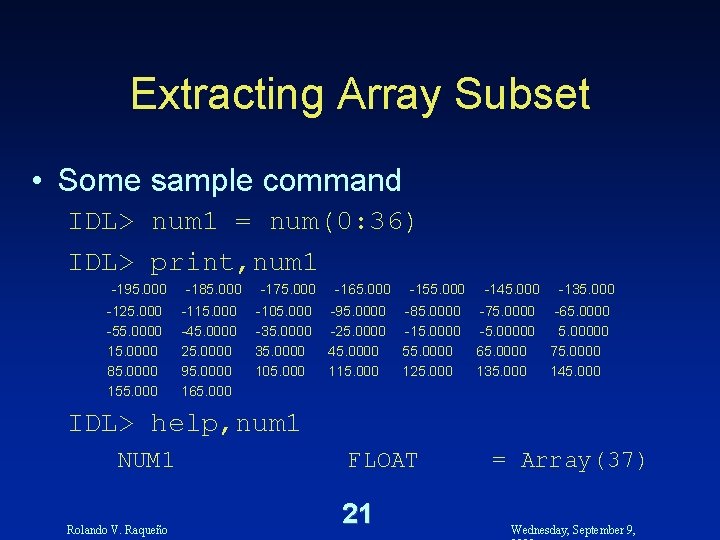
Extracting Array Subset • Some sample command IDL> num 1 = num(0: 36) IDL> print, num 1 -195. 000 -125. 000 -55. 0000 15. 0000 85. 0000 155. 000 -185. 000 -115. 000 -45. 0000 25. 0000 95. 0000 165. 000 -175. 000 -105. 000 -35. 0000 105. 000 -165. 000 -95. 0000 -25. 0000 45. 0000 115. 000 -155. 000 -85. 0000 -15. 0000 55. 0000 125. 000 -145. 000 -75. 0000 -5. 00000 65. 0000 135. 000 -65. 00000 75. 0000 145. 000 IDL> help, num 1 NUM 1 Rolando V. Raqueño FLOAT 21 = Array(37) Wednesday, September 9,
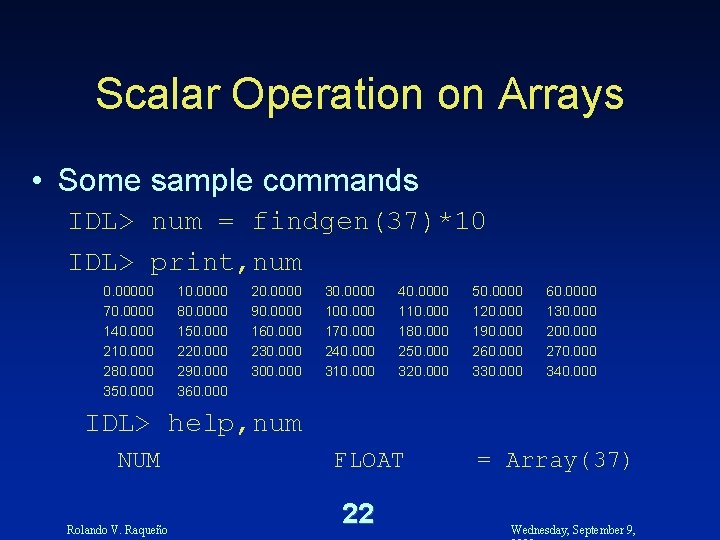
Scalar Operation on Arrays • Some sample commands IDL> num = findgen(37)*10 IDL> print, num 0. 00000 70. 0000 140. 000 210. 000 280. 000 350. 000 10. 0000 80. 0000 150. 000 220. 000 290. 000 360. 000 20. 0000 90. 0000 160. 000 230. 0000 100. 000 170. 000 240. 000 310. 000 40. 0000 110. 000 180. 000 250. 000 320. 000 50. 0000 120. 000 190. 000 260. 000 330. 000 60. 0000 130. 000 200. 000 270. 000 340. 000 IDL> help, num NUM Rolando V. Raqueño FLOAT 22 = Array(37) Wednesday, September 9,
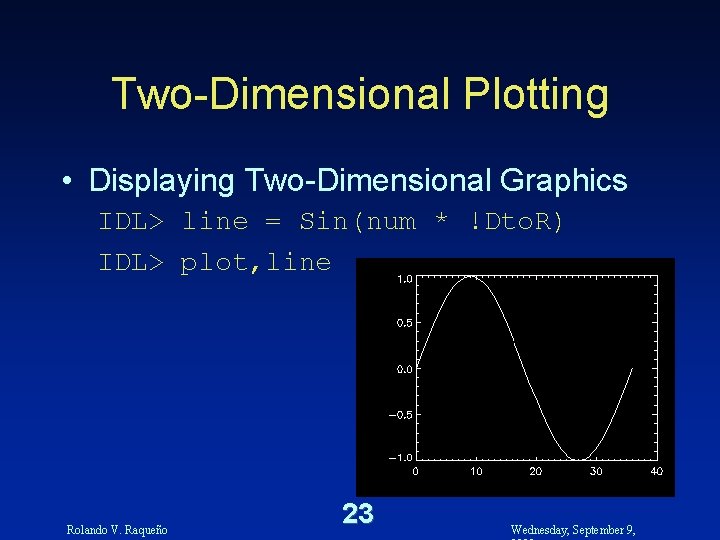
Two-Dimensional Plotting • Displaying Two-Dimensional Graphics IDL> line = Sin(num * !Dto. R) IDL> plot, line Rolando V. Raqueño 23 Wednesday, September 9,
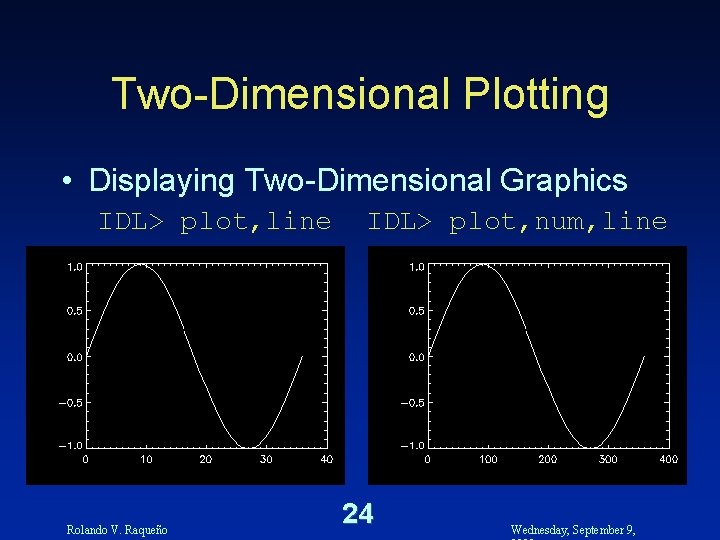
Two-Dimensional Plotting • Displaying Two-Dimensional Graphics IDL> plot, line Rolando V. Raqueño IDL> plot, num, line 24 Wednesday, September 9,
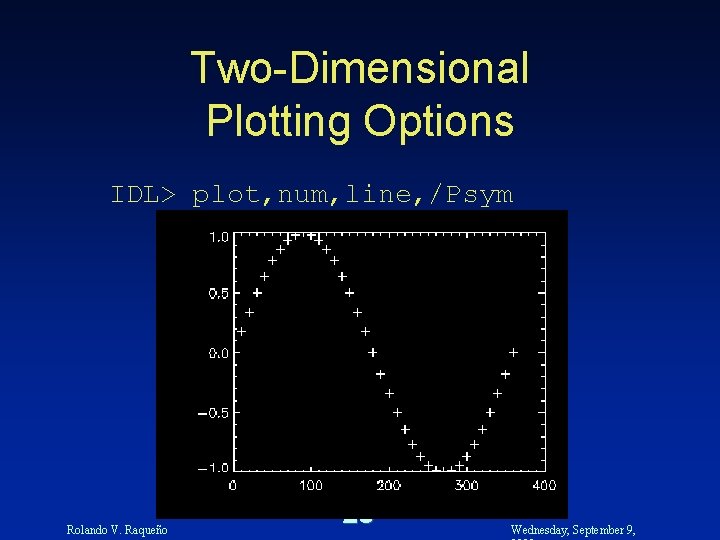
Two-Dimensional Plotting Options IDL> plot, num, line, /Psym Rolando V. Raqueño 25 Wednesday, September 9,
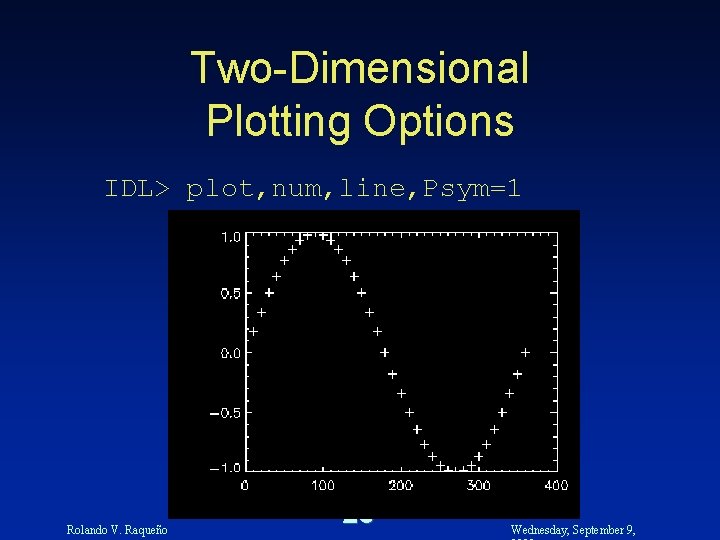
Two-Dimensional Plotting Options IDL> plot, num, line, Psym=1 Rolando V. Raqueño 26 Wednesday, September 9,
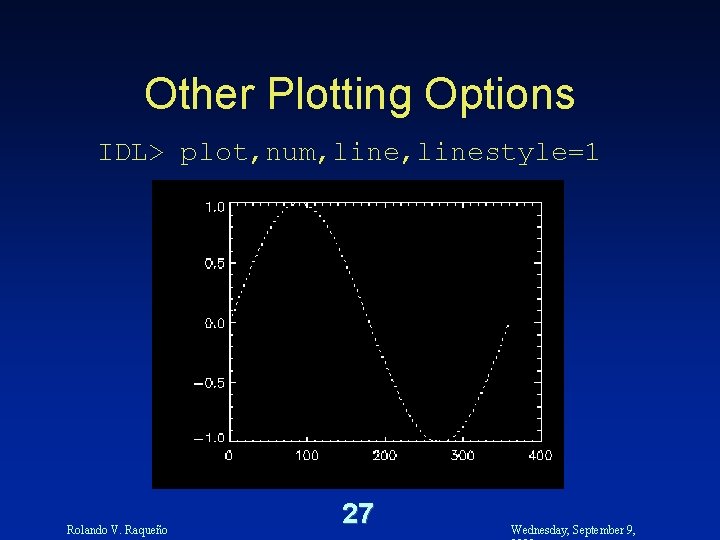
Other Plotting Options IDL> plot, num, linestyle=1 Rolando V. Raqueño 27 Wednesday, September 9,
![Labeling IDL Plots IDL> plot, num, line, xrange=[0, 360], $ ytitle='Sin(x)', Title='Sine Plot' Rolando](http://slidetodoc.com/presentation_image/051e38936655cbc80647d17a00f14485/image-28.jpg "Labeling IDL Plots IDL> plot, num, line, xrange=[0, 360], $ ytitle='Sin(x)', Title='Sine Plot' Rolando")
Labeling IDL Plots IDL> plot, num, line, xrange=[0, 360], $ ytitle='Sin(x)', Title='Sine Plot' Rolando V. Raqueño 28 Wednesday, September 9,
![Other Plot Facilities IDL> plot, num, line, xrange=[0, 360], $ plot ytitle='Sin(x)', Title='Sine Plot'](http://slidetodoc.com/presentation_image/051e38936655cbc80647d17a00f14485/image-29.jpg "Other Plot Facilities IDL> plot, num, line, xrange=[0, 360], $ plot ytitle='Sin(x)', Title='Sine Plot'")
Other Plot Facilities IDL> plot, num, line, xrange=[0, 360], $ plot ytitle='Sin(x)', Title='Sine Plot' IDL> plots, [0, 360], [0, 0] Rolando V. Raqueño 29 Wednesday, September 9,
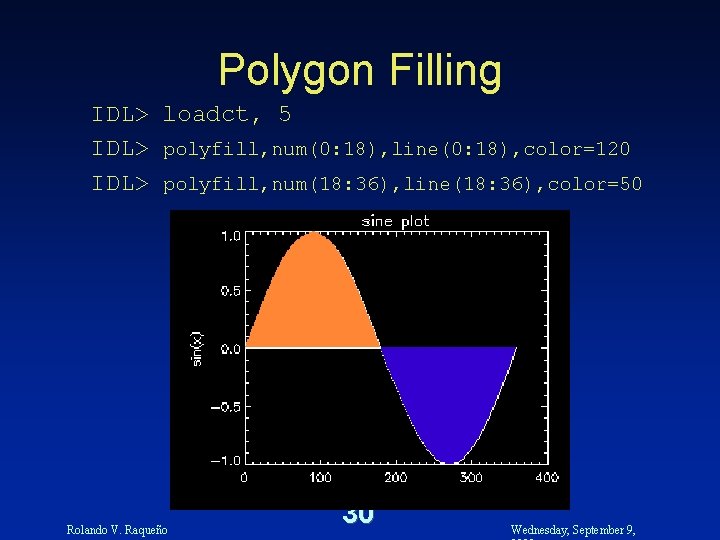
Polygon Filling IDL> loadct, 5 IDL> polyfill, num(0: 18), line(0: 18), color=120 IDL> polyfill, num(18: 36), line(18: 36), color=50 Rolando V. Raqueño 30 Wednesday, September 9,
Data File Inputs • Copy the following files from ~rvrpci/pub/IDL/training surface. dat ctscan. dat Rolando V. Raqueño 31 Wednesday, September 9,
Three-Dimensional Plotting • Displaying Three-Dimensional Graphics – To get the data into IDL, you will need to open a file and read it into an array using the following commands (N. B. this is specific for this particular data set) IDL> IDL> Rolando V. Raqueño file=‘surface. dat’ openr, lun, file, /get_lun peak=fltarr(40, 40) readf, lun, peak free_lun, lun 32 Wednesday, September 9,
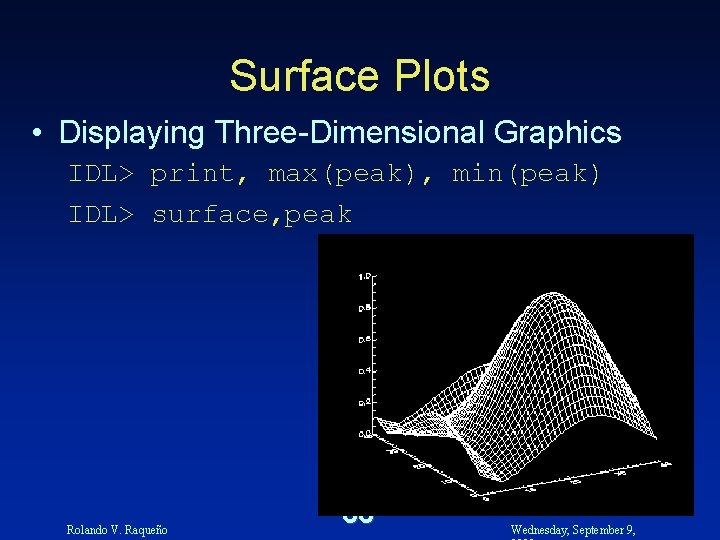
Surface Plots • Displaying Three-Dimensional Graphics IDL> print, max(peak), min(peak) IDL> surface, peak Rolando V. Raqueño 33 Wednesday, September 9,
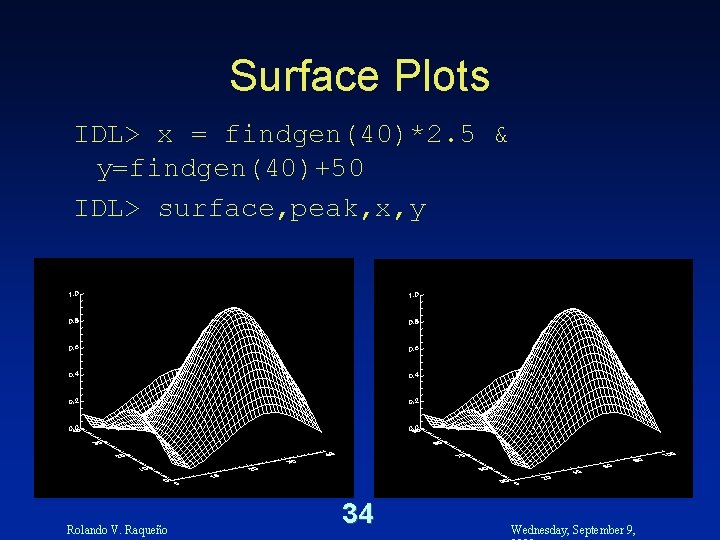
Surface Plots IDL> x = findgen(40)*2. 5 & y=findgen(40)+50 IDL> surface, peak, x, y Rolando V. Raqueño 34 Wednesday, September 9,
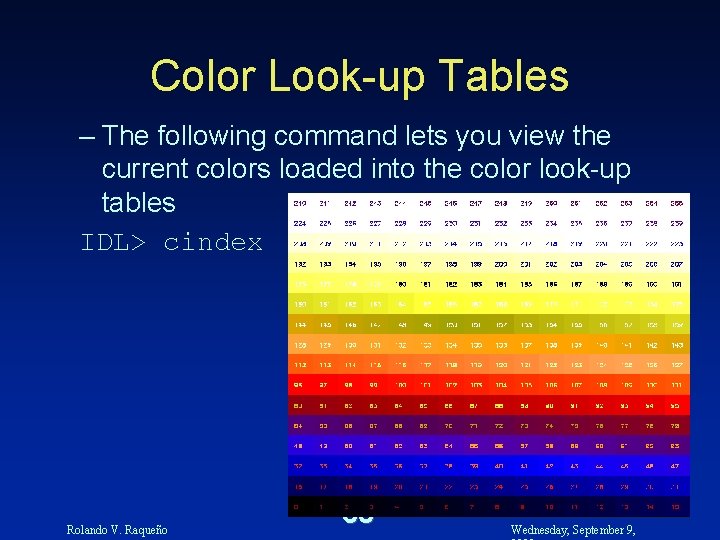
Color Look-up Tables – The following command lets you view the current colors loaded into the color look-up tables IDL> cindex Rolando V. Raqueño 35 Wednesday, September 9,
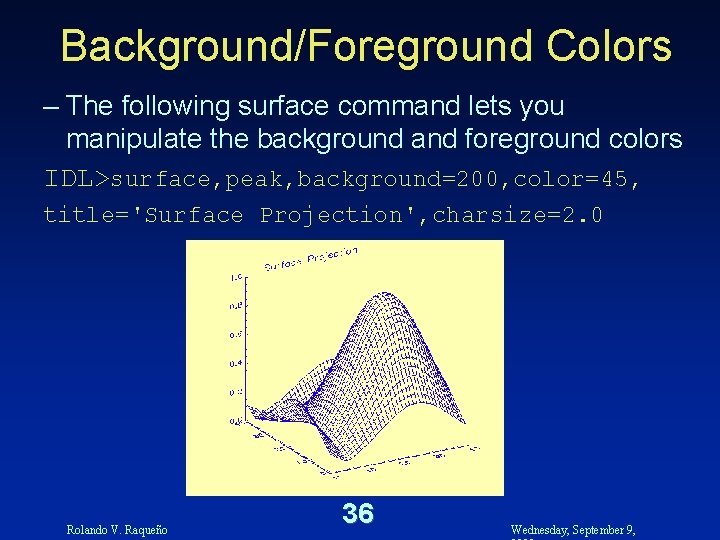
Background/Foreground Colors – The following surface command lets you manipulate the background and foreground colors IDL>surface, peak, background=200, color=45, title='Surface Projection', charsize=2. 0 Rolando V. Raqueño 36 Wednesday, September 9,
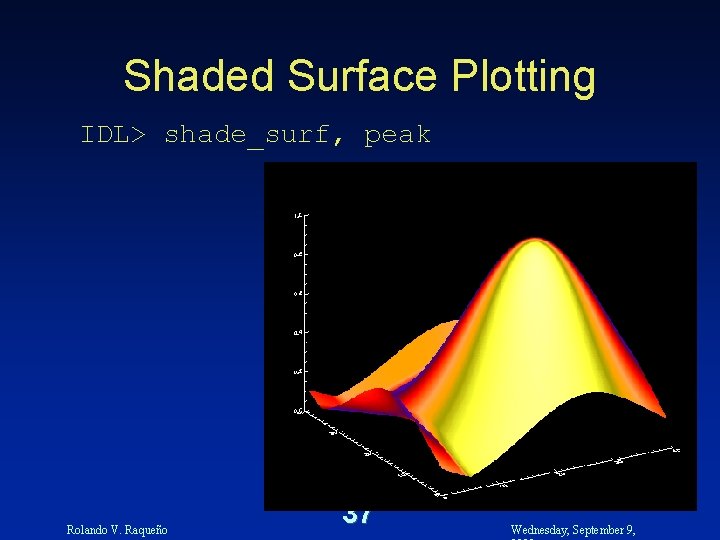
Shaded Surface Plotting IDL> shade_surf, peak Rolando V. Raqueño 37 Wednesday, September 9,
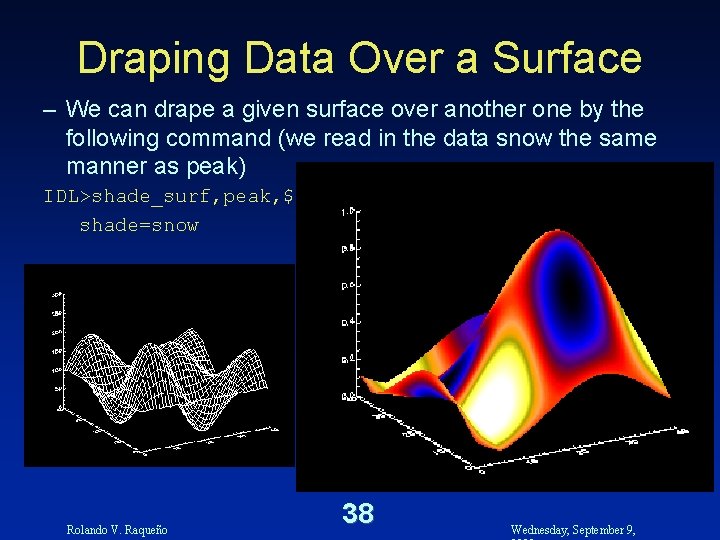
Draping Data Over a Surface – We can drape a given surface over another one by the following command (we read in the data snow the same manner as peak) IDL>shade_surf, peak, $ shade=snow Rolando V. Raqueño 38 Wednesday, September 9,
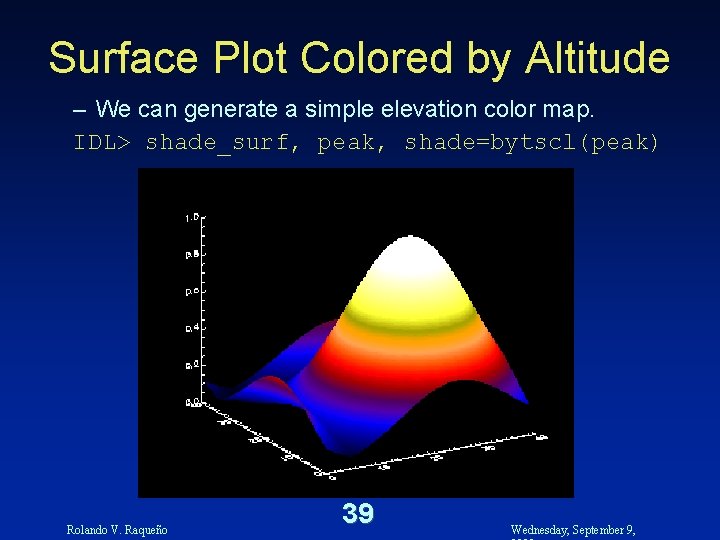
Surface Plot Colored by Altitude – We can generate a simple elevation color map. IDL> shade_surf, peak, shade=bytscl(peak) Rolando V. Raqueño 39 Wednesday, September 9,
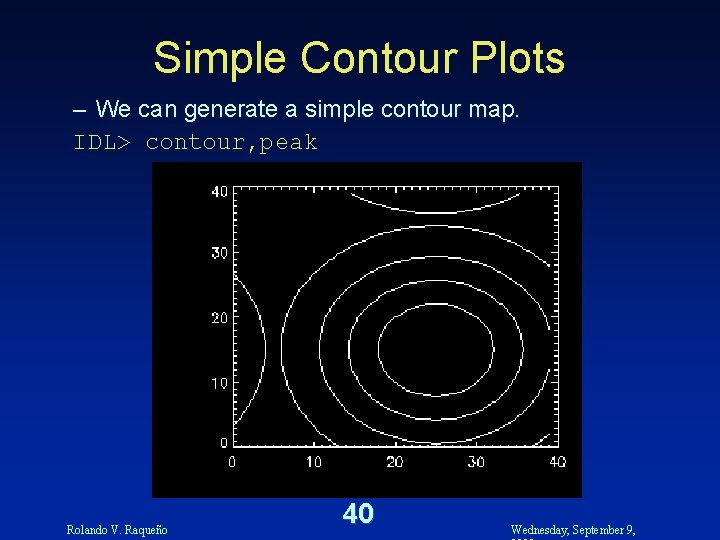
Simple Contour Plots – We can generate a simple contour map. IDL> contour, peak Rolando V. Raqueño 40 Wednesday, September 9,
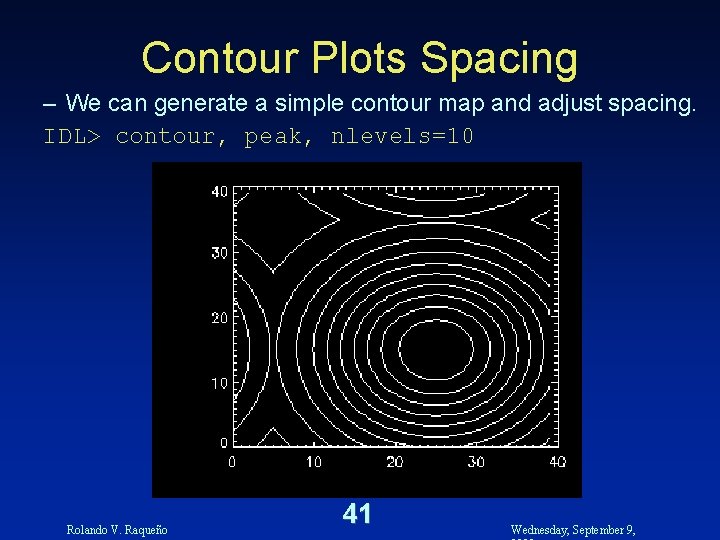
Contour Plots Spacing – We can generate a simple contour map and adjust spacing. IDL> contour, peak, nlevels=10 Rolando V. Raqueño 41 Wednesday, September 9,
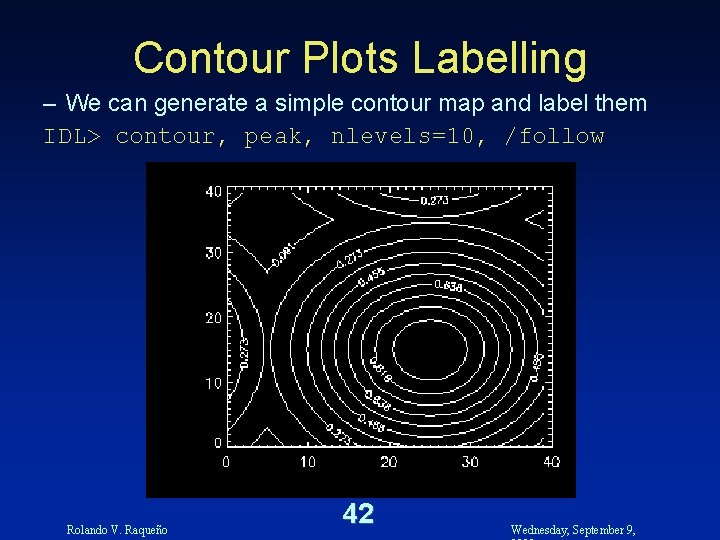
Contour Plots Labelling – We can generate a simple contour map and label them IDL> contour, peak, nlevels=10, /follow Rolando V. Raqueño 42 Wednesday, September 9,
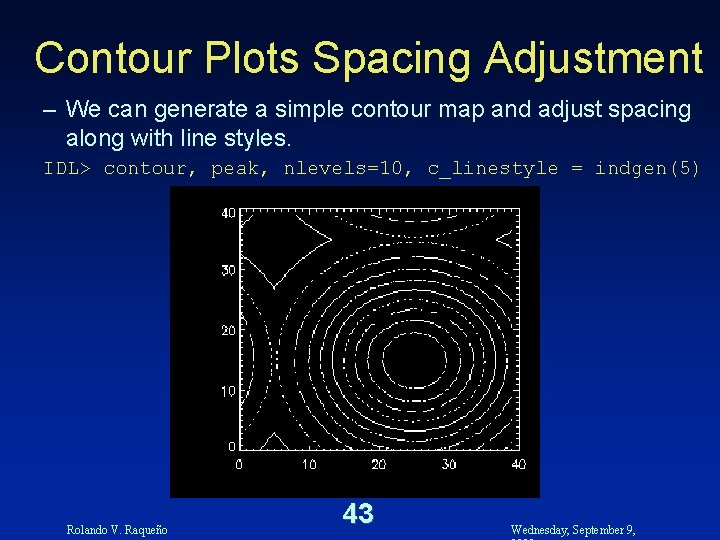
Contour Plots Spacing Adjustment – We can generate a simple contour map and adjust spacing along with line styles. IDL> contour, peak, nlevels=10, c_linestyle = indgen(5) Rolando V. Raqueño 43 Wednesday, September 9,
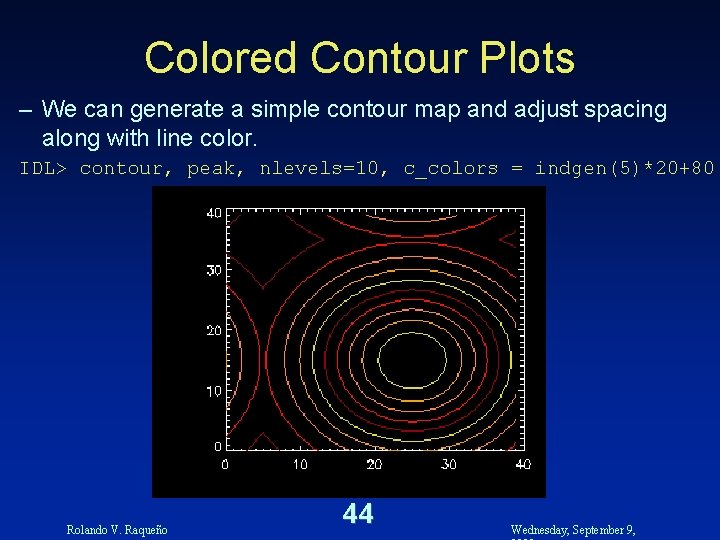
Colored Contour Plots – We can generate a simple contour map and adjust spacing along with line color. IDL> contour, peak, nlevels=10, c_colors = indgen(5)*20+80 Rolando V. Raqueño 44 Wednesday, September 9,
Images Data • Displaying Image Data – You can read in image data in a manner similar to other forms of two-dimensional data. You will need to ascertain whether the data is an ASCII file or a binary file IDL> Rolando V. Raqueño openr, lun, ’ctscan. dat’, /get_lun scan=bytarr(256, 256) readu, lun, scan free_lun, lun 45 Wednesday, September 9,
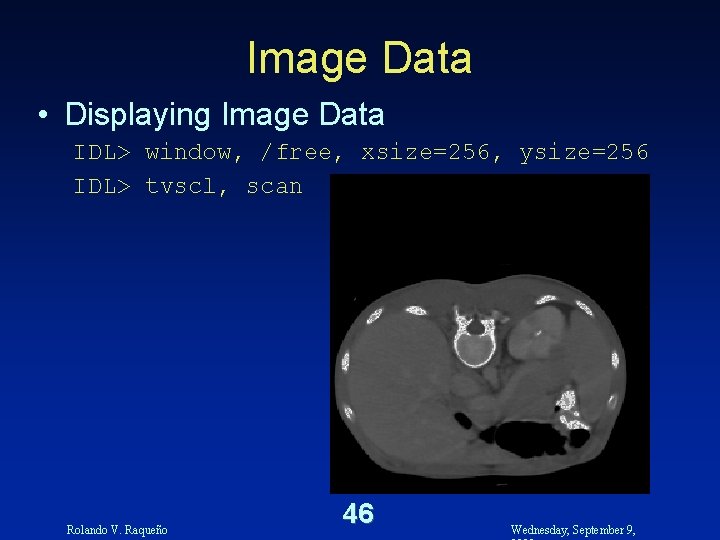
Image Data • Displaying Image Data IDL> window, /free, xsize=256, ysize=256 IDL> tvscl, scan Rolando V. Raqueño 46 Wednesday, September 9,
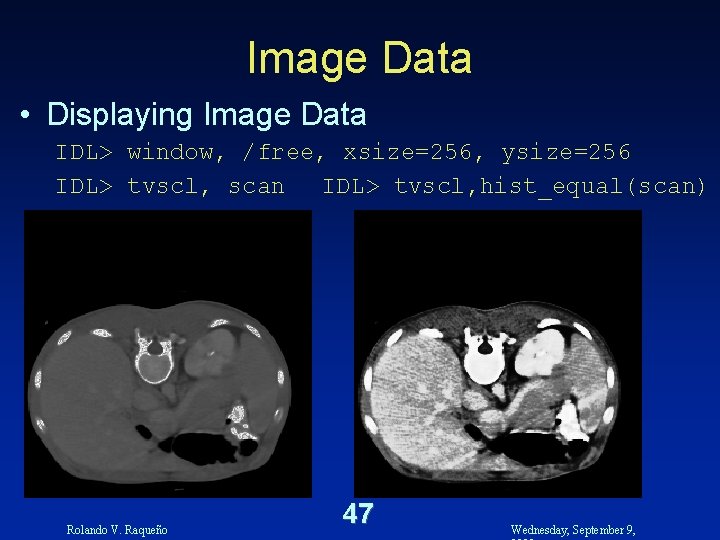
Image Data • Displaying Image Data IDL> window, /free, xsize=256, ysize=256 IDL> tvscl, scan IDL> tvscl, hist_equal(scan) Rolando V. Raqueño 47 Wednesday, September 9,
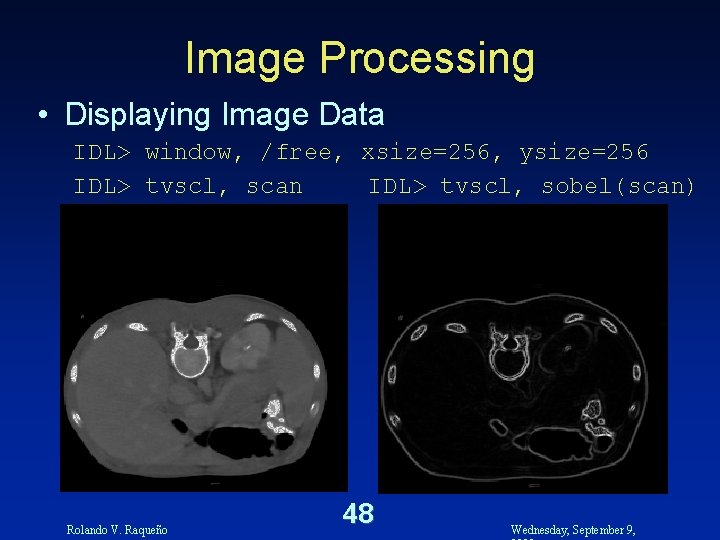
Image Processing • Displaying Image Data IDL> window, /free, xsize=256, ysize=256 IDL> tvscl, scan IDL> tvscl, sobel(scan) Rolando V. Raqueño 48 Wednesday, September 9,
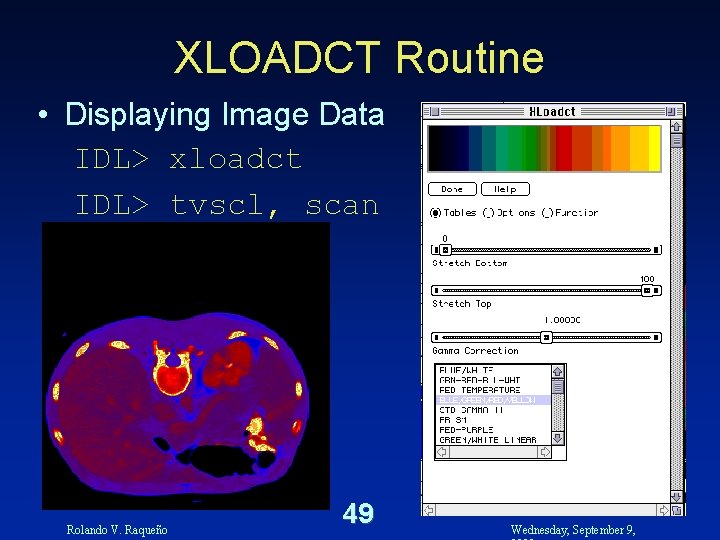
XLOADCT Routine • Displaying Image Data IDL> xloadct IDL> tvscl, scan Rolando V. Raqueño 49 Wednesday, September 9,
Writing IDL Programs Rolando V. Raqueño 50 Wednesday, September 9,
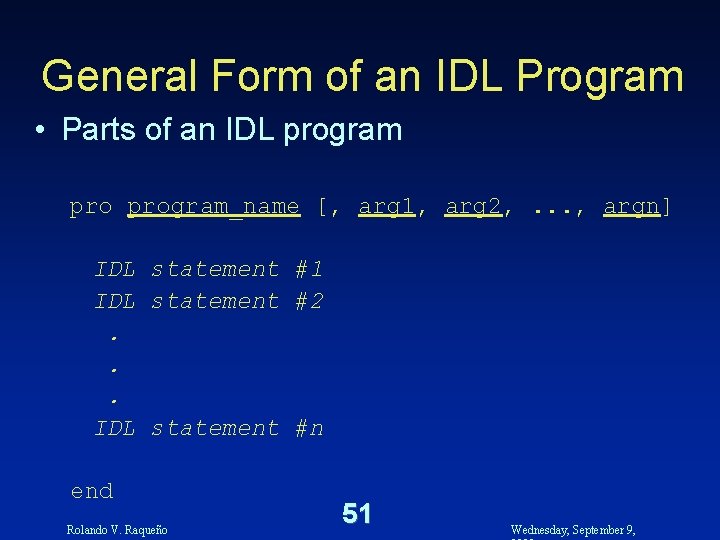
General Form of an IDL Program • Parts of an IDL program_name [, arg 1, arg 2, . . . , argn] IDL statement #1 IDL statement #2. . . IDL statement #n end Rolando V. Raqueño 51 Wednesday, September 9,
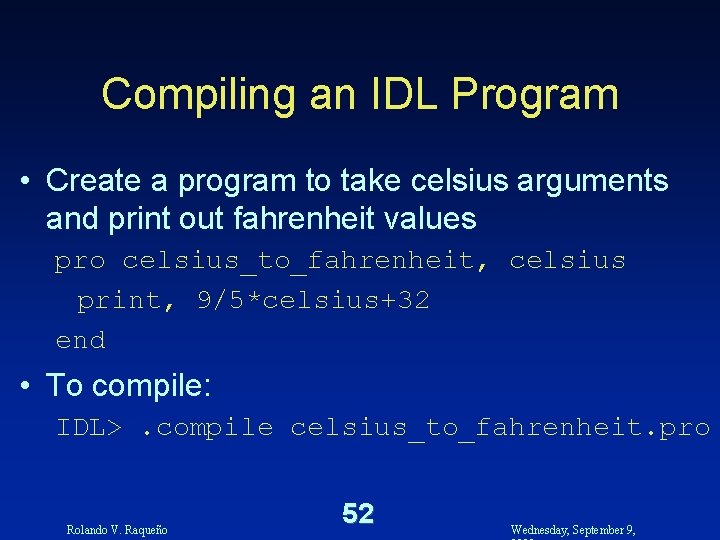
Compiling an IDL Program • Create a program to take celsius arguments and print out fahrenheit values pro celsius_to_fahrenheit, celsius print, 9/5*celsius+32 end • To compile: IDL>. compile celsius_to_fahrenheit. pro Rolando V. Raqueño 52 Wednesday, September 9,
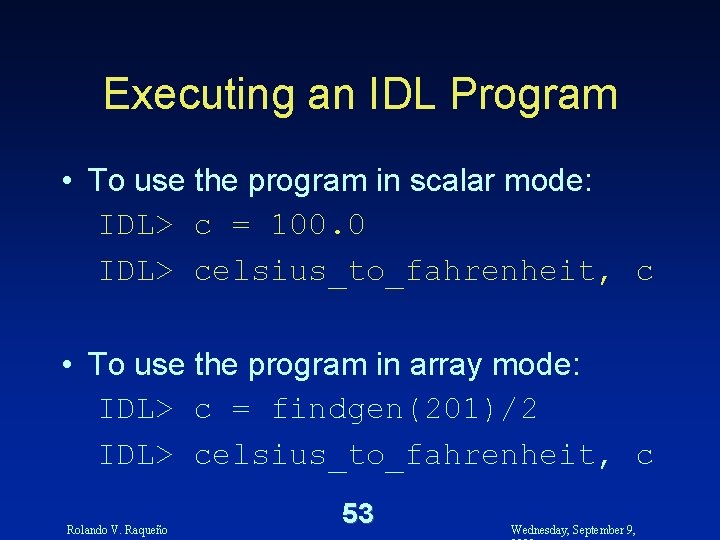
Executing an IDL Program • To use the program in scalar mode: IDL> c = 100. 0 IDL> celsius_to_fahrenheit, c • To use the program in array mode: IDL> c = findgen(201)/2 IDL> celsius_to_fahrenheit, c Rolando V. Raqueño 53 Wednesday, September 9,
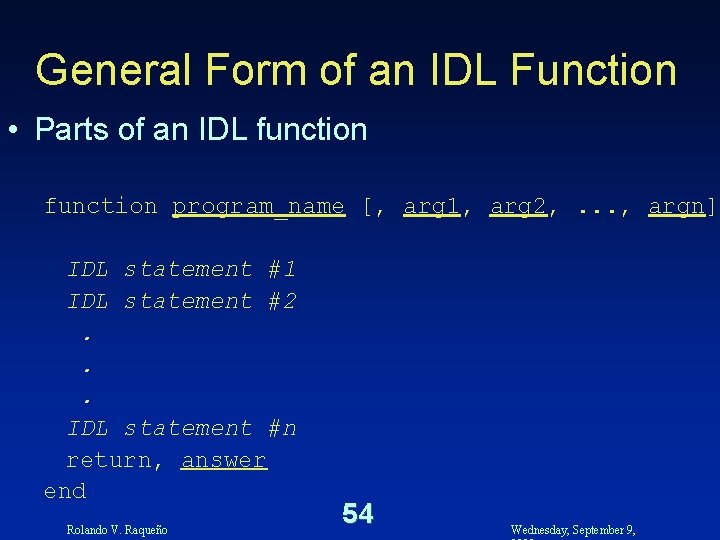
General Form of an IDL Function • Parts of an IDL function program_name [, arg 1, arg 2, . . . , argn] IDL statement #1 IDL statement #2. . . IDL statement #n return, answer end Rolando V. Raqueño 54 Wednesday, September 9,
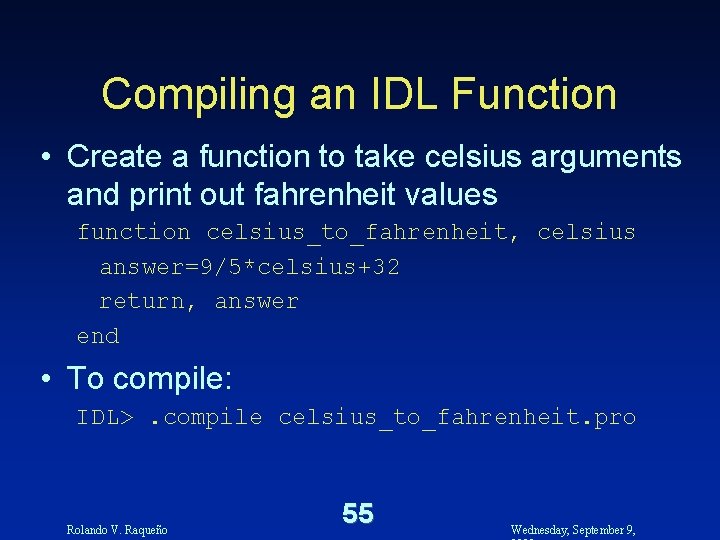
Compiling an IDL Function • Create a function to take celsius arguments and print out fahrenheit values function celsius_to_fahrenheit, celsius answer=9/5*celsius+32 return, answer end • To compile: IDL>. compile celsius_to_fahrenheit. pro Rolando V. Raqueño 55 Wednesday, September 9,
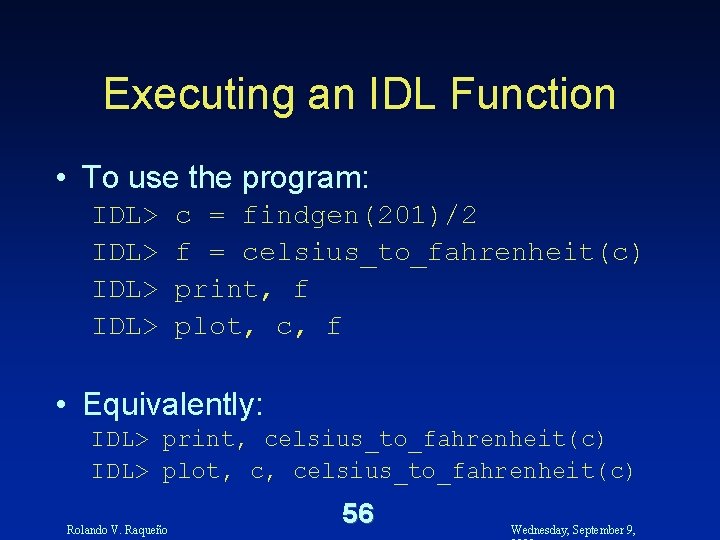
Executing an IDL Function • To use the program: IDL> c = findgen(201)/2 f = celsius_to_fahrenheit(c) print, f plot, c, f • Equivalently: IDL> print, celsius_to_fahrenheit(c) IDL> plot, c, celsius_to_fahrenheit(c) Rolando V. Raqueño 56 Wednesday, September 9,
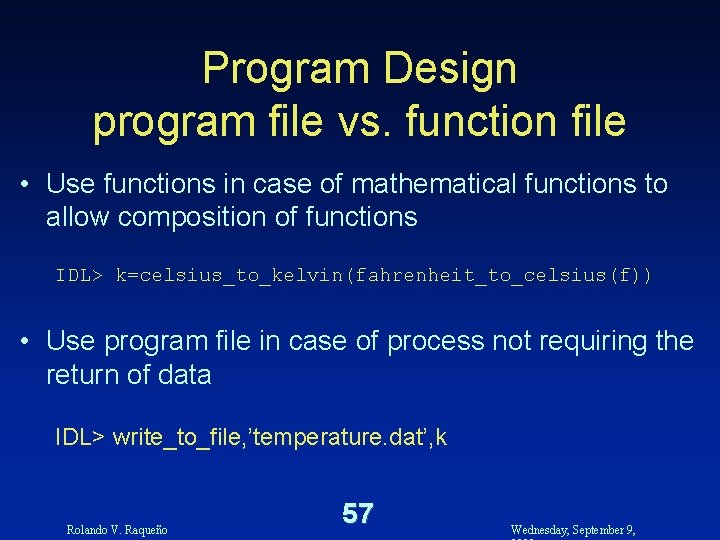
Program Design program file vs. function file • Use functions in case of mathematical functions to allow composition of functions IDL> k=celsius_to_kelvin(fahrenheit_to_celsius(f)) • Use program file in case of process not requiring the return of data IDL> write_to_file, ’temperature. dat’, k Rolando V. Raqueño 57 Wednesday, September 9,
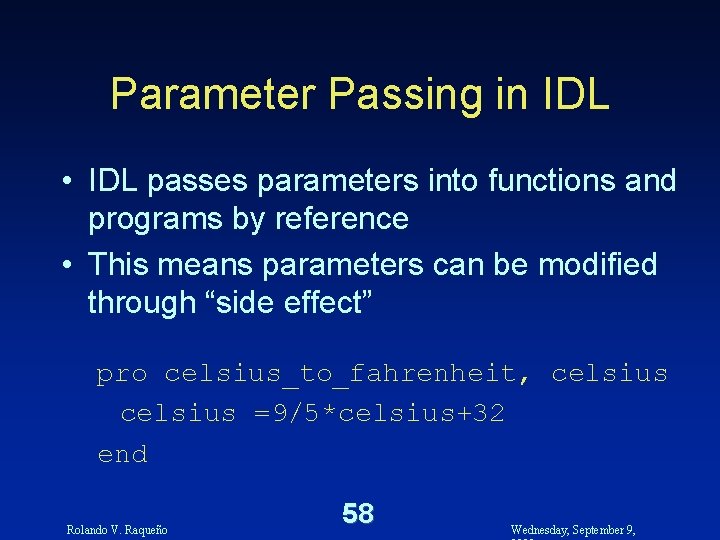
Parameter Passing in IDL • IDL passes parameters into functions and programs by reference • This means parameters can be modified through “side effect” pro celsius_to_fahrenheit, celsius =9/5*celsius+32 end Rolando V. Raqueño 58 Wednesday, September 9,
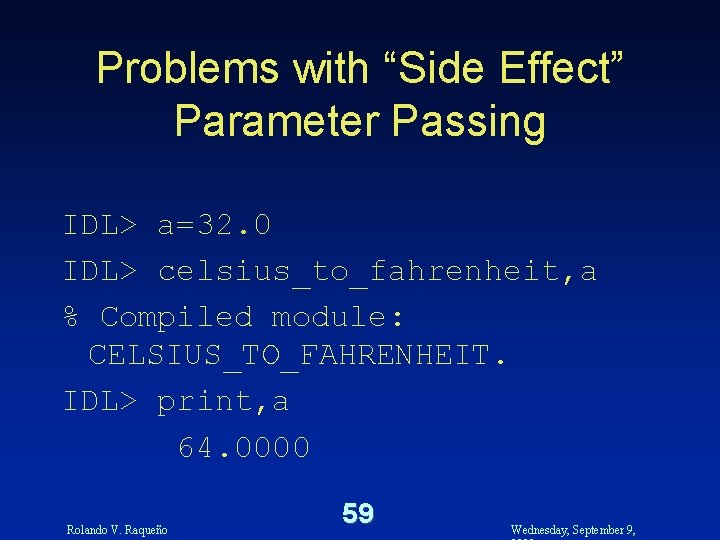
Problems with “Side Effect” Parameter Passing IDL> a=32. 0 IDL> celsius_to_fahrenheit, a % Compiled module: CELSIUS_TO_FAHRENHEIT. IDL> print, a 64. 0000 Rolando V. Raqueño 59 Wednesday, September 9,

A Debugging Exercise • The IDL function and program examples celsius_to_fahrenheit all compile, but generate incorrect answers in some cases. • This is left as a debugging exercise Rolando V. Raqueño 60 Wednesday, September 9,
Hints for Statistics Problem • Study the IDL functions n_elements() size() • Try to reuse as many of the functions as possible. • Do not be concerned with efficiency at this point. Rolando V. Raqueño 61 Wednesday, September 9,
- Slides: 61