
Basic File IO MD J AKA RIA LECT
Basic File IO MD. J AKA RIA LECT URER DEPT. OF C SE , MIST
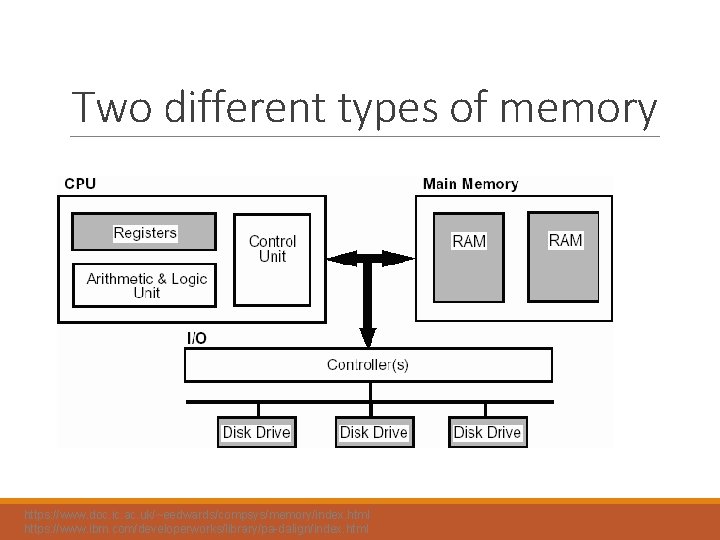
Two different types of memory https: //www. doc. ic. ac. uk/~eedwards/compsys/memory/index. html https: //www. ibm. com/developerworks/library/pa-dalign/index. html

Two different types of memory Volatile storage Persistent storage https: //www. doc. ic. ac. uk/~eedwards/compsys/memory/index. html https: //www. ibm. com/developerworks/library/pa-dalign/index. html
Why files are needed? o When a program is terminated, the entire data is lost. Storing in a file will preserve your data even if the program terminates. o If you have to enter a large number of data, it will take a lot of time to enter them all. However, if you have a file containing all the data, you can easily access the contents of the file using few commands in C. o You can easily move your data from one computer to another without any changes.
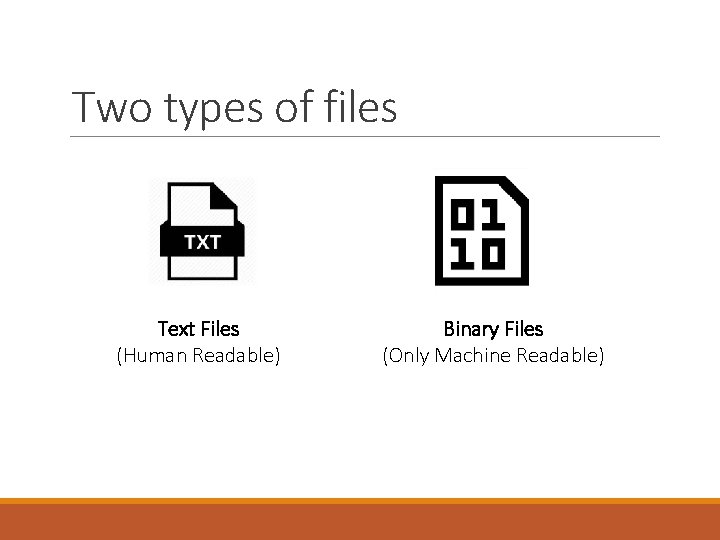
Two types of files Text Files (Human Readable) Binary Files (Only Machine Readable)
Supported File Operations 1. Creating a new file 2. Opening an existing file 3. Closing a file 4. Reading from and writing information to a file

Concept of writing in a File
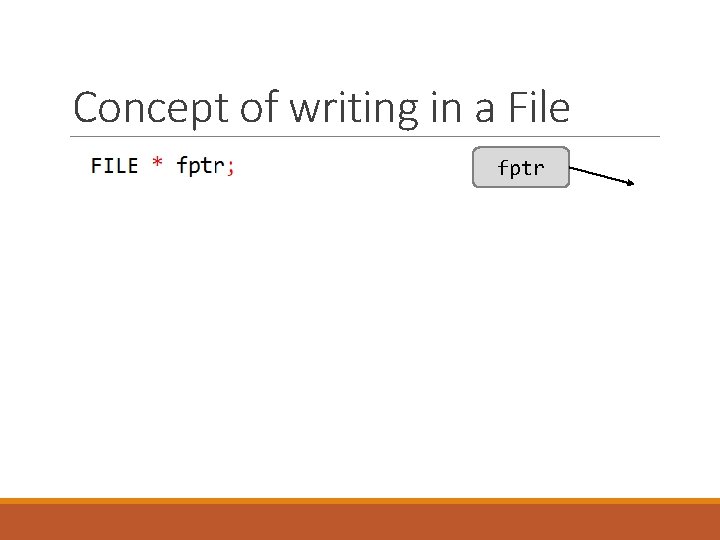
Concept of writing in a File fptr
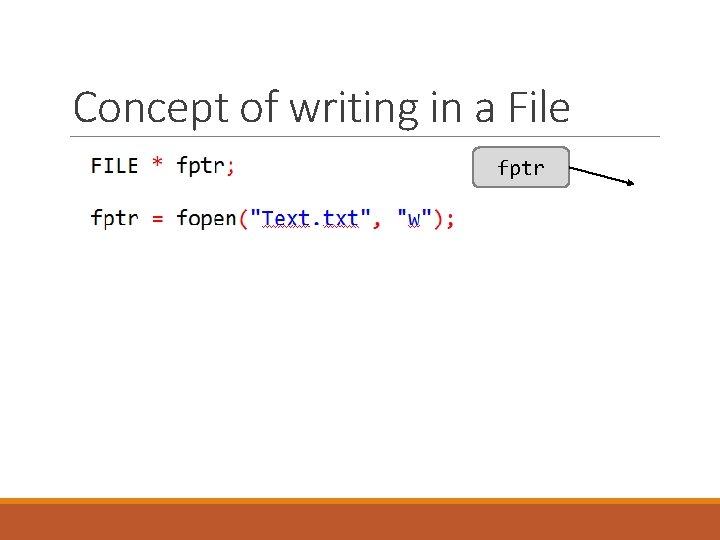
Concept of writing in a File fptr
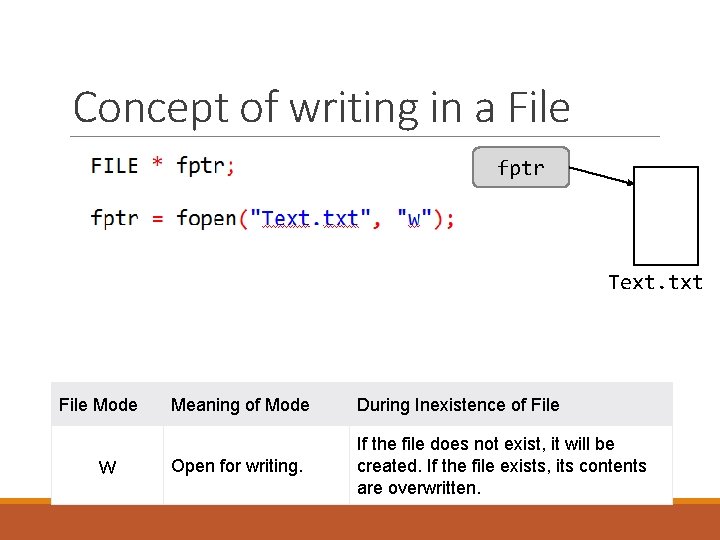
Concept of writing in a File fptr Text. txt File Mode w Meaning of Mode During Inexistence of File Open for writing. If the file does not exist, it will be created. If the file exists, its contents are overwritten.
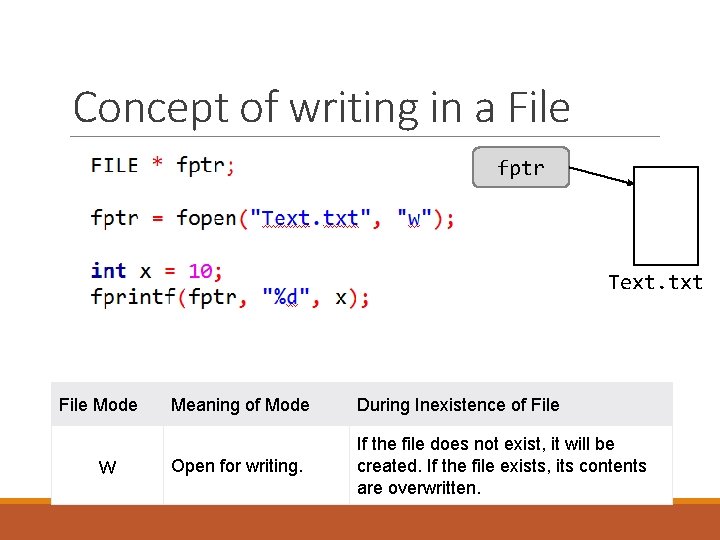
Concept of writing in a File fptr Text. txt File Mode w Meaning of Mode During Inexistence of File Open for writing. If the file does not exist, it will be created. If the file exists, its contents are overwritten.
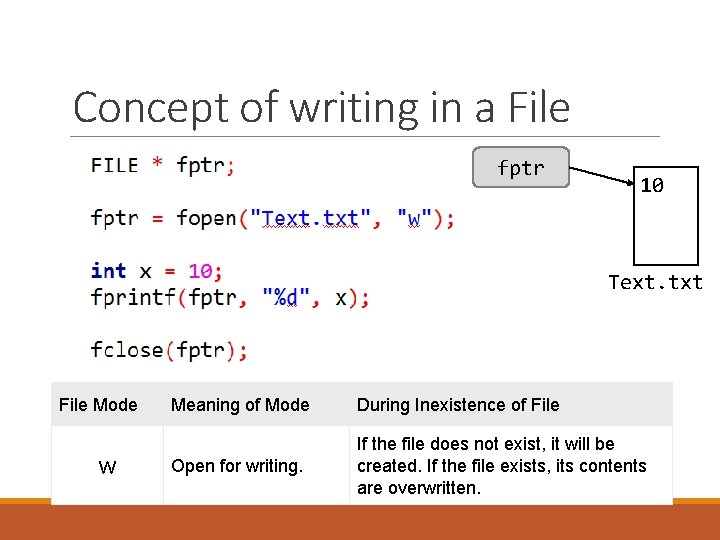
Concept of writing in a File fptr 10 Text. txt File Mode w Meaning of Mode During Inexistence of File Open for writing. If the file does not exist, it will be created. If the file exists, its contents are overwritten.
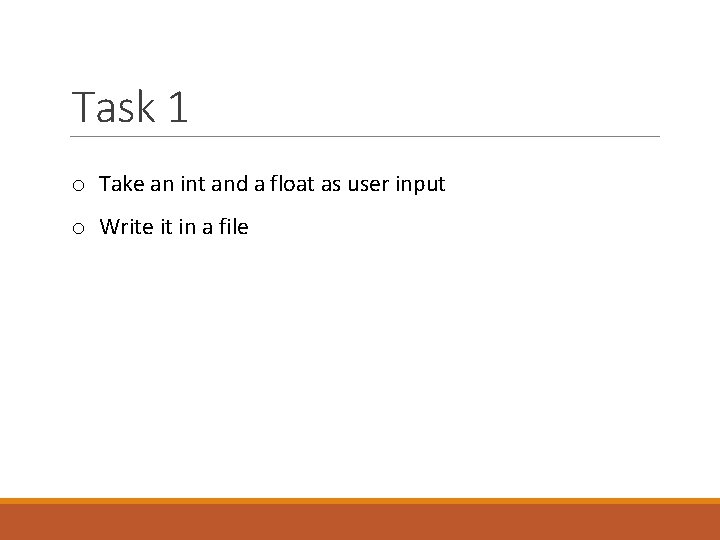
Task 1 o Take an int and a float as user input o Write it in a file
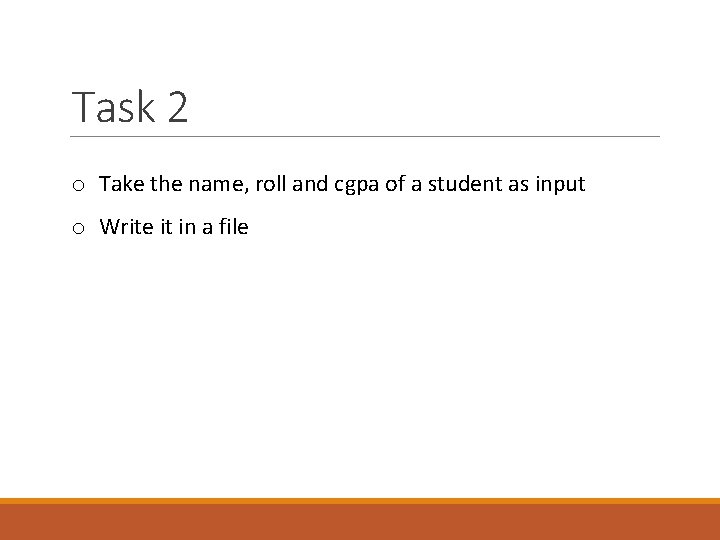
Task 2 o Take the name, roll and cgpa of a student as input o Write it in a file
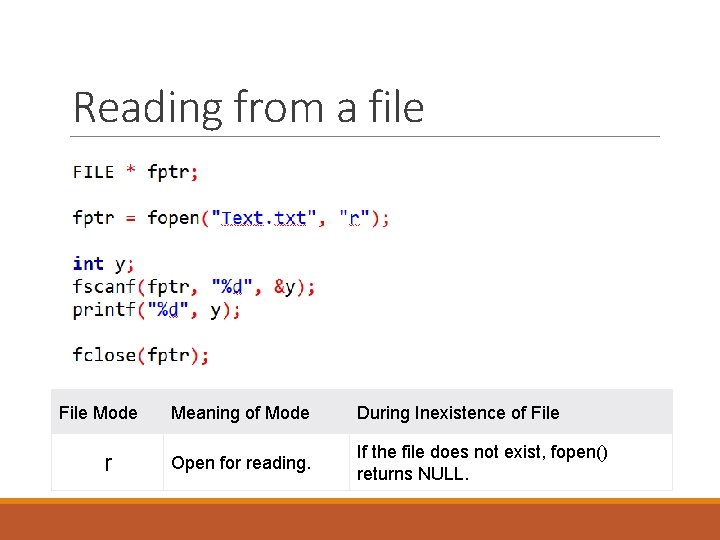
Reading from a file File Mode r Meaning of Mode During Inexistence of File Open for reading. If the file does not exist, fopen() returns NULL.
Task 3 o Display the information written in Task 2 in console
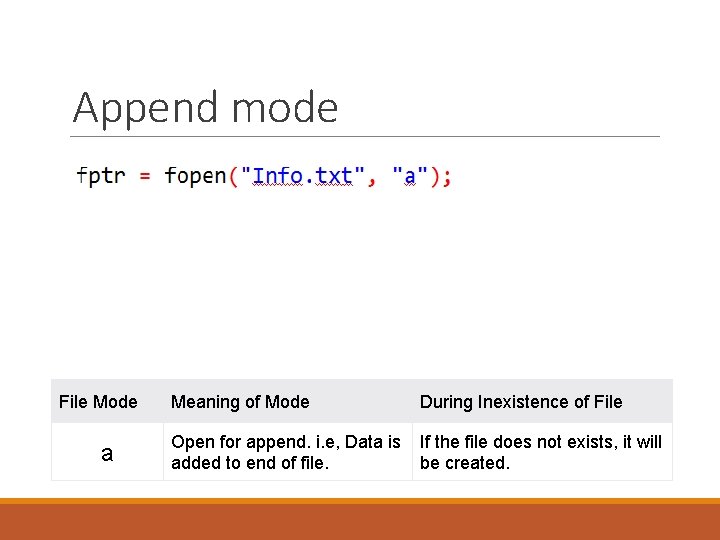
Append mode File Mode a Meaning of Mode During Inexistence of File Open for append. i. e, Data is added to end of file. If the file does not exists, it will be created.
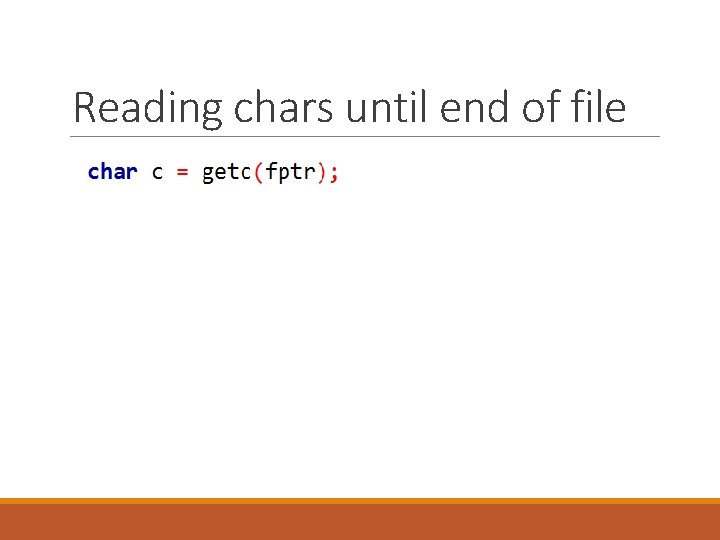
Reading chars until end of file
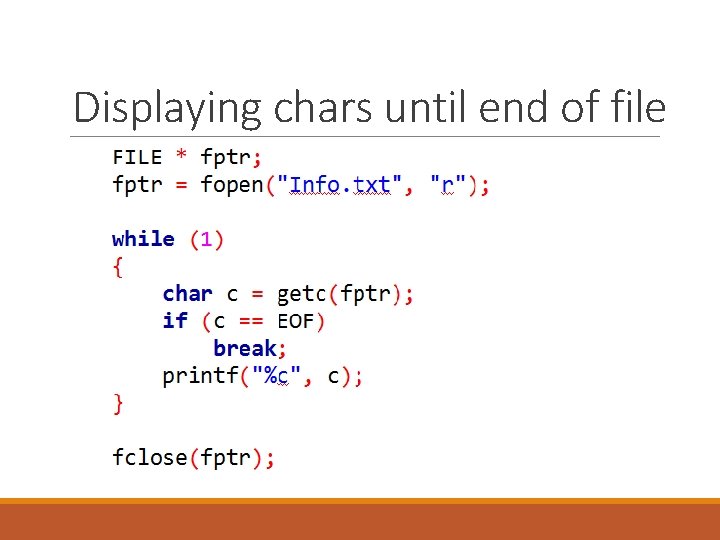
Displaying chars until end of file
- Slides: 19