
Basic Data Input To get started you can
Basic Data Input
• To get started, you can give students binary data already in the R format. – save() one or more R objects to a file (with. rda extension) – Put it on a Web site. • Students use load() to read the data into an R session directly – load(url(“http: //eeyore. ucdavis. edu/ESR 2010/bay. Area. Housing. rda”)) • Note the use or url() – it is an example of a “connection”, a stream of bytes that come from “somewhere”, in this case a URL, but could be a file, another program outputting data, a character string.
Reading ASCII data • Have to know how to read standard rectangular data – tab separated, comma-separated, etc. • R has functions for this, i. e. – read. table(), read. csv(), etc. – read. fwf() for fixed width format. • For efficiency reasons, very beneficial to use col. Classes parameter to specify target type. • But there are lots of issues.
Strings or factors • Common “gotcha” • For better or worse, by default, R turns strings in rectangular data read from an ASCII file into factor objects. • Use strings. As. Factors = FALSE
Problems in reading • • Quote characters Missing values Character Encoding Comment characters
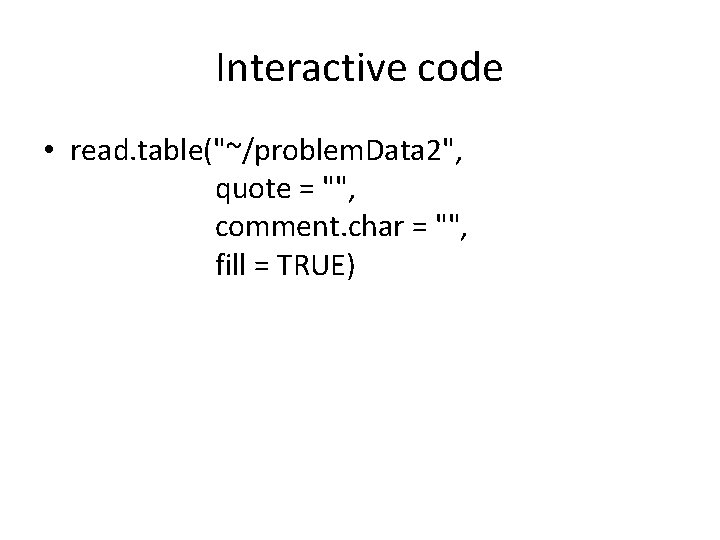
Interactive code • read. table("~/problem. Data 2", quote = "", comment. char = "", fill = TRUE)
Accessing files - Paths • Students need to know about working directories (getwd() & setwd()) • This is where the R session is “rooted” – all relative file names are relative to this directory. • Students need to recognize that their code will not work if they move files, change directories, etc. – i. e. their code is not runnable and so we cannot help fix things. • Using URLs makes things universally locatable.
Binary data • R can read binary data. • But one has to read the bytes and interpret them based on the actual known format of the data, e. g. – read 2 integers – then followed by n real numbers where n is the value of the second of the first two integers read, … • Students should not necessarily deal with this, but be aware of the existence of different binary formats & why they are used (compact representation)
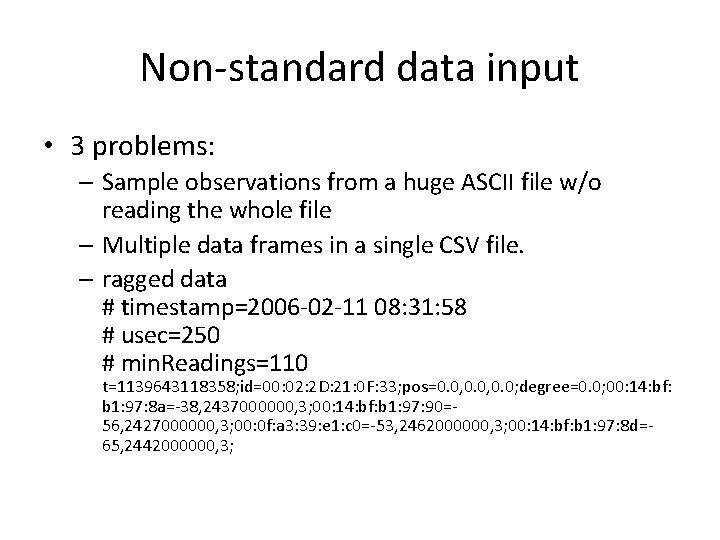
Non-standard data input • 3 problems: – Sample observations from a huge ASCII file w/o reading the whole file – Multiple data frames in a single CSV file. – ragged data # timestamp=2006 -02 -11 08: 31: 58 # usec=250 # min. Readings=110 t=1139643118358; id=00: 02: 2 D: 21: 0 F: 33; pos=0. 0, 0. 0; degree=0. 0; 00: 14: bf: b 1: 97: 8 a=-38, 2437000000, 3; 00: 14: bf: b 1: 97: 90=56, 2427000000, 3; 00: 0 f: a 3: 39: e 1: c 0=-53, 2462000000, 3; 00: 14: bf: b 1: 97: 8 d=65, 2442000000, 3;
- Slides: 9