
Basic control structures Overview l Relational and Logical
Basic control structures Overview l Relational and Logical Operations l Selection structures » if statement » switch statement l Preview: 1
Basic control structures l Selection structures » if statement » switch statement l Repetition structures » while statement » for statement » do statement l Flow breaking statements » break » continue » return l Exception handling stuctures » try { } catch ( ) { } 2
Selection structures » if statement – Syntax – Interpretation – Flow diagram for if statement – Example » if else statement – Syntax – Interpretation – Flow diagram for if else statement – Example » Group of statements » Nested if statement » switch statement – Syntax – Interpretation – Example 3
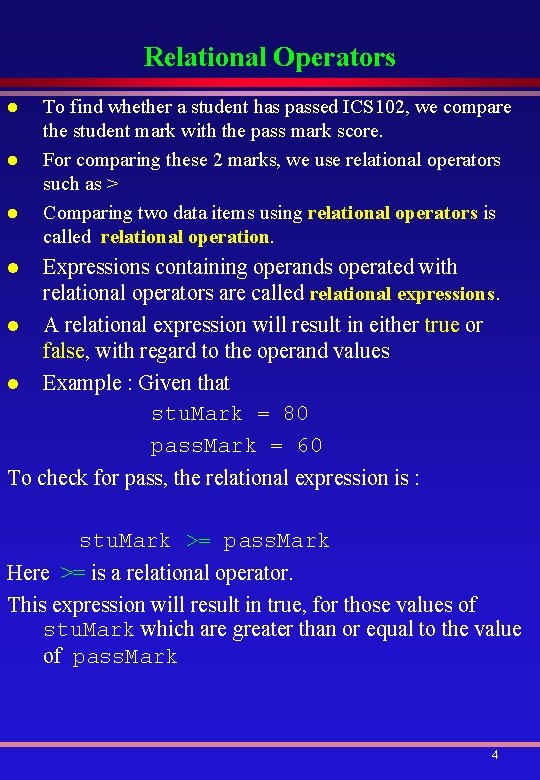
Relational Operators l l l To find whether a student has passed ICS 102, we compare the student mark with the pass mark score. For comparing these 2 marks, we use relational operators such as > Comparing two data items using relational operators is called relational operation. Expressions containing operands operated with relational operators are called relational expressions. A relational expression will result in either true or false, with regard to the operand values Example : Given that stu. Mark = 80 pass. Mark = 60 To check for pass, the relational expression is : stu. Mark >= pass. Mark Here >= is a relational operator. This expression will result in true, for those values of stu. Mark which are greater than or equal to the value of pass. Mark 4
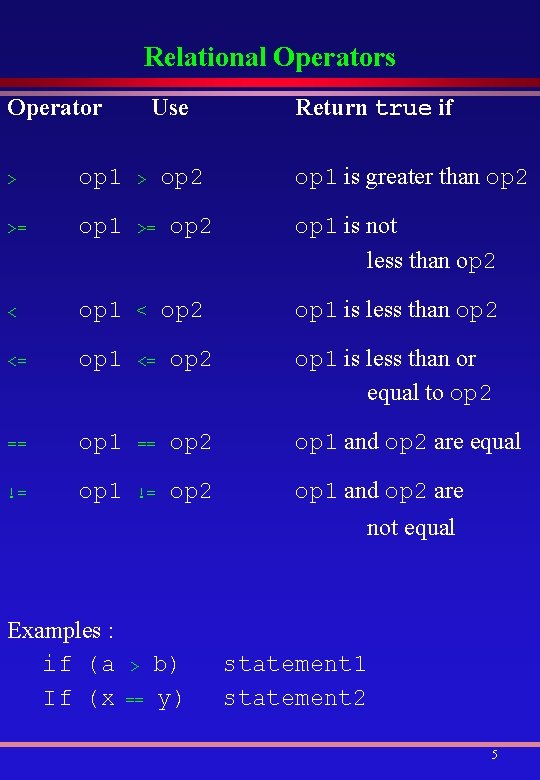
Relational Operators Operator Use op 2 Return true if op 1 is greater than op 2 > op 1 > >= op 1 >= < op 1 < <= op 1 <= op 2 op 1 is less than or equal to op 2 == op 1 == op 2 op 1 and op 2 are equal != op 1 != op 2 op 1 and op 2 are op 2 op 1 is not less than op 2 op 1 is less than op 2 not equal Examples : if (a If (x > == b) y) statement 1 statement 2 5
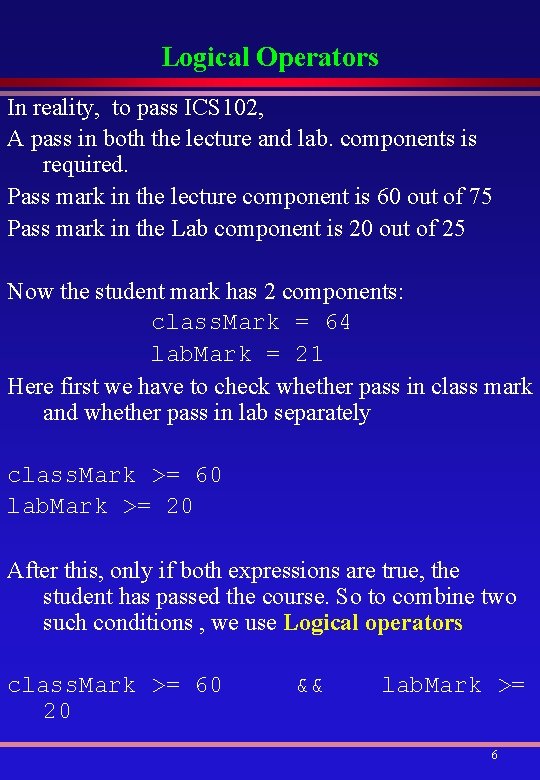
Logical Operators In reality, to pass ICS 102, A pass in both the lecture and lab. components is required. Pass mark in the lecture component is 60 out of 75 Pass mark in the Lab component is 20 out of 25 Now the student mark has 2 components: class. Mark = 64 lab. Mark = 21 Here first we have to check whether pass in class mark and whether pass in lab separately class. Mark >= 60 lab. Mark >= 20 After this, only if both expressions are true, the student has passed the course. So to combine two such conditions , we use Logical operators class. Mark >= 60 20 && lab. Mark >= 6

Logical Operators Where && is called AND operator which results in true if both the sides of it are true. For Boolean operands / expressions Operator Use Returns true if && op 1 && op 2 op 1 and op 2 are both true || op 1 || op 2 either op 1 or op 2 is true ! ! op 1 is false For && operator : Opr 1 Opr 2 Result True False True False 7
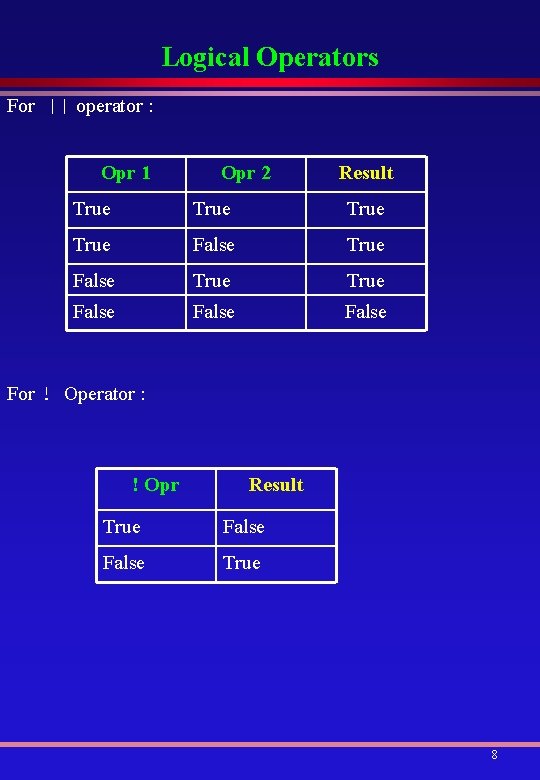
Logical Operators For || operator : Opr 1 Opr 2 Result True True False False For ! Operator : ! Opr Result True False True 8
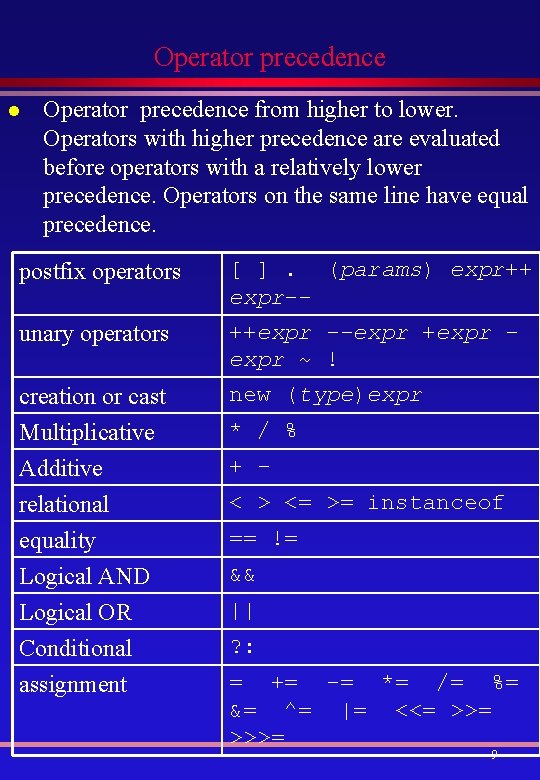
Operator precedence l Operator precedence from higher to lower. Operators with higher precedence are evaluated before operators with a relatively lower precedence. Operators on the same line have equal precedence. postfix operators [ ]. (params) expr++ expr-- unary operators ++expr --expr +expr ~ ! creation or cast Multiplicative Additive relational equality Logical AND Logical OR Conditional assignment new (type)expr * / % + < > <= >= instanceof == != && || ? : = += -= *= /= %= &= ^= |= <<= >>>= 9
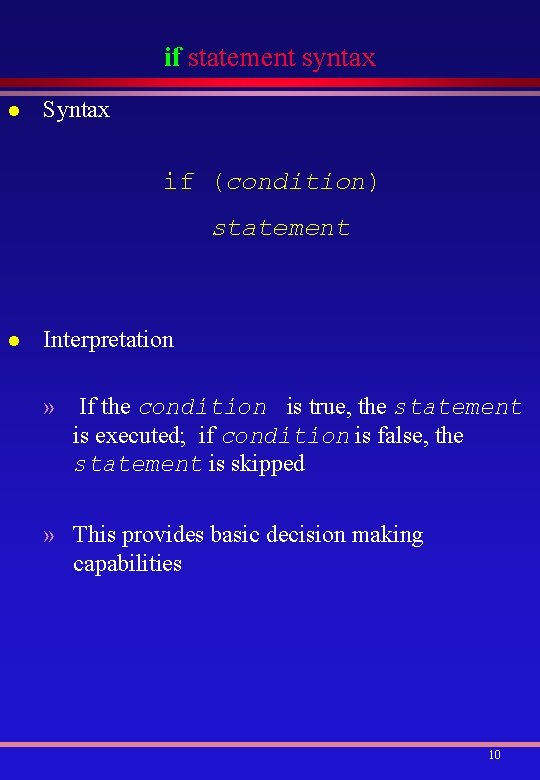
if statement syntax l Syntax if (condition) statement l Interpretation » If the condition is true, the statement is executed; if condition is false, the statement is skipped » This provides basic decision making capabilities 10
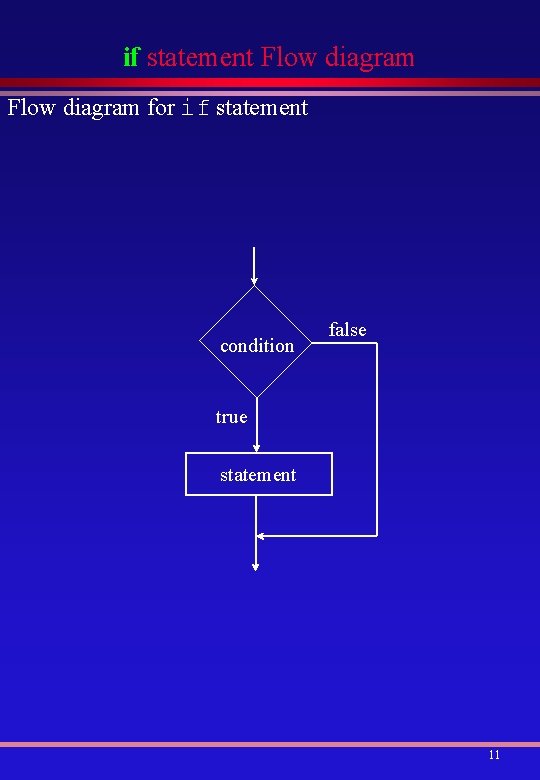
if statement Flow diagram for if statement condition false true statement 11
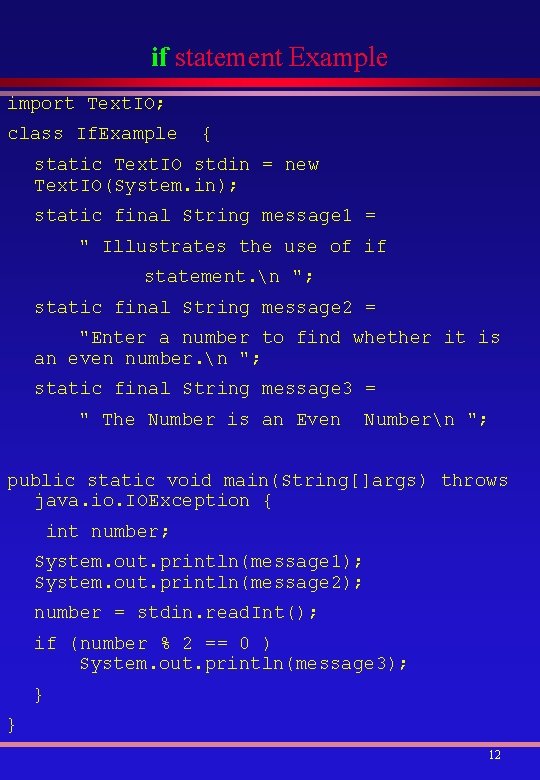
if statement Example import Text. IO; class If. Example { static Text. IO stdin = new Text. IO(System. in); static final String message 1 = " Illustrates the use of if statement. n "; static final String message 2 = "Enter a number to find whether it is an even number. n "; static final String message 3 = " The Number is an Even Numbern "; public static void main(String[]args) throws java. io. IOException { int number; System. out. println(message 1); System. out. println(message 2); number = stdin. read. Int(); if (number % 2 == 0 ) System. out. println(message 3); } } 12
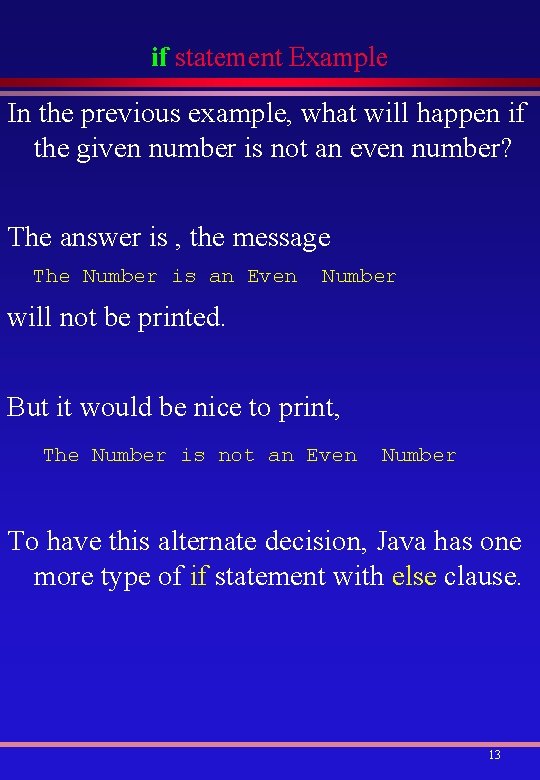
if statement Example In the previous example, what will happen if the given number is not an even number? The answer is , the message The Number is an Even Number will not be printed. But it would be nice to print, The Number is not an Even Number To have this alternate decision, Java has one more type of if statement with else clause. 13
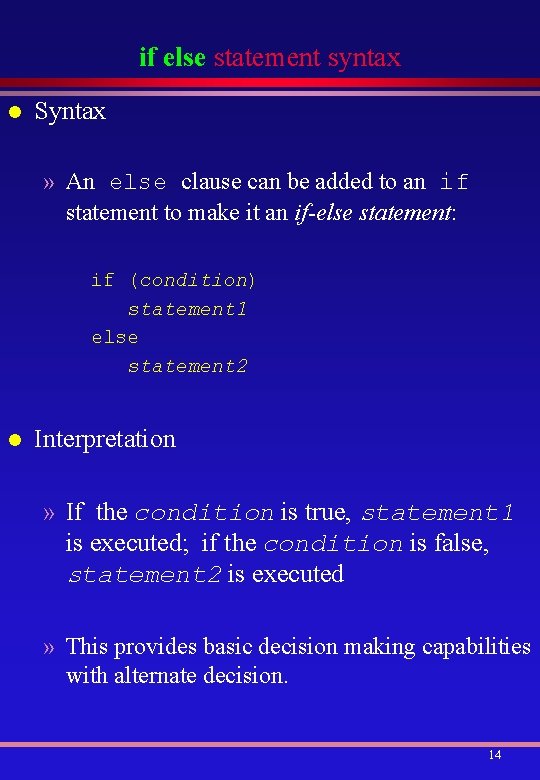
if else statement syntax l Syntax » An else clause can be added to an if statement to make it an if-else statement: if (condition) statement 1 else statement 2 l Interpretation » If the condition is true, statement 1 is executed; if the condition is false, statement 2 is executed » This provides basic decision making capabilities with alternate decision. 14
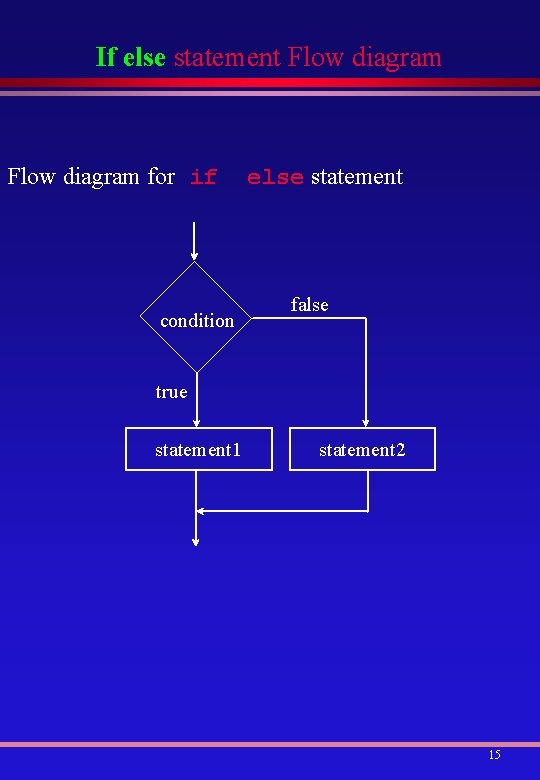
If else statement Flow diagram for if condition else statement false true statement 1 statement 2 15
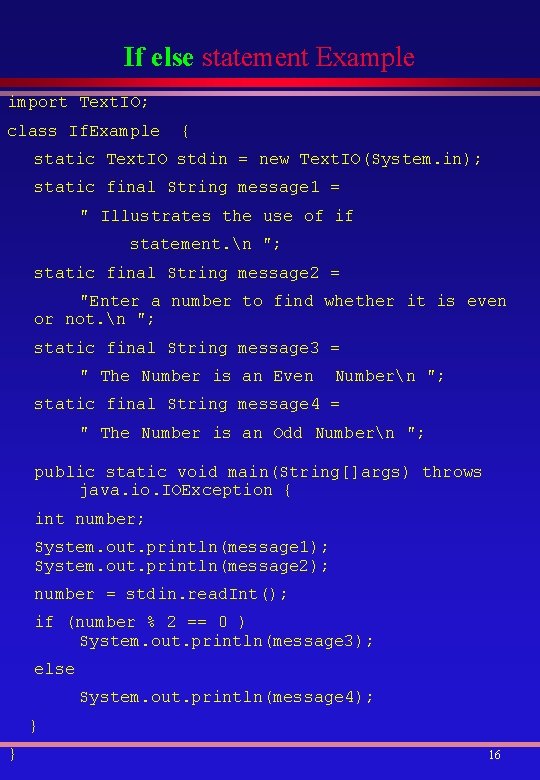
If else statement Example import Text. IO; class If. Example { static Text. IO stdin = new Text. IO(System. in); static final String message 1 = " Illustrates the use of if statement. n "; static final String message 2 = "Enter a number to find whether it is even or not. n "; static final String message 3 = " The Number is an Even Numbern "; static final String message 4 = " The Number is an Odd Numbern "; public static void main(String[]args) throws java. io. IOException { int number; System. out. println(message 1); System. out. println(message 2); number = stdin. read. Int(); if (number % 2 == 0 ) System. out. println(message 3); else System. out. println(message 4); } } 16
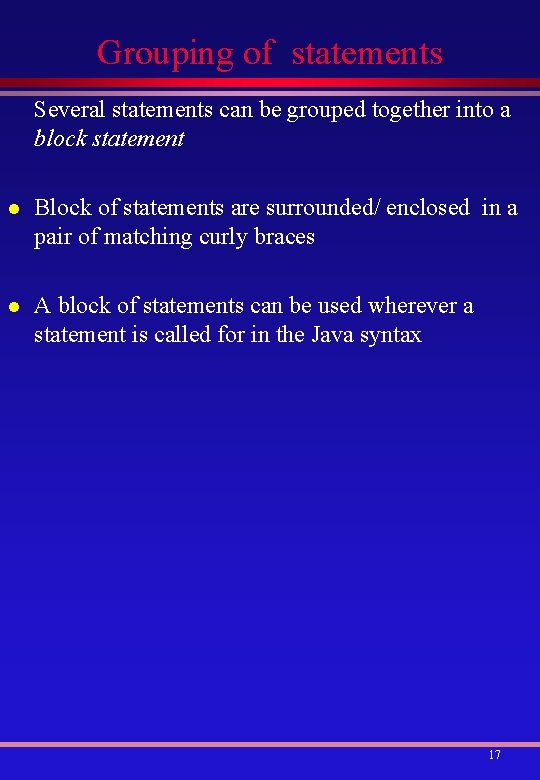
Grouping of statements Several statements can be grouped together into a block statement l Block of statements are surrounded/ enclosed in a pair of matching curly braces l A block of statements can be used wherever a statement is called for in the Java syntax 17
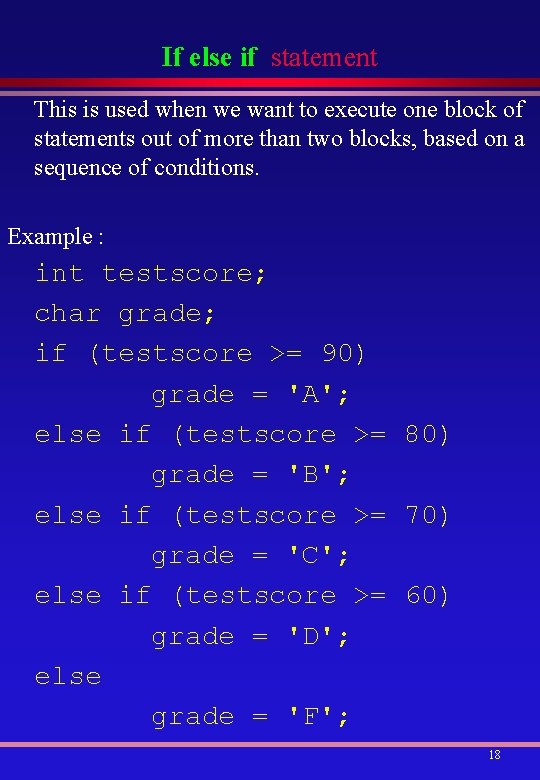
If else if statement This is used when we want to execute one block of statements out of more than two blocks, based on a sequence of conditions. Example : int testscore; char grade; if (testscore >= 90) grade = 'A'; else if (testscore >= 80) grade = 'B'; else if (testscore >= 70) grade = 'C'; else if (testscore >= 60) grade = 'D'; else grade = 'F'; 18
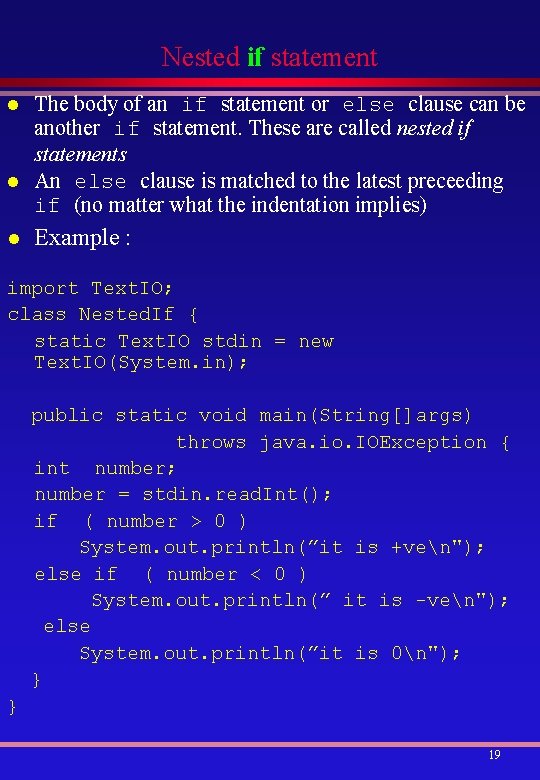
Nested if statement l l l The body of an if statement or else clause can be another if statement. These are called nested if statements An else clause is matched to the latest preceeding if (no matter what the indentation implies) Example : import Text. IO; class Nested. If { static Text. IO stdin = new Text. IO(System. in); public static void main(String[]args) throws java. io. IOException { int number; number = stdin. read. Int(); if ( number > 0 ) System. out. println(”it is +ven"); else if ( number < 0 ) System. out. println(” it is -ven"); else System. out. println(”it is 0n"); } } 19
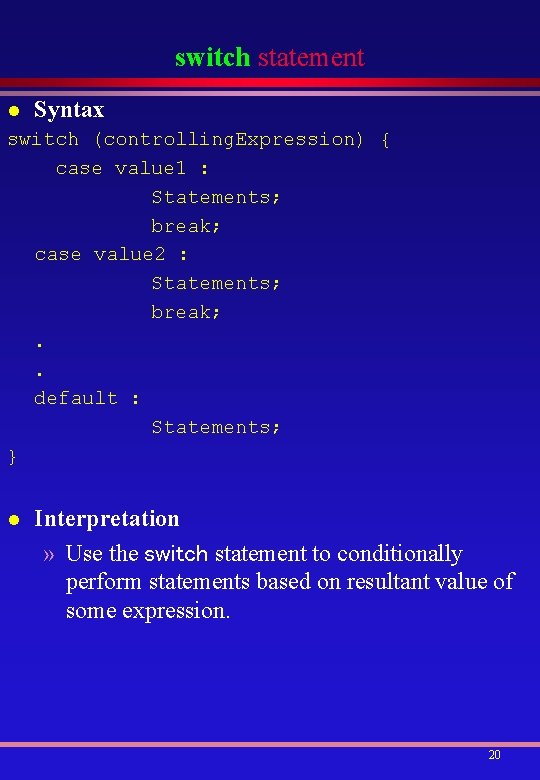
switch statement l Syntax switch (controlling. Expression) { case value 1 : Statements; break; case value 2 : Statements; break; . . default : Statements; } l Interpretation » Use the switch statement to conditionally perform statements based on resultant value of some expression. 20
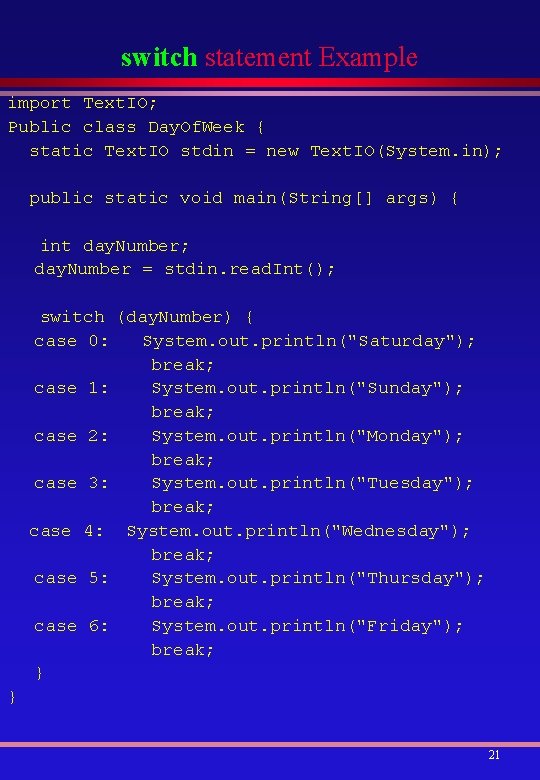
switch statement Example import Text. IO; Public class Day. Of. Week { static Text. IO stdin = new Text. IO(System. in); public static void main(String[] args) { int day. Number; day. Number = stdin. read. Int(); switch (day. Number) { case 0: System. out. println("Saturday"); break; case 1: System. out. println("Sunday"); break; case 2: System. out. println("Monday"); break; case 3: System. out. println("Tuesday"); break; case 4: System. out. println("Wednesday"); break; case 5: System. out. println("Thursday"); break; case 6: System. out. println("Friday"); break; } } 21
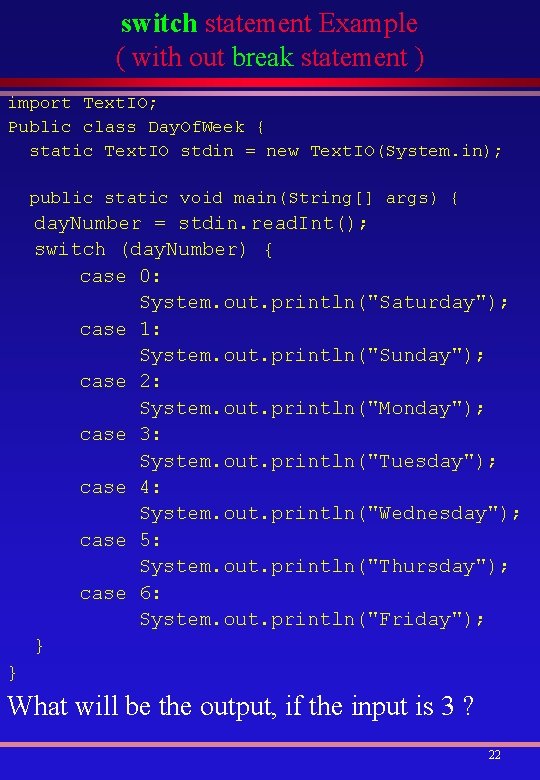
switch statement Example ( with out break statement ) import Text. IO; Public class Day. Of. Week { static Text. IO stdin = new Text. IO(System. in); public static void main(String[] args) { day. Number = stdin. read. Int(); switch (day. Number) { case 0: System. out. println("Saturday"); case 1: System. out. println("Sunday"); case 2: System. out. println("Monday"); case 3: System. out. println("Tuesday"); case 4: System. out. println("Wednesday"); case 5: System. out. println("Thursday"); case 6: System. out. println("Friday"); } } What will be the output, if the input is 3 ? 22
- Slides: 22