
Basic concepts In its most basic form MATLAB
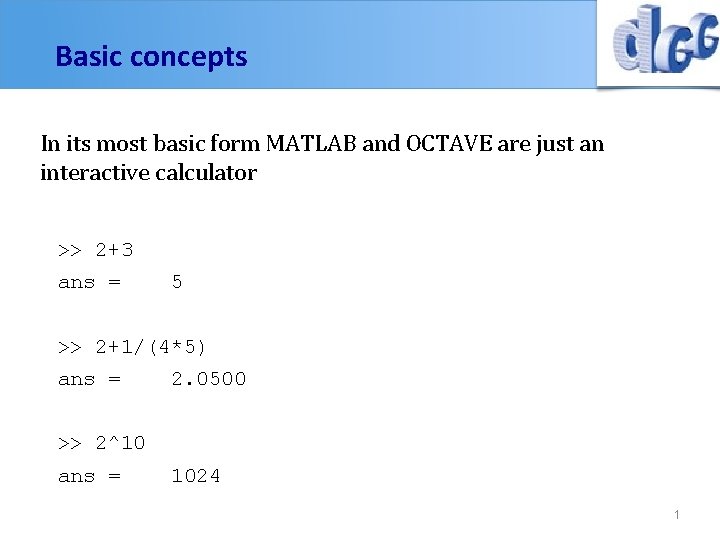
Basic concepts In its most basic form MATLAB and OCTAVE are just an interactive calculator >> 2+3 ans = 5 >> 2+1/(4*5) ans = 2. 0500 >> 2^10 ans = 1024 1
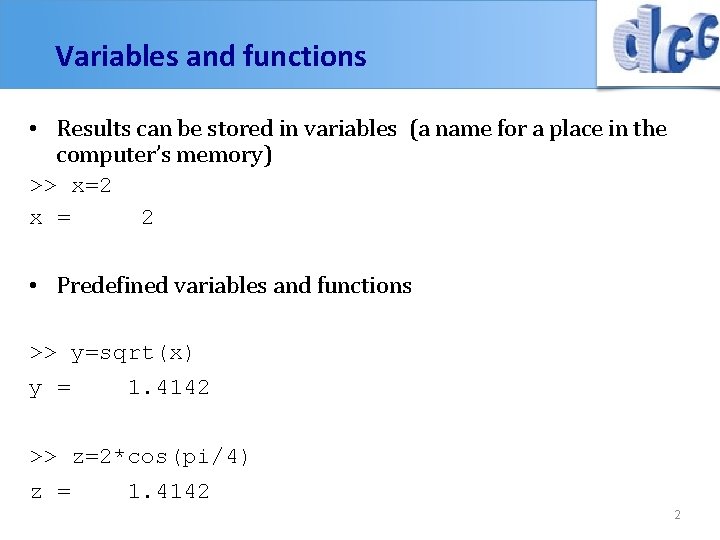
Variables and functions • Results can be stored in variables (a name for a place in the computer’s memory) >> x=2 x = 2 • Predefined variables and functions >> y=sqrt(x) y = 1. 4142 >> z=2*cos(pi/4) z = 1. 4142 2
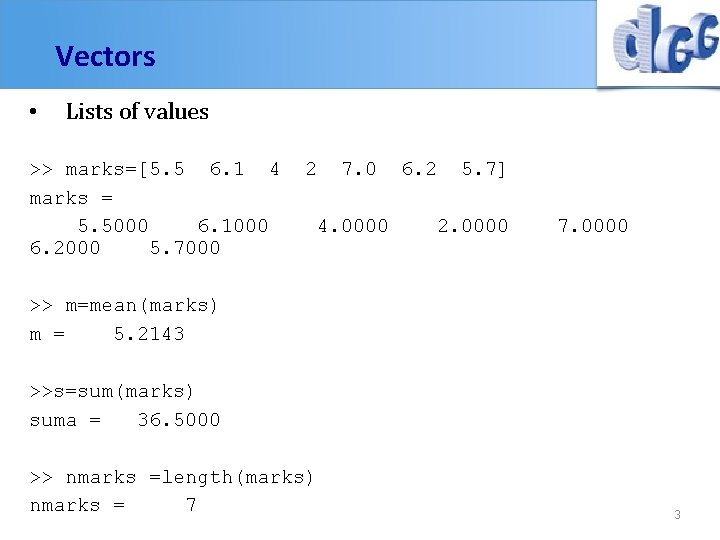
Vectors • Lists of values >> marks=[5. 5 6. 1 4 marks = 5. 5000 6. 1000 6. 2000 5. 7000 2 7. 0 4. 0000 6. 2 5. 7] 2. 0000 7. 0000 >> m=mean(marks) m = 5. 2143 >>s=sum(marks) suma = 36. 5000 >> nmarks =length(marks) nmarks = 7 3
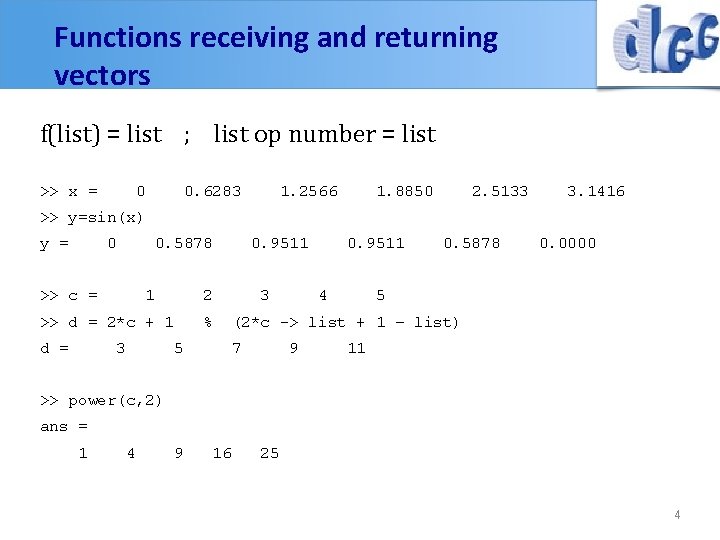
Functions receiving and returning vectors f(list) = list ; list op number = list >> x = 0 0. 6283 1. 2566 1. 8850 2. 5133 3. 1416 >> y=sin(x) y = 0 0. 5878 >> c = 1 2 >> d = 2*c + 1 d = 3 0. 9511 % 3 0. 9511 4 0. 5878 0. 0000 5 5 (2*c -> list + 1 – list) 7 9 11 >> power(c, 2) ans = 1 4 9 16 25 4
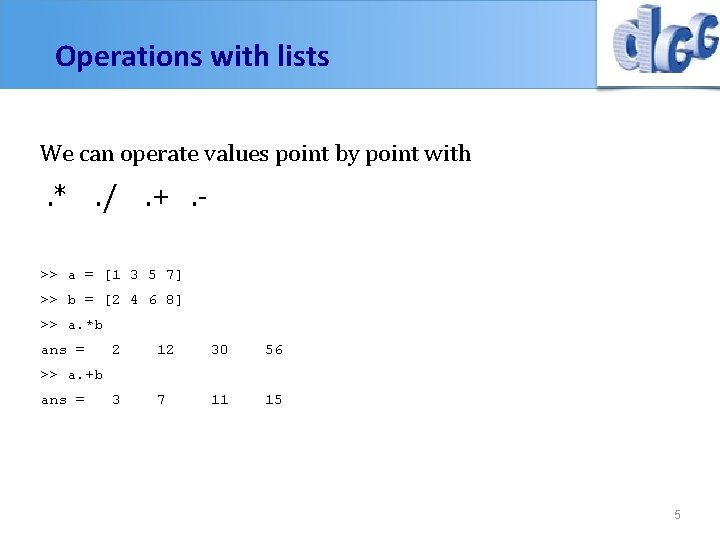
Operations with lists We can operate values point by point with . *. /. +. >> a = [1 3 5 7] >> b = [2 4 6 8] >> a. *b ans = 2 12 30 56 3 7 11 15 >> a. +b ans = 5
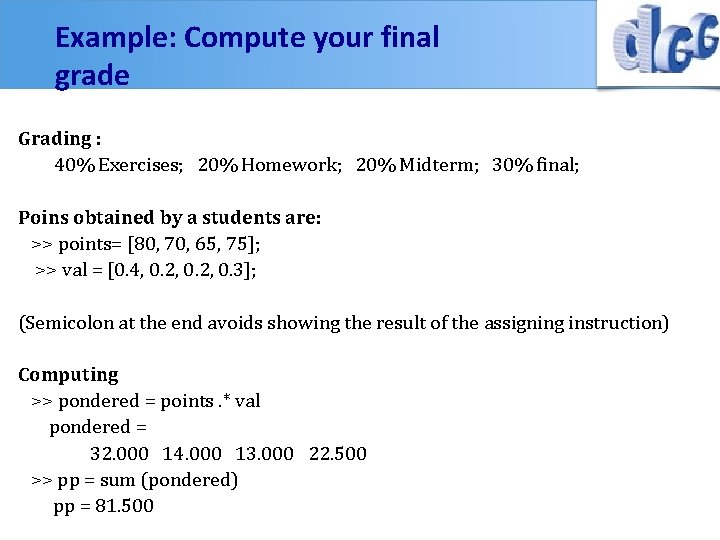
Example: Compute your final grade Grading : 40% Exercises; 20% Homework; 20% Midterm; 30% final; Poins obtained by a students are: >> points= [80, 70, 65, 75]; >> val = [0. 4, 0. 2, 0. 3]; (Semicolon at the end avoids showing the result of the assigning instruction) Computing >> pondered = points. * val pondered = 32. 000 14. 000 13. 000 22. 500 >> pp = sum (pondered) pp = 81. 500
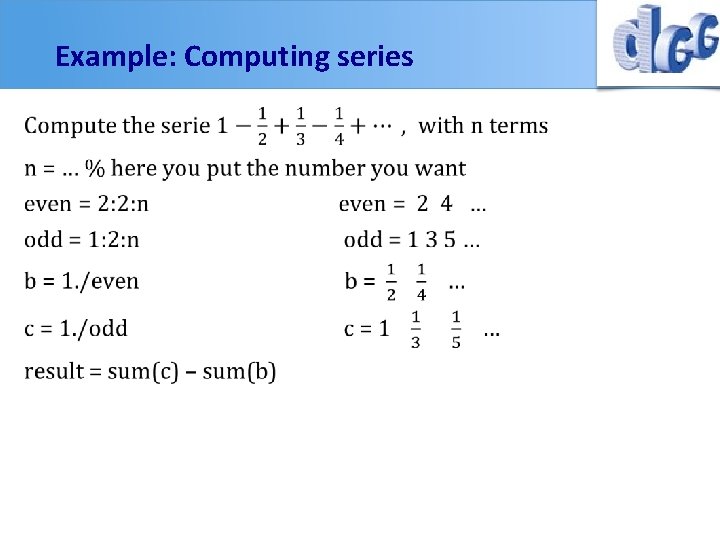
Example: Computing series
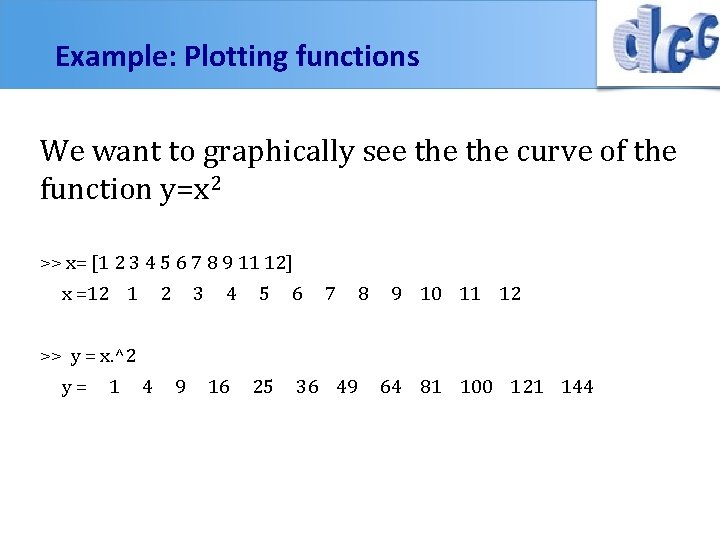
Example: Plotting functions We want to graphically see the curve of the function y=x 2 >> x= [1 2 3 4 5 6 7 8 9 11 12] x =12 1 2 3 4 5 6 7 8 9 10 11 12 >> y = x. ^2 y= 1 4 9 16 25 36 49 64 81 100 121 144
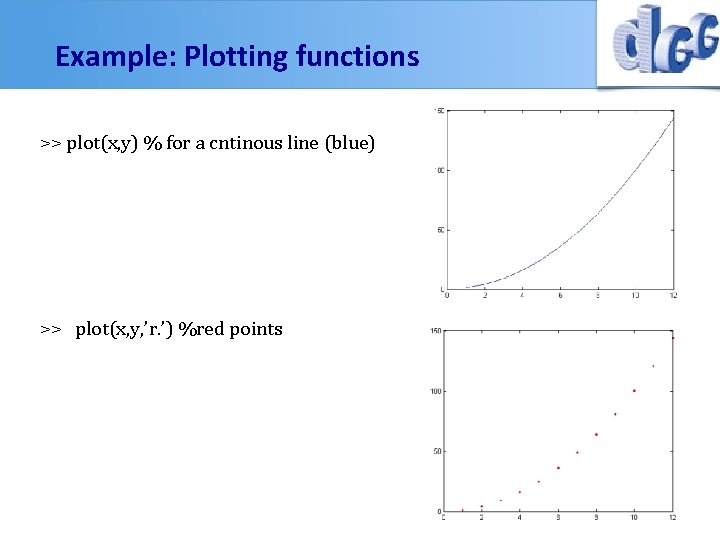
Example: Plotting functions >> plot(x, y) % for a cntinous line (blue) >> plot(x, y, ’r. ’) %red points
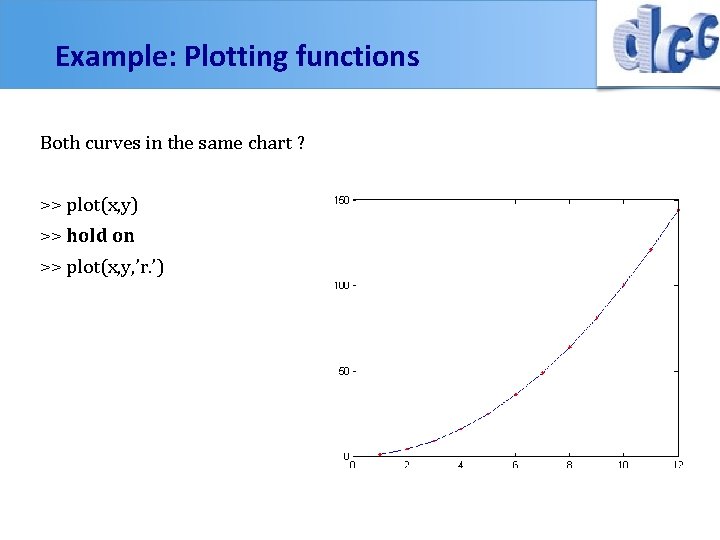
Example: Plotting functions Both curves in the same chart ? >> plot(x, y) >> hold on >> plot(x, y, ’r. ’)
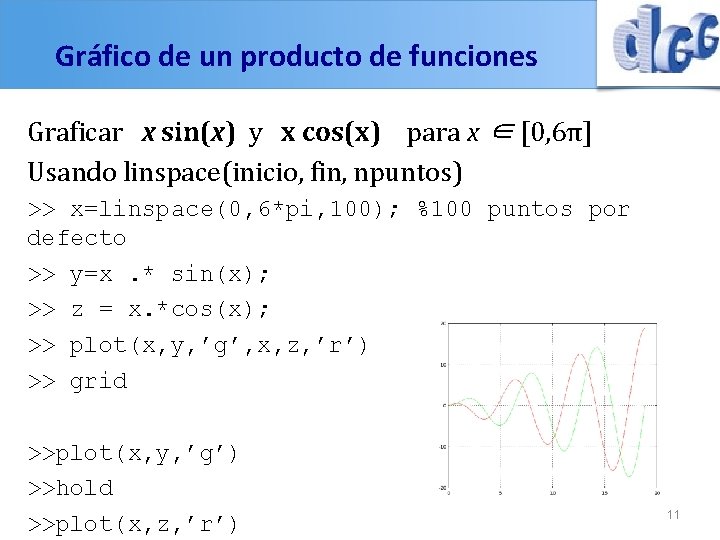
Gráfico de un producto de funciones Graficar x sin(x) y x cos(x) para x ∈ [0, 6π] Usando linspace(inicio, fin, npuntos) >> x=linspace(0, 6*pi, 100); %100 puntos por defecto >> y=x. * sin(x); >> z = x. *cos(x); >> plot(x, y, ’g’, x, z, ’r’) >> grid >>plot(x, y, ’g’) >>hold >>plot(x, z, ’r’) 11
Options for plotting Various line types, plot symbols and colors may be obtained with PLOT(X, Y, S) where S is a character string made from one element from any or all the following 3 columns: b g r c m y k w blue green red cyan magenta yellow black white . point o circle x x-mark + plus * star s square d diamond v triangle (down) ^ triangle (up) < triangle (left) > triangle (right) p pentagram h hexagram - solid : dotted -. dashdot -- dashed (none) no line For example, PLOT(X, Y, 'c+: ') plots a cyan dotted line with a plus at each data point; PLOT(X, Y, 'bd') plots blue diamond at each data point but does not draw any line.
- Slides: 12