
Basic Computer Concepts Software Programs and Support Modules
Basic Computer Concepts Software, Programs and Support Modules Ø Software comprises of computer programs , support modules, and data modules that work together in order to provide a computer with the instructions and data necessary for carrying out a specific type of task Program v a set of instructions that tells a computer how to solve a problem or carry out a task v Ø Ø Support Module v v Software Basics provides an auxiliary set of instructions that can be used in conjunction with the main software program not designed to be run by the computer user
Basic Computer Concepts Software, Programs and Support Modules Why does a software requires so many files? Ø Ø Most software packages include at least one executable program file, several support modules, and one or more data modules. It is for the programmers’ great deal of flexibility and efficiency. Most of the support modules contain “generic” program instructions that can be used to work with various programs. These techniques affect the process of installing and uninstalling software. Software Basics
Basic Computer Concepts How Software Works How does a high-level language relate to the microprocessor’s instruction set? Ø Ø Ø Machine language is the only language that can be understood by a computer’s microprocessor. Instructions written in a high level language must be translated into machine language before a computer can use them. A special type of programs called translators, convert instructions from a high-level language into machine language. Software Basics
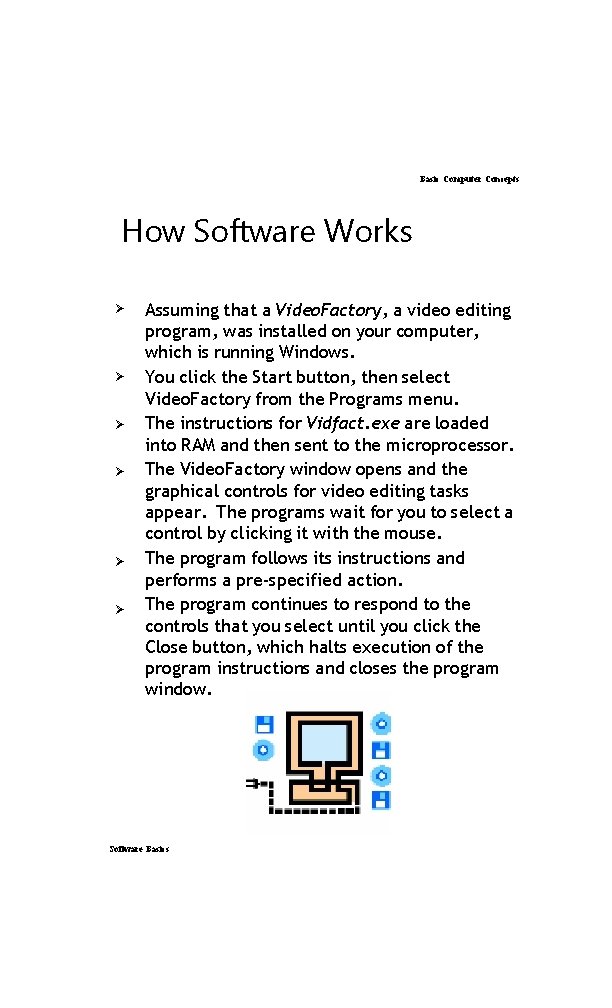
Basic Computer Concepts How Software Works Ø Ø Ø Assuming that a Video. Factory, a video editing program, was installed on your computer, which is running Windows. You click the Start button, then select Video. Factory from the Programs menu. The instructions for Vidfact. exe are loaded into RAM and then sent to the microprocessor. The Video. Factory window opens and the graphical controls for video editing tasks appear. The programs wait for you to select a control by clicking it with the mouse. The program follows its instructions and performs a pre-specified action. The program continues to respond to the controls that you select until you click the Close button, which halts execution of the program instructions and closes the program window. Software Basics
- Slides: 4