
BASECAMP TUTORIAL 2011 501 Commons WHAT IS BASECAMP
BASECAMP TUTORIAL 2011 501 Commons
WHAT IS BASECAMP? Basecamp is an electronic project notebook or file drawer A Basecamp folder has been set up for each project Everyone who is working on the project has access to the folder. Result: coordination and collaboration
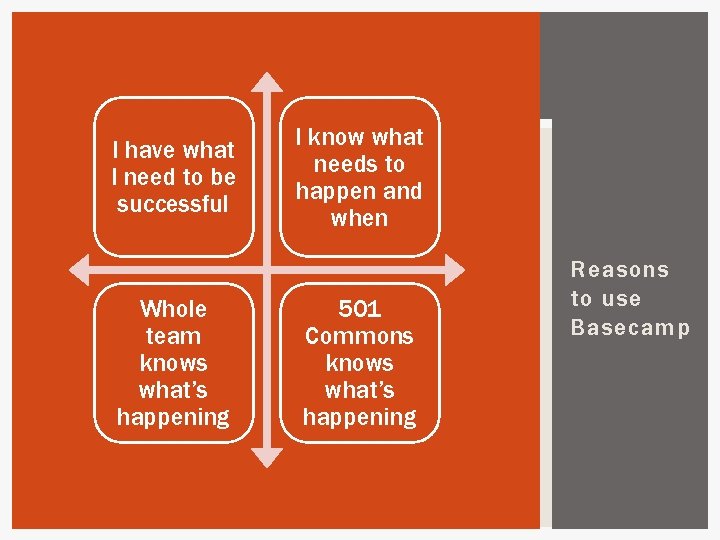
I have what I need to be successful Whole team knows what’s happening I know what needs to happen and when 501 Commons knows what’s happening Reasons to use Basecamp
BENEFITS OF BASECAMP Easy access to § § Contact info Schedule /due dates Tools, templates, & resources Messages related to project
![BENEFITS OF BASECAMP Reduces confusion § § Know if you are editing [looking at]the](http://slidetodoc.com/presentation_image_h2/00ed71ff9f91744ae873248227f93106/image-5.jpg "BENEFITS OF BASECAMP Reduces confusion § § Know if you are editing [looking at]the")
BENEFITS OF BASECAMP Reduces confusion § § Know if you are editing [looking at]the latest version of a document Locate files notes/information from meetings Easy communication with your 501 Commons program manager = More impact in less time!
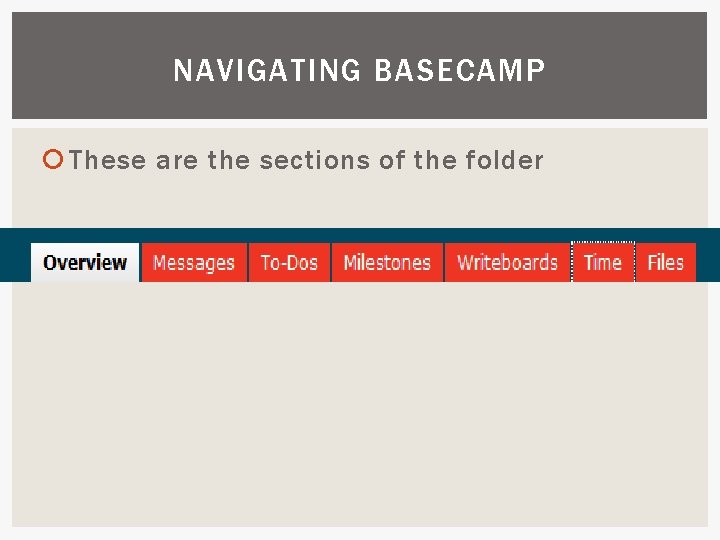
NAVIGATING BASECAMP These are the sections of the folder
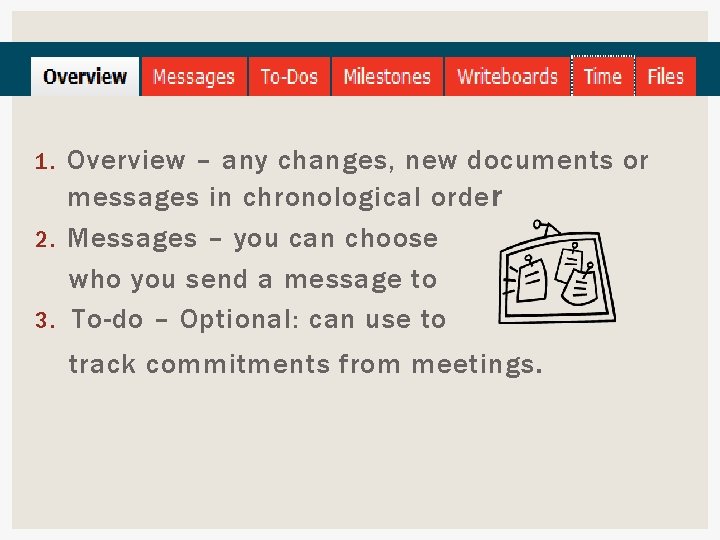
Overview – any changes, new documents or messages in chronological orde r 2. Messages – you can choose who you send a message to 3. To-do – Optional: can use to 1. track commitments from meetings.
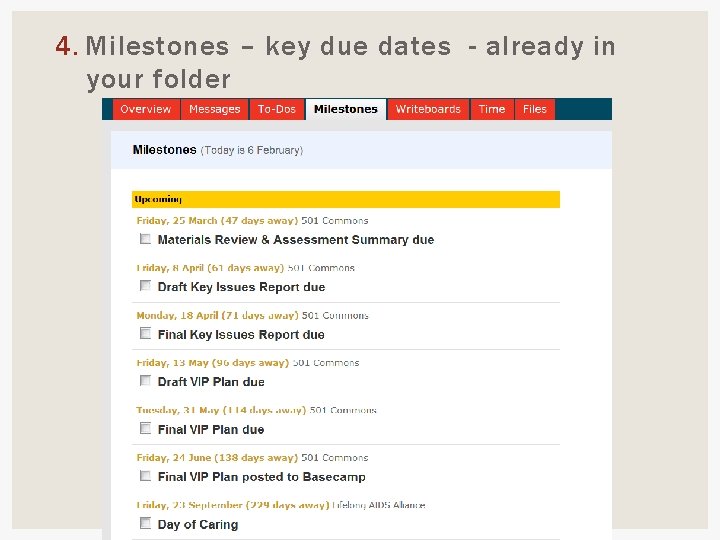
4. Milestones – key due dates - already in your folder
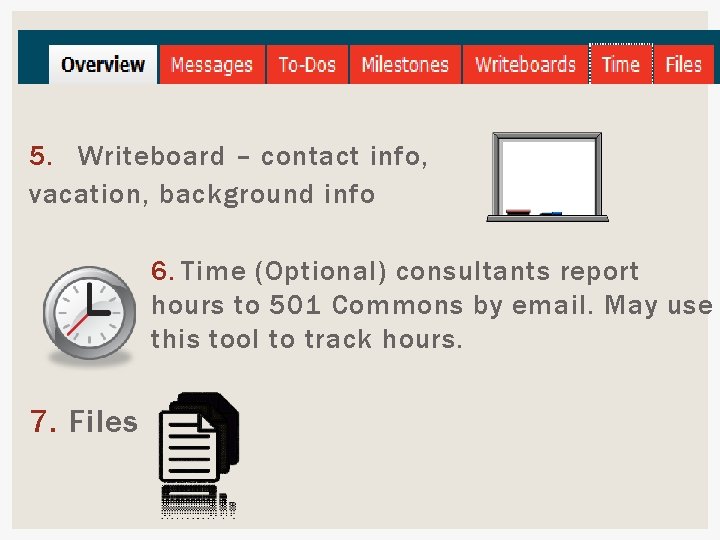
5. Writeboard – contact info, vacation, background info 6. Time (Optional) consultants report hours to 501 Commons by email. May use this tool to track hours. 7. Files
SENDING MESSAGES ON BASECAMP Log in to basecamp Create a message § Send Message or § Start a message and attached a document § Choose those who should see the message Add a comment to another message
BASECAMP MESSAGES VS. EMAIL Use Basecamp Messages instead of email Except for coordinating a meeting; then consider using § Doodle: doodle. com § Meeting Wizard: meetingwizard. com Why not email? § Basecamp keeps all project communications in one folder for everyone
BASECAMP MESSAGES When a message is posted to Basecamp and the sender chooses to send it to you…you get an email notification. It is best to log in to Basecamp to read/reply to the message If you use the “Reply Above the Line” option in an email notification, it goes to everyone the message was sent to. You are not replying just to the sender.
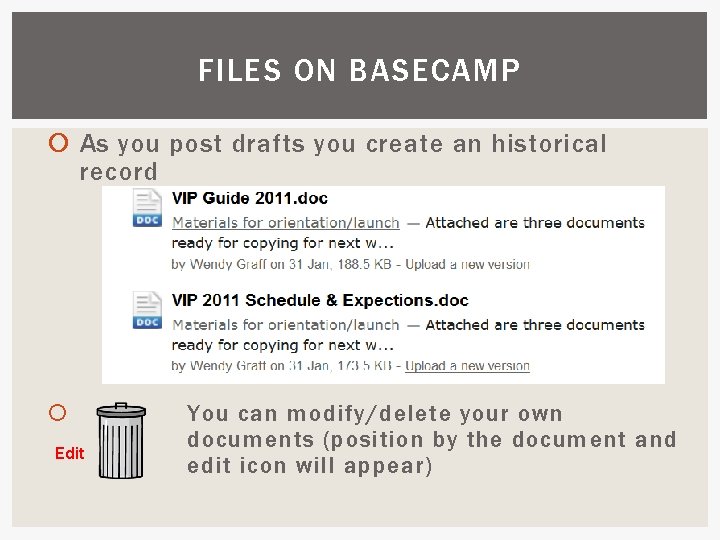
FILES ON BASECAMP As you post drafts you create an historical record Edit You can modify/delete your own documents (position by the document and edit icon will appear)
DOCUMENT VERSIONS To edit a document, download the most recent version, make changes, rename it, and upload it for others to review. NOTE: Basecamp does not support simultaneous editing by multiple people.
![NAMING DOCUMENTS Use this naming structure: [Name of Organization] [Program] [Document] [date] [initials of](http://slidetodoc.com/presentation_image_h2/00ed71ff9f91744ae873248227f93106/image-15.jpg "NAMING DOCUMENTS Use this naming structure: [Name of Organization] [Program] [Document] [date] [initials of")
NAMING DOCUMENTS Use this naming structure: [Name of Organization] [Program] [Document] [date] [initials of sender] Community Food VIP Key Issues Report 3 -2511 BG Arts for All Springboard Plan 6 -21 -11 EF
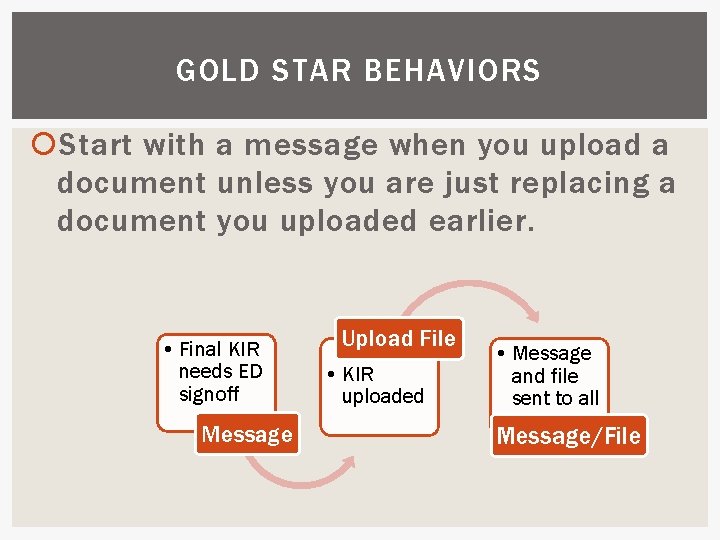
GOLD STAR BEHAVIORS Start with a message when you upload a document unless you are just replacing a document you uploaded earlier. • Final KIR needs ED signoff Message Upload File • KIR uploaded • Message and file sent to all Message/File
GOLD STAR BEHAVIORS At the beginning & end of each meeting check in on To-Do’s & Milestones (refer to BC or the schedule & expectations) Keep all versions of all documents on BC. (You can edit/delete your own docs. )
ACCESSING BASECAMP Open your Web browser to log in: https: //501 commons. basecamphq. com § Bookmark the site § Log in and change your password to something easy to remember § Set you browser to remember the password There are mobile apps for smart phones
HOW TO GET HELP Go the 501 Commons. org Volunteer>Service Corps Resources Watch the four 5 -minute videos § Setting up your account § Getting comfortable navigating Basecamp § Sending messages in Basecamp § Using Basecamp to track milestones and to-dos. You will be a power user in no time!
HOW TO GET HELP Need additional assistance? § This PPT is on the same page § Basecamp online help § Contact your project manager § Springboard: Emily Morgan, Coordinator, emily@501 Commons. org
- Slides: 20