
Barcode 103 Code 128 Barcode Agenda Overview Standards
Barcode 103 Code 128 Barcode
Agenda • • Overview Standards Basic parts of the code 128 barcode Changing Character Sets
Skills • You will; – Be able to indentify several organizations that use the 128 barcode – Be able to find information about the 128 code – Have an understanding of the parts of a 128 barcode – Be able to find information regarding the 128 barcode in the ZPL Programmer’s Guide – Understand the different subsets and be able to direct a caller to where to find additional information regarding subsets.
General Information Introduction to the 128 barcode
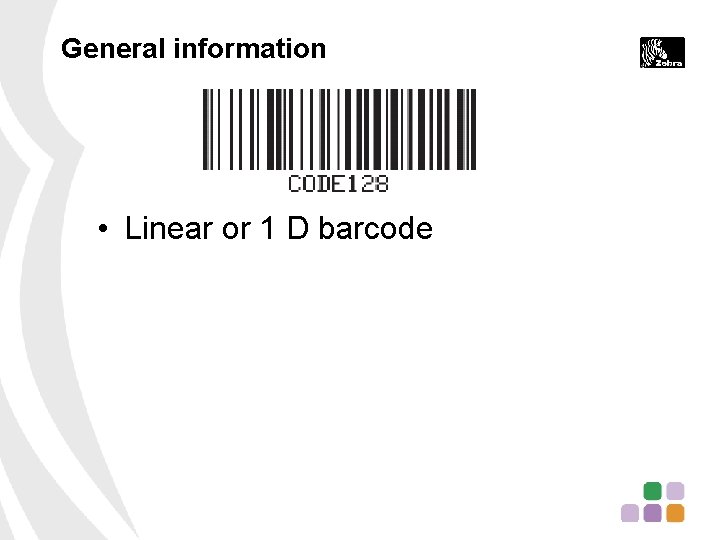
General information • Linear or 1 D barcode

General information • Linear or 1 D barcode • Compact encoding of data
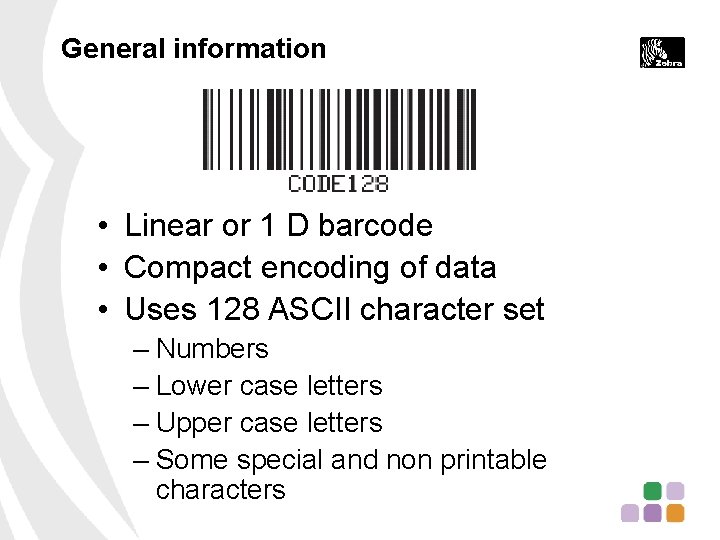
General information • Linear or 1 D barcode • Compact encoding of data • Uses 128 ASCII character set – Numbers – Lower case letters – Upper case letters – Some special and non printable characters
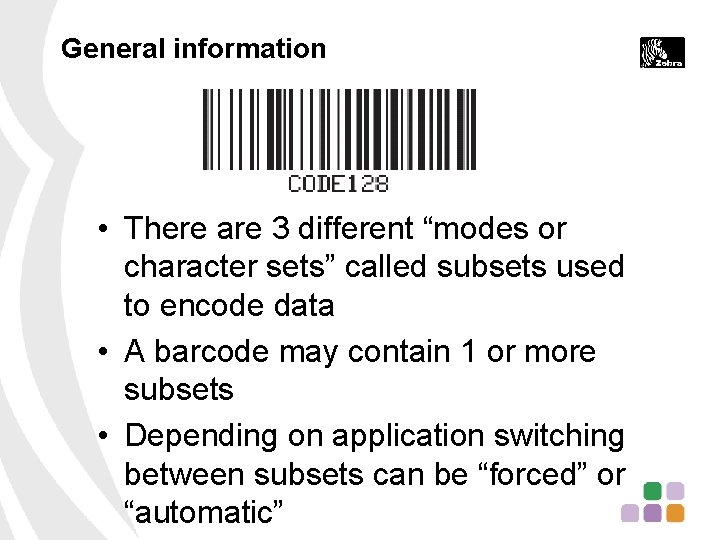
General information • There are 3 different “modes or character sets” called subsets used to encode data • A barcode may contain 1 or more subsets • Depending on application switching between subsets can be “forced” or “automatic”
Organizations that use the 128 barcode Partial list
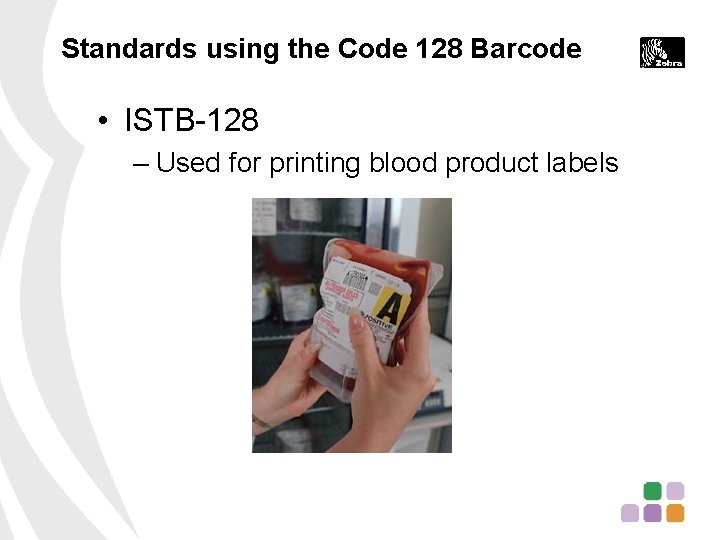
Standards using the Code 128 Barcode • ISTB-128 – Used for printing blood product labels
Standards using the Code 128 Barcode • ISTB-128 – Used for printing blood product labels • GS 1 -128 – New standard replacing the UCC-128 & EAN-128 – http: //www. gs 1 -us. info/ • UCC-128 – Replaced by GS-1 • EAN-128 – Replaced by GS-1
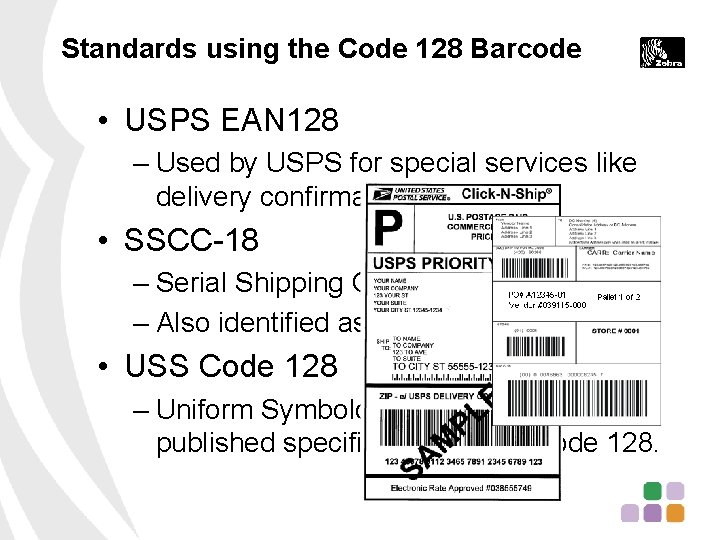
Standards using the Code 128 Barcode • USPS EAN 128 – Used by USPS for special services like delivery confirmation • SSCC-18 – Serial Shipping Container Code – Also identified as EAN-18 • USS Code 128 – Uniform Symbology Specification is the published specification for the Code 128.
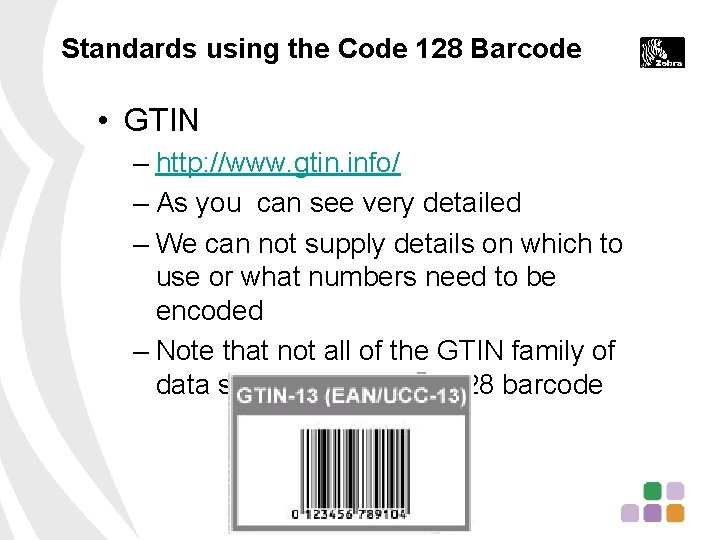
Standards using the Code 128 Barcode • GTIN – http: //www. gtin. info/ – As you can see very detailed – We can not supply details on which to use or what numbers need to be encoded – Note that not all of the GTIN family of data structures use the 128 barcode
Best way to get some quick information • Open Internet Explorer or other browser • Search on barcode (UCC 128) • Find a link that mentions something about the specification – May be a; • Software provider • Standards organization • This will give you some idea of what they are talking about
Building Blocks to Nits and Grits Programming Strings
Zebra’s ^BC command • ZPL Programmers Guide – https: //support. zebra. com/cpws/docs/zpl /13979 l-005 ra_f. pdf – When working with ZPL commands “Best Practice” is to use the ZPL manual that matches firmware level on the printer. • Starts on page 74 in the X. 14 guide – 12 pages of information regarding use of ^BC
Basic parts • Quiet zones • Start Character (Mode dependent) • Data digits • Modulus 103 check digit • Stop character
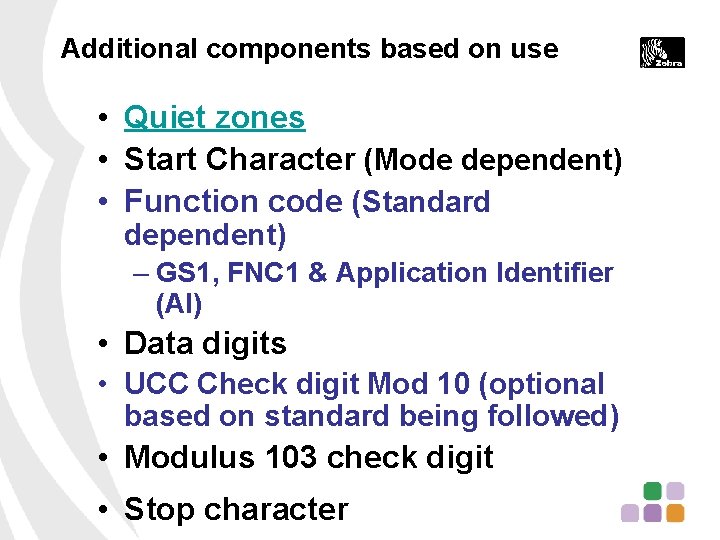
Additional components based on use • Quiet zones • Start Character (Mode dependent) • Function code (Standard dependent) – GS 1, FNC 1 & Application Identifier (AI) • Data digits • UCC Check digit Mod 10 (optional based on standard being followed) • Modulus 103 check digit • Stop character
Note Regarding ^BY command • Used to set – Module width in dots – Wide bar to narrow bar ratio – Bar code height • Some barcodes like the 128 have fixed ratios and ignore the ratio parameter

Some code 128 specifications • Each character contains 3 bars and 3 spaces • Each character is 11 units wide • A bar or space is 1 to 4 units wide • The “ 1 Unit” module width is set in dots by the ^BY command our printer then controls width of the other units • Character set information chart – http: //www. code 128 barcodes. com/Code-128 -character-set. html – ZPL Reference Guide
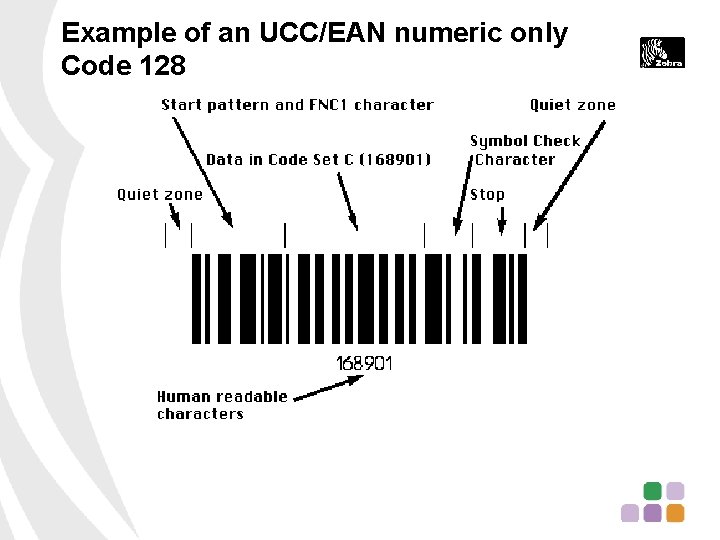
Example of an UCC/EAN numeric only Code 128
Typical ZPL question Switching between Codes or Subsets And How do I add an HT (Horizontal Tab or Tab) to my data string?
ZPL Guide • There are 14 pages of information regarding the 128 code barcode in the current guide PN 13979 L-010 RA • Many of the others only have 1 -4 pages • 128 is the most detailed and easiest to get turned around in unless you work though it step by step – Keep this in mind when you get a call.
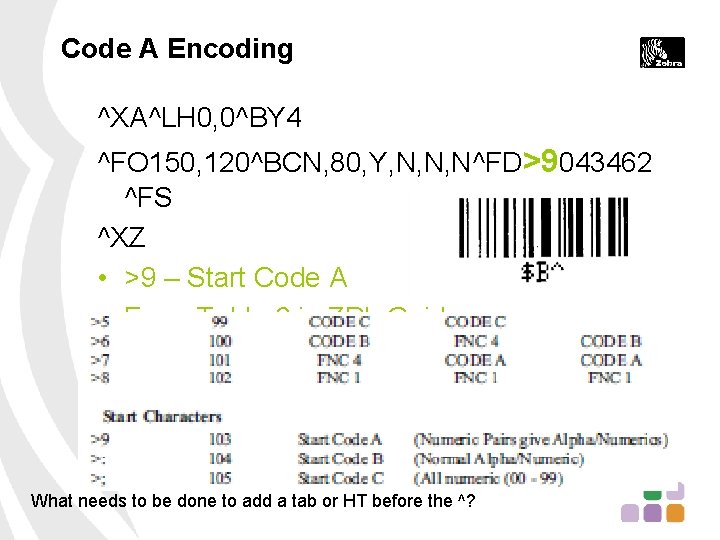
Code A Encoding ^XA^LH 0, 0^BY 4 ^FO 150, 120^BCN, 80, Y, N, N, N^FD>9043462 ^FS ^XZ • >9 – Start Code A • From Table 6 in ZPL Guide What needs to be done to add a tab or HT before the ^?
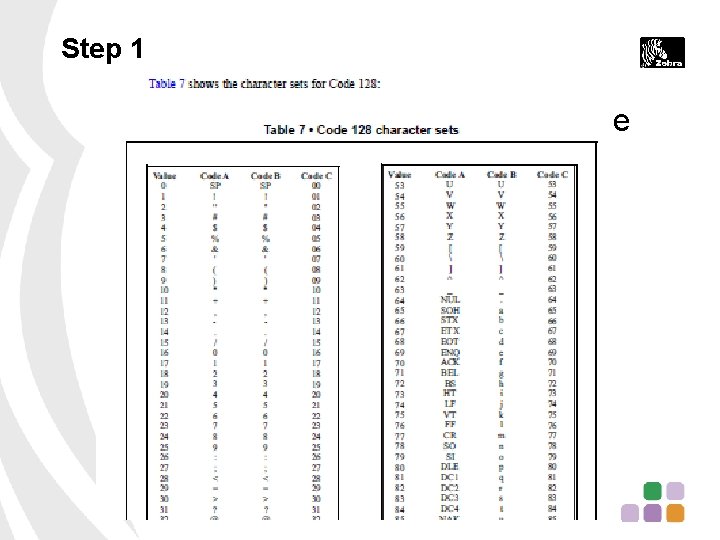
Step 1 • What is the subset that contains the HT or Tab character?
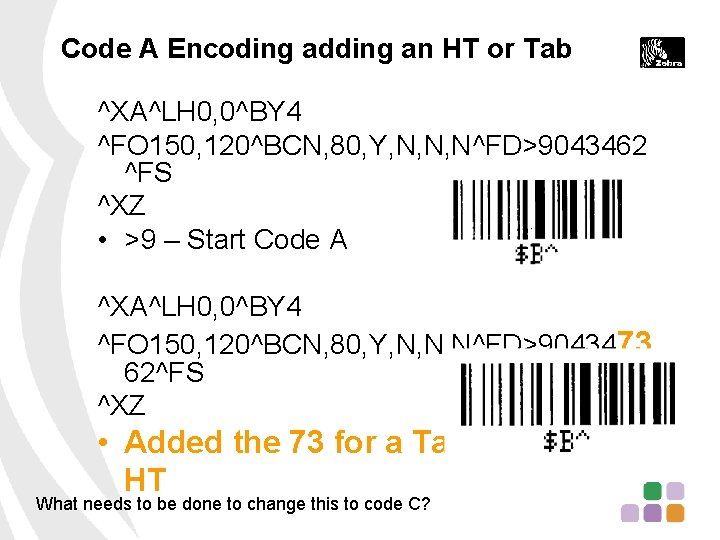
Code A Encoding adding an HT or Tab ^XA^LH 0, 0^BY 4 ^FO 150, 120^BCN, 80, Y, N, N, N^FD>9043462 ^FS ^XZ • >9 – Start Code A ^XA^LH 0, 0^BY 4 ^FO 150, 120^BCN, 80, Y, N, N, N^FD>9043473 62^FS ^XZ • Added the 73 for a Tab or HT What needs to be done to change this to code C?
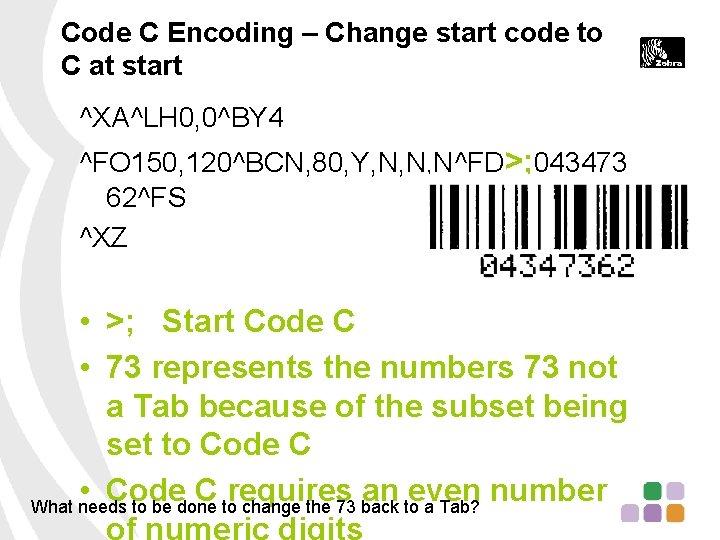
Code C Encoding – Change start code to C at start ^XA^LH 0, 0^BY 4 ^FO 150, 120^BCN, 80, Y, N, N, N^FD>; 043473 62^FS ^XZ • >; Start Code C • 73 represents the numbers 73 not a Tab because of the subset being set to Code C • Code C requires an even number What needs to be done to change the 73 back to a Tab? of numeric digits
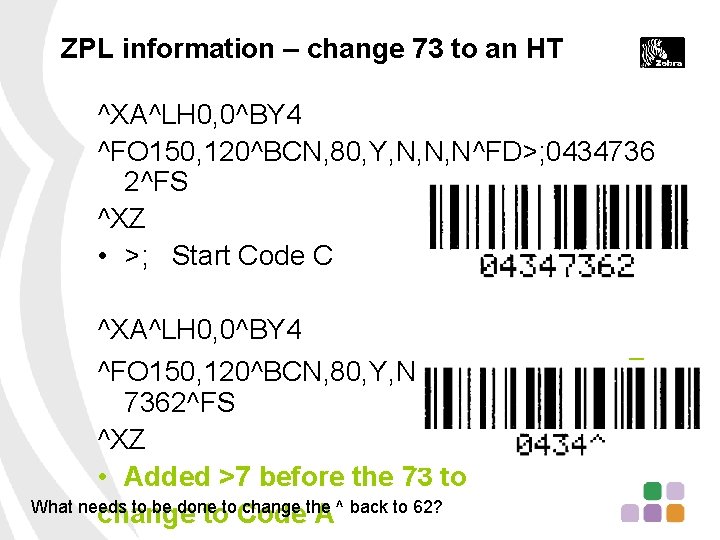
ZPL information – change 73 to an HT ^XA^LH 0, 0^BY 4 ^FO 150, 120^BCN, 80, Y, N, N, N^FD>; 0434736 2^FS ^XZ • >; Start Code C ^XA^LH 0, 0^BY 4 ^FO 150, 120^BCN, 80, Y, N, N, N^FD>; 0434>7 7362^FS ^XZ • Added >7 before the 73 to What needs to be done to change the ^ back to 62? change to Code A

ZPL information – Change to Code A to tab & back to Code C ^XA^LH 0, 0^BY 4 ^FO 150, 120^BCN, 80, Y, N, N, N^FD>; 043 4>773>562^FS ^XZ • >; forces Code C to start • >7 changes to Code A • >5 changes back to Code C
Review
Review of Basic parts • Quiet Zones before and after • Start Character • Function code – Standard dependent – “FNC 1” for the GS 1 -128 (old UCC/EAN 128) • Data digits – Just numbers – Numbers and Letters – Data and control digits • Mod 10 check digit (in some standards) • Mod 103 check digit • Stop character
Do you have these skills? • Be able to indentify several organizations that use the 128 barcode • Be able to find information about the 128 code • Have an understanding of the parts of a 128 barcode • Be able to find information regarding the 128 barcode subsets in the ZPL Programmer’s Guide

Final thoughts

Applying this to other barcode symbologies • Not all of the other symbologies are this detailed • All will contain start &/or stop bits • Barcode specifications vary by symbology • A symbology may be used by many organizations for many different purposes • Picket fence barcodes will have straighter edges on the bars than
Want can Zebra help with • We are not responsible for verifying the data in a barcode • We are not in a position to recommend a symbology to a caller

Want can Zebra help with • We will not design or recommend label design to users for free. We can provide this service as a fee based solution by our Professional Services Group. • We will assist with readability issues as far as darkness settings and other printer related functions
Questions
- Slides: 37