
Bar Code Scanning Senior Capstone Experience By Rachel
Bar Code Scanning Senior Capstone Experience By: Rachel R. Rouse
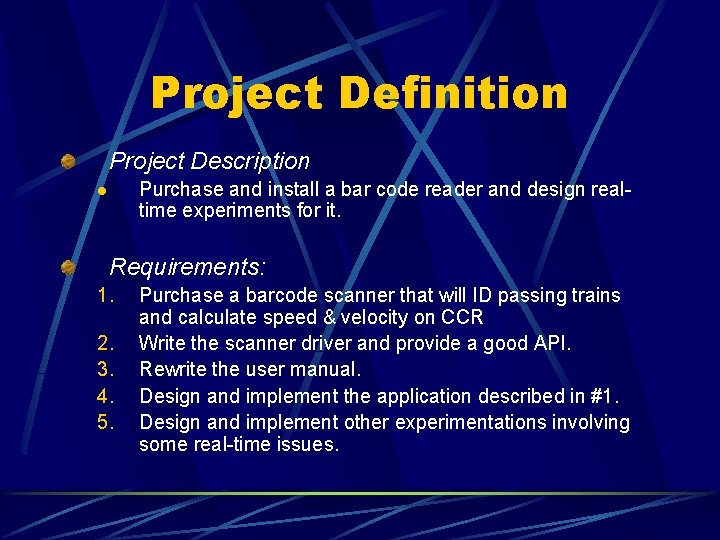
Project Definition Project Description Purchase and install a bar code reader and design realtime experiments for it. l Requirements: 1. 2. 3. 4. 5. Purchase a barcode scanner that will ID passing trains and calculate speed & velocity on CCR Write the scanner driver and provide a good API. Rewrite the user manual. Design and implement the application described in #1. Design and implement other experimentations involving some real-time issues.
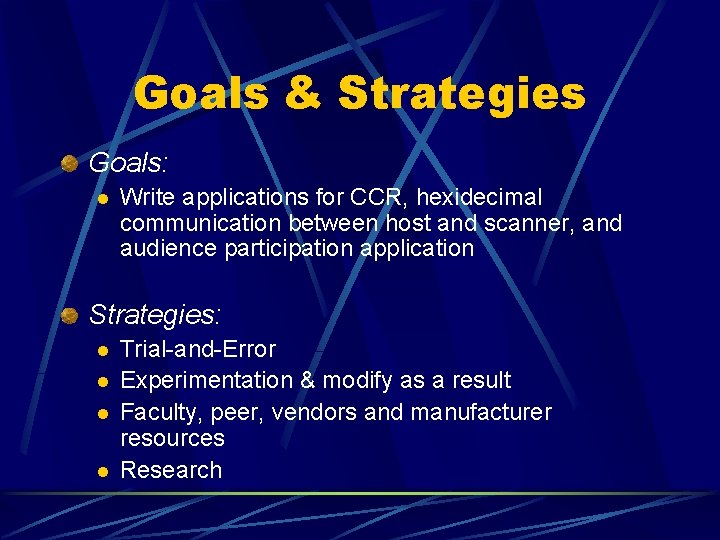
Goals & Strategies Goals: l Write applications for CCR, hexidecimal communication between host and scanner, and audience participation application Strategies: l l Trial-and-Error Experimentation & modify as a result Faculty, peer, vendors and manufacturer resources Research

Three Applications CCR Train Application l Identifies trains, calculates speed, friendly user interface Hexidecimal Communication Application l Establishes communication between host and scanner; allows commands to be sent to scanner MTV Trivia Application l Simple application that will allow the audience to scan bar codes

CCR Train Application Add Train Form Delete Train Form Main form — displayed latest scanned information Edit Train Form History Form Add form — initialized train information Delete form — removed a train from the application Edit Selected Train Form History form — displays the information about the specified pass Edit form — edited the train whose ID came from Edit Train Form
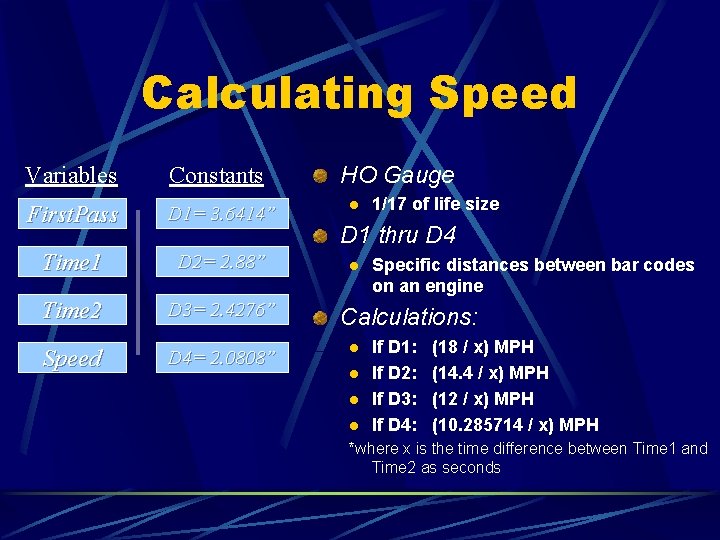
Calculating Speed Variables Constants First. Pass D 1= 3. 6414” Time 1 D 2= 2. 88” Time 2 D 3= 2. 4276” Speed D 4= 2. 0808” HO Gauge l 1/17 of life size D 1 thru D 4 l Specific distances between bar codes on an engine Calculations: l l If D 1: If D 2: If D 3: If D 4: (18 / x) MPH (14. 4 / x) MPH (12 / x) MPH (10. 285714 / x) MPH *where x is the time difference between Time 1 and Time 2 as seconds
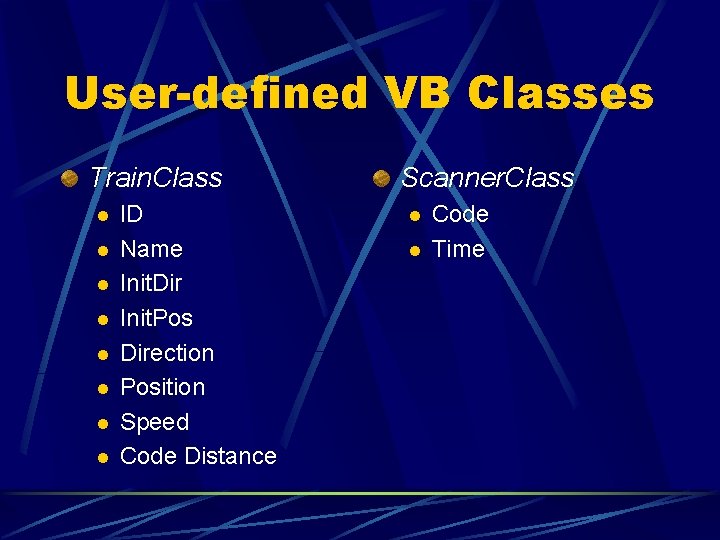
User-defined VB Classes Train. Class l l l l ID Name Init. Dir Init. Pos Direction Position Speed Code Distance Scanner. Class l l Code Time
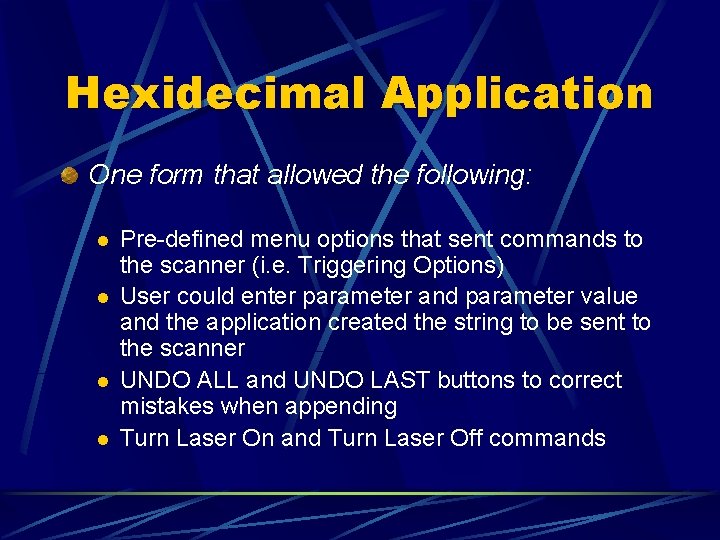
Hexidecimal Application One form that allowed the following: l l Pre-defined menu options that sent commands to the scanner (i. e. Triggering Options) User could enter parameter and parameter value and the application created the string to be sent to the scanner UNDO ALL and UNDO LAST buttons to correct mistakes when appending Turn Laser On and Turn Laser Off commands
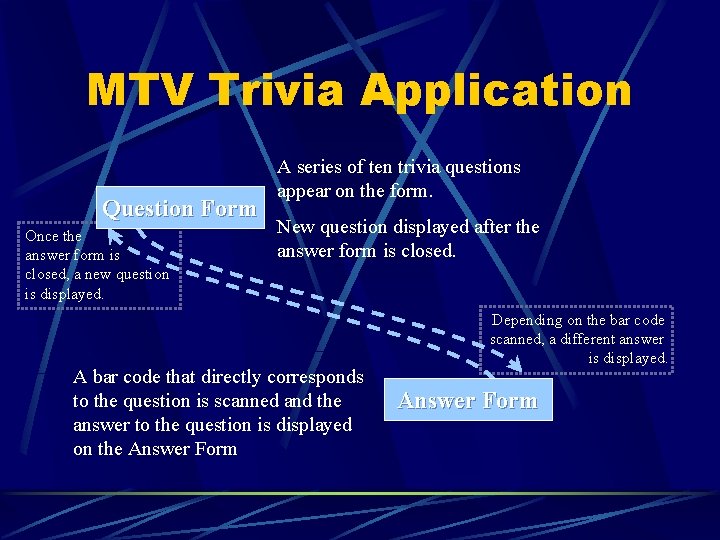
MTV Trivia Application Question Form Once the answer form is closed, a new question is displayed. A series of ten trivia questions appear on the form. New question displayed after the answer form is closed. A bar code that directly corresponds to the question is scanned and the answer to the question is displayed on the Answer Form Depending on the bar code scanned, a different answer is displayed. Answer Form

Future Extensions Creating bar codes without the use of software Writing a DLL specifically for opening and closing ports Purchasing a second scanner to do comparative experiments Developing a new symbology and having the scanner recognize it
Thank You! Rachel R. Rouse
- Slides: 11