
Backup power mode Generator UPS Security Systems 1
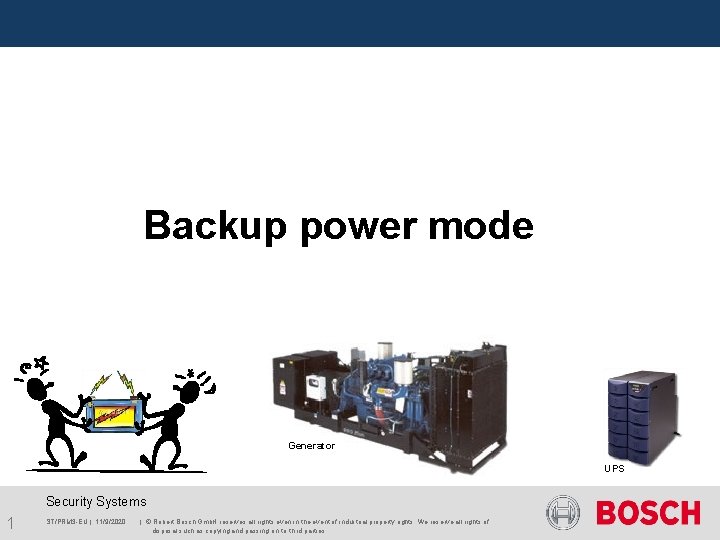
Backup power mode Generator UPS Security Systems 1 ST/PRM 3 -EU | 11/9/2020 | © Robert Bosch Gmb. H reserves all rights even in the event of industrial property rights. We reserve all rights of disposal such as copying and passing on to third parties.
Backup Power mode: Priorities Security Systems 2 ST/PRM 3 -EU | 11/9/2020 | © Robert Bosch Gmb. H reserves all rights even in the event of industrial property rights. We reserve all rights of disposal such as copying and passing on to third parties.
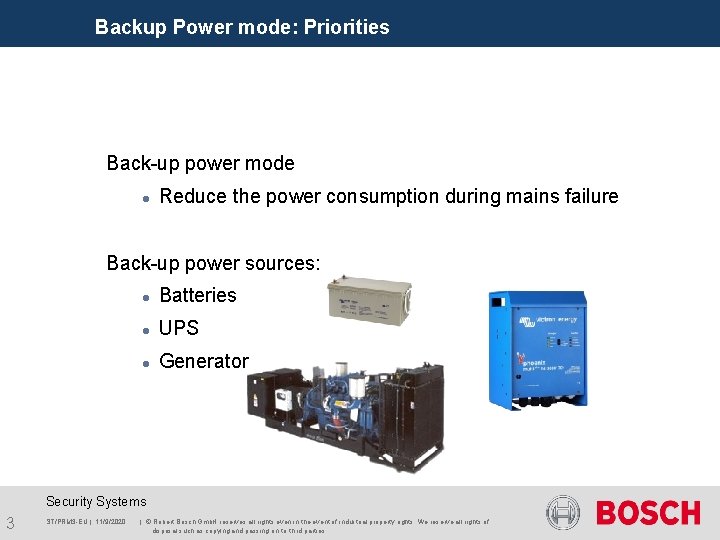
Backup Power mode: Priorities Back-up power mode Reduce the power consumption during mains failure Back-up power sources: Batteries UPS Generator Security Systems 3 ST/PRM 3 -EU | 11/9/2020 | © Robert Bosch Gmb. H reserves all rights even in the event of industrial property rights. We reserve all rights of disposal such as copying and passing on to third parties.
Backup Power mode: Priorities How is the Back-up power mode activated? A NCO, LBB 4401/00, cannot detect a mains failure A NCO, PRS NCO-B, can detect a mains failure! Mains supervision should be switched ON Back-up power mode will not be active!! Amplifiers can detect a mains failure Mains supervision should be switched ON Only this specific amp will be in the Back-up power mode. Security Systems 4 ST/PRM 3 -EU | 11/9/2020 | © Robert Bosch Gmb. H reserves all rights even in the event of industrial property rights. We reserve all rights of disposal such as copying and passing on to third parties.
Backup Power mode: Priorities How is the Back-up power mode activated? There is no difference between mains from the Power company and mains from a generator or UPS Control input; function <Back-up power mode> Triggered from the UPS (contact out) Triggered from the generator (contact out) Security Systems 5 ST/PRM 3 -EU | 11/9/2020 | © Robert Bosch Gmb. H reserves all rights even in the event of industrial property rights. We reserve all rights of disposal such as copying and passing on to third parties.
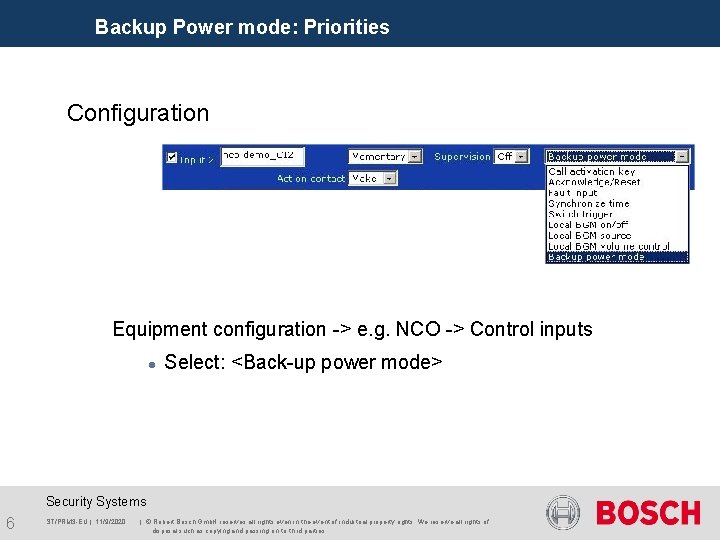
Backup Power mode: Priorities Configuration Equipment configuration -> e. g. NCO -> Control inputs Select: <Back-up power mode> Security Systems 6 ST/PRM 3 -EU | 11/9/2020 | © Robert Bosch Gmb. H reserves all rights even in the event of industrial property rights. We reserve all rights of disposal such as copying and passing on to third parties.
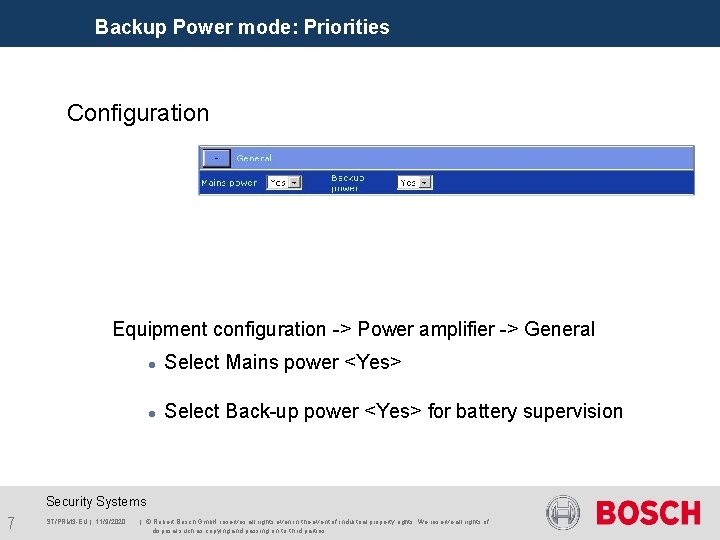
Backup Power mode: Priorities Configuration Equipment configuration -> Power amplifier -> General Select Mains power <Yes> Select Back-up power <Yes> for battery supervision Security Systems 7 ST/PRM 3 -EU | 11/9/2020 | © Robert Bosch Gmb. H reserves all rights even in the event of industrial property rights. We reserve all rights of disposal such as copying and passing on to third parties.
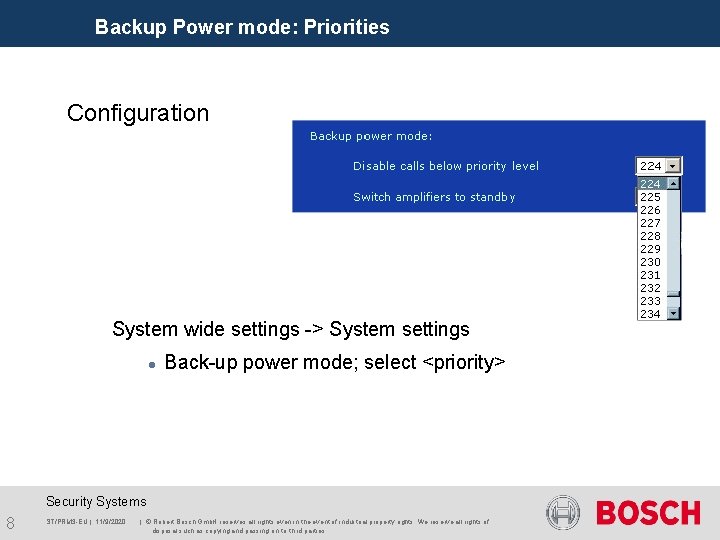
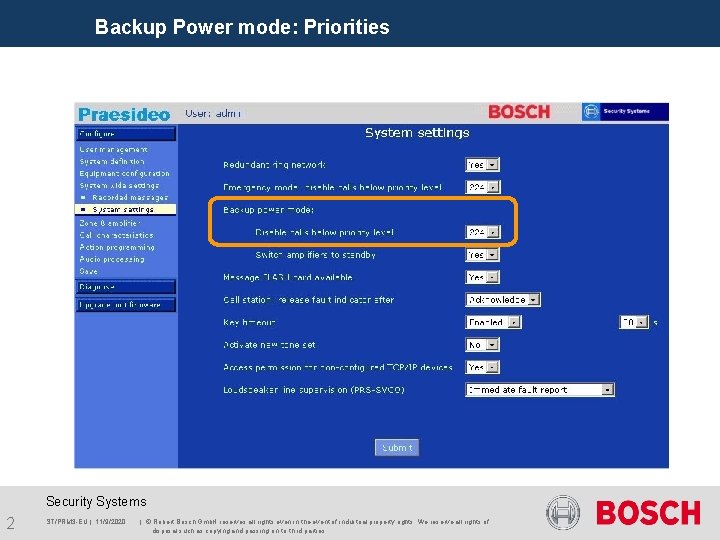
Backup Power mode: Priorities Configuration System wide settings -> System settings Back-up power mode; select <priority> Security Systems 8 ST/PRM 3 -EU | 11/9/2020 | © Robert Bosch Gmb. H reserves all rights even in the event of industrial property rights. We reserve all rights of disposal such as copying and passing on to third parties.
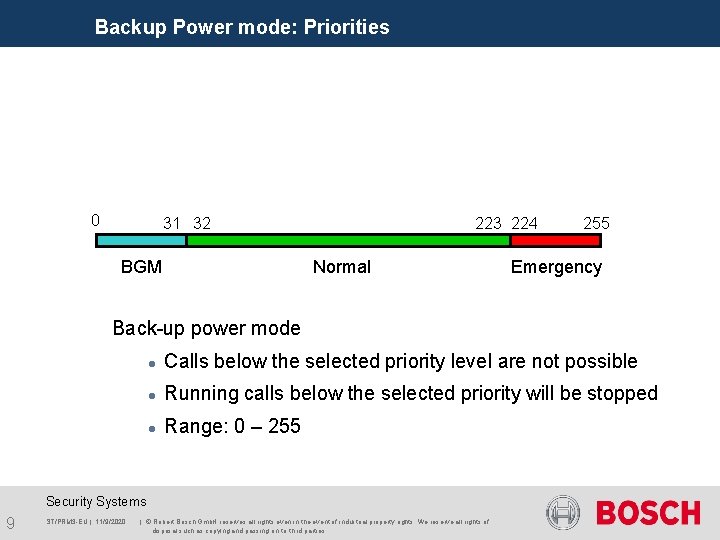
Backup Power mode: Priorities 0 31 32 BGM 223 224 Normal 255 Emergency Back-up power mode Calls below the selected priority level are not possible Running calls below the selected priority will be stopped Range: 0 – 255 Security Systems 9 ST/PRM 3 -EU | 11/9/2020 | © Robert Bosch Gmb. H reserves all rights even in the event of industrial property rights. We reserve all rights of disposal such as copying and passing on to third parties.
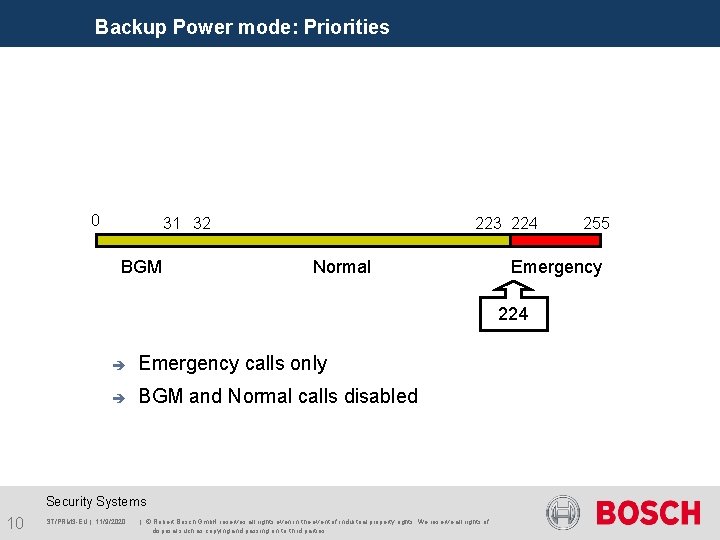
Backup Power mode: Priorities 0 31 32 BGM 223 224 Normal Emergency 224 è Emergency calls only è BGM and Normal calls disabled Security Systems 10 ST/PRM 3 -EU | 11/9/2020 | © Robert Bosch Gmb. H reserves all rights even in the event of industrial property rights. We reserve all rights of disposal such as copying and passing on to third parties. 255
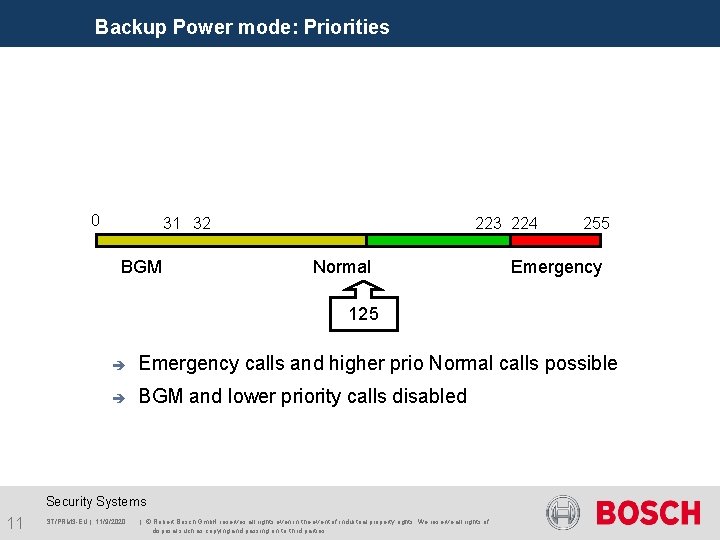
Backup Power mode: Priorities 0 31 32 BGM 223 224 Normal 255 Emergency 125 è Emergency calls and higher prio Normal calls possible è BGM and lower priority calls disabled Security Systems 11 ST/PRM 3 -EU | 11/9/2020 | © Robert Bosch Gmb. H reserves all rights even in the event of industrial property rights. We reserve all rights of disposal such as copying and passing on to third parties.
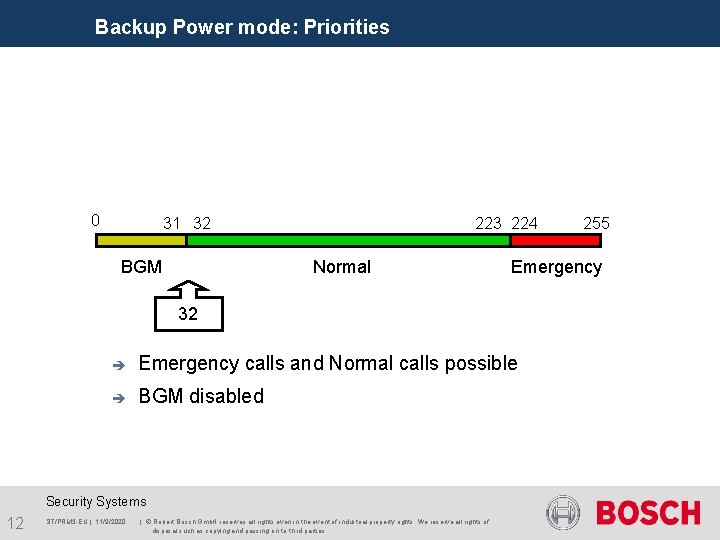
Backup Power mode: Priorities 0 31 32 BGM 223 224 Normal Emergency 32 è Emergency calls and Normal calls possible è BGM disabled Security Systems 12 ST/PRM 3 -EU | 11/9/2020 | © Robert Bosch Gmb. H reserves all rights even in the event of industrial property rights. We reserve all rights of disposal such as copying and passing on to third parties. 255
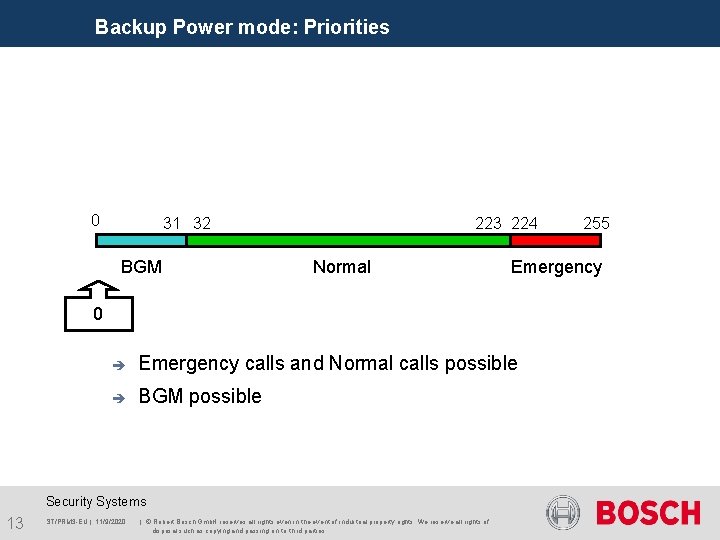
Backup Power mode: Priorities 0 31 32 BGM 223 224 Normal Emergency 0 è Emergency calls and Normal calls possible è BGM possible Security Systems 13 ST/PRM 3 -EU | 11/9/2020 | © Robert Bosch Gmb. H reserves all rights even in the event of industrial property rights. We reserve all rights of disposal such as copying and passing on to third parties. 255
Security Systems 14 ST/PRM 3 -EU | 11/9/2020 | © Robert Bosch Gmb. H reserves all rights even in the event of industrial property rights. We reserve all rights of disposal such as copying and passing on to third parties.
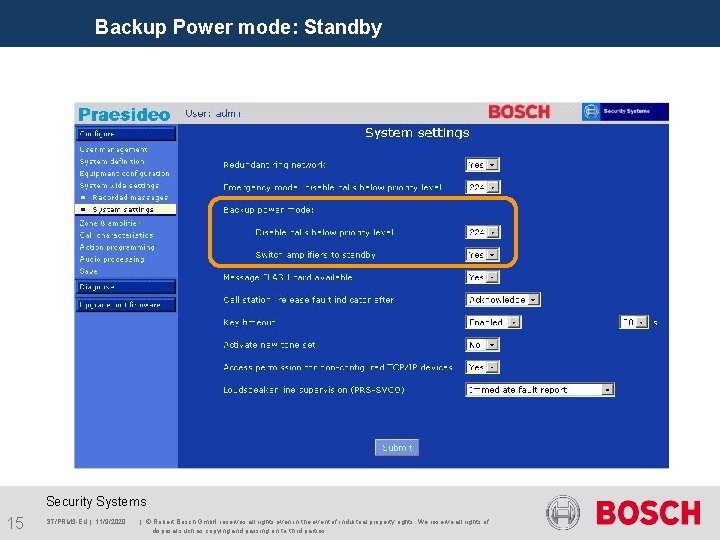
Backup Power mode: Standby Security Systems 15 ST/PRM 3 -EU | 11/9/2020 | © Robert Bosch Gmb. H reserves all rights even in the event of industrial property rights. We reserve all rights of disposal such as copying and passing on to third parties.
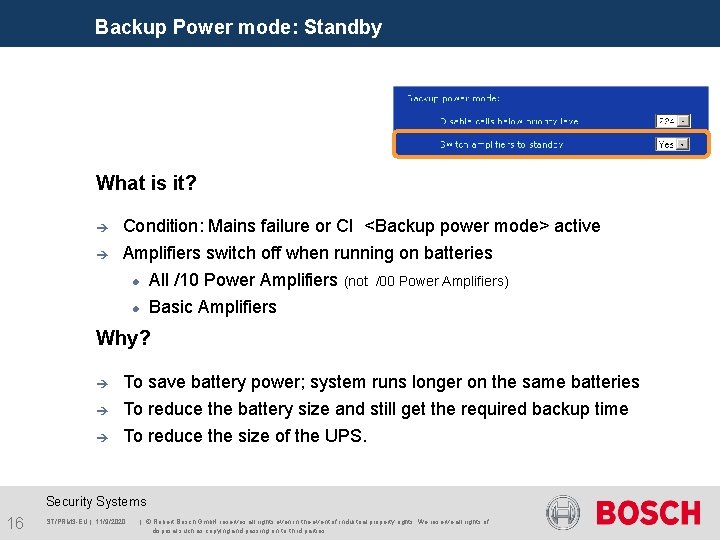
Backup Power mode: Standby What is it? è Condition: Mains failure or CI <Backup power mode> active è Amplifiers switch off when running on batteries All /10 Power Amplifiers (not Basic Amplifiers /00 Power Amplifiers) Why? è To save battery power; system runs longer on the same batteries è To reduce the battery size and still get the required backup time è To reduce the size of the UPS. Security Systems 16 ST/PRM 3 -EU | 11/9/2020 | © Robert Bosch Gmb. H reserves all rights even in the event of industrial property rights. We reserve all rights of disposal such as copying and passing on to third parties.
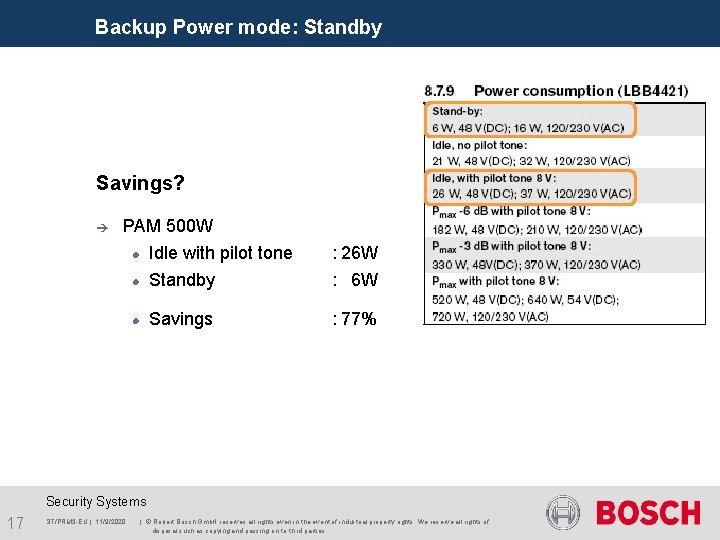
Backup Power mode: Standby Savings? è PAM 500 W Idle with pilot tone : 26 W Standby : 6 W Savings : 77% Security Systems 17 ST/PRM 3 -EU | 11/9/2020 | © Robert Bosch Gmb. H reserves all rights even in the event of industrial property rights. We reserve all rights of disposal such as copying and passing on to third parties.
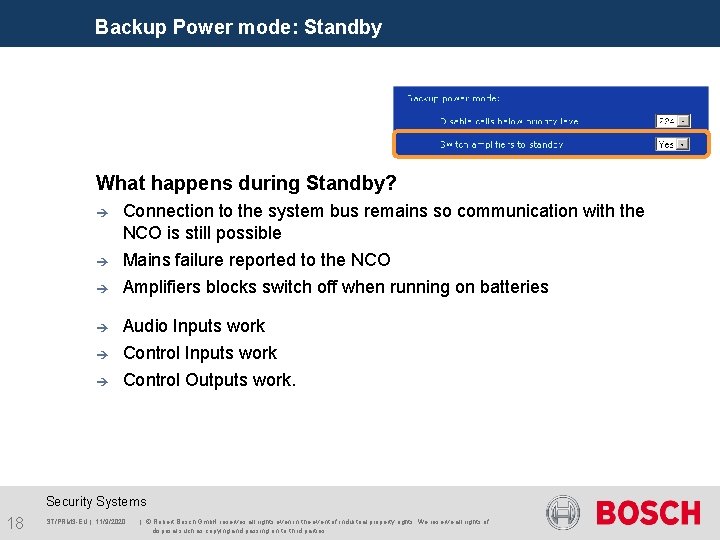
Backup Power mode: Standby What happens during Standby? è Connection to the system bus remains so communication with the NCO is still possible è Mains failure reported to the NCO è Amplifiers blocks switch off when running on batteries è Audio Inputs work Control Outputs work. è è Security Systems 18 ST/PRM 3 -EU | 11/9/2020 | © Robert Bosch Gmb. H reserves all rights even in the event of industrial property rights. We reserve all rights of disposal such as copying and passing on to third parties.
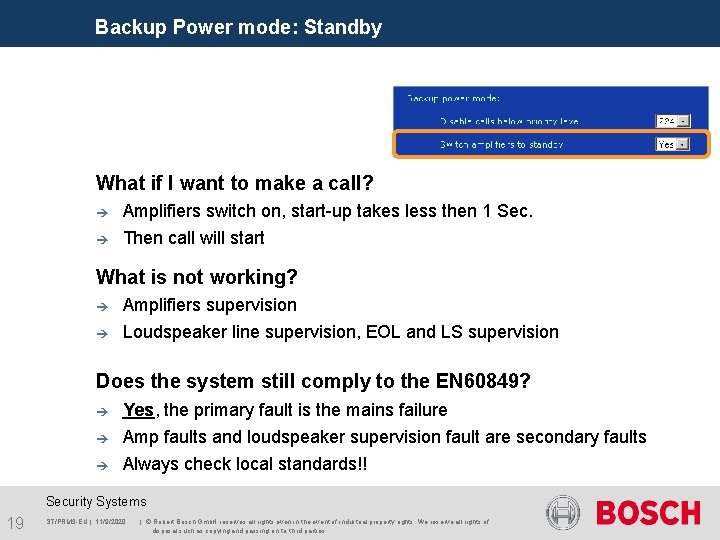
Backup Power mode: Standby What if I want to make a call? è è Amplifiers switch on, start-up takes less then 1 Sec. Then call will start What is not working? è è Amplifiers supervision Loudspeaker line supervision, EOL and LS supervision Does the system still comply to the EN 60849? è Yes, the primary fault is the mains failure Amp faults and loudspeaker supervision fault are secondary faults è Always check local standards!! è Security Systems 19 ST/PRM 3 -EU | 11/9/2020 | © Robert Bosch Gmb. H reserves all rights even in the event of industrial property rights. We reserve all rights of disposal such as copying and passing on to third parties.
Security Systems 20 ST/PRM 3 -EU | 11/9/2020 | © Robert Bosch Gmb. H reserves all rights even in the event of industrial property rights. We reserve all rights of disposal such as copying and passing on to third parties.
- Slides: 20