
Back to Basics Kali Linux Ubuntu Easily the
Back to Basics Kali Linux / Ubuntu ♦ Easily the most complete systems for CTFs and security in general ♦ Installation through a Virtual Machine(VM) or bootable from a flash drive/CD. ♣ VMs are run using Virtual Machine software ♠ VMWare Player and Virtual Box are the best ones ♠ Only downside is when you're doing wireless security ♦ ISOs on respective websites, VMs on offensivesec
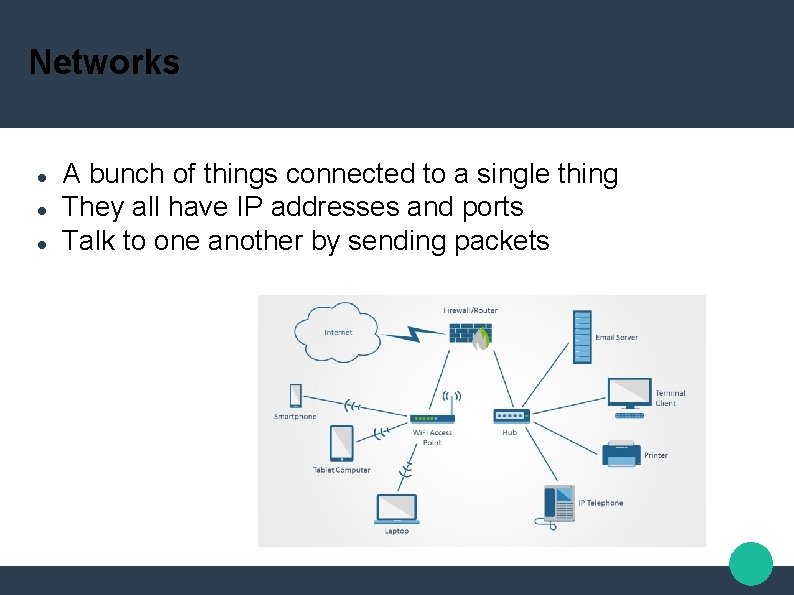
Networks A bunch of things connected to a single thing They all have IP addresses and ports Talk to one another by sending packets
Now what…? Nmap - “Network Mapper” Open source tool Network exploration and security auditing Designed to rapidly scan large networks Can find info including: Hosts Services and operating systems Packet filtering and firewalls Etc etc etc
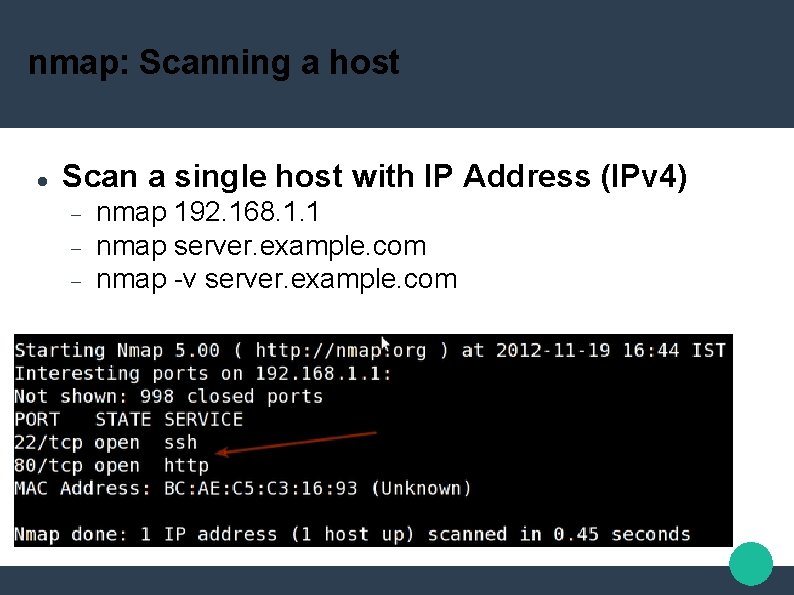
nmap: Scanning a host Scan a single host with IP Address (IPv 4) nmap 192. 168. 1. 1 nmap server. example. com nmap -v server. example. com
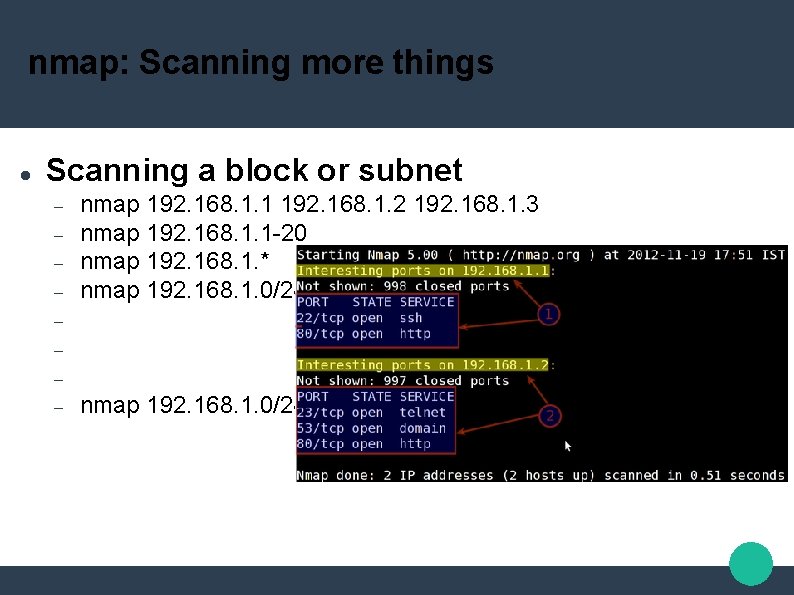
nmap: Scanning more things Scanning a block or subnet nmap 192. 168. 1. 1 192. 168. 1. 2 192. 168. 1. 3 nmap 192. 168. 1. 1 -20 nmap 192. 168. 1. * nmap 192. 168. 1. 0/24 –exclude 192. 168. 1. 5
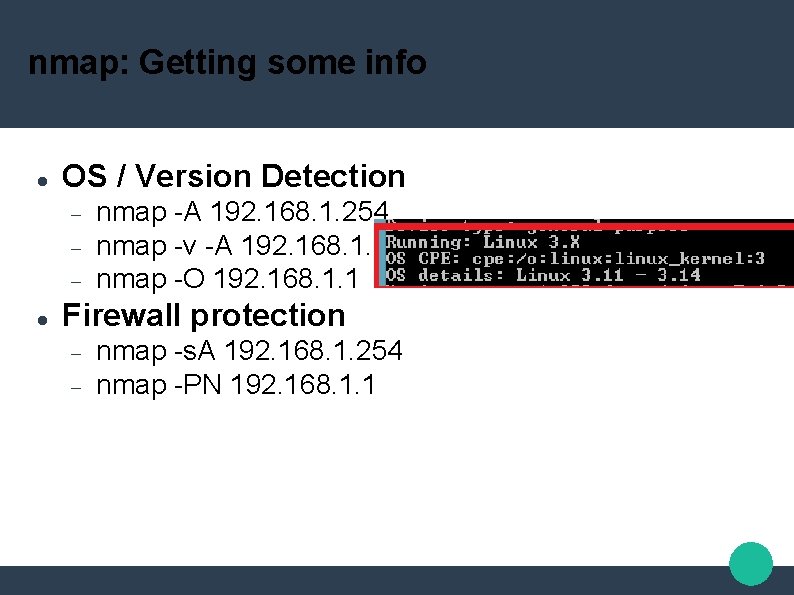
nmap: Getting some info OS / Version Detection nmap -A 192. 168. 1. 254 nmap -v -A 192. 168. 1. 1 nmap -O 192. 168. 1. 1 Firewall protection nmap -s. A 192. 168. 1. 254 nmap -PN 192. 168. 1. 1
nmap: Specifying ports Specific Ports nmap -p 80 192. 168. 1. 1 nmap -p T: 80 192. 168. 1. 1 nmap --top-ports 5 192. 168. 1. 1 Detecting Services nmap -s. V 192. 168. 1. 1
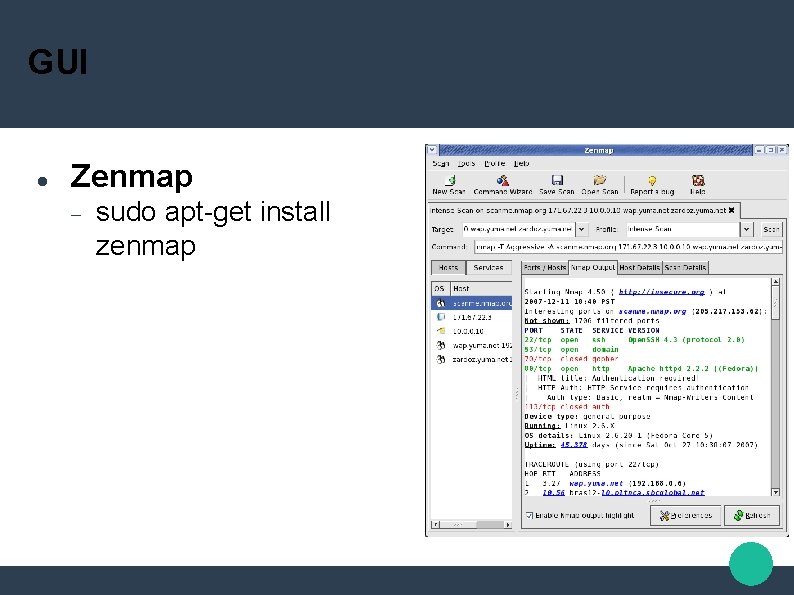
GUI Zenmap sudo apt-get install zenmap
Memory Forensics with Volatility What is memory forensics? Imagine taking a snapshot of a computer, grabbing its processes, files, policies, users, settings, etc. Shove all of those things into a. img or. mem file Extract the information from it without messing with the actual computer Use case: FBI man finds a laptop that was used to commit a crime, he wants to do an investigation without tampering with the actual laptop
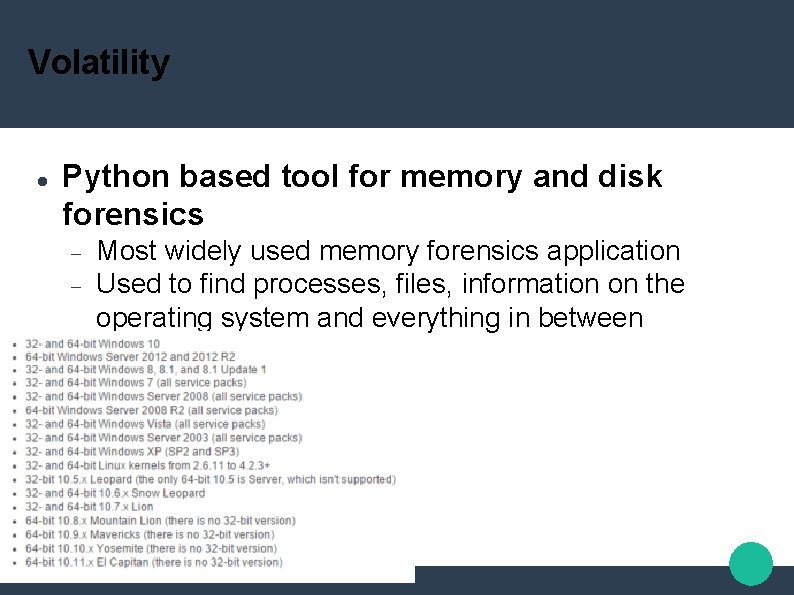
Volatility Python based tool for memory and disk forensics Most widely used memory forensics application Used to find processes, files, information on the operating system and everything in between
Volatility Basic information about the file Imageinfo Operating system being used Some hardware information Dates and times Process information Psscan / pslist Gives process names, PIDs, Start times, etc
Volatility Clipboard information Connection / Networking Information Malware Detection connections malfind Crash / Hibernation Reports crashfind / hibfind
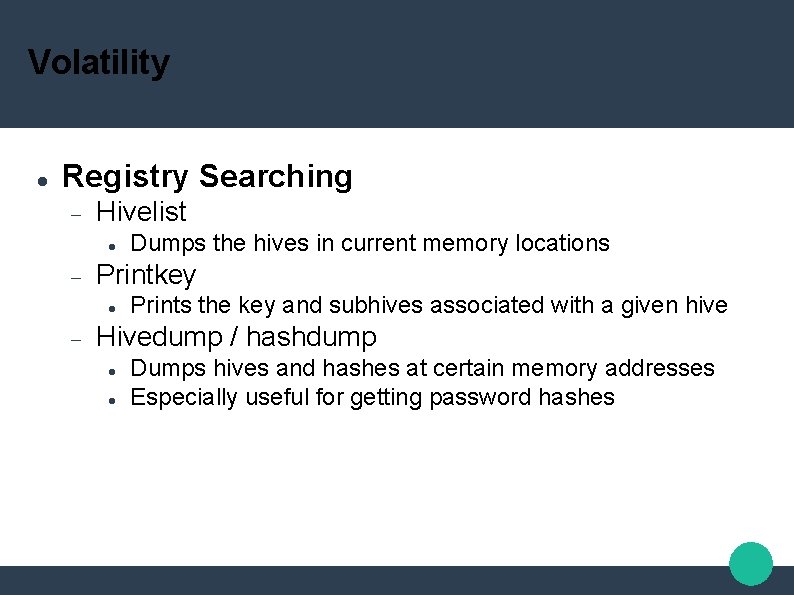
Volatility Registry Searching Hivelist Printkey Dumps the hives in current memory locations Prints the key and subhives associated with a given hive Hivedump / hashdump Dumps hives and hashes at certain memory addresses Especially useful for getting password hashes
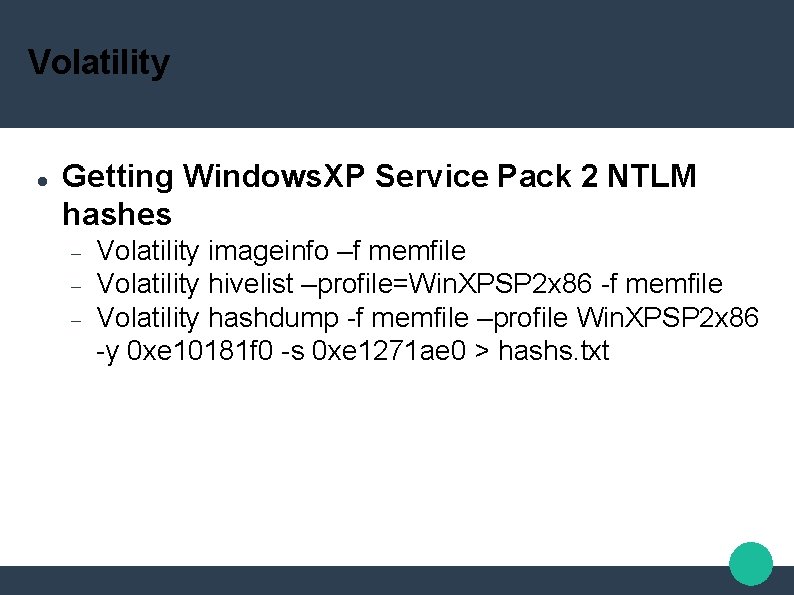
Volatility Getting Windows. XP Service Pack 2 NTLM hashes Volatility imageinfo –f memfile Volatility hivelist –profile=Win. XPSP 2 x 86 -f memfile Volatility hashdump -f memfile –profile Win. XPSP 2 x 86 -y 0 xe 10181 f 0 -s 0 xe 1271 ae 0 > hashs. txt
- Slides: 14