
Baby Steps STARTING TO USE POWERSHELL SCRIPTS SPICEWORLD
Baby Steps: STARTING TO USE POWERSHELL SCRIPTS #SPICEWORLD 2018
Bob_13 SIRVA Canada LP – IT Support #SPICEWORLD 2018
In the beginning… The task of learning Power. Shell will be an ongoing process. So the first thing I’ll suggest is to know that there are many sources of information other than talks like this. • There are e. Books, websites, and online communities to help. • There are Greenies in the Spice. Works community that represent online training tools • There are vendors here at Spice. World too. • https: //community. spiceworks. com/programming/powershell • https: //community. spiceworks. com/learn/windows/powershell #SPICEWORLD 2018
What to expect when you start learning PS Learning Power. Shell is like learning any language, whether the language is a scripting, programming or spoken one. It seems daunting to start but to learn you need to start somewhere, anywhere. • You can memorize “key words” • You start small, with common parts • You work at it building it day by day • You try to put all the bits together • Sometimes it works sometimes it doesn’t #SPICEWORLD 2018
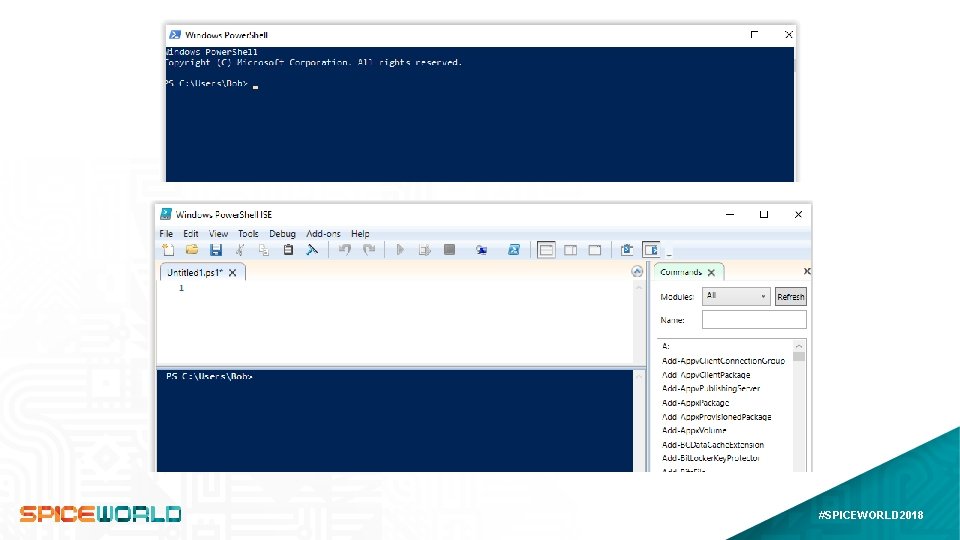
Starting Power. Shell… like the application There are 2 programs under the Power. Shell name. The basic Power. Shell, and Power. Shell ISE. The different applications can be run: normally, as Admin, or as another user • • The “Prompt” or basic Power. Shell version is installed on all Windows systems The prompt window is like a command prompt Everything is text This isn’t used in scripting • • The ISE or Console is not installed on Server It has a more GUI/window based structure. It is normally set in at least 2 panes You have more options and assistance – like tooltips #SPICEWORLD 2018
#SPICEWORLD 2018
Basic Syntax in PS Command syntax Most commands and functions follow the format of verb-noun. For Variables you simply start the variable name with the $ symbol • There are several common verbs • There is no need to specify the type of variable • Some commands will be common, and wide ranging and worth memorizing • Once a variable has data it can sometimes use dot operators for that data type • Dash Parameters • There are system set variables as well for common values. #SPICEWORLD 2018
The first three command…ments… Everyone starts somewhere… These are a good start Any time you decide to use Power. Shell on a different PC these 3 commands are your friend. • System Variable: $PSVersion. Table • https: //docs. microsoft. com/en-us/powershell/scripting/setup/installing-windows-powershell? view=powershell-6 • Update-Help • Set-Execution. Policy –Execution. Policy Unrestricted –Scope Current. User • Bonus: The What. If parameter… #SPICEWORLD 2018
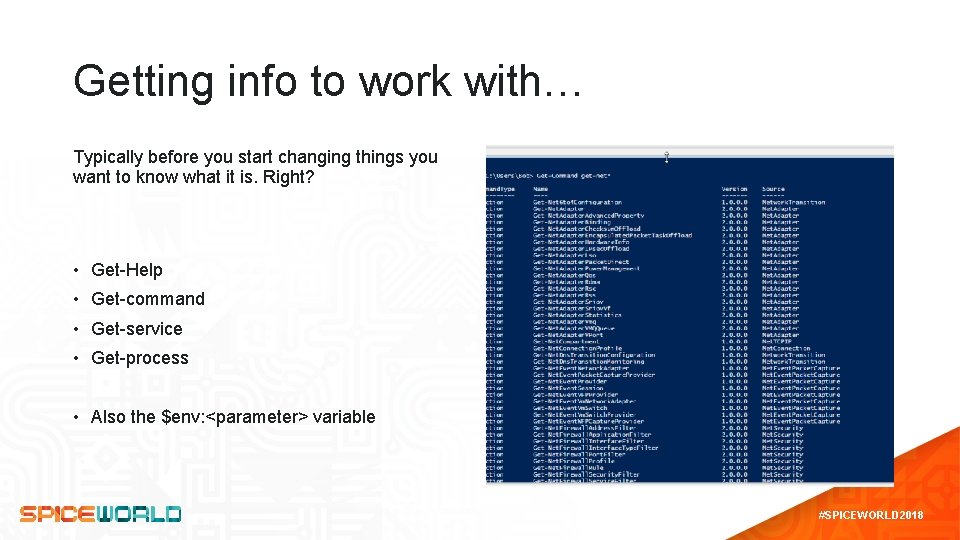
Getting info to work with… Typically before you start changing things you want to know what it is. Right? • Get-Help • Get-command • Get-service • Get-process • Also the $env: <parameter> variable #SPICEWORLD 2018
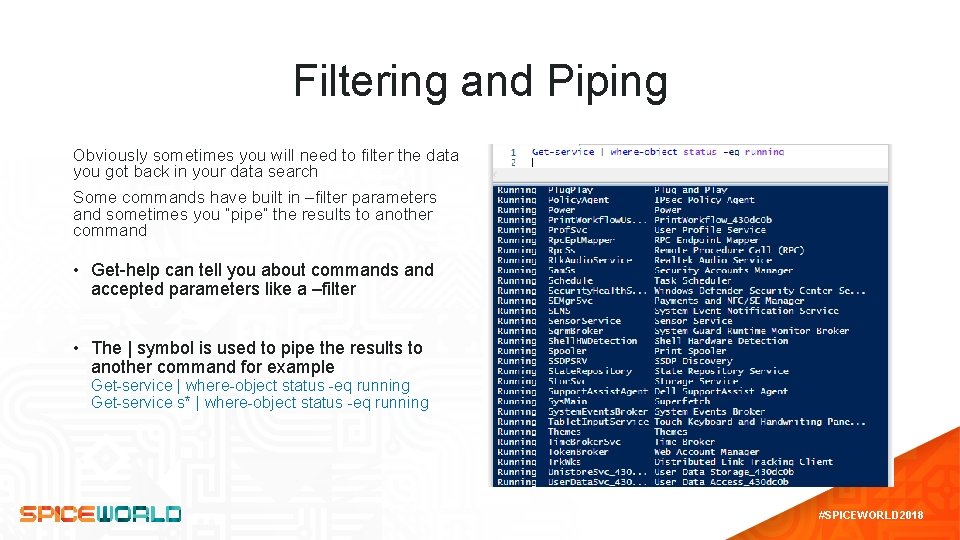
Filtering and Piping Obviously sometimes you will need to filter the data you got back in your data search Some commands have built in –filter parameters and sometimes you “pipe” the results to another command • Get-help can tell you about commands and accepted parameters like a –filter • The | symbol is used to pipe the results to another command for example Get-service | where-object status -eq running Get-service s* | where-object status -eq running #SPICEWORLD 2018
Starter tips and insights While there is no one size fits all solution for… well anything, some common tips can help. • • • Pick a standard format and use it. Carry over in variables Examples Comments <#. . . #> or # Alias versus full name Simplify or complete? General Knowledge • Auto complete – friend or foe… • F 1, F 5, and F 8 commands • CTRL+C • CLS • $Null #SPICEWORLD 2018
#SPICEWORLD 2018
The End… or the beginning… #SPICEWORLD 2018
Hope you learned something worth while and enjoyed this session Remember you can provide feedback in the Spice. World app to help improve future sessions #SPICEWORLD 2018
- Slides: 14