
AZVAISAZ 45 DAY SCREENING OVERVIEW 2018 2019 SY
- Slides: 19
AZVA/ISAZ 45 DAY SCREENING OVERVIEW 2018 -2019 SY
AGENDA Legal Regulations 45 Day Screening Transfer of Records and Primary Language Section 45 Day Screening Process 45 Day Screening Docu. Sign Tracking System
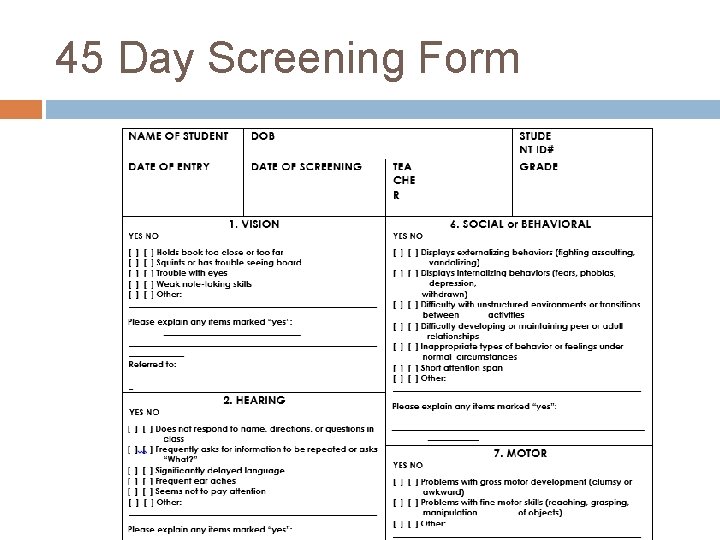
Mandatory Process Arizona Administrative Code (A. A. C. ) R 7 -2401 (C) and (D) mandate that all Arizona schools establish a process to ensure that any academic and/or developmental concerns of its students are not overlooked and to determine this within the first 45 days of each child’s attendance at a new school. To comply with this mandate, we complete a screening in partnership with Learning Coaches on aspects of a child’s development such as language, cognition, perception, and motor skills.
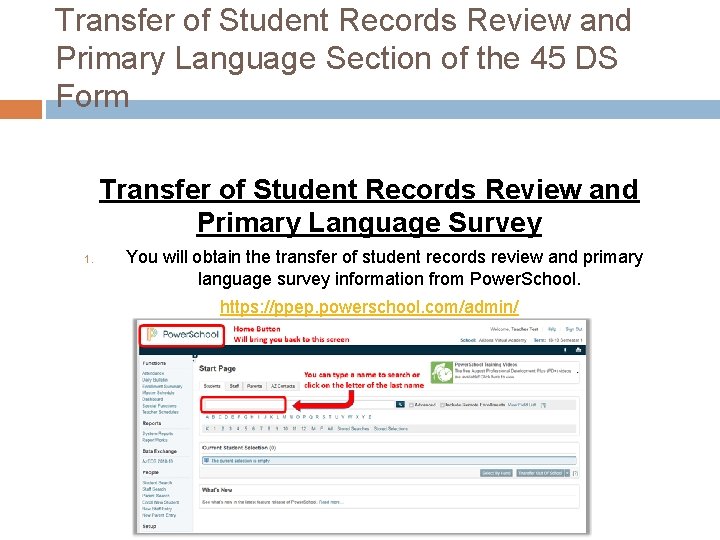
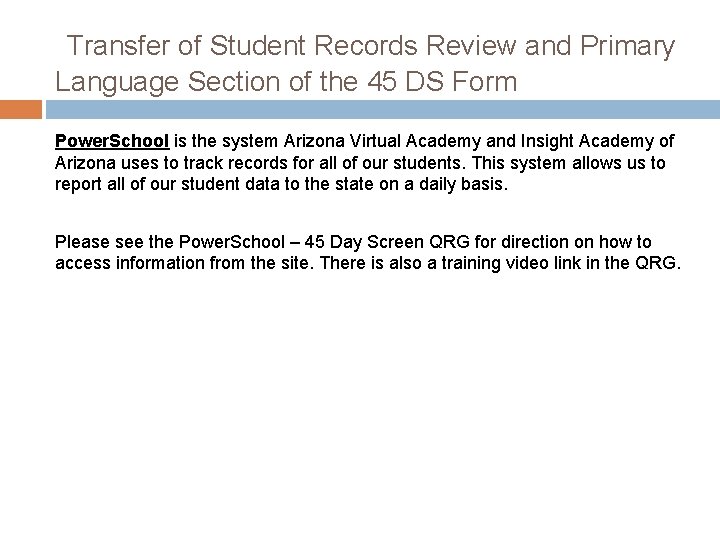
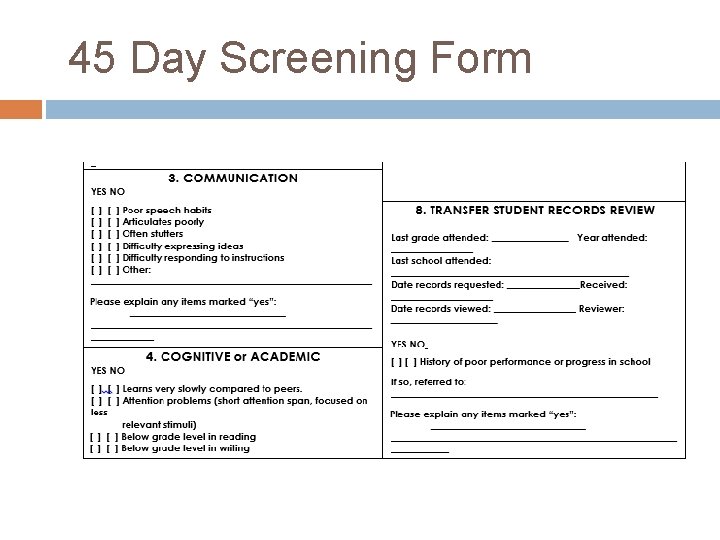
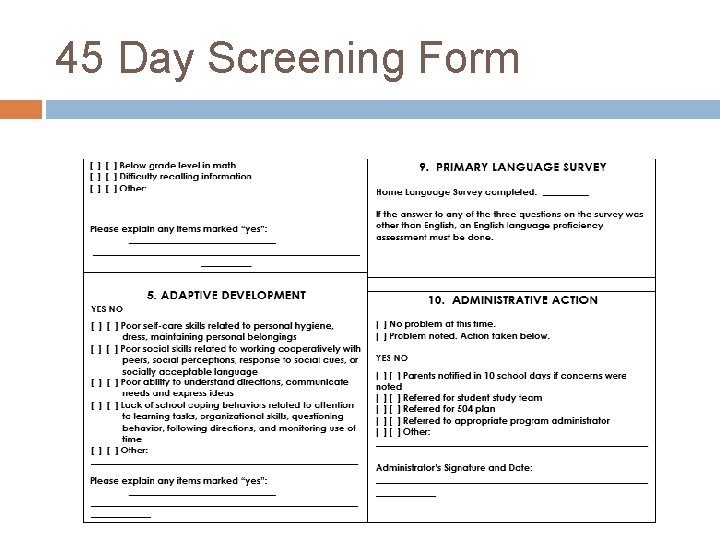
Transfer of Student Records Review and Primary Language Section of the 45 DS Form Transfer of Student Records Review and Primary Language Survey 1. You will obtain the transfer of student records review and primary language survey information from Power. School. https: //ppep. powerschool. com/admin/
Transfer of Student Records Review and Primary Language Section of the 45 DS Form Power. School is the system Arizona Virtual Academy and Insight Academy of Arizona uses to track records for all of our students. This system allows us to report all of our student data to the state on a daily basis. Please see the Power. School – 45 Day Screen QRG for direction on how to access information from the site. There is also a training video link in the QRG.
45 Day Screening Form
45 Day Screening Form
45 Day Screening Form
45 DAY SCREENING PARENT LETTERS We are required to send a letter with the results of the 45 Day Screening to the parents through U. S. mail. Two Types of Letters 1. No Concerns 2. Concerns
45 DAY SCREENING PARENT LETTERS The school level administrators will fill out the letter within Docu. Sign. Please see the admin. Docu. Sign QRG. No Concern and Concern Template letters have been provided. The office staff will print and mail a copy to the family and place a copy in the student’s file.
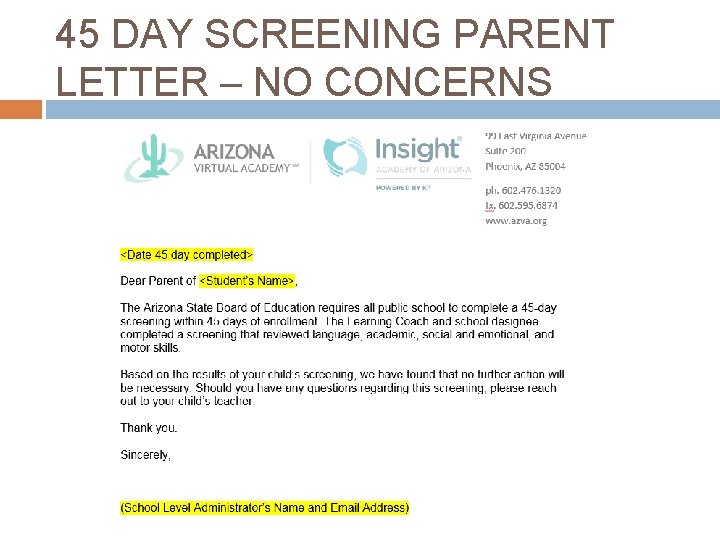
45 DAY SCREENING PARENT LETTER – NO CONCERNS
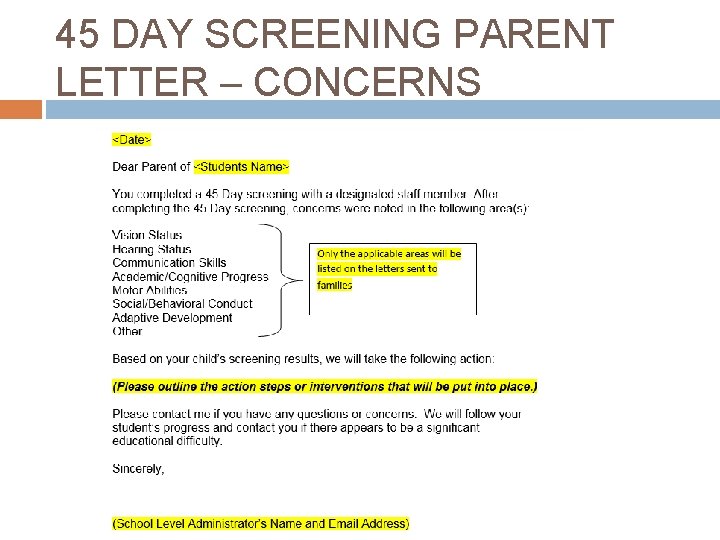
45 DAY SCREENING PARENT LETTER – CONCERNS
45 DAY SCREENING PROCESS
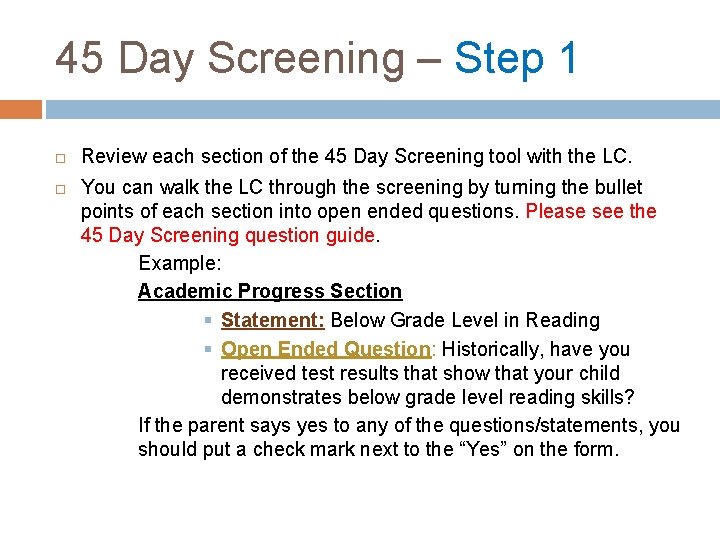
45 Day Screening – Step 1 Review each section of the 45 Day Screening tool with the LC. You can walk the LC through the screening by turning the bullet points of each section into open ended questions. Please see the 45 Day Screening question guide. Example: Academic Progress Section § Statement: Below Grade Level in Reading § Open Ended Question: Historically, have you received test results that show that your child demonstrates below grade level reading skills? If the parent says yes to any of the questions/statements, you should put a check mark next to the “Yes” on the form.
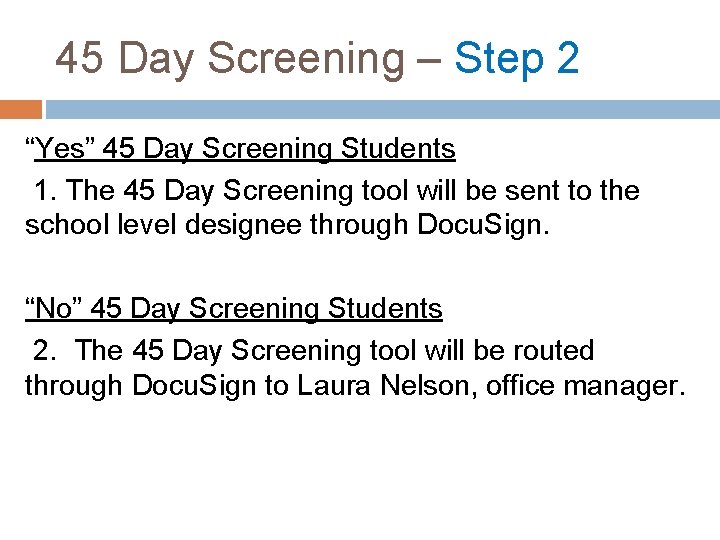
45 Day Screening – Step 2 “Yes” 45 Day Screening Students 1. The 45 Day Screening tool will be sent to the school level designee through Docu. Sign. “No” 45 Day Screening Students 2. The 45 Day Screening tool will be routed through Docu. Sign to Laura Nelson, office manager.
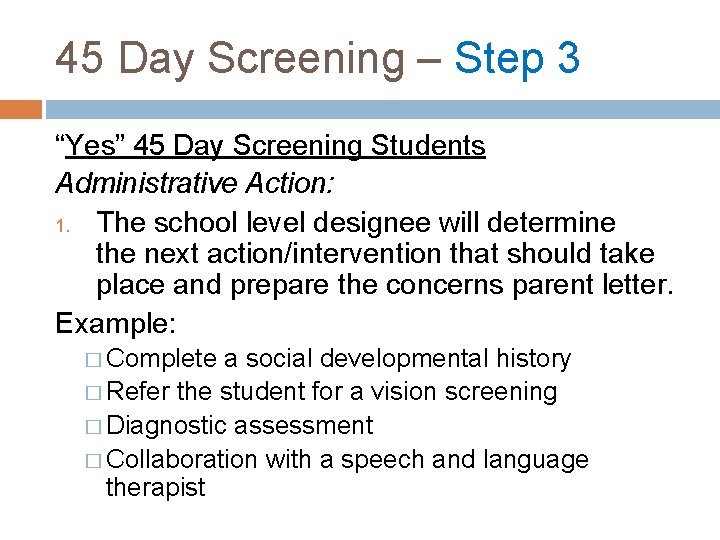
45 Day Screening – Step 3 “Yes” 45 Day Screening Students Administrative Action: 1. The school level designee will determine the next action/intervention that should take place and prepare the concerns parent letter. Example: � Complete a social developmental history � Refer the student for a vision screening � Diagnostic assessment � Collaboration with a speech and language therapist
45 Day Screening Docu. Sign Process The 45 Day Screening form will be completed through Docu. Sign. Please follow the Docu. Sign QRG when completing and submitting the form.
45 Day Screening – Step 4 Intervention Tracking System Please add your intervention from the email that I send to your teacher tracker and Sheri, Nicole and I will review during DDI calls.
(SCHOOL LEVEL) 45 DAY SCREENING TRACKING SYSTEM Please email me with questions ssikora@k 12. com