
Azure Dev Test Labs Overview 1 Makes it
Azure Dev. Test Labs Overview 1. Makes it easier to control costs by allowing you to set policies on your lab - such as number of virtual machines (VM) per user and number of VMs per lab. Dev. Test Labs also allows you to create policies to automatically shut down and start VMs. 2. Enables you to create pre-provisioned environments with everything your team needs to start developing and testing applications. 3. Capture and share environment templates and artifacts within your team or organization - all in source control - to create developer and test environments easily 4. Leverage pre-made plug-ins or Azure APIs to provision Dev/Test environments directly from a preferred continuous integration (CI) tool, integrated development environment (IDE), or automated release pipeline. You can also use the Azure command-line tool 1

Challenges of running dev-test on premises Your datacenter IT admin VMs in dev-test environment Provision VMs 65% 10% of developers say it is too complicated and time-consuming to get development and test resources Average utilization of dedicated dev-test infrastructure Source: Business Case for Test Environment Management Whitepaper, Cognizant Developers Request VMs Your challenges • • • Compromised agility Limited hardware budget Limited software licensing Resource contention with VMs Realistic scale tests often challenging Procurement delays 2
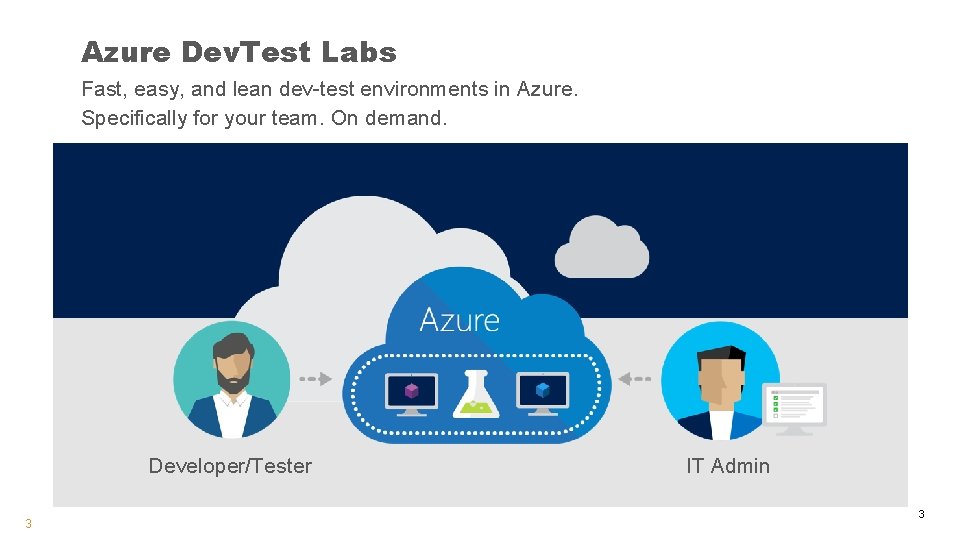
Azure Dev. Test Labs Fast, easy, and lean dev-test environments in Azure. Specifically for your team. On demand. Developer/Tester 3 IT Admin 3
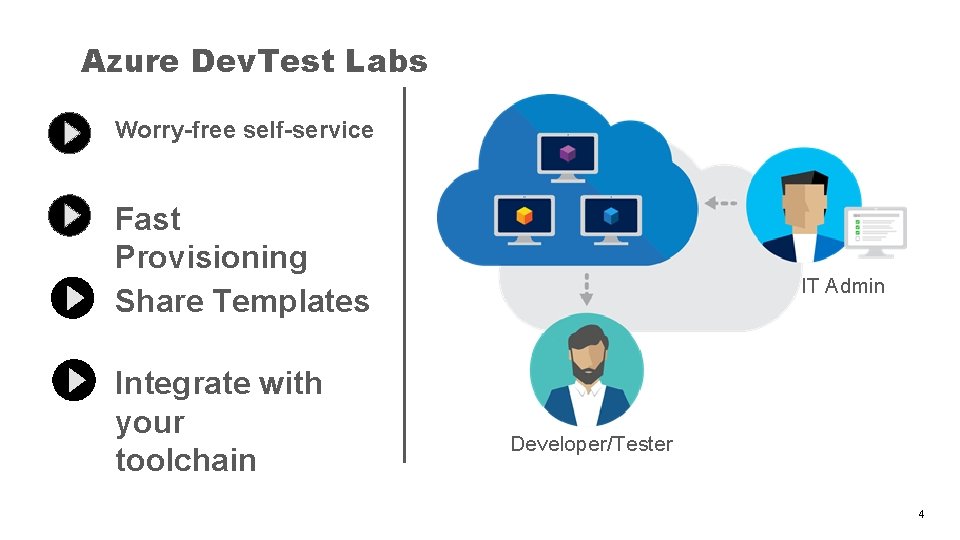
Azure Dev. Test Labs Worry-free self-service Fast Provisioning Share Templates Integrate with your toolchain IT Admin Developer/Tester 4
- Slides: 4