
Azure AD SSO Deep Dive Tim Warner timwarnerpluralsight
- Slides: 42
Azure AD SSO Deep Dive Tim Warner tim-warner@pluralsight. com
Learning Objectives § § The problem space Azure AD quick start Azure AD identity management approaches Synchronized identity case studies © ITtransformation. All rights reserved. http: //www. ITtransformation. events
Session Materials timw. info/itt © ITtransformation. All rights reserved. http: //www. ITtransformation. events
The Problem Space
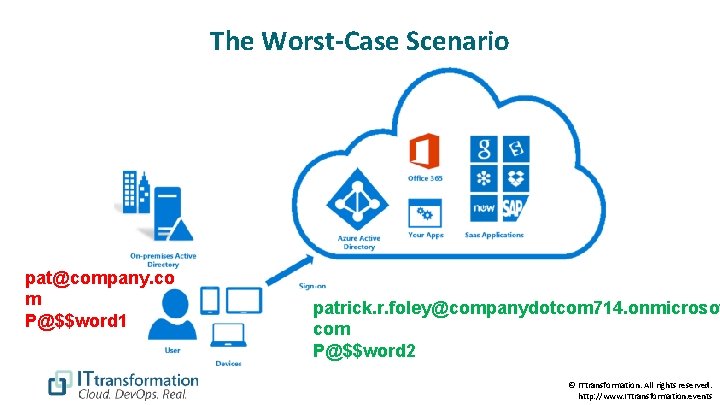
The Worst-Case Scenario pat@company. co m P@$$word 1 patrick. r. foley@companydotcom 714. onmicrosof com P@$$word 2 © ITtransformation. All rights reserved. http: //www. ITtransformation. events
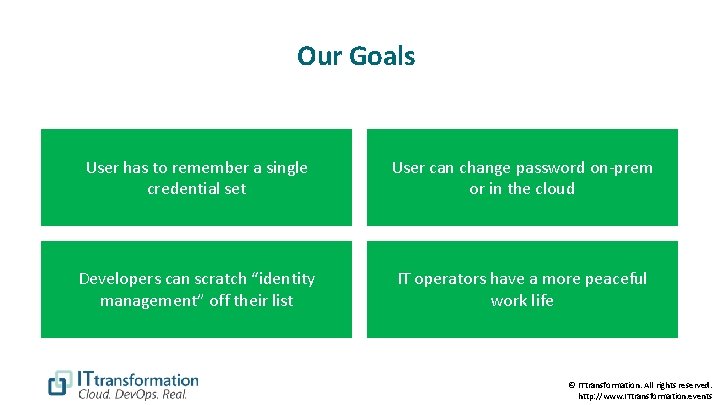
Our Goals User has to remember a single credential set User can change password on-prem or in the cloud Developers can scratch “identity management” off their list IT operators have a more peaceful work life © ITtransformation. All rights reserved. http: //www. ITtransformation. events
Azure Active Directory Quickstart
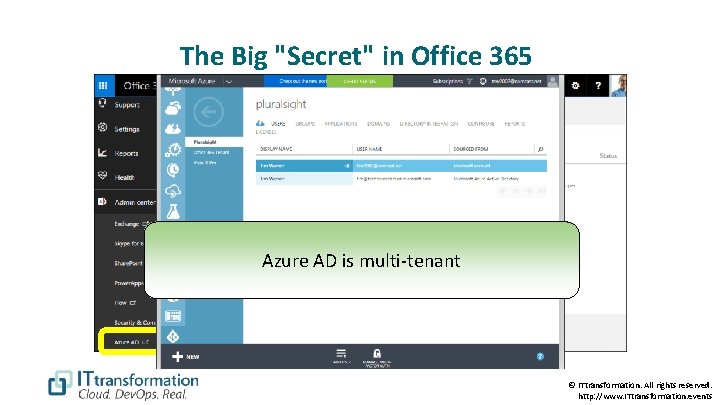
The Big "Secret" in Office 365 Azure AD is multi-tenant © ITtransformation. All rights reserved. http: //www. ITtransformation. events
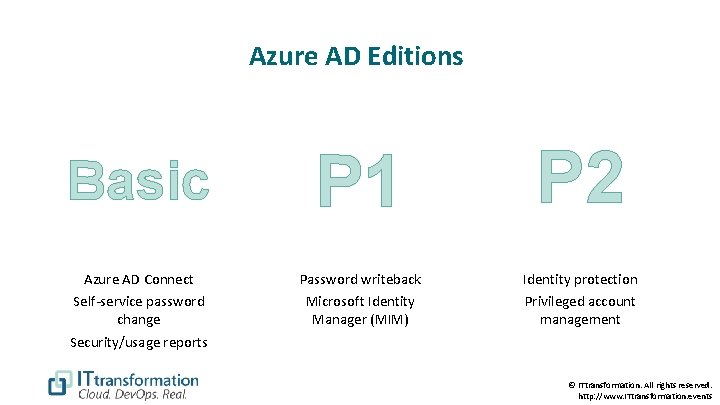
Azure AD Editions Basic P 1 P 2 Azure AD Connect Password writeback Identity protection Self-service password change Security/usage reports Microsoft Identity Manager (MIM) Privileged account management © ITtransformation. All rights reserved. http: //www. ITtransformation. events
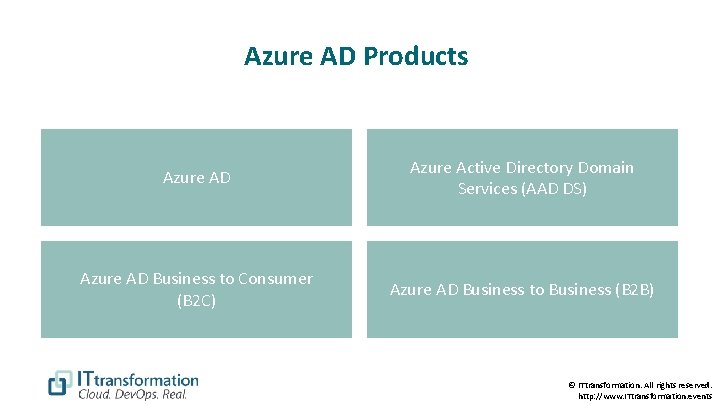
Azure AD Products Azure AD Azure Active Directory Domain Services (AAD DS) Azure AD Business to Consumer (B 2 C) Azure AD Business to Business (B 2 B) © ITtransformation. All rights reserved. http: //www. ITtransformation. events
Azure AD Identity Management Approaches
The Options § § Cloud identity Synchronized identity Federated identity Third-party solutions © ITtransformation. All rights reserved. http: //www. ITtransformation. events
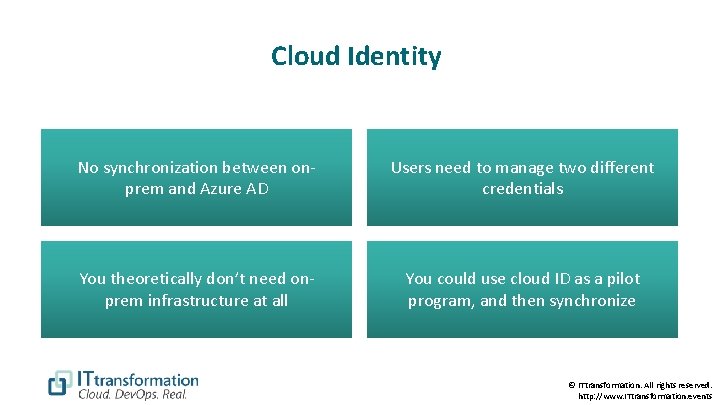
Cloud Identity No synchronization between onprem and Azure AD Users need to manage two different credentials You theoretically don’t need onprem infrastructure at all You could use cloud ID as a pilot program, and then synchronize © ITtransformation. All rights reserved. http: //www. ITtransformation. events
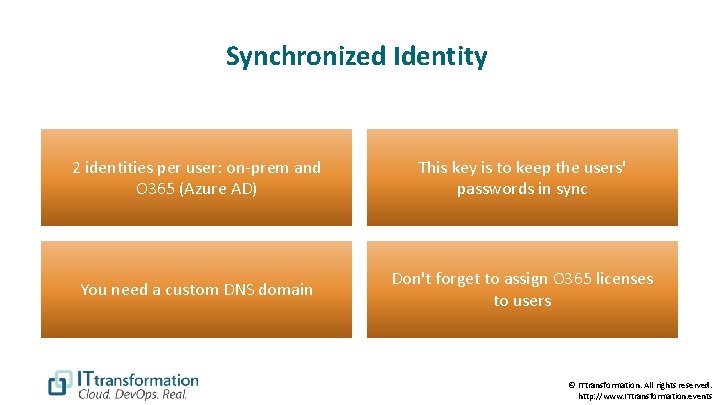
Synchronized Identity 2 identities per user: on-prem and O 365 (Azure AD) This key is to keep the users' passwords in sync You need a custom DNS domain Don't forget to assign O 365 licenses to users © ITtransformation. All rights reserved. http: //www. ITtransformation. events
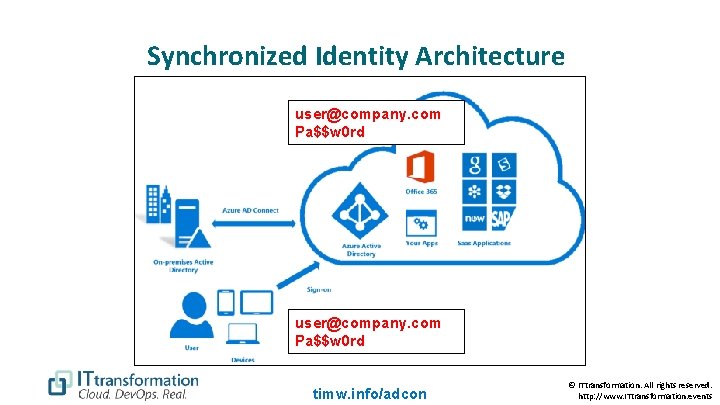
Synchronized Identity Architecture user@company. com Pa$$w 0 rd timw. info/adcon © ITtransformation. All rights reserved. http: //www. ITtransformation. events
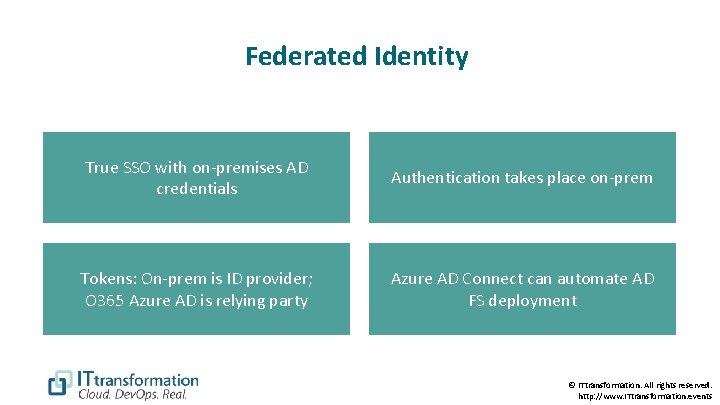
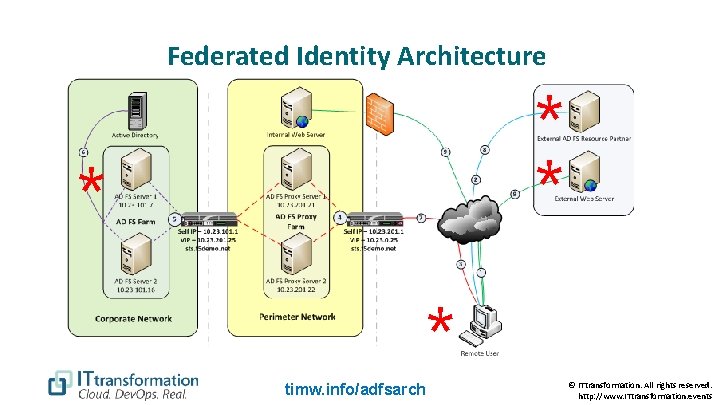
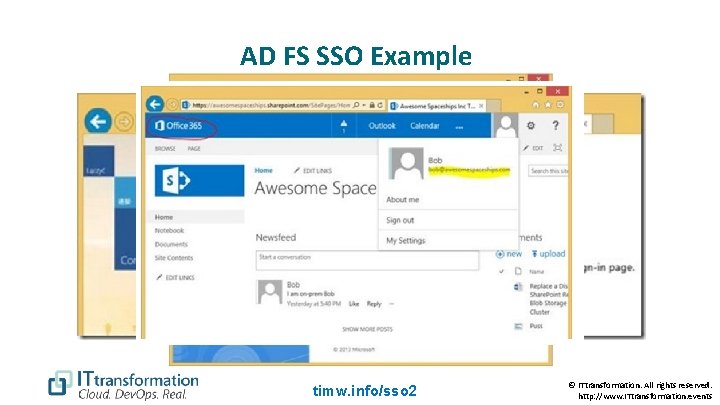
Federated Identity True SSO with on-premises AD credentials Authentication takes place on-prem Tokens: On-prem is ID provider; O 365 Azure AD is relying party Azure AD Connect can automate AD FS deployment © ITtransformation. All rights reserved. http: //www. ITtransformation. events
Federated Identity Architecture * * timw. info/adfsarch © ITtransformation. All rights reserved. http: //www. ITtransformation. events
AD FS SSO Example timw. info/sso 2 © ITtransformation. All rights reserved. http: //www. ITtransformation. events
Synchronized Identity Example: Office 365
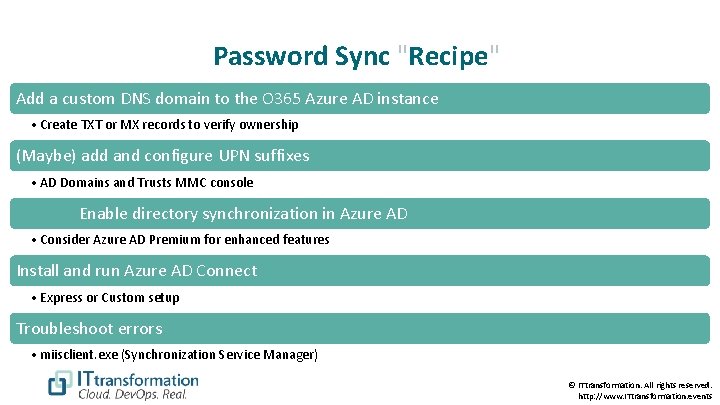
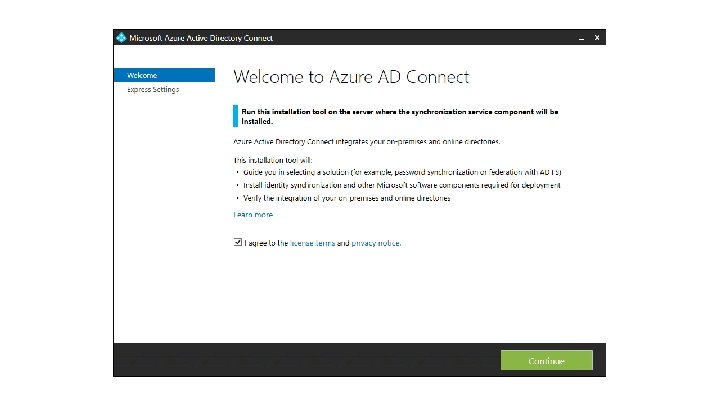
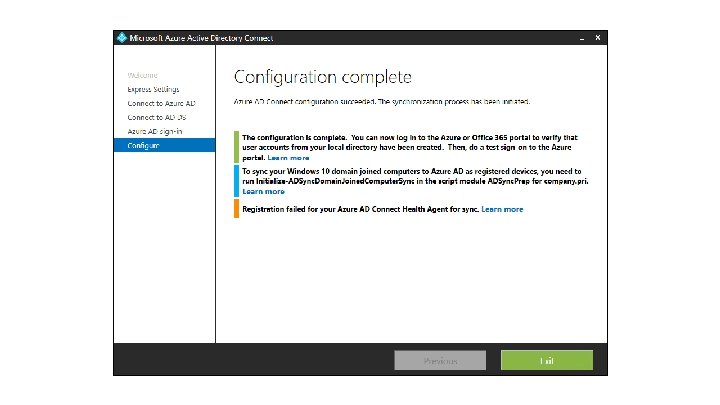
Password Sync "Recipe" Add a custom DNS domain to the O 365 Azure AD instance • Create TXT or MX records to verify ownership (Maybe) add and configure UPN suffixes • AD Domains and Trusts MMC console Enable directory synchronization in Azure AD • Consider Azure AD Premium for enhanced features Install and run Azure AD Connect • Express or Custom setup Troubleshoot errors • miisclient. exe (Synchronization Service Manager) © ITtransformation. All rights reserved. http: //www. ITtransformation. events
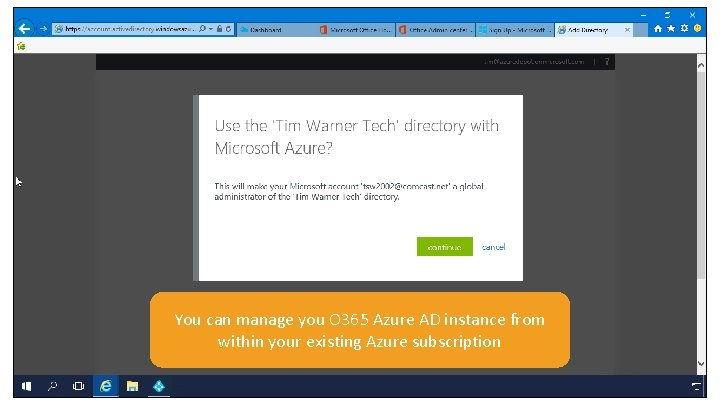
You can manage you O 365 Azure AD instance from within your existing Azure subscription
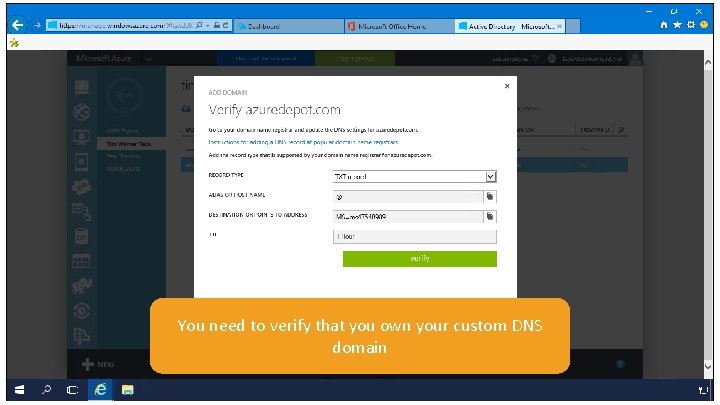
You need to verify that you own your custom DNS domain
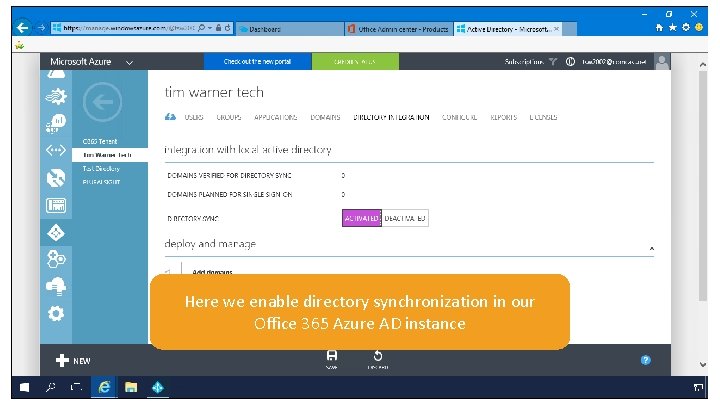
Here we enable directory synchronization in our Office 365 Azure AD instance
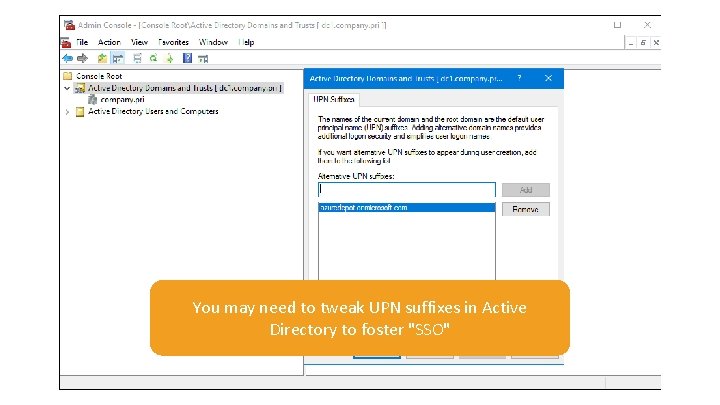
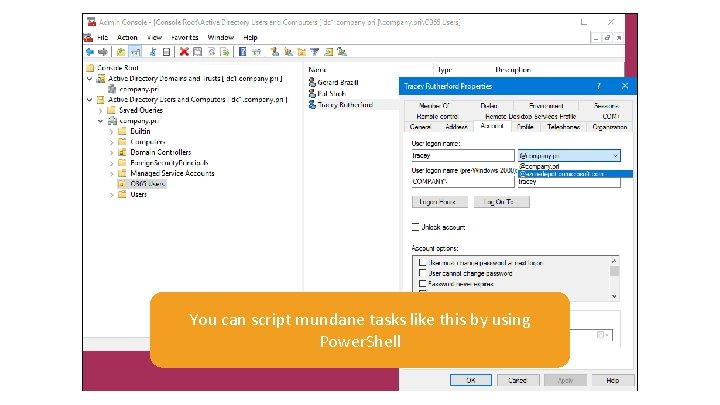
You may need to tweak UPN suffixes in Active Directory to foster "SSO"
You can script mundane tasks like this by using Power. Shell
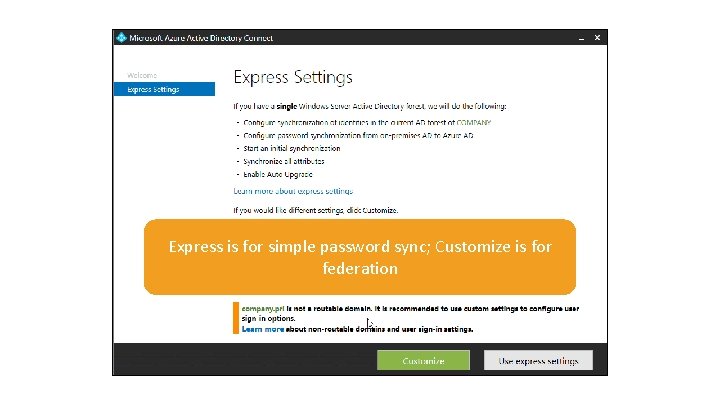
Express is for simple password sync; Customize is for federation
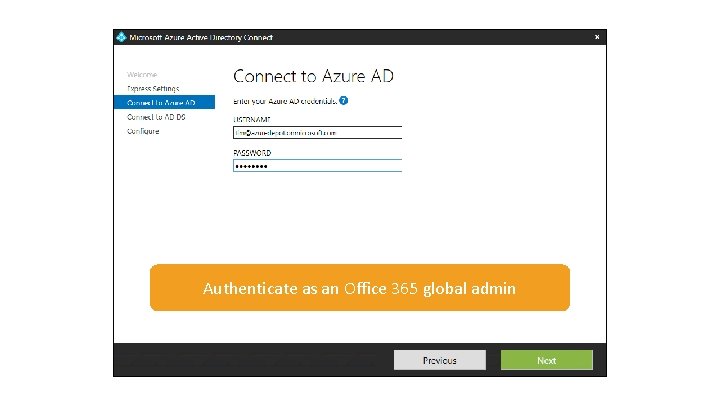
Authenticate as an Office 365 global admin
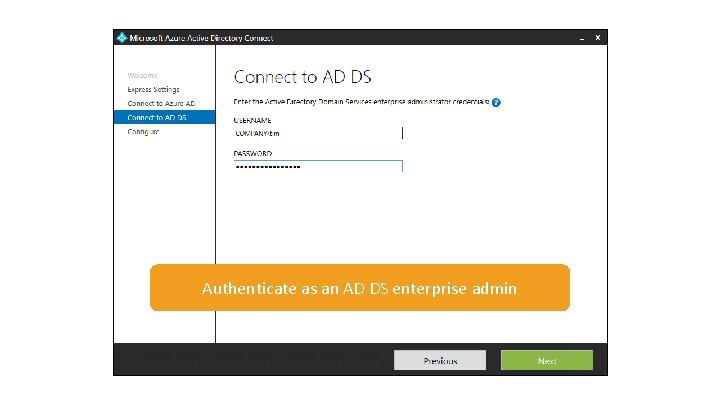
Authenticate as an AD DS enterprise admin
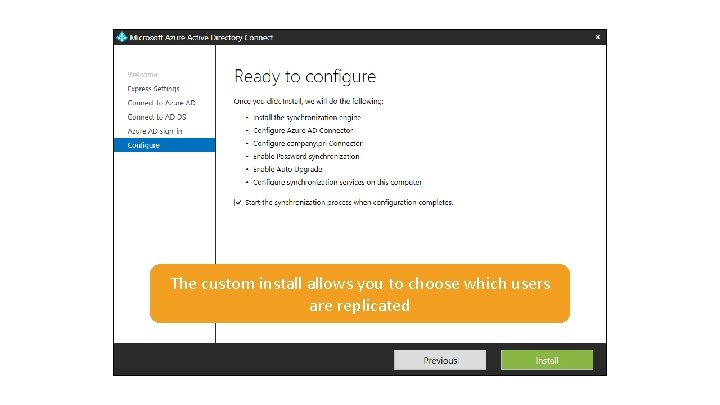
The custom install allows you to choose which users are replicated
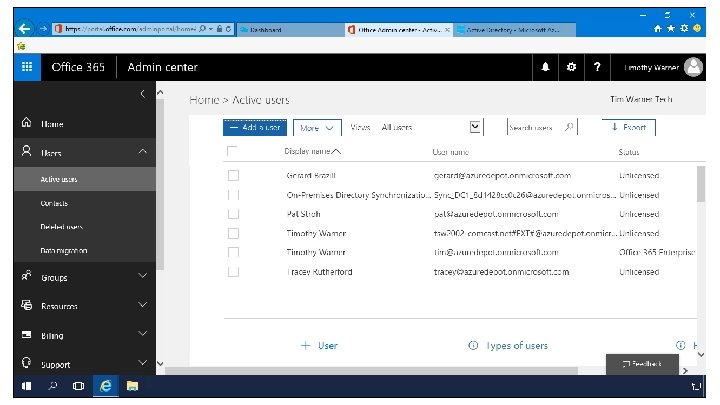
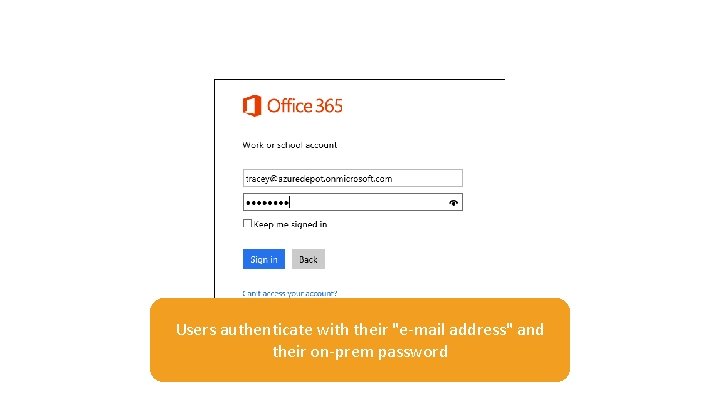
Users authenticate with their "e-mail address" and their on-prem password
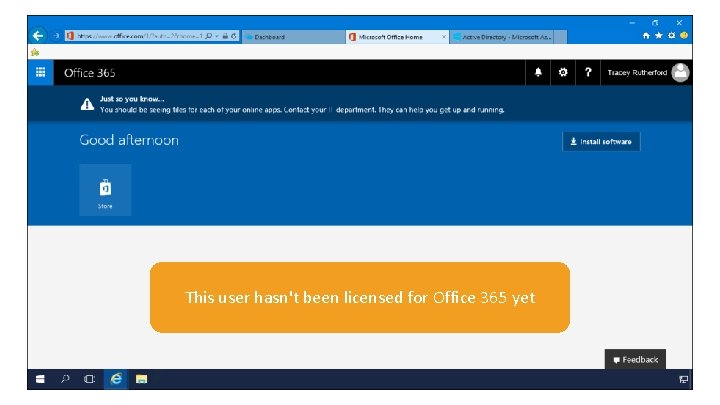
This user hasn't been licensed for Office 365 yet
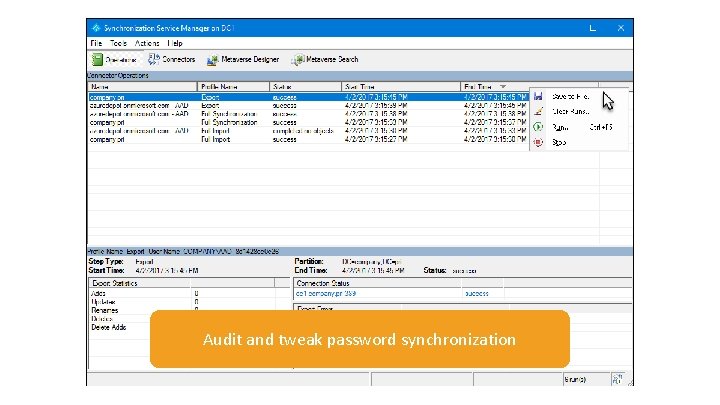
Audit and tweak password synchronization
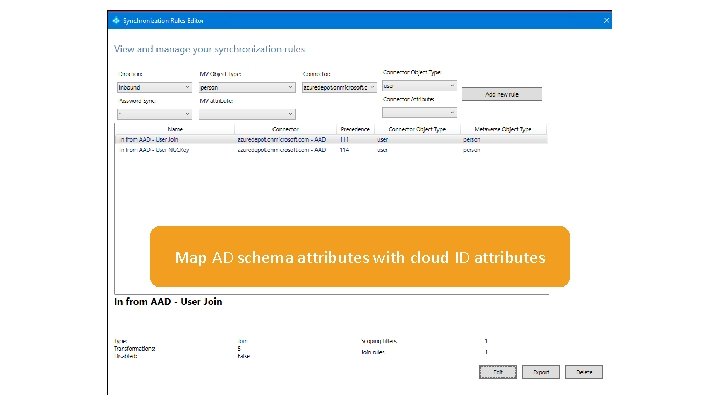
Map AD schema attributes with cloud ID attributes
Synchronized Identity Example 2: Azure-to-Saa. S
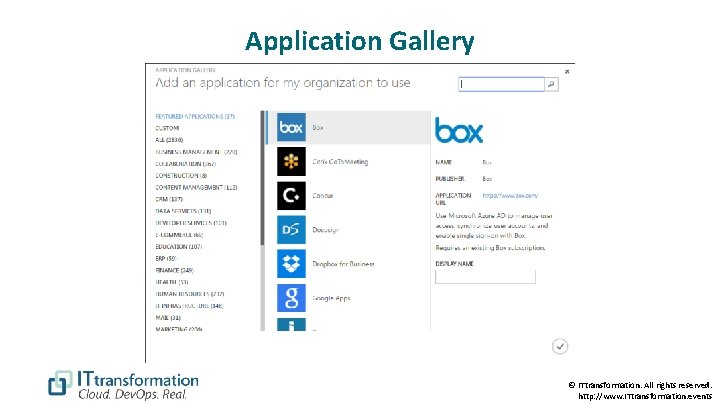
Application Gallery © ITtransformation. All rights reserved. http: //www. ITtransformation. events
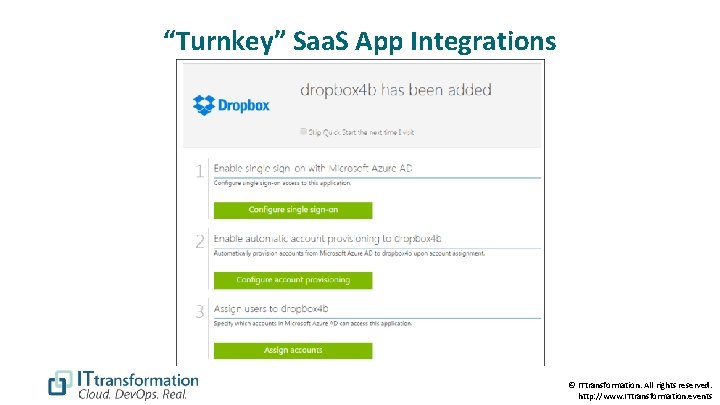
“Turnkey” Saa. S App Integrations © ITtransformation. All rights reserved. http: //www. ITtransformation. events
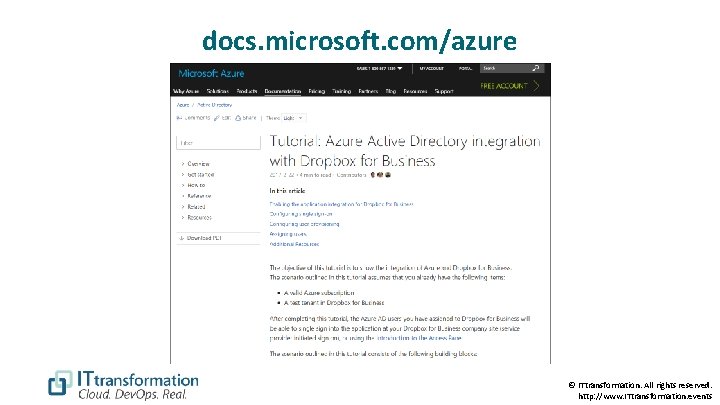
docs. microsoft. com/azure © ITtransformation. All rights reserved. http: //www. ITtransformation. events
Review § Do you use Office 365? o Azure AD Connect § Does Azure have a built-in Saa. S integration? o Read the docs and deploy § Is identity federation truly necessary? o o Azure AD Connect & AD FS Third-party solution provider o Secure. Auth, Shibboleth © ITtransformation. All rights reserved. http: //www. ITtransformation. events
Questions? Please use Events XD (Event. Board) to fill out a session evaluation. Thank you! timw. info/itt @Tech. Trainer. Tim © ITtransformation. All rights reserved. http: //www. ITtransformation. events