
Azure Active Directory Authentication Public Preview Release for
Azure Active Directory Authentication Public Preview Release for Azure SQL Database V 12 Mirek Sztajno SQL Server Security PM mireks@microsoft. com
Agenda • Value Proposition • Azure AD authentication- main architecture and configuration steps • Demo • Features, limitations and additional considerations • Appendix • Q&A
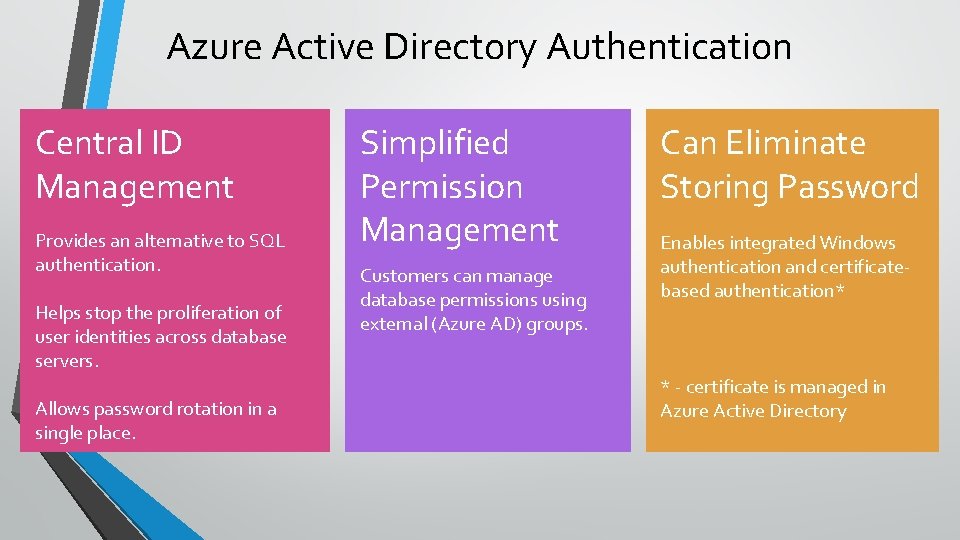
Azure Active Directory Authentication Central ID Management Provides an alternative to SQL authentication. Helps stop the proliferation of user identities across database servers. Allows password rotation in a single place. Simplified Permission Management Customers can manage database permissions using external (Azure AD) groups. Can Eliminate Storing Password Enables integrated Windows authentication and certificatebased authentication* * - certificate is managed in Azure Active Directory
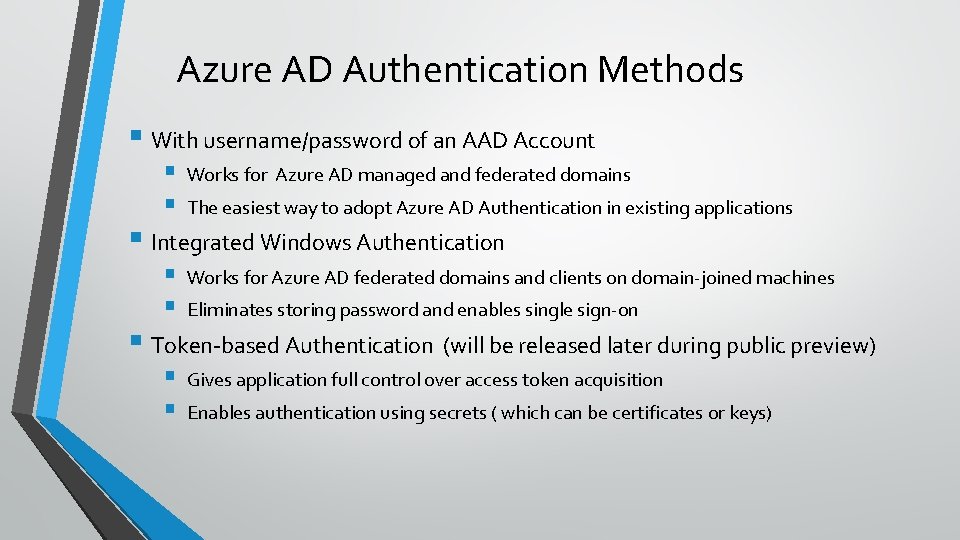
Azure AD Authentication Methods § With username/password of an AAD Account § § Works for Azure AD managed and federated domains § § Works for Azure AD federated domains and clients on domain-joined machines § § Gives application full control over access token acquisition The easiest way to adopt Azure AD Authentication in existing applications § Integrated Windows Authentication Eliminates storing password and enables single sign-on § Token-based Authentication (will be released later during public preview) Enables authentication using secrets ( which can be certificates or keys)
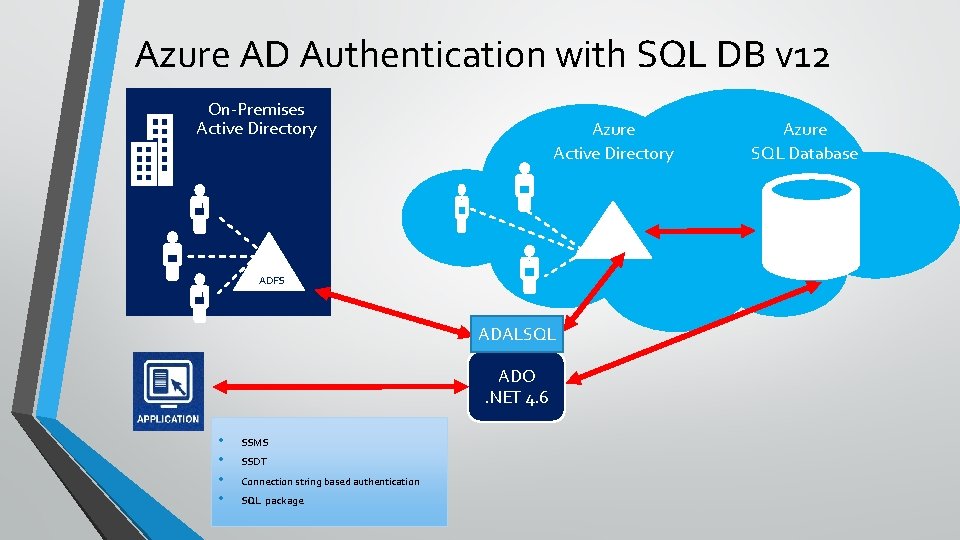
Azure AD Authentication with SQL DB v 12 On-Premises Active Directory Azure Active Directory ADFS ADALSQL ADO . NET 4. 6 • • SSMS SSDT Connection string based authentication SQL package Azure SQL Database
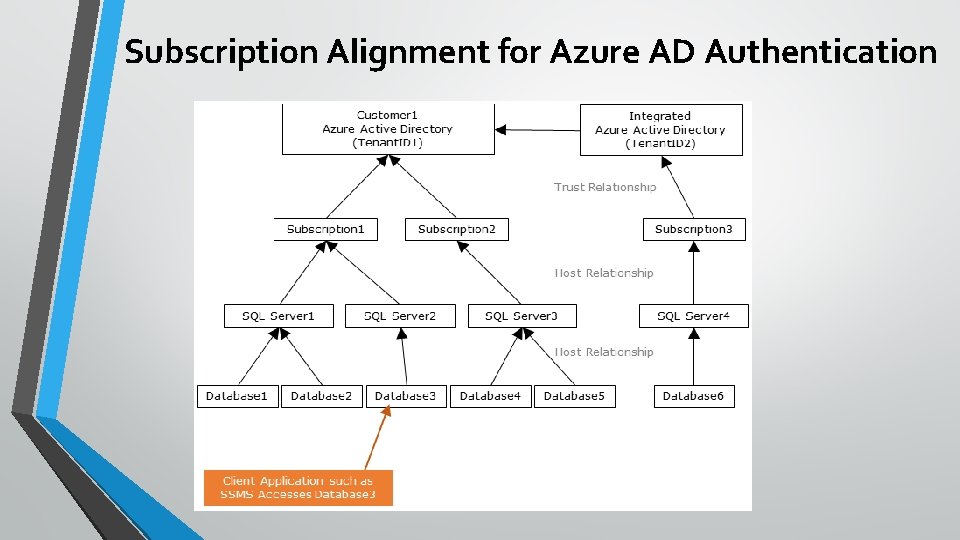
Subscription Alignment for Azure AD Authentication
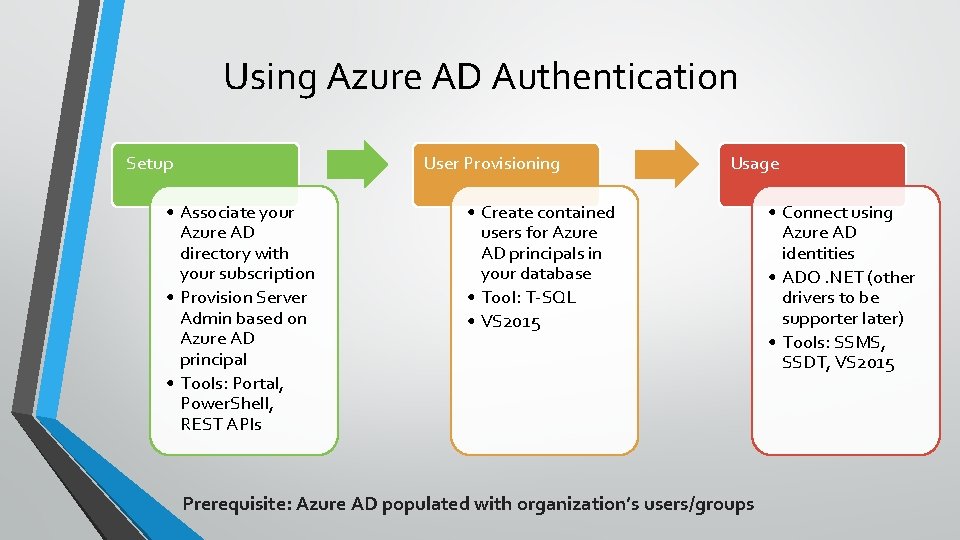
Using Azure AD Authentication Setup User Provisioning • Associate your Azure AD directory with your subscription • Provision Server Admin based on Azure AD principal • Tools: Portal, Power. Shell, REST APIs Usage • Create contained users for Azure AD principals in your database • Tool: T-SQL • VS 2015 Prerequisite: Azure AD populated with organization’s users/groups • Connect using Azure AD identities • ADO. NET (other drivers to be supporter later) • Tools: SSMS, SSDT, VS 2015

Demo
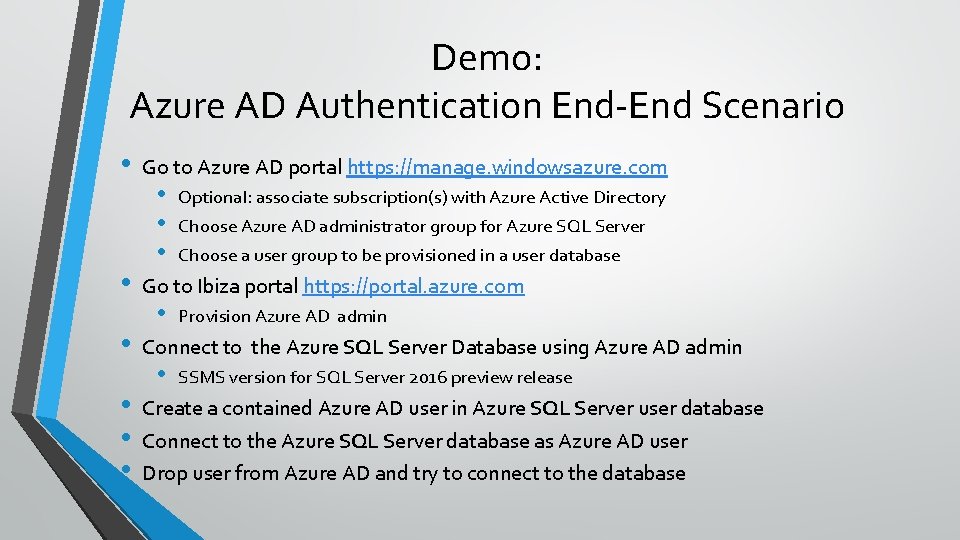
Demo: Azure AD Authentication End-End Scenario • • • Go to Azure AD portal https: //manage. windowsazure. com • • • Optional: associate subscription(s) with Azure Active Directory Choose Azure AD administrator group for Azure SQL Server Choose a user group to be provisioned in a user database Go to Ibiza portal https: //portal. azure. com • Provision Azure AD admin Connect to the Azure SQL Server Database using Azure AD admin • SSMS version for SQL Server 2016 preview release Create a contained Azure AD user in Azure SQL Server user database Connect to the Azure SQL Server database as Azure AD user Drop user from Azure AD and try to connect to the database
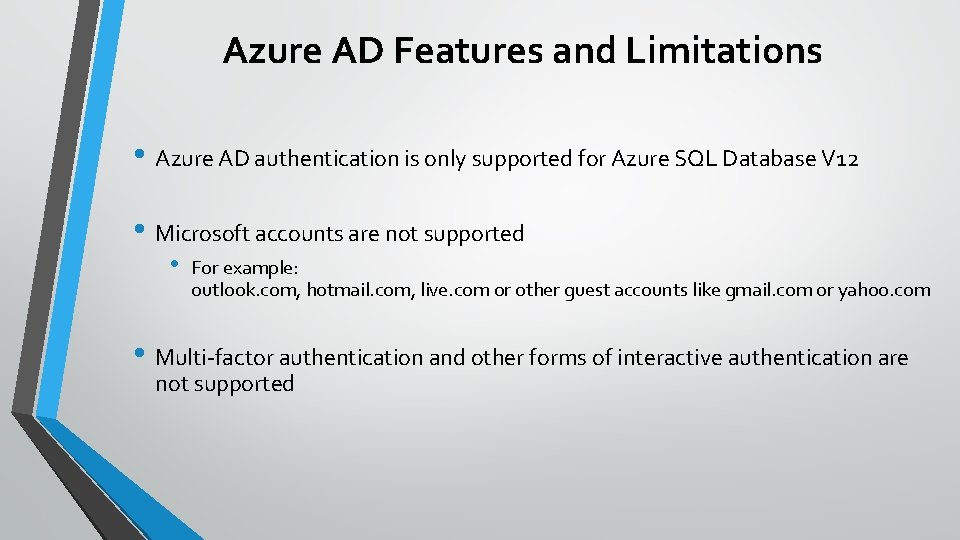
Azure AD Features and Limitations • Azure AD authentication is only supported for Azure SQL Database V 12 • Microsoft accounts are not supported • For example: outlook. com, hotmail. com, live. com or other guest accounts like gmail. com or yahoo. com • Multi-factor authentication and other forms of interactive authentication are not supported
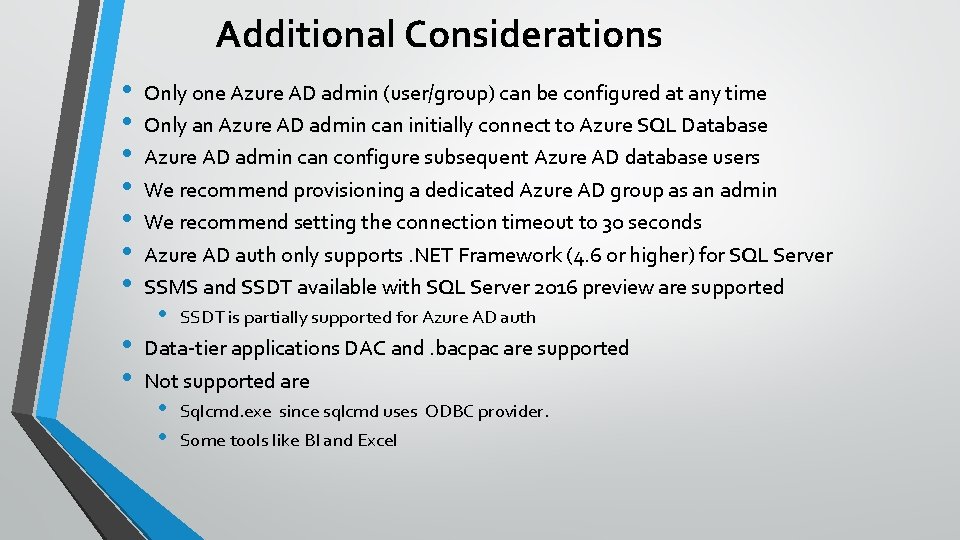
Additional Considerations • • • Only one Azure AD admin (user/group) can be configured at any time Only an Azure AD admin can initially connect to Azure SQL Database Azure AD admin can configure subsequent Azure AD database users We recommend provisioning a dedicated Azure AD group as an admin We recommend setting the connection timeout to 30 seconds Azure AD auth only supports. NET Framework (4. 6 or higher) for SQL Server SSMS and SSDT available with SQL Server 2016 preview are supported • SSDT is partially supported for Azure AD auth Data-tier applications DAC and. bacpac are supported Not supported are • • Sqlcmd. exe since sqlcmd uses ODBC provider. Some tools like BI and Excel

Appendix
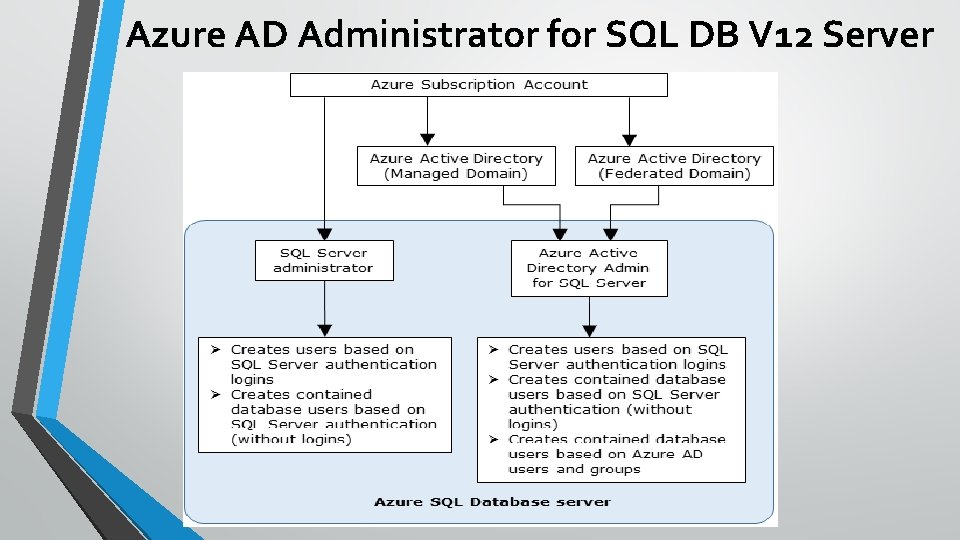
Azure AD Administrator for SQL DB V 12 Server
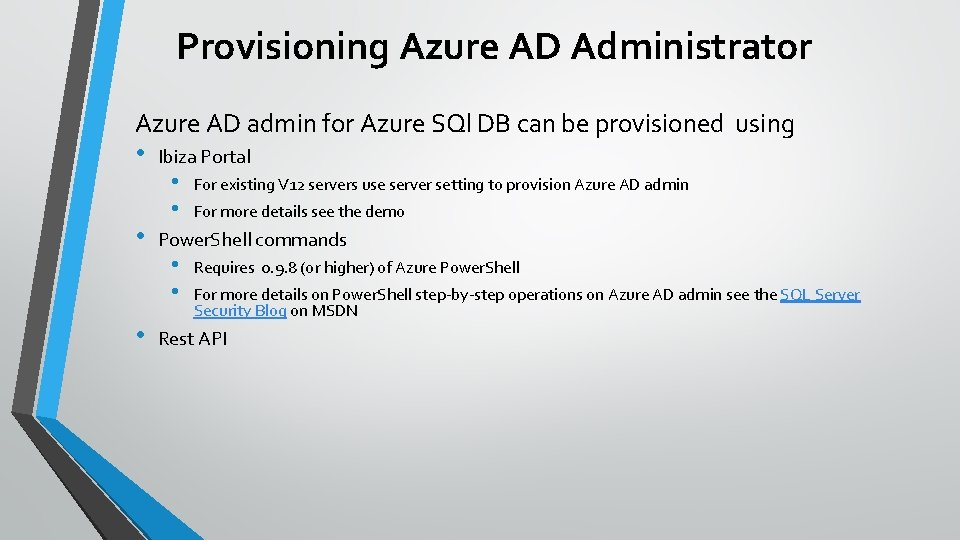
Provisioning Azure AD Administrator Azure AD admin for Azure SQl DB can be provisioned using • • • Ibiza Portal • • For existing V 12 servers use server setting to provision Azure AD admin For more details see the demo Power. Shell commands • • Requires 0. 9. 8 (or higher) of Azure Power. Shell For more details on Power. Shell step-by-step operations on Azure AD admin see the SQL Server Security Blog on MSDN Rest API
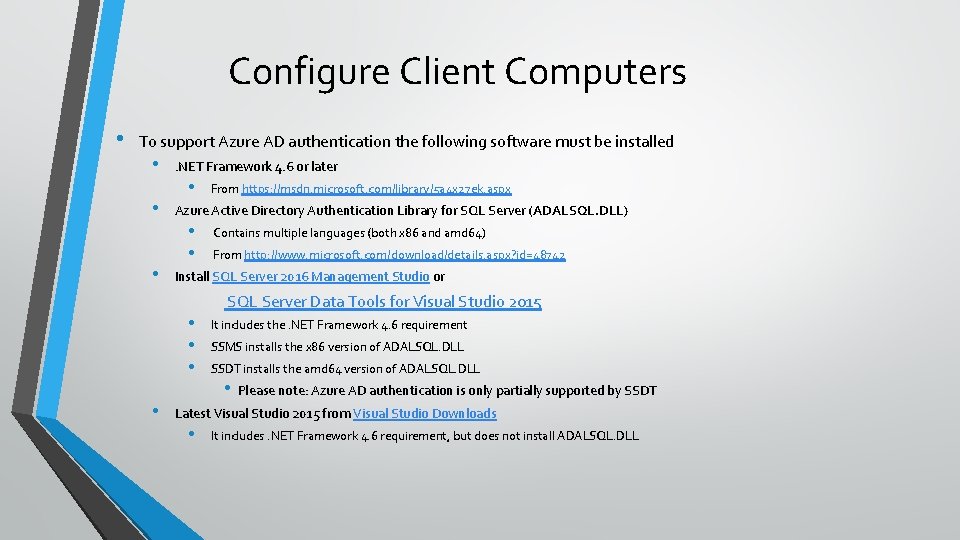
Configure Client Computers • To support Azure AD authentication the following software must be installed • • • . NET Framework 4. 6 or later • From https: //msdn. microsoft. com/library/5 a 4 x 27 ek. aspx Azure Active Directory Authentication Library for SQL Server (ADALSQL. DLL) • • Contains multiple languages (both x 86 and amd 64) From http: //www. microsoft. com/download/details. aspx? id=48742 Install SQL Server 2016 Management Studio or SQL Server Data Tools for Visual Studio 2015 • • It includes the. NET Framework 4. 6 requirement SSMS installs the x 86 version of ADALSQL. DLL SSDT installs the amd 64 version of ADALSQL. DLL • Please note: Azure AD authentication is only partially supported by SSDT Latest Visual Studio 2015 from Visual Studio Downloads • It includes. NET Framework 4. 6 requirement, but does not install ADALSQL. DLL
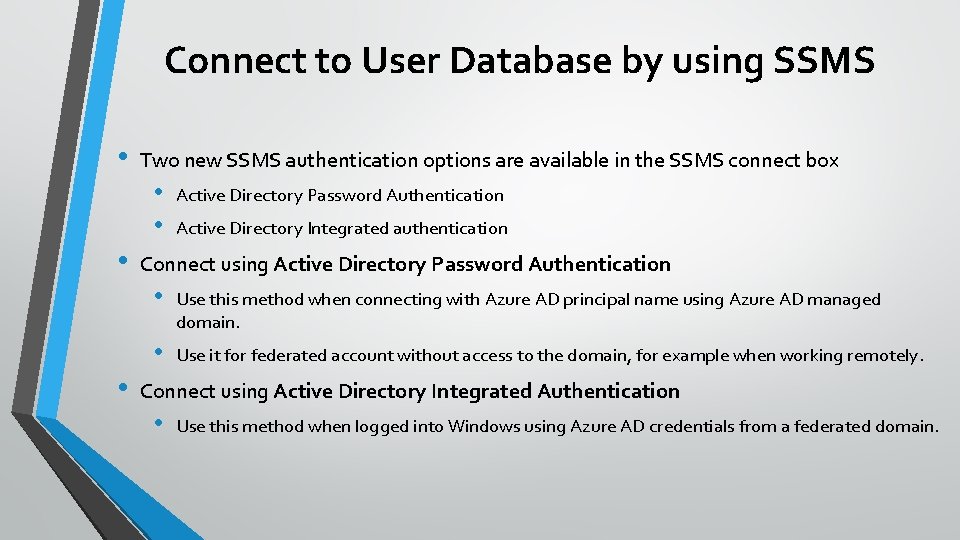
Connect to User Database by using SSMS • Two new SSMS authentication options are available in the SSMS connect box • • Active Directory Password Authentication Active Directory Integrated authentication Connect using Active Directory Password Authentication • Use this method when connecting with Azure AD principal name using Azure AD managed domain. • Use it for federated account without access to the domain, for example when working remotely. Connect using Active Directory Integrated Authentication • Use this method when logged into Windows using Azure AD credentials from a federated domain.
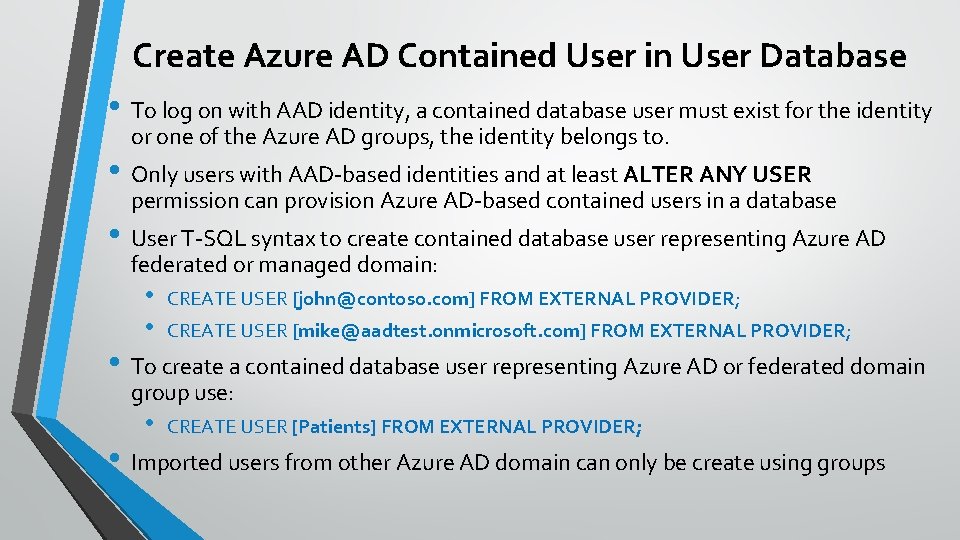
Create Azure AD Contained User in User Database • To log on with AAD identity, a contained database user must exist for the identity or one of the Azure AD groups, the identity belongs to. • Only users with AAD-based identities and at least ALTER ANY USER permission can provision Azure AD-based contained users in a database • User T-SQL syntax to create contained database user representing Azure AD federated or managed domain: • • CREATE USER [john@contoso. com] FROM EXTERNAL PROVIDER; CREATE USER [mike@aadtest. onmicrosoft. com] FROM EXTERNAL PROVIDER; • To create a contained database user representing Azure AD or federated domain group use: • CREATE USER [Patients] FROM EXTERNAL PROVIDER; • Imported users from other Azure AD domain can only be create using groups
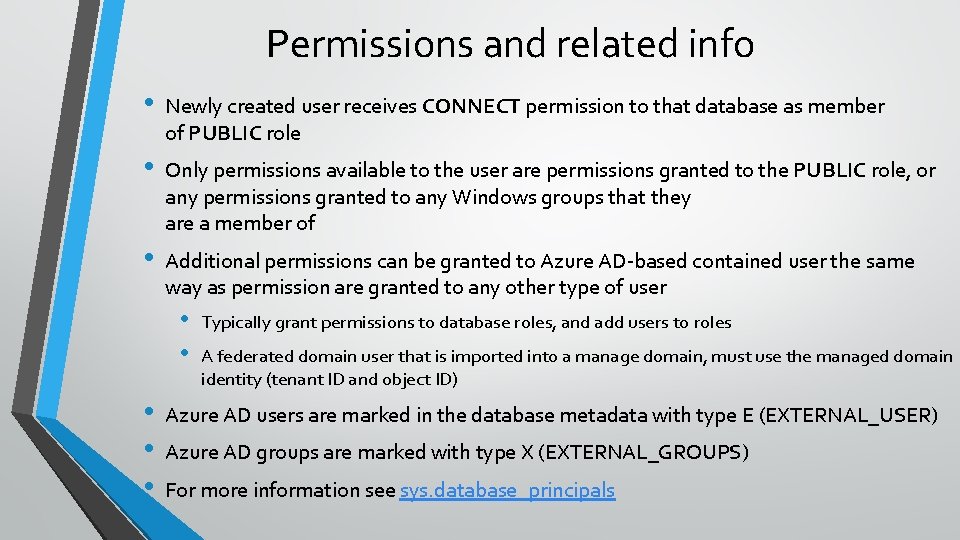
Permissions and related info • Newly created user receives CONNECT permission to that database as member of PUBLIC role • Only permissions available to the user are permissions granted to the PUBLIC role, or any permissions granted to any Windows groups that they are a member of • Additional permissions can be granted to Azure AD-based contained user the same way as permission are granted to any other type of user • • • Typically grant permissions to database roles, and add users to roles A federated domain user that is imported into a manage domain, must use the managed domain identity (tenant ID and object ID) Azure AD users are marked in the database metadata with type E (EXTERNAL_USER) Azure AD groups are marked with type X (EXTERNAL_GROUPS) For more information see sys. database_principals
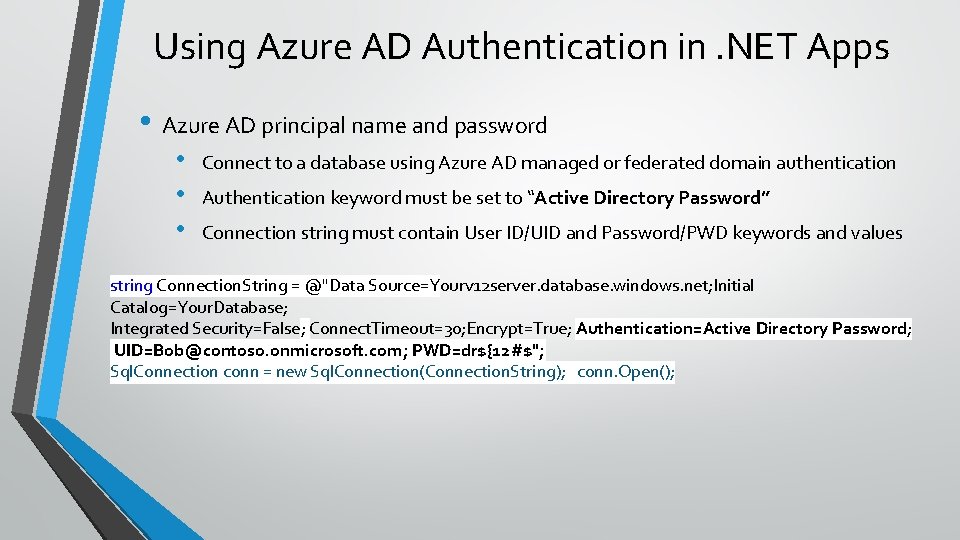
Using Azure AD Authentication in. NET Apps • Azure AD principal name and password • • • Connect to a database using Azure AD managed or federated domain authentication Authentication keyword must be set to “Active Directory Password” Connection string must contain User ID/UID and Password/PWD keywords and values string Connection. String = @"Data Source=Yourv 12 server. database. windows. net; Initial Catalog=Your. Database; Integrated Security=False; Connect. Timeout=30; Encrypt=True; Authentication=Active Directory Password; UID=Bob@contoso. onmicrosoft. com; PWD=dr${12#$"; Sql. Connection conn = new Sql. Connection(Connection. String); conn. Open();
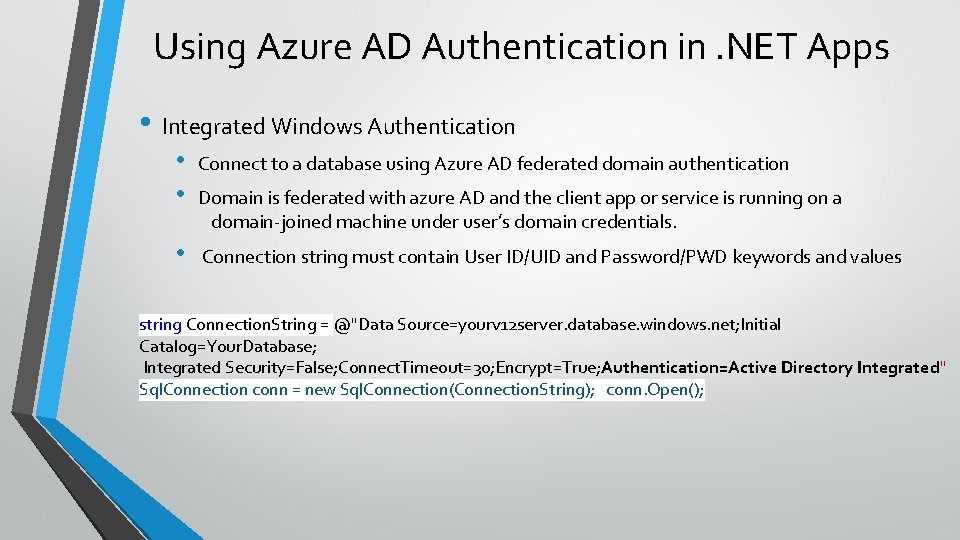
Using Azure AD Authentication in. NET Apps • Integrated Windows Authentication • • Connect to a database using Azure AD federated domain authentication • Connection string must contain User ID/UID and Password/PWD keywords and values Domain is federated with azure AD and the client app or service is running on a domain-joined machine under user’s domain credentials. string Connection. String = @"Data Source=yourv 12 server. database. windows. net; Initial Catalog=Your. Database; Integrated Security=False; Connect. Timeout=30; Encrypt=True; Authentication=Active Directory Integrated" Sql. Connection conn = new Sql. Connection(Connection. String); conn. Open();
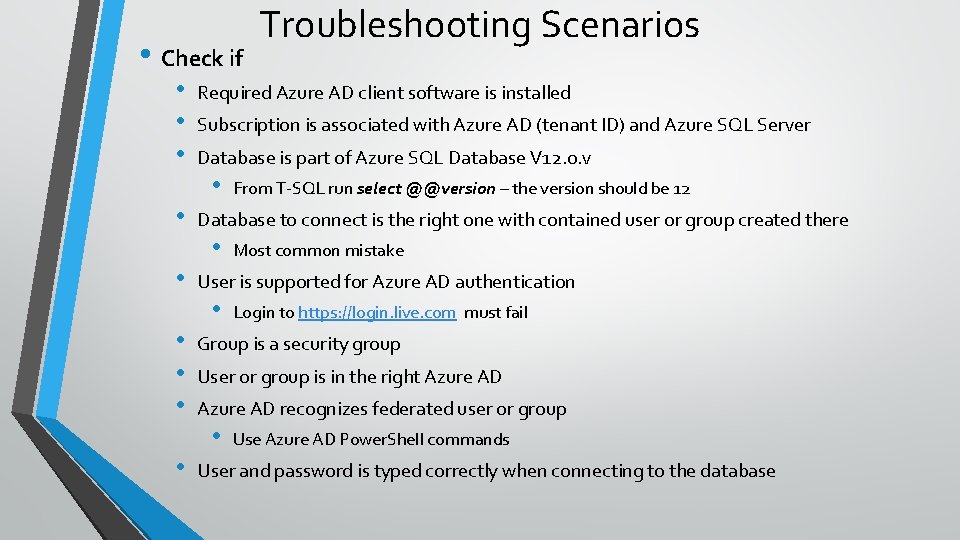
• Check if • • • Troubleshooting Scenarios Required Azure AD client software is installed Subscription is associated with Azure AD (tenant ID) and Azure SQL Server Database is part of Azure SQL Database V 12. 0. v • From T-SQL run select @@version – the version should be 12 Database to connect is the right one with contained user or group created there • Most common mistake User is supported for Azure AD authentication • Login to https: //login. live. com must fail Group is a security group User or group is in the right Azure AD recognizes federated user or group • Use Azure AD Power. Shell commands User and password is typed correctly when connecting to the database
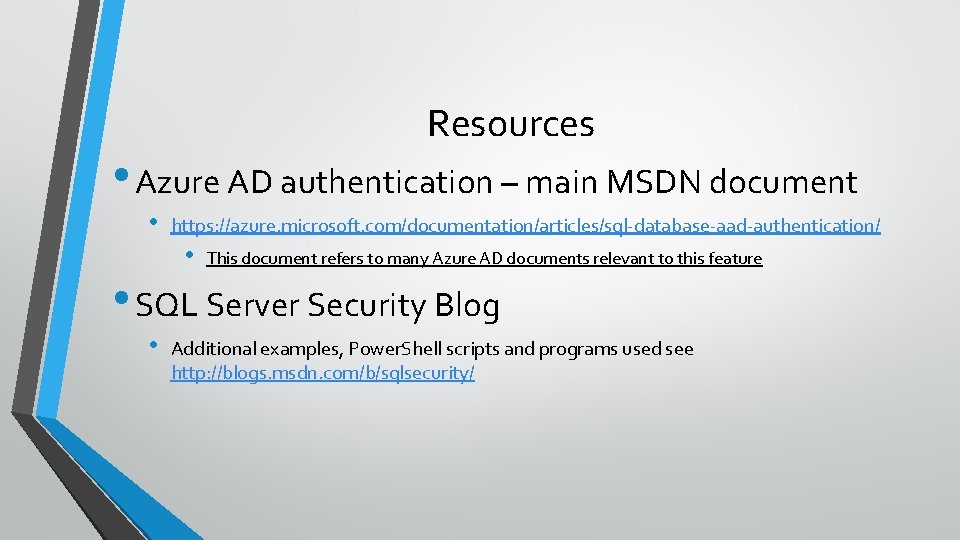
Resources • Azure AD authentication – main MSDN document • https: //azure. microsoft. com/documentation/articles/sql-database-aad-authentication/ • This document refers to many Azure AD documents relevant to this feature • SQL Server Security Blog • Additional examples, Power. Shell scripts and programs used see http: //blogs. msdn. com/b/sqlsecurity/

Questions

Thank you Mirek Sztajno mireks@microsoft. com
- Slides: 24