
AWS Economics Learn how to efficiently optimize your
- Slides: 33
AWS Economics: Learn how to efficiently optimize your resource utilization and control your costs NYC Cloud Computing Group Aaron C. Newman CEO/Founder, Cloud. Checkr Aaron. Newman@Cloud. Checkr. com
Agenda: • • • Overview of Costs in AWS Going “Reserved” Going “Spot” Optimizing Resources Economic Denial of Sustainability Conclusion, Resource, and Questions
Overview of AWS Costs
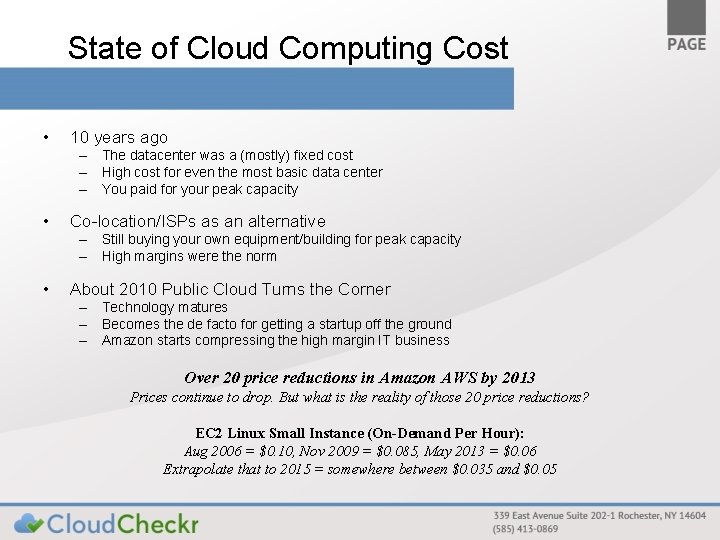
State of Cloud Computing Cost • 10 years ago – The datacenter was a (mostly) fixed cost – High cost for even the most basic data center – You paid for your peak capacity • Co-location/ISPs as an alternative – Still buying your own equipment/building for peak capacity – High margins were the norm • About 2010 Public Cloud Turns the Corner – Technology matures – Becomes the de facto for getting a startup off the ground – Amazon starts compressing the high margin IT business Over 20 price reductions in Amazon AWS by 2013 Prices continue to drop. But what is the reality of those 20 price reductions? EC 2 Linux Small Instance (On-Demand Per Hour): Aug 2006 = $0. 10, Nov 2009 = $0. 085, May 2013 = $0. 06 Extrapolate that to 2015 = somewhere between $0. 035 and $0. 05
Cost is a product of usage • In old data center, cost was fixed – Once you bought the equipment, little could be done to reduce your cost. No advantage to ever scale down. • The public cloud is heavily weighted to variable costs – If you can use less, you spend less • Optimizing Resource Utilization in the Cloud matter – Computational engines – run as close to 100% as possible – Interactive components – need a cushion for peak usage • Auto scaling - important tool for optimizing cloud usage – Scale down as much as scaling up
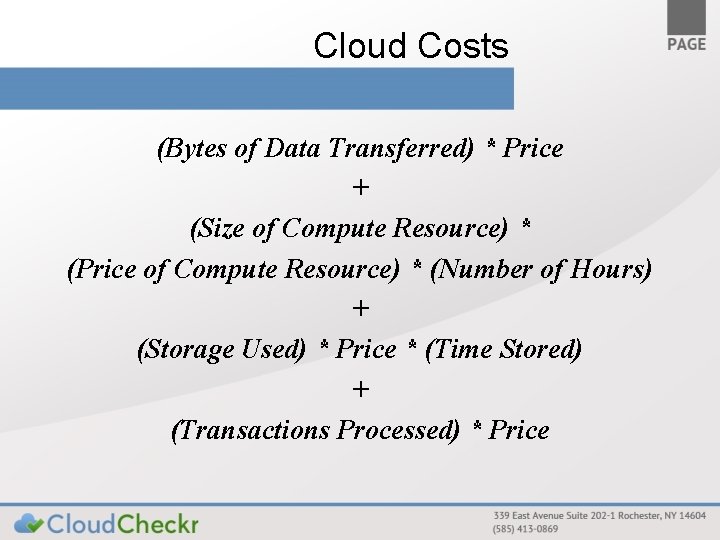
Cloud Costs (Bytes of Data Transferred) * Price + (Size of Compute Resource) * (Price of Compute Resource) * (Number of Hours) + (Storage Used) * Price * (Time Stored) + (Transactions Processed) * Price
Architecting Applications • In the past, architecture was typically a large, multithreaded executable talking to a single database running on the biggest boxes you could afford. Sat idle a lot. • Moving old apps into the cloud – Can you resize your resources different times of the day? – Use load balancers or Multi AZ capabilities to resize • Important to design your apps to scale horizontally • Design you application into components – That can be added or removed dynamically
Going “Reserved”
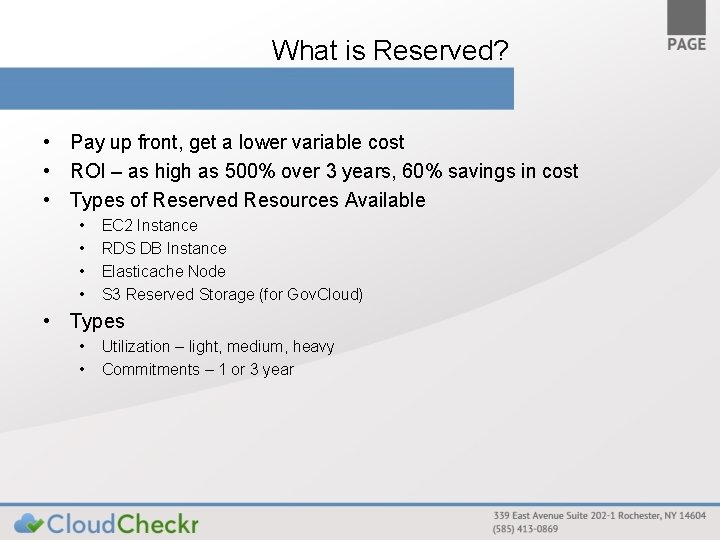
What is Reserved? • Pay up front, get a lower variable cost • ROI – as high as 500% over 3 years, 60% savings in cost • Types of Reserved Resources Available • • EC 2 Instance RDS DB Instance Elasticache Node S 3 Reserved Storage (for Gov. Cloud) • Types • • Utilization – light, medium, heavy Commitments – 1 or 3 year
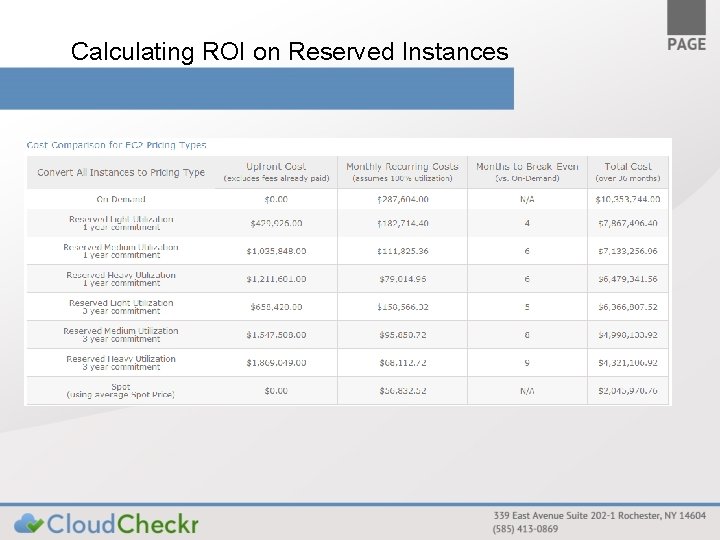
Calculating ROI on Reserved Instances
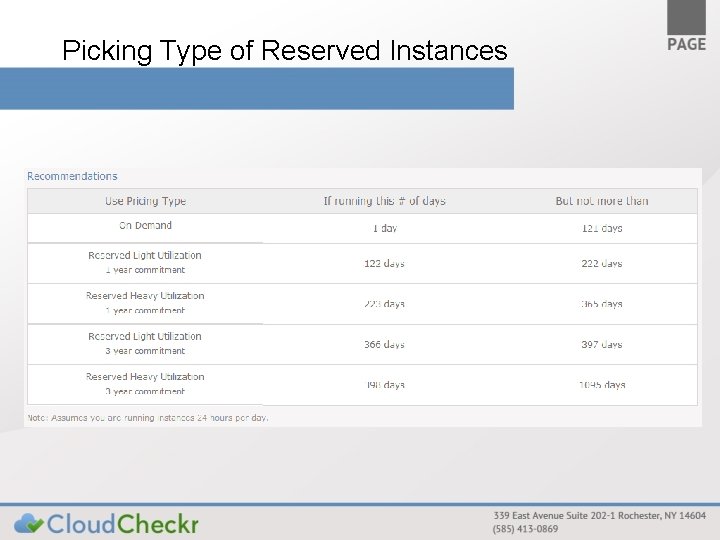
Picking Type of Reserved Instances
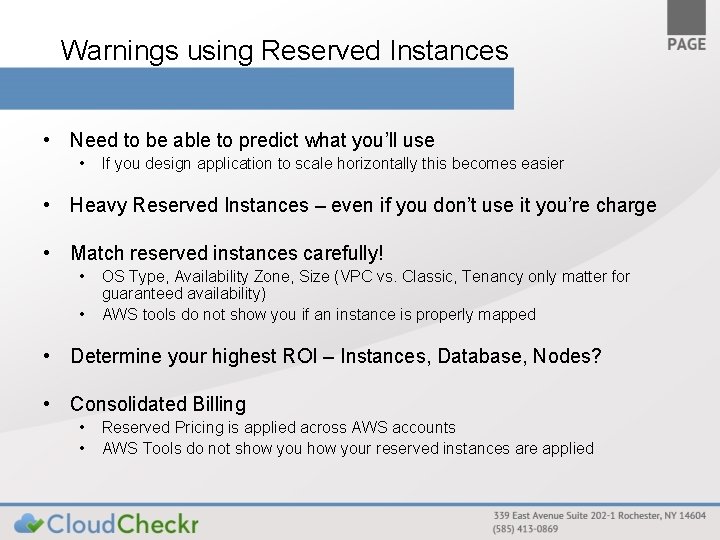
Warnings using Reserved Instances • Need to be able to predict what you’ll use • If you design application to scale horizontally this becomes easier • Heavy Reserved Instances – even if you don’t use it you’re charge • Match reserved instances carefully! • • OS Type, Availability Zone, Size (VPC vs. Classic, Tenancy only matter for guaranteed availability) AWS tools do not show you if an instance is properly mapped • Determine your highest ROI – Instances, Database, Nodes? • Consolidated Billing • • Reserved Pricing is applied across AWS accounts AWS Tools do not show your reserved instances are applied
Going “Spot”
What is Spot Pricing • Bidding for unused instances • • Supply and demand dictates current price Place your max bid, your instance shuts down if max bid exceeded by others • Spot is almost always cheaper • But you need to consider < 99% availability • Spot prices spike frequently • Slightly slower to spin up • Wait for spot request to be fulfilled before instance can start • More complex to manage • Using EBS/Instance store
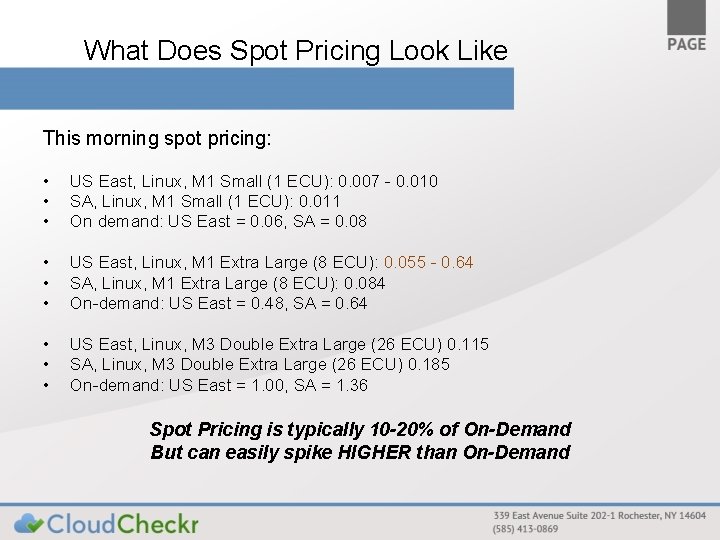
What Does Spot Pricing Look Like This morning spot pricing: • • • US East, Linux, M 1 Small (1 ECU): 0. 007 - 0. 010 SA, Linux, M 1 Small (1 ECU): 0. 011 On demand: US East = 0. 06, SA = 0. 08 • • • US East, Linux, M 1 Extra Large (8 ECU): 0. 055 - 0. 64 SA, Linux, M 1 Extra Large (8 ECU): 0. 084 On-demand: US East = 0. 48, SA = 0. 64 • • • US East, Linux, M 3 Double Extra Large (26 ECU) 0. 115 SA, Linux, M 3 Double Extra Large (26 ECU) 0. 185 On-demand: US East = 1. 00, SA = 1. 36 Spot Pricing is typically 10 -20% of On-Demand But can easily spike HIGHER than On-Demand
Spot Strategies • Most people don’t understand spot pricing, afraid to use it • As more people understand use it, pricing will be driven up • Very tempting but dangerous to run exclusively on Spot • • From Giga. Om: “A sudden spike in the price of “m 2. 2 xlarge” servers (normally $. 44/hour) drove the price briefly up to $999/hour, causing a site-wise outage. ” If you follow this strategy, use a variety of instance sizes, Availability Zones, and even regions to minimize the risk • Hybrid Reserved/Spot strategies • • Run as many spot instances as possible But maintain a base level of Reserved Instances Switch to On-Demand if Bid Price Exceeds On-Demand Price This is a manually intensive strategy
Optimizing Resources
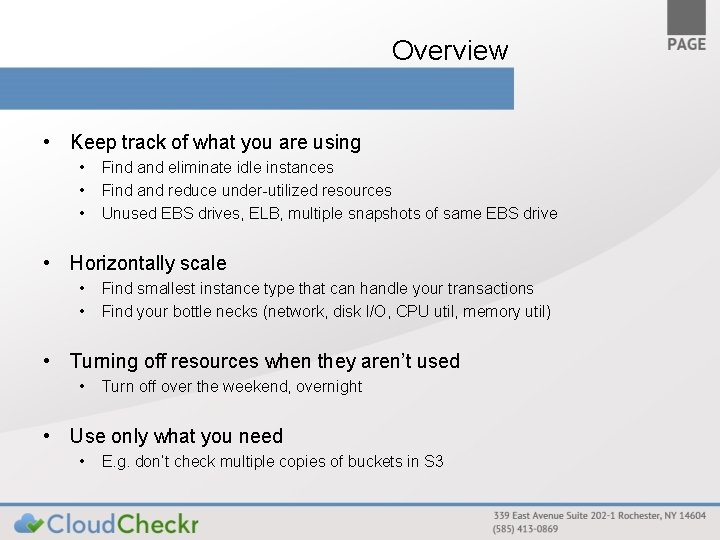
Overview • Keep track of what you are using • • • Find and eliminate idle instances Find and reduce under-utilized resources Unused EBS drives, ELB, multiple snapshots of same EBS drive • Horizontally scale • • Find smallest instance type that can handle your transactions Find your bottle necks (network, disk I/O, CPU util, memory util) • Turning off resources when they aren’t used • Turn off over the weekend, overnight • Use only what you need • E. g. don’t check multiple copies of buckets in S 3
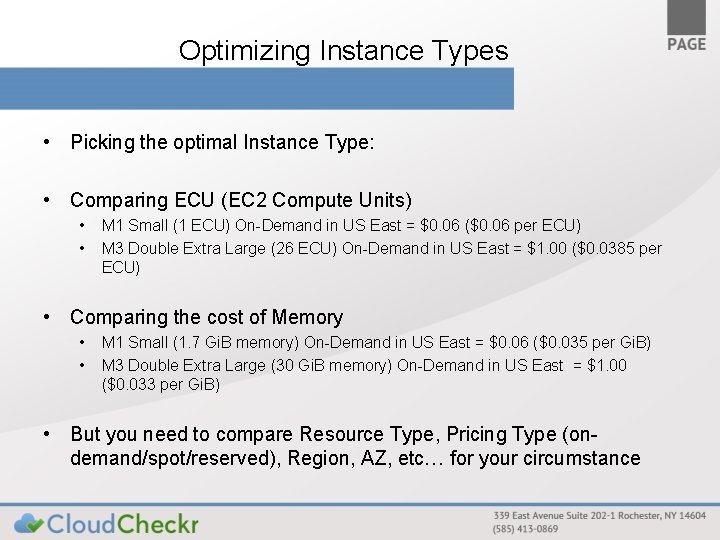
Optimizing Instance Types • Picking the optimal Instance Type: • Comparing ECU (EC 2 Compute Units) • • M 1 Small (1 ECU) On-Demand in US East = $0. 06 ($0. 06 per ECU) M 3 Double Extra Large (26 ECU) On-Demand in US East = $1. 00 ($0. 0385 per ECU) • Comparing the cost of Memory • • M 1 Small (1. 7 Gi. B memory) On-Demand in US East = $0. 06 ($0. 035 per Gi. B) M 3 Double Extra Large (30 Gi. B memory) On-Demand in US East = $1. 00 ($0. 033 per Gi. B) • But you need to compare Resource Type, Pricing Type (ondemand/spot/reserved), Region, AZ, etc… for your circumstance
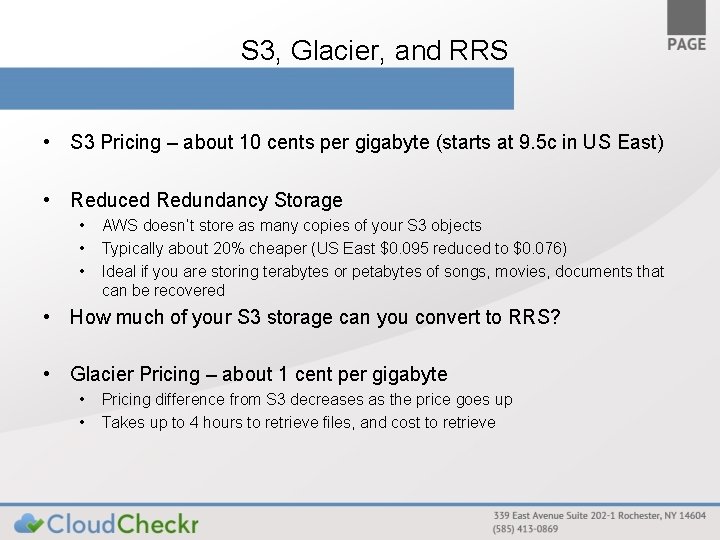
S 3, Glacier, and RRS • S 3 Pricing – about 10 cents per gigabyte (starts at 9. 5 c in US East) • Reduced Redundancy Storage • • • AWS doesn’t store as many copies of your S 3 objects Typically about 20% cheaper (US East $0. 095 reduced to $0. 076) Ideal if you are storing terabytes or petabytes of songs, movies, documents that can be recovered • How much of your S 3 storage can you convert to RRS? • Glacier Pricing – about 1 cent per gigabyte • • Pricing difference from S 3 decreases as the price goes up Takes up to 4 hours to retrieve files, and cost to retrieve
S 3, Glacier, and RRS • S 3 Pricing – about 10 cents per gigabyte (starts at 9. 5 c in US East) • Reduced Redundancy Storage • • • AWS doesn’t store as many copies of your S 3 objects Typically about 20% cheaper (US East $0. 095 reduced to $0. 076) Ideal if you are storing terabytes or petabytes of songs, movies, documents that can be recovered • How much of your S 3 storage can you convert to RRS? • Glacier Pricing – about 1 cent per gigabyte • • Pricing difference from S 3 decreases as the price goes up Takes up to 4 hours to retrieve files, and cost to retrieve
Economic Denial of Sustainability Attacks
EDo. S Attacks • Variation of Distributed Denial of Service Attack – Goal is not to overload and crash an application – Instead to cause the server hosting costs to overwhelm the victim’s budget “the infrastructure allows scaling of service beyond the economic means of the vendor to pay their cloud-based service bills” -http: //rationalsecurity. typepad. com
Worst Case Scenario – AWS Cloud. Front • http: //www. reviewmylife. co. uk/blog/2011/05/19/a mazon-cloudfront-and-s 3 -maximum-cost/ • Author calculated maximum possible charge – Used default limit of 1000 requests per second and 1000 megabits per second – At the end of 30 days a maximum of 324 TB of data could have been downloaded (theoretically) – $42, 000 per month for a single edge location – Cloud. Front has 30 edge locations
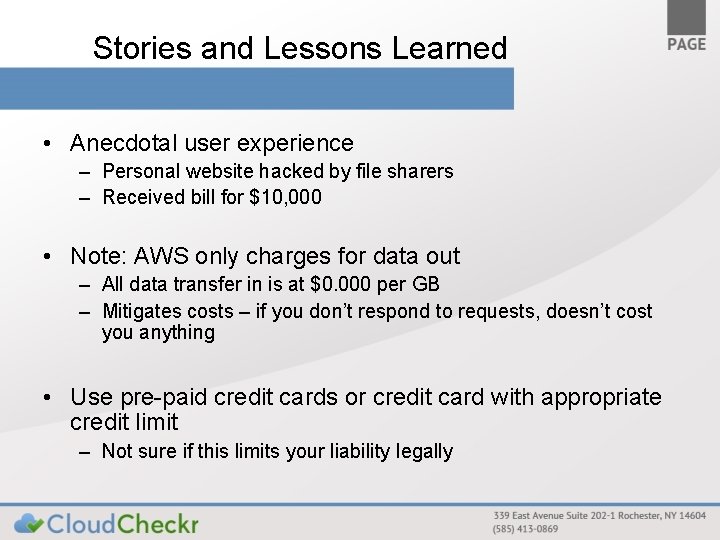
Stories and Lessons Learned • Anecdotal user experience – Personal website hacked by file sharers – Received bill for $10, 000 • Note: AWS only charges for data out – All data transfer in is at $0. 000 per GB – Mitigates costs – if you don’t respond to requests, doesn’t cost you anything • Use pre-paid credit cards or credit card with appropriate credit limit – Not sure if this limits your liability legally
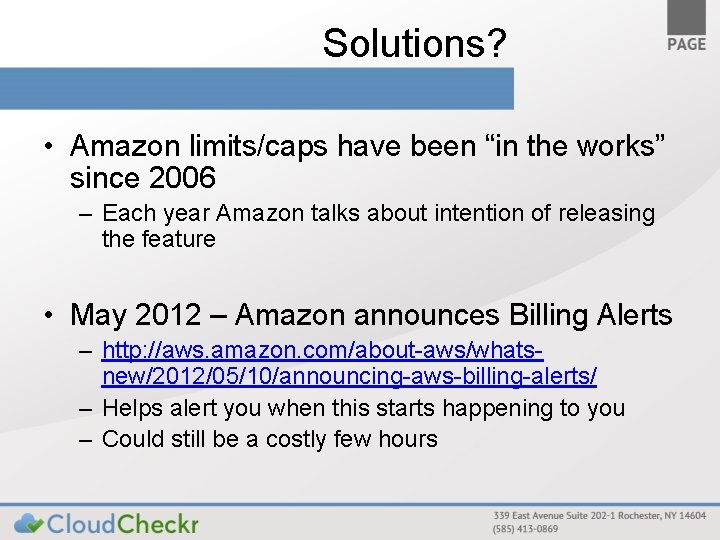
Solutions? • Amazon limits/caps have been “in the works” since 2006 – Each year Amazon talks about intention of releasing the feature • May 2012 – Amazon announces Billing Alerts – http: //aws. amazon. com/about-aws/whatsnew/2012/05/10/announcing-aws-billing-alerts/ – Helps alert you when this starts happening to you – Could still be a costly few hours
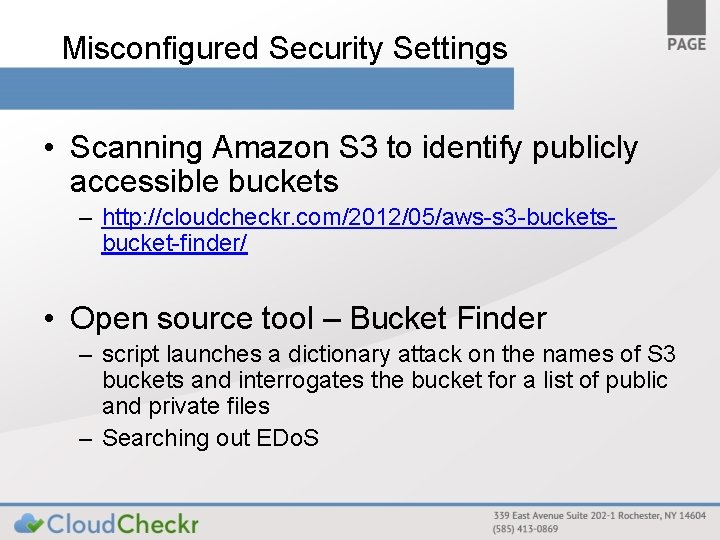
Misconfigured Security Settings • Scanning Amazon S 3 to identify publicly accessible buckets – http: //cloudcheckr. com/2012/05/aws-s 3 -bucketsbucket-finder/ • Open source tool – Bucket Finder – script launches a dictionary attack on the names of S 3 buckets and interrogates the bucket for a list of public and private files – Searching out EDo. S
Resources, Conclusion, and Questions
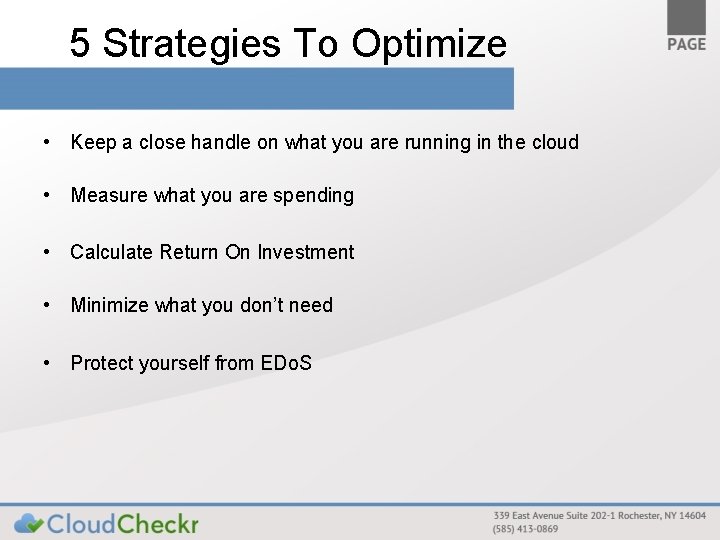
5 Strategies To Optimize • Keep a close handle on what you are running in the cloud • Measure what you are spending • Calculate Return On Investment • Minimize what you don’t need • Protect yourself from EDo. S
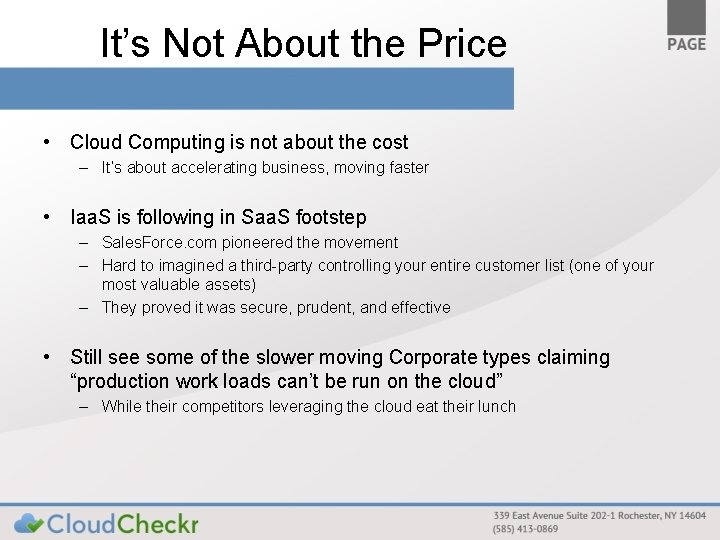
It’s Not About the Price • Cloud Computing is not about the cost – It’s about accelerating business, moving faster • Iaa. S is following in Saa. S footstep – Sales. Force. com pioneered the movement – Hard to imagined a third-party controlling your entire customer list (one of your most valuable assets) – They proved it was secure, prudent, and effective • Still see some of the slower moving Corporate types claiming “production work loads can’t be run on the cloud” – While their competitors leveraging the cloud eat their lunch
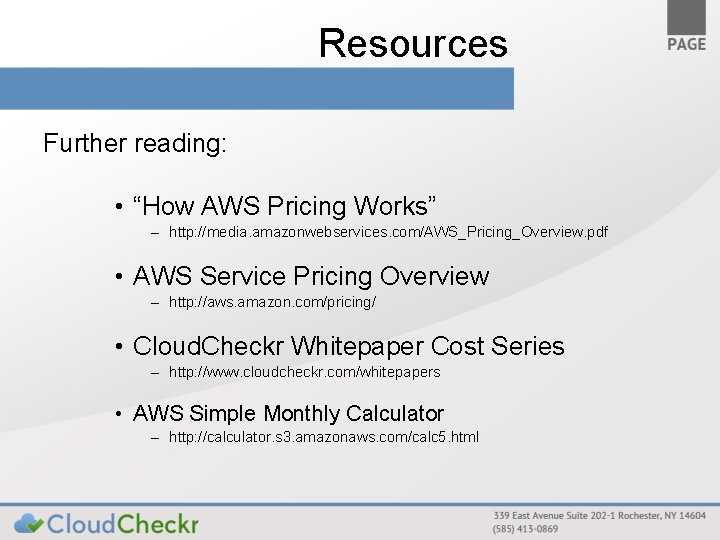
Resources Further reading: • “How AWS Pricing Works” – http: //media. amazonwebservices. com/AWS_Pricing_Overview. pdf • AWS Service Pricing Overview – http: //aws. amazon. com/pricing/ • Cloud. Checkr Whitepaper Cost Series – http: //www. cloudcheckr. com/whitepapers • AWS Simple Monthly Calculator – http: //calculator. s 3. amazonaws. com/calc 5. html
Questions? Questions on: • Cloud Computing • Resource Utilization • Optimizing Your Costs • Cloud. Checkr
Thank You for Attending Get your FREEMIUM account to check your public cloud at www. cloudcheckr. com Aaron Newman is the Founder of Cloud. Checkr (www. cloudcheckr. com) Please contact me with additional questions at: aaron. newman@cloudcheckr. com