
AWK q A programming language for handling common
- Slides: 44
AWK q. A programming language for handling common data manipulation tasks with only a few lines of program q Awk is a pattern action language q The language looks a little like C but automatically handles input, field splitting, initialization, and memory management u Built-in string and number data types u No variable type declarations q Awk is a great prototyping language u Start with a few lines and keep adding until it does what you want CISC 1480/KRF Copyright © 1999 by Kenneth R. Frazer 1
History q Originally designed/implemented in 1977 by Al Aho, Peter Weinberger, and Brian Kernigan u In part as an experiment to see how grep and sed could be generalized to deal with numbers as well as text u Originally intended for very short programs u But people started using it and the programs kept getting bigger and bigger! q In 1985, new awk, or nawk, was written to add enhancements to facilitate larger program development u Major new feature is user defined functions CISC 1480/KRF Copyright © 1999 by Kenneth R. Frazer 2
q Other enhancements in nawk include: u Dynamic regular expressions l Text substitution and pattern matching functions u Additional built-in functions and variables u New operators and statements u Input from more than one file u Access to command line arguments q nawk also improved error messages which makes debugging considerably easier under nawk than awk q On most systems, nawk has replaced awk u On ours, both exist CISC 1480/KRF Copyright © 1999 by Kenneth R. Frazer 3
Tutorial q Program structure q Running an Awk program q Error messages q Output from Awk q Record selection q BEGIN and END q Number crunching q Handling text q Built-in functions q Control flow q Arrays CISC 1480/KRF Copyright © 1999 by Kenneth R. Frazer 4
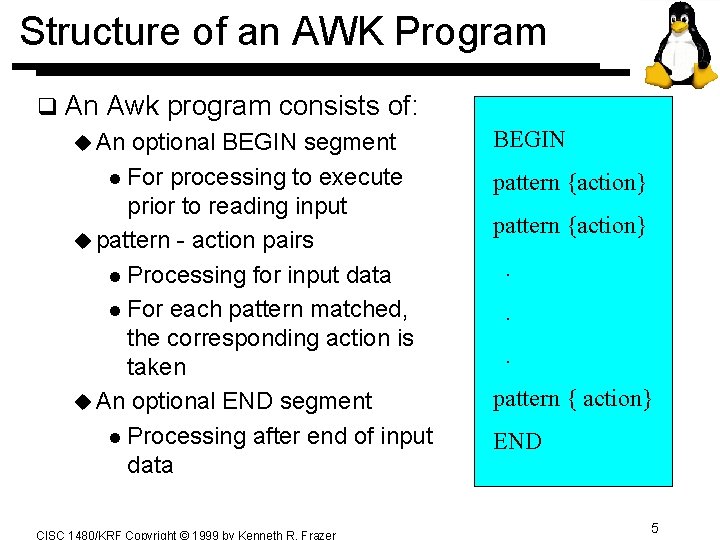
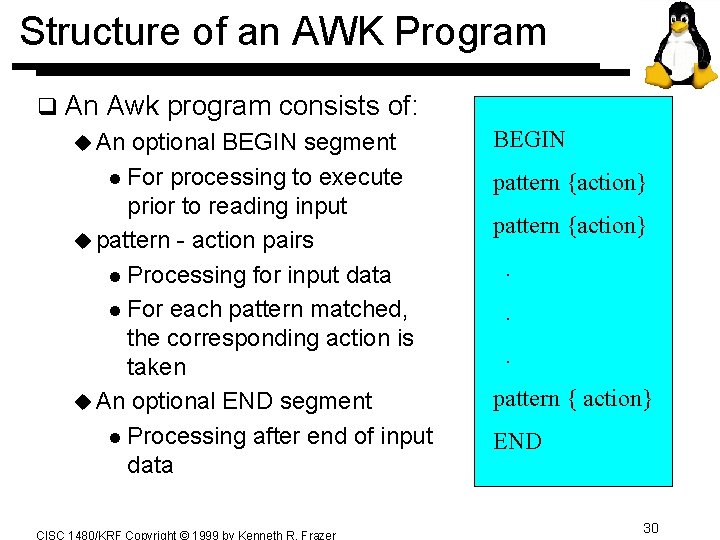
Structure of an AWK Program q An Awk program consists of: u An optional BEGIN segment l For processing to execute prior to reading input u pattern - action pairs l Processing for input data l For each pattern matched, the corresponding action is taken u An optional END segment l Processing after end of input data CISC 1480/KRF Copyright © 1999 by Kenneth R. Frazer BEGIN pattern {action}. . . pattern { action} END 5
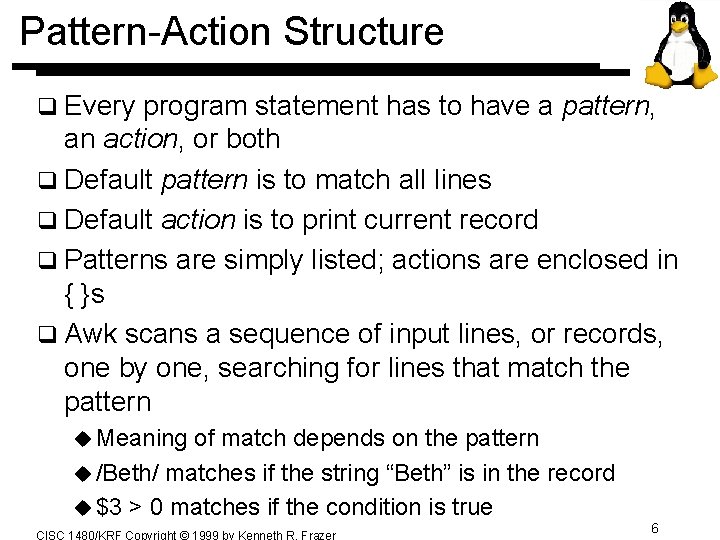
Pattern-Action Structure q Every program statement has to have a pattern, an action, or both q Default pattern is to match all lines q Default action is to print current record q Patterns are simply listed; actions are enclosed in { }s q Awk scans a sequence of input lines, or records, one by one, searching for lines that match the pattern u Meaning of match depends on the pattern u /Beth/ matches if the string “Beth” is in the record u $3 > 0 matches if the condition is true CISC 1480/KRF Copyright © 1999 by Kenneth R. Frazer 6
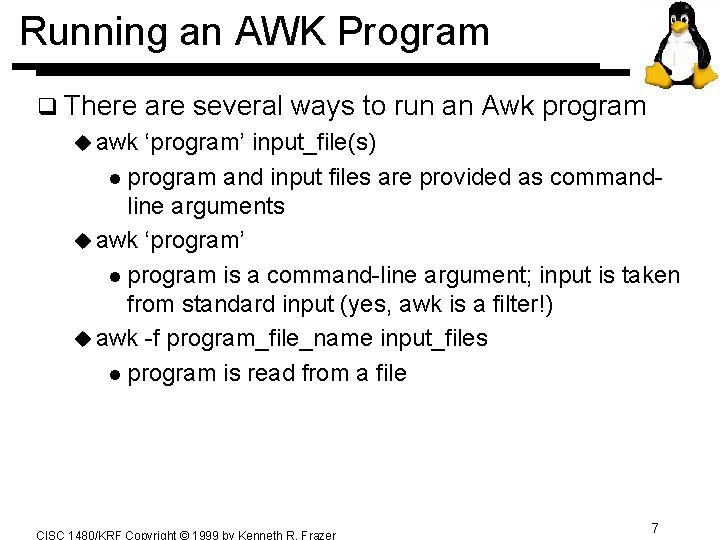
Running an AWK Program q There are several ways to run an Awk program u awk ‘program’ input_file(s) l program and input files are provided as commandline arguments u awk ‘program’ l program is a command-line argument; input is taken from standard input (yes, awk is a filter!) u awk -f program_file_name input_files l program is read from a file CISC 1480/KRF Copyright © 1999 by Kenneth R. Frazer 7
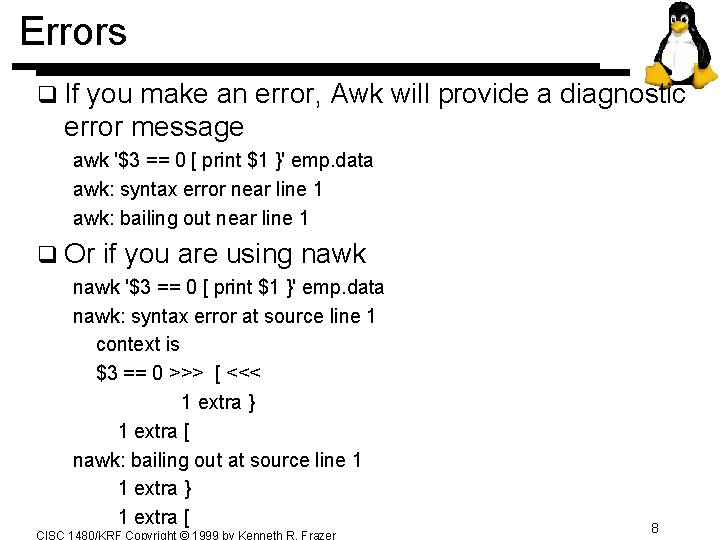
Errors q If you make an error, Awk will provide a diagnostic error message awk '$3 == 0 [ print $1 }' emp. data awk: syntax error near line 1 awk: bailing out near line 1 q Or if you are using nawk '$3 == 0 [ print $1 }' emp. data nawk: syntax error at source line 1 context is $3 == 0 >>> [ <<< 1 extra } 1 extra [ nawk: bailing out at source line 1 1 extra } 1 extra [ CISC 1480/KRF Copyright © 1999 by Kenneth R. Frazer 8
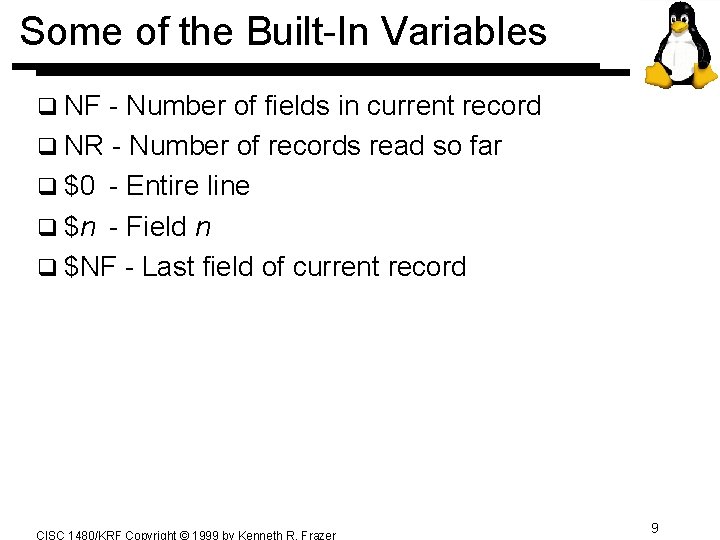
Some of the Built-In Variables q NF - Number of fields in current record q NR - Number of records read so far q $0 - Entire line q $n - Field n q $NF - Last field of current record CISC 1480/KRF Copyright © 1999 by Kenneth R. Frazer 9
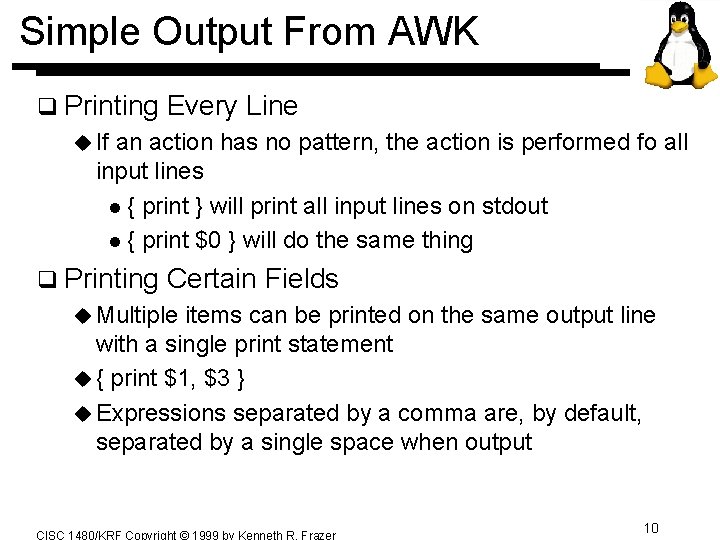
Simple Output From AWK q Printing Every Line u If an action has no pattern, the action is performed fo all input lines l { print } will print all input lines on stdout l { print $0 } will do the same thing q Printing Certain Fields u Multiple items can be printed on the same output line with a single print statement u { print $1, $3 } u Expressions separated by a comma are, by default, separated by a single space when output CISC 1480/KRF Copyright © 1999 by Kenneth R. Frazer 10
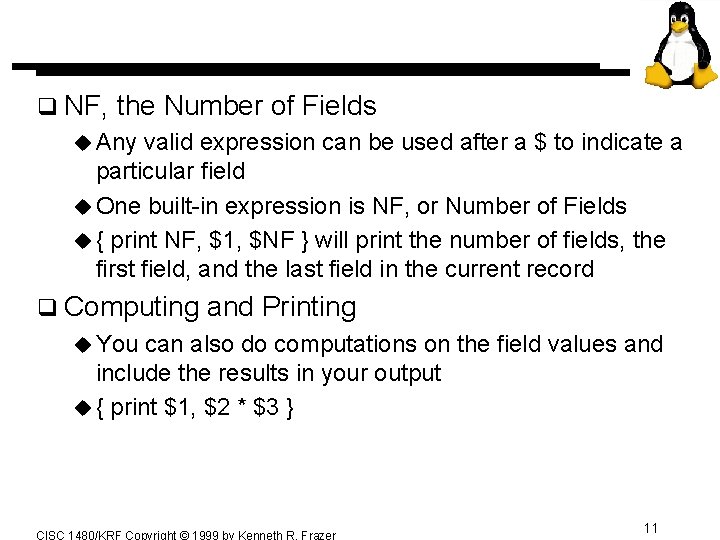
q NF, the Number of Fields u Any valid expression can be used after a $ to indicate a particular field u One built-in expression is NF, or Number of Fields u { print NF, $1, $NF } will print the number of fields, the first field, and the last field in the current record q Computing and Printing u You can also do computations on the field values and include the results in your output u { print $1, $2 * $3 } CISC 1480/KRF Copyright © 1999 by Kenneth R. Frazer 11
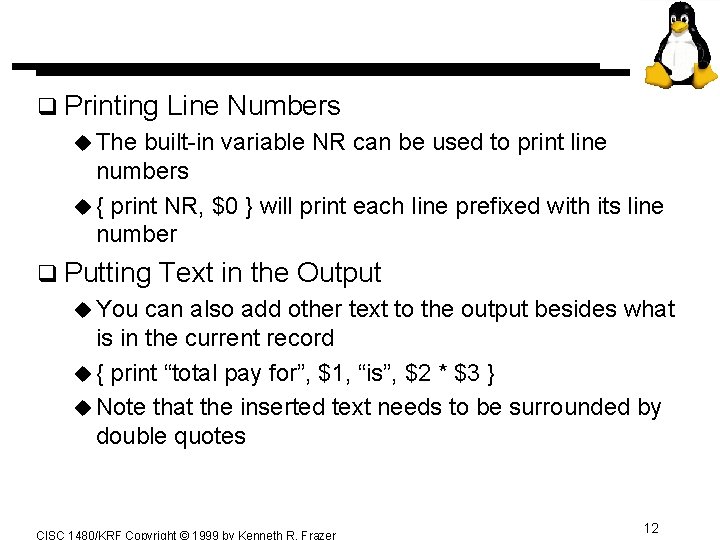
q Printing Line Numbers u The built-in variable NR can be used to print line numbers u { print NR, $0 } will print each line prefixed with its line number q Putting Text in the Output u You can also add other text to the output besides what is in the current record u { print “total pay for”, $1, “is”, $2 * $3 } u Note that the inserted text needs to be surrounded by double quotes CISC 1480/KRF Copyright © 1999 by Kenneth R. Frazer 12
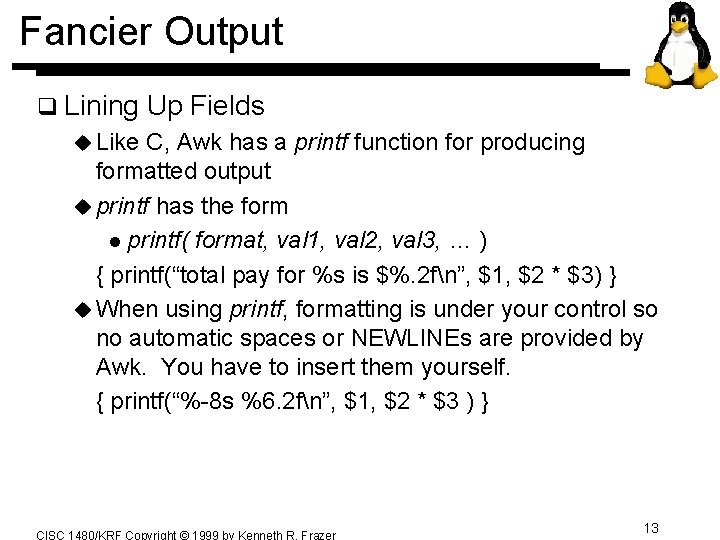
Fancier Output q Lining Up Fields u Like C, Awk has a printf function for producing formatted output u printf has the form l printf( format, val 1, val 2, val 3, … ) { printf(“total pay for %s is $%. 2 fn”, $1, $2 * $3) } u When using printf, formatting is under your control so no automatic spaces or NEWLINEs are provided by Awk. You have to insert them yourself. { printf(“%-8 s %6. 2 fn”, $1, $2 * $3 ) } CISC 1480/KRF Copyright © 1999 by Kenneth R. Frazer 13
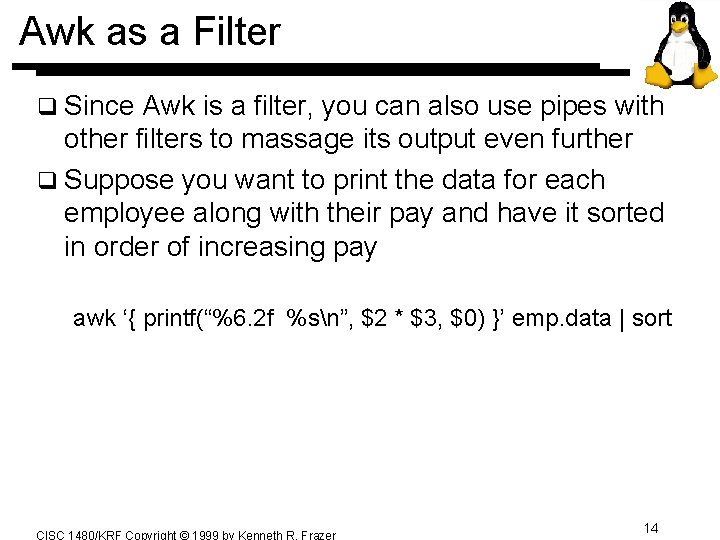
Awk as a Filter q Since Awk is a filter, you can also use pipes with other filters to massage its output even further q Suppose you want to print the data for each employee along with their pay and have it sorted in order of increasing pay awk ‘{ printf(“%6. 2 f %sn”, $2 * $3, $0) }’ emp. data | sort CISC 1480/KRF Copyright © 1999 by Kenneth R. Frazer 14
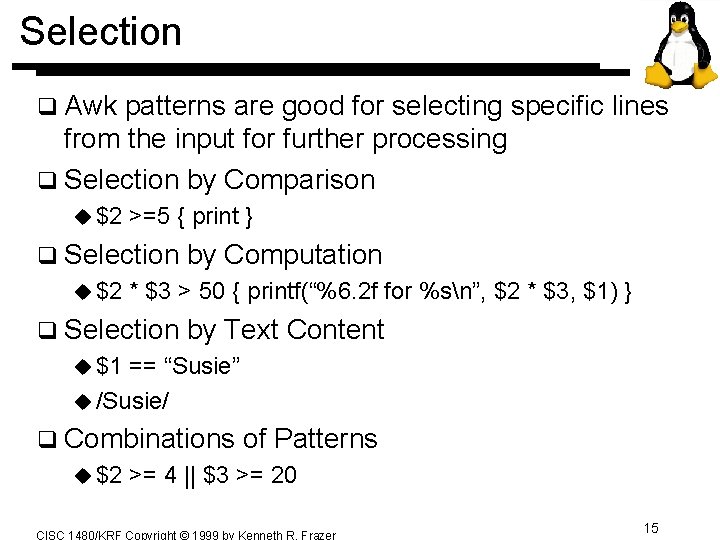
Selection q Awk patterns are good for selecting specific lines from the input for further processing q Selection by Comparison u $2 >=5 { print } q Selection u $2 by Computation * $3 > 50 { printf(“%6. 2 f for %sn”, $2 * $3, $1) } q Selection by Text Content u $1 == “Susie” u /Susie/ q Combinations u $2 of Patterns >= 4 || $3 >= 20 CISC 1480/KRF Copyright © 1999 by Kenneth R. Frazer 15
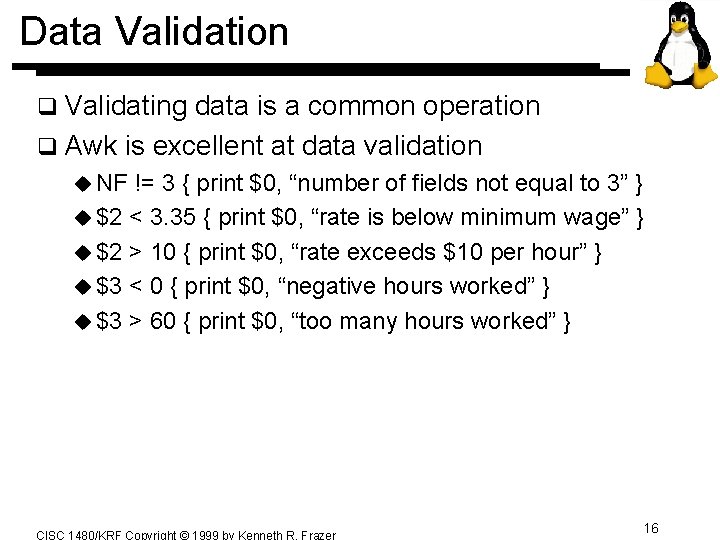
Data Validation q Validating data is a common operation q Awk is excellent at data validation u NF != 3 { print $0, “number of fields not equal to 3” } u $2 < 3. 35 { print $0, “rate is below minimum wage” } u $2 > 10 { print $0, “rate exceeds $10 per hour” } u $3 < 0 { print $0, “negative hours worked” } u $3 > 60 { print $0, “too many hours worked” } CISC 1480/KRF Copyright © 1999 by Kenneth R. Frazer 16
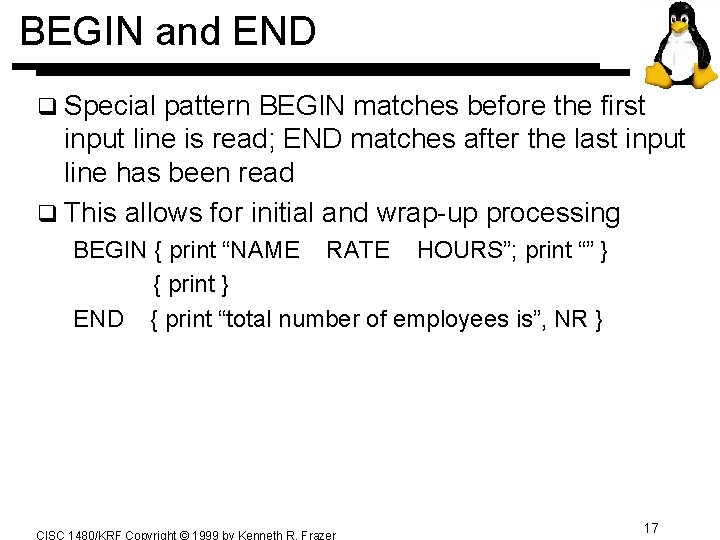
BEGIN and END q Special pattern BEGIN matches before the first input line is read; END matches after the last input line has been read q This allows for initial and wrap-up processing BEGIN { print “NAME RATE HOURS”; print “” } { print } END { print “total number of employees is”, NR } CISC 1480/KRF Copyright © 1999 by Kenneth R. Frazer 17
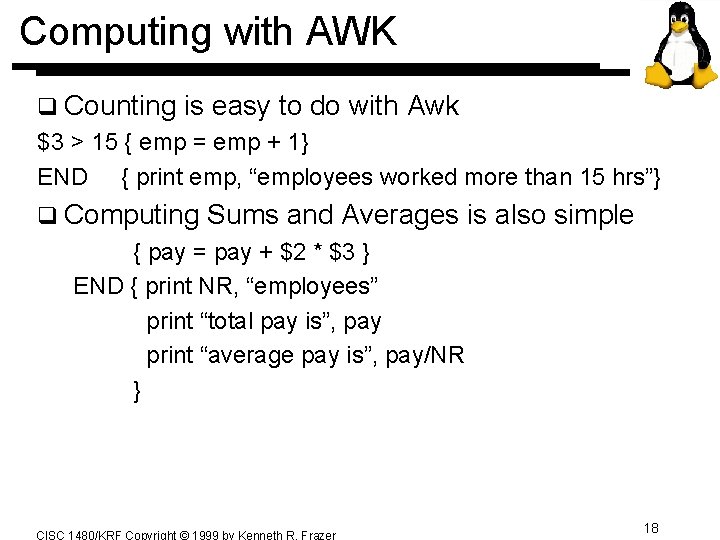
Computing with AWK q Counting is easy to do with Awk $3 > 15 { emp = emp + 1} END { print emp, “employees worked more than 15 hrs”} q Computing Sums and Averages is also simple { pay = pay + $2 * $3 } END { print NR, “employees” print “total pay is”, pay print “average pay is”, pay/NR } CISC 1480/KRF Copyright © 1999 by Kenneth R. Frazer 18
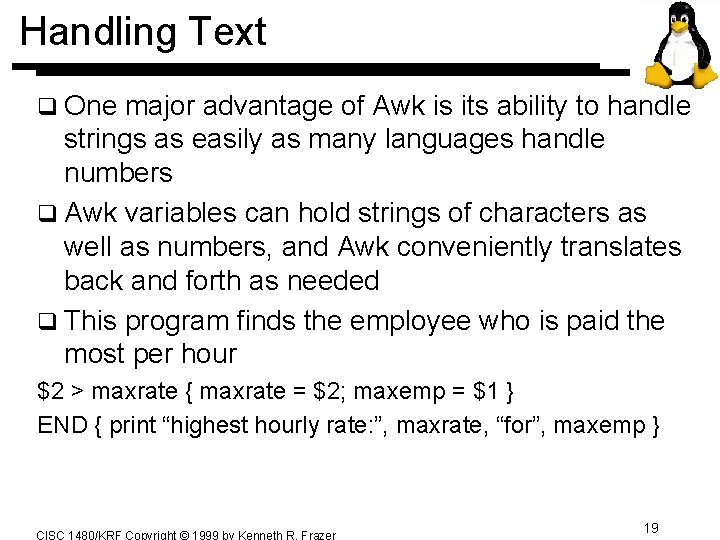
Handling Text q One major advantage of Awk is its ability to handle strings as easily as many languages handle numbers q Awk variables can hold strings of characters as well as numbers, and Awk conveniently translates back and forth as needed q This program finds the employee who is paid the most per hour $2 > maxrate { maxrate = $2; maxemp = $1 } END { print “highest hourly rate: ”, maxrate, “for”, maxemp } CISC 1480/KRF Copyright © 1999 by Kenneth R. Frazer 19
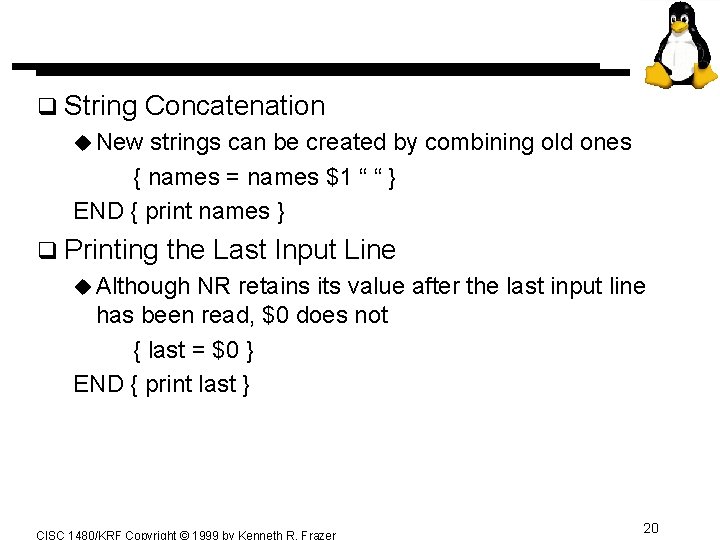
q String Concatenation u New strings can be created by combining old ones { names = names $1 “ “ } END { print names } q Printing the Last Input Line u Although NR retains its value after the last input line has been read, $0 does not { last = $0 } END { print last } CISC 1480/KRF Copyright © 1999 by Kenneth R. Frazer 20
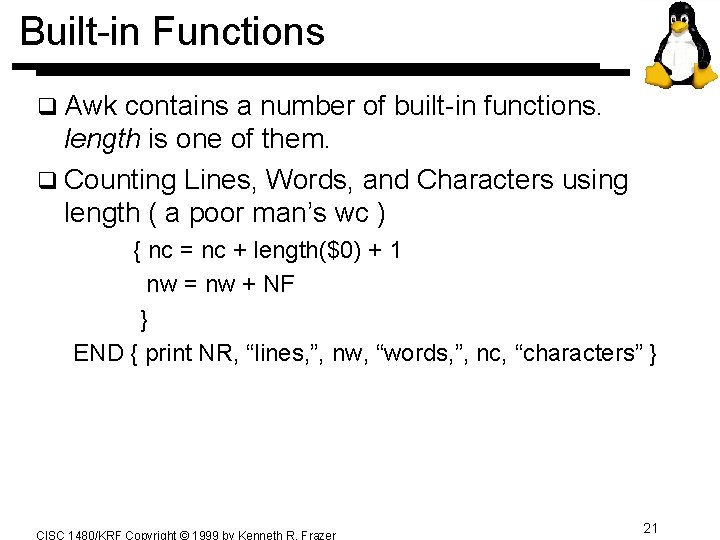
Built-in Functions q Awk contains a number of built-in functions. length is one of them. q Counting Lines, Words, and Characters using length ( a poor man’s wc ) { nc = nc + length($0) + 1 nw = nw + NF } END { print NR, “lines, ”, nw, “words, ”, nc, “characters” } CISC 1480/KRF Copyright © 1999 by Kenneth R. Frazer 21
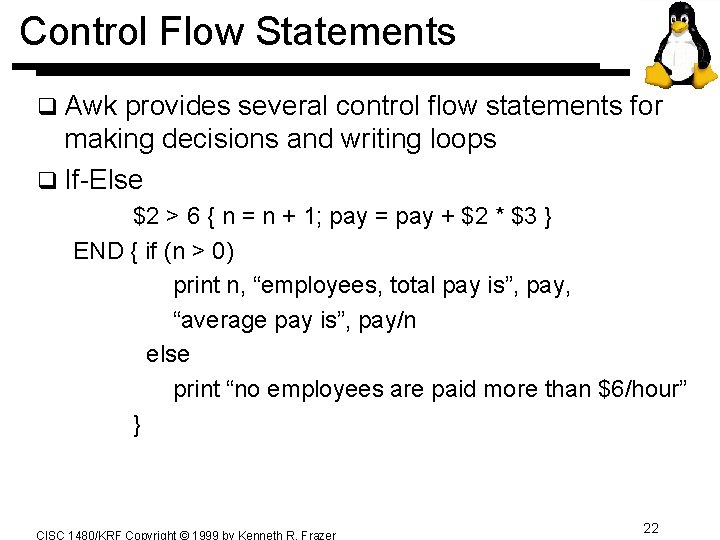
Control Flow Statements q Awk provides several control flow statements for making decisions and writing loops q If-Else $2 > 6 { n = n + 1; pay = pay + $2 * $3 } END { if (n > 0) print n, “employees, total pay is”, pay, “average pay is”, pay/n else print “no employees are paid more than $6/hour” } CISC 1480/KRF Copyright © 1999 by Kenneth R. Frazer 22
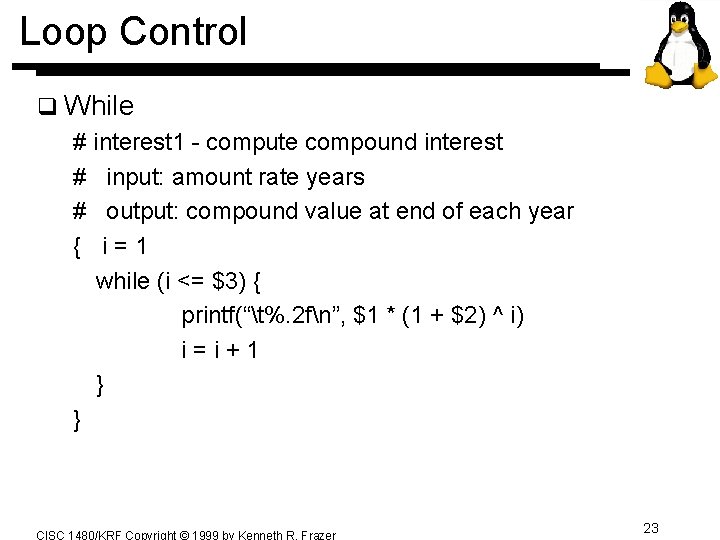
Loop Control q While # interest 1 - compute compound interest # input: amount rate years # output: compound value at end of each year { i=1 while (i <= $3) { printf(“t%. 2 fn”, $1 * (1 + $2) ^ i) i=i+1 } } CISC 1480/KRF Copyright © 1999 by Kenneth R. Frazer 23
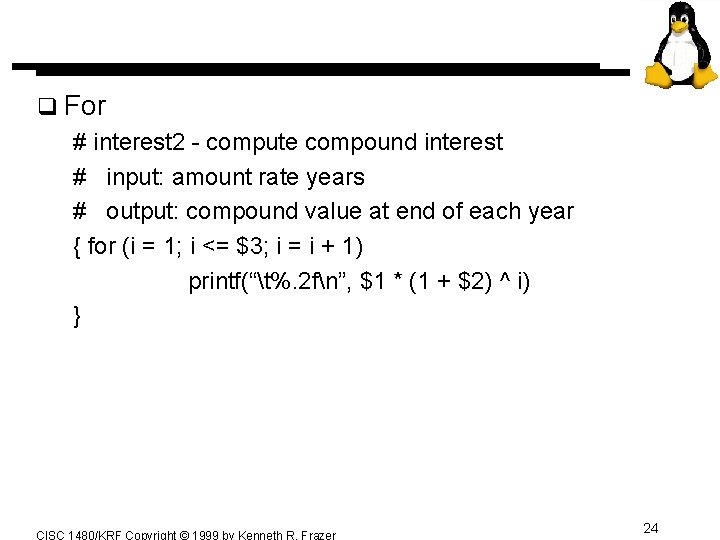
q For # interest 2 - compute compound interest # input: amount rate years # output: compound value at end of each year { for (i = 1; i <= $3; i = i + 1) printf(“t%. 2 fn”, $1 * (1 + $2) ^ i) } CISC 1480/KRF Copyright © 1999 by Kenneth R. Frazer 24
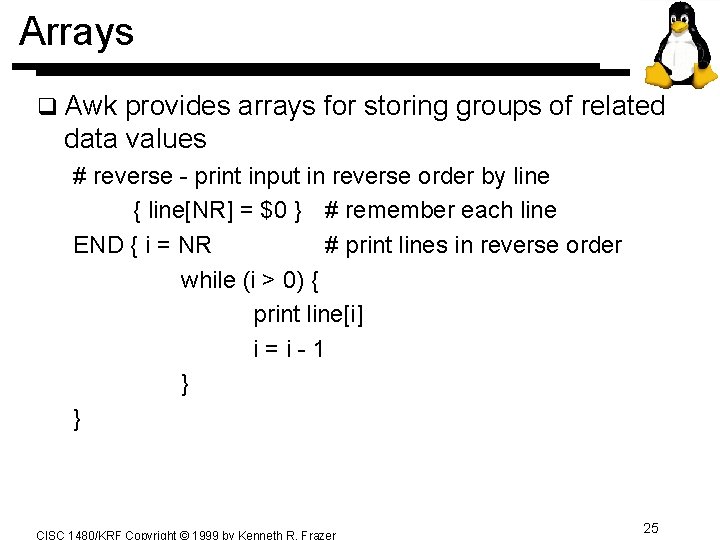
Arrays q Awk provides arrays for storing groups of related data values # reverse - print input in reverse order by line { line[NR] = $0 } # remember each line END { i = NR # print lines in reverse order while (i > 0) { print line[i] i=i-1 } } CISC 1480/KRF Copyright © 1999 by Kenneth R. Frazer 25
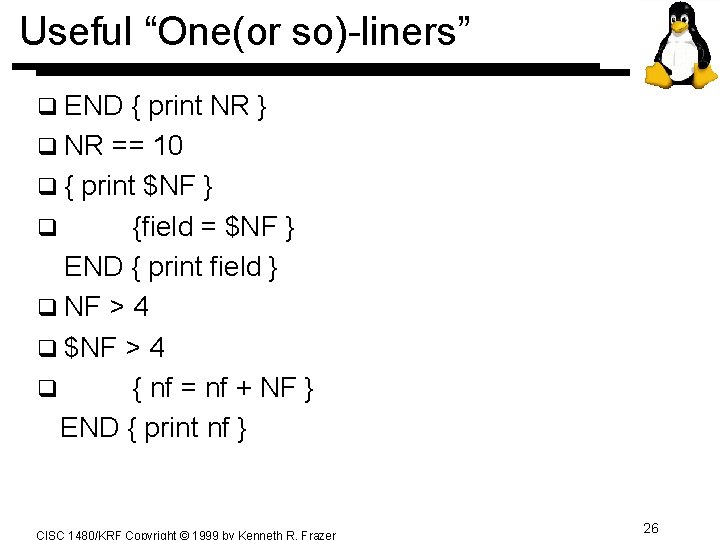
Useful “One(or so)-liners” q END { print NR } q NR == 10 q { print $NF } q {field = $NF } END { print field } q NF > 4 q $NF > 4 q { nf = nf + NF } END { print nf } CISC 1480/KRF Copyright © 1999 by Kenneth R. Frazer 26
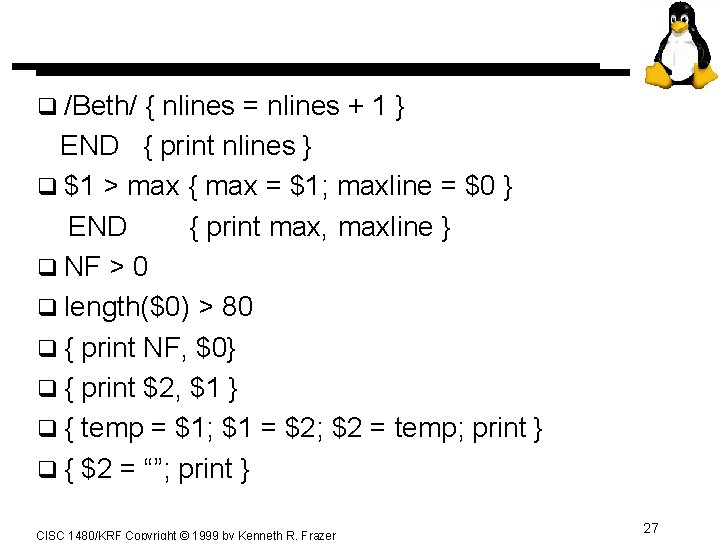
q /Beth/ { nlines = nlines + 1 } END { print nlines } q $1 > max { max = $1; maxline = $0 } END { print max, maxline } q NF > 0 q length($0) > 80 q { print NF, $0} q { print $2, $1 } q { temp = $1; $1 = $2; $2 = temp; print } q { $2 = “”; print } CISC 1480/KRF Copyright © 1999 by Kenneth R. Frazer 27
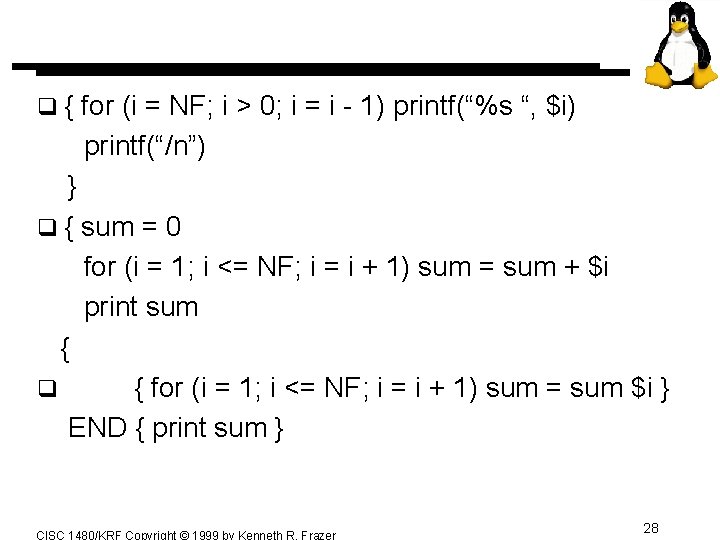
q{ for (i = NF; i > 0; i = i - 1) printf(“%s “, $i) printf(“/n”) } q { sum = 0 for (i = 1; i <= NF; i = i + 1) sum = sum + $i print sum { q { for (i = 1; i <= NF; i = i + 1) sum = sum $i } END { print sum } CISC 1480/KRF Copyright © 1999 by Kenneth R. Frazer 28
Review of Awk Principles q Awk’s purpose: to give Unix a general purpose programming language that handles text (strings) as easily as numbers u This makes Awk one of the most powerful of the Unix utilities q Awk process fields while ed/sed process lines q nawk (new awk) is the new standard for Awk u Designed q Awk to facilitate large awk programs gets it’s input from u files u redirection and pipes u directly from standard input CISC 1480/KRF Copyright © 1999 by Kenneth R. Frazer 29
Structure of an AWK Program q An Awk program consists of: u An optional BEGIN segment l For processing to execute prior to reading input u pattern - action pairs l Processing for input data l For each pattern matched, the corresponding action is taken u An optional END segment l Processing after end of input data CISC 1480/KRF Copyright © 1999 by Kenneth R. Frazer BEGIN pattern {action}. . . pattern { action} END 30
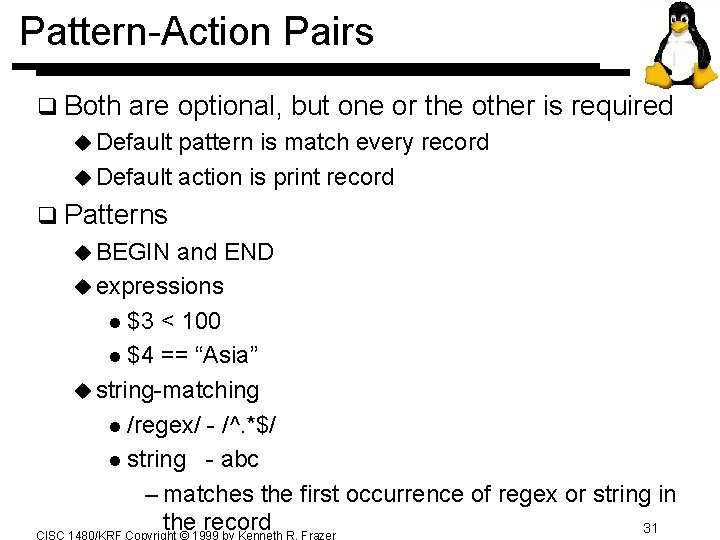
Pattern-Action Pairs q Both are optional, but one or the other is required u Default pattern is match every record u Default action is print record q Patterns u BEGIN and END u expressions l $3 < 100 l $4 == “Asia” u string-matching l /regex/ - /^. *$/ l string - abc – matches the first occurrence of regex or string in the record 31 CISC 1480/KRF Copyright © 1999 by Kenneth R. Frazer
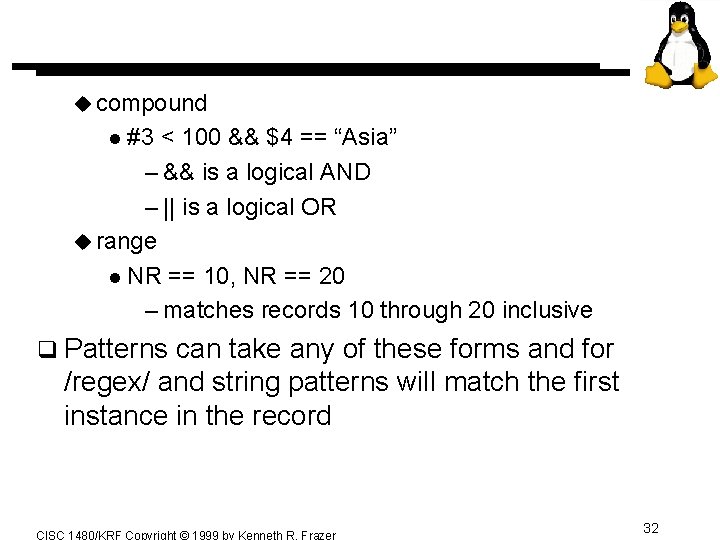
u compound l #3 < 100 && $4 == “Asia” – && is a logical AND – || is a logical OR u range l NR == 10, NR == 20 – matches records 10 through 20 inclusive q Patterns can take any of these forms and for /regex/ and string patterns will match the first instance in the record CISC 1480/KRF Copyright © 1999 by Kenneth R. Frazer 32
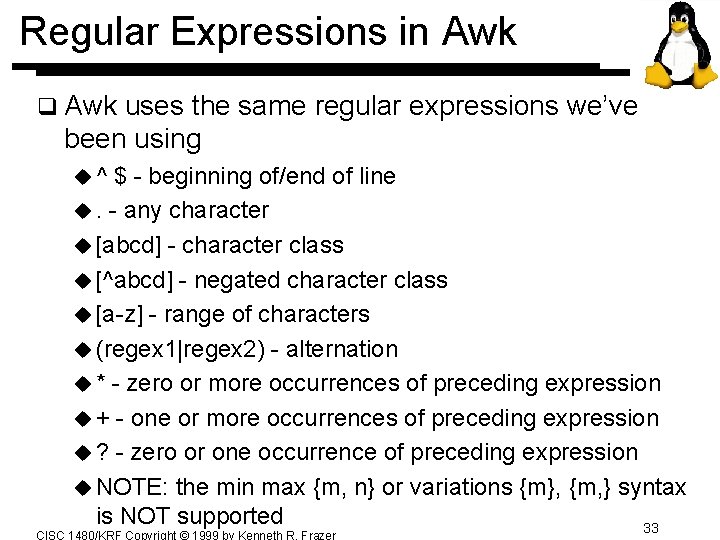
Regular Expressions in Awk q Awk uses the same regular expressions we’ve been using u^ $ - beginning of/end of line u. - any character u [abcd] - character class u [^abcd] - negated character class u [a-z] - range of characters u (regex 1|regex 2) - alternation u * - zero or more occurrences of preceding expression u + - one or more occurrences of preceding expression u ? - zero or one occurrence of preceding expression u NOTE: the min max {m, n} or variations {m}, {m, } syntax is NOT supported 33 CISC 1480/KRF Copyright © 1999 by Kenneth R. Frazer
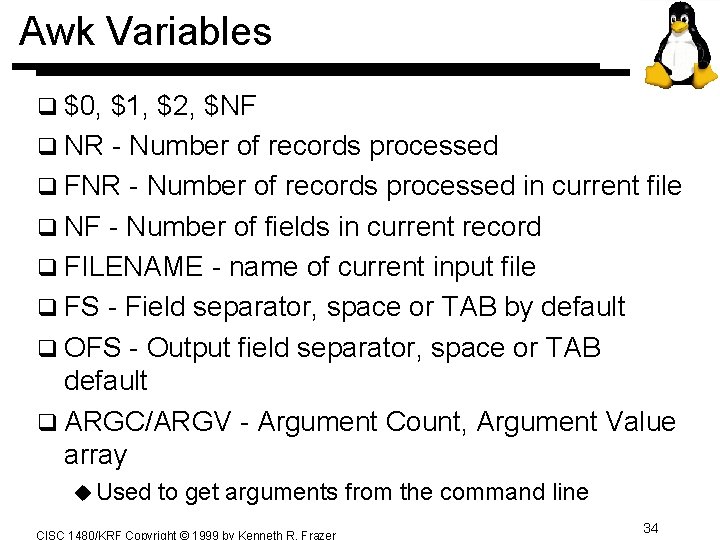
Awk Variables q $0, $1, $2, $NF q NR - Number of records processed q FNR - Number of records processed in current file q NF - Number of fields in current record q FILENAME - name of current input file q FS - Field separator, space or TAB by default q OFS - Output field separator, space or TAB default q ARGC/ARGV - Argument Count, Argument Value array u Used to get arguments from the command line CISC 1480/KRF Copyright © 1999 by Kenneth R. Frazer 34
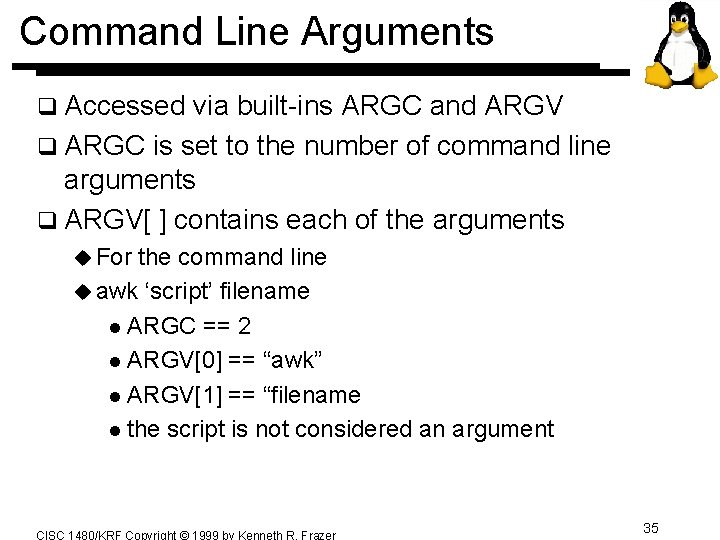
Command Line Arguments q Accessed via built-ins ARGC and ARGV q ARGC is set to the number of command line arguments q ARGV[ ] contains each of the arguments u For the command line u awk ‘script’ filename l ARGC == 2 l ARGV[0] == “awk” l ARGV[1] == “filename l the script is not considered an argument CISC 1480/KRF Copyright © 1999 by Kenneth R. Frazer 35
q ARGC and ARGV can be used like any other variable q The can be assigned, compared, used in expressions, printed q They are commonly used for verifying that the correct number of arguments were provided CISC 1480/KRF Copyright © 1999 by Kenneth R. Frazer 36
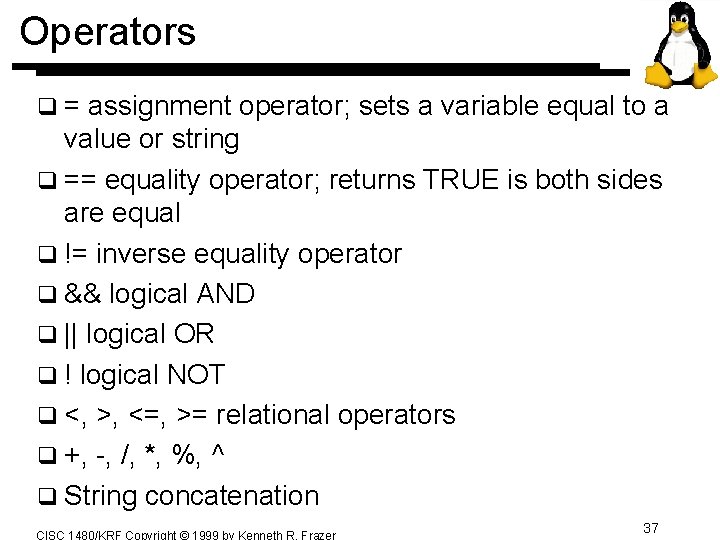
Operators q= assignment operator; sets a variable equal to a value or string q == equality operator; returns TRUE is both sides are equal q != inverse equality operator q && logical AND q || logical OR q ! logical NOT q <, >, <=, >= relational operators q +, -, /, *, %, ^ q String concatenation CISC 1480/KRF Copyright © 1999 by Kenneth R. Frazer 37
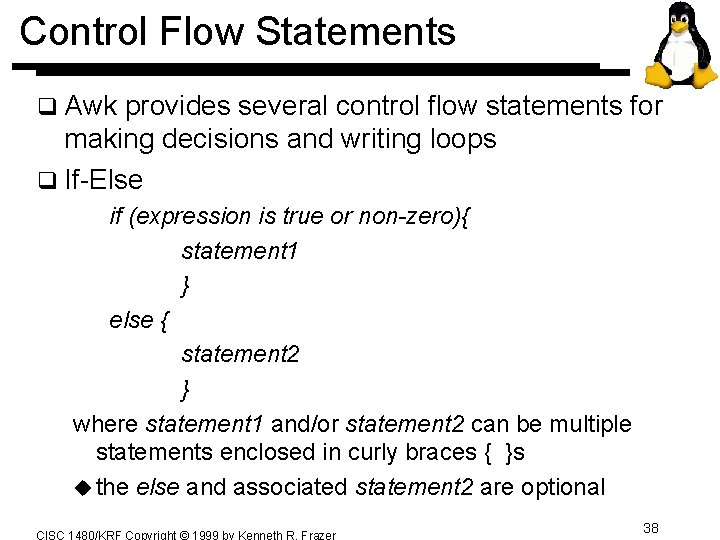
Control Flow Statements q Awk provides several control flow statements for making decisions and writing loops q If-Else if (expression is true or non-zero){ statement 1 } else { statement 2 } where statement 1 and/or statement 2 can be multiple statements enclosed in curly braces { }s u the else and associated statement 2 are optional CISC 1480/KRF Copyright © 1999 by Kenneth R. Frazer 38
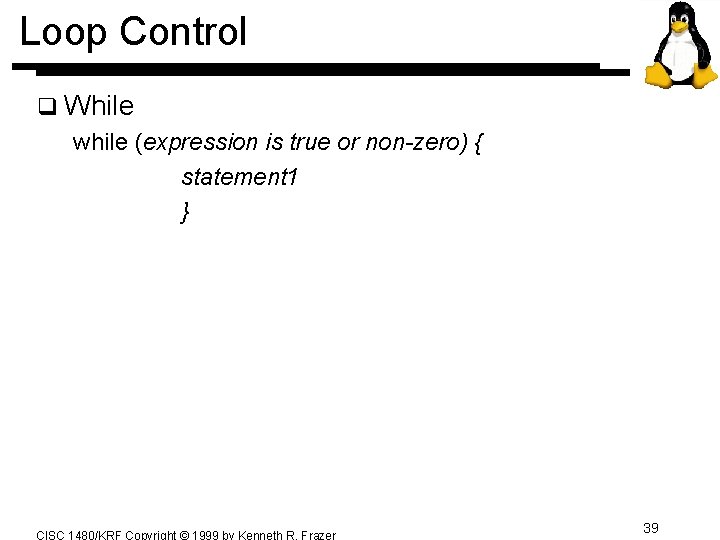
Loop Control q While while (expression is true or non-zero) { statement 1 } CISC 1480/KRF Copyright © 1999 by Kenneth R. Frazer 39
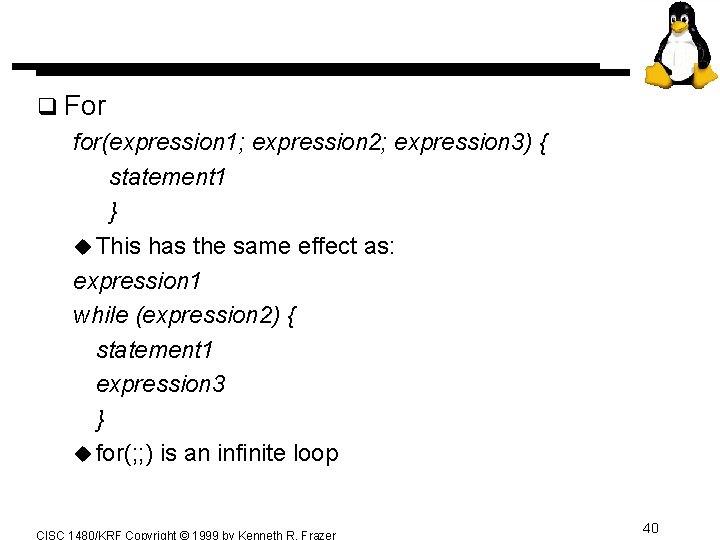
q For for(expression 1; expression 2; expression 3) { statement 1 } u This has the same effect as: expression 1 while (expression 2) { statement 1 expression 3 } u for(; ; ) is an infinite loop CISC 1480/KRF Copyright © 1999 by Kenneth R. Frazer 40
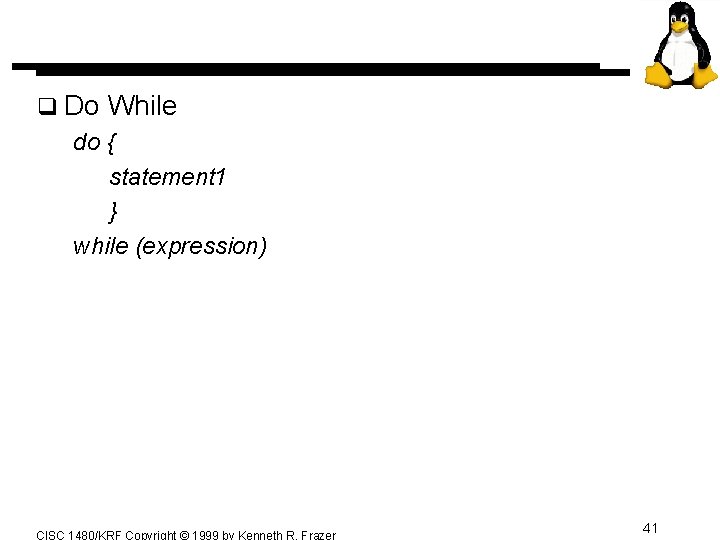
q Do While do { statement 1 } while (expression) CISC 1480/KRF Copyright © 1999 by Kenneth R. Frazer 41
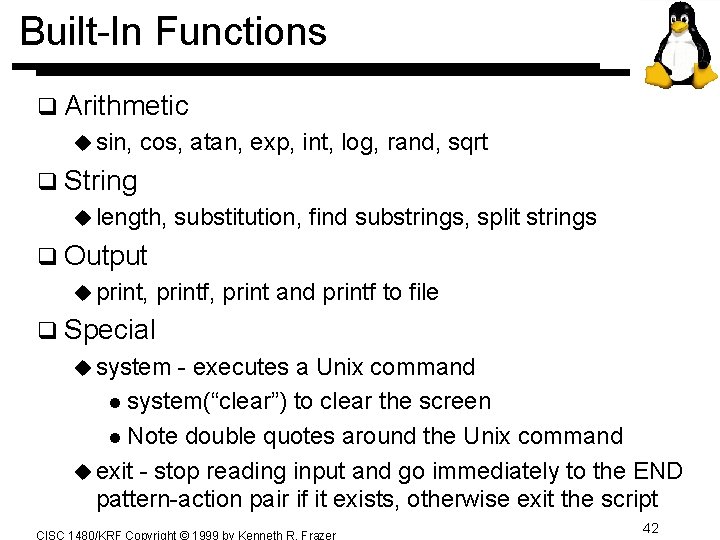
Built-In Functions q Arithmetic u sin, cos, atan, exp, int, log, rand, sqrt q String u length, substitution, find substrings, split strings q Output u print, printf, print and printf to file q Special u system - executes a Unix command l system(“clear”) to clear the screen l Note double quotes around the Unix command u exit - stop reading input and go immediately to the END pattern-action pair if it exists, otherwise exit the script CISC 1480/KRF Copyright © 1999 by Kenneth R. Frazer 42
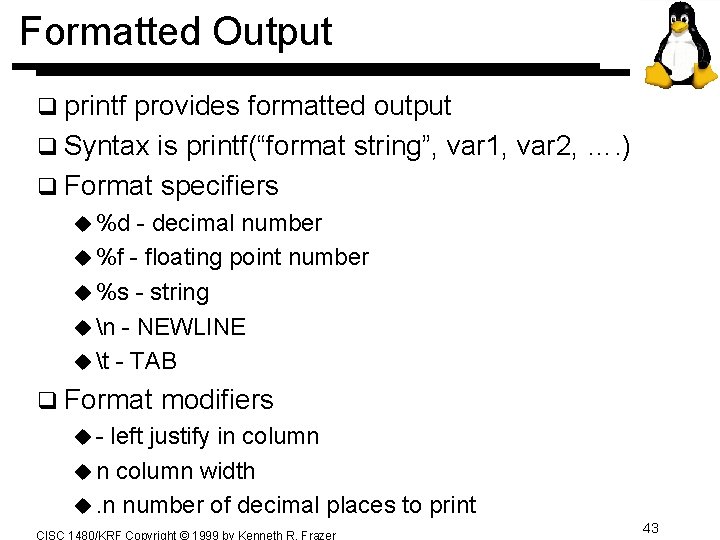
Formatted Output q printf provides formatted output q Syntax is printf(“format string”, var 1, var 2, …. ) q Format specifiers u %d - decimal number u %f - floating point number u %s - string u n - NEWLINE u t - TAB q Format modifiers u- left justify in column u n column width u. n number of decimal places to print CISC 1480/KRF Copyright © 1999 by Kenneth R. Frazer 43
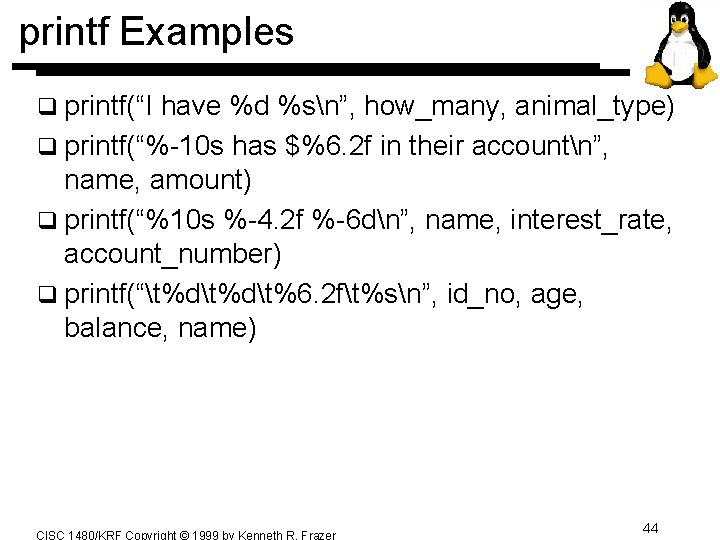
printf Examples q printf(“I have %d %sn”, how_many, animal_type) q printf(“%-10 s has $%6. 2 f in their accountn”, name, amount) q printf(“%10 s %-4. 2 f %-6 dn”, name, interest_rate, account_number) q printf(“t%dt%6. 2 ft%sn”, id_no, age, balance, name) CISC 1480/KRF Copyright © 1999 by Kenneth R. Frazer 44