
AVID Binders Key To Success Through Organization Why
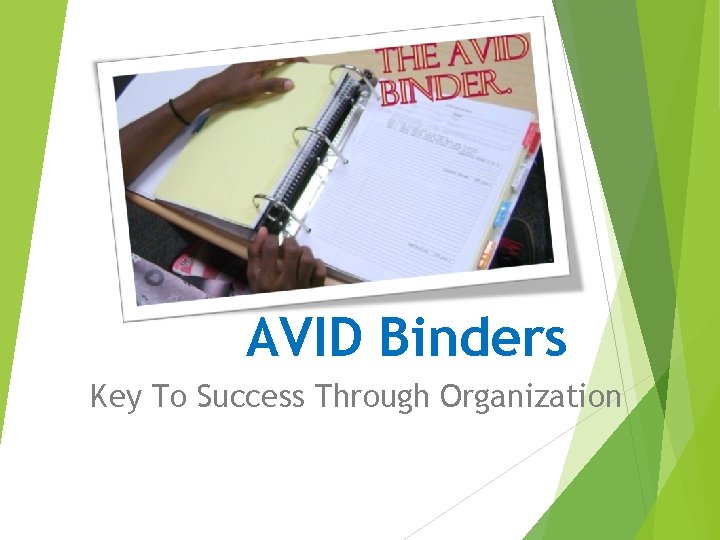
AVID Binders Key To Success Through Organization
Why One Binder? Everything is in One Place Teacher and Parents can Check all Work Most Convenient for Students Manifests the Concept of Integrated Study Most Pragmatic for Tutorials
Common Binder Problems Many If Different Tasks to Accomplish Lost – All Is Lost Can Get Out of Control if Ignored for Even a Short Time Other Teachers May have Other Requirements Grows Very Big
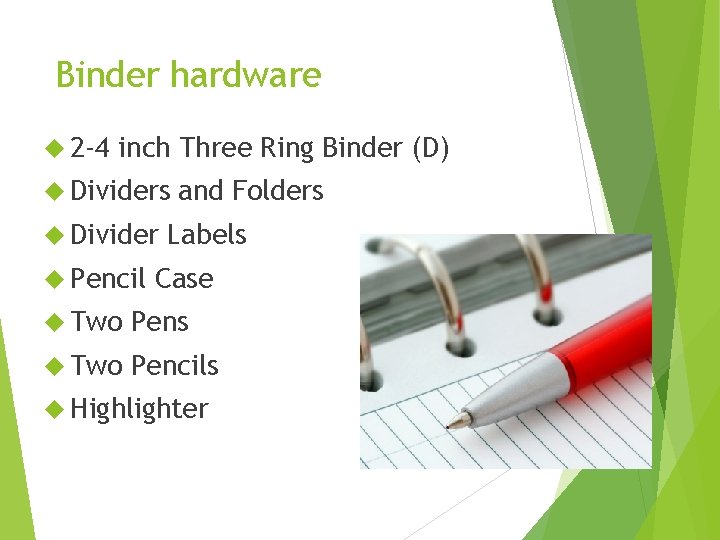
Binder hardware 2 -4 inch Three Ring Binder (D) Dividers Divider Pencil and Folders Labels Case Two Pens Two Pencils Highlighter
Binder Software – AVID Class Agenda/Planner Recent No Materials on Top Loose Pages Binder Grading Sheets Tutorial Tutor Request Sheets Log Advisor Logs & Grade Sheets
Binder Software – Academic Classes Planner Cornell Notes and Learning Logs in Chronological Order Handouts Extra No and Returned Work Paper Loose Pages Interactive Notebooks

Binder Organization Maintain at least one pen and two pencils in your pouch at the front of your binder. Place student agenda immediately behind your pouch. Divide all periods or classes with labeled dividers File notes from most recent to oldest at the beginning of each divider section. Keep handouts and homework in chronological order also, right behind your notes.
Binder Organization Very first sheet – cover sheet Binder Tab grade sheet next for each class Assignment sheet at top of each tab Planner Cornell classes style notes for all academic
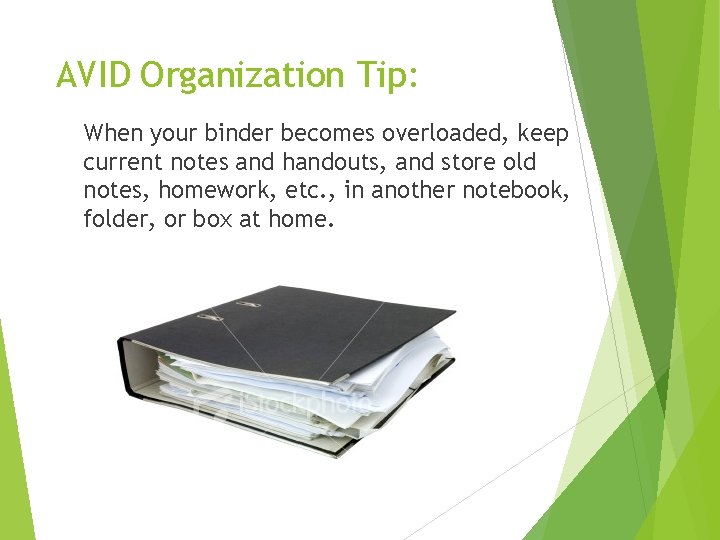
AVID Organization Tip: When your binder becomes overloaded, keep current notes and handouts, and store old notes, homework, etc. , in another notebook, folder, or box at home.
Binder Checks are weekly grades in all academic classes so please support your student in keeping their binders current and organized.
- Slides: 10