
Autoscaling in Windows Azure aka msautoscaling Grigori Melnik

- Slides: 16
Autoscaling in Windows Azure aka. ms/autoscaling Grigori Melnik, Fernando Simonazzi Microsoft patterns & practices symposium 2013
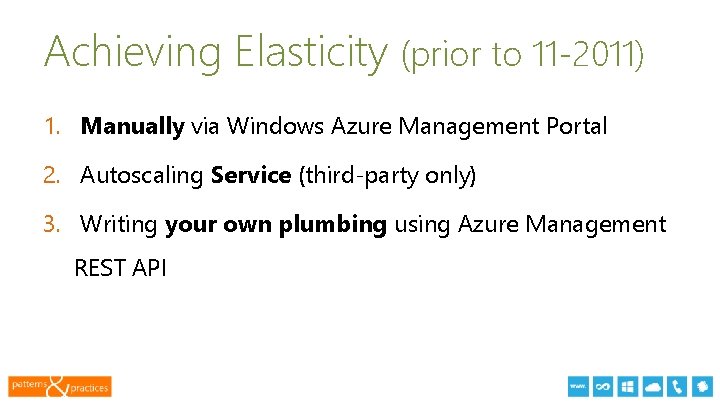
Achieving Elasticity (prior to 11 -2011) 1. Manually via Windows Azure Management Portal 2. Autoscaling Service (third-party only) 3. Writing your own plumbing using Azure Management REST API 13
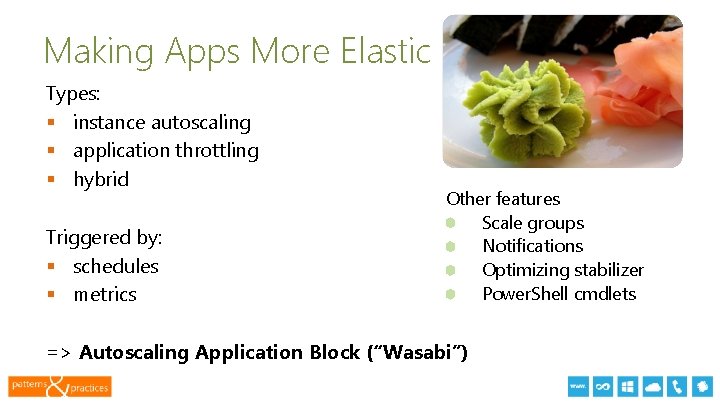
Making Apps More Elastic Types: § instance autoscaling § application throttling § hybrid Triggered by: § schedules § metrics Other features Scale groups Notifications Optimizing stabilizer Power. Shell cmdlets => Autoscaling Application Block (“Wasabi”) 13
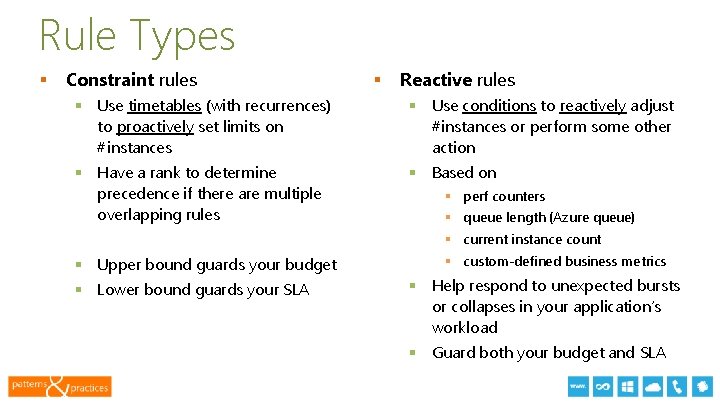
Rule Types § Constraint rules § Reactive rules § Use timetables (with recurrences) to proactively set limits on #instances § Use conditions to reactively adjust #instances or perform some other action § Have a rank to determine precedence if there are multiple overlapping rules § Based on § perf counters § queue length (Azure queue) § current instance count § Upper bound guards your budget § Lower bound guards your SLA § custom-defined business metrics § Help respond to unexpected bursts or collapses in your application’s workload § Guard both your budget and SLA Symposium 2013 13
Wasabi in Action DEMO
Important Remark § Wasabi makes your app elastic but doesn’t make your app scalable § Design-for-scalability! 13
Customizing Wasabi to your business § Custom actions § Custom operands/data collectors 13
Customizing Wasabi to your business DEMO
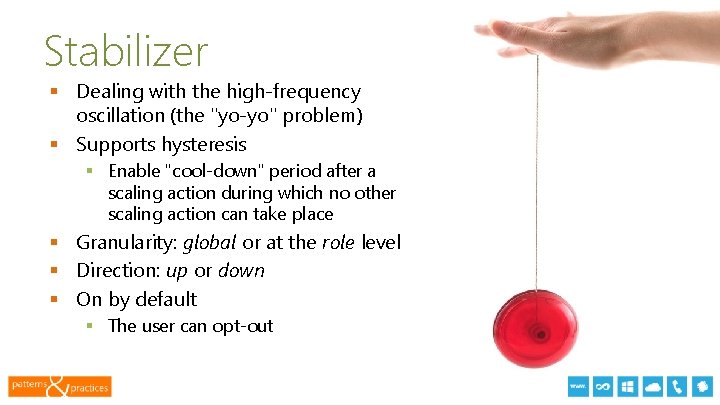
Stabilizer § Dealing with the high-frequency oscillation (the "yo-yo" problem) § Supports hysteresis § Enable "cool-down" period after a scaling action during which no other scaling action can take place § Granularity: global or at the role level § Direction: up or down § On by default § The user can opt-out 13
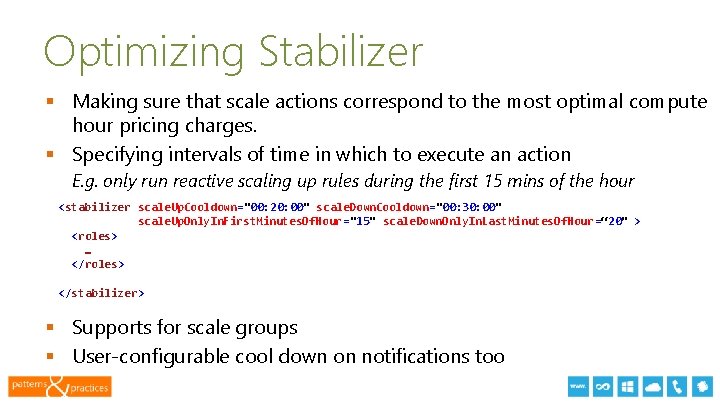
Optimizing Stabilizer § Making sure that scale actions correspond to the most optimal compute hour pricing charges. § Specifying intervals of time in which to execute an action E. g. only run reactive scaling up rules during the first 15 mins of the hour <stabilizer scale. Up. Cooldown="00: 20: 00" scale. Down. Cooldown="00: 30: 00" scale. Up. Only. In. First. Minutes. Of. Hour="15" scale. Down. Only. In. Last. Minutes. Of. Hour=“ 20" > <roles> … </roles> </stabilizer> § Supports for scale groups § User-configurable cool down on notifications too 13
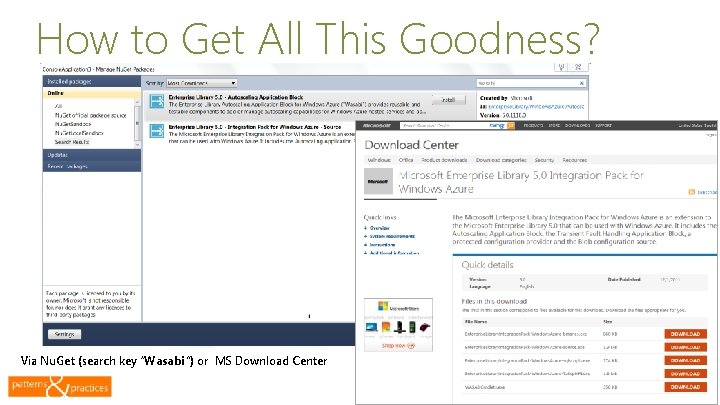
How to Get All This Goodness? Via Nu. Get (search key “Wasabi”) or MS Download Center 13
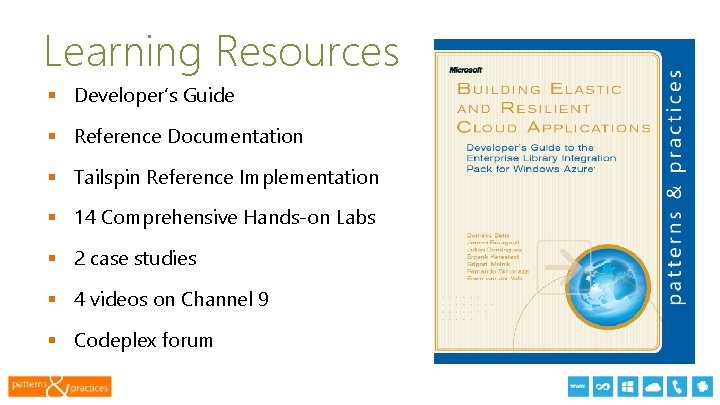
Learning Resources § Developer’s Guide § Reference Documentation § Tailspin Reference Implementation § 14 Comprehensive Hands-on Labs § 2 case studies § 4 videos on Channel 9 § Codeplex forum 13
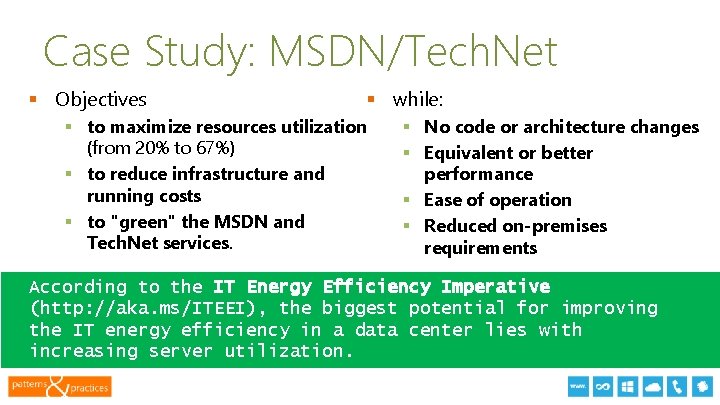
Case Study: MSDN/Tech. Net § Objectives § while: § to maximize resources utilization (from 20% to 67%) § to reduce infrastructure and running costs § to "green" the MSDN and Tech. Net services. § No code or architecture changes § Equivalent or better performance § Ease of operation § Reduced on-premises requirements According to the IT Energy Efficiency Imperative (http: //aka. ms/ITEEI), the biggest potential for improving the IT energy efficiency in a data center lies with increasing server utilization. 13
Resources § § § § Windows Azure Dev Center windowsazure. com/develop/net/how-to-guides/autoscaling Wasabi home page aka. ms/wasabi Comprehensive hands-on labs microsoft. com/download/en/details. aspx? id=28785 Cloud. Cover Episode on Autoscaling http: //bit. ly/cloudcover_wasabi Case studies http: //aka. ms/msdntechnetstudy and http: //aka. ms/sagestudy IT Energy Efficiency Imperative http: //aka. ms/ITEEI Grigori’s blog: blogs. msdn. com/agile 13
1. Wasabi Recap: Supported Scenarios 2. 3. 4. 5. 6. 7. 8. 9. 10. 11. Autoscaling web and worker roles in Windows Azure by dynamically changing instance counts or performing application throttling. Autoscaling roles based on timetables. Autoscaling based on metrics collected from the application and/or Windows Azure. Constraining the instance count per role by upper and lower bounds. Preventing fast oscillations in the number of role instances with the stabilizer. Optimizing costs by limiting scaling operations acknowledging billing hours. Monitoring and tracing autoscaling activity. Sending notifications to preview any scaling operations before they take place. Encrypting the rules and other configuration in Windows Azure blob storage or in local file storage. Managing the autoscaler operation by using Windows Power. Shell. All blocks and guidance are 100% MS IP, free and available under MS-PL. 13
Thank you § Questions & Answers 13