
Autonomic DNS Experiment Architecture Symptom and Fault Identification
- Slides: 12
Autonomic DNS Experiment Architecture, Symptom and Fault Identification School of Electrical Engineering and Computer Science, 2004 Slide 1
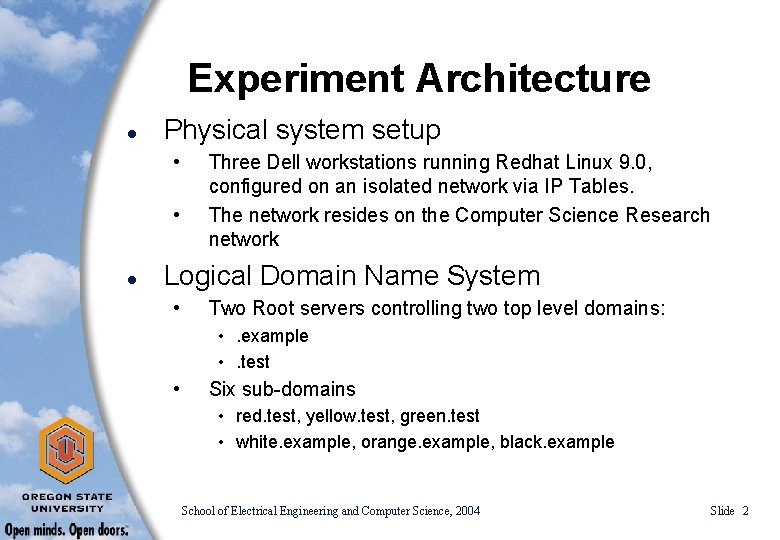
Experiment Architecture l Physical system setup • • l Three Dell workstations running Redhat Linux 9. 0, configured on an isolated network via IP Tables. The network resides on the Computer Science Research network Logical Domain Name System • Two Root servers controlling two top level domains: • . example • . test • Six sub-domains • red. test, yellow. test, green. test • white. example, orange. example, black. example School of Electrical Engineering and Computer Science, 2004 Slide 2
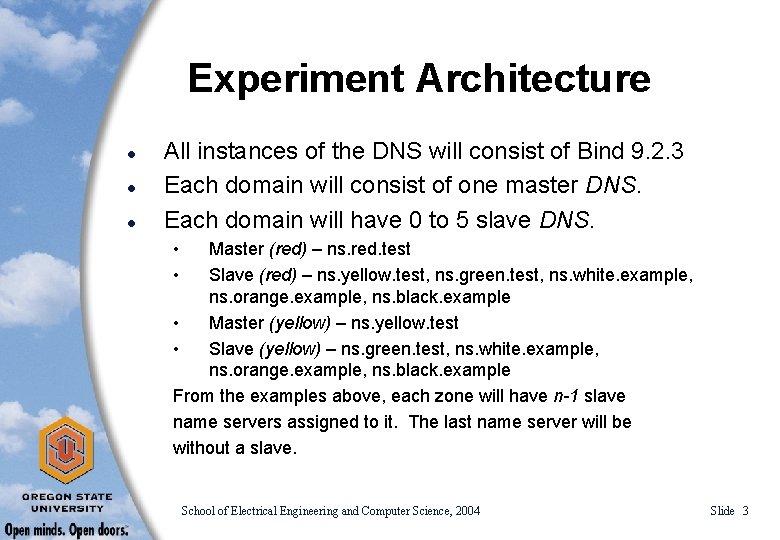
Experiment Architecture l l l All instances of the DNS will consist of Bind 9. 2. 3 Each domain will consist of one master DNS. Each domain will have 0 to 5 slave DNS. • • Master (red) – ns. red. test Slave (red) – ns. yellow. test, ns. green. test, ns. white. example, ns. orange. example, ns. black. example • Master (yellow) – ns. yellow. test • Slave (yellow) – ns. green. test, ns. white. example, ns. orange. example, ns. black. example From the examples above, each zone will have n-1 slave name servers assigned to it. The last name server will be without a slave. School of Electrical Engineering and Computer Science, 2004 Slide 3
Experiment Architecture l l Having a varied number of slave name servers associated with the master name servers will allow us to test issues ranging from server performance on various levels to multiple user issues. The experiments conducted will consist of the symptoms identified on the following slides School of Electrical Engineering and Computer Science, 2004 Slide 4
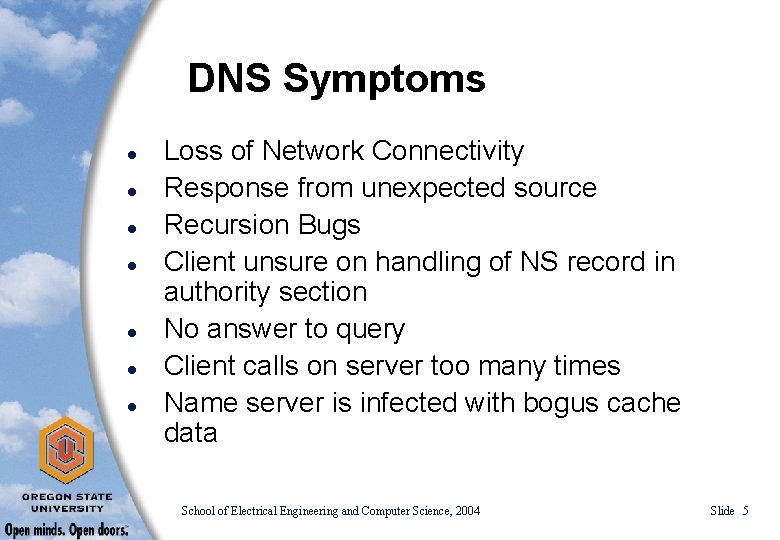
DNS Symptoms l l l l Loss of Network Connectivity Response from unexpected source Recursion Bugs Client unsure on handling of NS record in authority section No answer to query Client calls on server too many times Name server is infected with bogus cache data School of Electrical Engineering and Computer Science, 2004 Slide 5
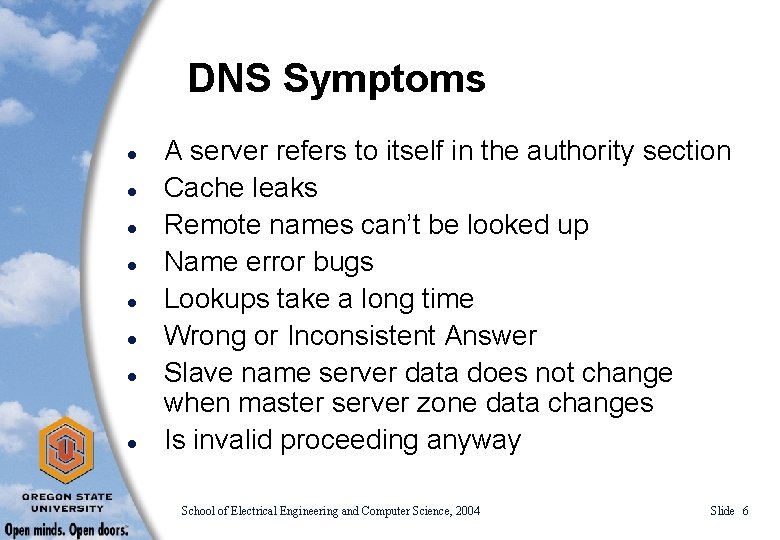
DNS Symptoms l l l l A server refers to itself in the authority section Cache leaks Remote names can’t be looked up Name error bugs Lookups take a long time Wrong or Inconsistent Answer Slave name server data does not change when master server zone data changes Is invalid proceeding anyway School of Electrical Engineering and Computer Science, 2004 Slide 6
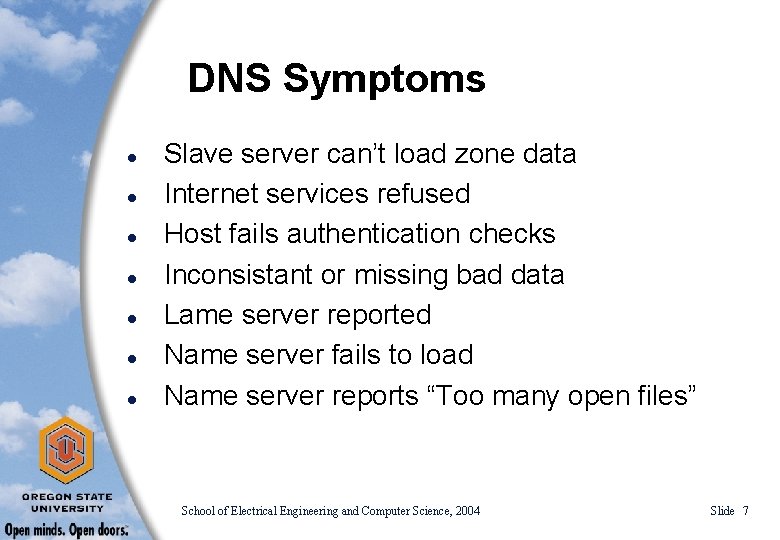
DNS Symptoms l l l l Slave server can’t load zone data Internet services refused Host fails authentication checks Inconsistant or missing bad data Lame server reported Name server fails to load Name server reports “Too many open files” School of Electrical Engineering and Computer Science, 2004 Slide 7
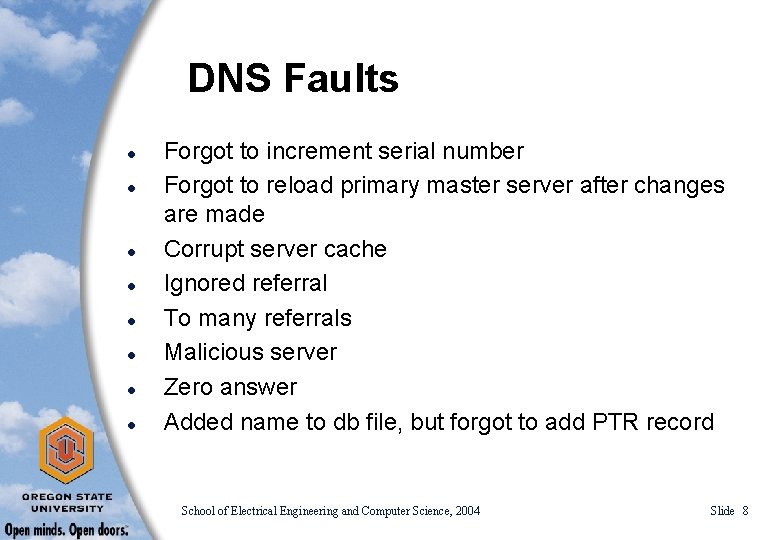
DNS Faults l l l l Forgot to increment serial number Forgot to reload primary master server after changes are made Corrupt server cache Ignored referral To many referrals Malicious server Zero answer Added name to db file, but forgot to add PTR record School of Electrical Engineering and Computer Science, 2004 Slide 8
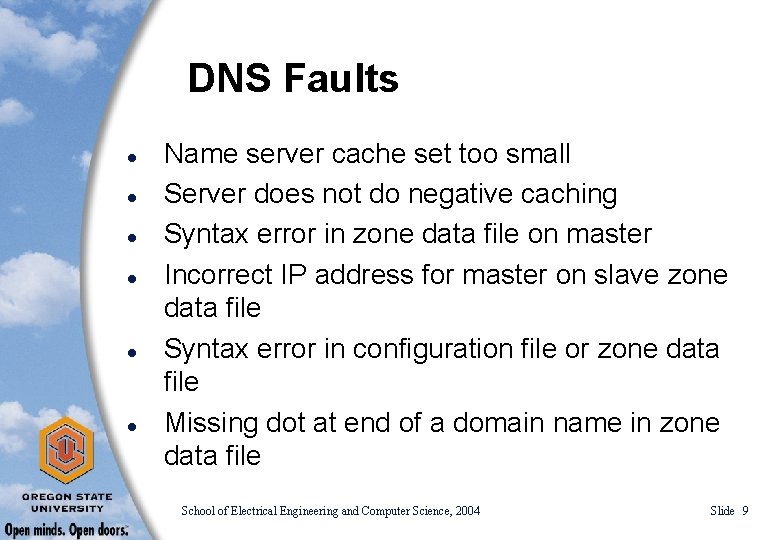
DNS Faults l l l Name server cache set too small Server does not do negative caching Syntax error in zone data file on master Incorrect IP address for master on slave zone data file Syntax error in configuration file or zone data file Missing dot at end of a domain name in zone data file School of Electrical Engineering and Computer Science, 2004 Slide 9
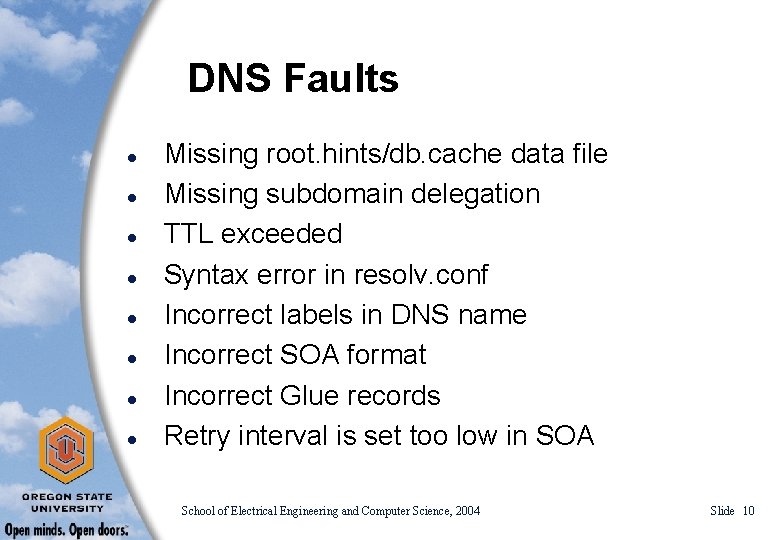
DNS Faults l l l l Missing root. hints/db. cache data file Missing subdomain delegation TTL exceeded Syntax error in resolv. conf Incorrect labels in DNS name Incorrect SOA format Incorrect Glue records Retry interval is set too low in SOA School of Electrical Engineering and Computer Science, 2004 Slide 10
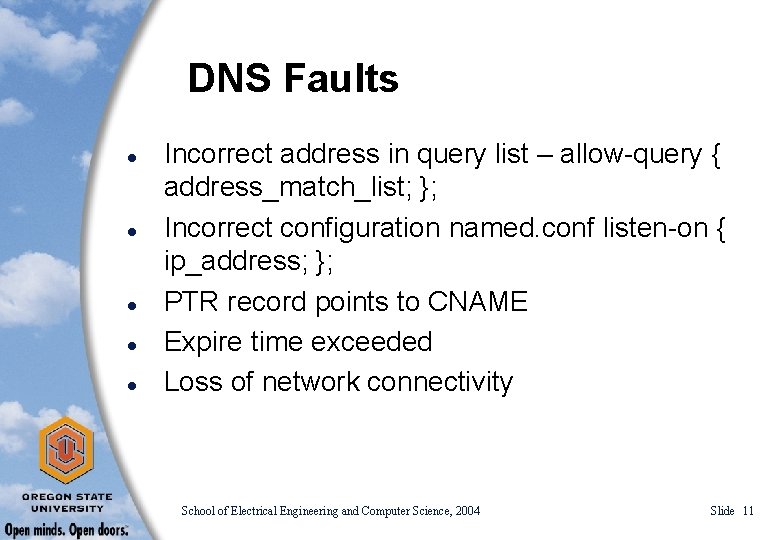
DNS Faults l l l Incorrect address in query list – allow-query { address_match_list; }; Incorrect configuration named. conf listen-on { ip_address; }; PTR record points to CNAME Expire time exceeded Loss of network connectivity School of Electrical Engineering and Computer Science, 2004 Slide 11
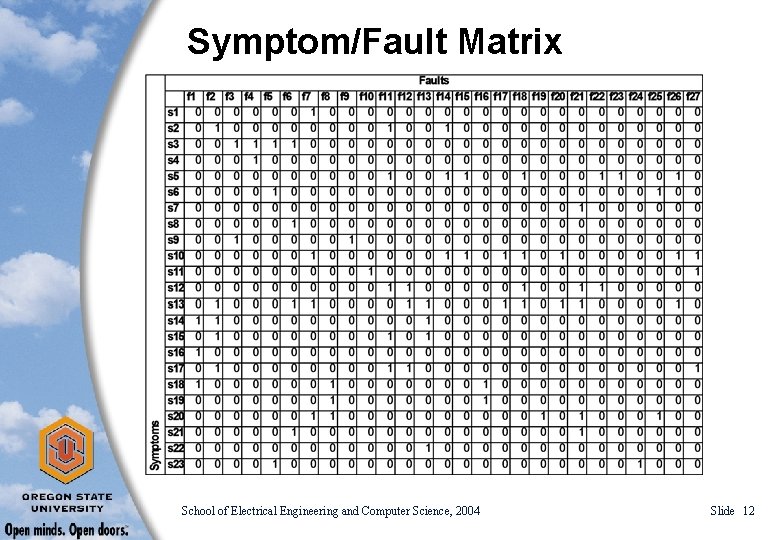
Symptom/Fault Matrix School of Electrical Engineering and Computer Science, 2004 Slide 12