
Automation Fundamental Concepts QTP At A Glance Day


- Slides: 29
Automation Fundamental Concepts & QTP At A Glance – Day 2 Prepared By : Manjeet Kumar Created On : 27 -09 -2010 © 2004 Hewlett-Packard Development Company, L. P. The information contained herein is subject to change without notice
Summary of Day 1 (Revision) • Summary of Day 1 from Attendees • Summary by Deepti about Day 1 training • Agenda for Day 2
Working with Test Objects in QTP q Test Object Model Conceptualization q Applying the Test Object Model Concept q Viewing Object properties Using Object Spy q Demo on Test Object Model features of QTP
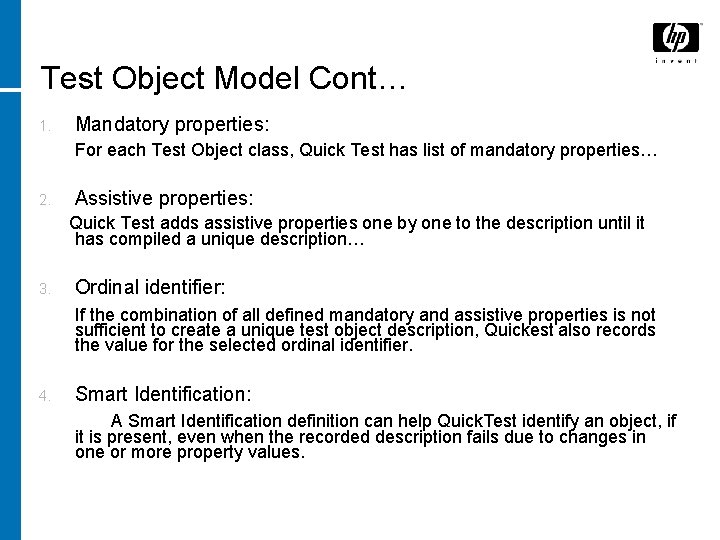
Test Object Model Cont… q How Quick test Pro learns objects in application ? Ø Quick Test first looks at the object on which user is recording and stores it as a test object & then determines which test object class it fits into by, 1. Mandatory properties 2. Assistive properties. . 3. Ordinal identifier…… 4. Smart Identification. .
Test Object Model Cont… 1. Mandatory properties: For each Test Object class, Quick Test has list of mandatory properties… 2. Assistive properties: Quick Test adds assistive properties one by one to the description until it has compiled a unique description… 3. Ordinal identifier: If the combination of all defined mandatory and assistive properties is not sufficient to create a unique test object description, Quickest also records the value for the selected ordinal identifier. 4. Smart Identification: A Smart Identification definition can help Quick. Test identify an object, if it is present, even when the recorded description fails due to changes in one or more property values.
Test Object Model q How Quick Test Identifies objects during the test run? Ø Quick test searches for a run time object that exactly matches the description of the test object from the object repository it learned while recording…
Test Object Model q Test Object : Test Object is an object that Quick Test creates in the test to represent the actual object in the application… q Run Time Object : It is the actual object in the web site or application on which methods are performed during the test run. .
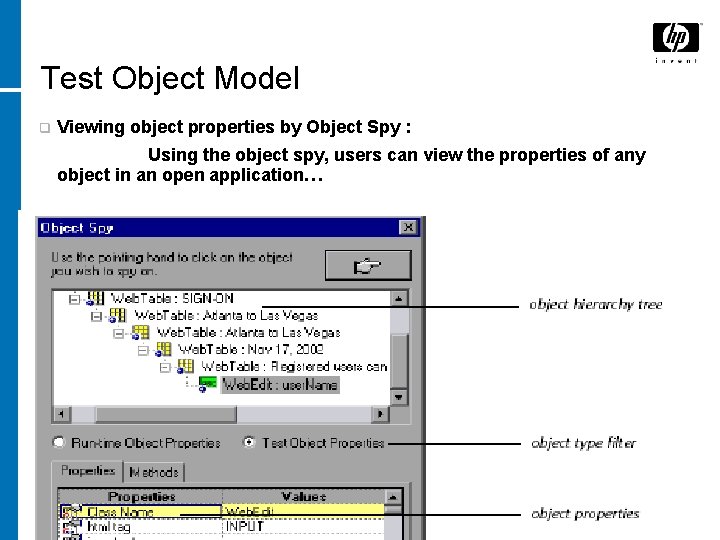
Test Object Model q Viewing object properties by Object Spy : Using the object spy, users can view the properties of any object in an open application…
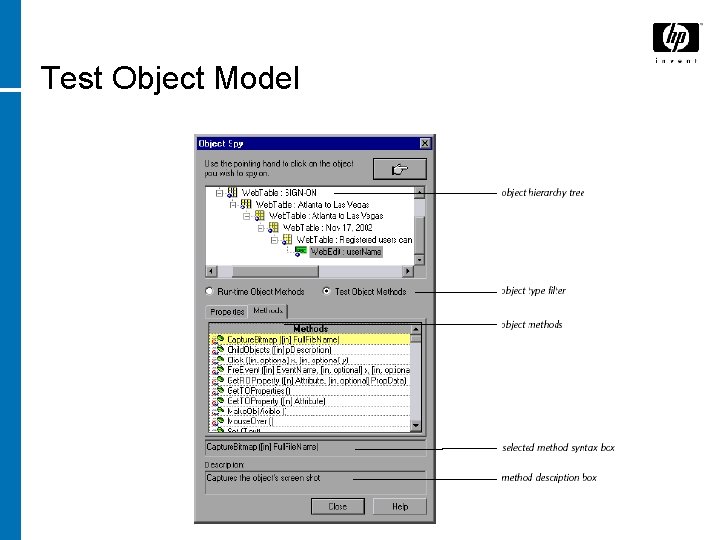
Test Object Model Viewing object methods and methods syntax using object spy… q Object Spy enables users to view both the run time object methods, the test object methods associated with an object and to view the syntax for a selected method… q
Test Object Model
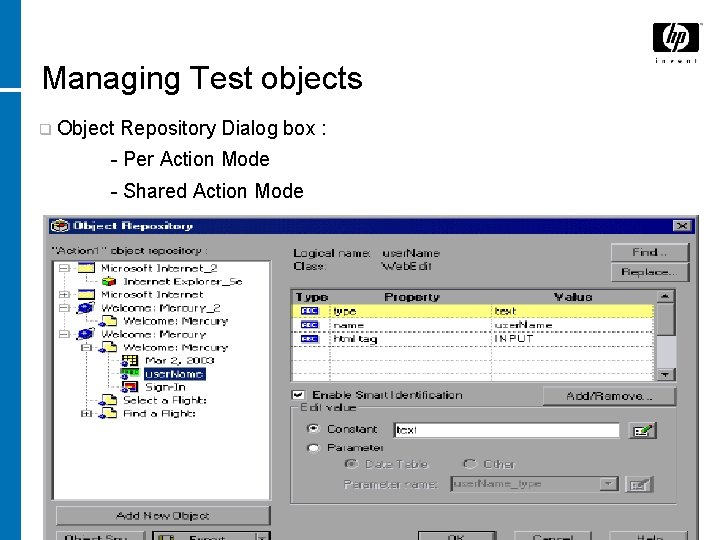
Managing Test objects q Object Repository Dialog box : - Per Action Mode - Shared Action Mode
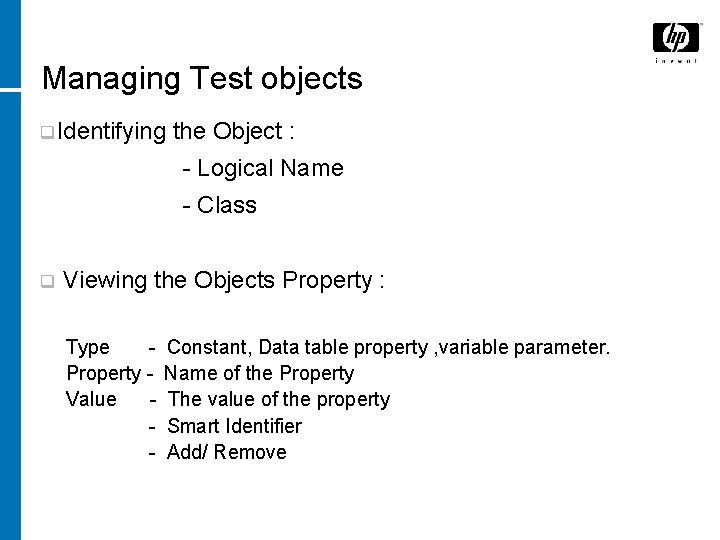
Managing Test objects q Identifying the Object : - Logical Name - Class q Viewing the Objects Property : Type Property Value - Constant, Data table property , variable parameter. Name of the Property The value of the property Smart Identifier Add/ Remove
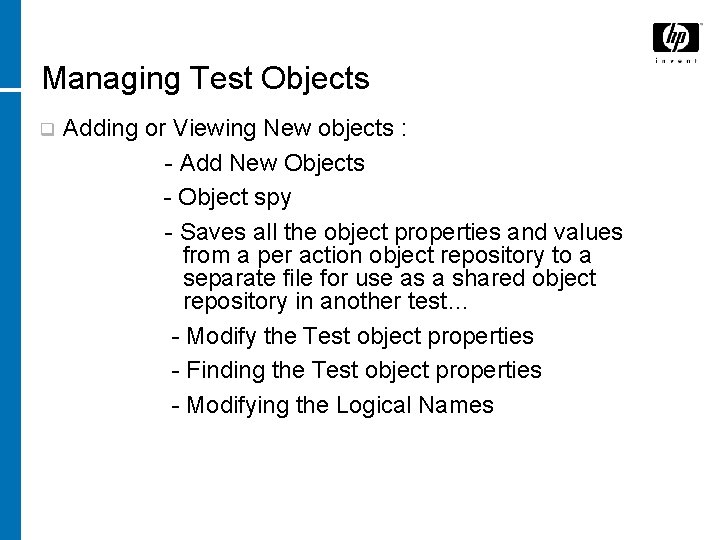
Managing Test Objects q Adding or Viewing New objects : - Add New Objects - Object spy - Saves all the object properties and values from a per action object repository to a separate file for use as a shared object repository in another test… - Modify the Test object properties - Finding the Test object properties - Modifying the Logical Names
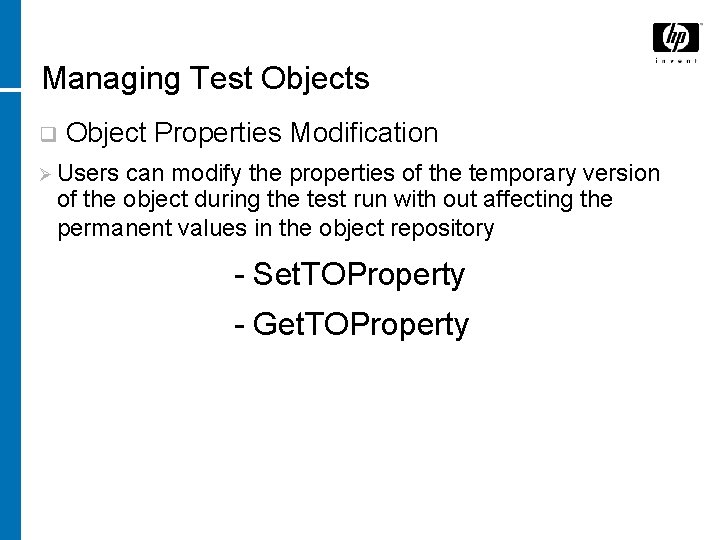
Managing Test Objects q Object Properties Modification Ø Users can modify the properties of the temporary version of the object during the test run with out affecting the permanent values in the object repository - Set. TOProperty - Get. TOProperty
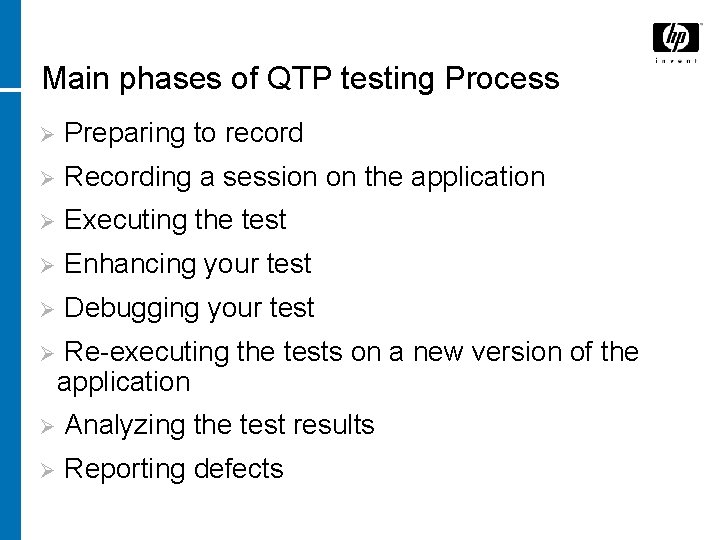
Main phases of QTP testing Process Ø Preparing to record Ø Recording a session on the application Ø Executing the test Ø Enhancing your test Ø Debugging your test Ø Re-executing the tests on a new version of the application Ø Analyzing the test results Ø Reporting defects
DEMO • Please record a test and run the script. • Analyze the test result.
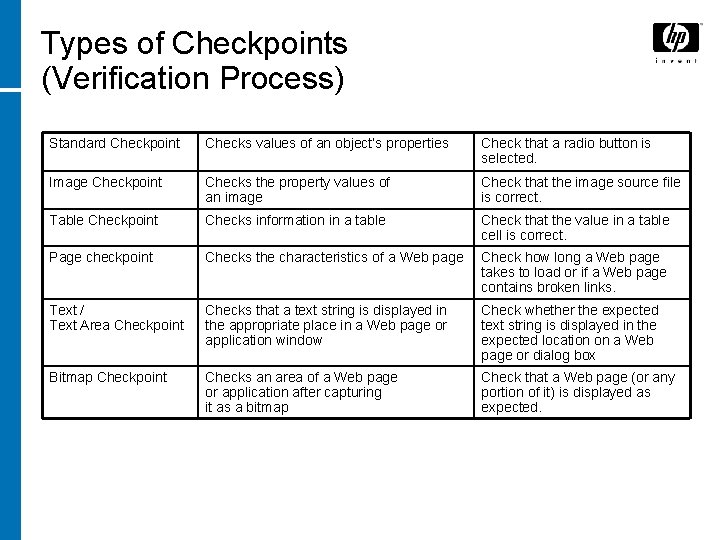
Types of Checkpoints (Verification Process) Standard Checkpoint Checks values of an object’s properties Check that a radio button is selected. Image Checkpoint Checks the property values of an image Check that the image source file is correct. Table Checkpoint Checks information in a table Check that the value in a table cell is correct. Page checkpoint Checks the characteristics of a Web page Check how long a Web page takes to load or if a Web page contains broken links. Text / Text Area Checkpoint Checks that a text string is displayed in the appropriate place in a Web page or application window Check whether the expected text string is displayed in the expected location on a Web page or dialog box Bitmap Checkpoint Checks an area of a Web page or application after capturing it as a bitmap Check that a Web page (or any portion of it) is displayed as expected.
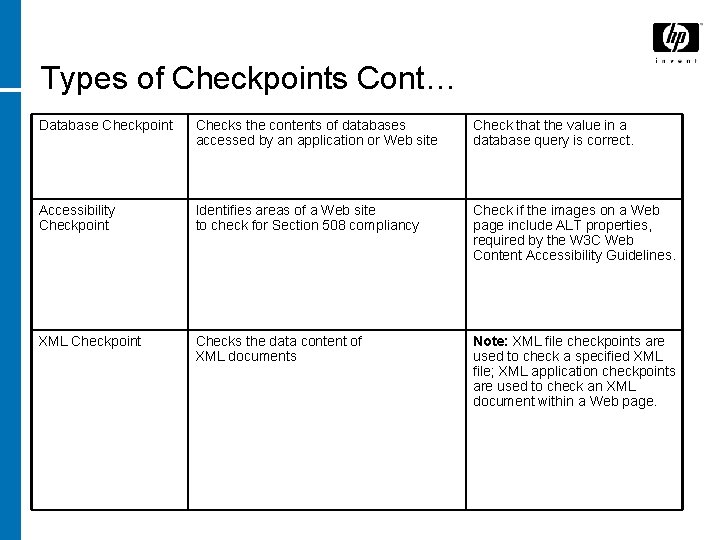
Types of Checkpoints Cont… Database Checkpoint Checks the contents of databases accessed by an application or Web site Check that the value in a database query is correct. Accessibility Checkpoint Identifies areas of a Web site to check for Section 508 compliancy Check if the images on a Web page include ALT properties, required by the W 3 C Web Content Accessibility Guidelines. XML Checkpoint Checks the data content of XML documents Note: XML file checkpoints are used to check a specified XML file; XML application checkpoints are used to check an XML document within a Web page.
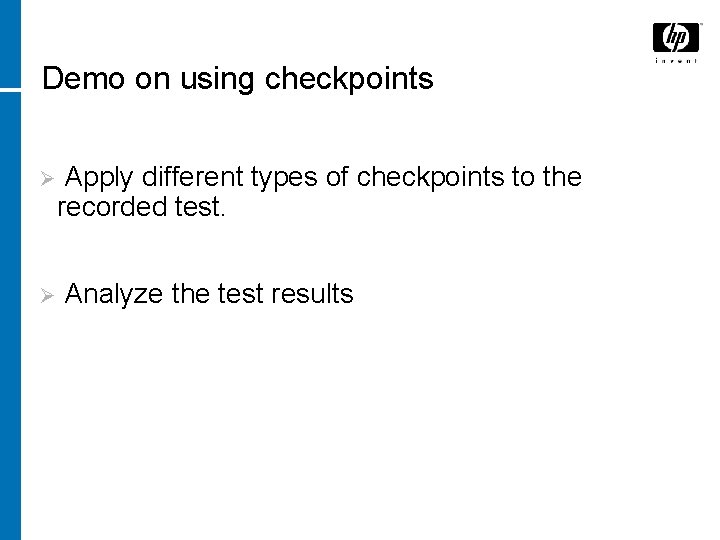
Demo on using checkpoints Ø Ø Apply different types of checkpoints to the recorded test. Analyze the test results
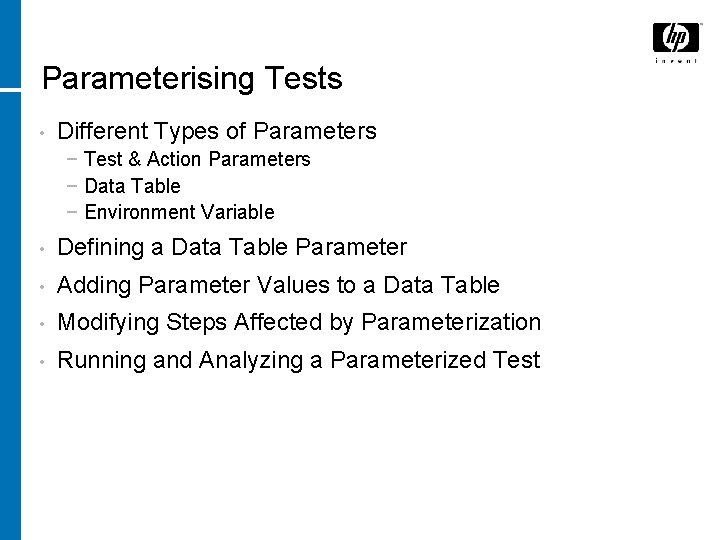
Parameterising Tests • Different Types of Parameters − Test & Action Parameters − Data Table − Environment Variable • Defining a Data Table Parameter • Adding Parameter Values to a Data Table • Modifying Steps Affected by Parameterization • Running and Analyzing a Parameterized Test
Creating Output Values • Creating an Output Value • Running and Analyzing a Test with Output Values
Using Regular Expressions • Regular Expression Syntax • Working with Regular Expressions • Running and Analyzing a Test with Regular Expressions
Dividing Tests into Multiple Actions • Working with Multiple Actions • Creating New Actions • Inserting Existing Actions • Parameterizing an Action • Running and Analyzing a Multi-action Test • Different Types of Actions
Recovery Scenarios • Defining Recovery Scenarios • Creating a Recovery File • Understanding the Recovery Scenario Manager Dialog Box • Understanding the Recovery Scenario Wizard • Welcome to the Recovery Scenario Wizard Screen
Recovery Scenario • Welcome to the Recovery Scenario Wizard Screen • Select Trigger Event Screen • Specify Pop-up Window Conditions Screen • Select Object Screen • Set Object Properties and Values Screen • Select Test Run Error Screen
Recovery Scenario • Select Processes Screen • Recovery Operation – Click Button or Press Key Screen • Recovery Operation – Close Processes Screen • Recovery Operation – Function Call Screen
Recovery Scenario • Post-Recovery Test Run Options Screen • Name and Description Screen • Completing the Recovery Scenario Wizard Screen • Saving the Recovery Scenario in a Recovery File • Managing Recovery Scenarios
Thank You