
Automatic numbering Packing slip DEFINITIONS 13 Sales orders
Automatic numbering – Packing slip
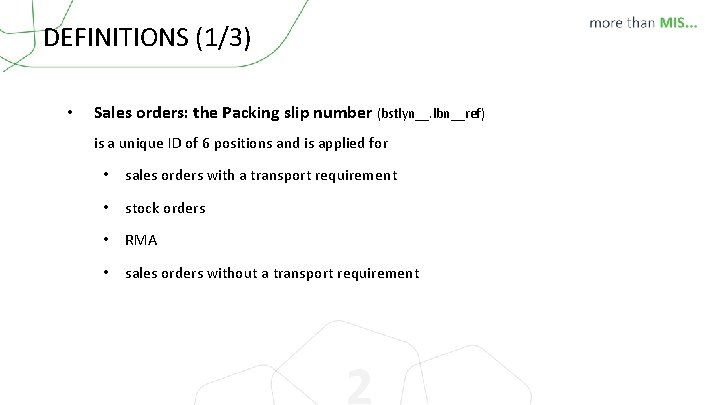
DEFINITIONS (1/3) • Sales orders: the Packing slip number (bstlyn__. lbn__ref) is a unique ID of 6 positions and is applied for • sales orders with a transport requirement • stock orders • RMA • sales orders without a transport requirement 2
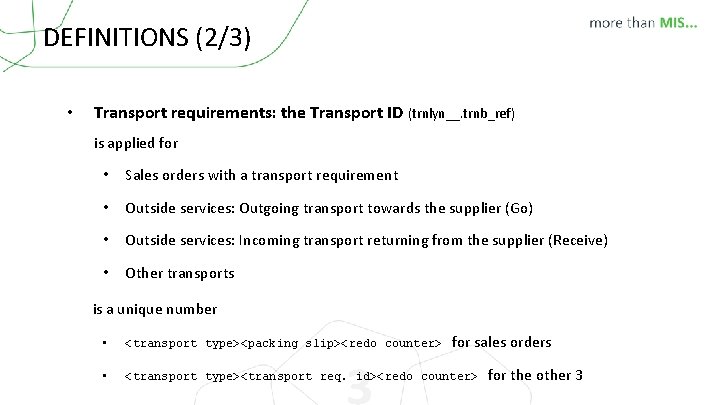
DEFINITIONS (2/3) • Transport requirements: the Transport ID (trnlyn__. trnb_ref) is applied for • Sales orders with a transport requirement • Outside services: Outgoing transport towards the supplier (Go) • Outside services: Incoming transport returning from the supplier (Receive) • Other transports is a unique number for sales orders • <transport type><packing slip><redo counter> • <transport type><transport req. id><redo counter> 3 for the other 3
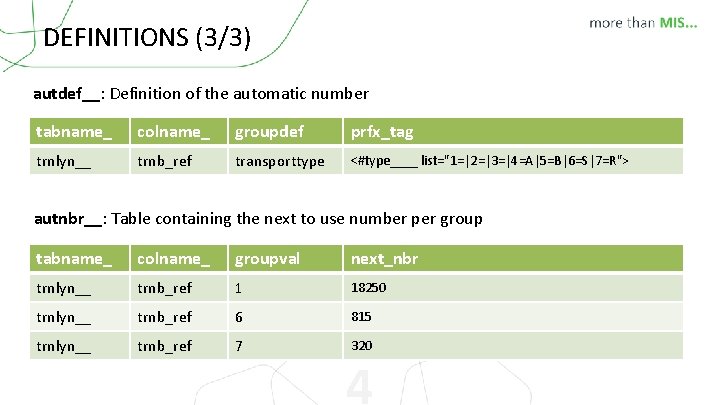
DEFINITIONS (3/3) autdef__: Definition of the automatic number tabname_ colname_ groupdef prfx_tag trnlyn__ trnb_ref transporttype <#type____ list="1=|2=|3=|4=A|5=B|6=S|7=R"> autnbr__: Table containing the next to use number per group tabname_ colname_ groupval next_nbr trnlyn__ trnb_ref 1 18250 trnlyn__ trnb_ref 6 815 trnlyn__ trnb_ref 7 320 4
Country specific settings concerning packing ID • V 7. 13 R 0: development for a sequential packing slip number depending on VAT regime for Indonesia • V 7. 15 R 0: development for a continuous shipping document number for different kinds of transport for Italy More info http: //www. cerm. be/hd/onlinehelp/Modules/Parameters/Accounting_parameters/Country_specific_settings. htm 5
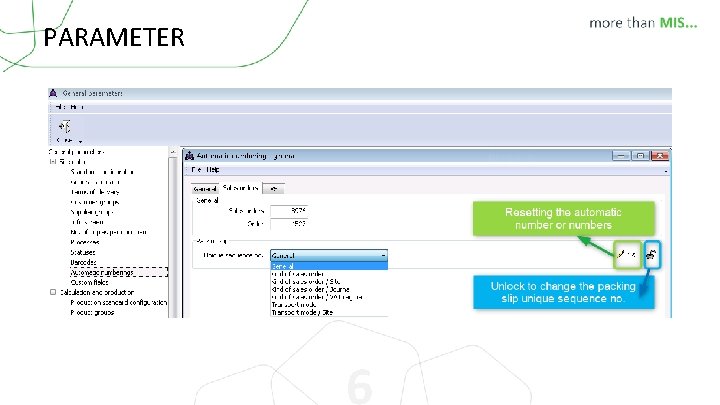
PARAMETER 6
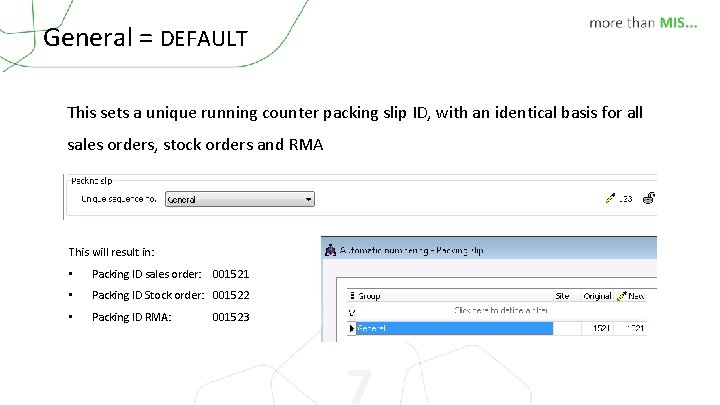
General = DEFAULT This sets a unique running counter packing slip ID, with an identical basis for all sales orders, stock orders and RMA This will result in: • Packing ID sales order: 001521 • Packing ID Stock order: 001522 • Packing ID RMA: 001523 7
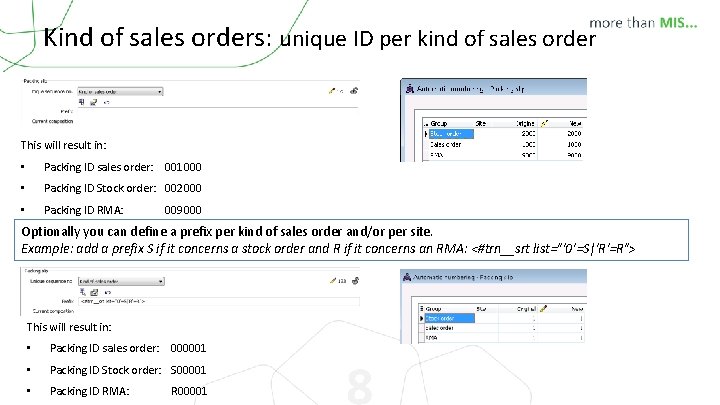
Kind of sales orders: unique ID per kind of sales order This will result in: • Packing ID sales order: 001000 • Packing ID Stock order: 002000 • Packing ID RMA: 009000 Optionally you can define a prefix per kind of sales order and/or per site. Example: add a prefix S if it concerns a stock order and R if it concerns an RMA: <#trn__srt list="'0'=S|'R'=R"> This will result in: • Packing ID sales order: 000001 • Packing ID Stock order: S 00001 • Packing ID RMA: R 00001 8
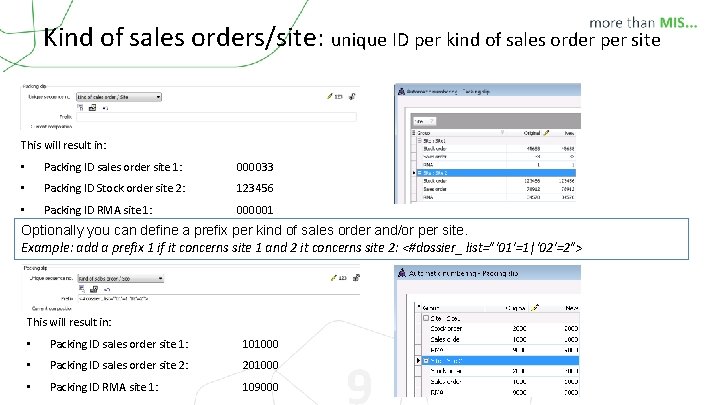
Kind of sales orders/site: unique ID per kind of sales order per site This will result in: • Packing ID sales order site 1: 000033 • Packing ID Stock order site 2: 123456 • Packing ID RMA site 1: 000001 Optionally you can define a prefix per kind of sales order and/or per site. Example: add a prefix 1 if it concerns site 1 and 2 it concerns site 2: <#dossier_ list="'01'=1|'02'=2"> This will result in: • Packing ID sales order site 1: 101000 • Packing ID sales order site 2: 201000 • Packing ID RMA site 1: 109000 9
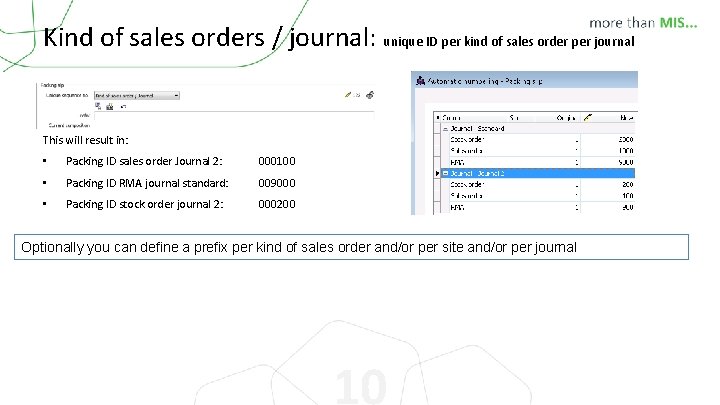
Kind of sales orders / journal: unique ID per kind of sales order per journal This will result in: • Packing ID sales order Journal 2: 000100 • Packing ID RMA journal standard: 009000 • Packing ID stock order journal 2: 000200 Optionally you can define a prefix per kind of sales order and/or per site and/or per journal 10
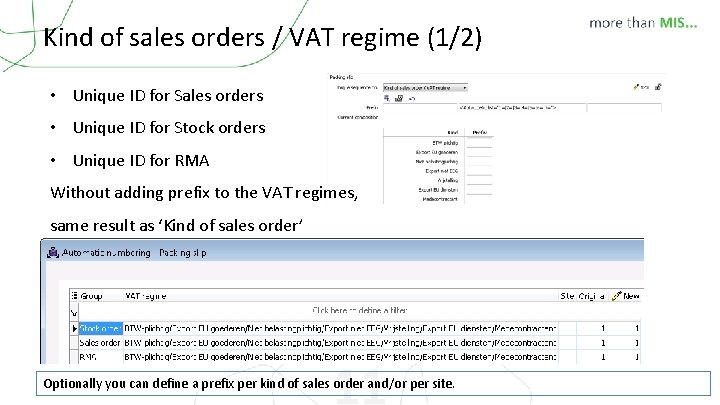
Kind of sales orders / VAT regime (1/2) • Unique ID for Sales orders • Unique ID for Stock orders • Unique ID for RMA Without adding prefix to the VAT regimes, same result as ‘Kind of sales order’ 11 Optionally you can define a prefix per kind of sales order and/or per site.
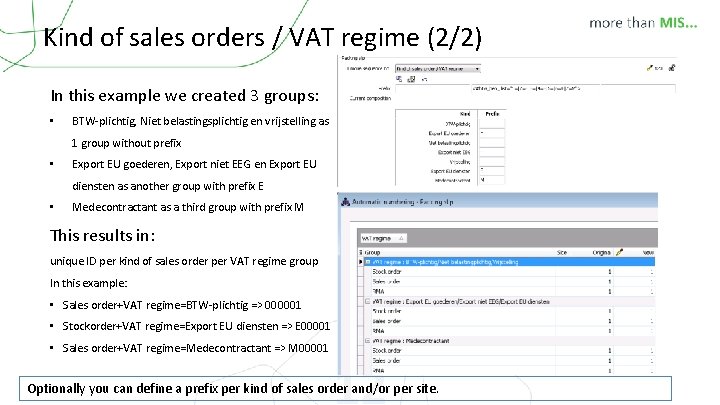
Kind of sales orders / VAT regime (2/2) In this example we created 3 groups: • BTW-plichtig, Niet belastingsplichtig en vrijstelling as 1 group without prefix • Export EU goederen, Export niet EEG en Export EU diensten as another group with prefix E • Medecontractant as a third group with prefix M This results in: unique ID per kind of sales order per VAT regime group In this example: • Sales order+VAT regime=BTW-plichtig => 000001 • Stockorder+VAT regime=Export EU diensten => E 00001 • Sales order+VAT regime=Medecontractant => M 00001 12 Optionally you can define a prefix per kind of sales order and/or per site.
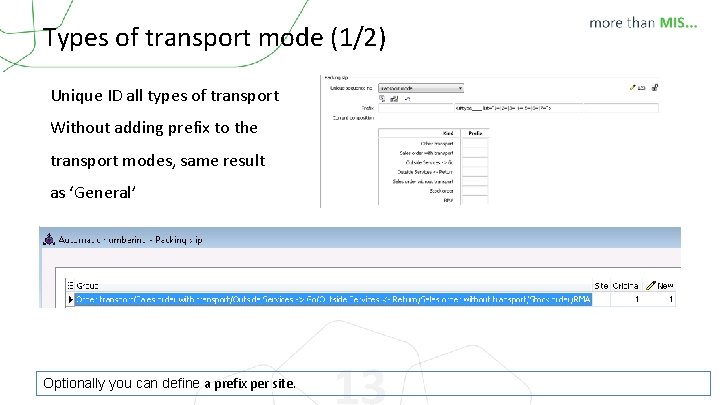
Types of transport mode (1/2) Unique ID all types of transport Without adding prefix to the transport modes, same result as ‘General’ Optionally you can define a prefix per site. 13
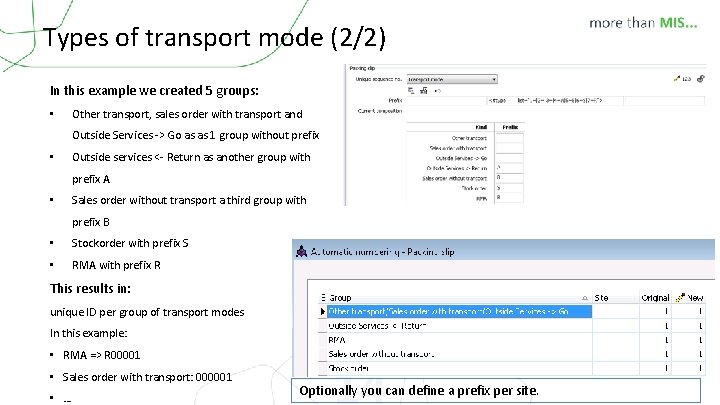
Types of transport mode (2/2) In this example we created 5 groups: • Other transport, sales order with transport and Outside Services -> Go as as 1 group without prefix • Outside services <- Return as another group with prefix A • Sales order without transport a third group with prefix B • Stockorder with prefix S • RMA with prefix R This results in: unique ID per group of transport modes In this example: • RMA => R 00001 • Sales order with transport: 000001 • … 14 Optionally you can define a prefix per site.
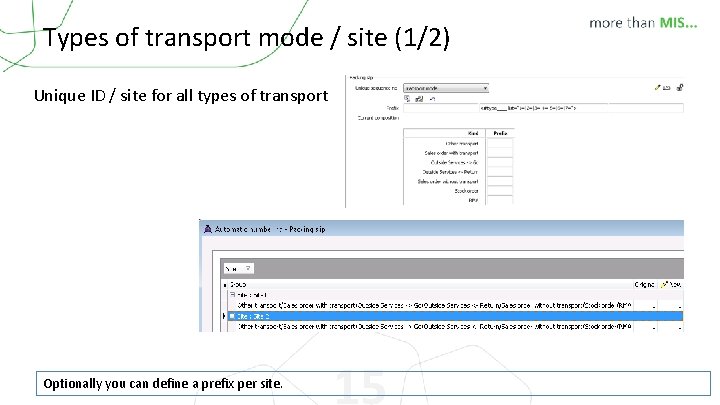
Types of transport mode / site (1/2) Unique ID / site for all types of transport Optionally you can define a prefix per site. 15
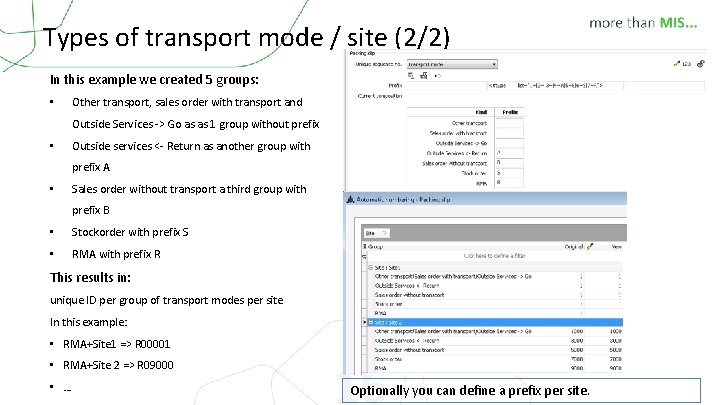
Types of transport mode / site (2/2) In this example we created 5 groups: • Other transport, sales order with transport and Outside Services -> Go as as 1 group without prefix • Outside services <- Return as another group with prefix A • Sales order without transport a third group with prefix B • Stockorder with prefix S • RMA with prefix R This results in: unique ID per group of transport modes per site In this example: • RMA+Site 1 => R 00001 • RMA+Site 2 => R 09000 • … 16 Optionally you can define a prefix per site.
Remarks • Changing these parameters on a “live” database, can cause trouble! Always contact your consultant! Changes are logged with Processing ID 2543. • Deleting a sales order, outside service, . . . will automatically reset the shipment number. • Don't forget to set the composition of the pick slip ID (lvb__ref) similar to the packing slip (lbn__ref) • Any changes made to the automatic numbering are logged with Processing ID 2569 17

Thank you
- Slides: 18