
Auto Tweet NG How to Auto Tweet from
- Slides: 16
Auto. Tweet. NG How to Auto. Tweet from Your Own Facebook. Heroku App Presentation based on Joomla 3 and Auto. Tweet. NG 6. 5. 2 2013 -09 -18 http: //www. extly. com/how-to-autotweet-from-your-own-facebook-heroku-app. html
How to Auto. Tweet from Your Own Facebook. Heroku App In this presentation, we are going to show you can Auto. Tweet from Joomla to Facebook, with Your Own Facebook-Heroku App Product Page: http: //www. extly. com/autotweet-ng-pro. html Support: http: //support. extly. com Community Forum Support: http: //www. extly. com/forum/index. html
Prerequisites o Auto. Tweet. NG Free or PRO v 6. 6, or superior o A Facebook account o System requirements: - Joomla 2. 5 / Joomla 3. 0 - PHP 5. 3, or superior - My. SQL 5. 5, or superior (recommended) o Previous tutorials: § How to Auto. Tweet from Joomla in 5 minutes § How to Auto. Tweet from Your Own Facebook App
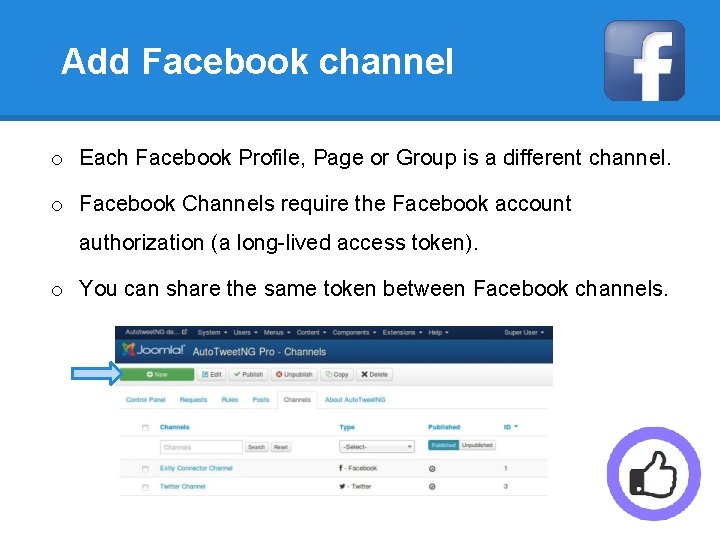
Add Facebook channel o Each Facebook Profile, Page or Group is a different channel. o Facebook Channels require the Facebook account authorization (a long-lived access token). o You can share the same token between Facebook channels.
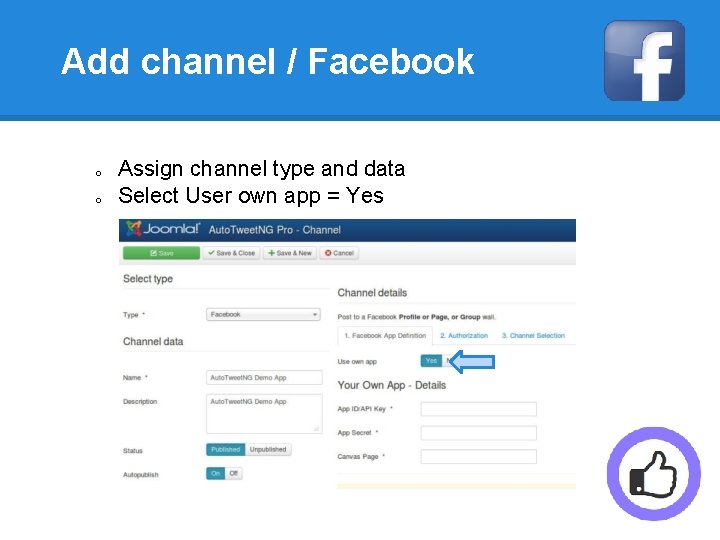
Add channel / Facebook o o Assign channel type and data Select User own app = Yes
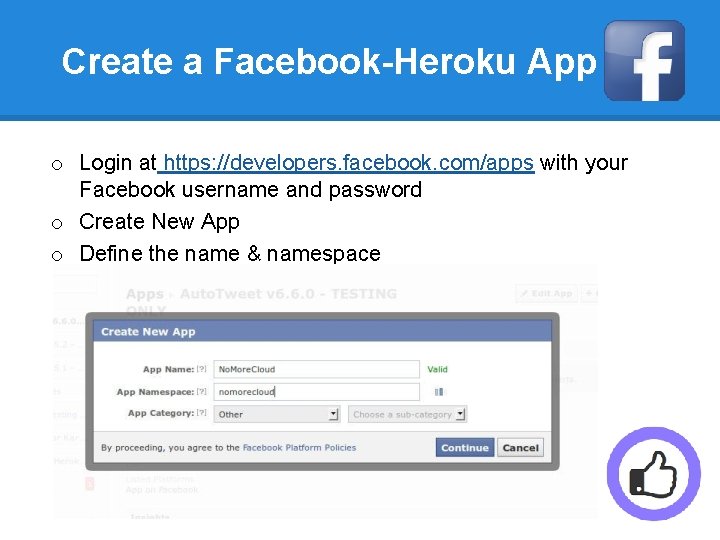
Create a Facebook-Heroku App o Login at https: //developers. facebook. com/apps with your Facebook username and password o Create New App o Define the name & namespace
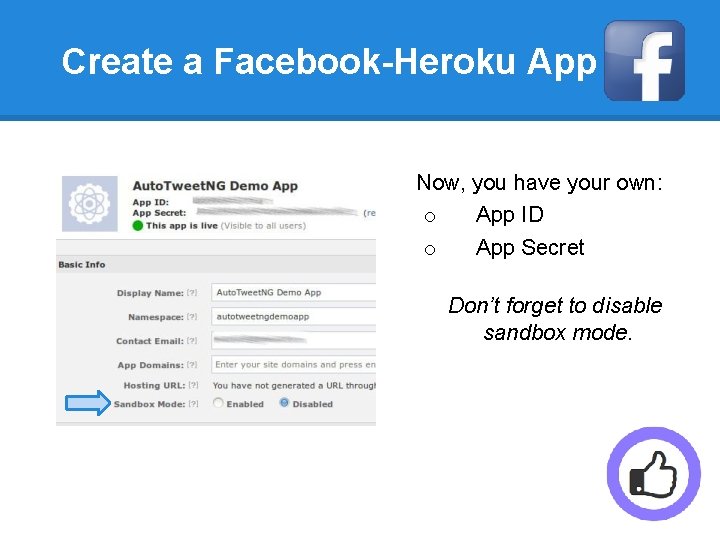
Create a Facebook-Heroku App Now, you have your own: o App ID o App Secret Don’t forget to disable sandbox mode.
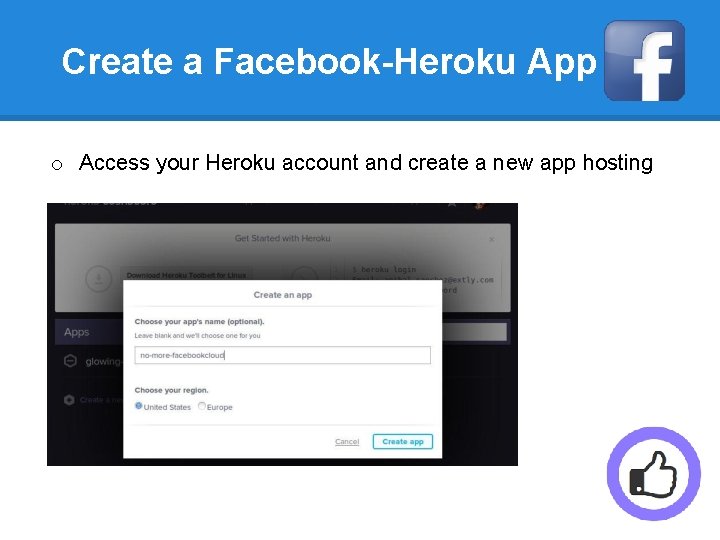
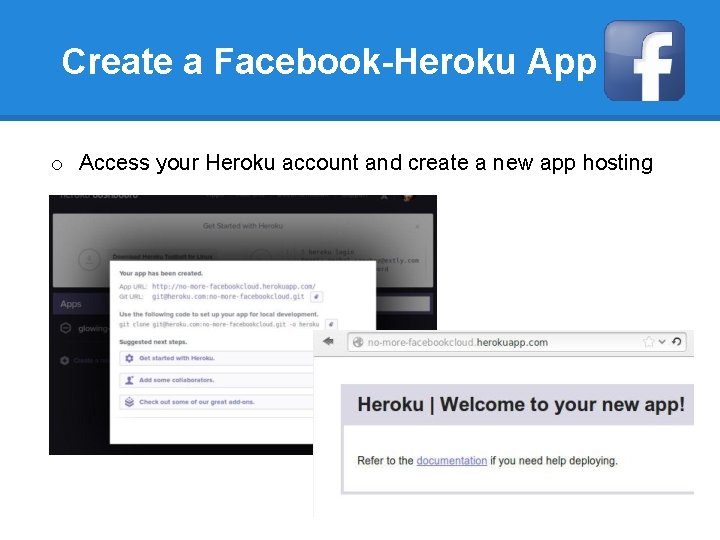
Create a Facebook-Heroku App o Access your Heroku account and create a new app hosting
Create a Facebook-Heroku App o Access your Heroku account and create a new app hosting
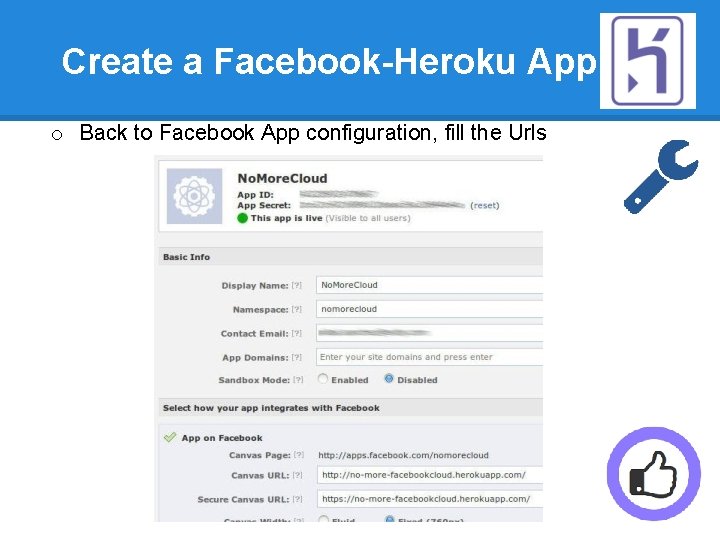
Create a Facebook-Heroku App o Back to Facebook App configuration, fill the Urls
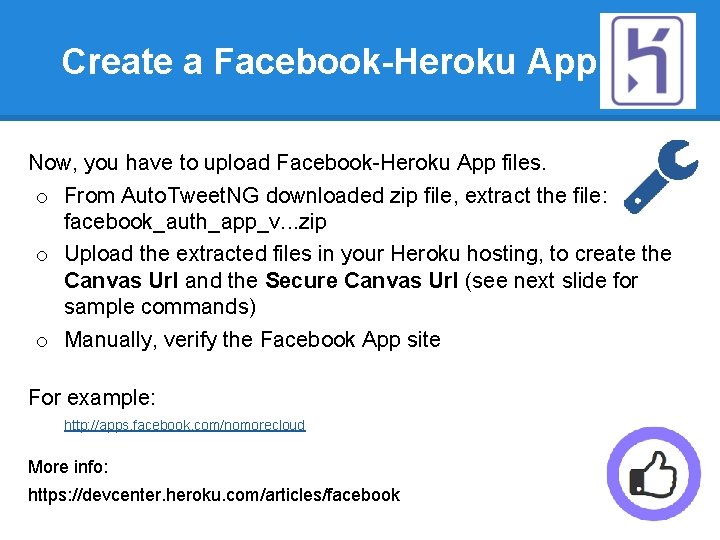
Create a Facebook-Heroku App Now, you have to upload Facebook-Heroku App files. o From Auto. Tweet. NG downloaded zip file, extract the file: facebook_auth_app_v. . . zip o Upload the extracted files in your Heroku hosting, to create the Canvas Url and the Secure Canvas Url (see next slide for sample commands) o Manually, verify the Facebook App site For example: http: //apps. facebook. com/nomorecloud More info: https: //devcenter. heroku. com/articles/facebook
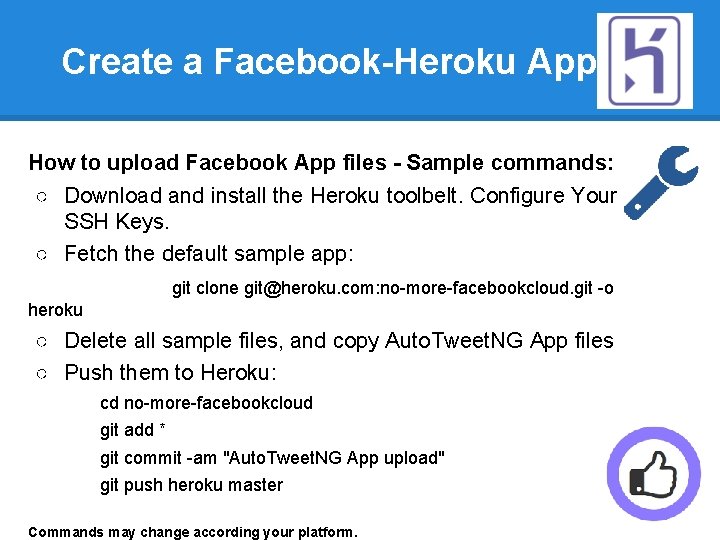
Create a Facebook-Heroku App How to upload Facebook App files - Sample commands: ○ Download and install the Heroku toolbelt. Configure Your SSH Keys. ○ Fetch the default sample app: git clone git@heroku. com: no-more-facebookcloud. git -o heroku ○ Delete all sample files, and copy Auto. Tweet. NG App files ○ Push them to Heroku: cd no-more-facebookcloud git add * git commit -am "Auto. Tweet. NG App upload" git push heroku master Commands may change according your platform.
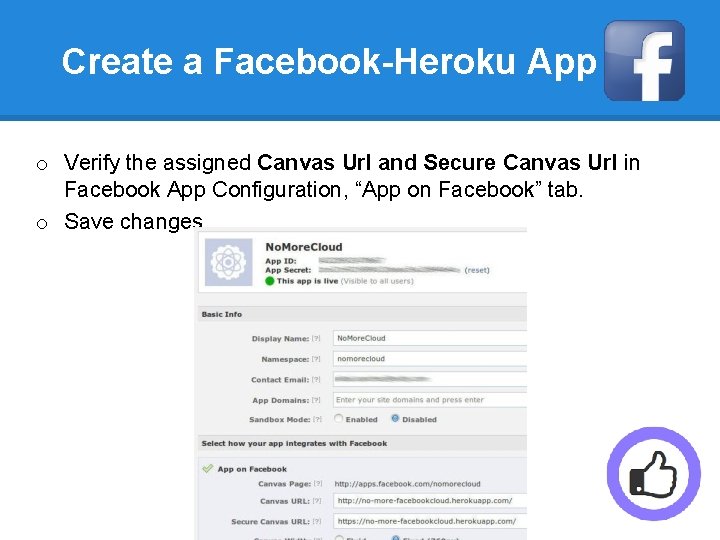
Create a Facebook-Heroku App o Verify the assigned Canvas Url and Secure Canvas Url in Facebook App Configuration, “App on Facebook” tab. o Save changes
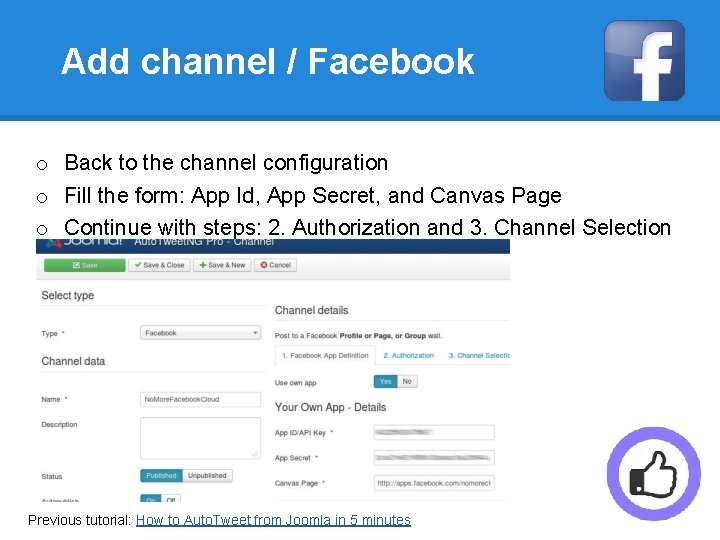
Add channel / Facebook o Back to the channel configuration o Fill the form: App Id, App Secret, and Canvas Page o Continue with steps: 2. Authorization and 3. Channel Selection Previous tutorial: How to Auto. Tweet from Joomla in 5 minutes
Your Own Facebook-Heroku App You've created Your Own Facebook-Heroku App, to post from Auto. Tweet. NG. o You can freely customize it o Your posts are going to have your brand name No need to configure SSL! No need of SSL certificates!
One last word We love your feedback, it's our way to improve. This presentation was created with your help. Please post a rating and a review at the #JED It really helps ; -) Support: http: //support. extly. com Community Forum Support: http: //www. extly. com/forum/index. html Twitter @extly Facebook facebook. com/extly