
Authentication Definitions n Identification a claim about identity
Authentication
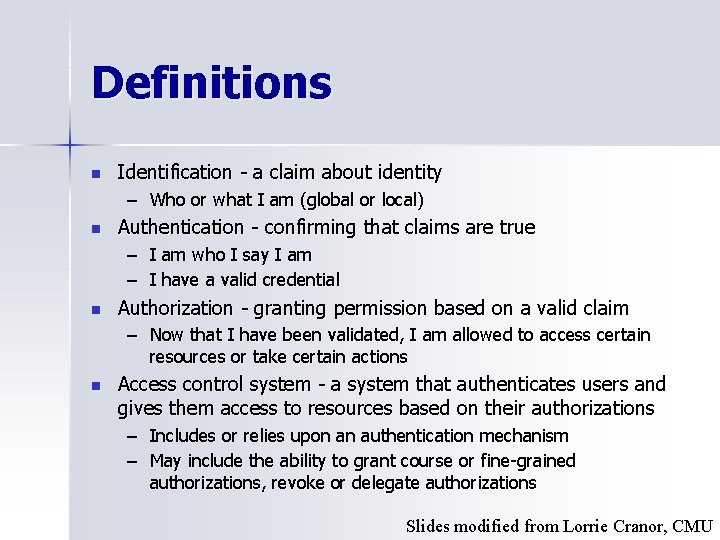
Definitions n Identification - a claim about identity – Who or what I am (global or local) n Authentication - confirming that claims are true – I am who I say I am – I have a valid credential n Authorization - granting permission based on a valid claim – Now that I have been validated, I am allowed to access certain resources or take certain actions n Access control system - a system that authenticates users and gives them access to resources based on their authorizations – Includes or relies upon an authentication mechanism – May include the ability to grant course or fine-grained authorizations, revoke or delegate authorizations Slides modified from Lorrie Cranor, CMU
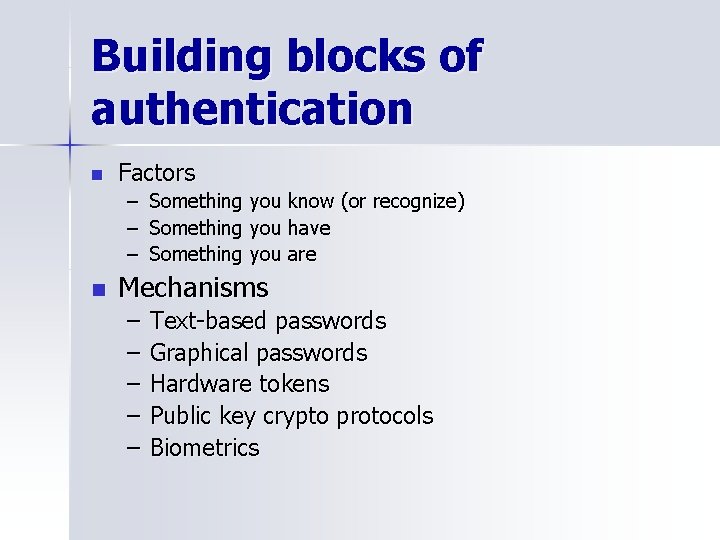
Building blocks of authentication n Factors – Something you know (or recognize) – Something you have – Something you are n Mechanisms – – – Text-based passwords Graphical passwords Hardware tokens Public key crypto protocols Biometrics
Two factor systems n Two factors are better than one – Especially two factors from different categories Question: What are some examples of twofactor authentication?
Evaluation n n Accessibility Memorability – Depth of processing, retrieval, meaningfulness n Security – Predictability, abundance, disclosure, crackability, confidentiality n n Cost Environmental considerations – Range of users, frequency of use, type of access, etc.
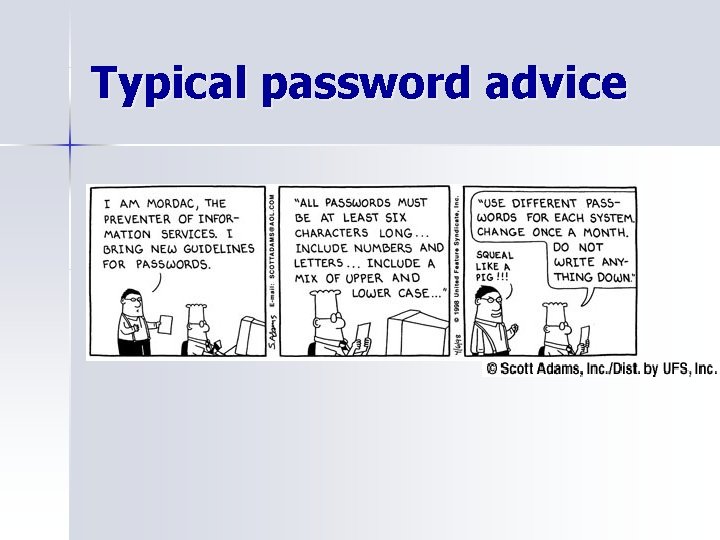
Typical password advice
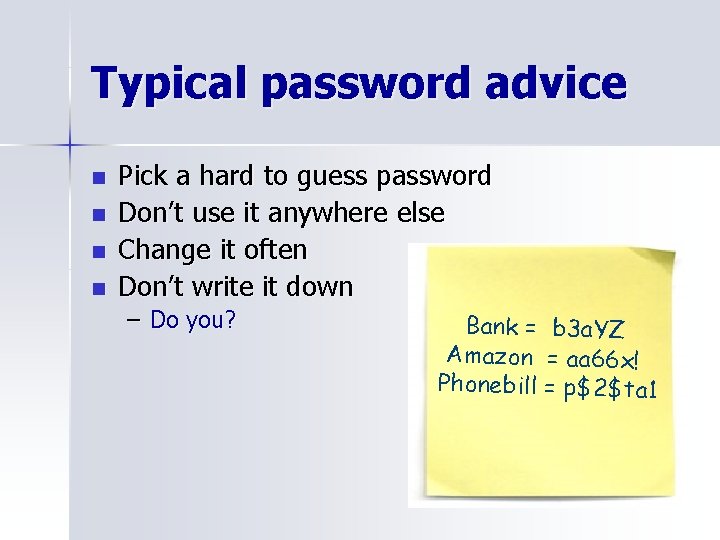
Typical password advice n n Pick a hard to guess password Don’t use it anywhere else Change it often Don’t write it down – Do you? Bank = b 3 a. YZ Amazon = aa 66 x! Phonebill = p$2$ta 1
Problems with Passwords n Selection – Difficult to think of a good password – Passwords people think of first are easy to guess n Memorability – Easy to forget passwords that aren’t frequently used – Difficult to remember “secure” passwords with a mix of upper & lower case letters, numbers, and special characters n Reuse – Too many passwords to remember – A previously used password is memorable n Sharing – Often unintentional through reuse – Systems aren’t designed to support the way people work together and share information
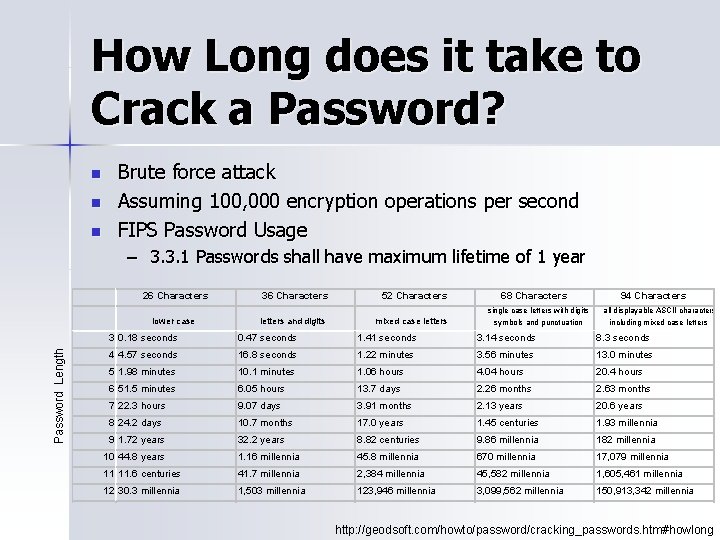
How Long does it take to Crack a Password? n n n Brute force attack Assuming 100, 000 encryption operations per second FIPS Password Usage – 3. 3. 1 Passwords shall have maximum lifetime of 1 year 26 Characters Password Length lower case 36 Characters letters and digits 52 Characters mixed case letters 68 Characters 94 Characters single case letters with digits , all displayable ASCII characters symbols and punctuation including mixed case letters 3 0. 18 seconds 0. 47 seconds 1. 41 seconds 3. 14 seconds 8. 3 seconds 4 4. 57 seconds 16. 8 seconds 1. 22 minutes 3. 56 minutes 13. 0 minutes 5 1. 98 minutes 10. 1 minutes 1. 06 hours 4. 04 hours 20. 4 hours 6 51. 5 minutes 6. 05 hours 13. 7 days 2. 26 months 2. 63 months 7 22. 3 hours 9. 07 days 3. 91 months 2. 13 years 20. 6 years 8 24. 2 days 10. 7 months 17. 0 years 1. 45 centuries 1. 93 millennia 9 1. 72 years 32. 2 years 8. 82 centuries 9. 86 millennia 182 millennia 10 44. 8 years 1. 16 millennia 45. 8 millennia 670 millennia 17, 079 millennia 11 11. 6 centuries 41. 7 millennia 2, 384 millennia 45, 582 millennia 1, 605, 461 millennia 12 30. 3 millennia 1, 503 millennia 123, 946 millennia 3, 099, 562 millennia 150, 913, 342 millennia http: //geodsoft. com/howto/password/cracking_passwords. htm#howlong
The Password Quiz What is your score? n Do you agree with each piece of advice? n What is most common problem in the class? n Any bad habits not addressed? n
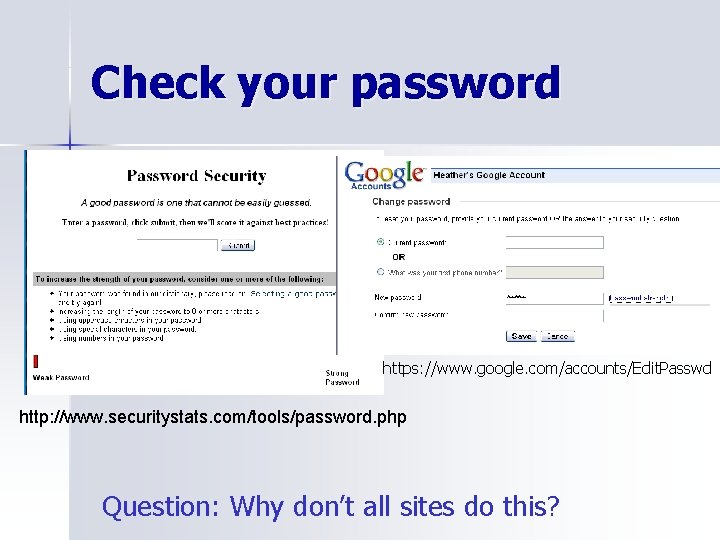
Check your password https: //www. google. com/accounts/Edit. Passwd http: //www. securitystats. com/tools/password. php Question: Why don’t all sites do this?
Text-based passwords Random (system or user assigned) n Mnemonic n Challenge questions (semantic) n n Anyone ever had a system assigned random password? Your experience?
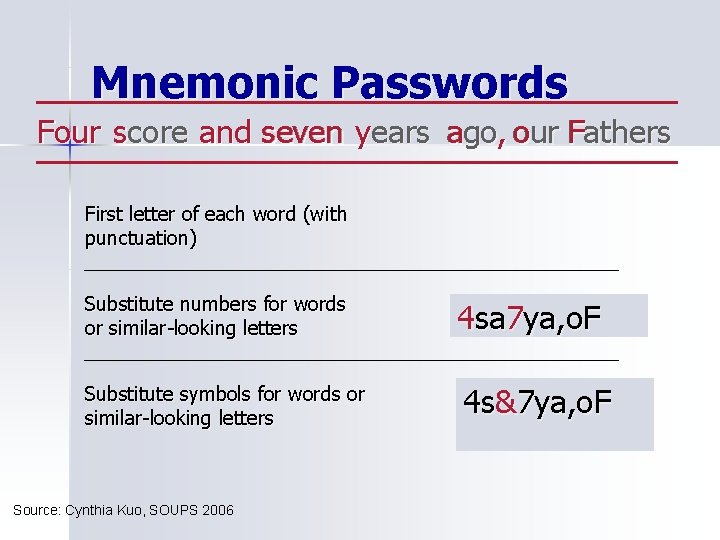
Mnemonic Passwords Four score F and a s seven yyears ago a , our o Fathers F nd seven First letter of each word (with punctuation) Substitute numbers for words or similar-looking letters 4 fsasya, o. F sa 7 ya, o. F Substitute symbols for words or similar-looking letters 4 sa 7 ya, o. F 4 s&7 ya, o. F Source: Cynthia Kuo, SOUPS 2006
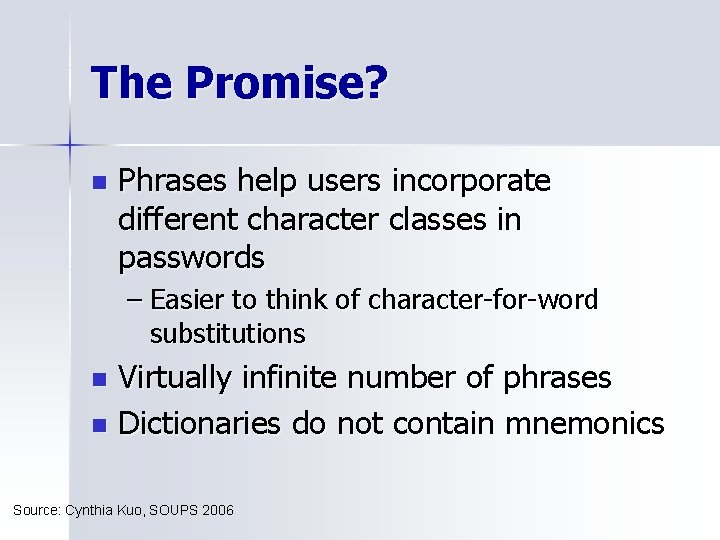
The Promise? n Phrases help users incorporate different character classes in passwords – Easier to think of character-for-word substitutions Virtually infinite number of phrases n Dictionaries do not contain mnemonics n Source: Cynthia Kuo, SOUPS 2006
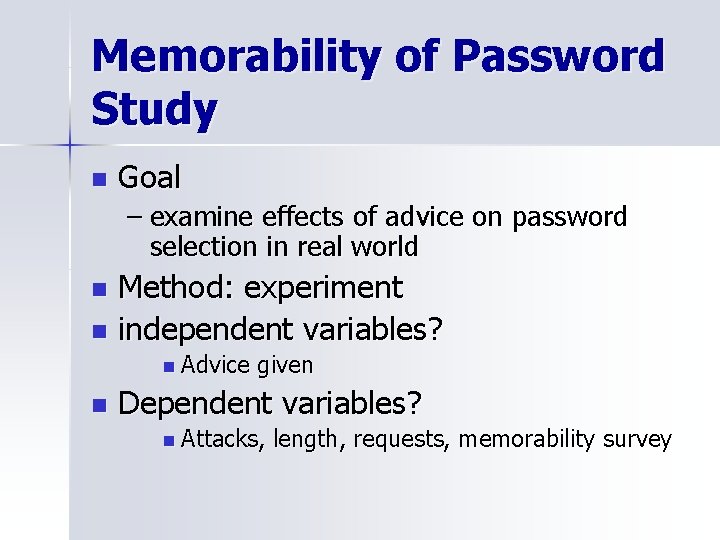
Memorability of Password Study n Goal – examine effects of advice on password selection in real world Method: experiment n independent variables? n n Advice n given Dependent variables? n Attacks, length, requests, memorability survey
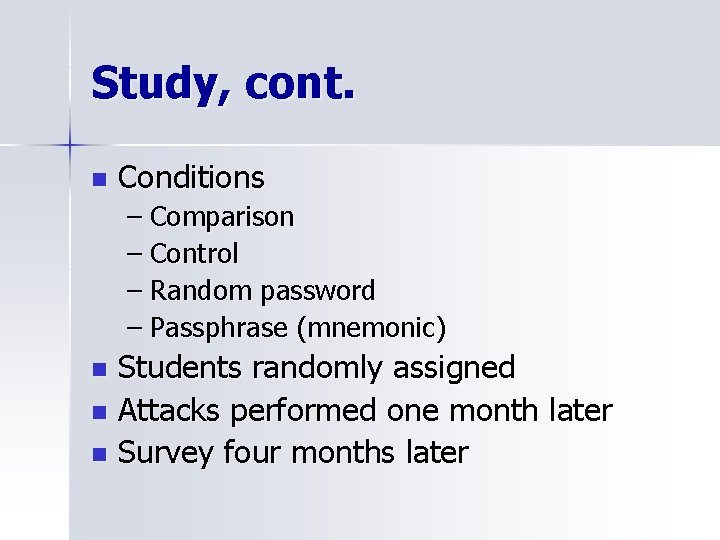
Study, cont. n Conditions – Comparison – Control – Random password – Passphrase (mnemonic) Students randomly assigned n Attacks performed one month later n Survey four months later n
Results n n n All conditions longer password than comparison group Random & passphrase conditions had significantly fewer successful attacks Requests for password the same Random group kept written copy of password for much longer than others Non-compliance rate of 10% What are the implications? What are the strengths of the study? Weaknesses?
Mnemonic password evaluation n Mnemonic passwords are not a panacea, but are an interesting option – No comprehensive dictionary today n May become more vulnerable in future – Users choose music lyrics, movies, literature, and television – Attackers incentivized to build dictionaries n Publicly available phrases should be avoided! C. Kuo, S. Romanosky, and L. Cranor. Human Selection of Mnemonic Phrase-Based Passwords. In Proceedings of the 2006 Symposium On Usable Privacy and Security, 12 -14 July 2006, Pittsburgh, PA. Source: Cynthia Kuo, SOUPS 2006
Password keeper software Run on PC or handheld n Only remember one password n How many use one of these? n Advantages? n Disadvantages? n
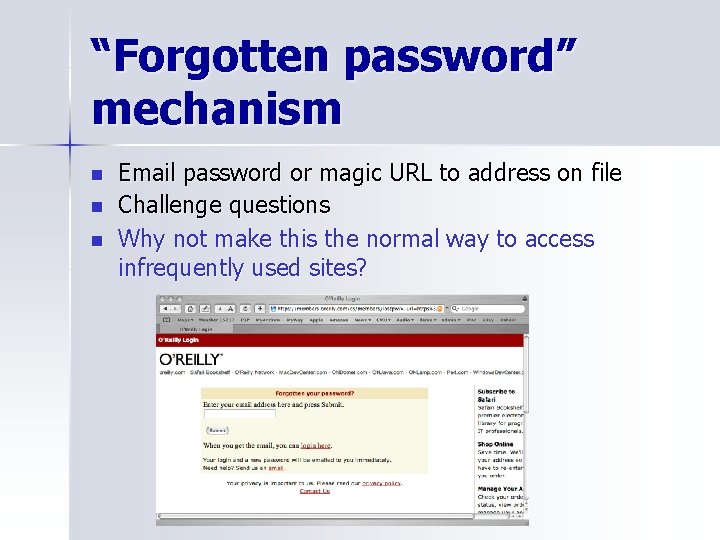
“Forgotten password” mechanism n n n Email password or magic URL to address on file Challenge questions Why not make this the normal way to access infrequently used sites?
Challenge Questions n n Question and answer pairs Issues: – Privacy: asking for personal info – Security: how difficult are they to guess and observe? – Usability: answerable? how memorable? How repeatable? What challenge questions have you seen? Purpose?
Challenge questions How likely to be guessed? n How concerned should we be about n – Shoulder surfing? – Time to enter answers? – A knowledgeable other person? – Privacy?
Graphical Passwords n n We are much better at remembering pictures than text User enters password by clicking on on the screen – Choosing correct set of images – Choosing regions in a particular image n n Potentially more difficult to attack (no dictionaries) Anyone ever used one?
![Schemes n 1. 2. 3. Choose a series of images – Random[1] – Passfaces[2]](http://slidetodoc.com/presentation_image_h2/23175e77192ee313fb487544932a0084/image-24.jpg "Schemes n 1. 2. 3. Choose a series of images – Random[1] – Passfaces[2]")
Schemes n 1. 2. 3. Choose a series of images – Random[1] – Passfaces[2] – Visual passwords (for mobile devices)[3] – Provide your own images R. Dhamija and A. Perrig, "Deja Vu: A User Study Using Images for Authentication, " in Proceedings of 9 th USENIX Security Symposium , 2000. http: //www. realuser. com/ W. Jansen, et al, "Picture Password: A Visual Login Technique for Mobile Devices, " National Institute of Standards and Technology Interagency Report NISTIR 7030, 2003.
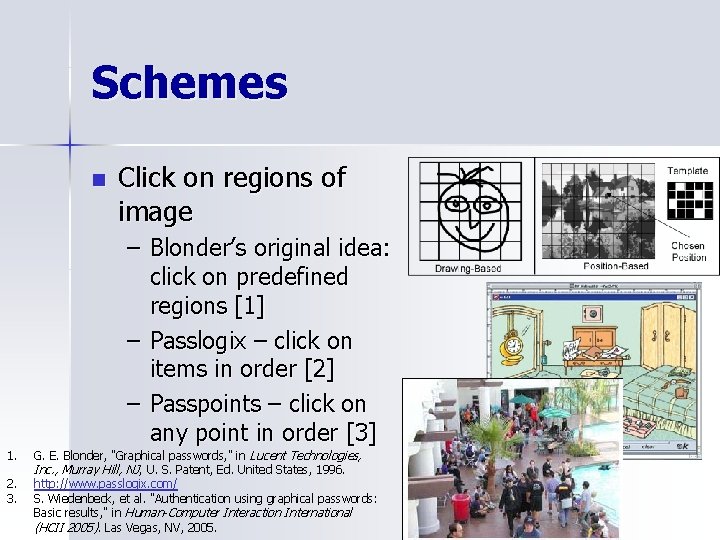
Schemes n Click on regions of image – Blonder’s original idea: click on predefined regions [1] – Passlogix – click on items in order [2] – Passpoints – click on any point in order [3] 1. 2. 3. G. E. Blonder, "Graphical passwords, " in Lucent Technologies, Inc. , Murray Hill, NJ, U. S. Patent, Ed. United States, 1996. http: //www. passlogix. com/ S. Wiedenbeck, et al. "Authentication using graphical passwords: Basic results, " in Human-Computer Interaction International (HCII 2005). Las Vegas, NV, 2005.
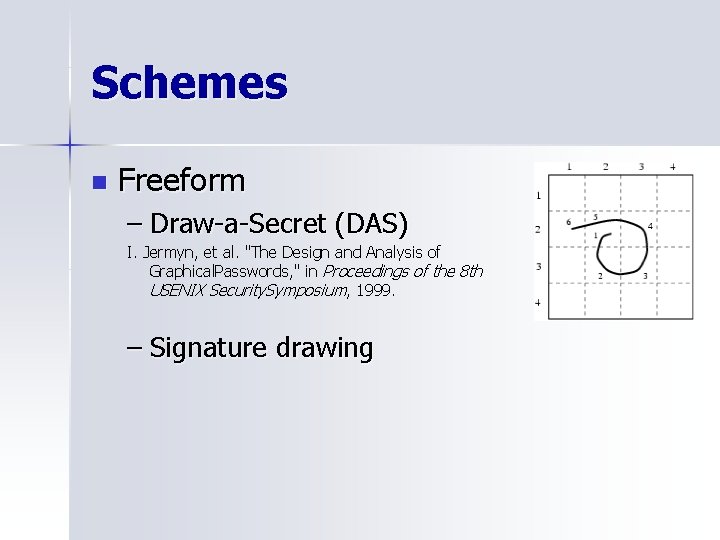
Schemes n Freeform – Draw-a-Secret (DAS) I. Jermyn, et al. "The Design and Analysis of Graphical. Passwords, " in Proceedings of the 8 th USENIX Security. Symposium, 1999. – Signature drawing
Theoretical Comparisons n Advantages: – As memorable or more than text – As large a password space as text passwords – Attack needs to generate mouse output – Less vulnerable to dictionary attacks – More difficult to share n Disadvantages – Time consuming – More storage and communication requirements – Shoulder surfing an issue – Potential interference if becomes widespread See a nice discussion in: Suo and Zhu. “Graphical Passwords: A Survey, ” in the Proceedings of the 21 st Annual Computer Security Applications Conference , December 2005.
How do they really compare? n n Many studies of various schemes… Faces vs. Story – Method: experiment n n – – – independent – participant race and sex, faces or story Dependent – types of items chosen, liklihood of attack Real passwords – used to access grades, etc. Also gathered survey responses Results: n n we are highly predictable, particularly for faces Attacker could have succeeded with 1 or 2 guesses for 10% of males! – Implications?
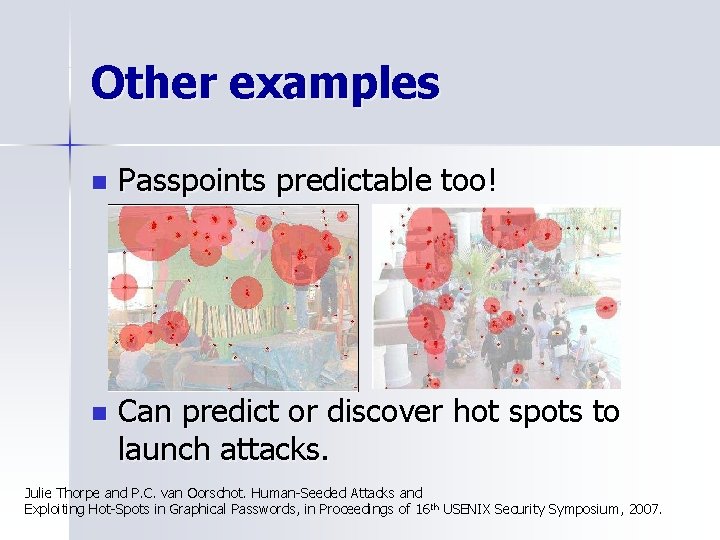
Other examples n Passpoints predictable too! n Can predict or discover hot spots to launch attacks. Julie Thorpe and P. C. van Oorschot. Human-Seeded Attacks and Exploiting Hot-Spots in Graphical Passwords, in Proceedings of 16 th USENIX Security Symposium, 2007.
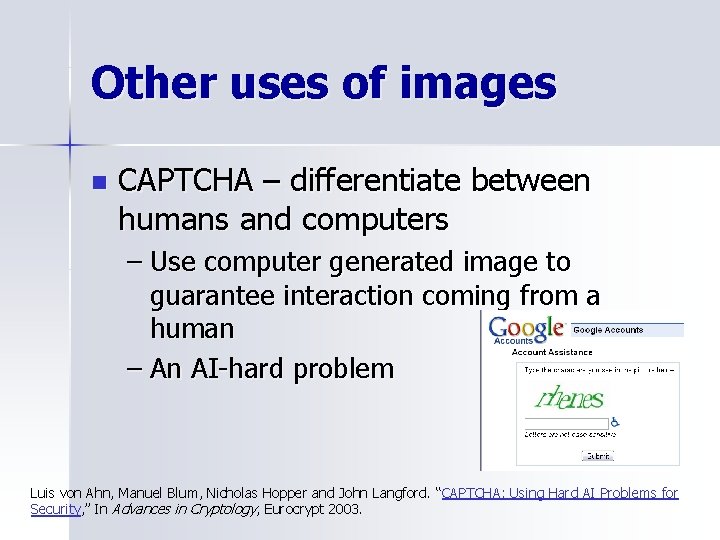
Other uses of images n CAPTCHA – differentiate between humans and computers – Use computer generated image to guarantee interaction coming from a human – An AI-hard problem Luis von Ahn, Manuel Blum, Nicholas Hopper and John Langford. “CAPTCHA: Using Hard AI Problems for Security, ” In Advances in Cryptology, Eurocrypt 2003.
More food for thought n How concerned should we be about the weakest link/worse case user? – Do we need 100% compliance for good passwords? How do we achieve? What do you think of “bugmenot” n Is it possible to have authorization without identification? n
Project Groups n n 3 groups of 4, 1 group of 3 Form your group by the END of class next week Preliminary user study of privacy or security application, mechanism, or concerns Deliverables: – – – Idea Initial plan 5 points Plan 20 points Report 20 points Presentation 5 points
Project Ideas n Start with a question or problem… – Why don’t more people encrypt their emails? – How well does product X work for task Y? – What personal information do people expect to be protected? n Flip through chapters in the book & papers – Follow up on existing study n n Examine your own product/research/idea Examine something you currently find frustrating, interesting, etc.
Ideas?
A Look Ahead n Next week: User studies – pay attention to the method of study in your readings – ALSO: observation assignment n Two weeks – rest of authentication – ALSO: project ideas due
Next week’s assignment n Observe people using technology – Public place, observe long enough for multiple users – Take notes on what you see n Think about privacy and security, but observe and note everything – Write up a few paragraphs describing your observations n Don’t forget IRB certification
- Slides: 36